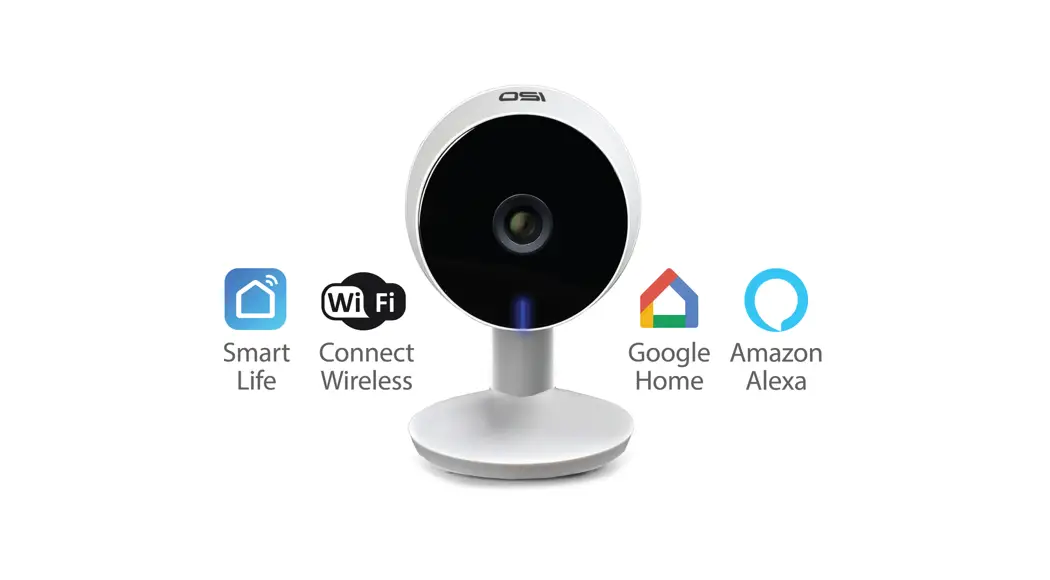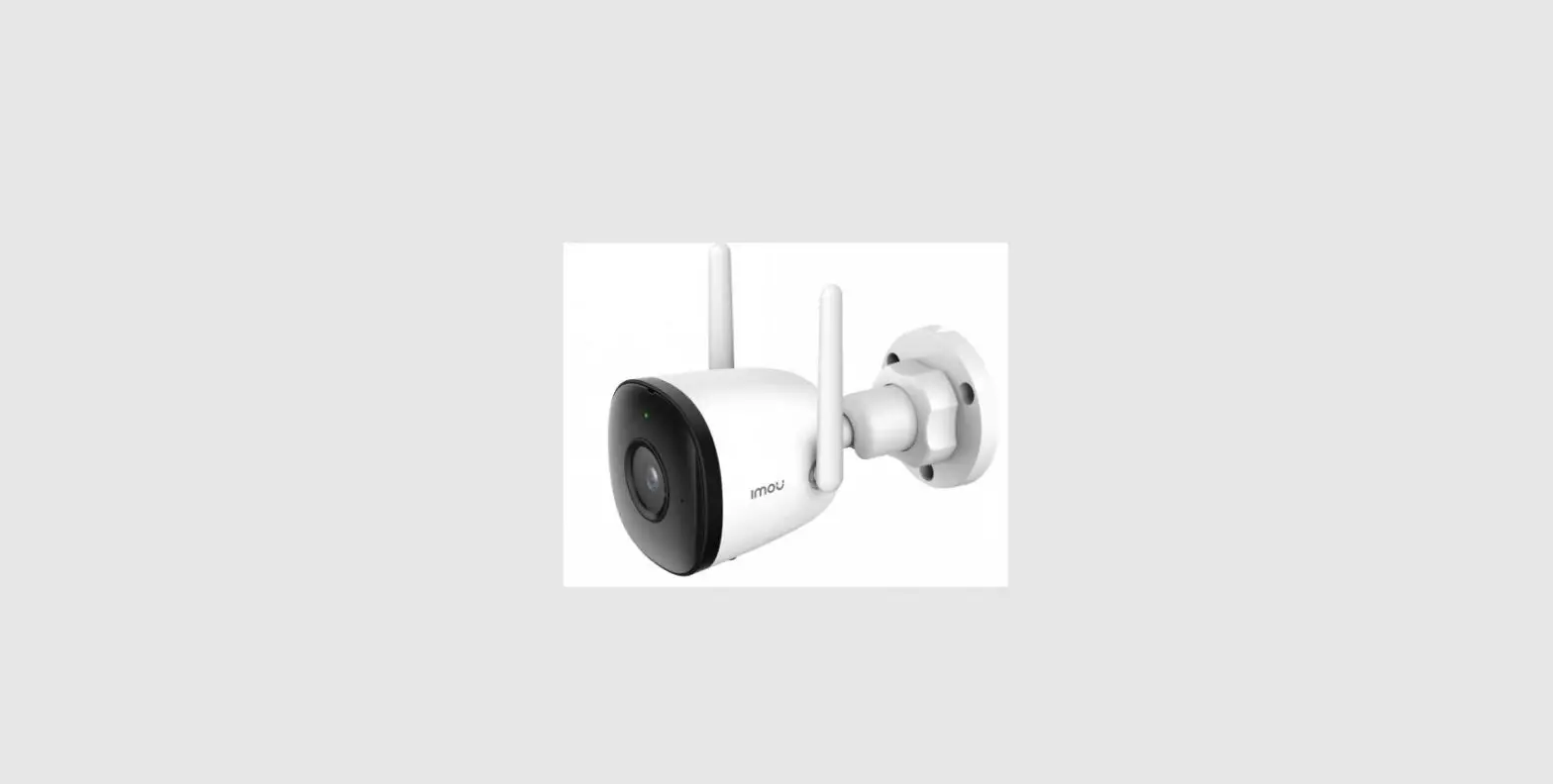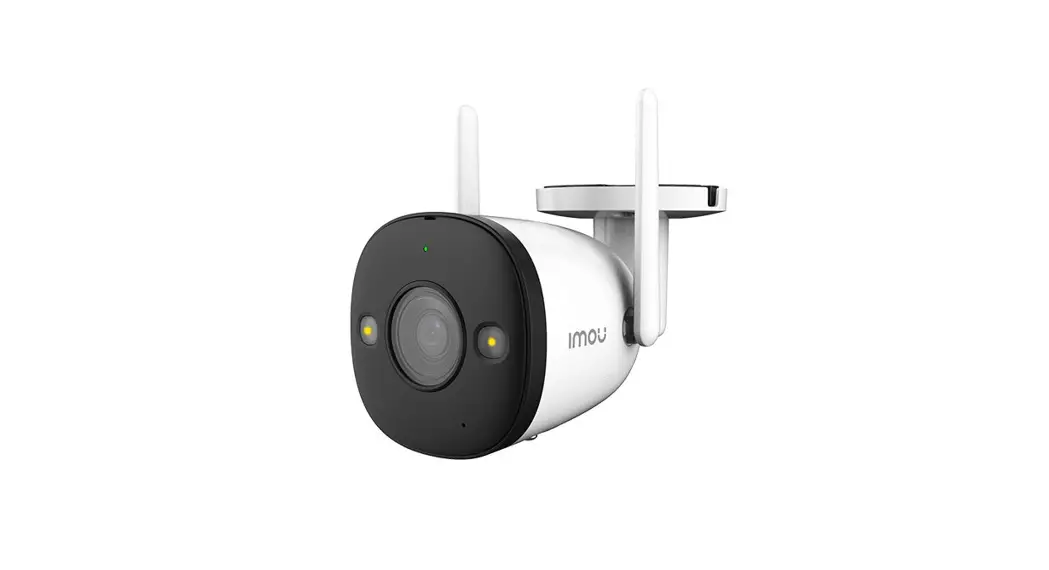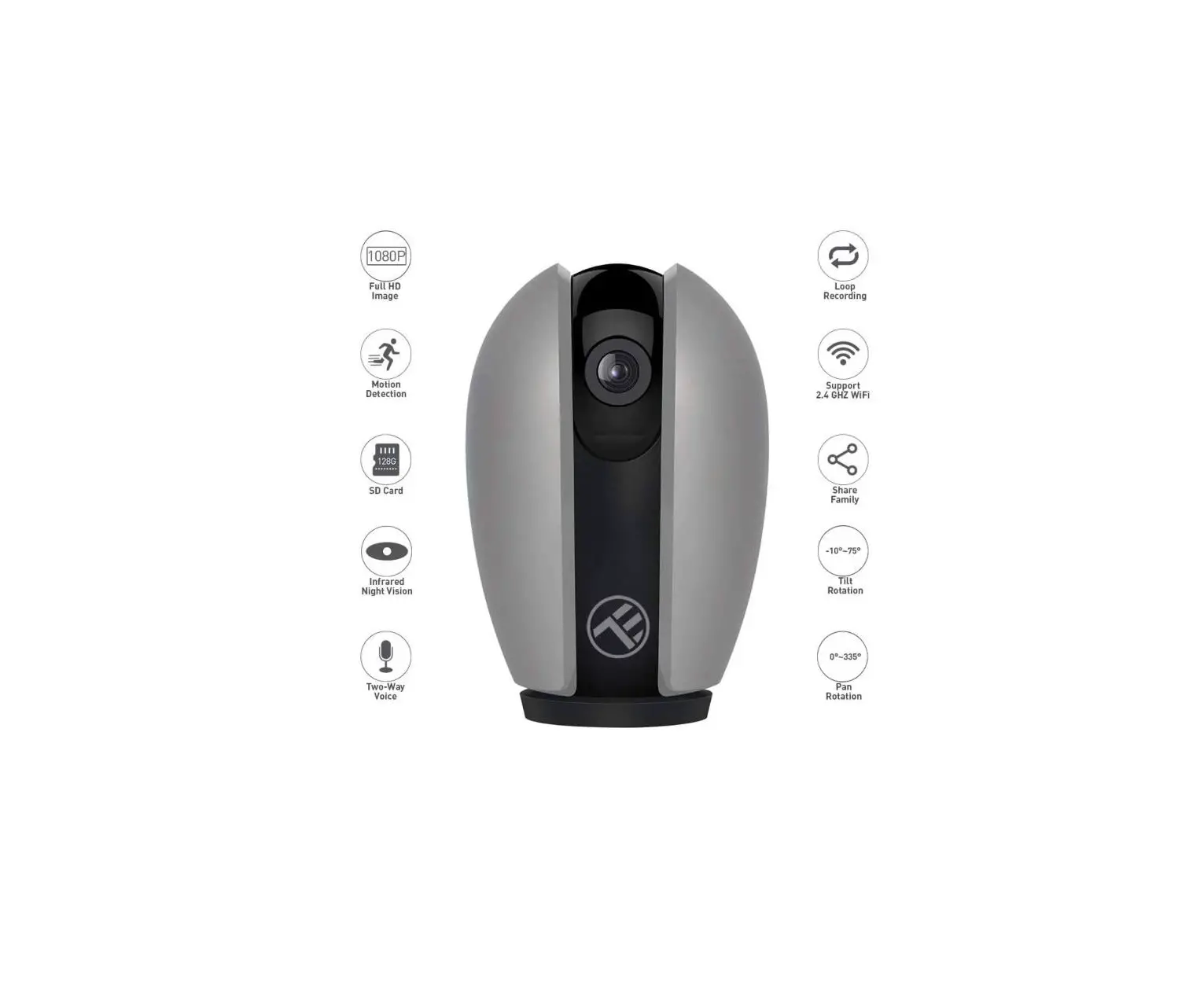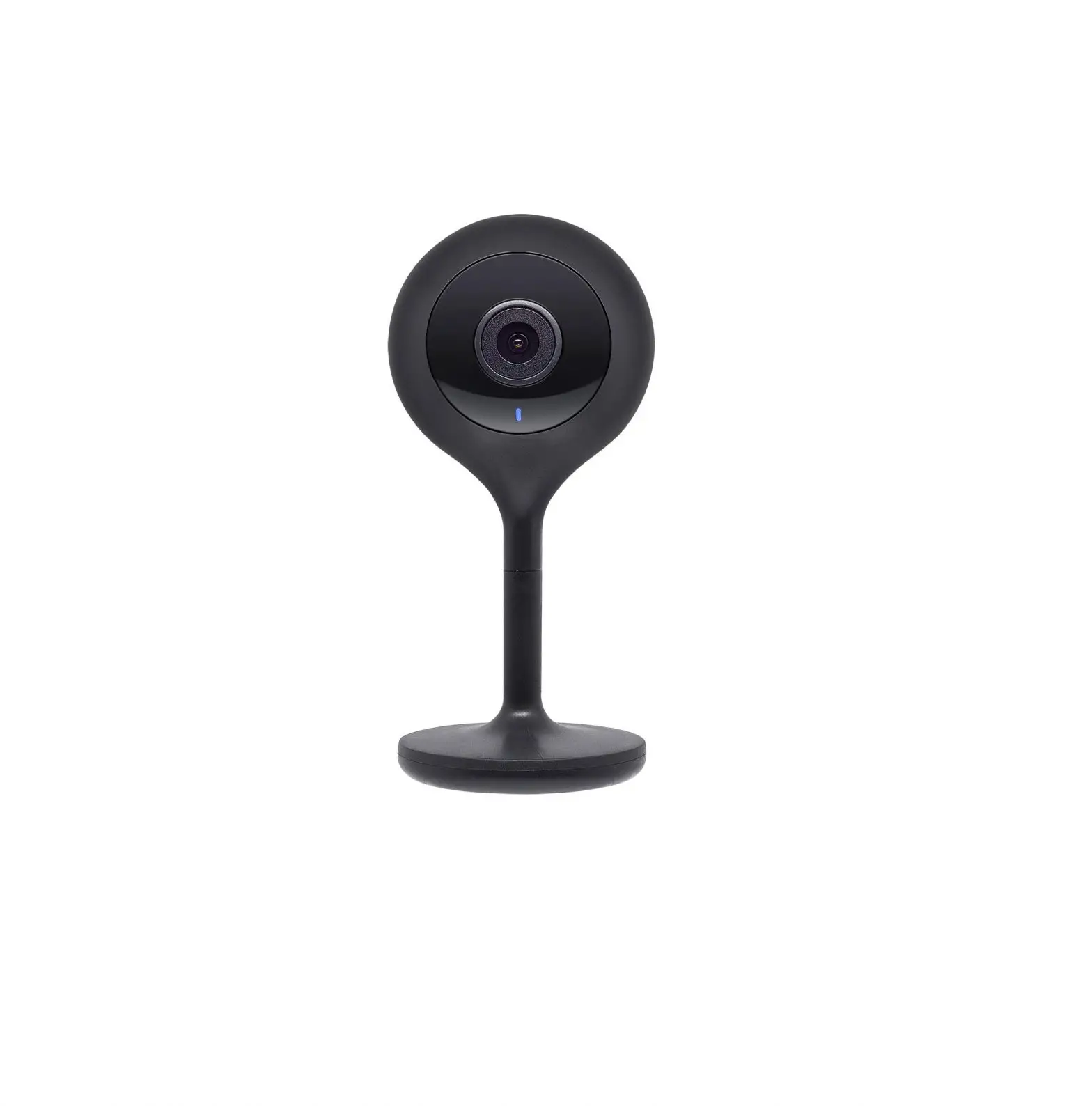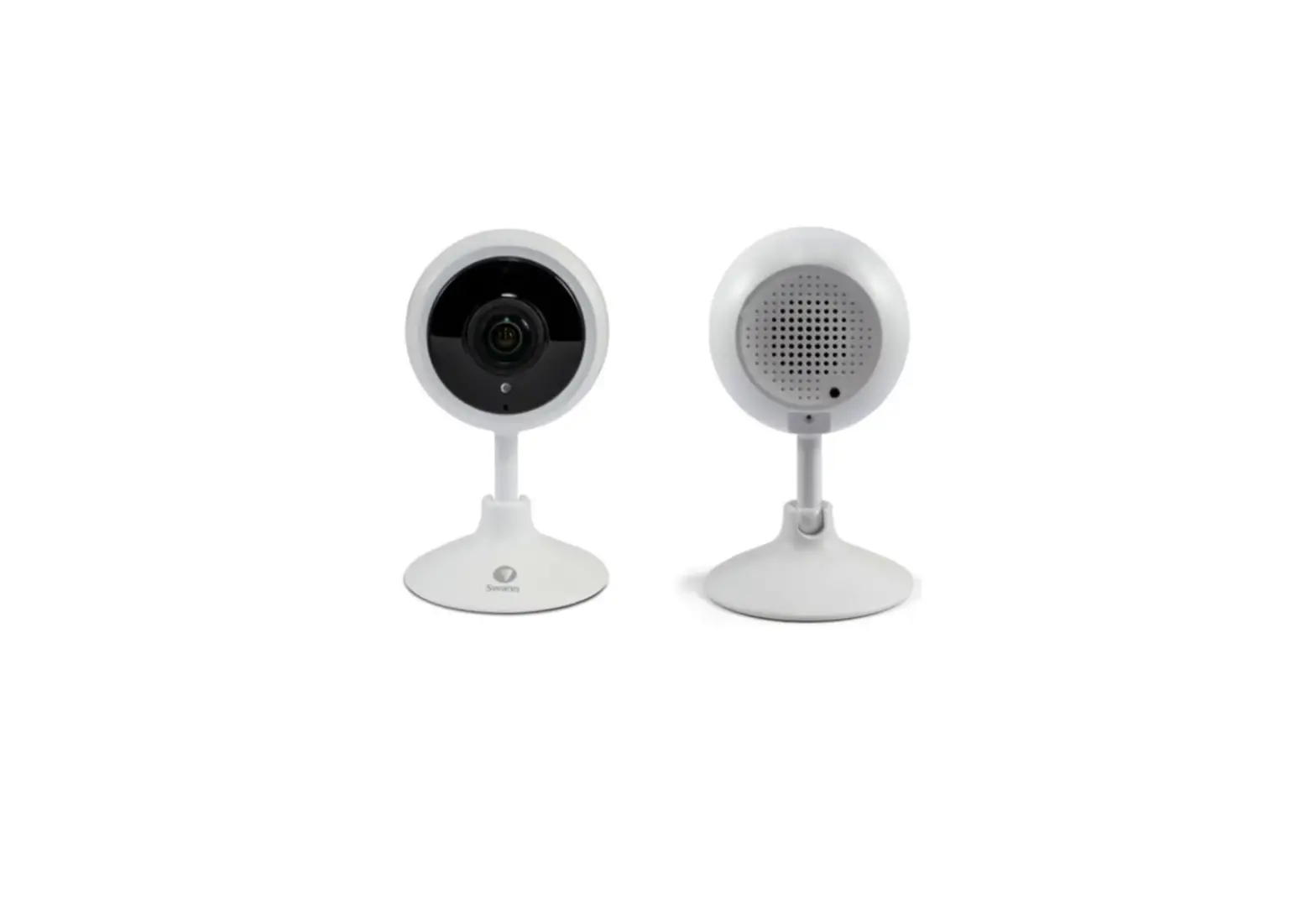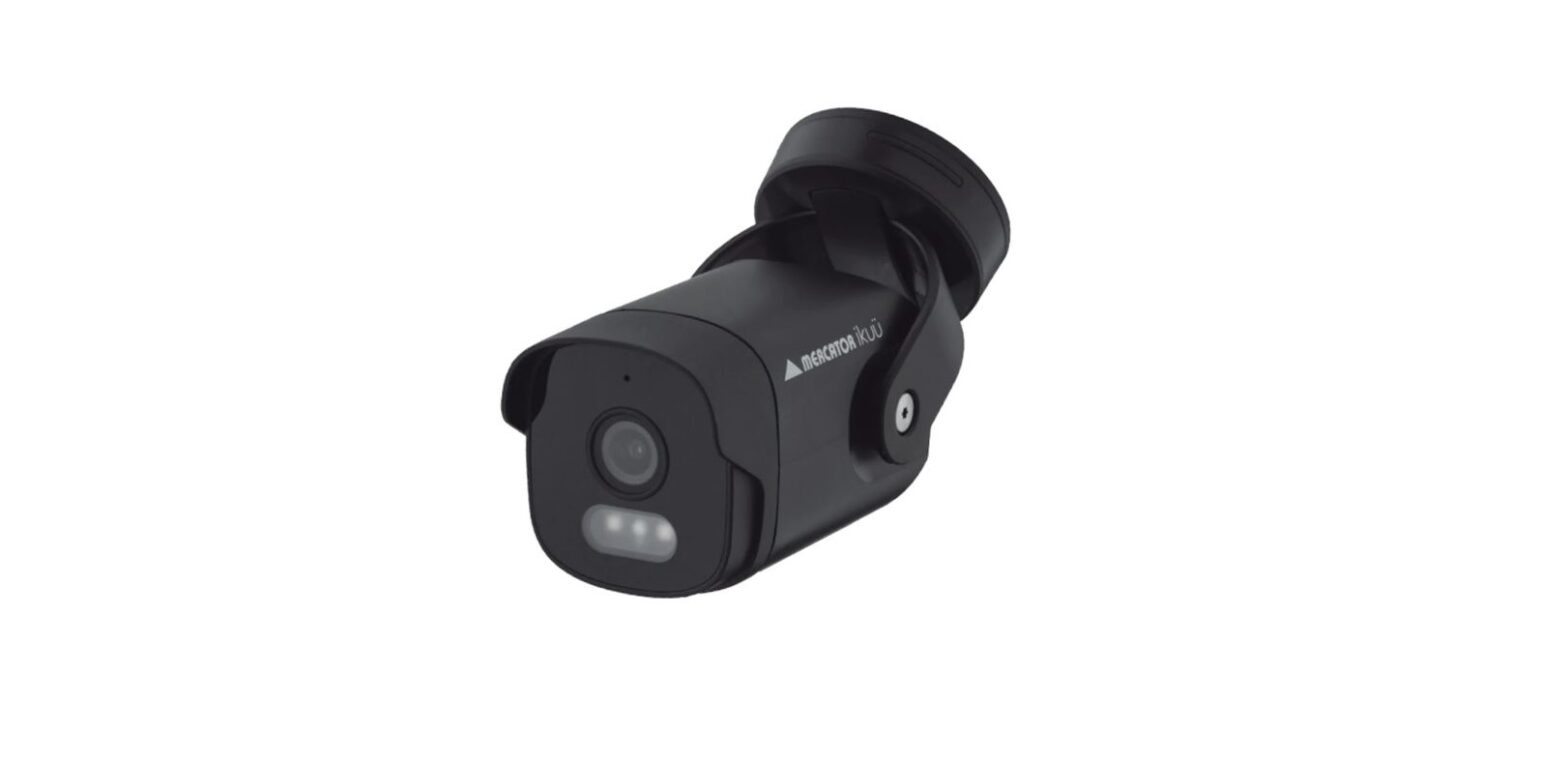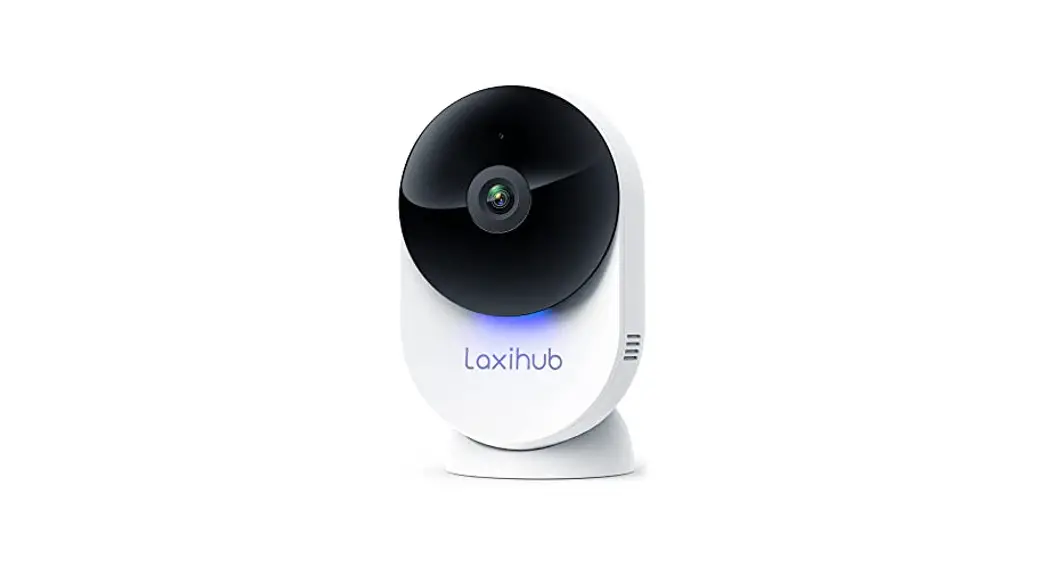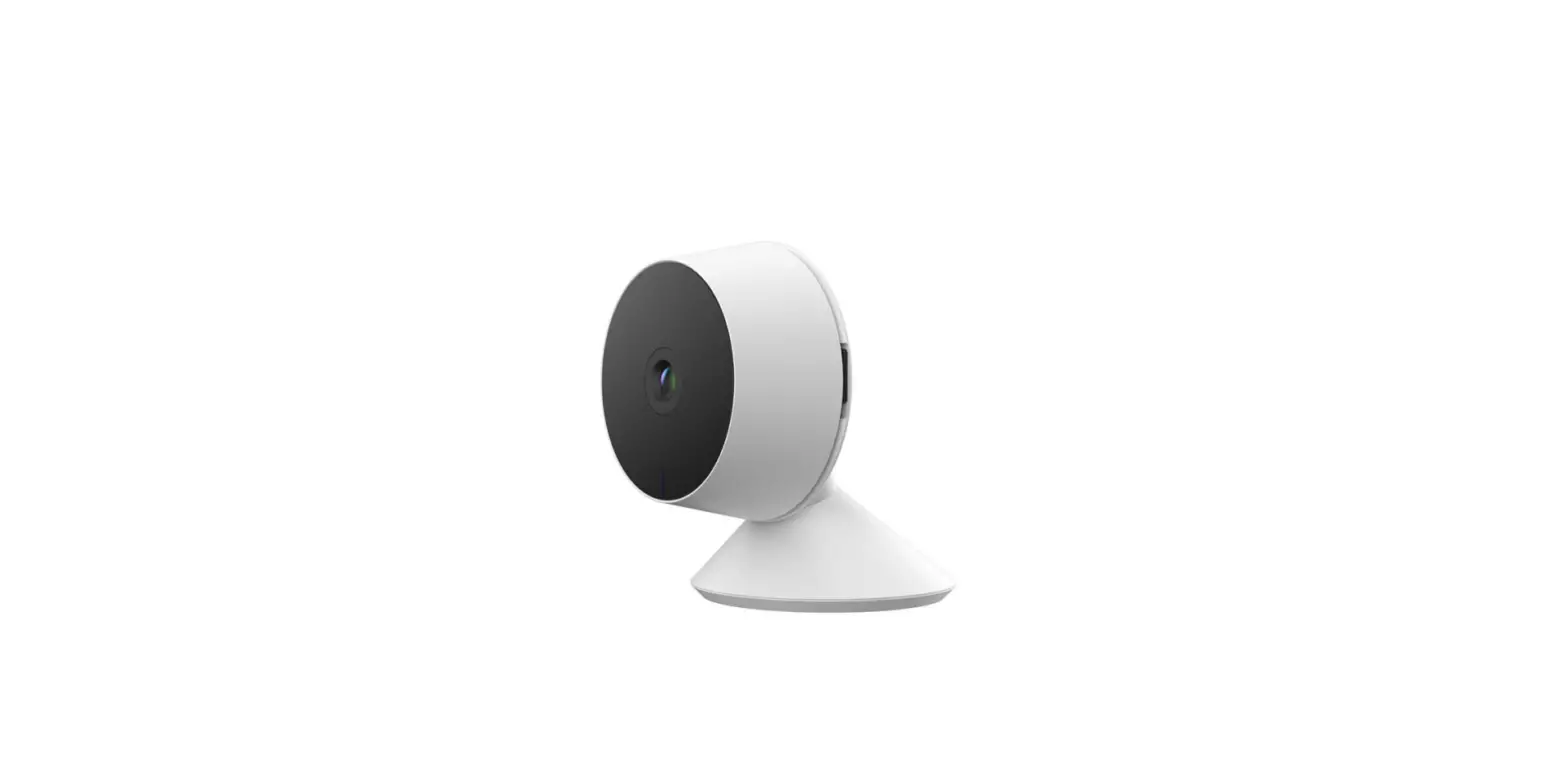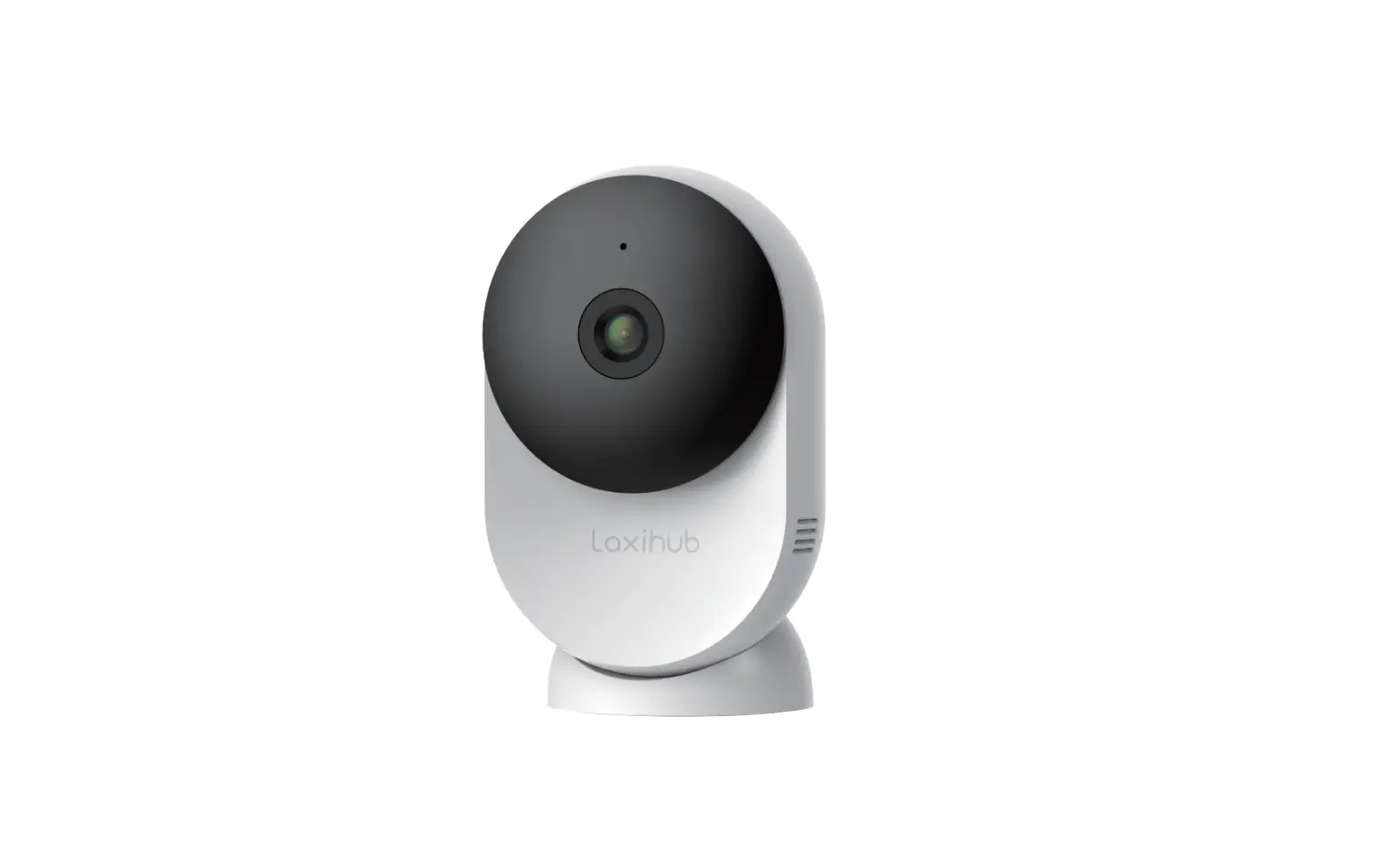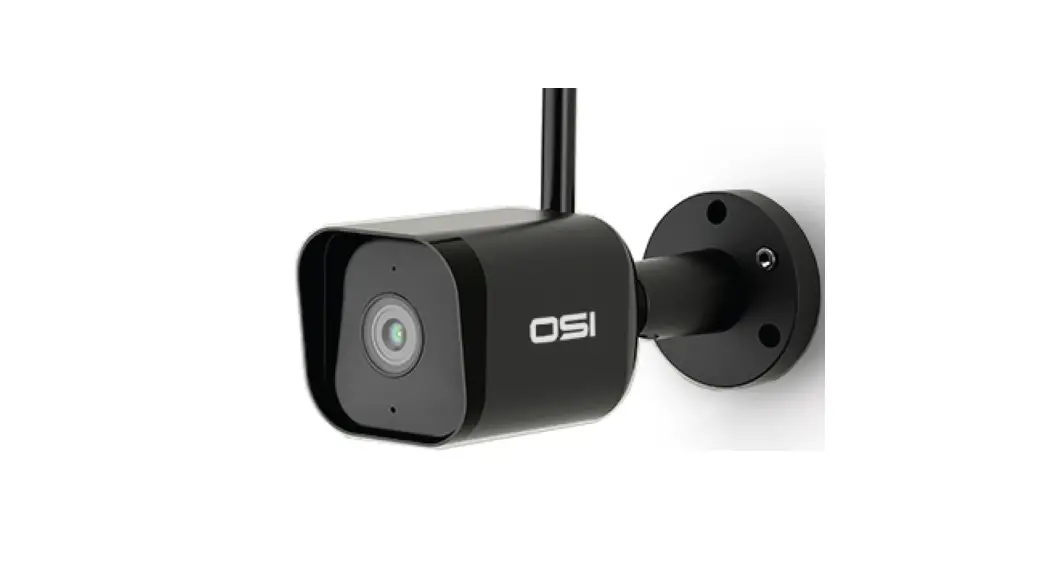

OSI Smart Bullet Camera
1080P Indoor/Outdoor Wi-Fi Security Camera
………………….
QUICK GULDE
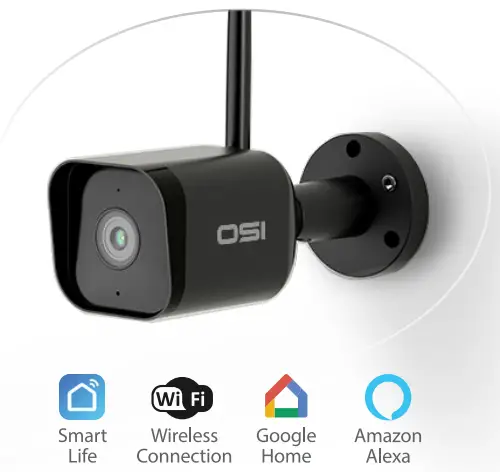
Expand your OSI Smart Security System! Visit osigodirect.com or 
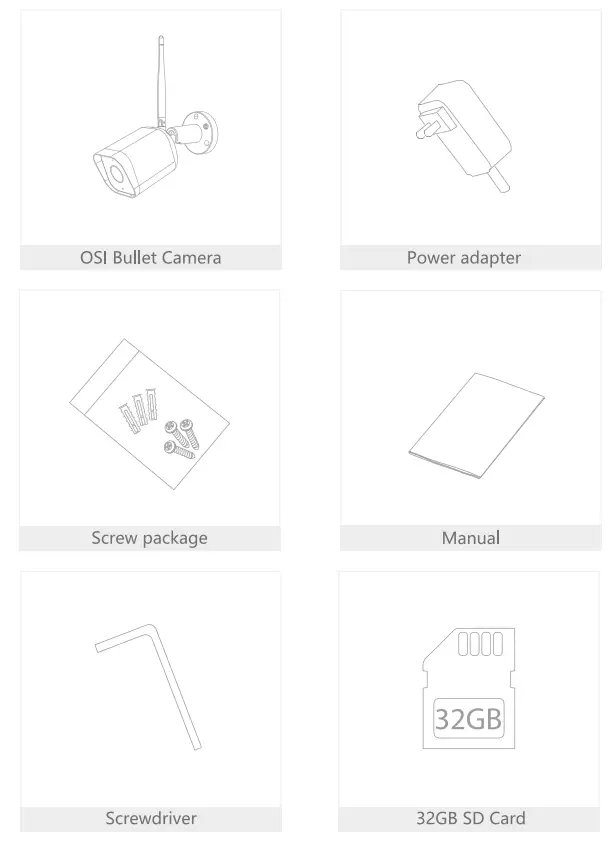
What’s in the box
Consult the checklist below for all components.
Scan me! Video Tutorial Set-up & Install
Description
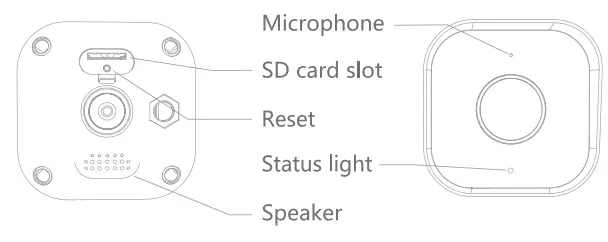
| Power | DC12±10% |
| Status light | • Solid red light on the camera is turning on or malfunction • Blinking red light: awaiting WiFi connection • Solid blue light on the camera runs correctly • Blinking blue light: currently connecting |
| Microphone | Capture sound for your video |
| SD card slot | Support local SD Card storage (Max.128G) |
| Reset | Press and hold for 5 seconds to reset the camera (if you have modified settings, they will return to factory defaults) |
Install
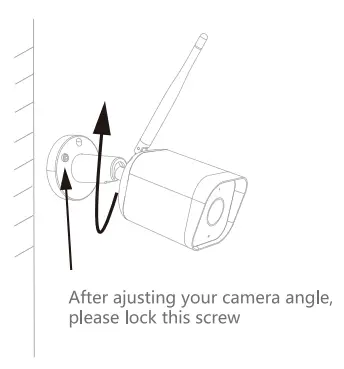
- Fix the Camera to the wall with screws
- Adjust the camera angle to a correct view (as shown in the picture)
Connect
Download
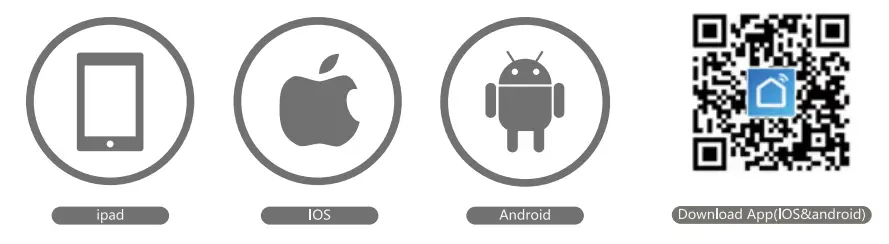
SmartLife is available for both iOS and Android OS. Search the name ‘Smart Life’, in App Store or Google Play, or scan the QR-Code to download the App.
Support
Set up router
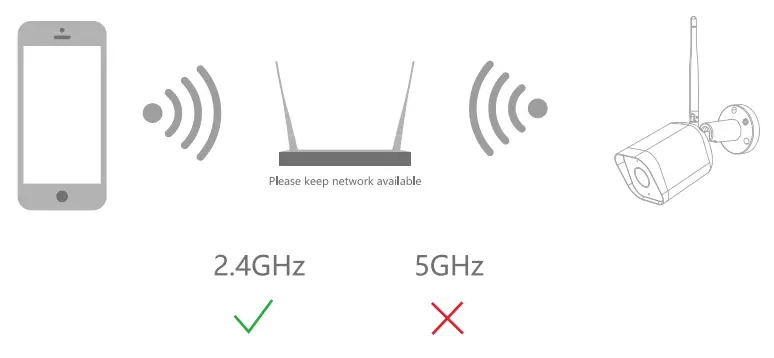
The router supports the 2.4GHz WiFi (it doesn’t support the 5GHz) and is connected to the WiFi network. Please set the parameters of the router before joining the WiFi network, and record the SSID and password of your WiFi.
Registration process
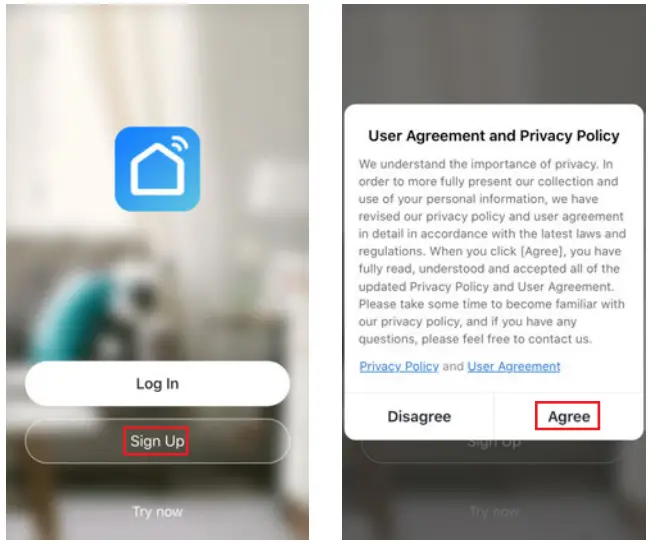
Step 1
Open the Smart Life App, click “Sign Up”, read the “User Agreement Privacy Policy” and click “Agree”.
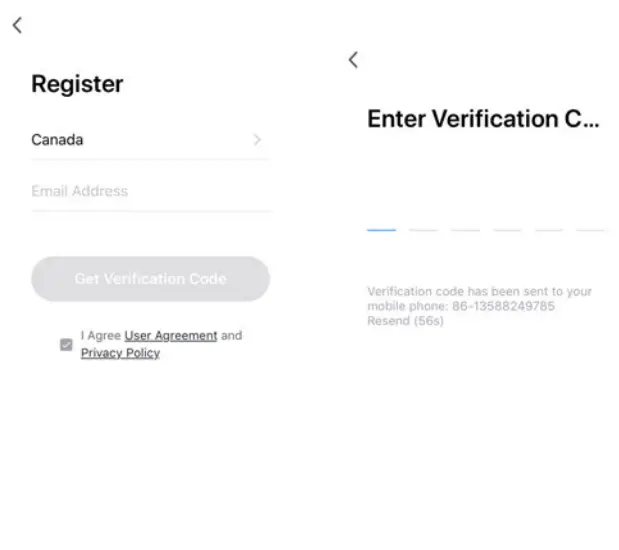
 Step 2
Input a legal and valid Mobile number or Email address and click “Get Verification Code”. Input the verification code to log in.
QR Code Configuration
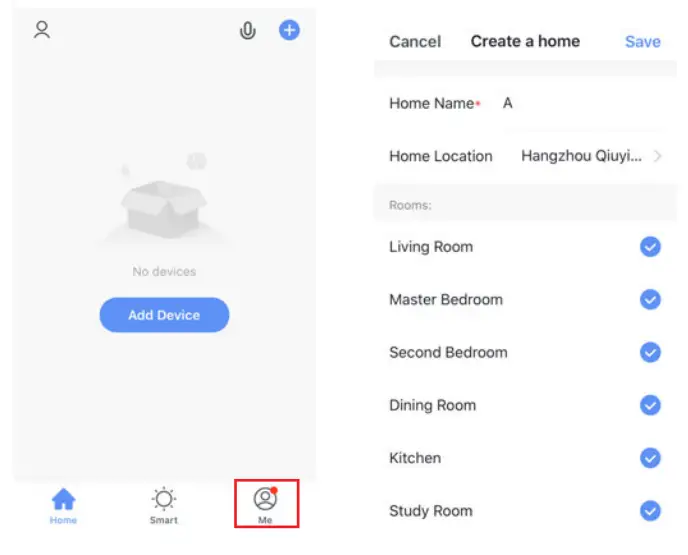
- Open the Smart Life App, click “My” » “Home Management” » “Create a home”, and you can customize the home name and related settings.

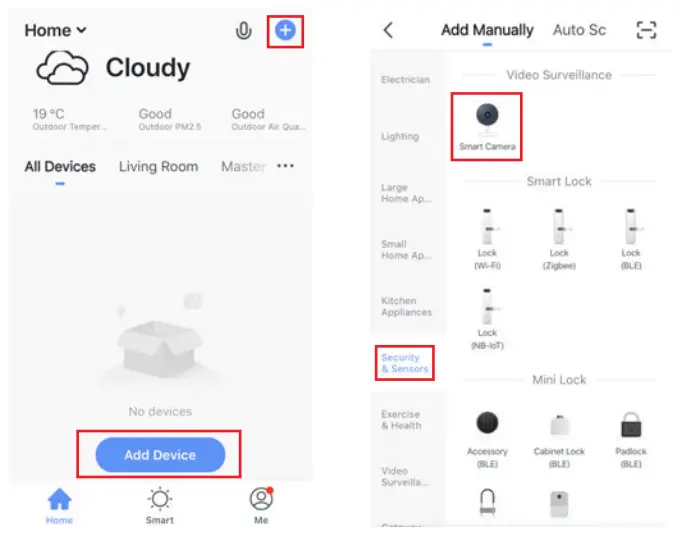
- Click “Add Device” or “+”, and then select “Security & Sensor” » or “Smart Camera” to add a camera.

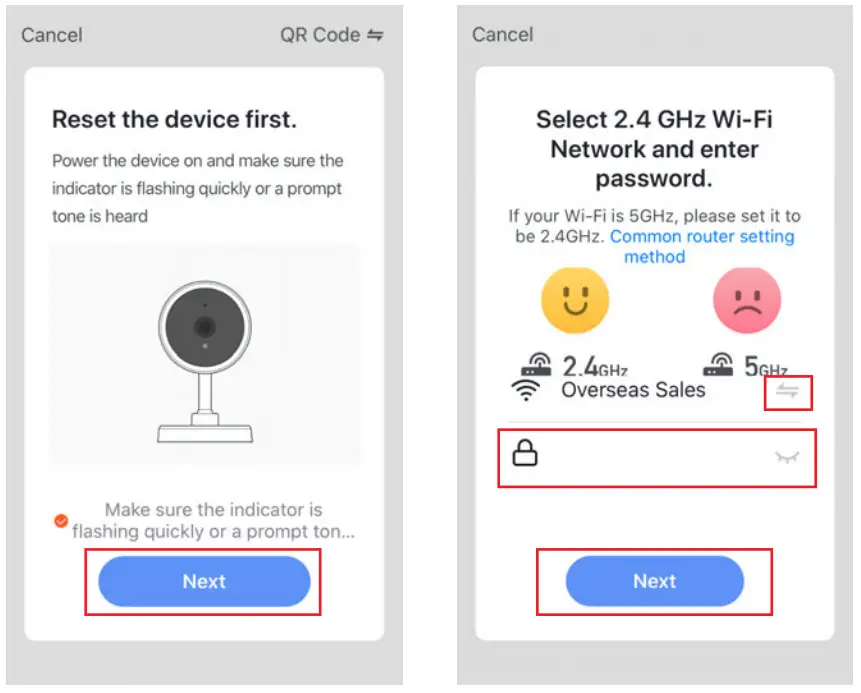
- Power on and reset the camera until the status indicator is flashing quickly or a prompt tone is heard, and then click “Next”. Then input your WiFi passwords and click “Next”. Click “
 ” to change the network.
 Note:1. The camera only supports a 2.4GHz WiFi network.
2. The number of bits in the SSID and router’s passwords should not exceed 24 digits. In this interface, you should scan the QR code in your phone with the camera, when the camera comes out “dong dong dong”. And you can complete the configuration in about 30s.

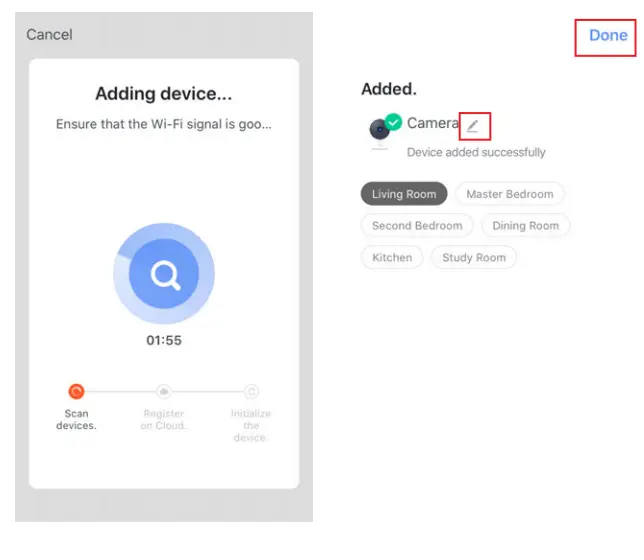
- When connecting, you should make sure your router, mobile, and camera are as close as possible. When the camera is added successfully, click “
 ” you could also DIY the camera’s name.
 ” to change the network.
 Note:1. The camera only supports a 2.4GHz WiFi network.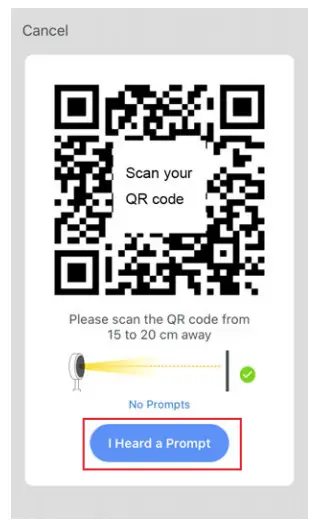
Settings
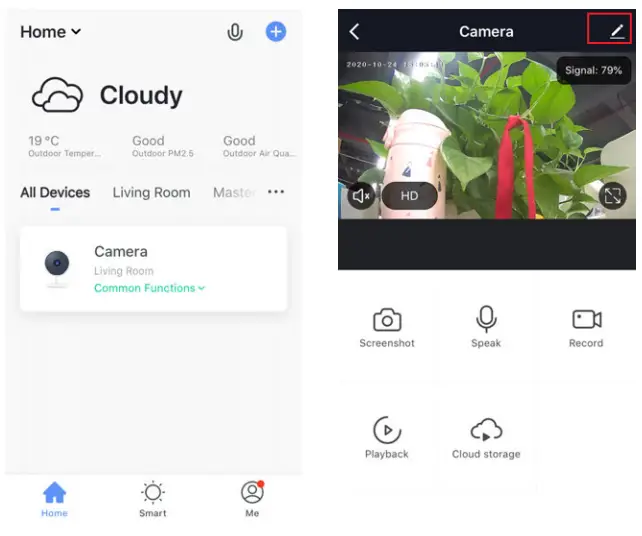
In the “Smart Camera” interface, click “ “, and you can set the camera’s common functions.
FAQ
Q: The device cannot be previewed properly?
A: Check whether the network is normal, you can place the camera close to the router, and if not, it is recommended to reset the device and add it again.
Q: Why is it still in the list of devices after resetting?
A: The reset device only resets the network configuration of the camera, but cannot change the configuration on the App, remove the camera, and must be deleted by the App.
Q: How to cut the camera network to another router?
A: First remove and reset the device on the App and then configure the device again by the App.
Q: Why doesn’t the device identify the SD card?
A: It is recommended to plug in an SD card after a power cut. Confirm whether the SD card is normally available and the format is FAT32. And the TF card can’t be identified when the internet environment is not good.
Q: Why I can’t get the notifications with my cell phone App?
A: Please confirm that the App has been running on the phone, and the relevant reminder function has been opened; Message notification and authority confirmation in the mobile phone system has been opened.
Functions
Video flip
Flip your video stream up or down for maximum flexibility.
Motion detection
Built-in motion sensors detect movement, and the camera will send you to push notifications and app alerts.
Record
Support 24H continuous recording with high capacity SD storage.
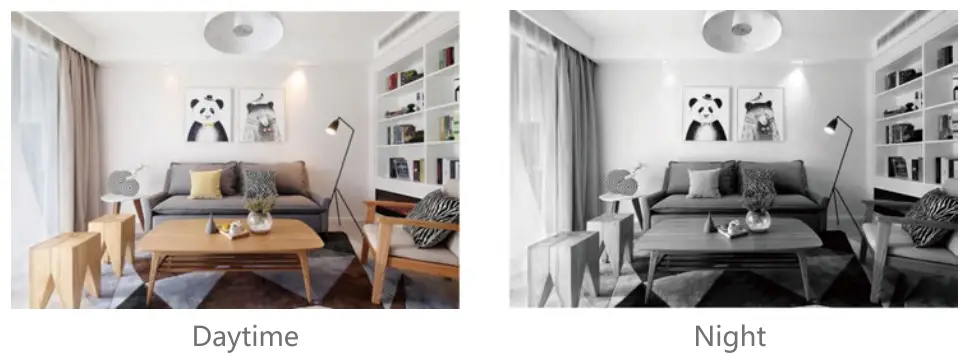
Day & Night
Never miss a moment, even in complete darkness, with powerful night-vision technology.
Thank you for your purchase!
We’re happy you chose our 051 Smart DIY product and appreciate your business. We’re constantly striving to provide the best experience for our customers. If you have questions or need help with your product please email us at [email protected] (allow up to 1 business day for a reply) and let us do our best to help you!
-OSI Go Direct Team
Made in China