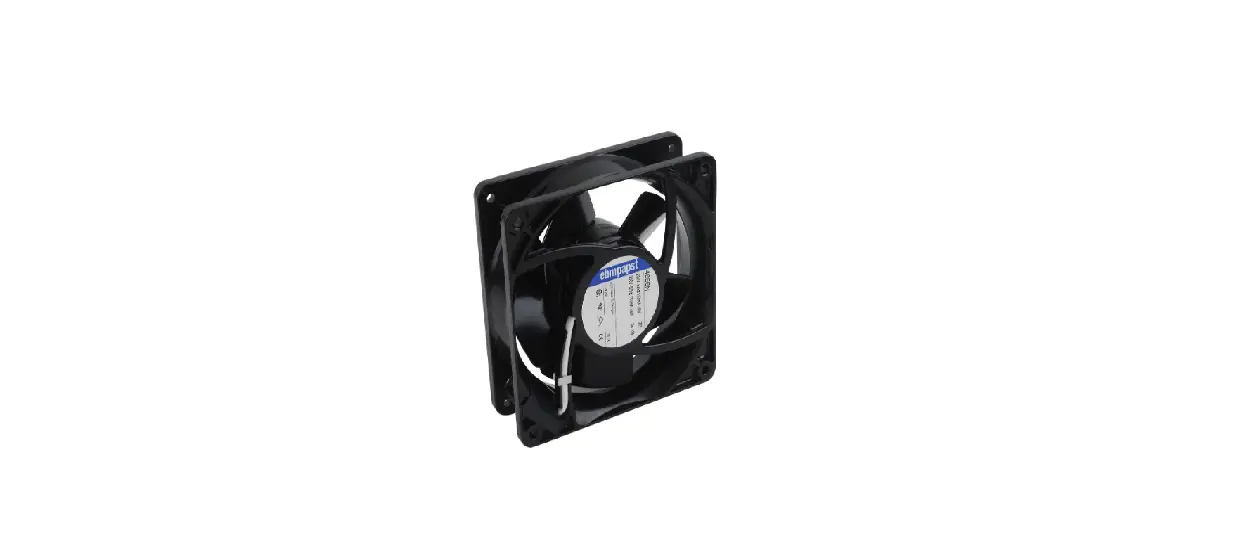
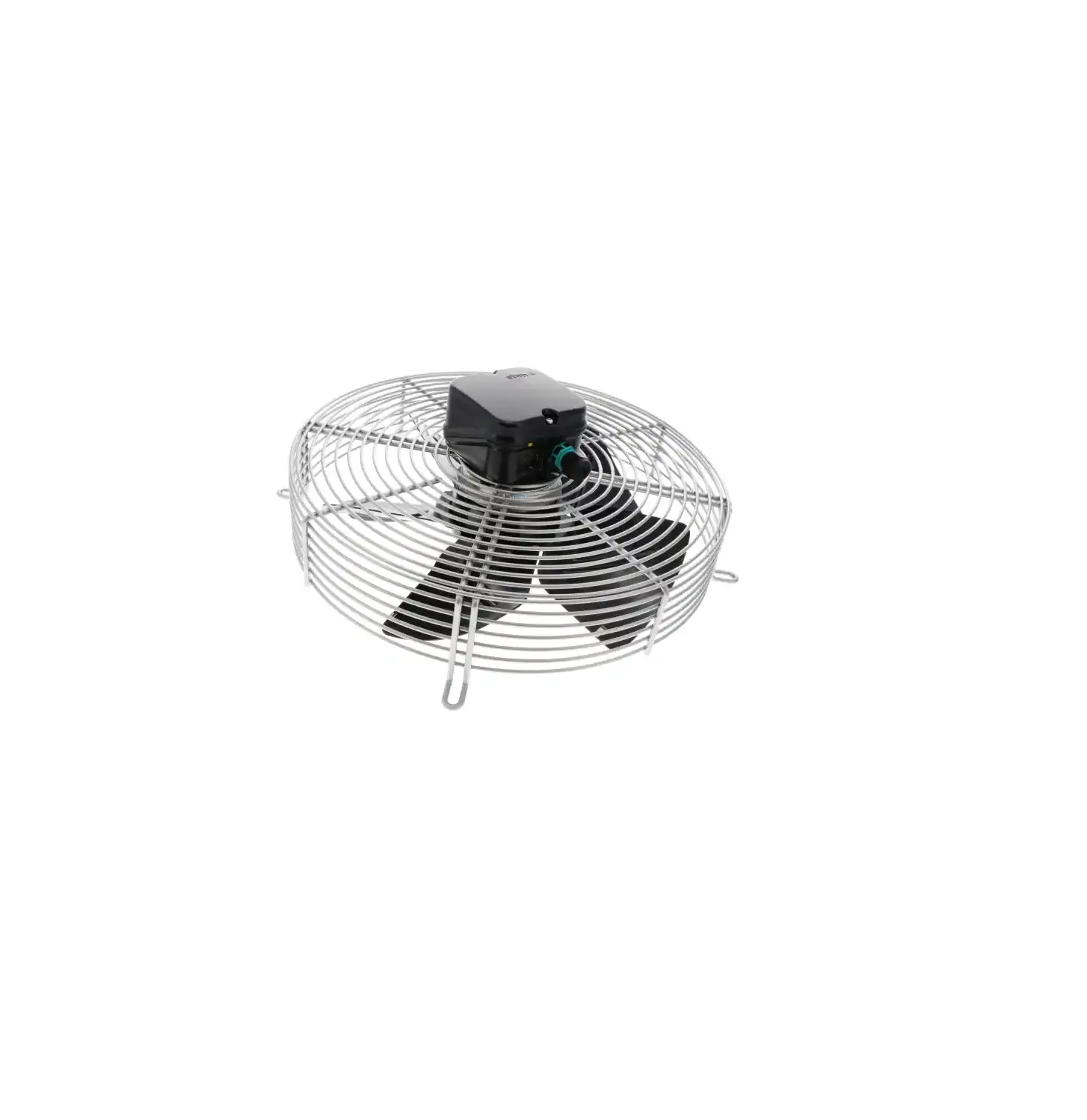
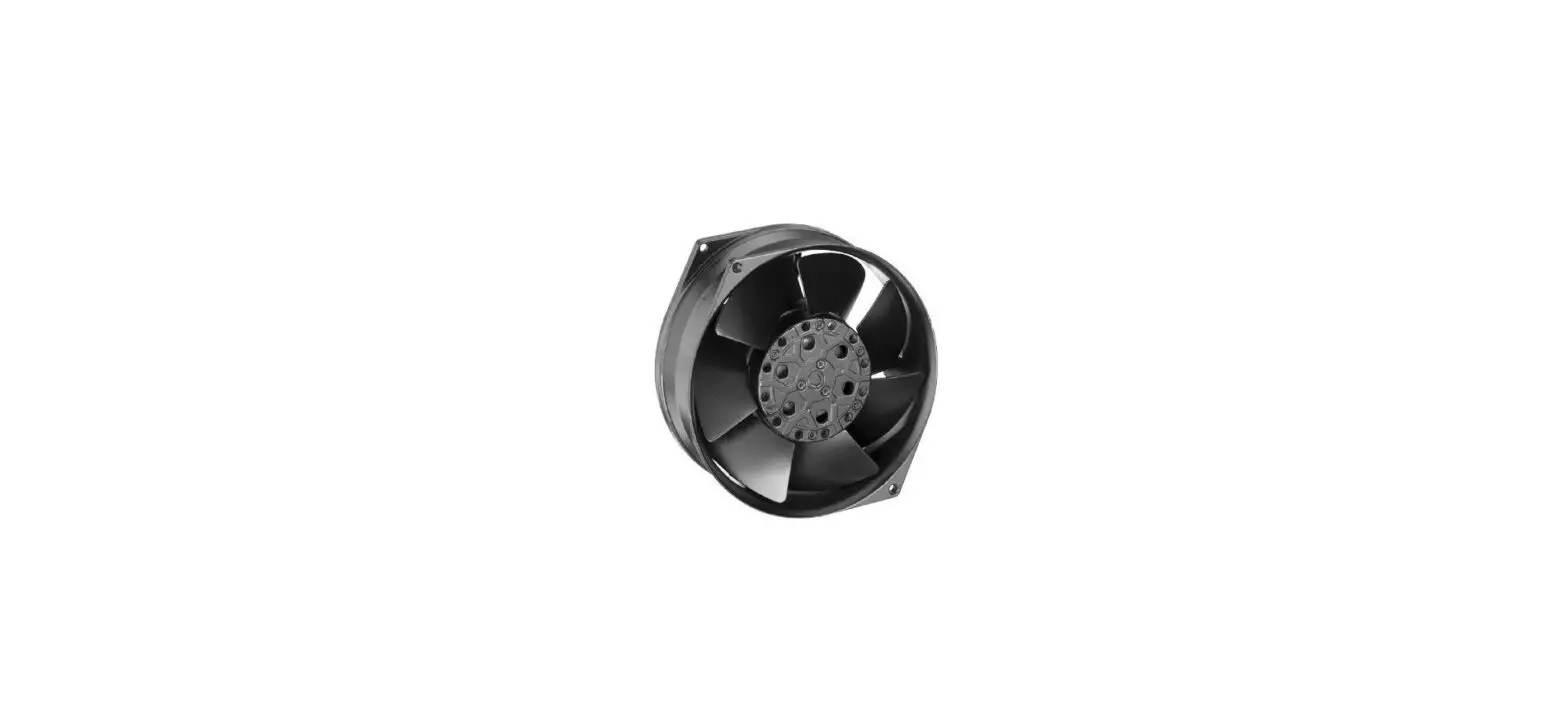
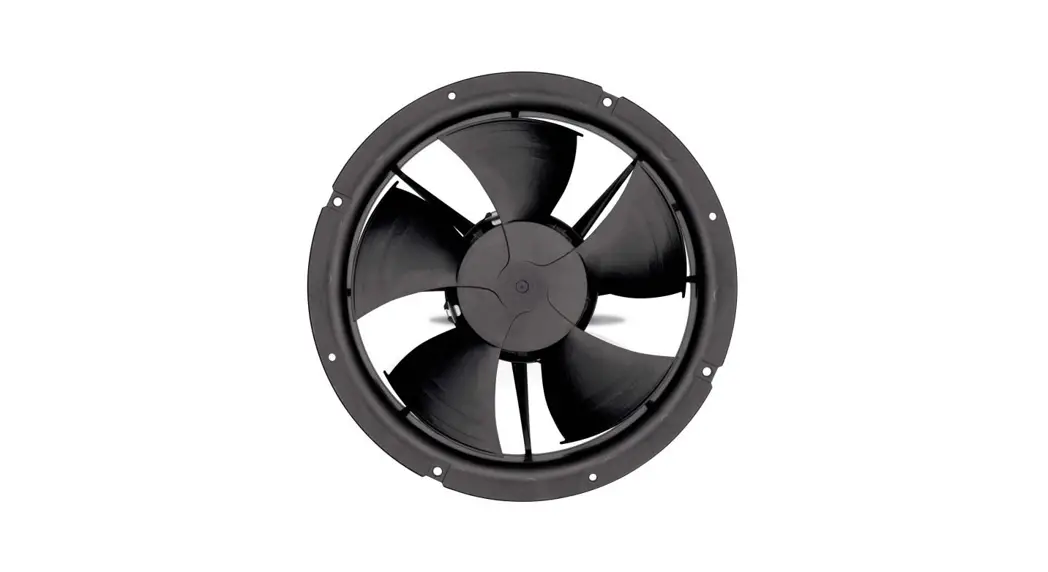
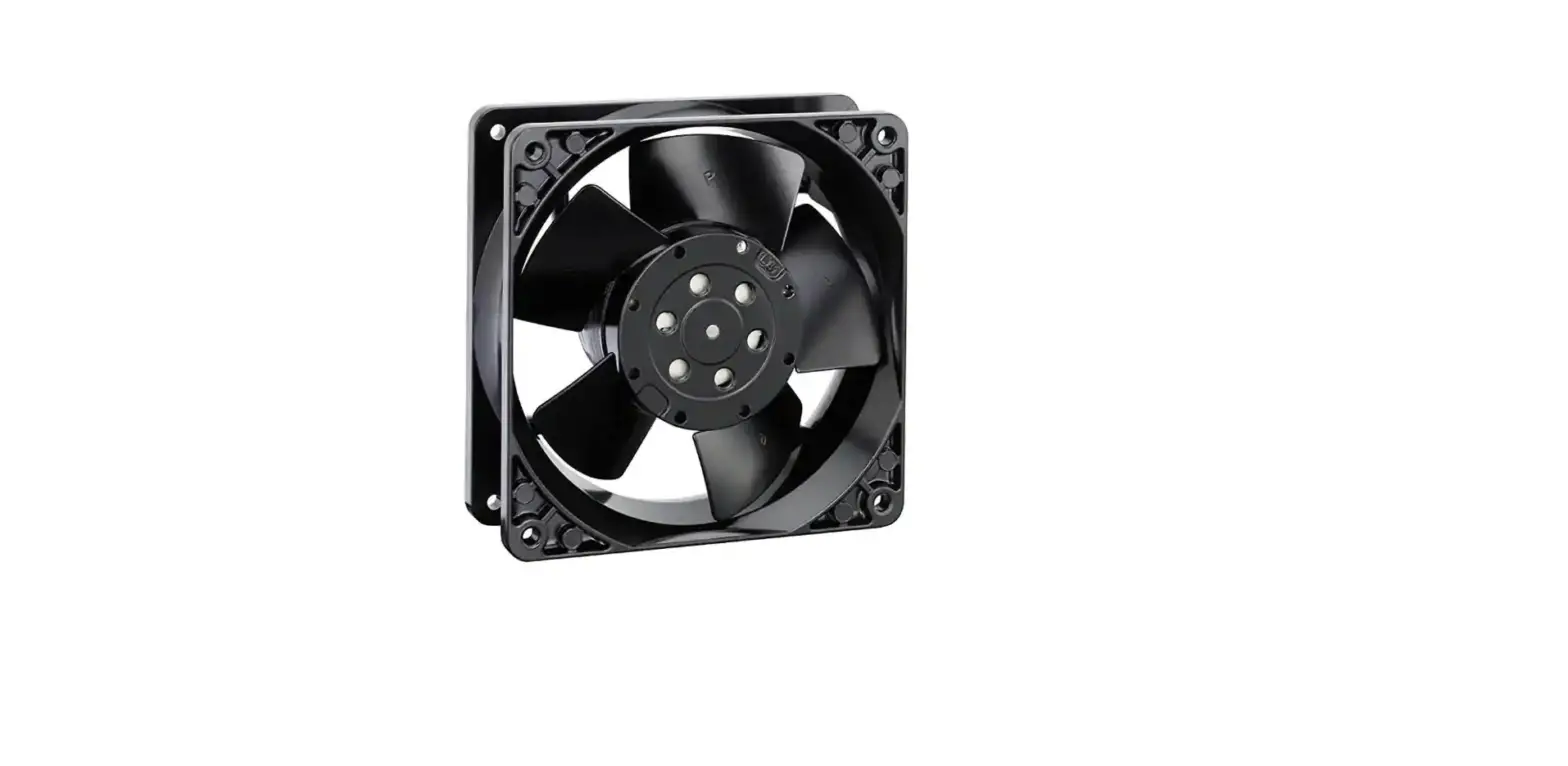
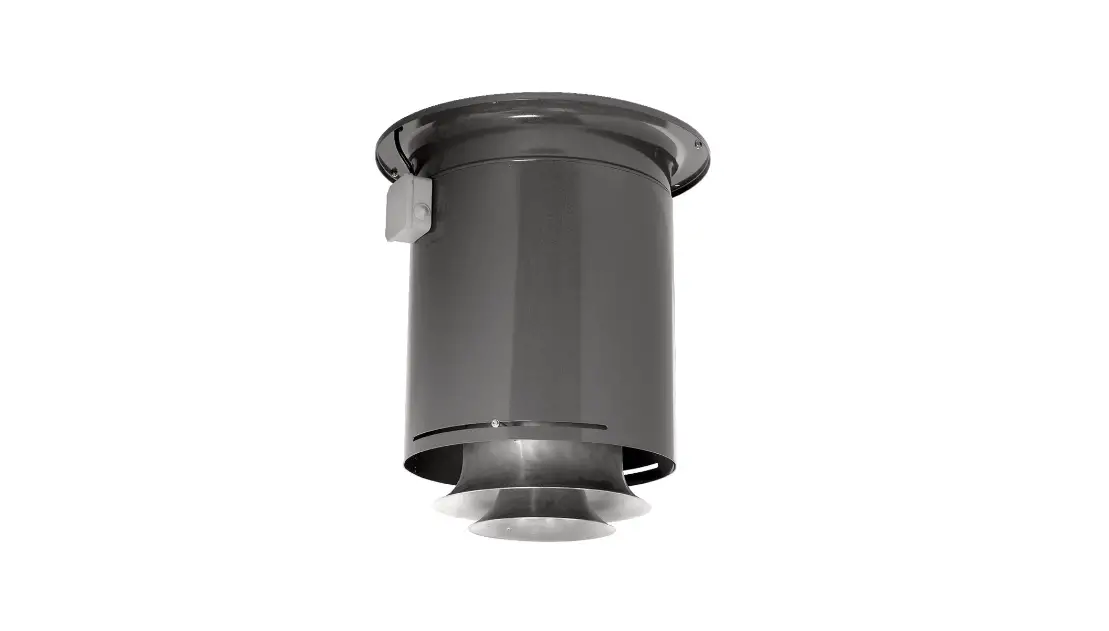
A4E350-AA06-62 AC Fan Axial Ball Bearing
Product Information
The product described in the user manual is identified as
A4E350-AA06-62. It is an electrical device with various safety
regulations and features. The manual consists of several sections
that provide information on safety regulations, proper use,
technical data, connection and start-up, as well as maintenance,
malfunctions, possible causes, and remedies.
1. Safety Regulations and Notes
This section emphasizes the importance of reading and following
the operating instructions to prevent malfunctions and physical
damage. It also mentions that these instructions are an integral
part of the device and must accompany it if sold or transferred.
Additionally, the instructions may be duplicated and shared for the
purpose of informing others about potential dangers and their
prevention.
1.1 Levels of Hazard Warnings
The operating instructions use different levels of hazard
warnings to indicate potentially hazardous situations and important
safety regulations. These levels are categorized as:
- DANGER: Indicates an imminently hazardous
situation that can result in death or serious injury. - WARNING: Indicates a potentially hazardous
situation that could result in death or serious injury. - CAUTION: Indicates a potentially hazardous
situation that may result in minor or moderate injury or property
damage. - NOTE: Indicates a potentially harmful
situation that can lead to property damage.
1.2 Staff Qualification
This subsection specifies that only specialized electrical
personnel should install the device, perform test runs, and work on
the electrical system. Additionally, only trained and authorized
specialist personnel are permitted to transport, unpack, assemble,
operate, maintain, or use the device in any other manner.
1.3 Basic Safety Rules
This subsection highlights the importance of re-evaluating
safety hazards once the device is installed. It also states that
modifications, additions, or conversions to the device should not
be made without the approval of ebm-papst.
1.4 Electrical Voltage
This subsection advises checking the electrical equipment of the
device at regular intervals and replacing loose connections and
defective cables immediately. It also provides specific warnings
regarding electrical load on the device and the risk of electric
shock. Safety precautions such as standing on a rubber mat when
working on an electrically charged device and waiting five minutes
after disconnecting the voltage before opening the device are
mentioned.
2. Proper Use
This section is not described in the provided text extract.
3. Technical Data
This section provides technical information about the product,
including product drawing, nominal data, technical features,
mounting data, and transport and storage conditions. However, the
specific details are not mentioned in the provided text
extract.
4. Connection and Start-Up
This section covers the steps involved in connecting and
starting up the device. It includes subsections on connecting the
mechanical system, connecting the electrical system, connection of
cables, connection screen, checking the connections, switching on
the device, and switching off the device. However, the specific
instructions are not provided in the given text extract.
5. Maintenance, Malfunctions, Possible Causes, and
Remedies
This section addresses maintenance procedures, handling
malfunctions, identifying possible causes, and providing remedies.
It includes subsections on cleaning and safety tests. However,
detailed instructions regarding these procedures are not mentioned
in the provided text extract.
Product Usage Instructions
As the specific product usage instructions are not mentioned in
the provided text extract, it is recommended to refer to the
complete user manual for detailed instructions on how to use the
device safely and effectively. The complete manual will provide
step-by-step guidance on proper usage, connection, start-up,
maintenance, and troubleshooting.
A4E350-AA06-62
Operating instructions
ebm-papst Mulfingen GmbH & Co. KG Bachmühle 2 D-74673 Mulfingen Phone +49 (0) 7938 81-0 Fax +49 (0) 7938 81-110 [email protected] www.ebmpapst.com
CONTENTS
1. SAFETY REGULATIONS AND NOTES 1.1 Levels of hazard warnings 1.2 Staff qualification 1.3 Basic safety rules 1.4 Electrical voltage 1.5 Safety and protective functions 1.6 Mechanical movement 1.7 Emission 1.8 Hot surface 1.9 Transport 1.10 Storage 1.11 Disposal
2. PROPER USE
3. TECHNICAL DATA 3.1 Product drawing 3.2 Nominal data 3.3 Technical features 3.4 Mounting data 3.5 Transport and storage conditions
4. CONNECTION AND START-UP 4.1 Connecting the mechanical system 4.2 Connecting the electrical system 4.3 Connection of the cables 4.4 Connection screen 4.5 Checking the connections 4.6 Switch on device 4.7 Switching off the device
5. MAINTENANCE, MALFUNCTIONS, POSSIBLE CAUSES AND REMEDIES 5.1 Cleaning 5.2 Safety test
1. SAFETY REGULATIONS AND NOTES
Please read these operating instructions carefully before starting to work
with the device. Observe the following warnings to prevent malfunctions
or physical damage to both property and people.
These operating instructions are to be regarded as part of this device.
If the device is sold or transferred, the operating instructions must
accompany it.
These operating instructions may be duplicated and forwarded for
information about potential dangers and their prevention.
1
1.1 Levels of hazard warnings
1
1
These operating instructions use the following hazard levels to indicate potentially hazardous situations and important safety regulations:
1
DANGER
1
Indicates an imminently hazardous situation which, if not
2
avoided, will result in death or serious injury. Compliance with
2
the measures is mandatory.
2
WARNING
2
Indicates a potentially hazardous situation which, if not avoided, could result in death or serious injury. Exercise extreme
2
caution while working.
2
CAUTION
2
Indicates a potentially hazardous situation which, if not avoided,
3
may result in minor or moderate injury or damage of property.
NOTE
4
A potentially harmful situation can occur and, if not avoided, can
4
lead to property damage.
5
1.2 Staff qualification
5
Only specialised electrical personnel may install the device, perform the
5
test run and work on the electrical system.
5
Only trained and authorised specialist personnel are permitted to
transport, unpack, assemble, operate or maintain the device, or to use it
6
in any other manner.
6
6
1.3 Basic safety rules
6
Any safety hazards stemming from the device must be re-evaluated once it is installed in the end device.
7
Observe the following when working on the unit:
8
; Do not make any modifications, additions or conversions to the
8
device without the approval of ebm-papst.
8
1.4 Electrical voltage
8
; Check the electrical equipment of the device at regular intervals, refer
to chapter 5.2 Safety test.
9
; Replace loose connections and defective cables immediately.
9
DANGER
Electrical load on the device
Risk of electric shock
Stand on a rubber mat if you are working on an electrically charged device.
WARNING Terminals and connections have voltage even with a unit that is shut off Electric shock
Wait five minutes after disconnecting the voltage at all poles before opening the device.
Translation of the original operating instructions
Item no. 12614-5-9970 · Revision 78389 · Release 2012-08-09 · Page 1 / 9
ebm-papst Mulfingen GmbH & Co. KG · Bachmühle 2 · D-74673 Mulfingen · Phone +49 (0) 7938 81-0 · Fax +49 (0) 7938 81-110 · [email protected] · www.ebmpapst.com Downloaded from Arrow.com.
A4E350-AA06-62
Operating instructions
CAUTION In the event of failure, there is electric voltage at the rotor and impeller The rotor and impeller are base insulated.
Do not touch the rotor and impeller once they are installed.
CAUTION The motor restarts automatically when operating voltage is applied, e.g. after a power failure. Danger of injury
Keep out of the danger zone of the device.
When working on the device, switch off the mains supply voltage and secure the latter from being switched on again.
Wait until the device stops.
1.5 Safety and protective functions
DANGER Missing safety device and non-functioning safety device If there is no safety device, you could be seriously injured, for example by reaching into the running device with your hands.
Operate the device only with a fixed and isolating safety protection and a fixed guard grille. The guard must withstand the kinetic energy of a fan blade detaching at maximum speed.
The device is a built-in component. You, the owner/ operator, are responsible for providing adequate protection for the device.
Shut down the device immediately if you detect a missing or ineffective protective feature.
1.6 Mechanical movement
DANGER Rotating device Body parts that come into contact with the rotor and impeller can be injured.
Secure the device against accidental contact.
Before working on the system/machine, wait until all parts have come to a standstill.
WARNING Rotating device Long hair, loose items of clothing and jewellery could become entangled and pulled into the device. You could be injured.
Do not wear any loose clothing or jewellery while working on rotating parts.
Protect long hair by wearing a cap.
1.7 Emission
WARNING Depending on the installation and operating conditions, a sound pressure level greater than 70 dB(A) may arise. Danger of noise-induced hearing loss
Take appropriate technical safety measures.
Protect operating personnel with appropriate safety equipment, e.g. hearing protection.
Also observe the requirements of local agencies.
1.8 Hot surface
CAUTION High temperature at the motor housing Danger of burn injuries Ensure that sufficient protection against accidental contact is
provided.
1.9 Transport
NOTE Transport of device Transport the device in its original packaging only. Secure the device so that it does not slip, e.g. by using a
clamping strap.
1.10 Storage ; Store the device, partially or fully assembled, in a dry and
weatherproof manner in the original packing in a clean environment. ; Protect the device from environmental impacts and dirt until the final
installation. ; We recommend storing the device for a maximum up to one year to
guarantee proper operation and longest possible service life. ; Even devices explicitly suited for outdoor use are to be stored as
described prior to being commissioned. ; Maintain the storage temperature, see
chapter 3.5 Transport and storage conditions.
1.11 Disposal
When disposing of the device, please comply with all relevant requirements and regulations applicable in your country.
Translation of the original operating instructions
Item no. 12614-5-9970 · Revision 78389 · Release 2012-08-09 · Page 2 / 9
ebm-papst Mulfingen GmbH & Co. KG · Bachmühle 2 · D-74673 Mulfingen · Phone +49 (0) 7938 81-0 · Fax +49 (0) 7938 81-110 · [email protected] · www.ebmpapst.com Downloaded from Arrow.com.
A4E350-AA06-62
Operating instructions
2. PROPER USE
The device is exclusively designed as a built-in device for moving air according to its technical data. Any other or secondary use is deemed improper and constitutes a misuse of the device. Installations on the customer’s side must meet the mechanical, thermal and service life-related stresses that can occur.
Proper use also includes: The device is to be used solely outside of the EU. Moving air with a density of 1.2 kg/m³. Using the device in accordance with the permitted ambient
temperature, see chapter 3.5 Transport and storage conditions and chapter 3.2 Nominal data. Operating the device with all protective features in place. Minding the operating instructions.
Improper use Using the device in the following ways is particularly prohibited and may cause hazards: Operating the device with an imbalance, e.g. caused by dirt deposits
or icing. Moving air that contains abrasive particles. Moving highly corrosive air, e.g. salt spray mist. Exceptions are
devices that are intended for salt spray mist and protected accordingly. Moving air that contains dust pollution, e.g. suctioning off saw dust. Operating the device close to flammable materials or components. Operating the device in an explosive atmosphere. Using the device as a safety component or for taking on safety-
related functions. Operation with completely or partially disassembled or modified
protective features. In addition, all application options that are not listed under proper use.
Translation of the original operating instructions
Item no. 12614-5-9970 · Revision 78389 · Release 2012-08-09 · Page 3 / 9
ebm-papst Mulfingen GmbH & Co. KG · Bachmühle 2 · D-74673 Mulfingen · Phone +49 (0) 7938 81-0 · Fax +49 (0) 7938 81-110 · [email protected] · www.ebmpapst.com Downloaded from Arrow.com.
A4E350-AA06-62
3. TECHNICAL DATA 3.1 Product drawing
Operating instructions
All measures have the unit mm.
1
Direction of air flow “V”
2
Depth of screw max. 5 mm
3
Connection line PFA 4G AWG20, 4x brass lead tips crimped
Translation of the original operating instructions
Item no. 12614-5-9970 · Revision 78389 · Release 2012-08-09 · Page 4 / 9
ebm-papst Mulfingen GmbH & Co. KG · Bachmühle 2 · D-74673 Mulfingen · Phone +49 (0) 7938 81-0 · Fax +49 (0) 7938 81-110 · [email protected] · www.ebmpapst.com Downloaded from Arrow.com.
A4E350-AA06-62
Operating instructions
3.2 Nominal data
Motor
M4E068-EC
Phase
1~
1~
1~
Nominal voltage / VAC 230
230
230
Frequency / Hz
50
60
60
Type of data definition fa
fa
fa
Valid for approval /
CE
CE
UL
standard
Speed / min-1
1390
1550
1550
Power input / W
140
195
205
Current draw / A
0.62
0.86
0.9
Motor capacitor / µF
5
5
5
Capacitor voltage / VDB 400
400
400
Capacitor standard
P0 (CE)
P0 (CE)
UL
Max. back pressure / Pa 120
90
90
Min. ambient
-25
-25
-25
temperature / °C
Max. ambient
70
50
50
temperature / °C
Starting current / A
1.4
1.3
1.3
ml = max. load · me = max. efficiency · fa = running at free air cs = customer specs · cu = customer unit
Subject to alterations
3.3 Technical features
Mass Size Surface of rotor Material of blades Number of blades Direction of air flow Direction of rotation Type of protection
Insulation class Humidity class Mounting position
Condensate discharge holes Operation mode Motor bearing Touch current acc. IEC 60990 (measuring network Fig. 4, TN system) Motor protection
Cable exit Protection class
Product conforming to standard Approval
3.1 kg 350 mm Coated in black Sheet steel, coated in black 5 “V” Counter-clockwise, seen on rotor IP 44; Depending on installation and position as per EN 60034-5 “F” F1-2 Shaft horizontal or rotor on bottom; rotor on top on request Rotor-side
S1 Ball bearing < 0.75 mA
Thermal overload protector (TOP) wired internally Lateral I (if protective earth is connected by customer) EN 60335-1; CE
CCC; UL 1004-1; CSA C22.2 Nr.100
For cyclic speed loads, note that the rotating parts of the device are designed for maximum one million load cycles. If you have specific questions, contact ebm-papst for support.
3.4 Mounting data
For depth of screw, see chapter 3.1 Product drawing
; Secure the mounting screws against accidentally coming loose (e.g. by using self-locking screws).
Strength class for
8.8
mounting screws
You can obtain additional mounting data from the product drawing if necessary.
3.5 Transport and storage conditions
; Use the device in accordance with its protection type.
Max. permissible ambient motor temp. (transp./ storage) Min. permissible ambient motor temp. (transp./storage)
+ 80 °C – 40 °C
Translation of the original operating instructions
Item no. 12614-5-9970 · Revision 78389 · Release 2012-08-09 · Page 5 / 9
ebm-papst Mulfingen GmbH & Co. KG · Bachmühle 2 · D-74673 Mulfingen · Phone +49 (0) 7938 81-0 · Fax +49 (0) 7938 81-110 · [email protected] · www.ebmpapst.com Downloaded from Arrow.com.
A4E350-AA06-62
Operating instructions
4. CONNECTION AND START-UP
4.1 Connecting the mechanical system
CAUTION Cutting and crushing hazard when removing the fan from the packaging
Carefully remove the device from its packaging, holding it by the centre of the blades only. Make sure to avoid any shock.
Wear safety shoes and cut-resistant safety gloves. ; Check the device for transport damage. Damaged devices must no
longer be installed. ; Install the undamaged device according to your application.
4.2 Connecting the electrical system
DANGER Electric voltage on the device Electric shock
Always install a protective earth first.
Check the protective earth.
DANGER Incorrect insulation Risk of fatal injury from electric shock
Use only cables that meet the specified installation requirements for voltage, current, insulation material, load etc.
Route cables such that they cannot be touched by any rotating parts.
CAUTION Electrical voltage The fan is a built-in component and features no electrically isolating switch.
Only connect the fan to circuits that can be switched off with an all-pole separating switch.
When working on the fan, you must switch off the installation/machine in which the fan is installed and secure it from being switched on again.
NOTE Water penetration into leads or wires Water enters at the cable end on the customers side and can damage the device.
Make sure that the cable end is connected in a dry environment.
Connect the device only to circuits that can be switched off using an all-pole disconnecting switch.
4.2.1 Prerequisites
; Check whether the data on the type plate agree with the connection data and the data of the operating capacitor.
; Before connecting the device, ensure that the supply voltage matches the operating voltage of the device.
; Only use cables designed for current according to the type plate. For determining the cross-section, follow the basic principles in accordance with EN 61800-5-1. The protective earth must have a cross-section equal to or greater than the outer conductor crosssection.
We recommend the use of 105°C cables. Ensure that the minimum cable cross-section is at least AWG26/0.13 mm².
4.2.2 Voltage control
With open loop speed control using transformers or electronic voltage regulators (e.g. phase angle control), excessive current may occur. In addition, noises can occur with phase angle control depending on the mounting situation.
4.2.3 Frequency inverter
Fit sinusoidal filters that work on all poles (live-live and liveearth) between the frequency inverter and the motor for operation with frequency inverters. Depending on how the device is installed, noises may occur.
4.3 Connection of the cables
External leads are brought out of device. ; First connect the “PE” (protective earth) connection. ; Connect the lines according to your application. When doing so,
observe chapter 4.4 Connection screen.
Translation of the original operating instructions
Item no. 12614-5-9970 · Revision 78389 · Release 2012-08-09 · Page 6 / 9
ebm-papst Mulfingen GmbH & Co. KG · Bachmühle 2 · D-74673 Mulfingen · Phone +49 (0) 7938 81-0 · Fax +49 (0) 7938 81-110 · [email protected] · www.ebmpapst.com Downloaded from Arrow.com.
A4E350-AA06-62 4.4 Connection screen
U1
blue
Z
brown
U2
black
PE
green/yellow
Operating instructions
Translation of the original operating instructions
Item no. 12614-5-9970 · Revision 78389 · Release 2012-08-09 · Page 7 / 9
ebm-papst Mulfingen GmbH & Co. KG · Bachmühle 2 · D-74673 Mulfingen · Phone +49 (0) 7938 81-0 · Fax +49 (0) 7938 81-110 · [email protected] · www.ebmpapst.com Downloaded from Arrow.com.
A4E350-AA06-62
Operating instructions
4.5 Checking the connections
; Make sure that the power is off (all phases). ; Secure it from being switched on again. ; Check the correct fit of the connection lines.
4.6 Switch on device
WARNING Hot motor housing Fire hazard Ensure that no combustible or flammable materials are
located close to the fan. ; Inspect the device for visible external damage and the proper function
of the protective features before switching it on. ; Check the air flow paths of the fan for foreign objects and remove any
that are found. ; Apply the nominal voltage to the voltage supply.
4.7 Switching off the device
; Disconnect the device from the supply voltage at the main switch for the supply line.
; When disconnecting, be sure to disconnect the earth wire connection last.
5. MAINTENANCE, MALFUNCTIONS, POSSIBLE CAUSES AND REMEDIES
Do not perform any repairs on your device. Return the device to ebmpapst for repair or replacement.
WARNING Terminals and connections have voltage even with a unit that is shut off Electric shock
Wait five minutes after disconnecting the voltage at all poles before opening the device.
CAUTION Electrical load on the capacitor after device is switched off Electric shock, risk of injury
Discharge the capacitors before working on the device.
CAUTION The motor restarts automatically when operating voltage is applied, e.g. after a power failure. Danger of injury
Keep out of the danger zone of the device.
When working on the device, switch off the mains supply voltage and secure the latter from being switched on again.
Wait until the device stops.
If the device remains out of use for some time, e.g. when in storage, we recommend switching the device on for at least two hours to allow any condensate to evaporate and to move the bearings.
Malfunction/error Impeller running roughly
Motor does not turn
Possible cause Imbalance in rotating parts
Mechanical blockage
Mains supply voltage faulty Faulty connection Thermal overload protector responded
Possible remedy Clean the device; if imbalance is still evident after cleaning, replace the device. If you have attached any weight clips during cleaning, make sure to remove them afterwards. Switch off, deenergise, and remove mechanical blockage. Check mains supply voltage, restore power supply. De-energise, correct connection, see connection diagram. Allow motor to cool off, locate and rectify cause of error, if necessary cancel restart lock-out
Translation of the original operating instructions
Item no. 12614-5-9970 · Revision 78389 · Release 2012-08-09 · Page 8 / 9
ebm-papst Mulfingen GmbH & Co. KG · Bachmühle 2 · D-74673 Mulfingen · Phone +49 (0) 7938 81-0 · Fax +49 (0) 7938 81-110 · [email protected] · www.ebmpapst.com Downloaded from Arrow.com.
A4E350-AA06-62
Operating instructions
Overtemperature of motor
Unacceptable operating point Ambient temperature too high Insufficient cooling
Check operating point
Lower ambient temperature if possible Improve cooling
If you have any other problems, contact ebm-papst.
5.1 Cleaning
NOTE Damage to the device during cleaning. Malfunction possible
Do not clean the device using a water jet or high-pressure washer.
Do not use any cleaners containing acids, bases or solvents.
Do not use any pointed or sharp-edged objects to clean.
5.2 Safety test
What has to How to test? Frequency
be tested?
Check the
Visual inspection At least every
protective
6 months
casing against
accidental
contact for
damage and to
ensure that it is
intact
Check the
Visual inspection At least every
device for
6 months
damage to
blades and
housing
Mounting the Visual inspection At least every
connection lines
6 months
Mounting of Visual inspection At least every
protective
6 months
earth connection
Check the
Visual inspection At least every
insulation of
6 months
the wires for
damage
Condensate Visual inspection At least every
discharge
6 months
holes for
clogging, as
necessary
Weld seams Visual inspection At least every
for crack
6 months
formation
Check the ball Manual check At least every
bearings to
by turning the 6 months
ensure they rotor in shut-off
are quiet, can state
move easily
and are free of
play
Which measure? Repair or replacement of the device
Replacement of the device
Fasten Fasten
Replace wires
Open bore holes
Replace device
Replace device in case of noise, difficulty of movement or clearance of the bearings
Translation of the original operating instructions
Item no. 12614-5-9970 · Revision 78389 · Release 2012-08-09 · Page 9 / 9
ebm-papst Mulfingen GmbH & Co. KG · Bachmühle 2 · D-74673 Mulfingen · Phone +49 (0) 7938 81-0 · Fax +49 (0) 7938 81-110 · [email protected] · www.ebmpapst.com Downloaded from Arrow.com.
 ebm-papst – energy-saving fans and motors from the world market leader – engineering a better life
 ebm-papst – energy-saving fans and motors from the world market leader – engineering a better life