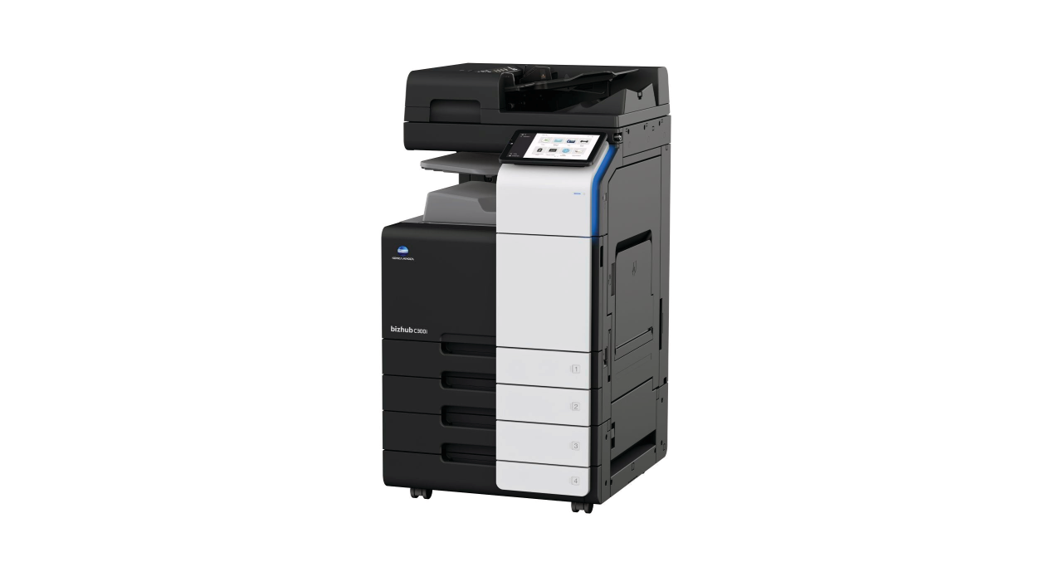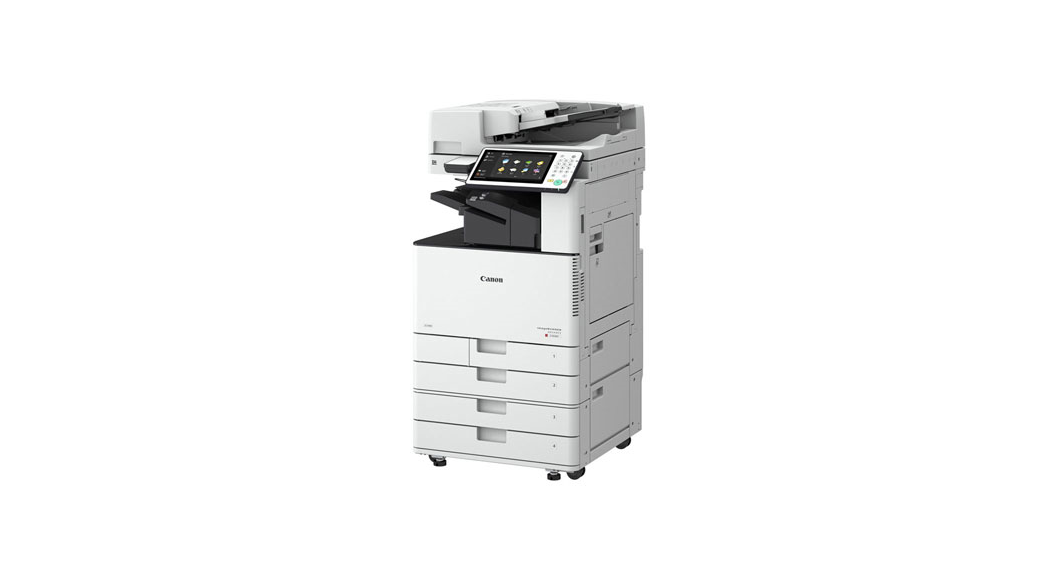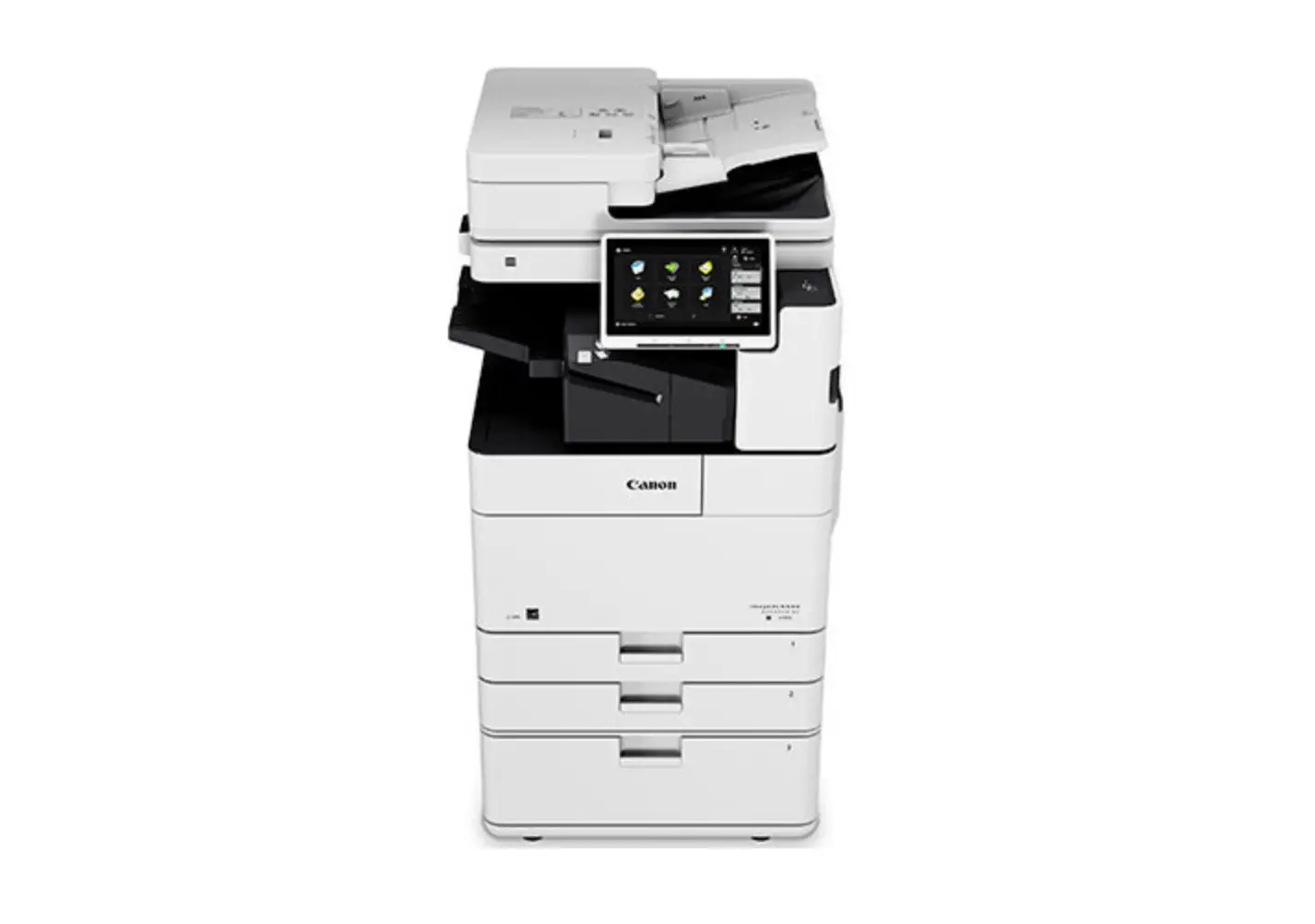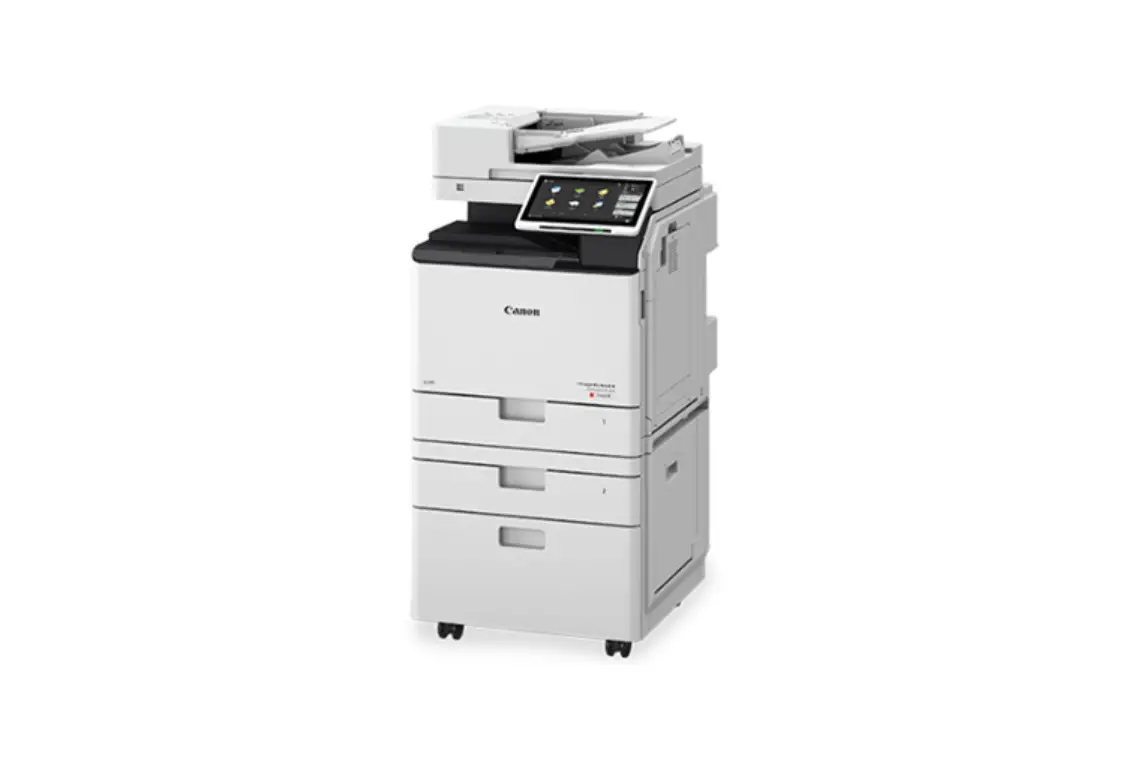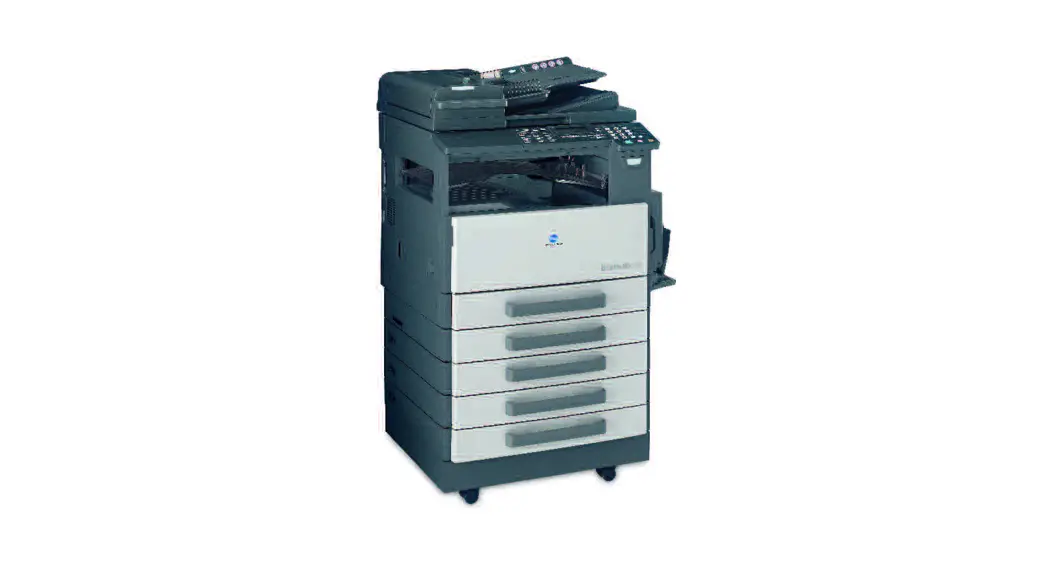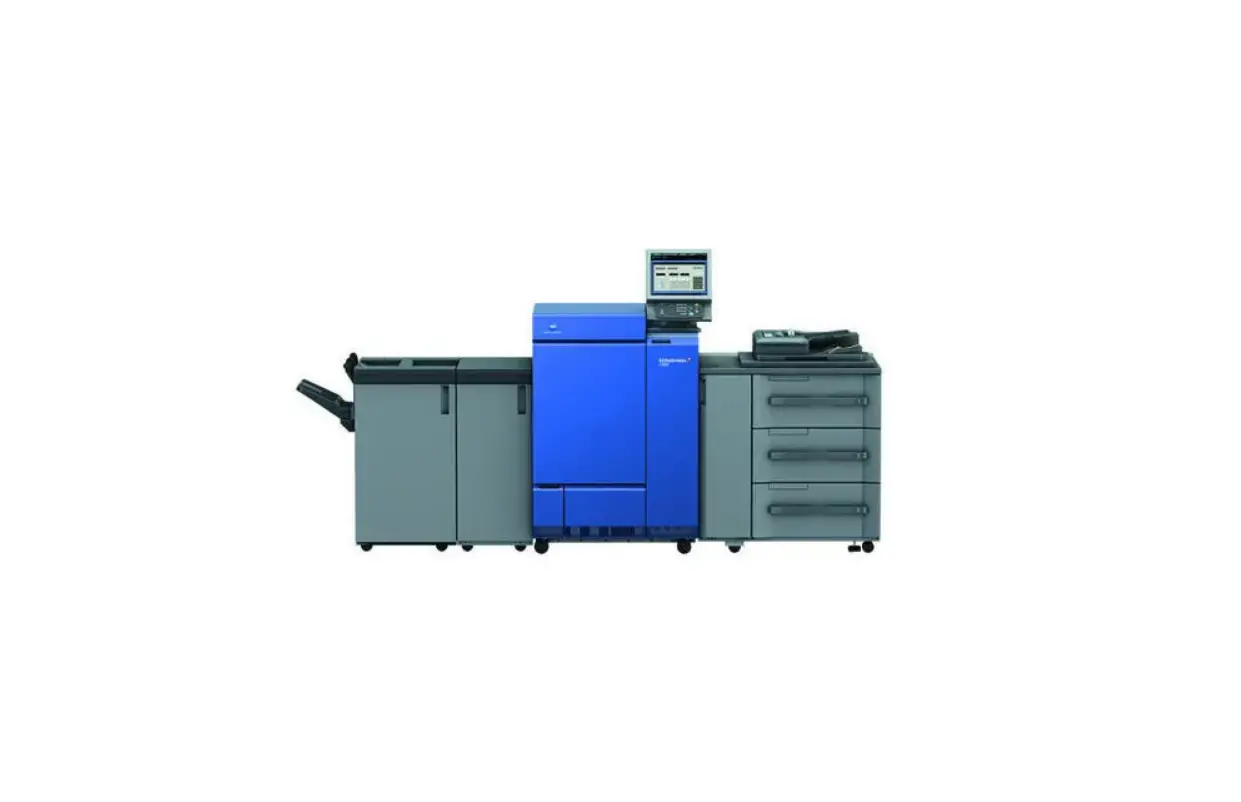

LOFFLER C1085 Konica Minolta i-Series Printing Device
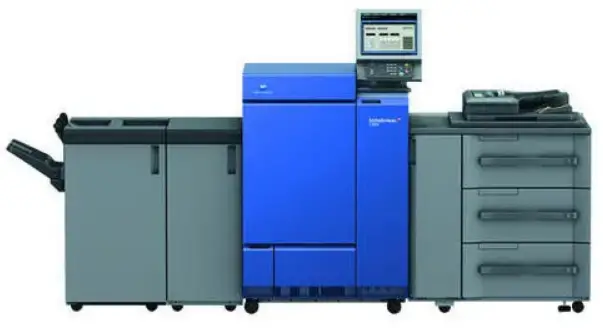
Adding to or deleting from the Address Book
Adding an Email Address at the Machine:
- Select Utility
- Select Utility
- Select Store Address
- Select Address Book
- Select New Registration
- Select Destination drop-down to select email, fax, etc.
- Enter Name
- Enter Address/Number
- Select OK
Deleting an Email Address at the Machine:
- Select Utility
- Select Utility
- Select Store Address
- Select Address Book
- Select the destination
- Select Delete
- Select OK

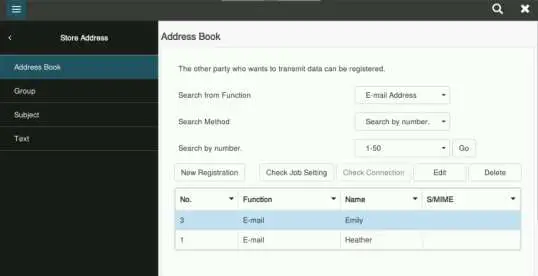
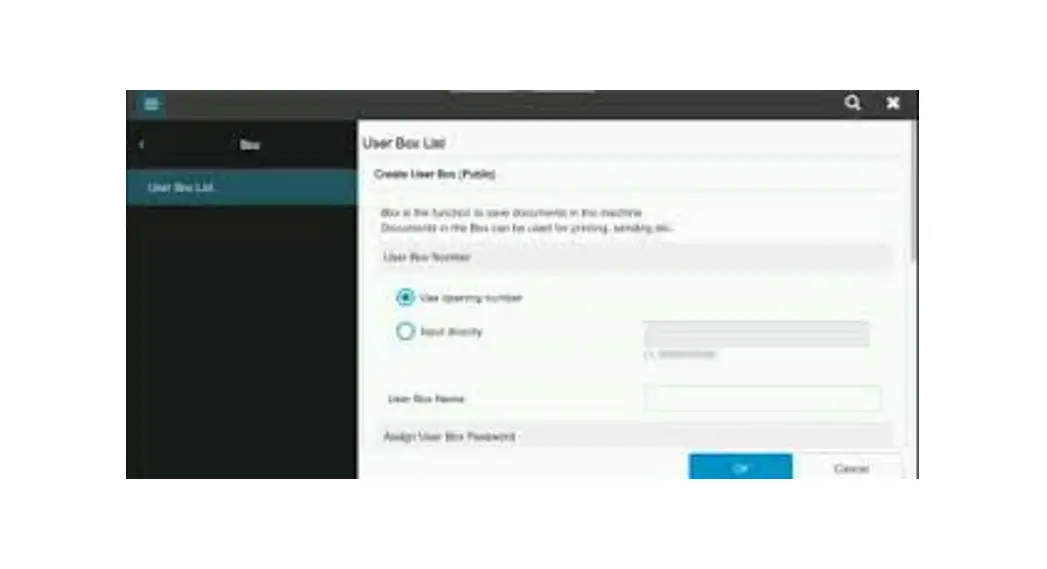
Konica Minolta: Register Email/SMB/Fax from Web
- Enter the IP address in the address field on a web browser.
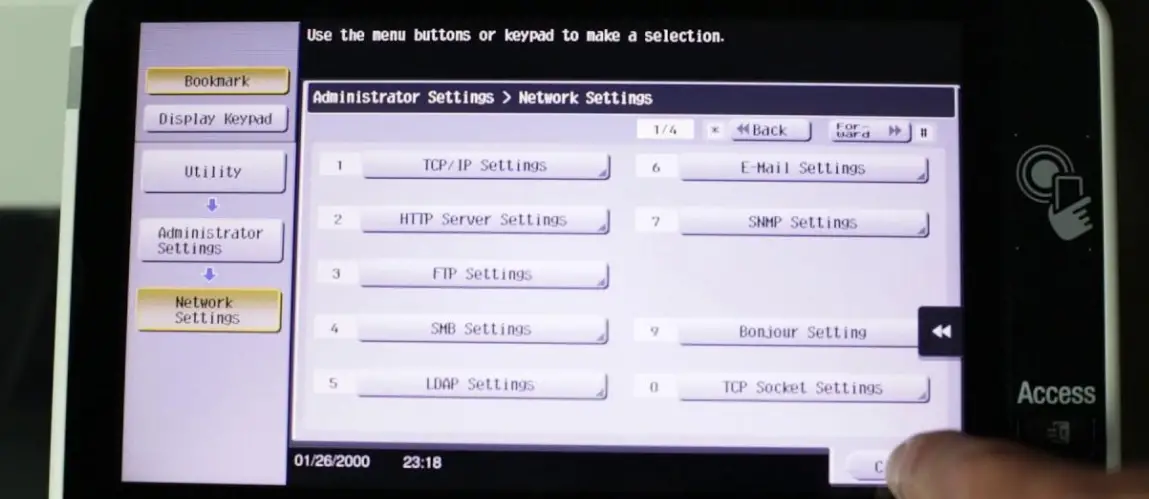
- To find the IP address, go to the printer. Select Menu/Home>>Utility>>Device Information
- Select the Store Address
- Select Address Book
- Select New Registration
- To edit or delete, select destination and select the Edit or Delete button
- To edit or delete, select destination and select the Edit or Delete button
- Select the type from the Select Destination drop down
- Enter in the information and select Main if the address needs to be a favorite in the address book.
- Select OK to save
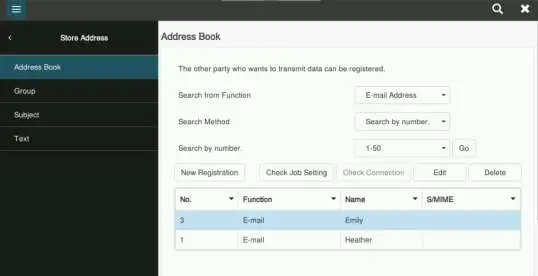
TIP:
When entering a fax number – make sure to add any additional numbers for dialing out. EX: If needing to press “9” before making a call outside the office, the fax will too.