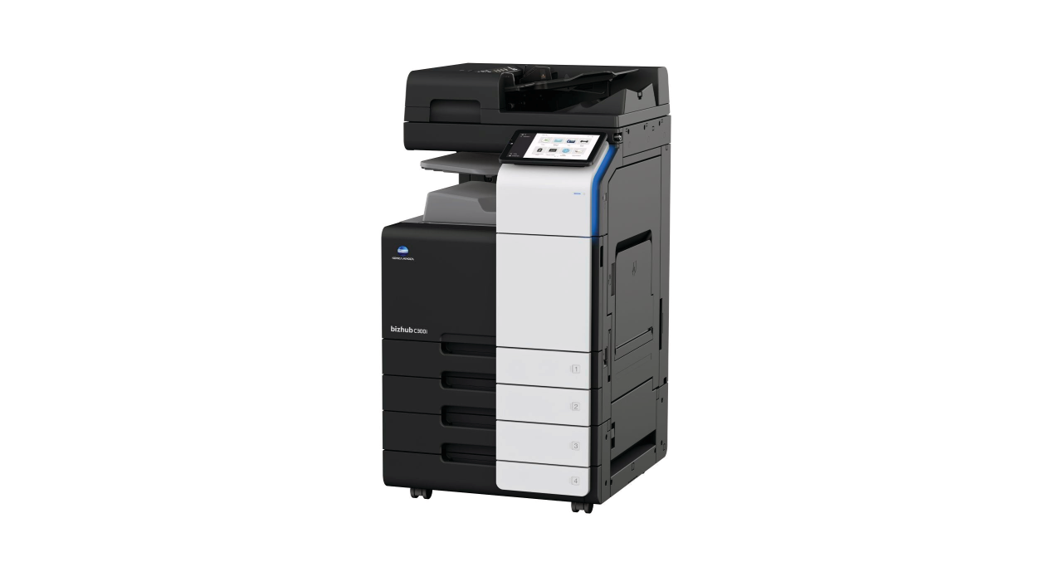

LOFFLER Konica Minolta i-Series Changing Paper Type in the Trays

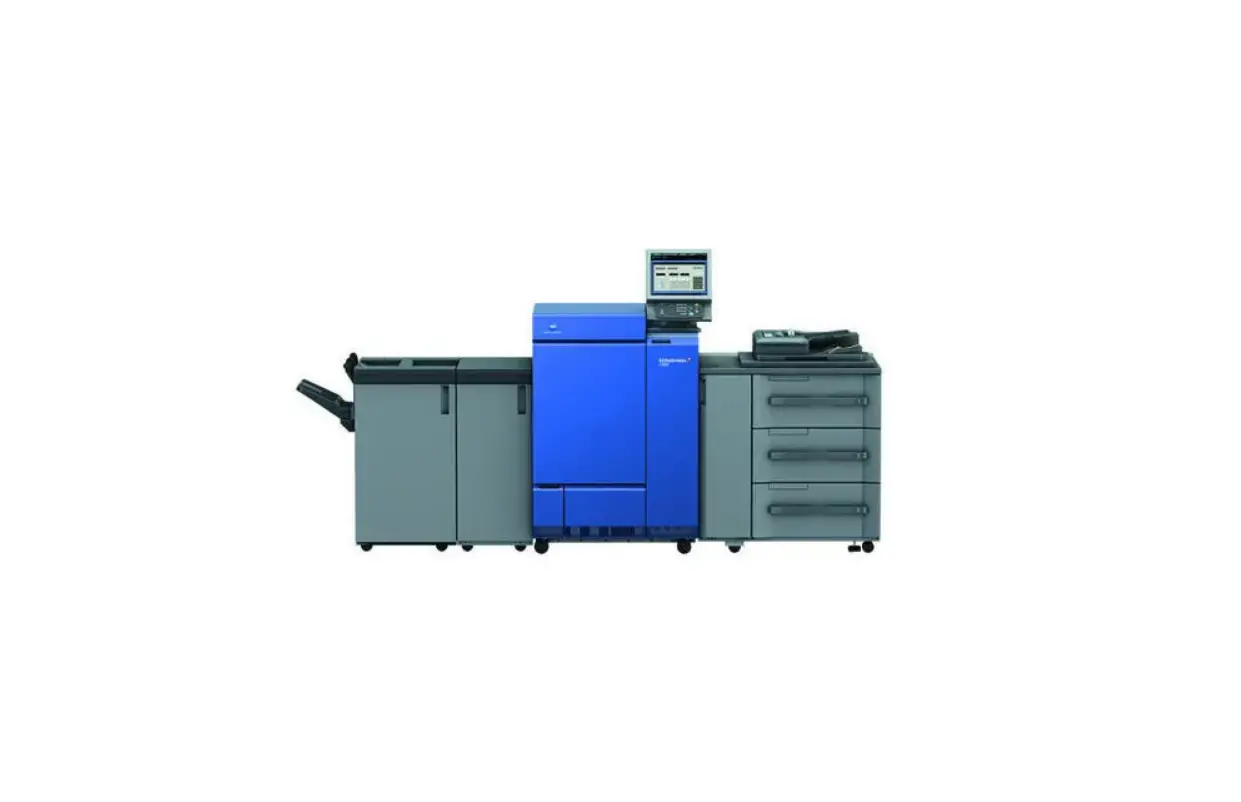
Konica Minolta i-Series- Changing Paper Type in the Trays
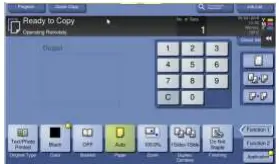
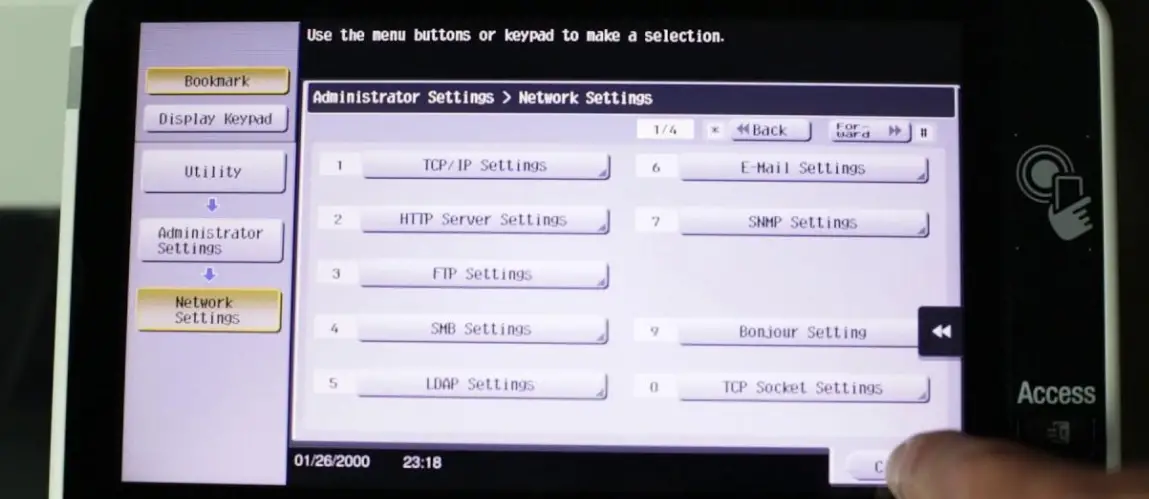
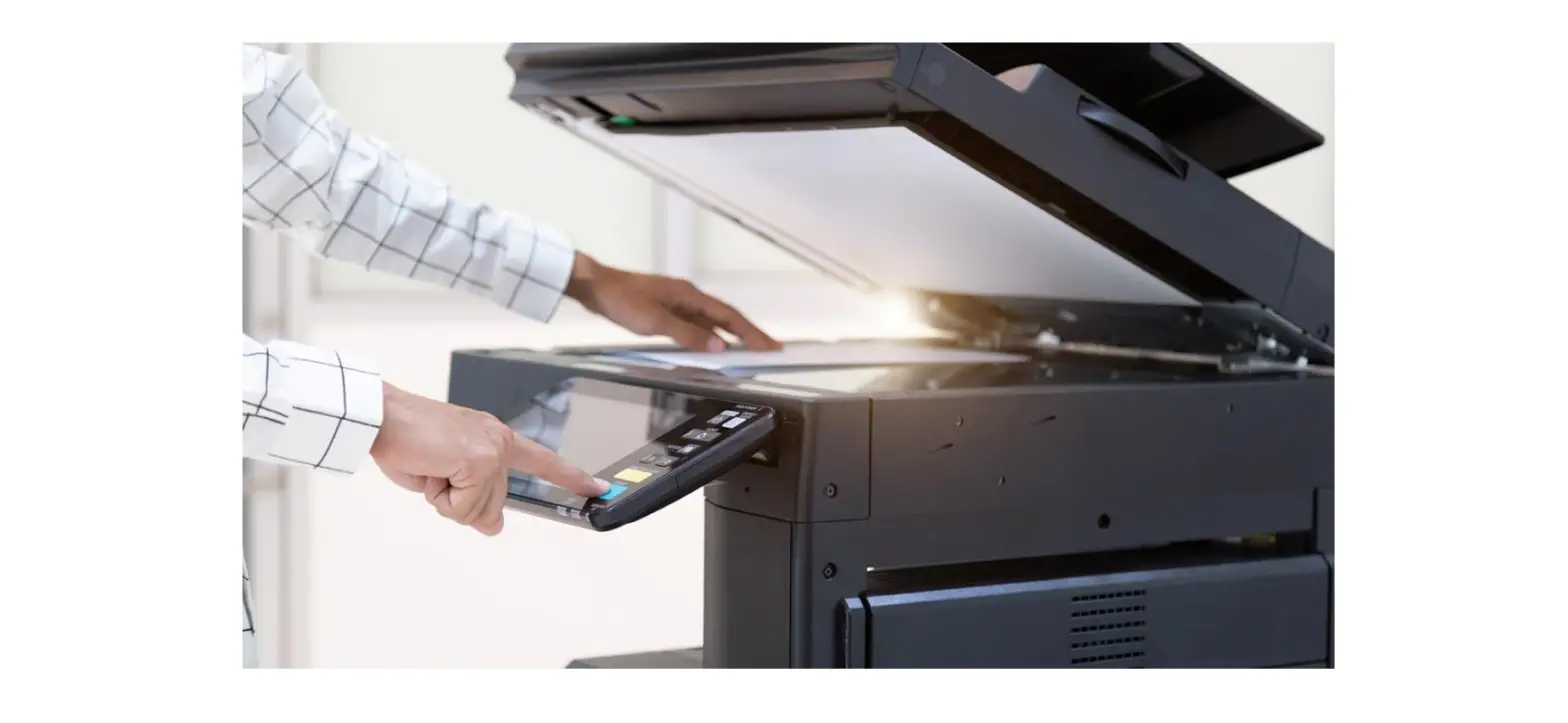
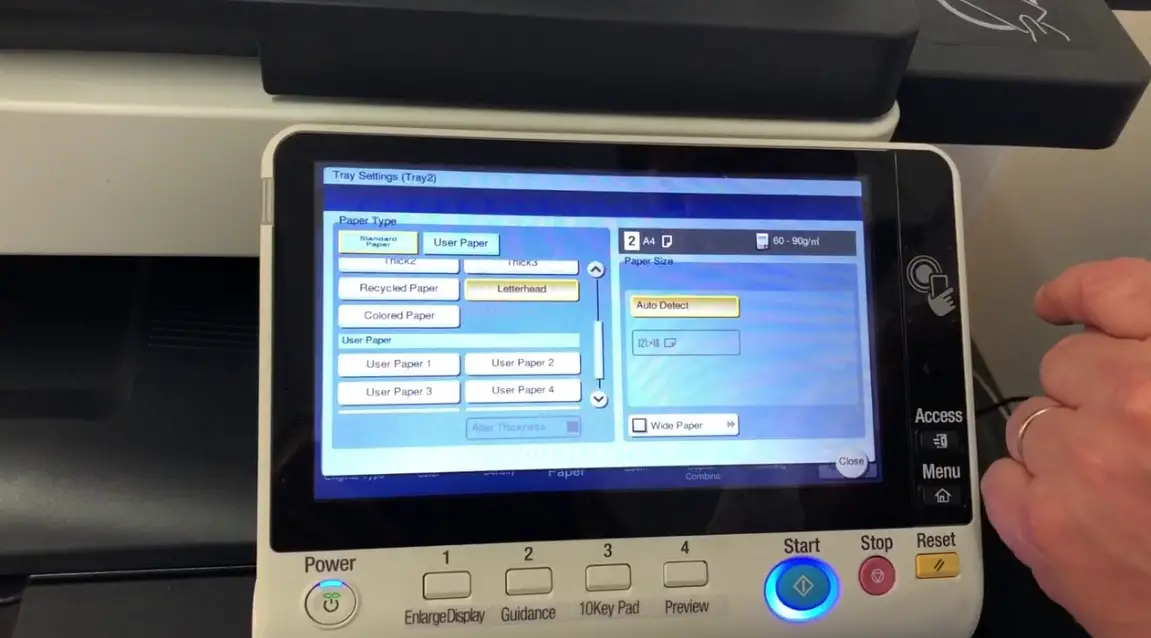
At the copier, on the copy screen, select Paper:
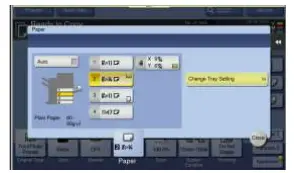
- Select the Tray/Drawer to change.
- Select Change Tray Setting to change the paper type.

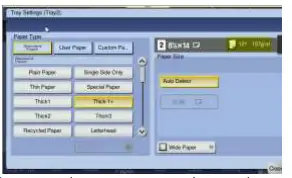
- The right side of this menu is the size, on the left is where to set paper type.

- Choose the appropriate paper type and press close.

**The weight range in the top right will change, depending on the type selected (weights in grams per square meter can usually be found on the paper package).