 LOFFLER Canon Copiers and Printers Training
 LOFFLER Canon Copiers and Printers Training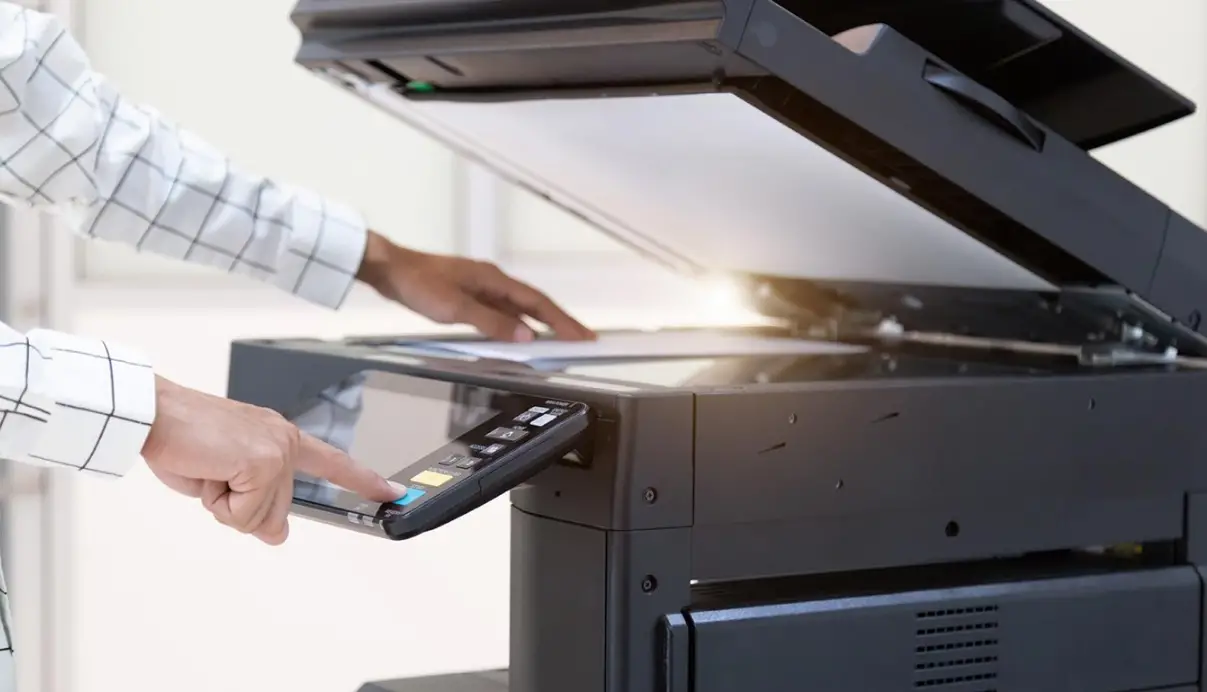
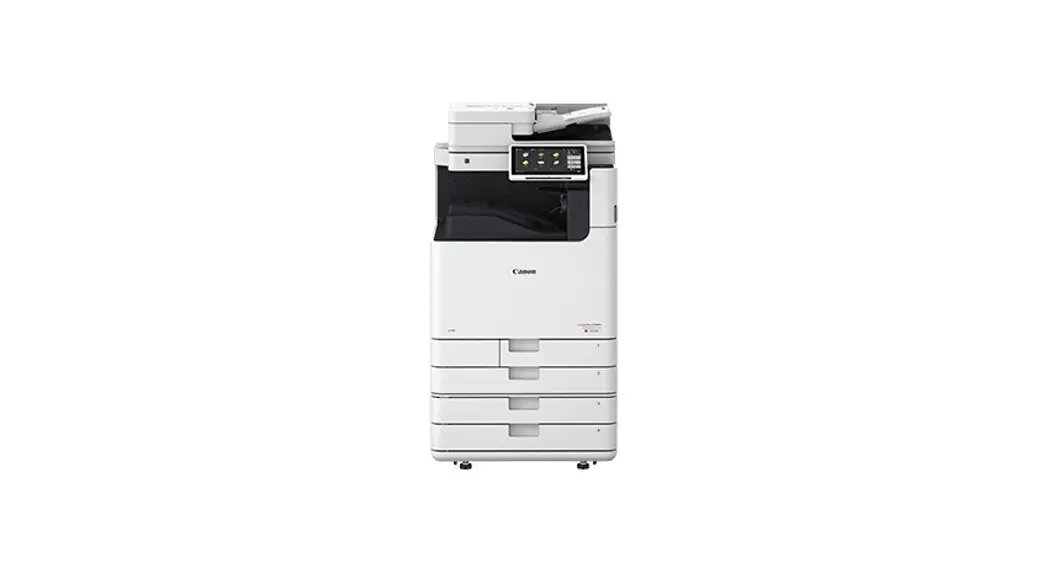
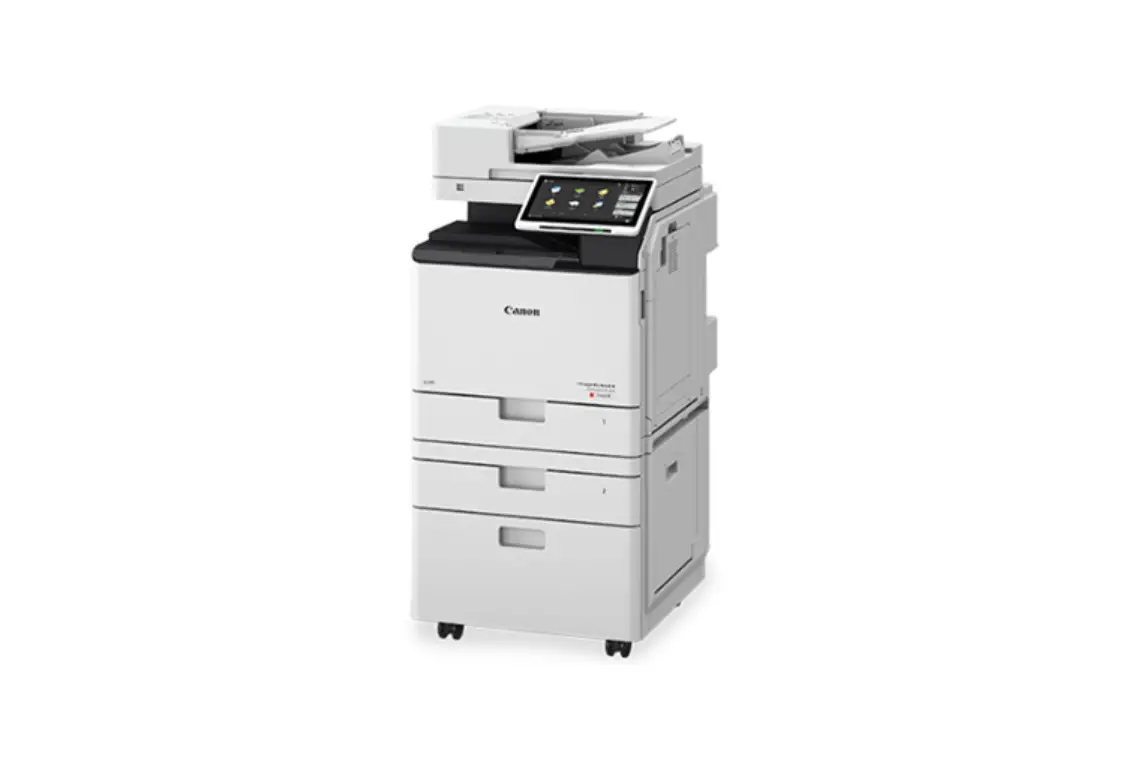
Canon ImageRUNNER ADVANCE DX: Faxing
Using the Fax feature.
Basic Faxing: From the Main Menu
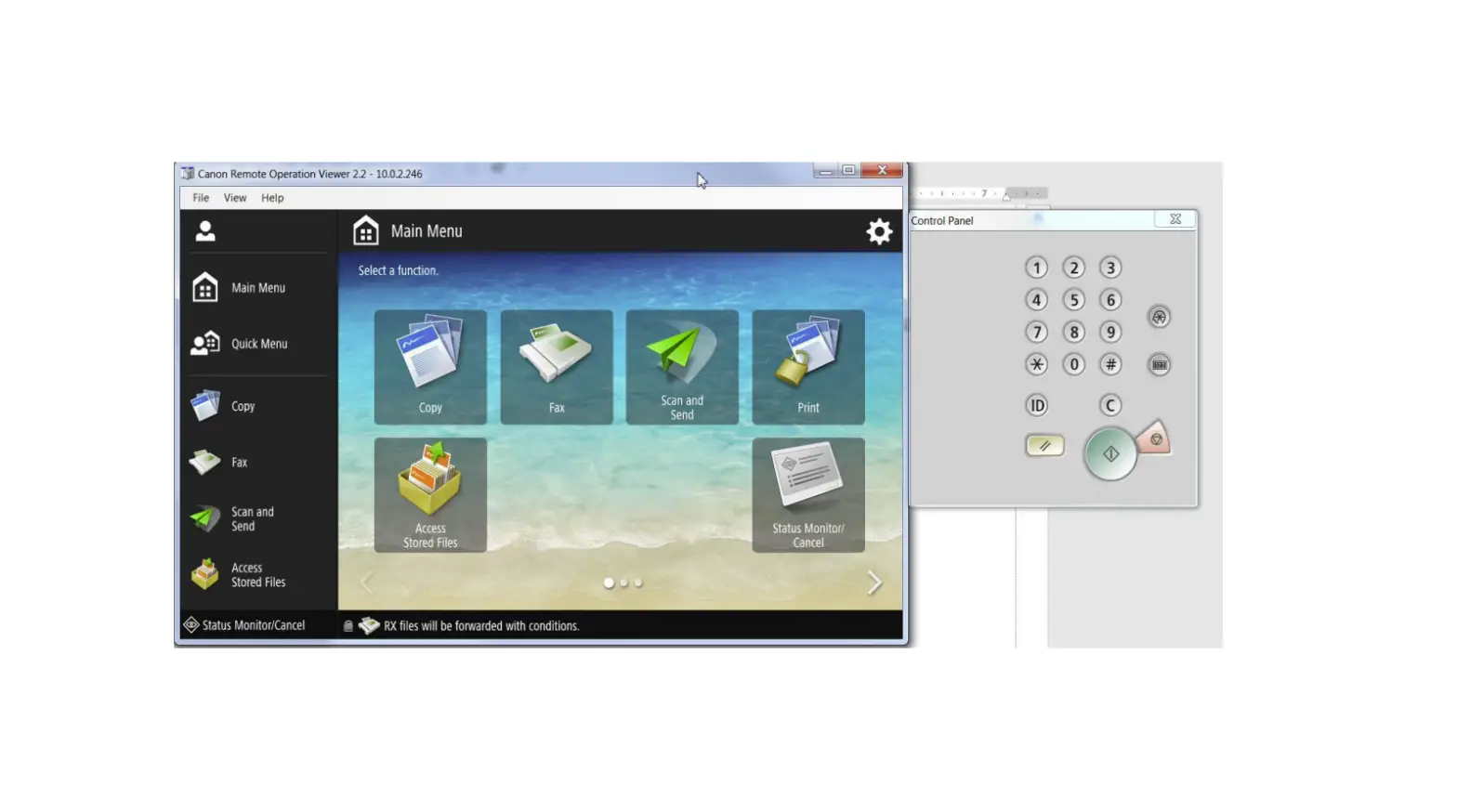
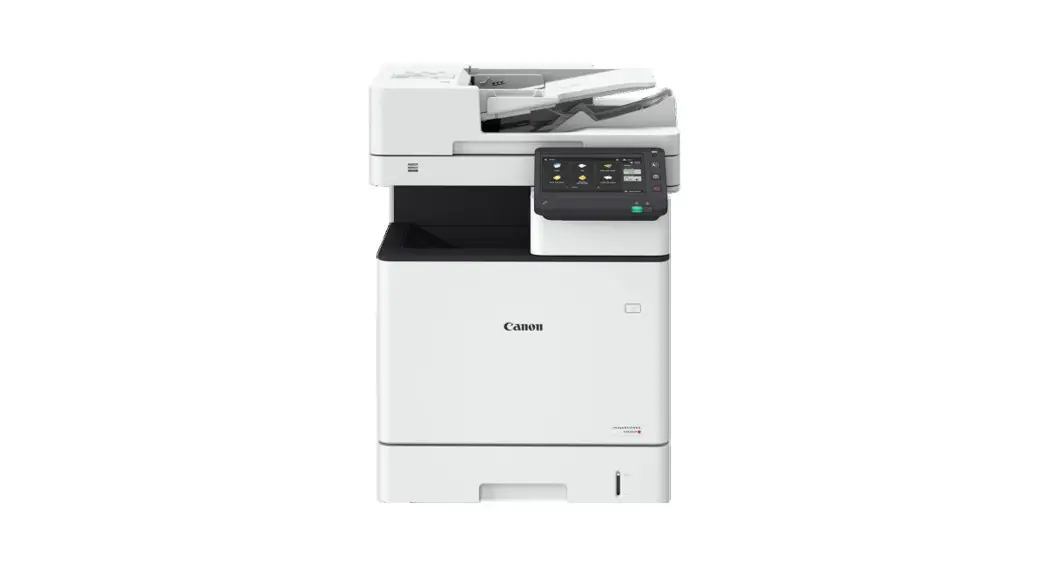
| 1. Select the Fax icon from the Main Menu screen | 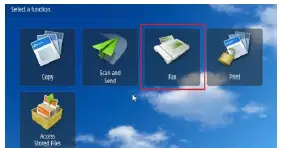 |
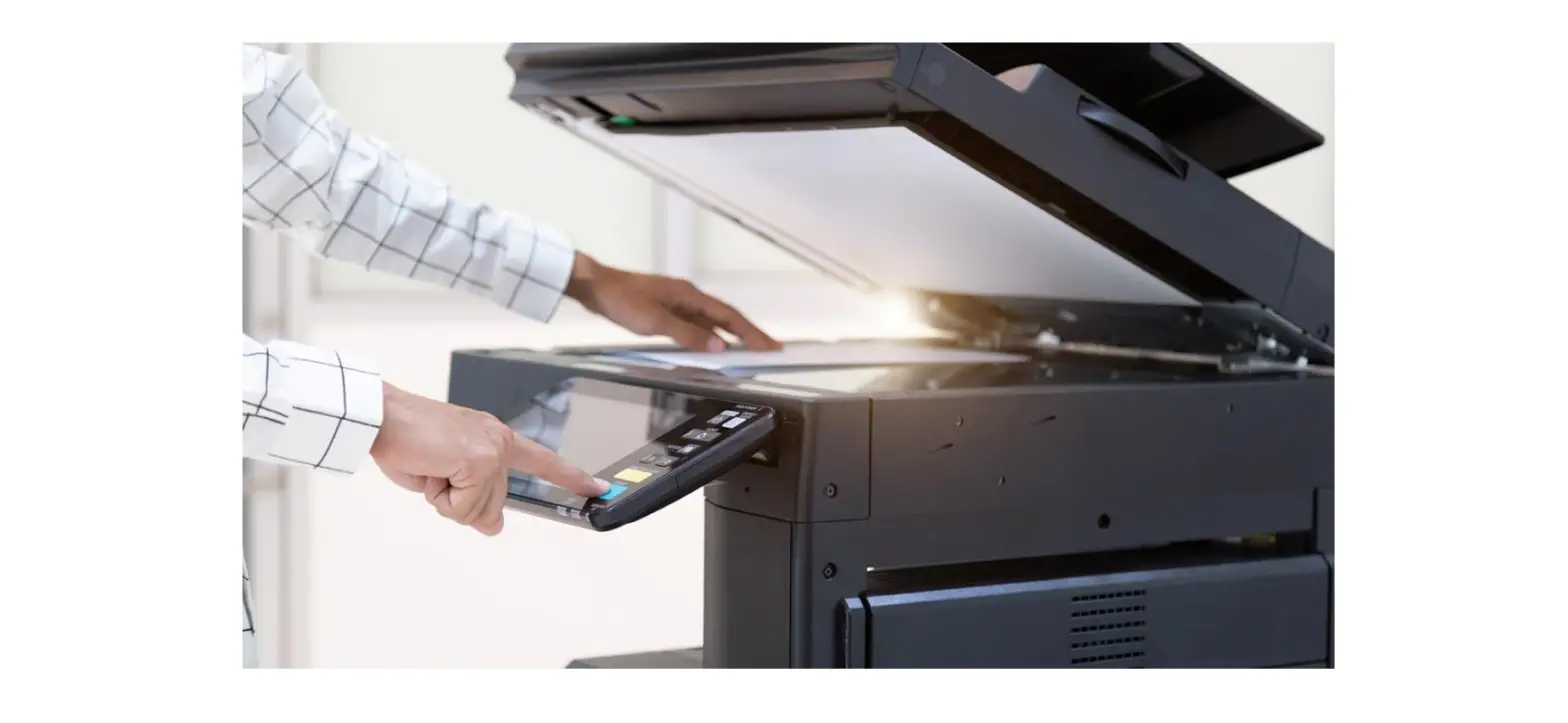
| 2. Place your document face up in the document feeder or on the glass platen. | 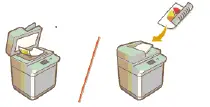 |
| 3. Enter a destination by one of two ways: a. Using the number using the keys on the number pad: If you access an outside line with a number, enter that number first. Example: 919529256801 b. Using the Address Book: Select Address Book and choose from the registered fax numbers. | 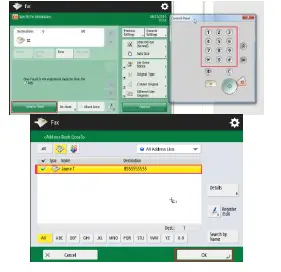 |
| 4. Select additional options as needed: 2-sided original, mixed sizes, resolution, etc. a. For more advanced features such as job build, select the Options button. | 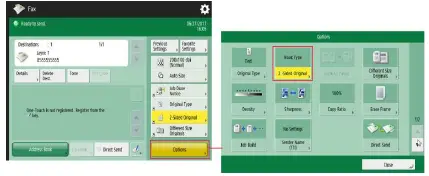 |
| 5. Press the green “START” button to begin faxing. | 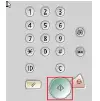 |
2018 Loffler Companies
MN – Bloomington: 952.925.6800 Mankato: 507.625.8040 Rochester: 507.292.8888 St Cloud: 320.255.8888 Willmar: 320.905.0289 WI – Eau Claire: 715.834.2679 Hudson: 715.834.2679 La Crosse: 608.782.7587