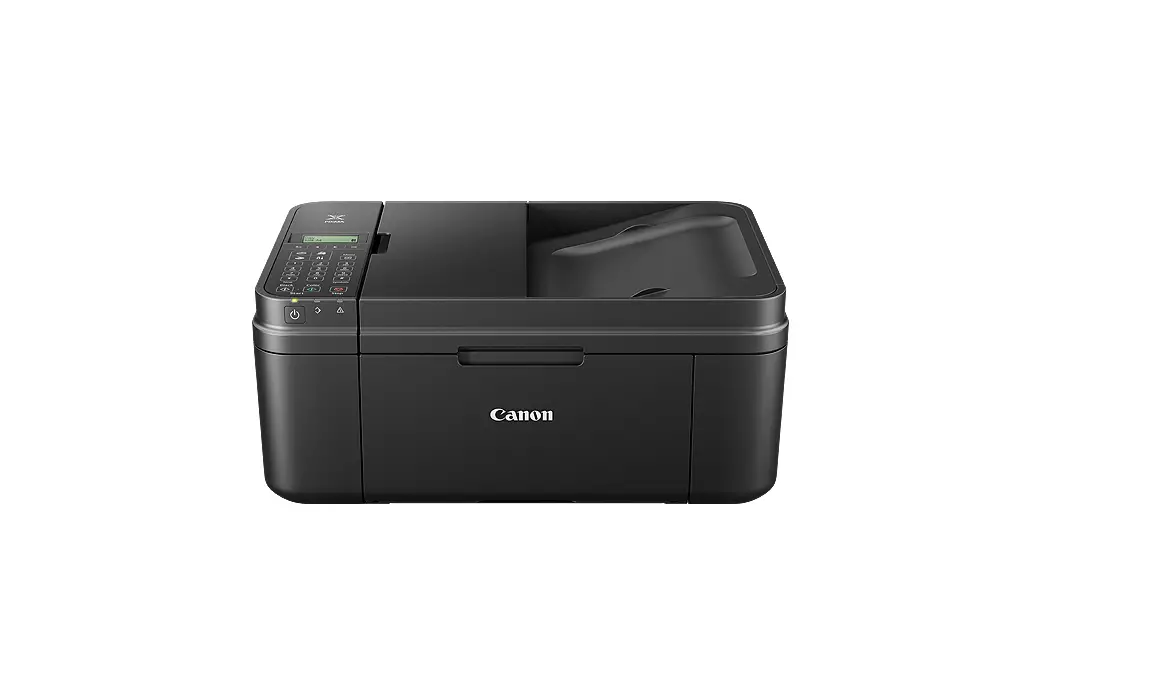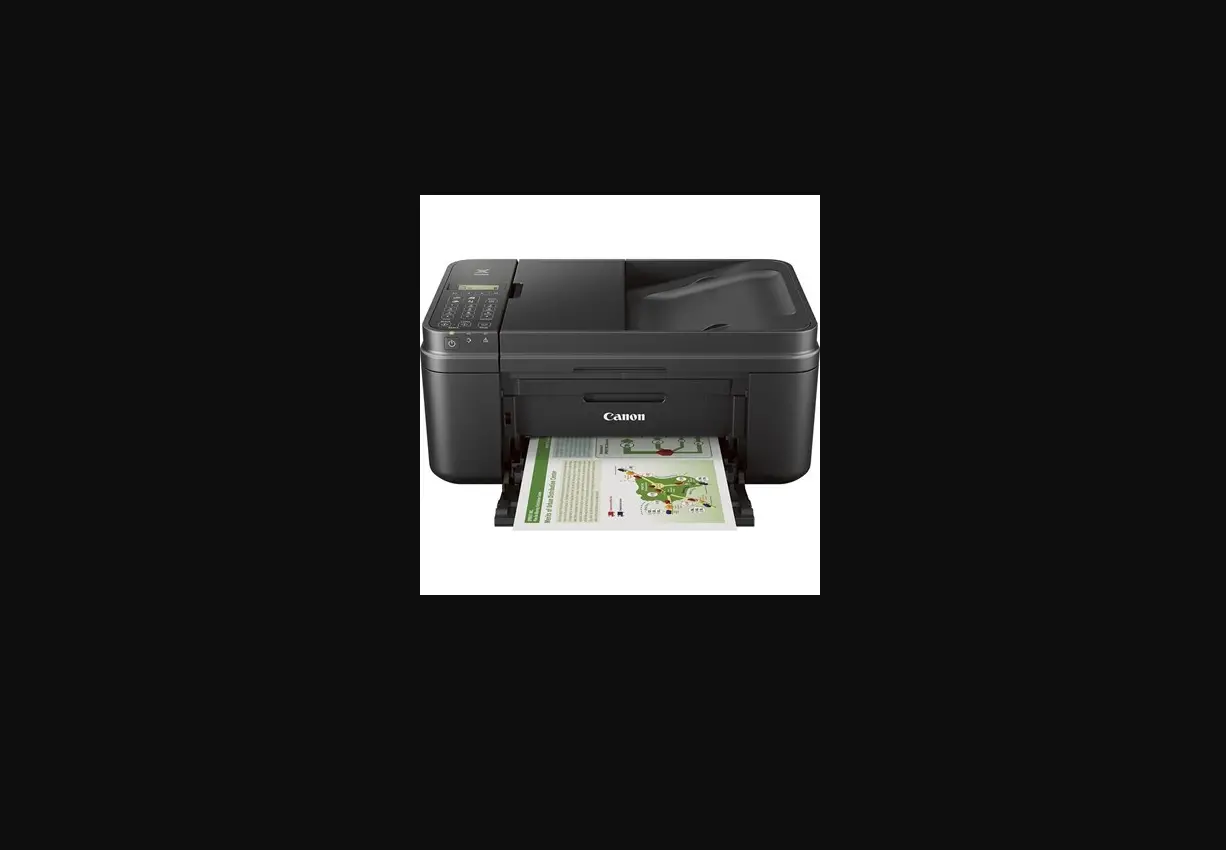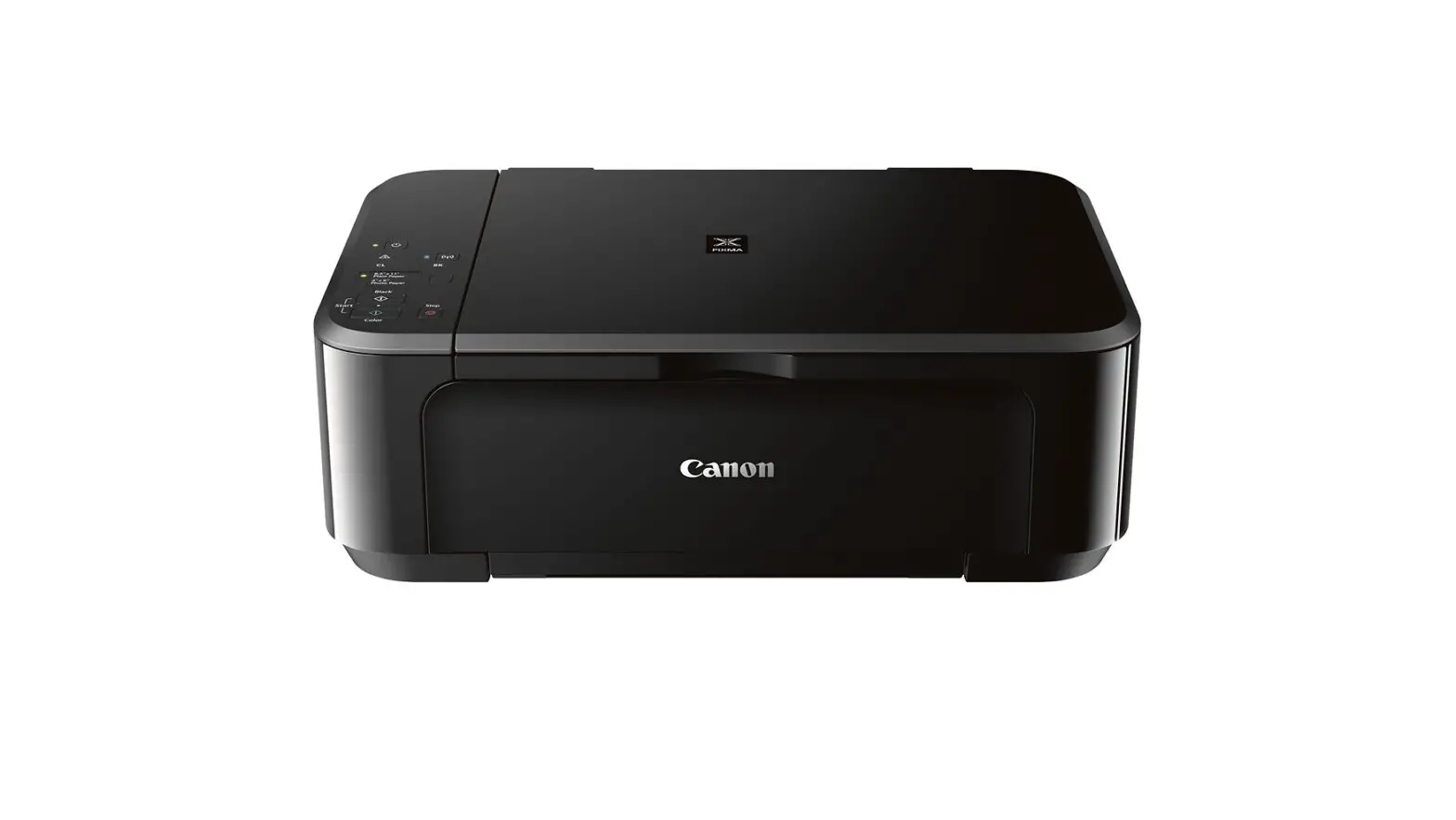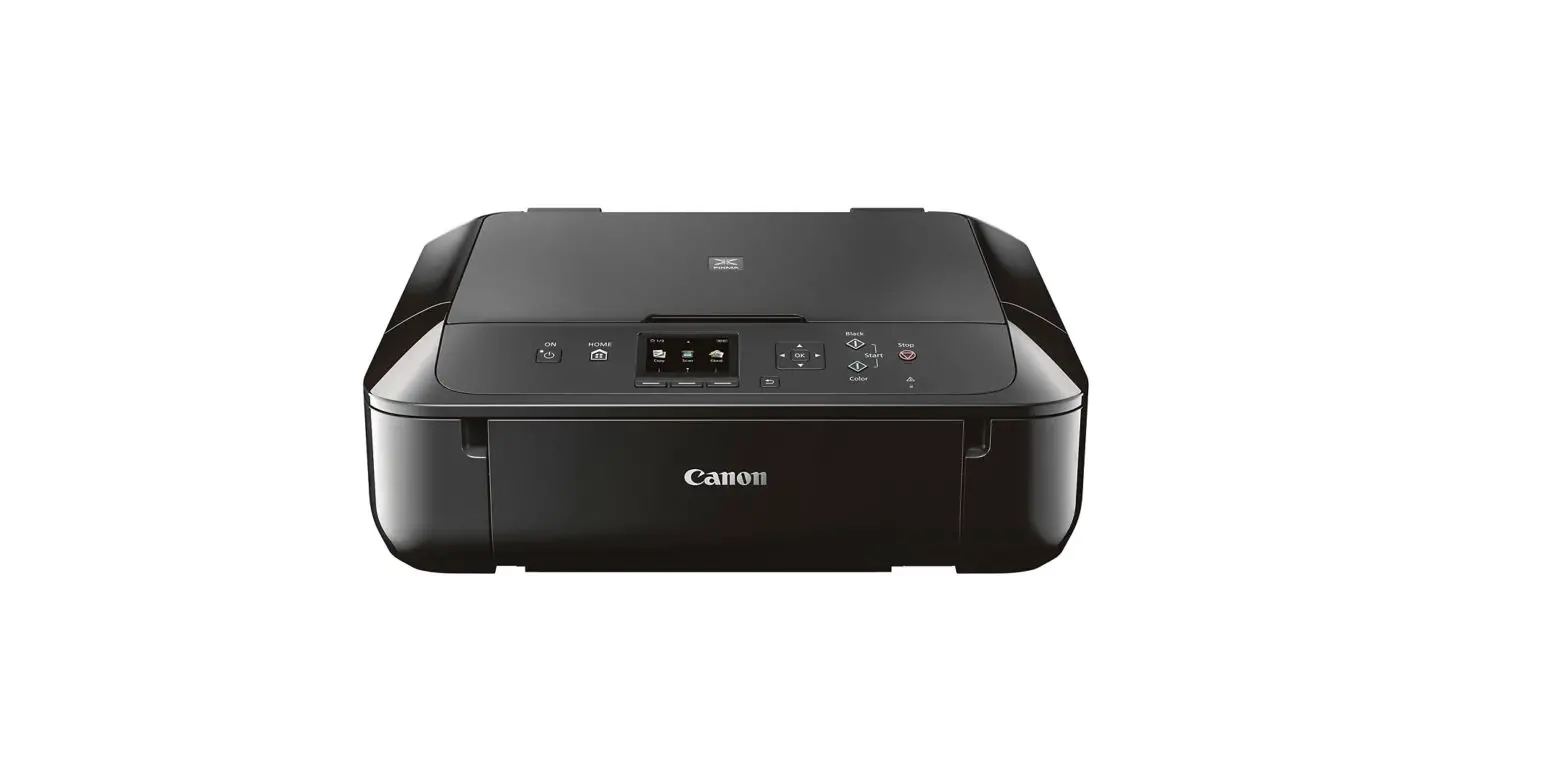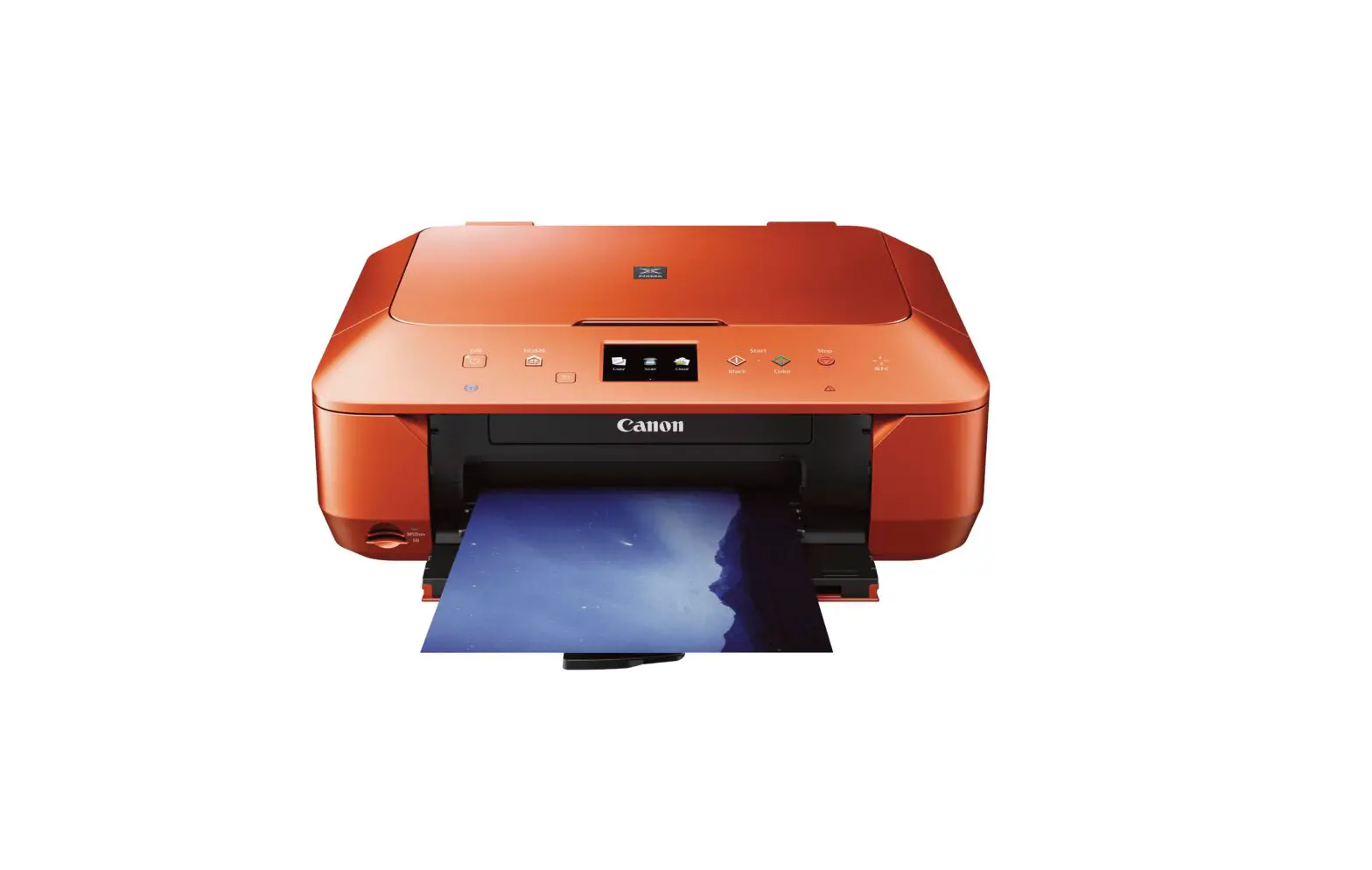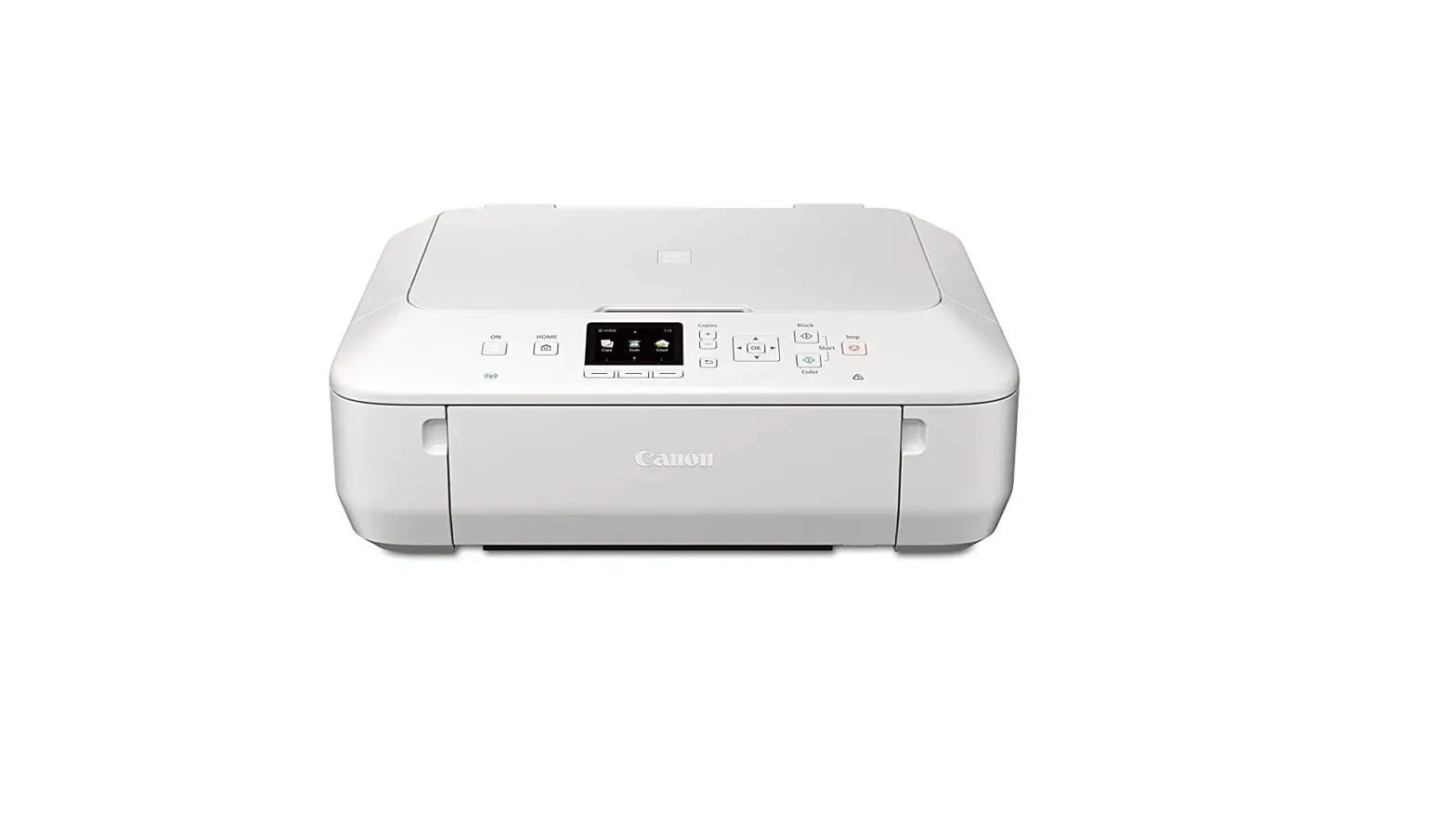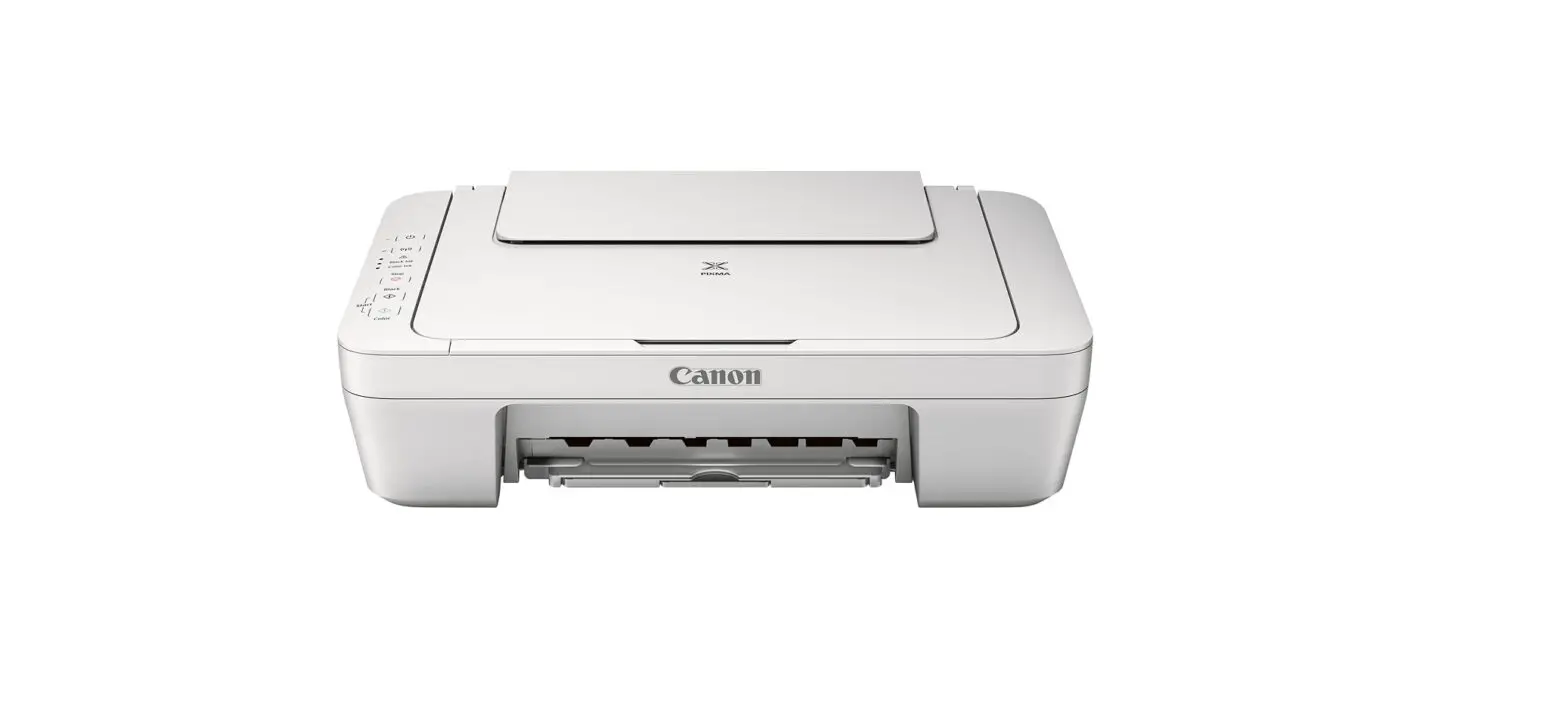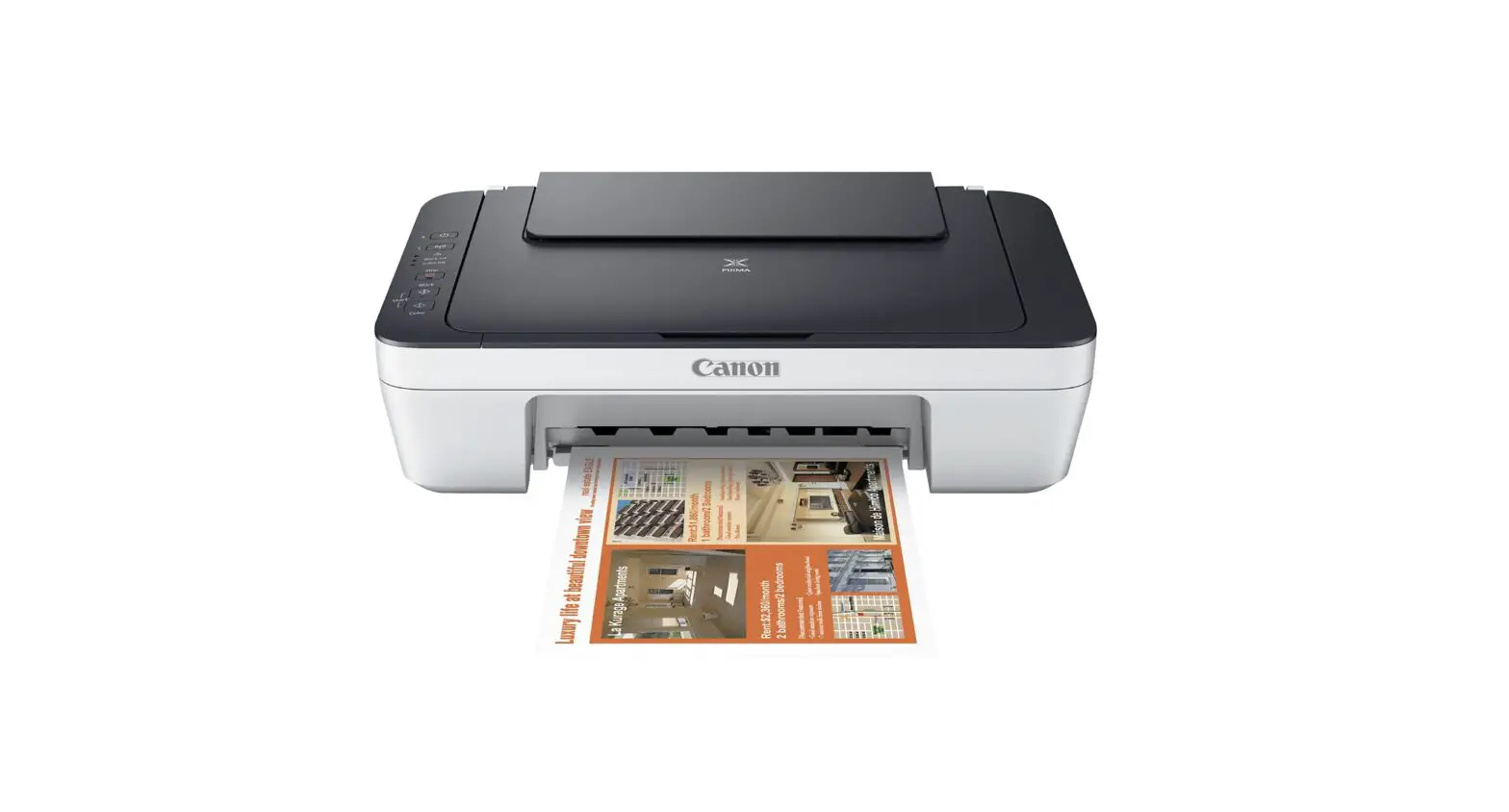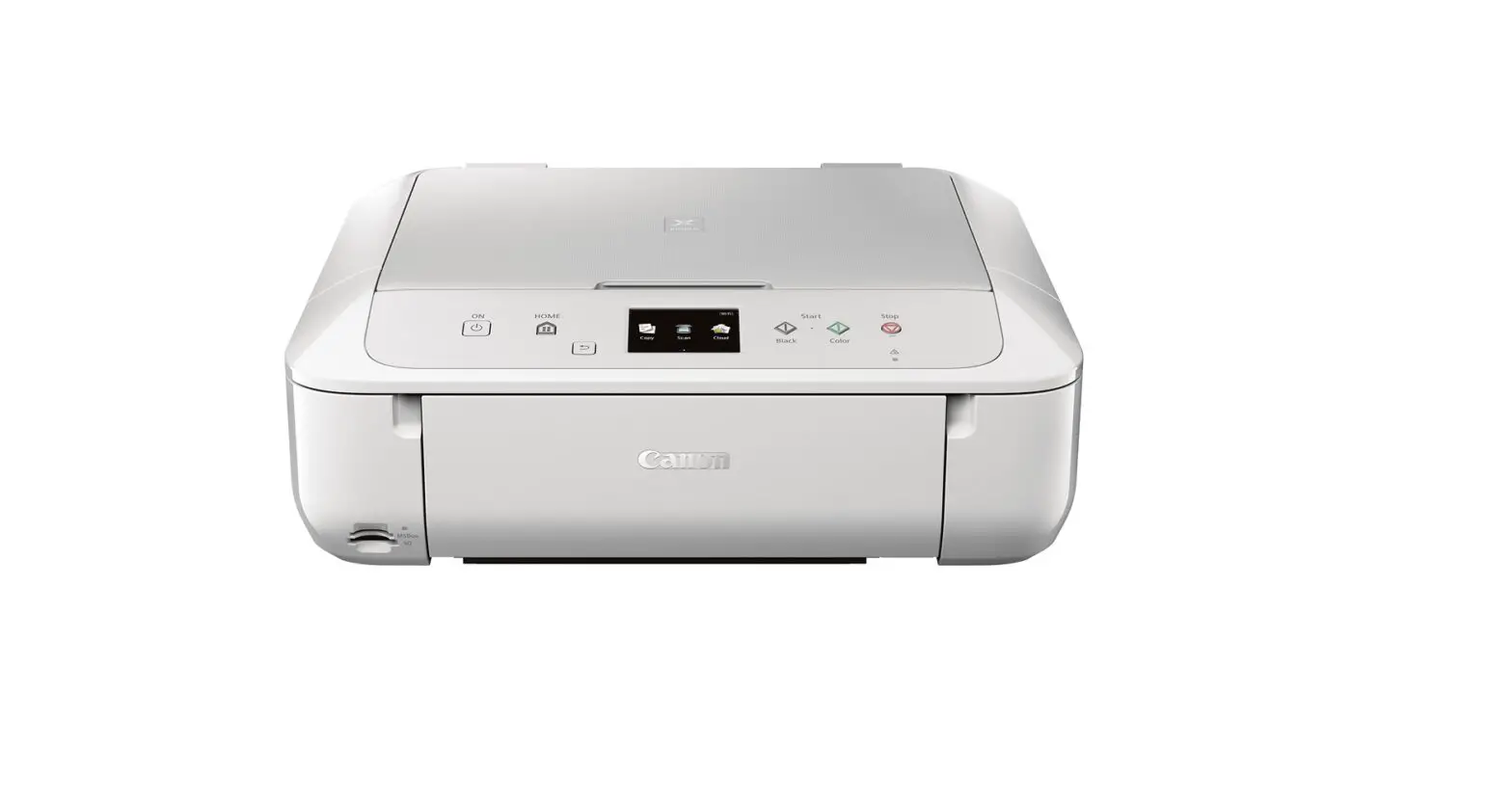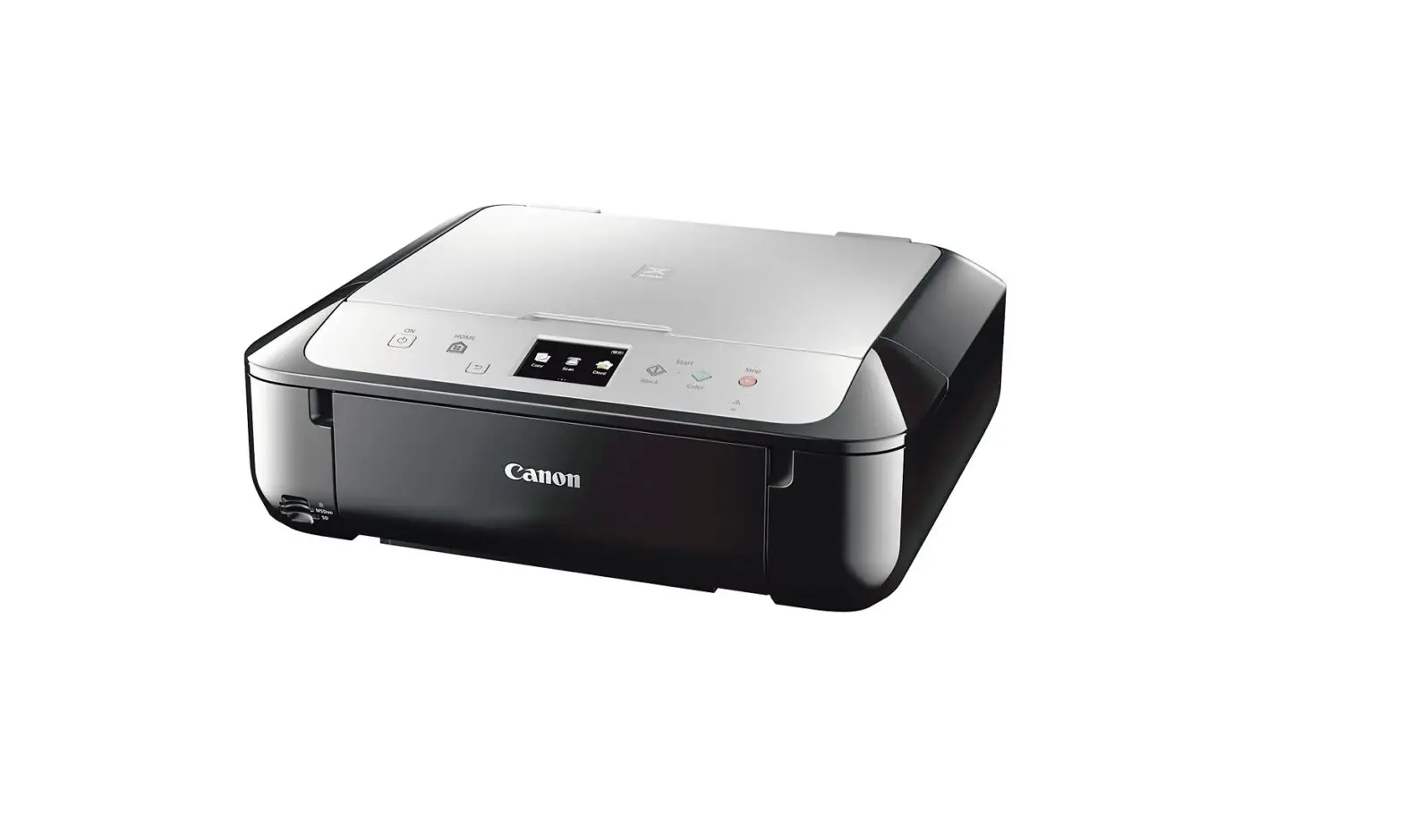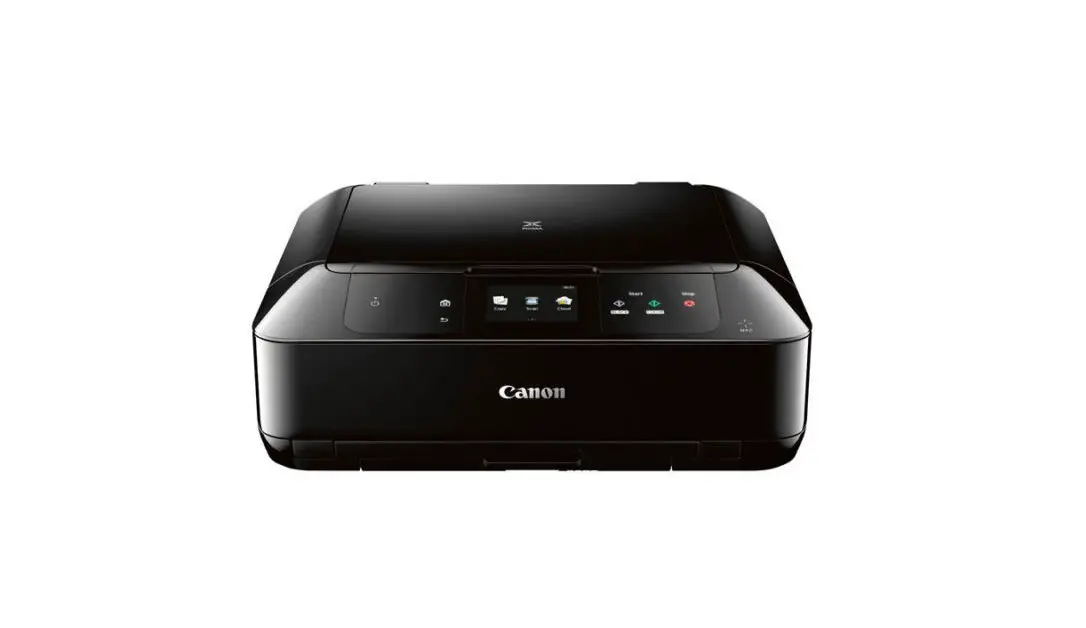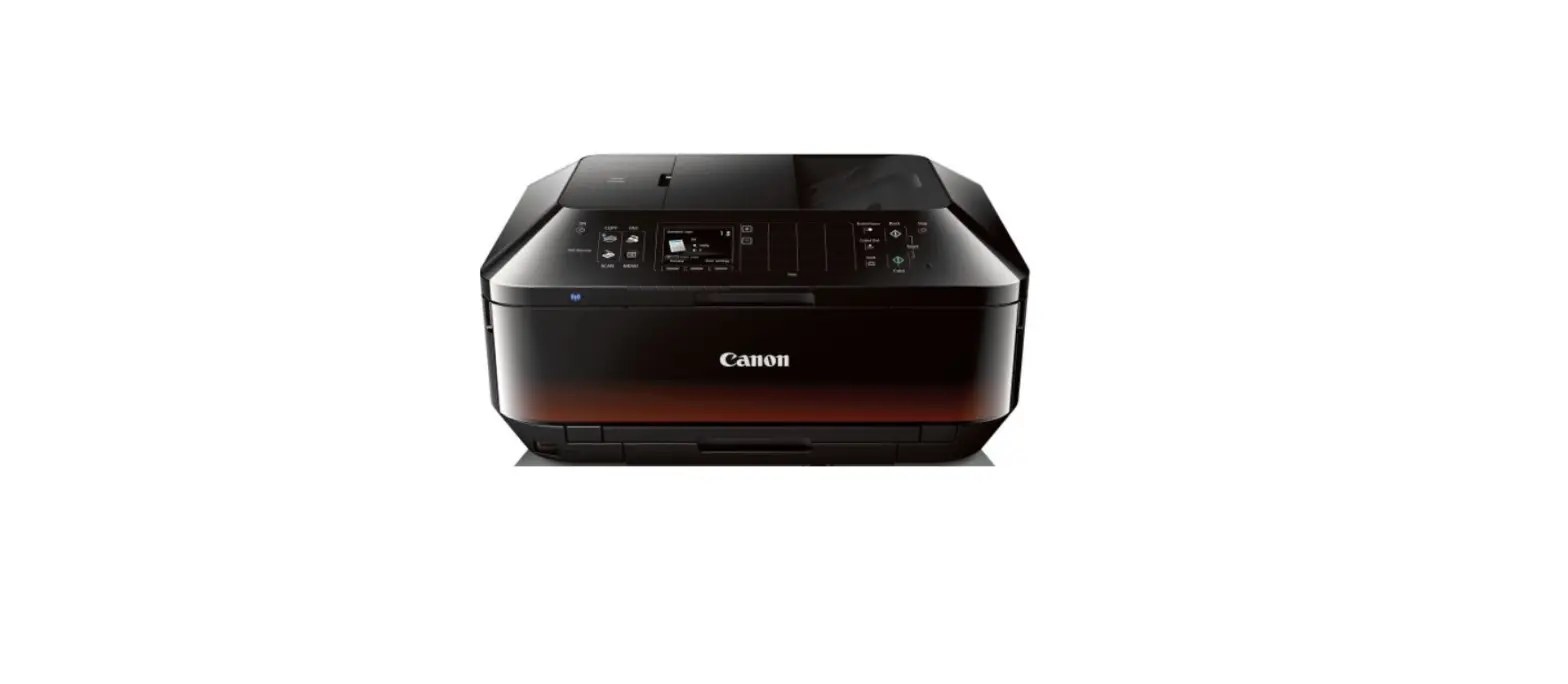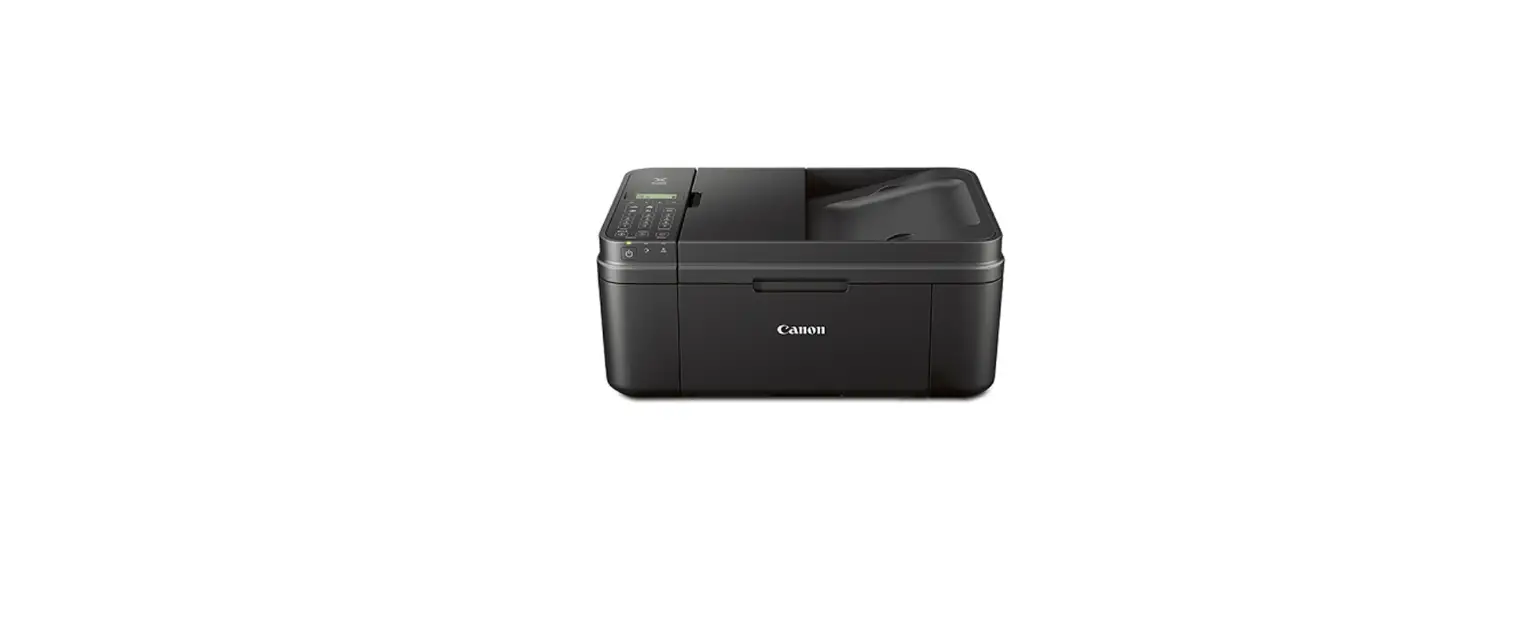

Canon PIXMA MX492 printer
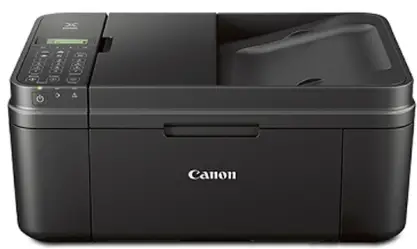
Getting Started
Video Tutorials Available Se dispone de tutoriales en vÃdeo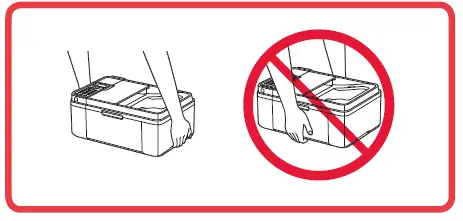
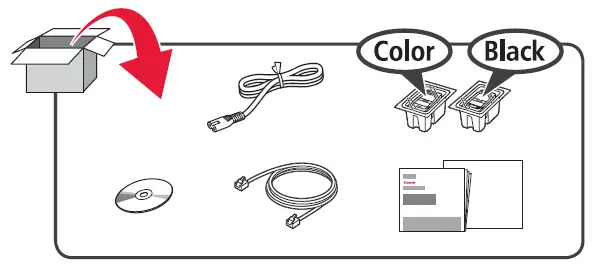
WHAT IN THE BOX
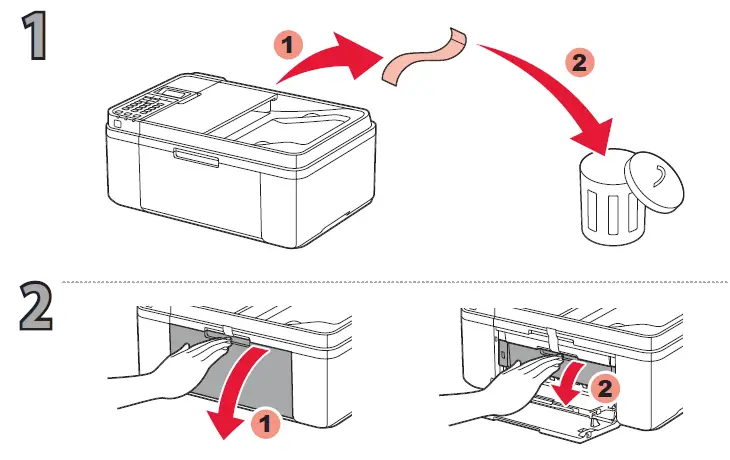
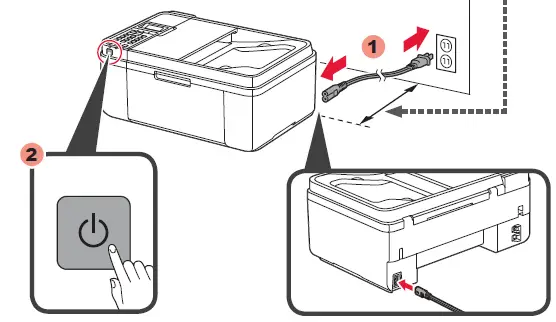
- 2 inches (5 cm)

- Do not connect the USB cable yet.


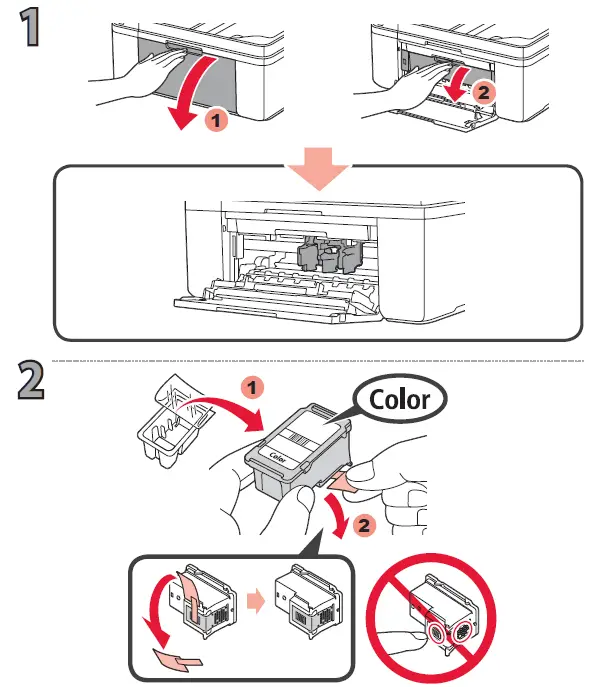
- Be careful of ink on the protective tape.
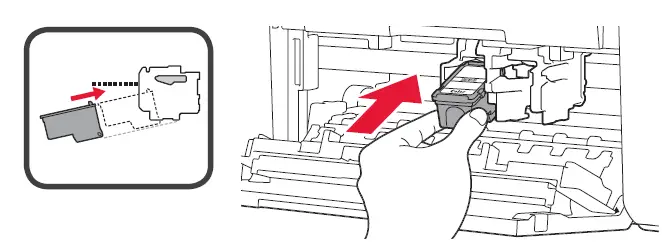
- Insert the FINE Cartridge into the slot at an angle.

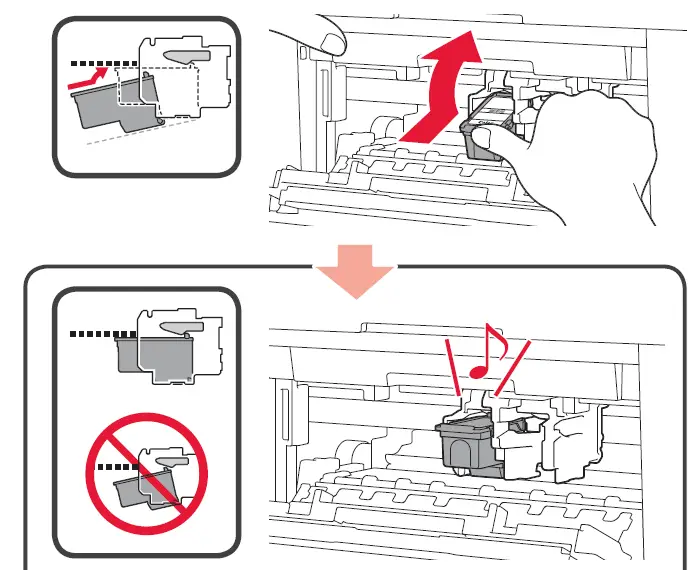
- Push the FINE Cartridge in and up firmly until it snaps into place.

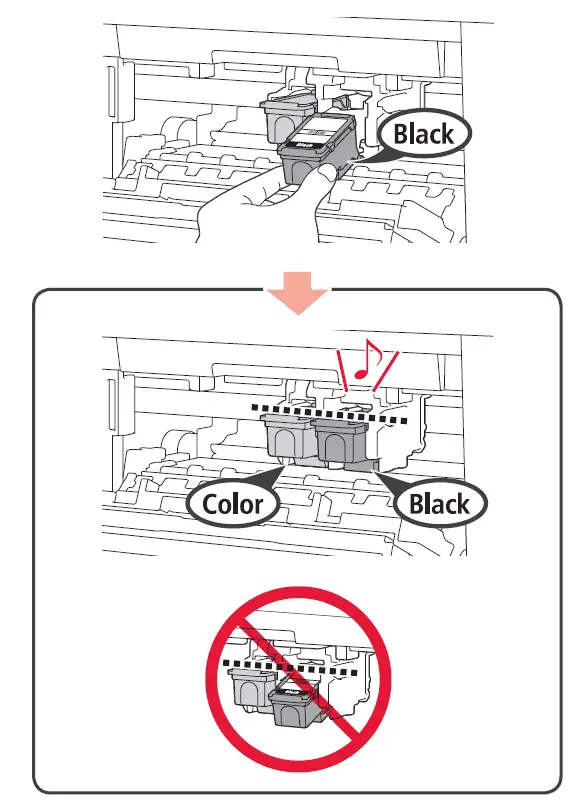
- Repeat 2 to 4 to install the other FINE Cartridge


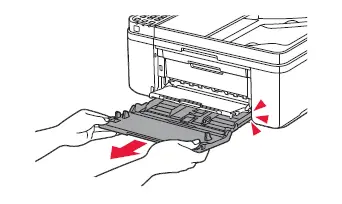
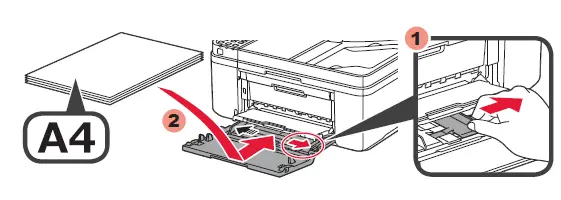
- Slide the Paper Guide to the end, then load several sheets of A4 plain paper. Letter size paper is also available.

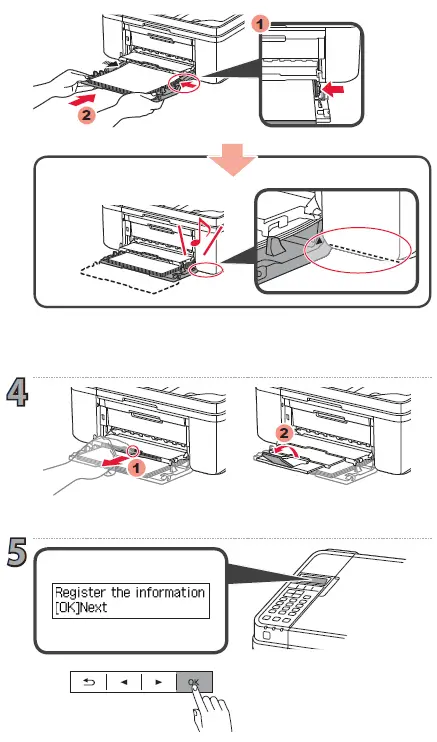
- Adjust the Paper Guide to fit the edge of the paper, then push the Cassette all the way.

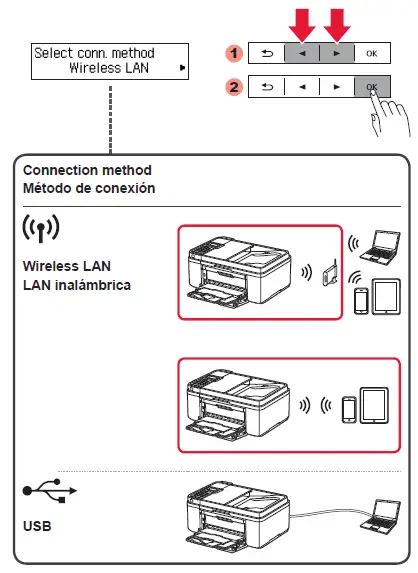
- Select the connection method for your devices to use by referring to the following explanation

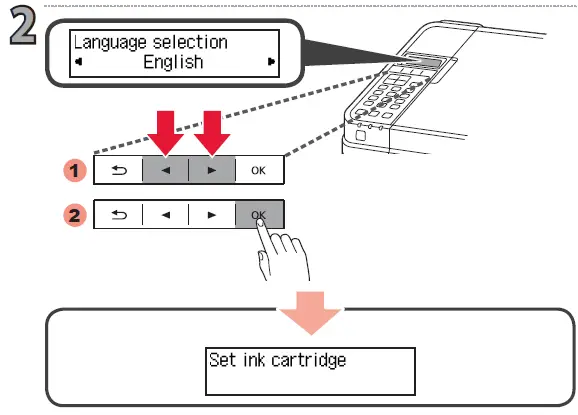
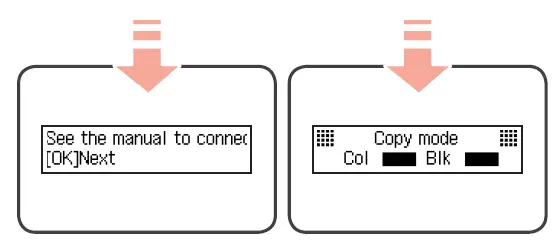
- Hereafter, follow the message displayed on the screen. When either one of the following screens is displayed, proceed to 3.

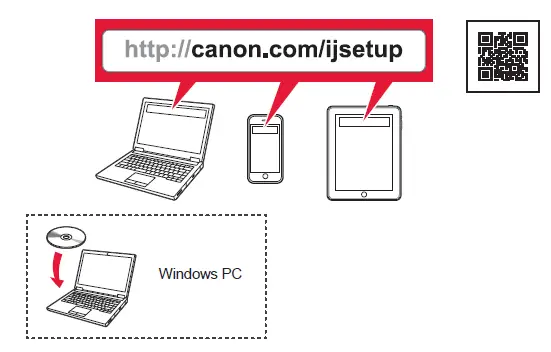
- Visit the following website from your computer, smartphone, and other devices, then follow the instruction to proceed to the Setup section.

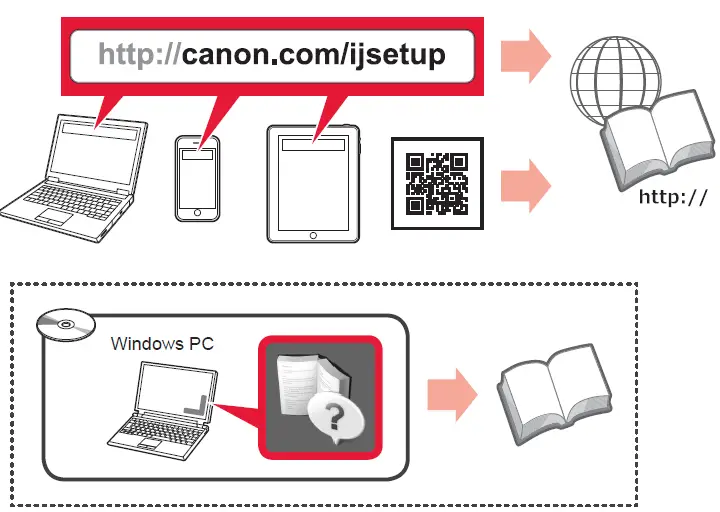
- To refer to the Online Manual, visit the following website.

How to set up the FAX
How to set up the FAX Canon PIXMA MX492 printer User Manual