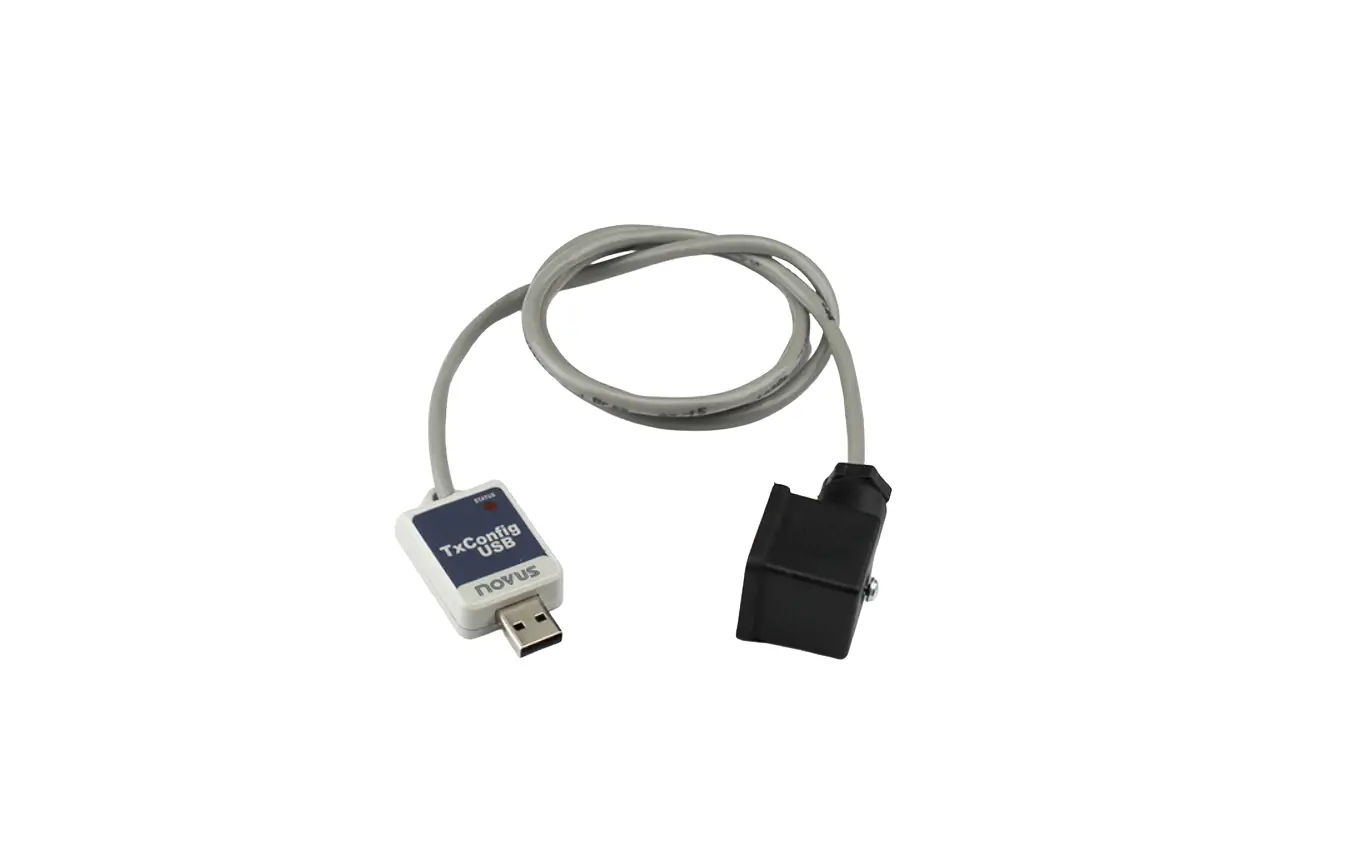

NOVUS TxConfig-DIN 43650 Interface for Transmitters
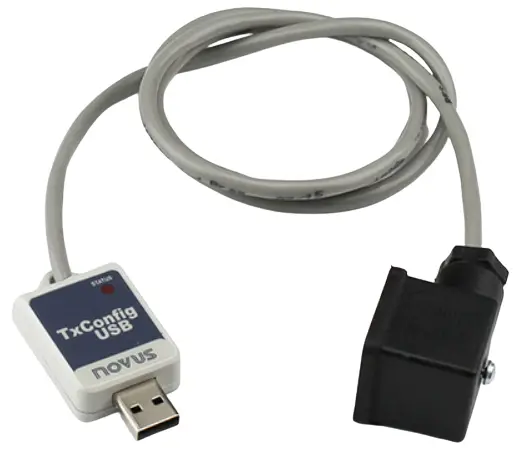
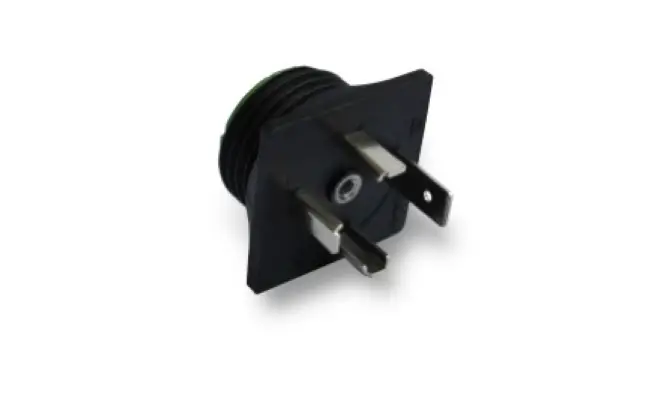
TxConfig-DIN43650 and TxConfig-M12 are configuration interfaces for transmitters with DIN and M12 interfaces and can power the transmitters. They are used with the TxConfig II configuration software.
FEATURES
- Easy installation.
- USB communication with the PC and serial communication with the transmitters.
- Powers the transmitters without requiring a battery or external power supply.
- Easy electrical connections.
- Compatible with USB 1.1, 2.0, and 3.0.
- Cable length: 1 m.
- Operating System: Windows.
ELECTRICAL INSTALLATION
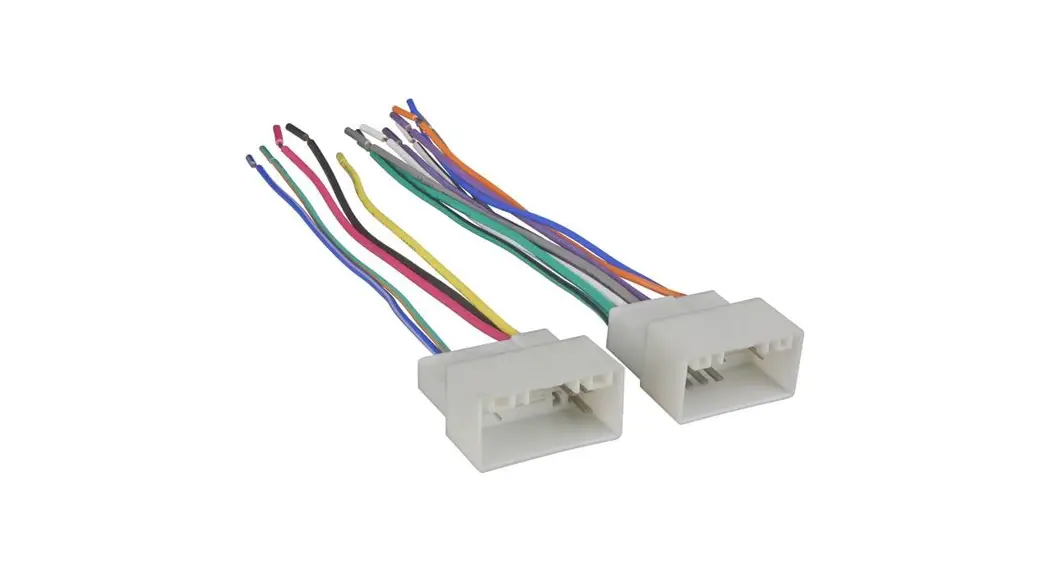
- Connect the interface to the transmitter as shown in Figure 1 (DIN43650) or Figure 2 (M12).
- Connect the interface to the PC.
- There is no need to install drivers.
- To configure a device, run the TxConfig II software.
ELECTRICAL CONNECTIONS
TxConfig-DIN43650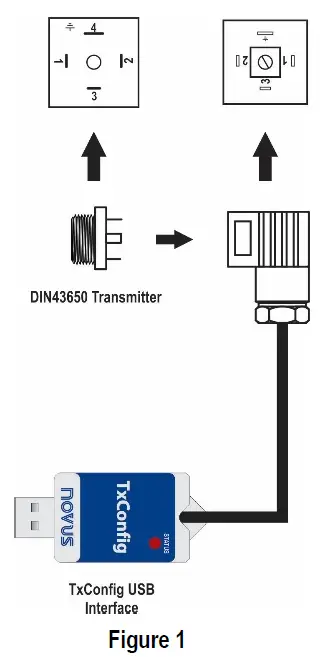
TxConfig-M12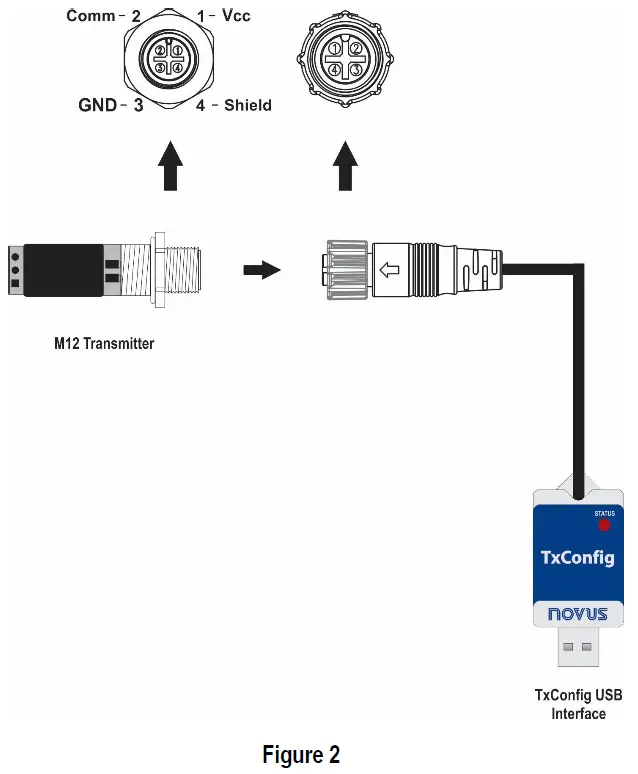
OPERATION
Follow the instructions in the TxConfig software.
STATUS LED
- LED on: The interface was installed and is ready for use.
- LED blinking: The device is communicating with the transmitters.
Warning:
There is no isolation on the USB interface of this product. Be careful when using it with field-installed transmitters, as short circuits or ground loops may occur.
WARRANTY
Warranty conditions are www.novusautomation.com/warranty.
 Warranty - Company - NOVUS Automation Inc.