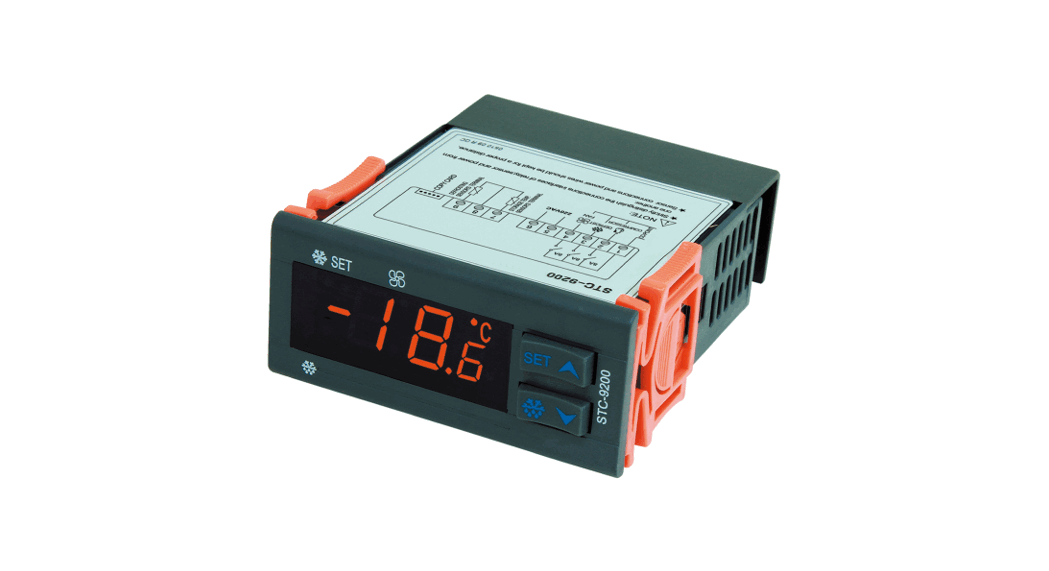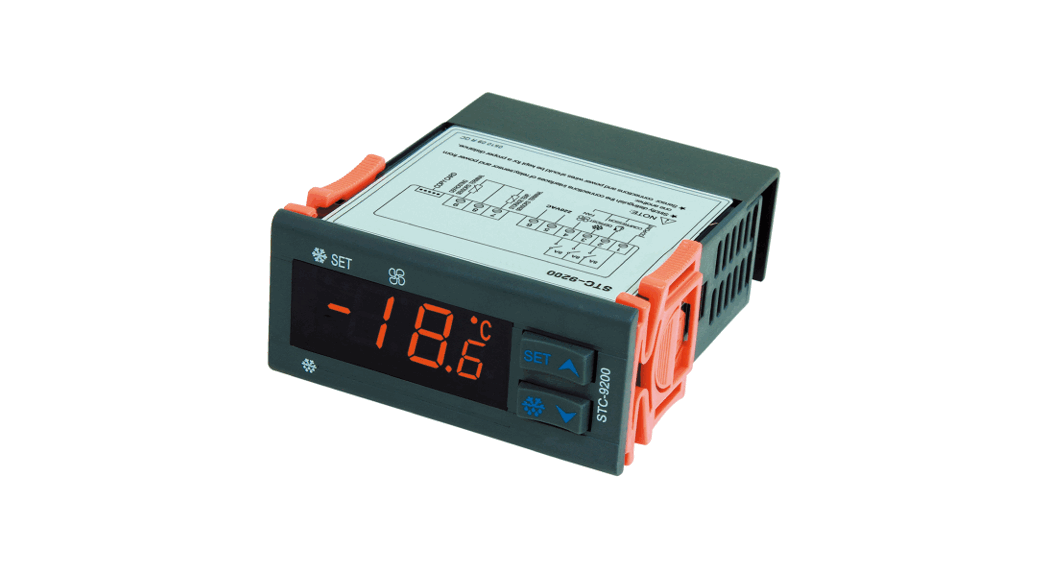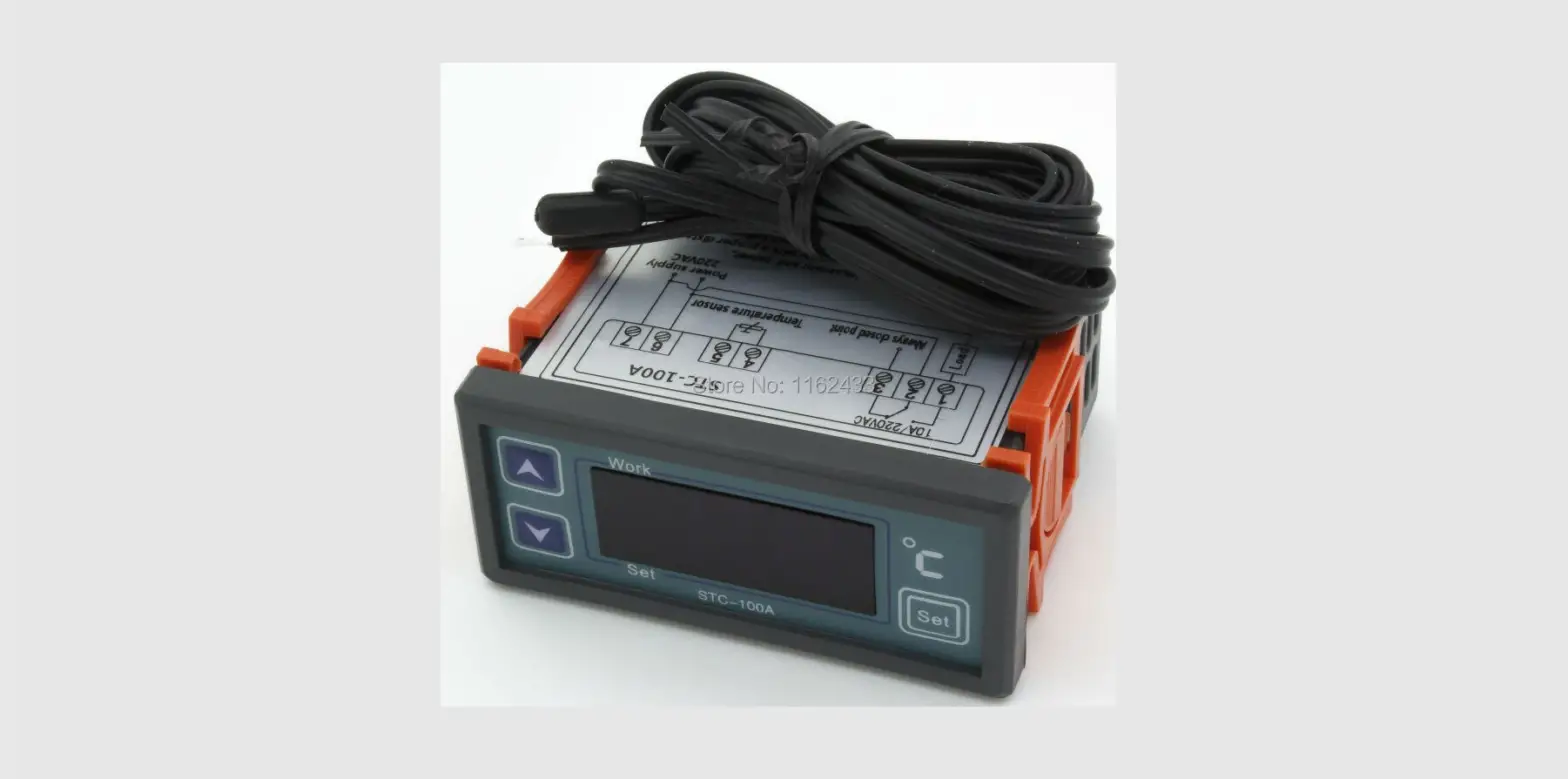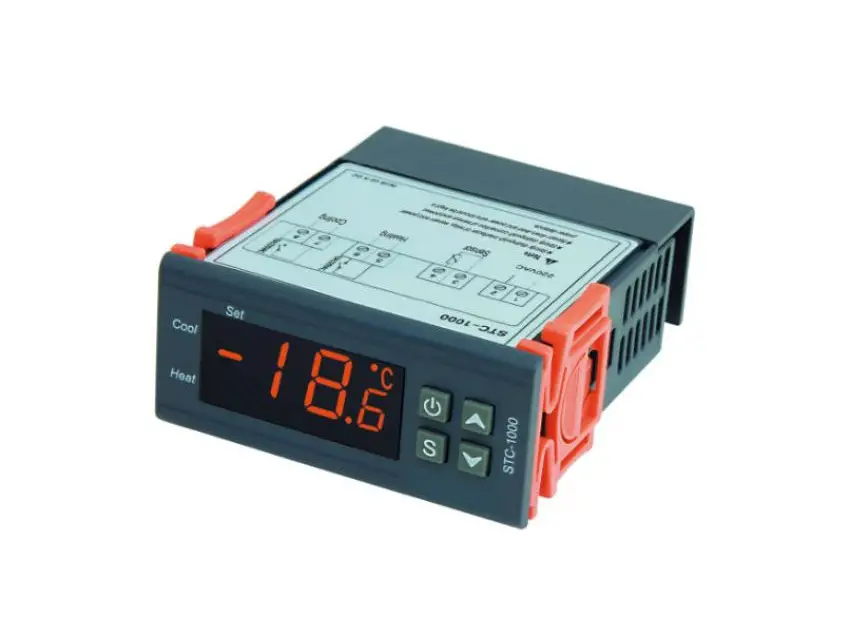

STC-2304 Thermostat
Quick Start Guide
(Version 21.08.02GEN)
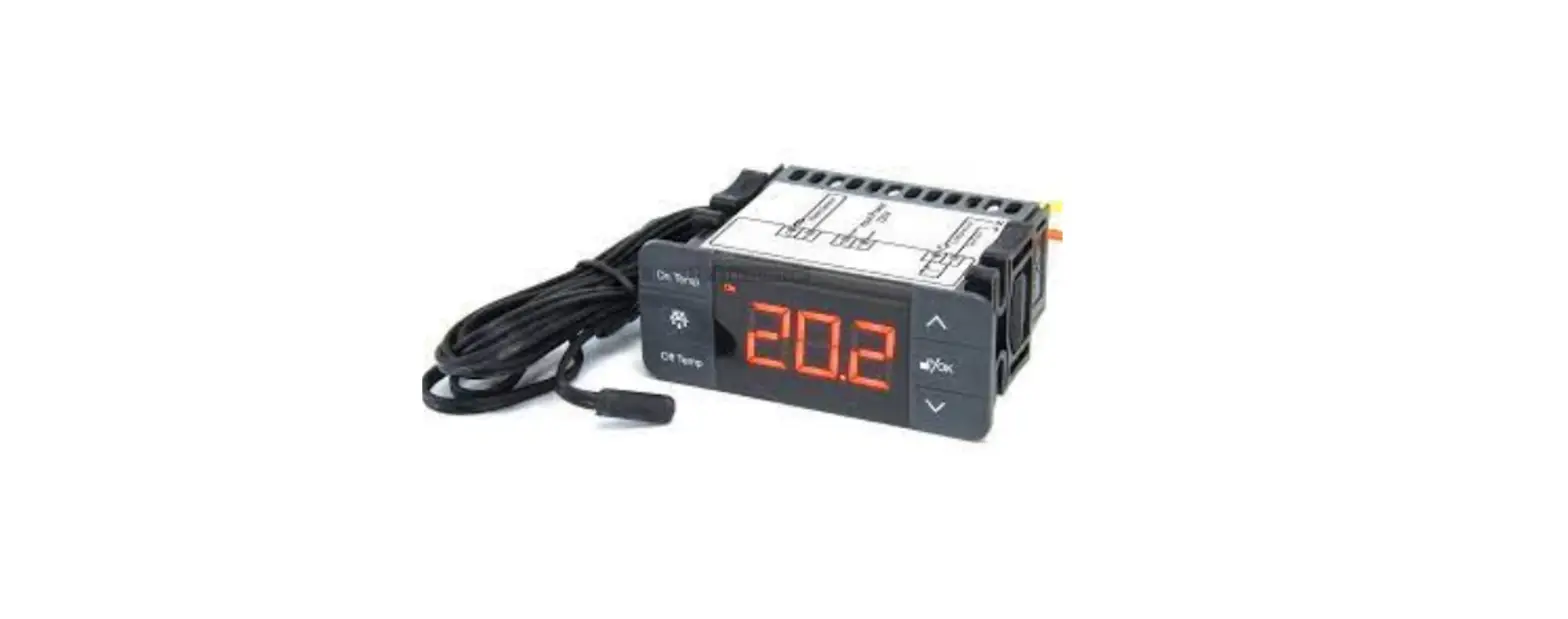
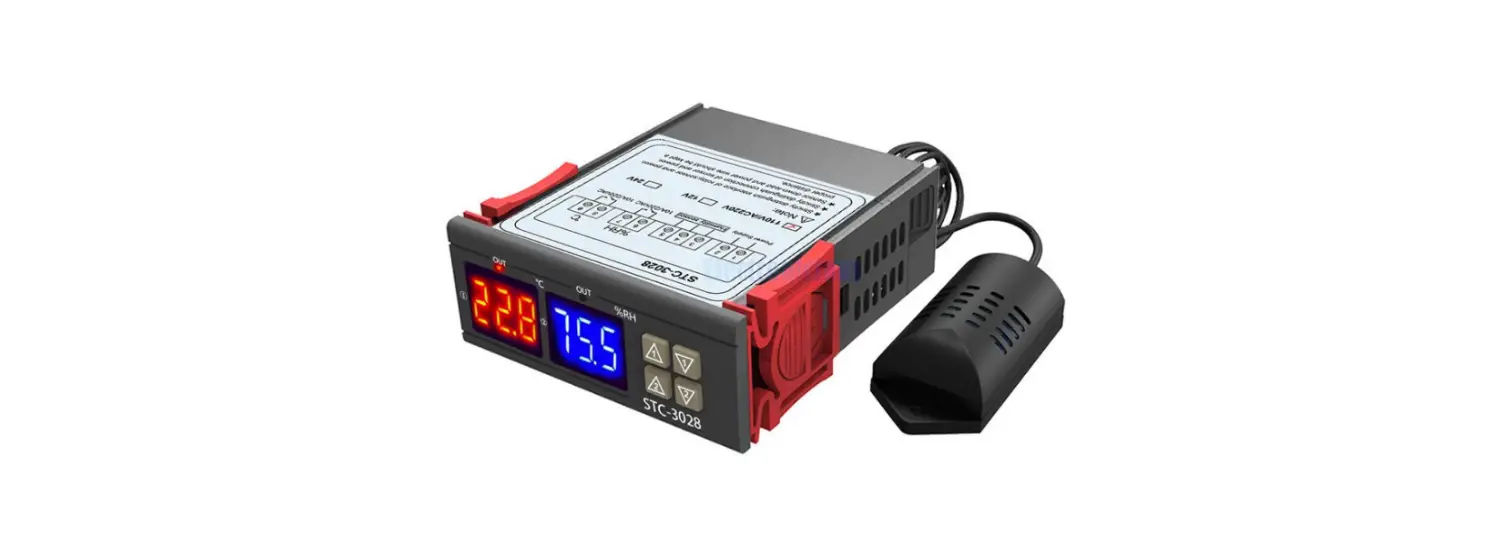
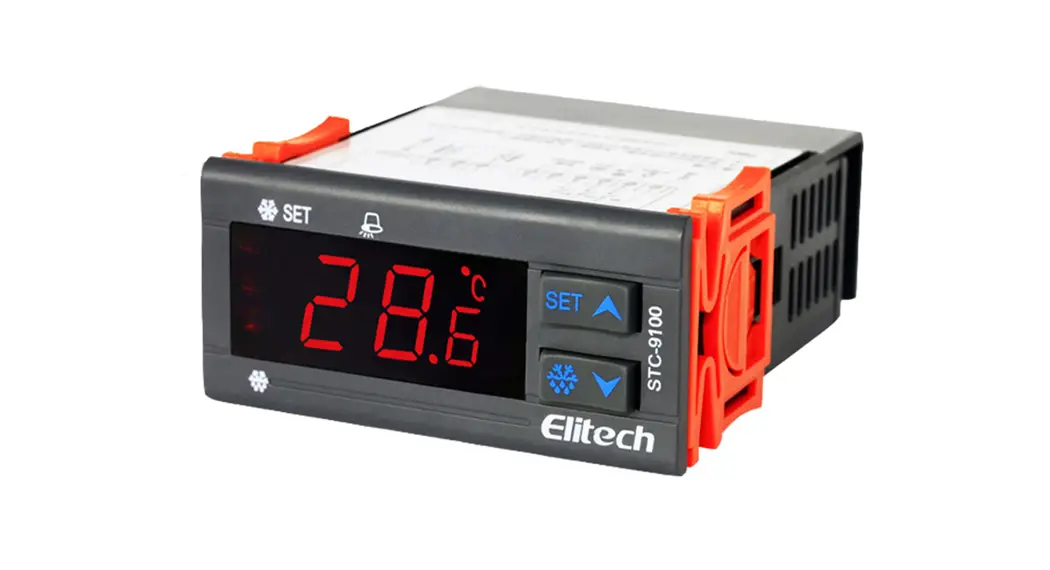
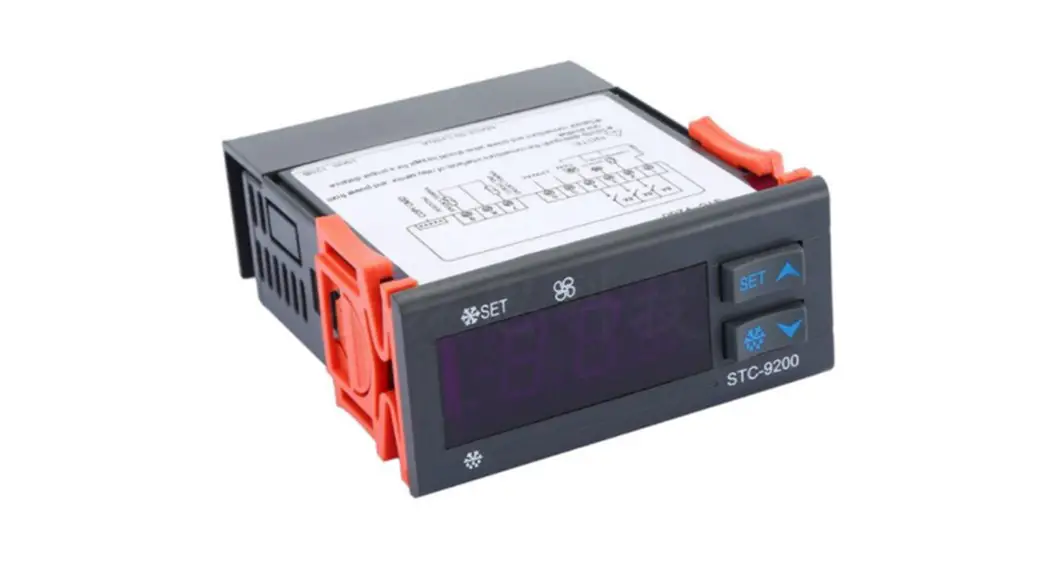
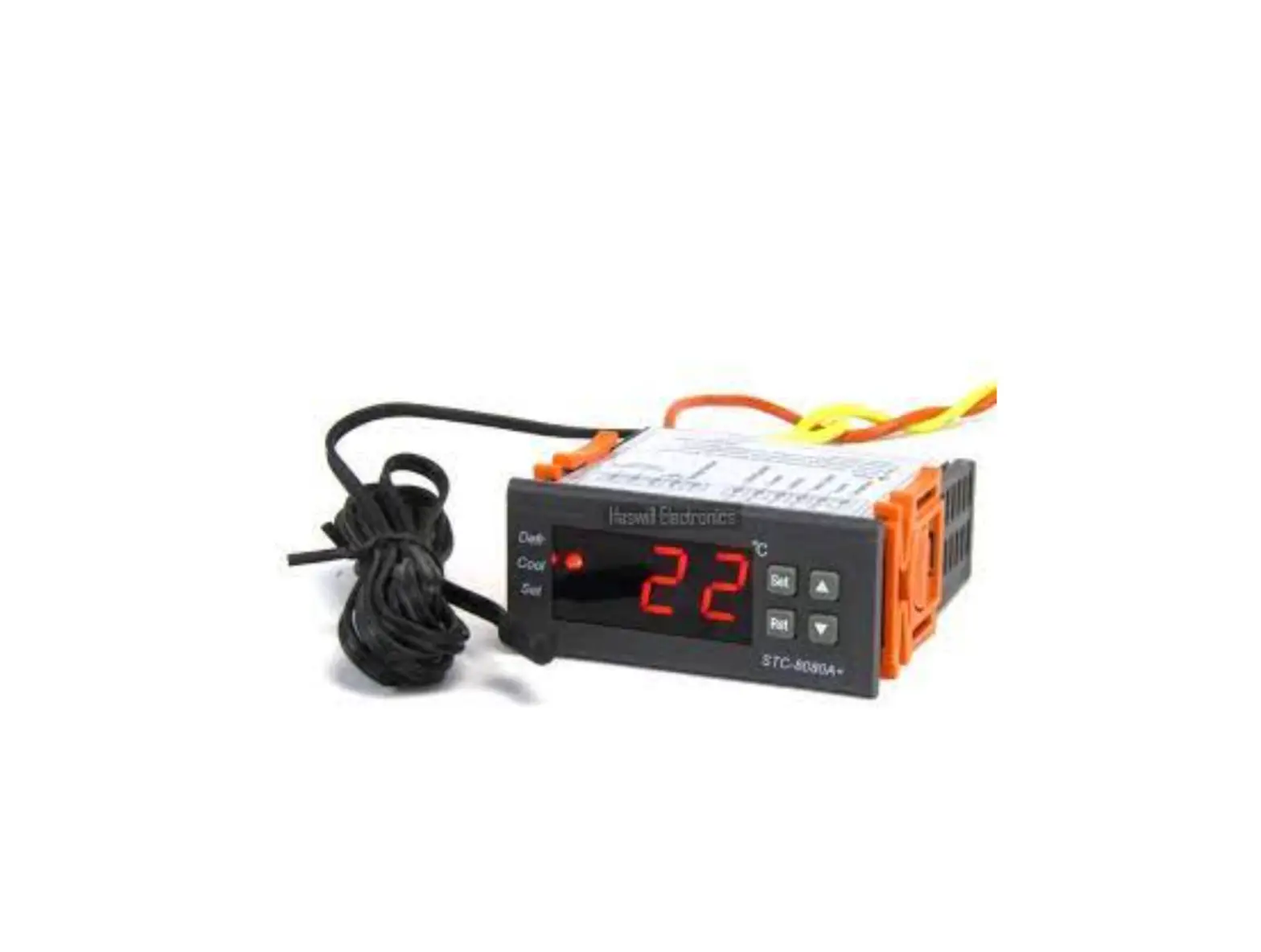
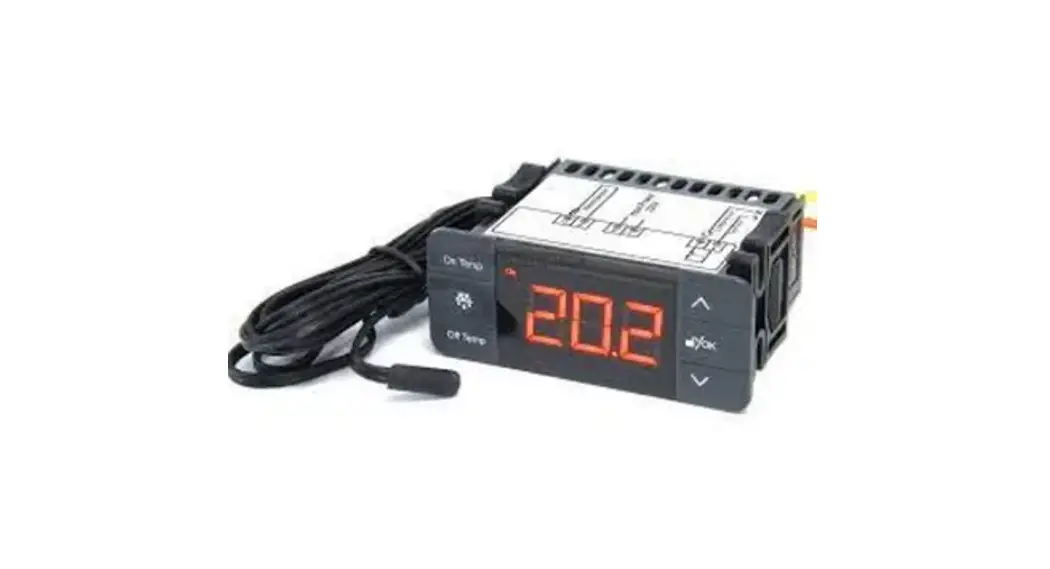
STC-2304 owns 6 touch-sensitive keys, two sensors, and three output relays to connect and control the Refrigerator, defrosting unit, and evaporator fan.
Wiring Diagram
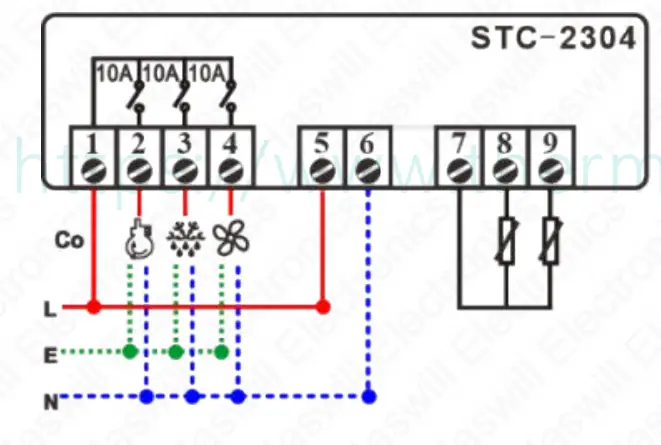
 | Live |
 | Neutral/Null |
 | Earth |
| Co | Power Supply Input |
 | Compressor |
 | Defrosting |
 | Fan |
| 7 | Co-point of Sensor |
| 8 | Room Sensor |
| 9 | Defrosting Sensor |
Lock/Unlock Keys
If you found the keys were locked, Hold the [  ] key for 1s to unlock, and the
 icon in the left bottom of the screen will dim, It will auto-lock again if without cooperation in the 30s.
Restore Factory Setting
Hold the [ ⋀] key for 10s, and the screen will show “ ”, now release the [⋀ ] key and hold the [ ] key for 3s; The screen will display “
 ” once it succeeds; Show “
 ” if failed, please power on again before trying.
Set the Aimed Temp Range
Unlike STC-2301/2302/2303, they own a heating mode. This thermostat only controls the refrigeration and defrosting, and fan, this unit is without  code. https://www.thermo-hygro.com
The aimed temperature range was defined between the “On Temp.” and the “Off Temp.”. Set the temperature for load starts/stops
1) [On Temp] Key: touch this to check/edit the existing
[Temperature for Load Turn On], the character “On Temp” lighting;
2) [Off Temp] Key.: touch this to check/edit the existing
[Temperature for Load Turn Off], the character “Off Temp” lighting;
Hold the [ ] key for 3s to see the Menu List.
| Code | Function |
 | Defrosting Lasting Time |
 | Defrosting Cycle / Interval Time |

| Defrosting Cycle / Interval Time Count Mode |
 The sum working time of the controller The sum working time of the controller | |
 The sum working time of the compressor The sum working time of the compressor | |
 | Water dripping Time |
 | Defrosting by, is Electric-Thermal, is Hot Gas |
 | Defrosting Stop Temperature |
 | Fan mode |
 | Time delay for fan 1st time running after pass F4 |
 | Compressor Startup Protection / Delay time |
 | Alarm Delay time for this unit 1ST-time power on |
 | Over-Temperature Value to Trigger Alarm |
 | Alarm Delay time after time pass F10 |
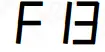 | Temp. Calibration = Real Temp.-Measured Temp |
Set the Fan
Five options are available in the fan mode
| Description |
| ≤- | Fan startup earlier than the compressor |
| ≥ | Fan startup later than the compressor |
| Fan keep synchronous with the compressor |
 | Fan continuous working without interrupt |
 | Fan continuous working except for the defrosting time and water dripping time. |
| & | are the difference between this unit and |
STC-2303.
Set the defrosting
First, you should set the defrosting interval time, since
A. when = , the defrosting function was disabled, then , , , are useless;
B. When > , The defrosting function works.
Next, configure the which is the defrost method,
A. =, Defrost by Electric-Thermal.
B. = , Defrost by Hot Gas from the compressor reversal rotary.
Then, change the value; it is the stop line for defrosting.
At last, to configure other parameters.
This is not a step-by-step user manual;
It just shows the key points.
The new user should read the Full-Content Version User Manual
 https://www.thermo-hygro.com/
Haswill Electronics
STC-2304 Defrost Fan Thermostat
https://www.thermo-hygro.com
Copyright Haswill-Haswell All Rights Reserved
 Haswill Electronics - Digital Temperature meter, controller and data Logger from China