 STC-2303 Thermostat
Quick Start Guide
(Version 21.08.02GEN)
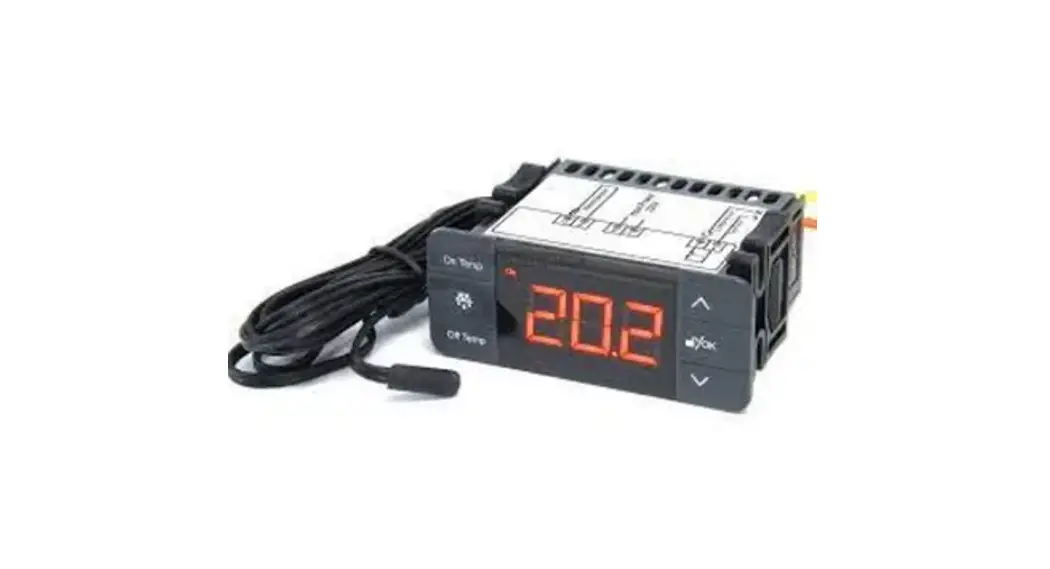
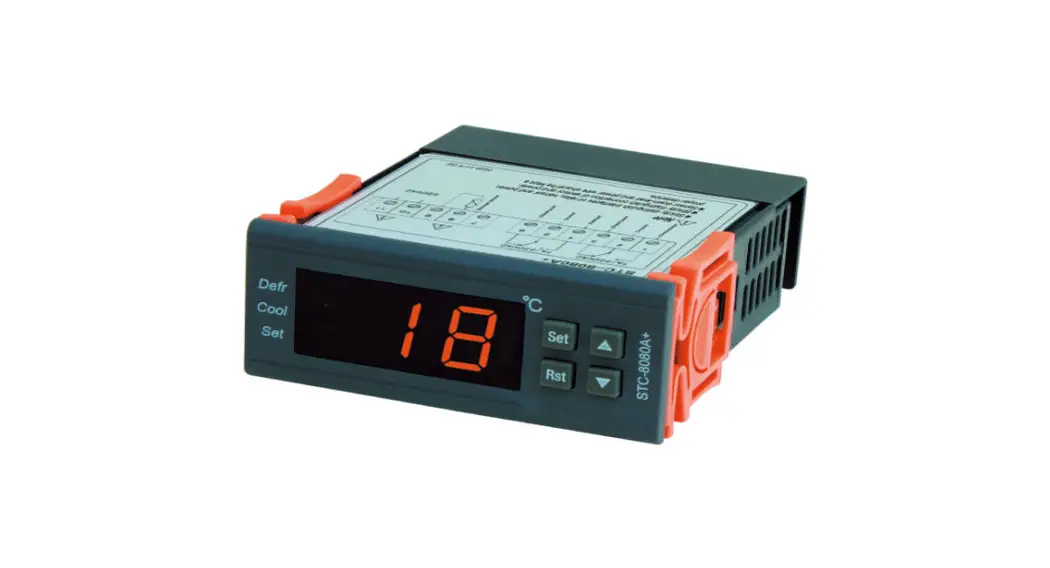
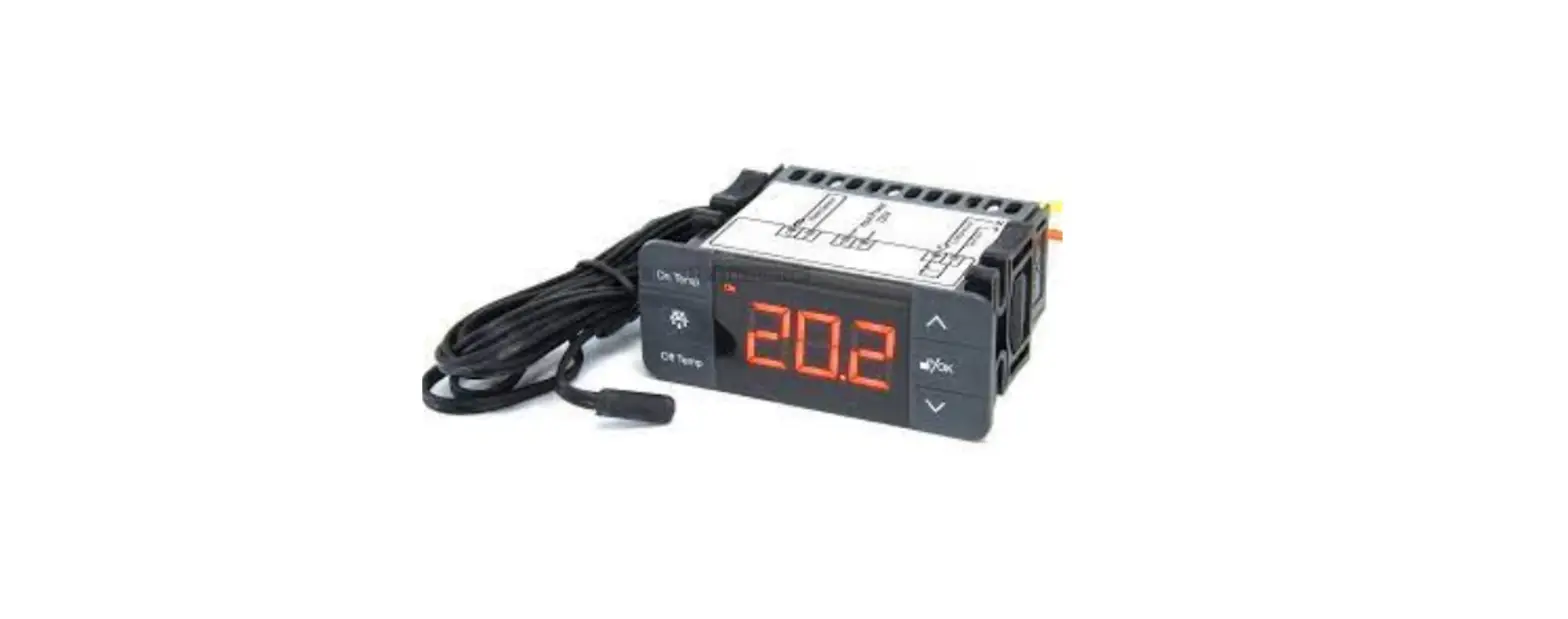
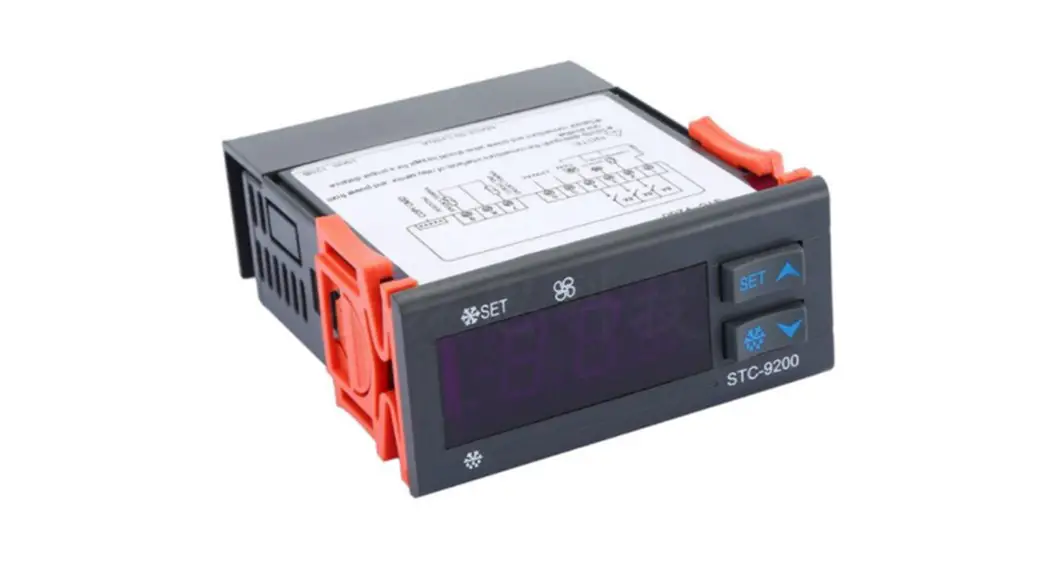
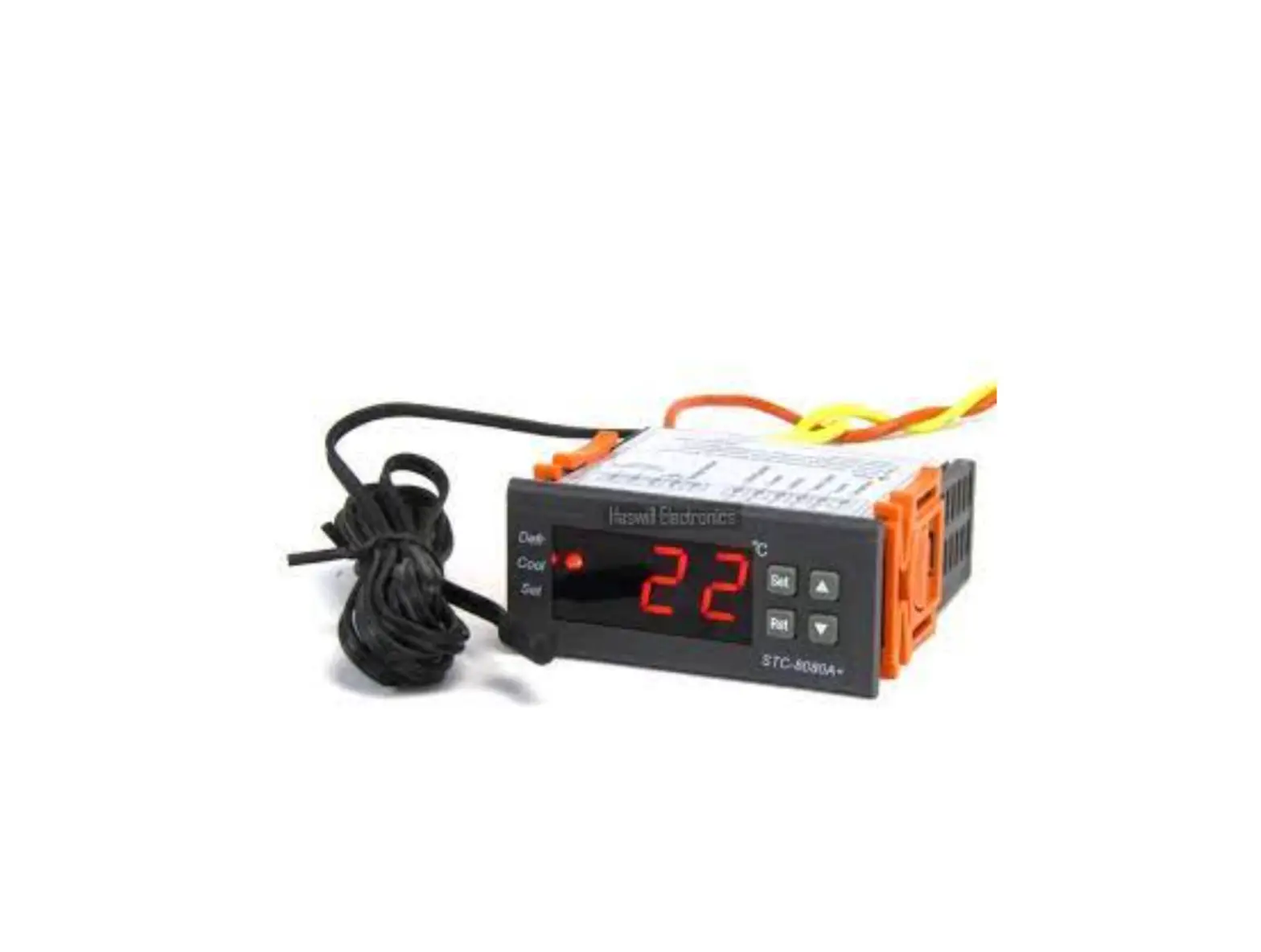
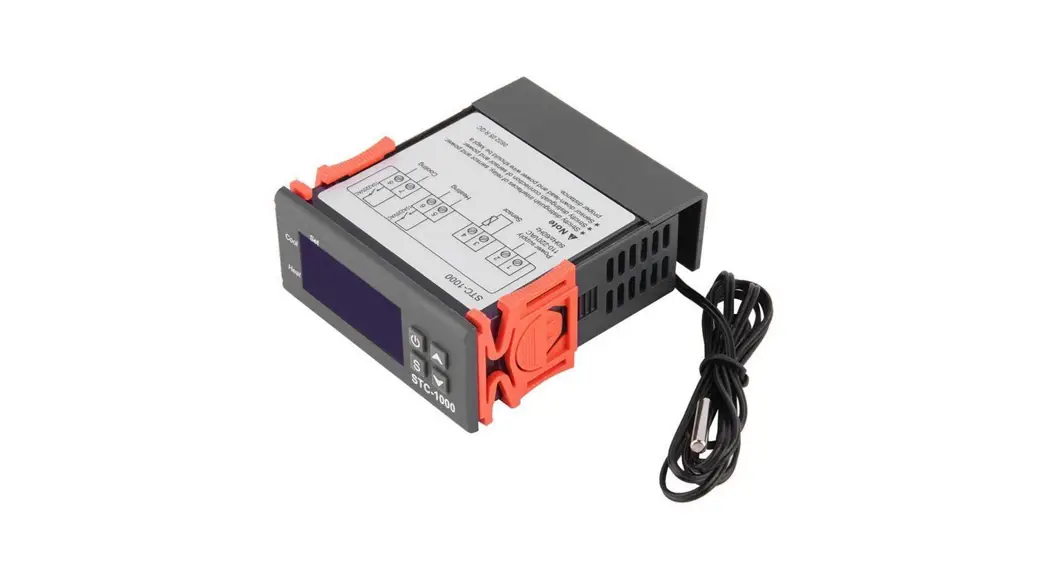
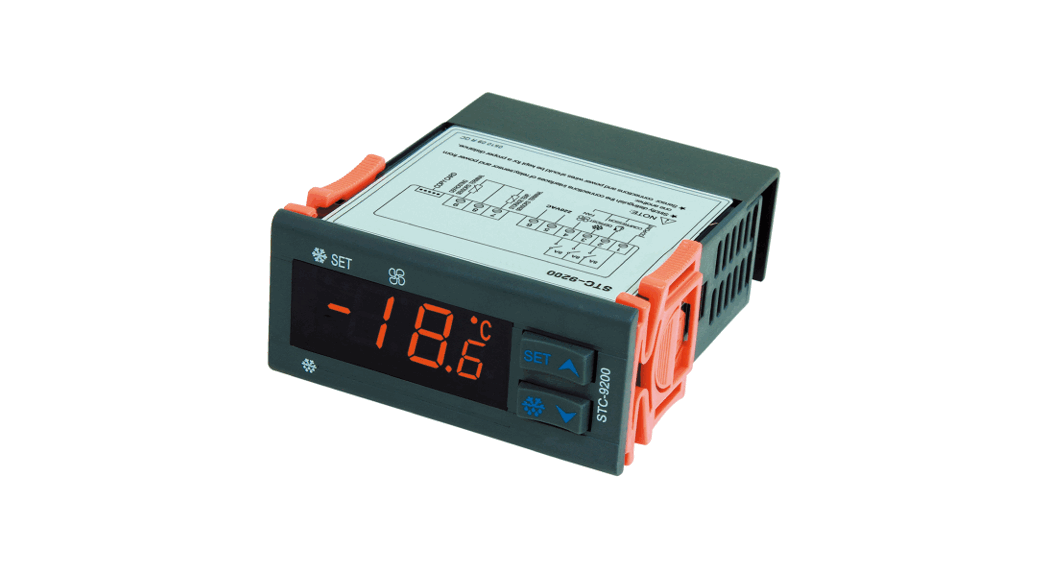
STC-2303 owns 6 touch-sensitive keys, two sensors, and two output relays to connect and control the Refrigerator and the defrosting unit.
Wiring Diagram
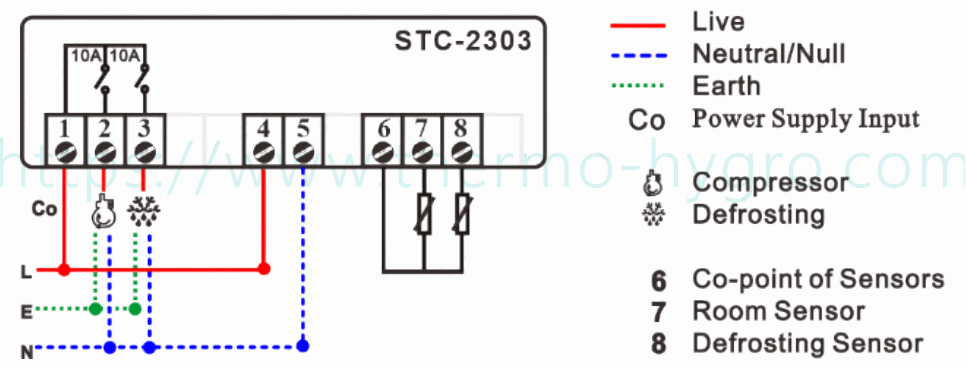
Set the Aimed Temp Range
The aimed temperature range was defined between the “On Temp.” and the “Off Temp.”.
Firstly, you should decide the working mode ( ) is refrigeration or heating; Since the aim temperature range will be rewritten to the default value once you change .
Next, set the temperature for load starts/stops
- [On Temp] Key: touch this to check/edit the existing [Temperature for Load Turn On], the character “On Temp” lighting;
- [Off Temp] Key.: touch this to check/edit the existing [Temperature for Load Turn Off], the character “Off Temp” lighting;
Hold the [  ] key for 3s to see the Menu List.
| Code | Function |
 | Defrosting Lasting Time |
 | Defrosting Cycle / Interval Time |
 | Defrosting Cycle / Interval Time Count Mode |
 The sum working time of the controller The sum working time of the controller | |
 The sum working time of the compressor The sum working time of the compressor | |
| Water dripping Time |
 | Defrosting by, is Electric-Thermal, is Hot Gas |
 | Defrosting Stop Temperature |
 | Compressor Startup Protection / Delay time |
 | Alarm Delay time for this unit 1ST-time power on |
 | Over-Temperature Value to Trigger Alarm |
 | Alarm Delay time after time pass |
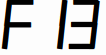 | Temp. Calibration = Real Temp.-Measured Temp. |
Set the defrosting
First, you should set the defrosting interval time, since
A. when = , the defrosting function was disabled, then , , , are useless;
B. When > , The defrosting function works.
Next, configure the which is the defrost method,
A. = , Defrost by Electric-Thermal.
B. = , Defrost by Hot Gas from the compressor reversal rotary.
Then, change the value; it is the stop line for defrosting. This option is the difference between this controller and STC-2302.
At last, to configure other parameters.
Lock/Unlock Keys
If you found the keys were locked, Hold the [ ] key for 1s to unlock, the  icon on the left bottom of the screen will dim, It will auto-lock again if without operation in the 30s.
Restore Factory Setting
Hold the [ ∧ ] key for 10s, and the screen will show “ ”, now release the [ ∧ ] key and hold the [ ] key for 3s;
The screen will display “ ” once it succeeds; Show “
 ” if failed, please power on again before trying.
This is not a step-by-step user manual;
It just shows the key points.
The new user should read the Full-Content Version User Manual
 https://www.thermo-hygro.com/
Haswill Electronics
STC-2303 Defrost Thermostat
Copyright Haswell-Haswell All Rights Reserved
 Haswill Electronics - Digital Temperature meter, controller and data Logger from China