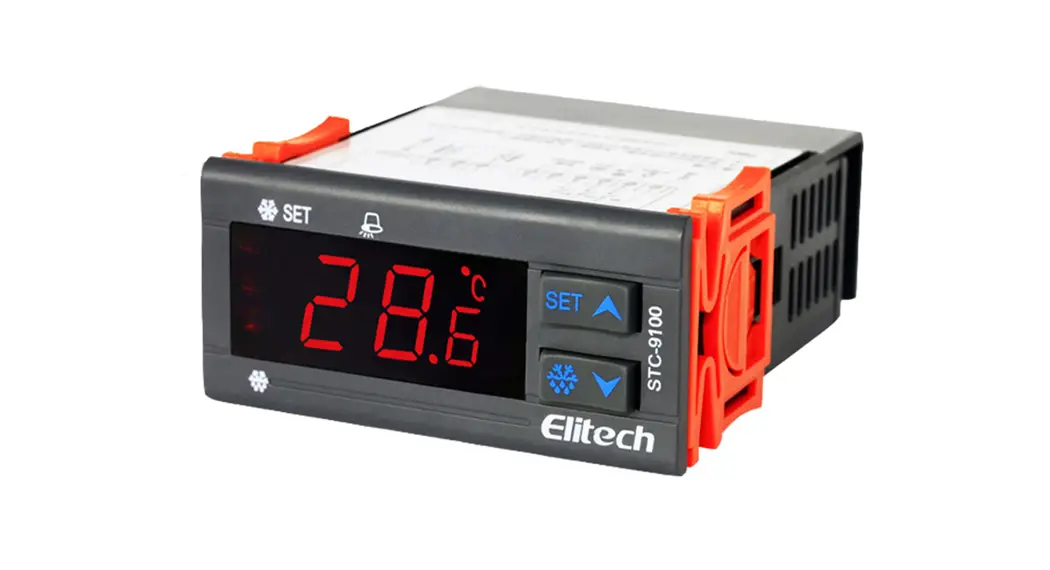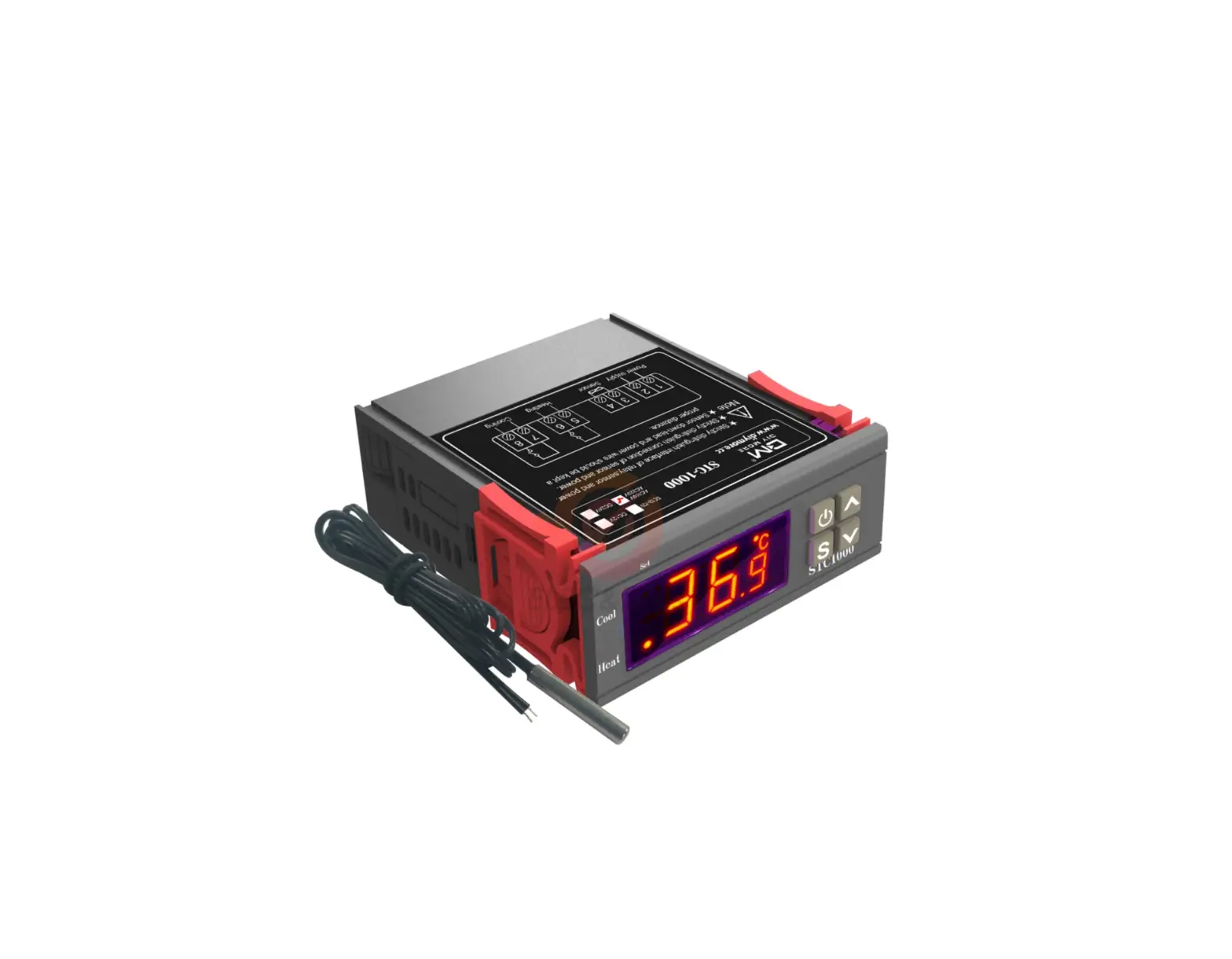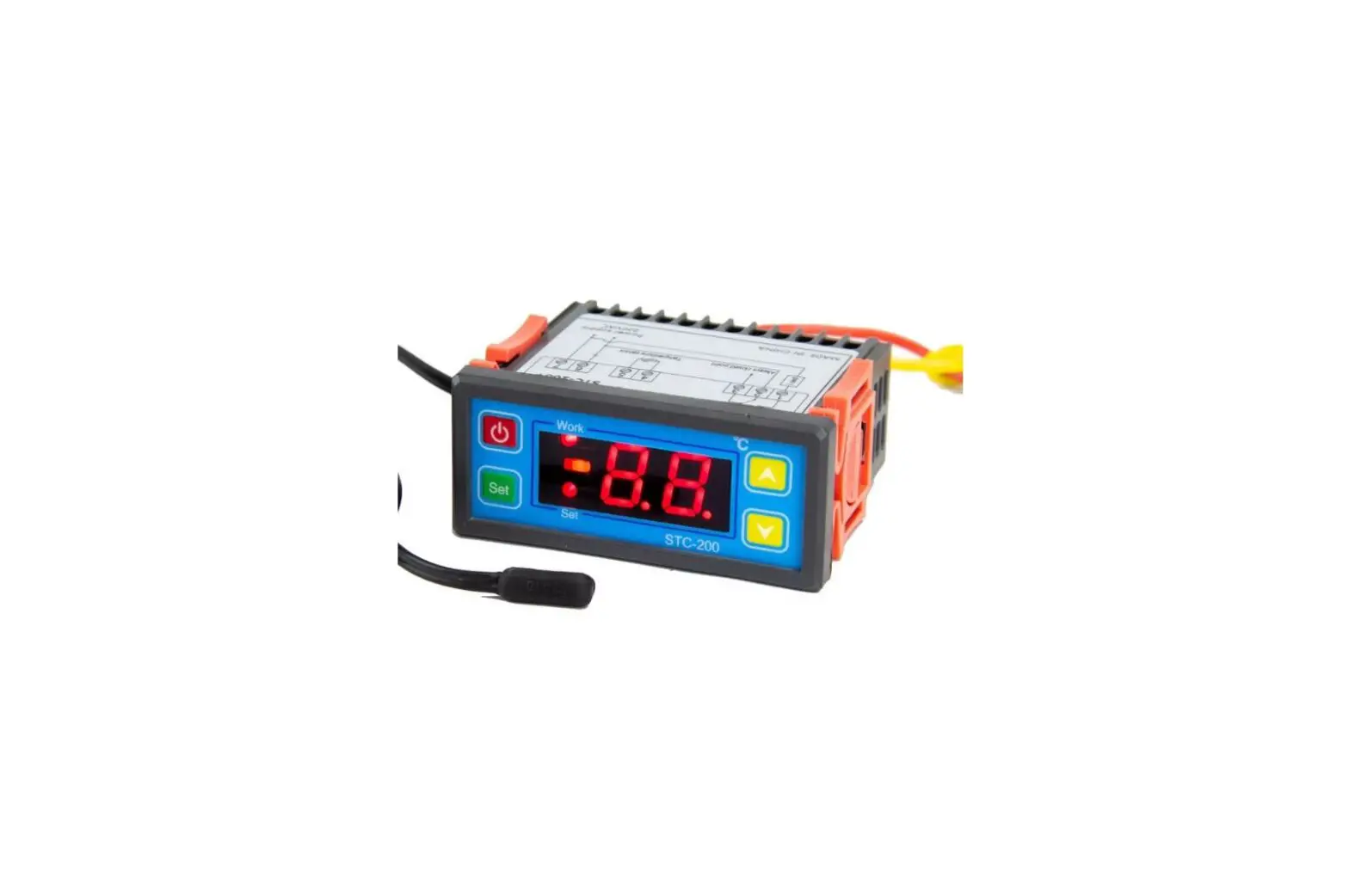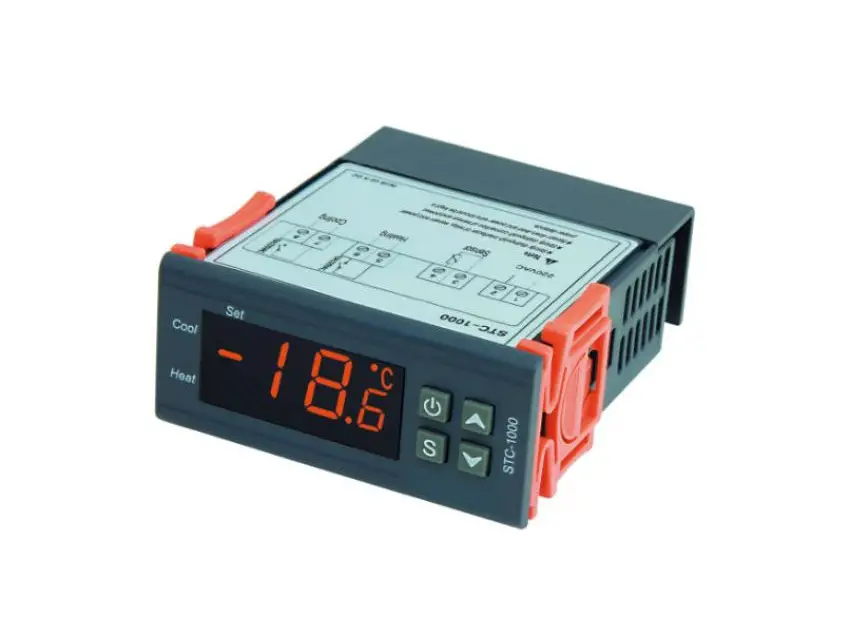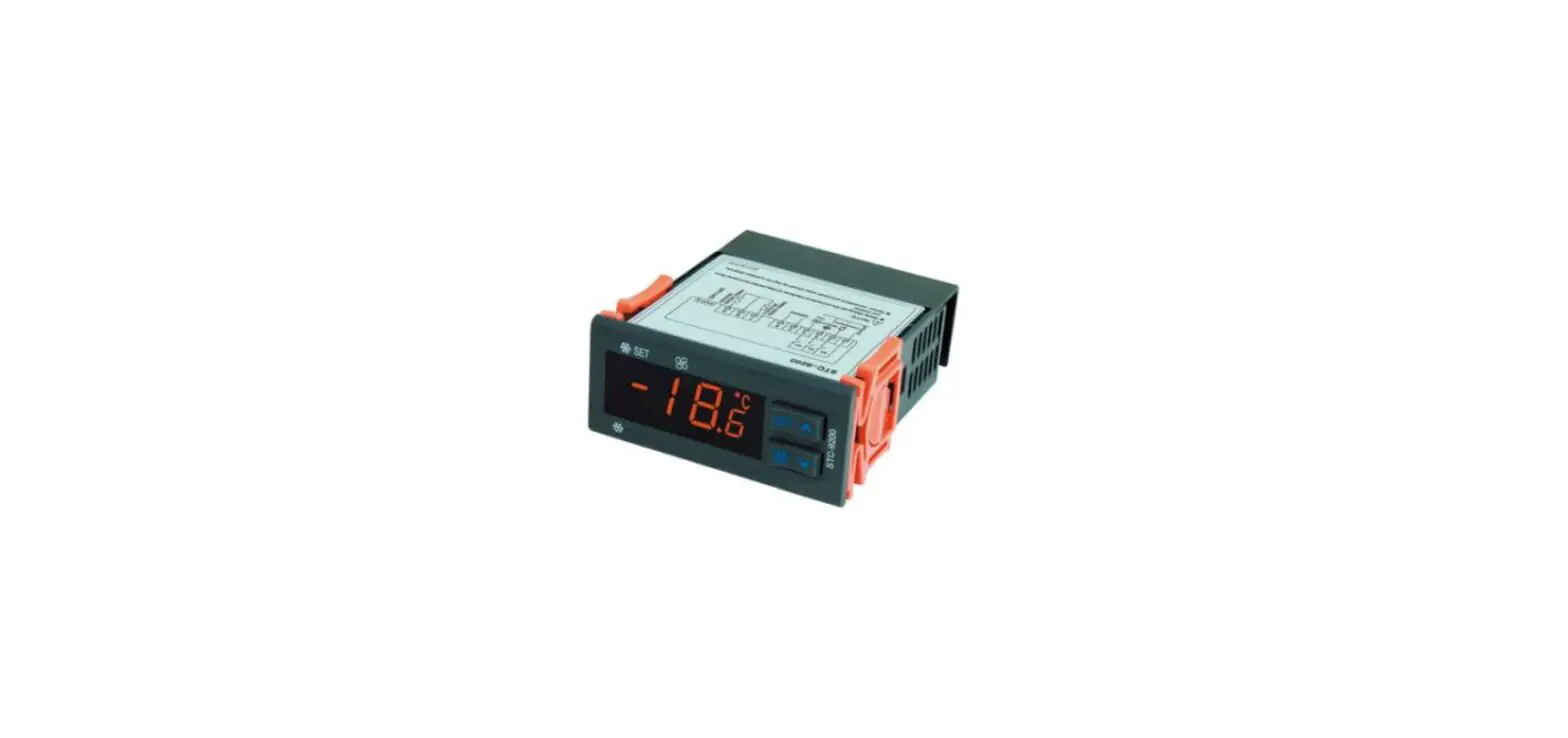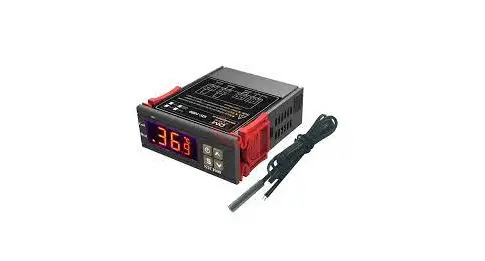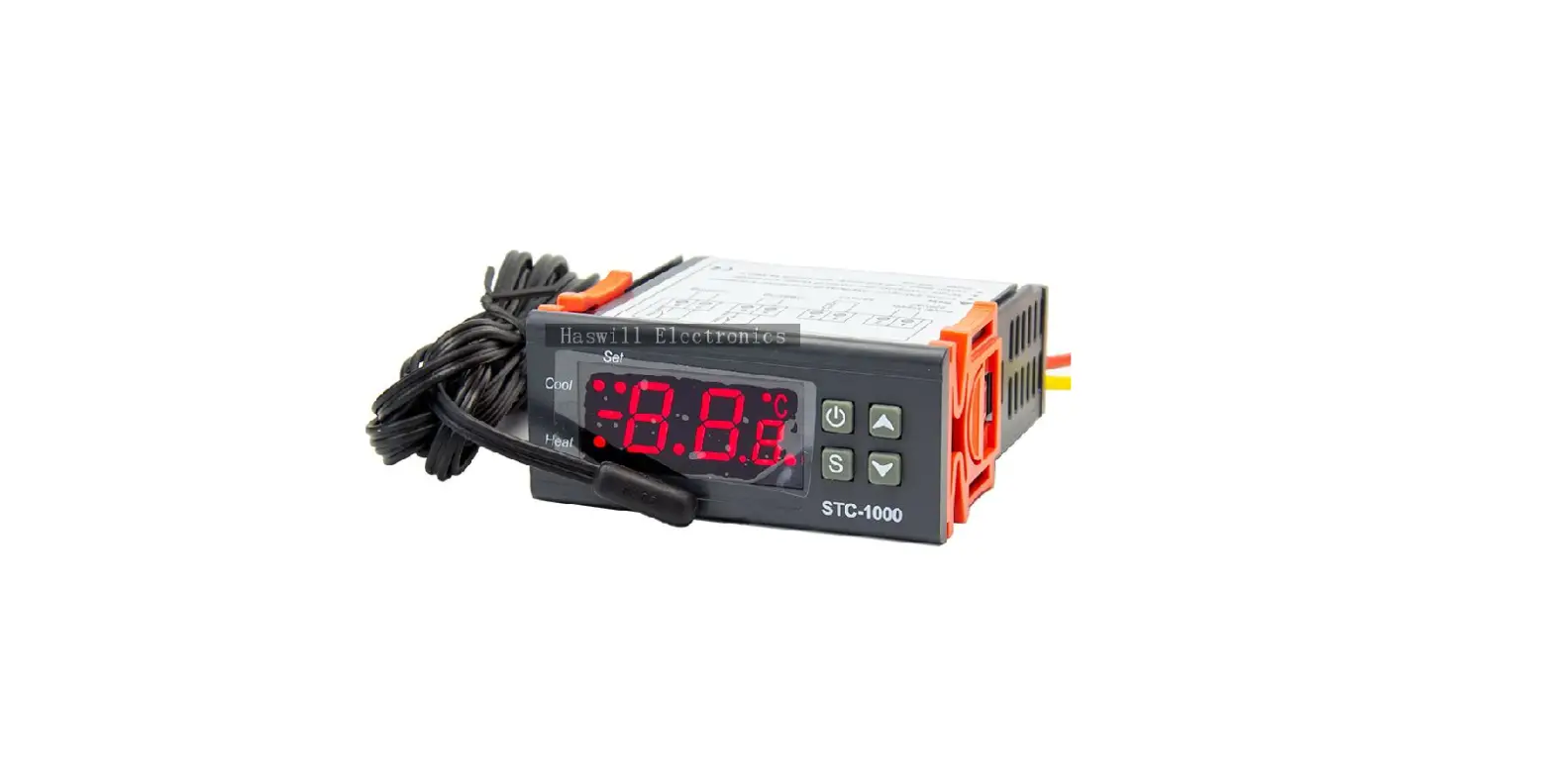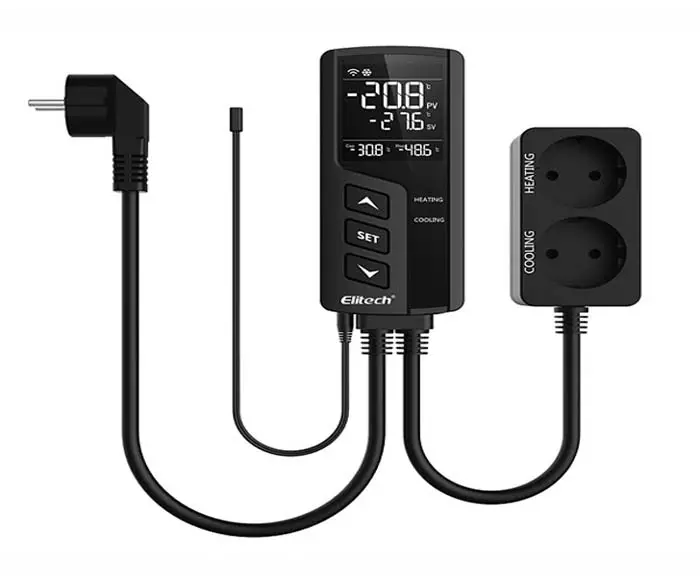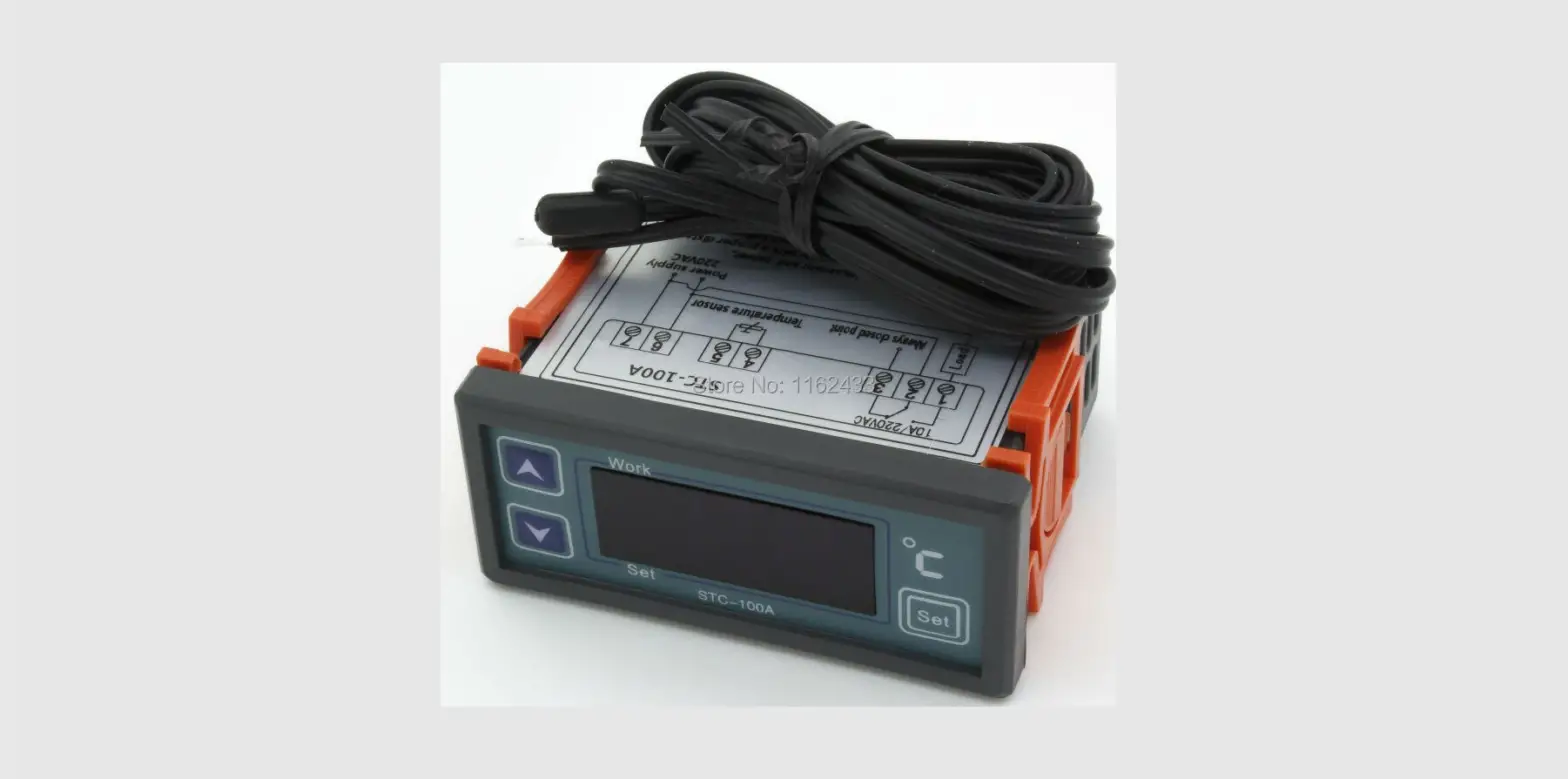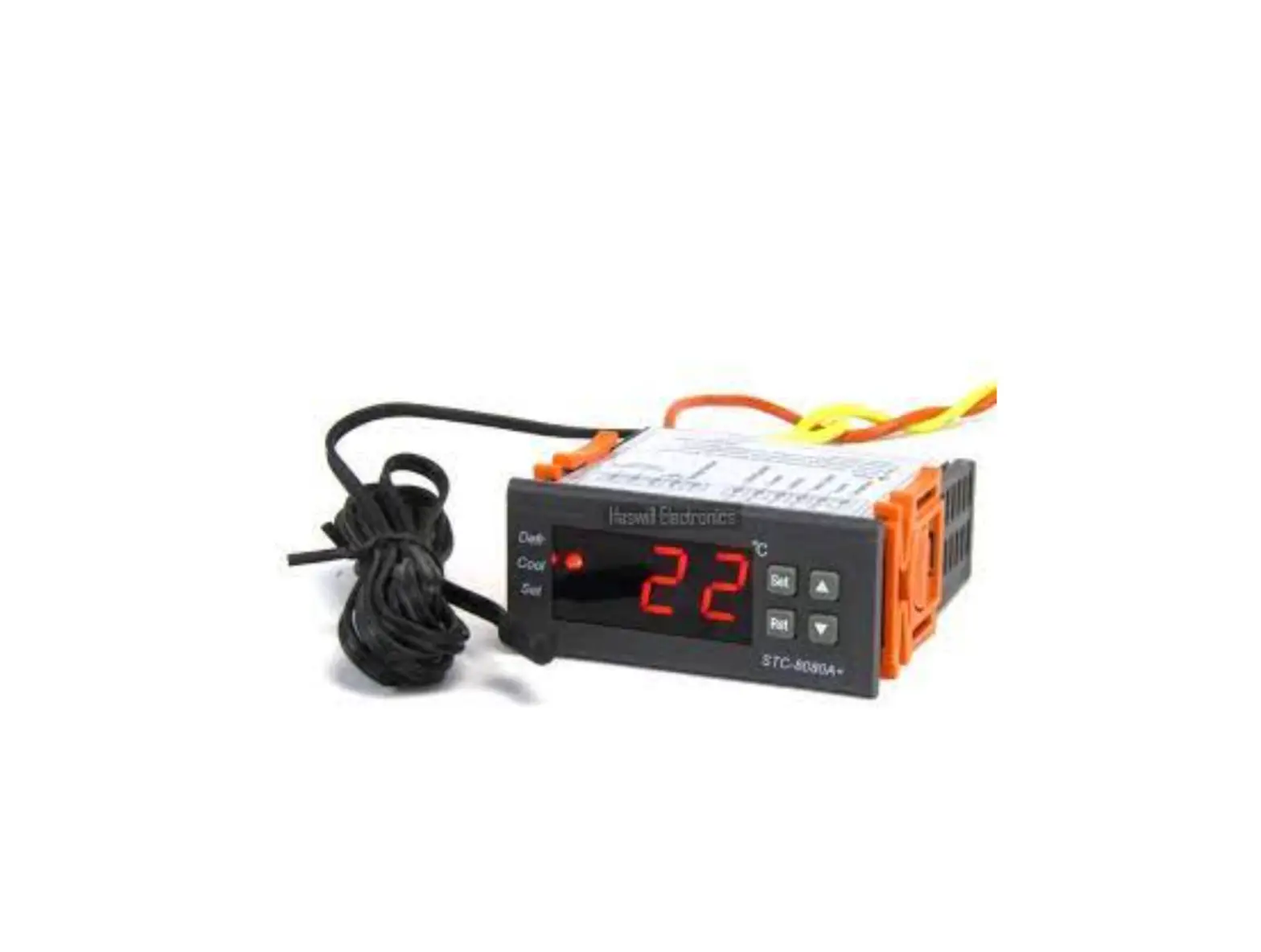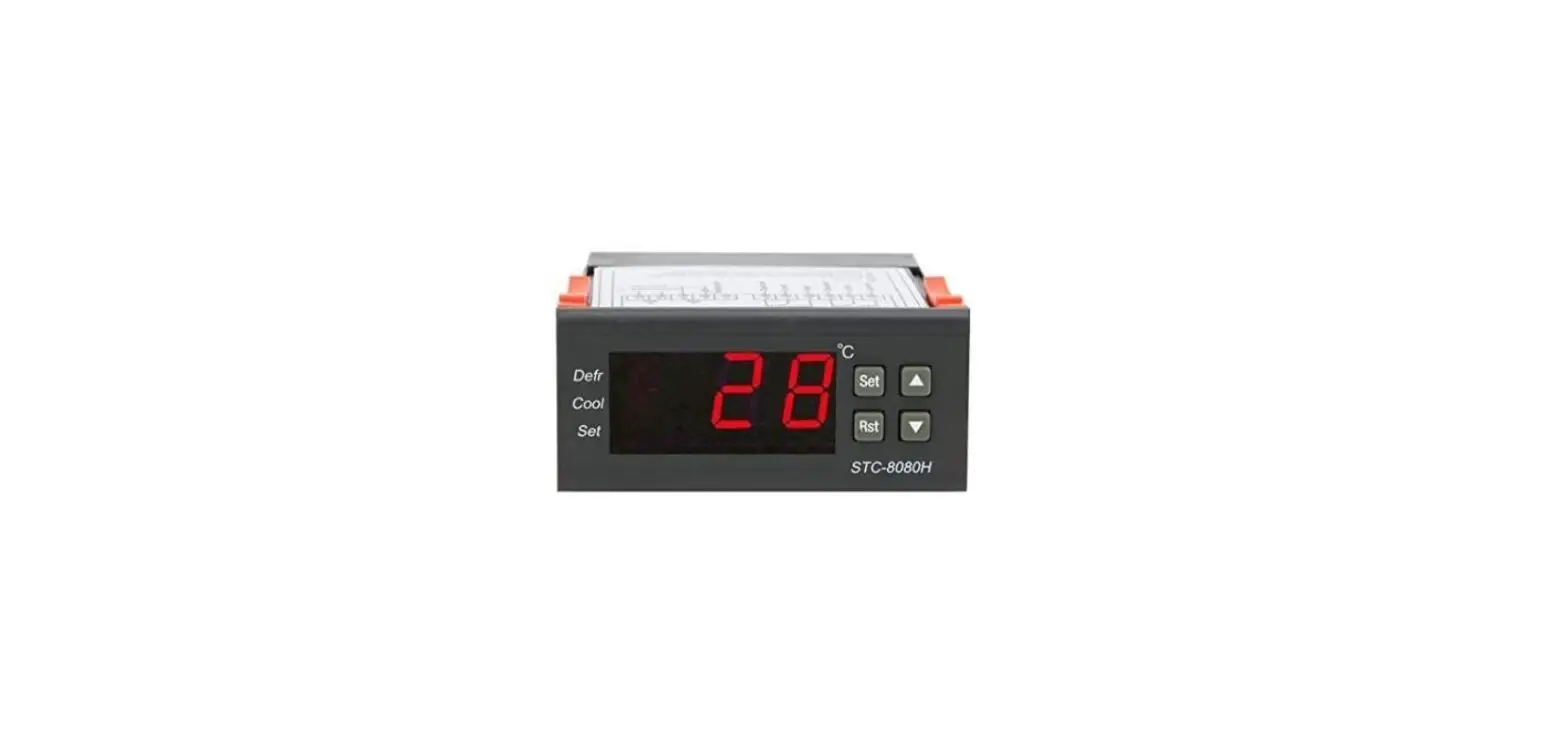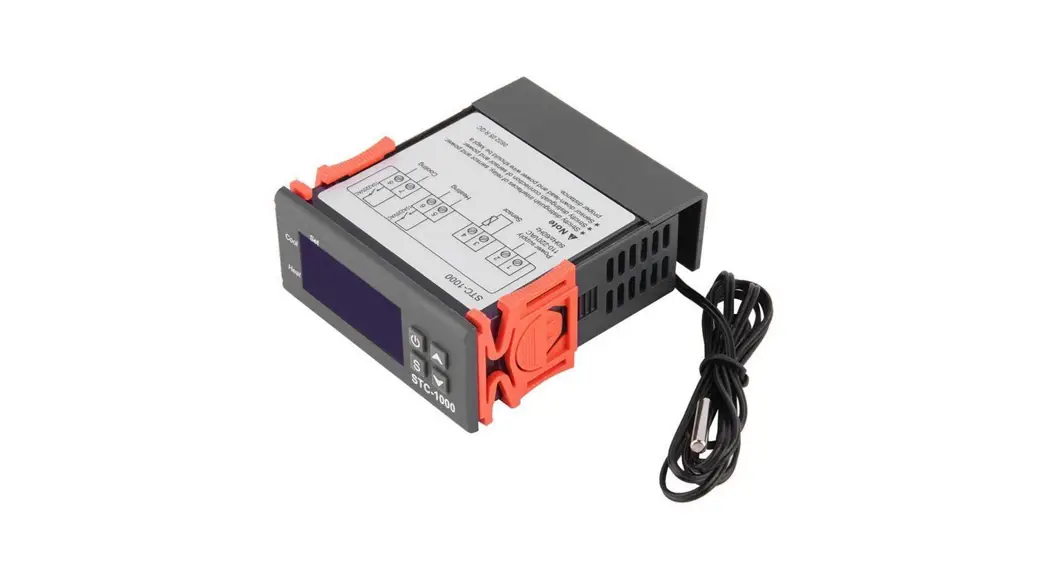
 STC-1000 Thermostat
Quick Start Guide
(Version 22.11.32GEN)
Haswill STC-1000 – YouTube
STC-1000 Thermostat
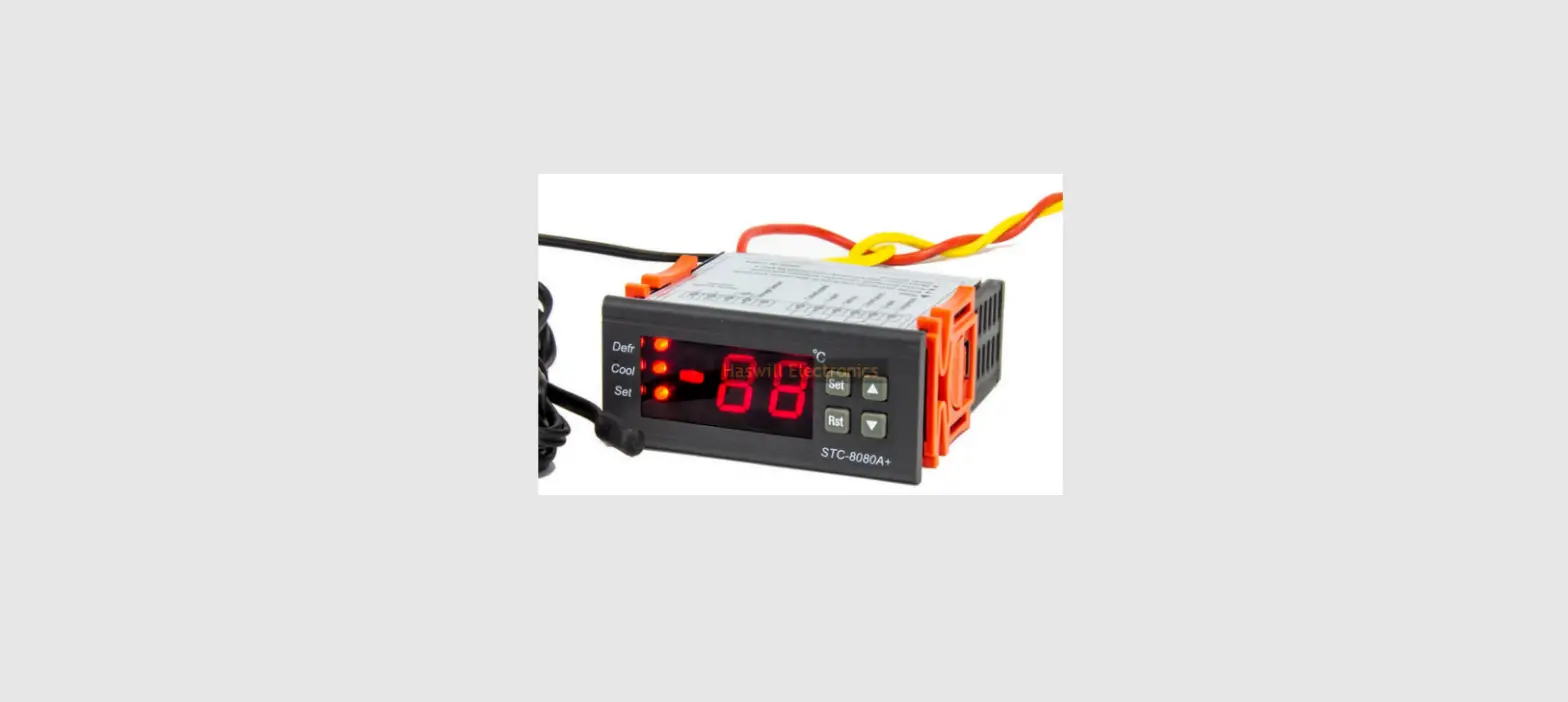
STC-1000 thermostat offers two relays to wire one refrigerator and one heater; it will auto-switch between the heating and cooling mode; that’s why it was taken as “All-Purpose Temperature Controller.”
Wiring Diagram
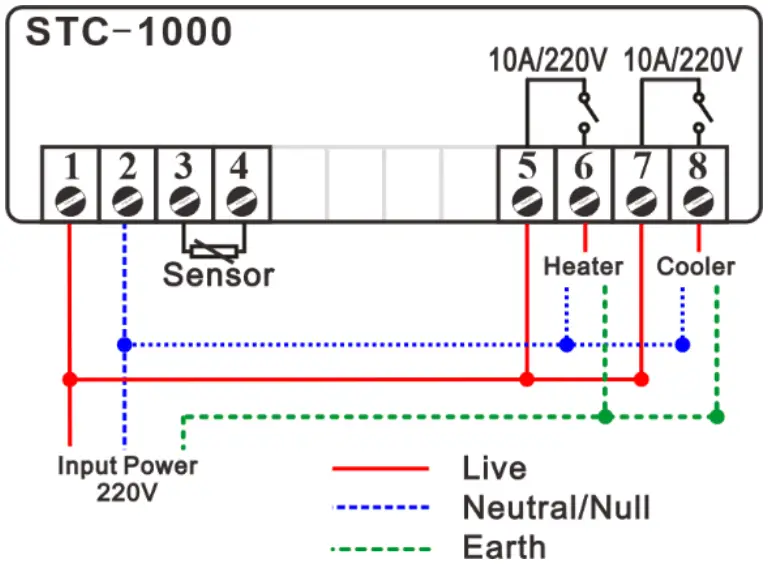
This unit does not output AC electricity; hence you have to wire all live and null wires to each port; you may use the jumper wire conveniently.
| Code | Function |
 | Temperature Setpoint |
 | Temperature Hysteresis / Difference |
 | Protection Delay Time for the Compressor |
 | Temperature Calibration |
Set the Aimed Temp Range
The aimed temperature range was defined from “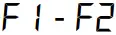 ” (if lower than this, trigger heating) to “
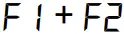 ” (if higher than this, trigger cooling), hence you need to set both “” and “”.
3.1. Configure Parameters
- Hold the
 key for 3s to enter the menu list; the display shows the code
 ;
; - Press the key to see the existing value, press direction keys to change it;
- Press the
 key to save data.
 key for 3s to enter the menu list; the display shows the code
 key to save data.
Attention: the new data will be discarded and back to normal status if without operation in 8 seconds.
3.2. More Tips
Under normal status
- Press the
 key to check the temperature setpoint ;
 - Press the
 key to check the Hysteresis value ;
 - Hold the key for 3s to power off / on;
- Hold the and keys at the same time for 5s to restore factory settings.
 key to check the temperature setpoint
  key to check the Hysteresis value
 This is not a step-by-step user manual;
It just shows the key points.
The new user should read the Full-Content Version User Manual https://www.thermo-hygro.com/
Haswill Electronics
STC-1000 Temperature Controller for Sale – Haswill Electronics (thermo-hygro.com)
Copyright Haswill-Haswell All Rights Reserved
 YouTube
 STC-1000 Temperature Controller for Sale - Haswill Electronics