Haswell Electronics
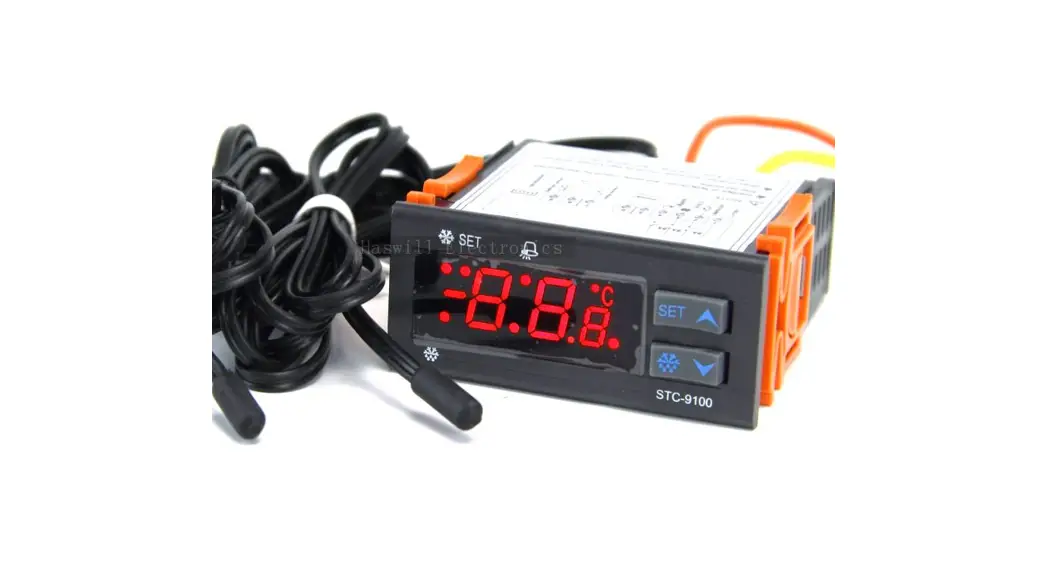
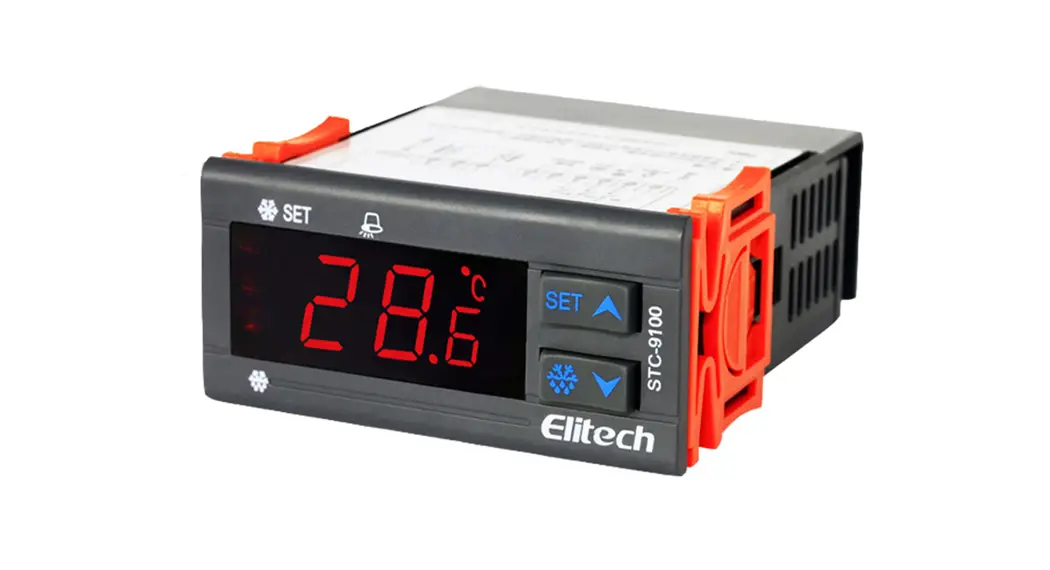
User Manual of STC-9100 Thermostat
Refrigeration & Defrosting & Alarm Output Controller
(Version 22.01.05GEN)
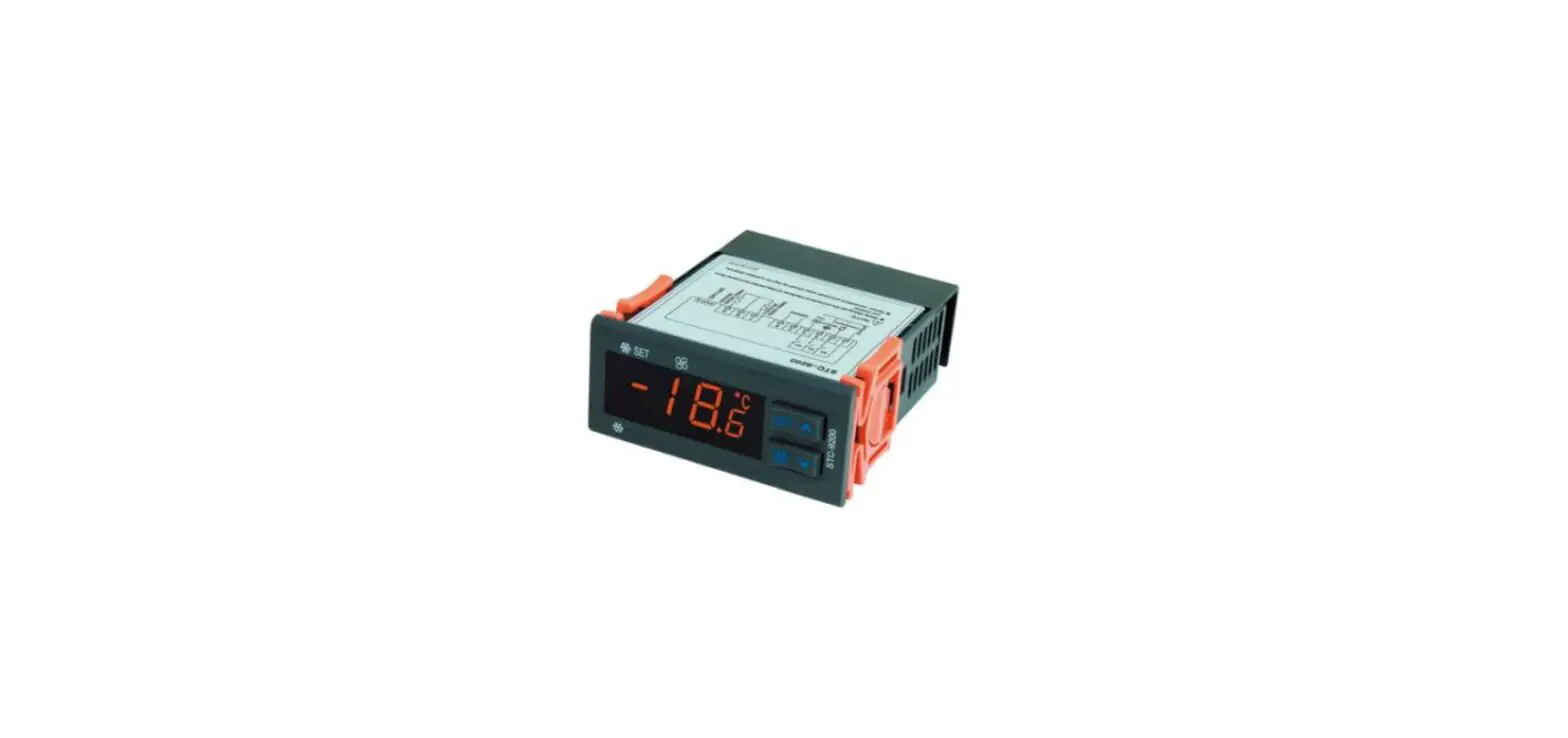
The STC-9100 temperature controller controls the power supply status of the connected Refrigeration device, defrosting unit, and the Alarm output, typically suited to ultra-low temperature walk-in freezer room; It could wire an external alarm apparatus to remind users once error.
Package
Controller: 1PCS Sensor: 2PCS Clips: 2PCS Manual:1 PCS Waterproof Cover: 1PCS
Specification
| Input Power | 220V AC ± 10% 50/60HZ; (12/24/48/110V Option) |
| Maximum current | 8A (Default) under 250V AC |
| Thermistor / Sensor | NTC, 25°C /10 ICS2, the sensor cable 200cm |
| Protection Class | IP65 to the front panel |
| Storage | -10°C ~ 60°C, RH<90%, without condensation |
| Temperature Range | Measurable: -50.0°C ~ +50.0°C; Controllable: -50.0°C~ +50.0°C |
| Resolution | 0.1 °C |
| Accuracy | ± 1°C from -40°C to +50°C; ± 2°C in other range |
| Power Consumption | < 3W |
Environmental Information
 The package’s material is 100% recyclable. Just dispose of it through specialized recyclers. The electro components can be recycled if it is disassembled for specialized companies. Please do not burn or throw the controllers in domestic garbage; observe the respective law in your region concerning the environmentally responsible manner of disposing of its devices.
Appearance & Operation
4.1. Front Panel & Operation
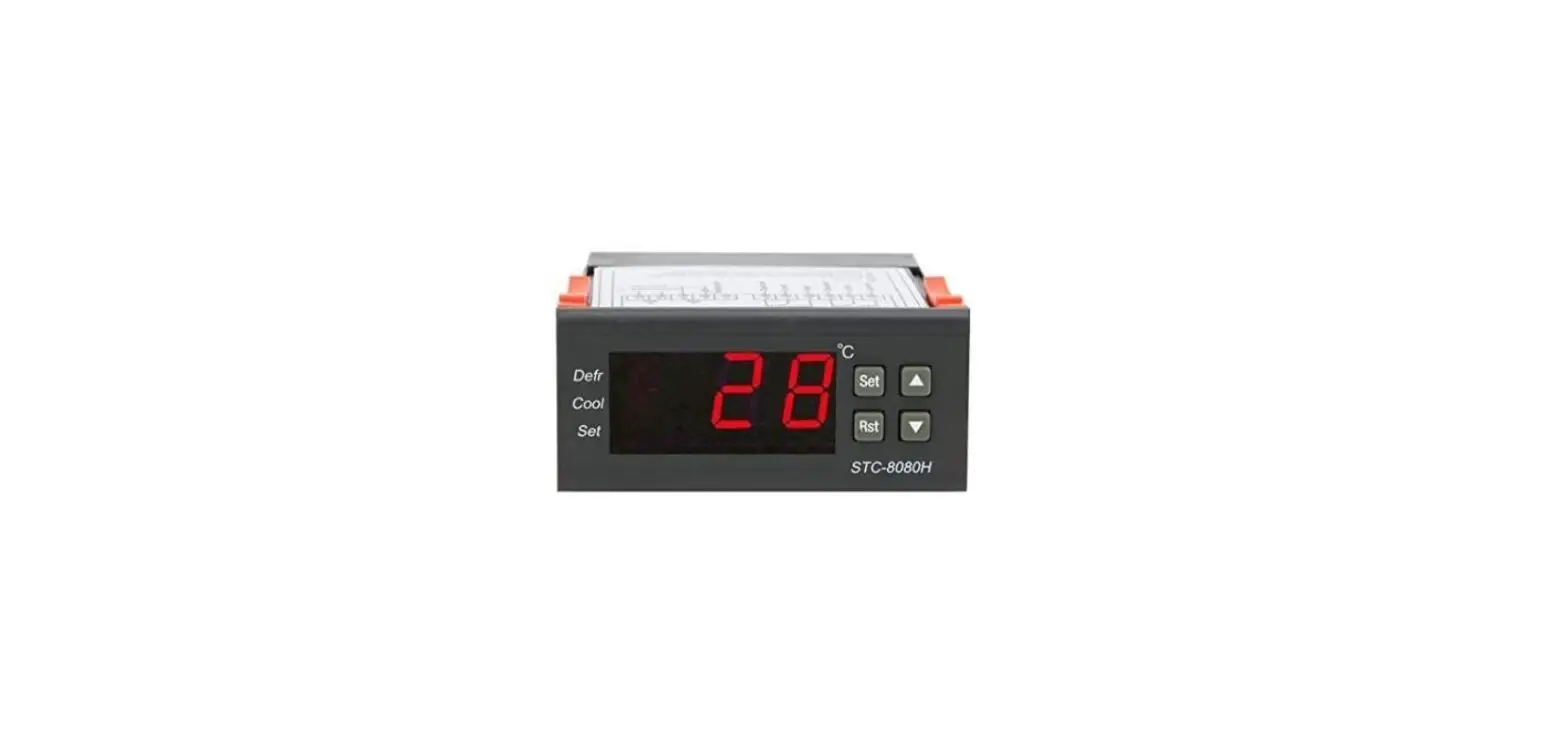
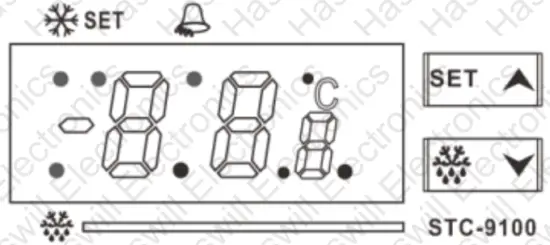 Under normal status, the screen shows room sensor temp.
A. Hold the SET for 3s to enter/exit the user setting interface to check and modify the set-point and the hysteresis here.
B. Hold the  and
and  key at the same time for 10s to lock/unlock the admin menu:
 = unlock, editable
 = locked, only can check the value, not editable.
C. Hold the SET and keys for 10s to enter the admin interface; Press the SET to check current data, and press the or key to change the data; Press the SET again to save data and back to the menu list; If without operated in 10s, the new data will be auto-saved.
D. Hold the for 3s to check the defrost temp.
E. Hold the for 3s to trigger the forced refrigeration mode manually (must past the compressor delay time); do it again to quit.
F. Hold the  for 3s to trigger the forced defrosting mode manually (must past the defrost delay time); do it again to enter defrosting water dripping status.
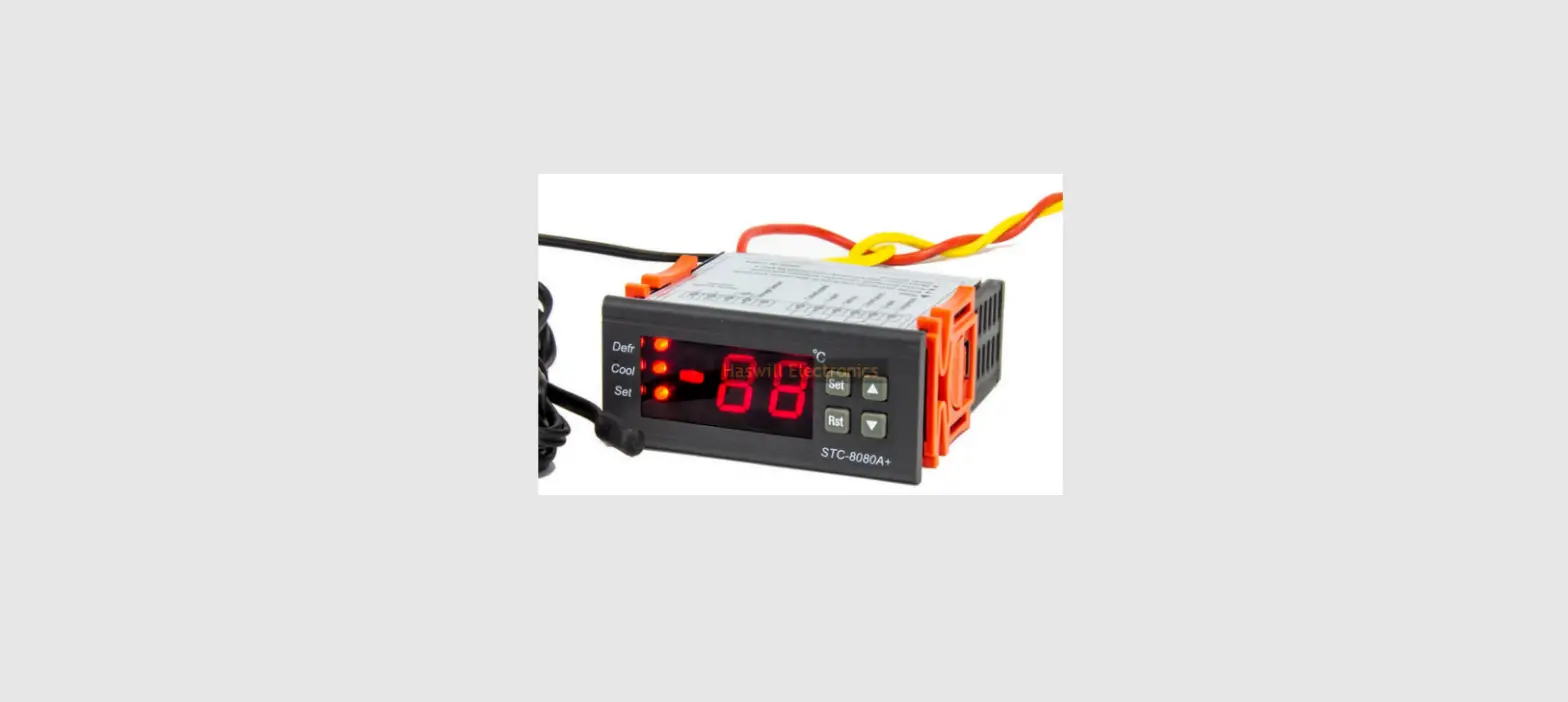
4.2. Indicator / Character in Display
| Indicator | | SET |  | |
| Meaning | Compressor status | Setting Status | Alarm Status | Defrosting status |
| On | Working | Setting | Working | Working |
| Hide | Stop | Normal | Normal | Stop |
| Wink | Time Delay | N/A | N/A | Dripping Water |
| Fast Wink | Manually Refrigeration | N/A | N/A | Manually Defrosting |
4.3. Dimensions & Installation
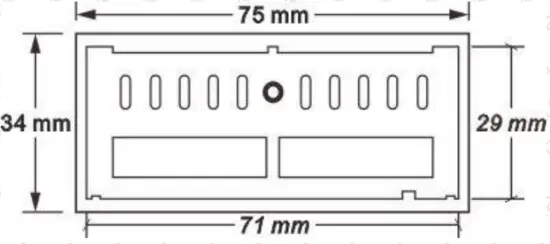
- Mount size: 71*29*85 mm (W*H*D);
- Detach the slide fasteners, put the controller into the hole, and wire it.
- Install the fasteners and the waterproof cover.
4.4. Wiring Diagram
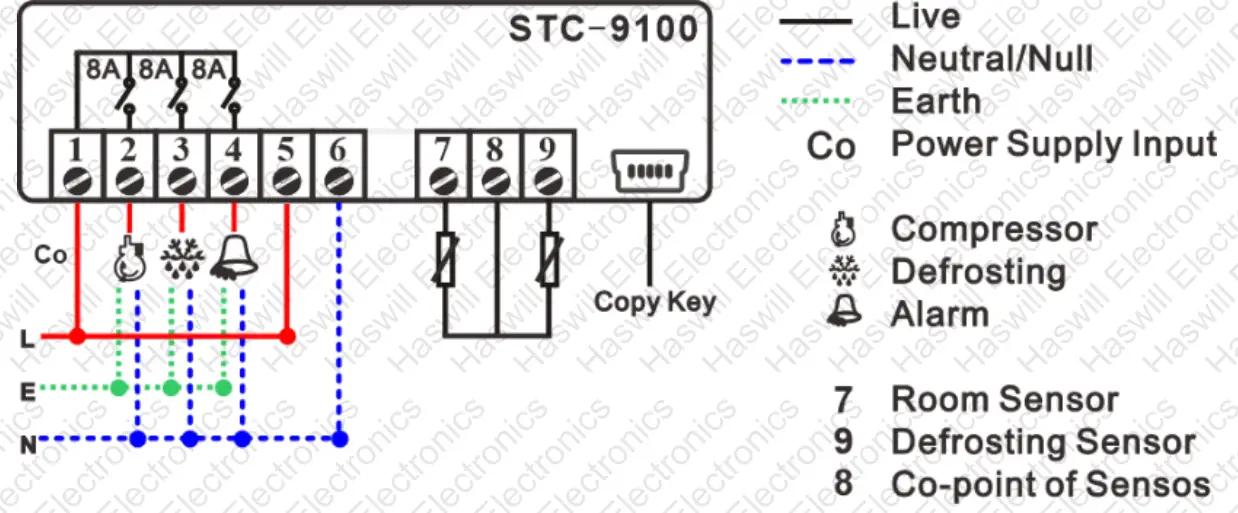
A. 10K NTC sensor, need not distinguish + or -.
B. The input voltage must be within the voltage value marked in the diagram ±10% value.
C. Suggest Load Power < 
4.5. Copykey (Optional)
A. Upload to Controller
- Insert the Coplay, Press the
 key, and the display shows “
 “;
“; - Now Press the ig key to upload data will show “
 ” once finished;
 - Shut down the controller and pull out the Copy key.
 “;
“; ” once finished;
B. Download from Controller
- Assure the controller is shut down and insert the Copykey, then start up
- The controller will scan the Copykey and download data automatically, showing “
 ” when downloading, and shows “” once finished.
 - Restart the controller; it will work according to the new data.
 ” when downloading, and shows “
Attention:
- Part of the parameters will be executed in the next cycle; please power off the controller and power back to start a new process for running the new data without a wait.
- If a parameter in Copykey exists error or is in the wrong format, the display shows
 .
.
 .
.Configurations
5.1. Code and Function Menu Hold the SET + keys at the same time for 10s to enter the Admin Interface
The codes  are in the user menu. Others are the admin menu, ref 4.1 A & C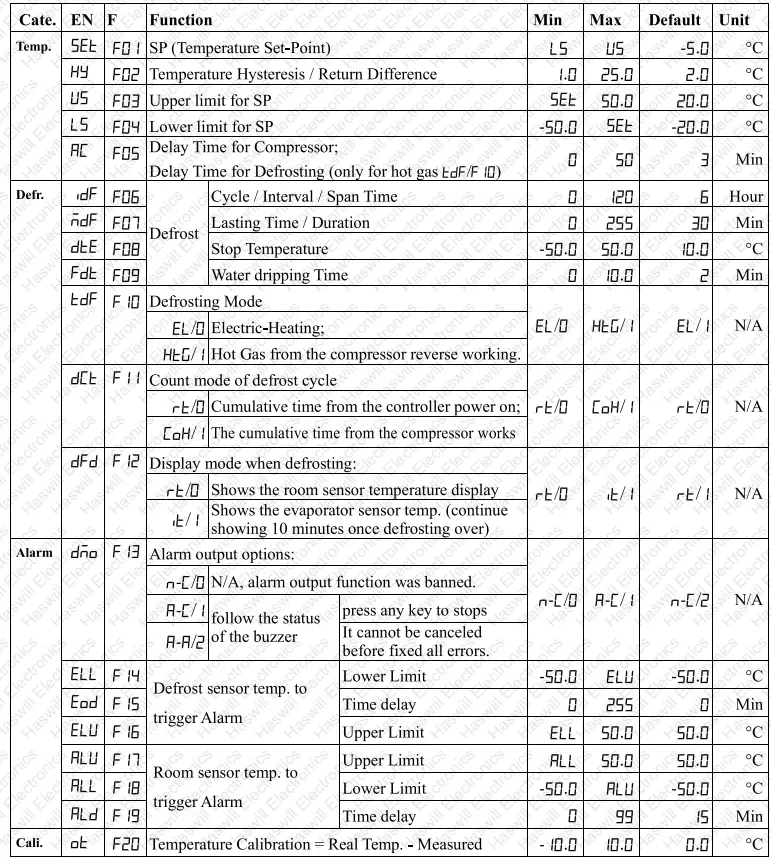
The EN code menu and the F code menu are the same, just to satisfy different clients. 
5.2. When will the Defrosting start / Stop?
A. Defrost relay will close/on when reaching all the below conditions
- The time should be later than the compressor’s last stop moment +
 if the defrosting Mode was thermal air / Hot Gas (
 ).
). - The defrost sensor temperature < Defrost stop temperature (in
 )
) - Time passed the defrosting cycle time (
 ) or forced defrosting beginning
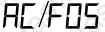 if the defrosting Mode was thermal air / Hot Gas (
 ).
). )
)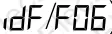 ) or forced defrosting beginning
B. Defrost relay will open/off when reaching any one of the below conditions
- The defrost sensor temperature≥ Defrost stop temperature (in
 )
) - Passed the defrosting Lasting Time (
 )
)
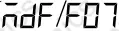 )
)5.3. When will the Compressor start / Stop?
The room temperature was supposed to keep in the range from “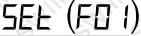 ” to ”
  .” The time should be later than the compressor’s last stop moment +
  , and then
A. If  (like an electric heating wire wound around the evaporator)
| Controller Status | Condition Working Condition | Stops Condition |
| Manual turn on the forced cooling | Room Temp > 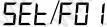 | Room Temp < 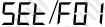 or defrosting beginning; or forced Refrigeration is over. |
| Not in defrosting | Room Temp > |
B. If  (Hot Gas from the compressor Reverse Rotary), 1 more status than A
| Controller Status | Working Condition | Stops Condition |
| Manual turn on the forced cooling | Room Temp? | Room Temp < ; or defrosting beginning; or forced Refrigeration is over and won’t defrost at once. |
| Not in defrosting | Room Temp ≥  | |
| In defrosting | Evaporation Temp > 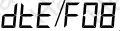 |
5.4. When will the Alarming Start / Stop?
Once alarming, the readout flashing and buzzer screaming press any key to stop the buzzer ticktack, but the error code in the display will not disappear until all errors have been fixed.
| Code | Troublesome From | Reason |
 | Room Sensor | Open or short |
| Temperature not in the measurable range | ||
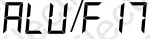 < Temp. < Max measurable limits 50°C < Temp. < Max measurable limits 50°C | ||
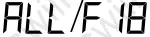 > Temp. > Min measurable limits -50°C > Temp. > Min measurable limits -50°C | ||
| Defrost Sensor | Open or short | |
| Temperature not in the measurable range | ||
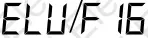 < Temp. < Max measurable limits 50°C < Temp. < Max measurable limits 50°C | ||
 > Temp. > Min measurable limits -50°C > Temp. > Min measurable limits -50°C |
Haswell Electronics
https://www.thermo-hygro.com
Copyright Haswell-Haswell All Rights Reserved  https://www.thermo-hygro.com/