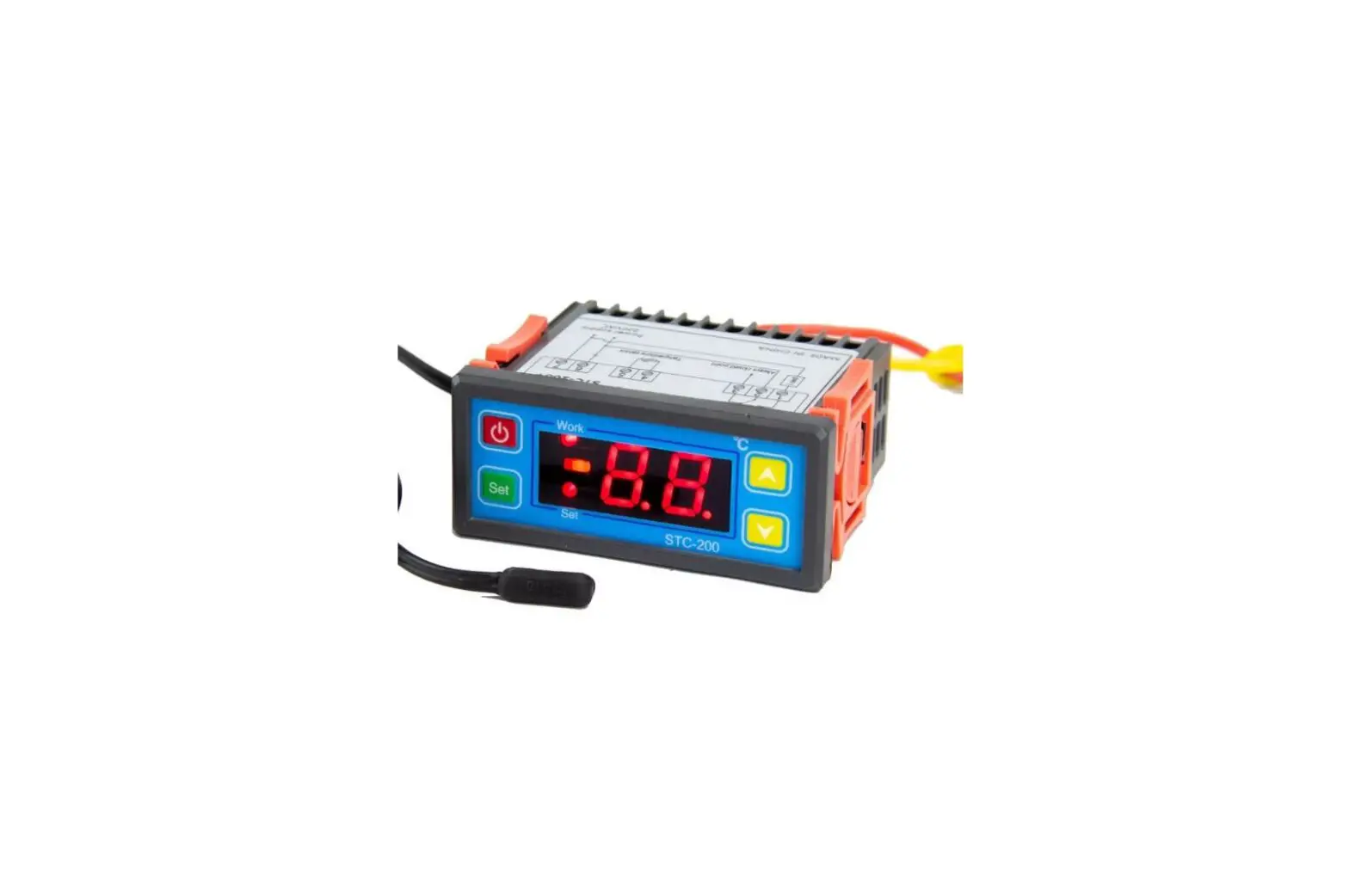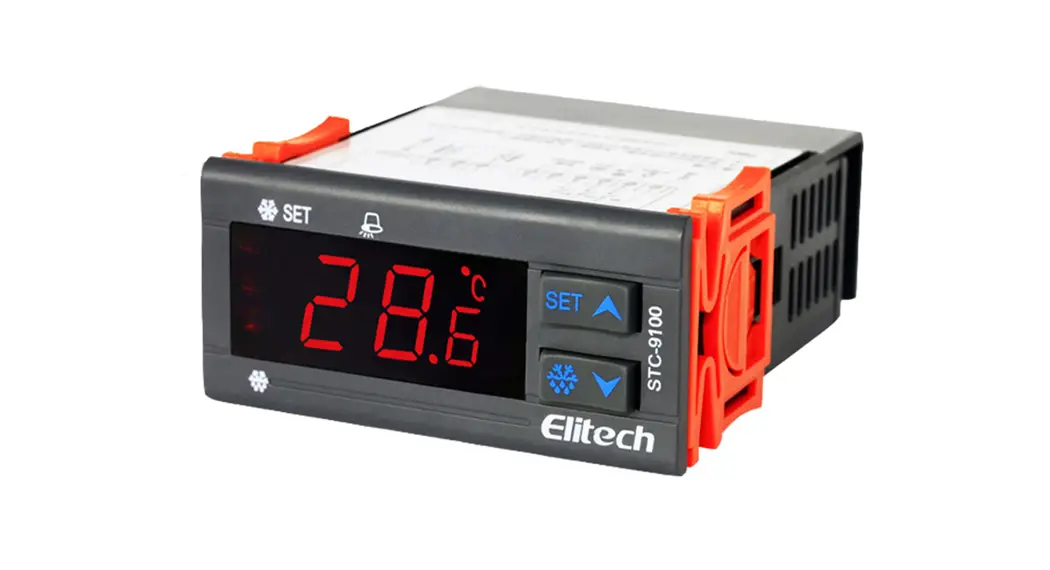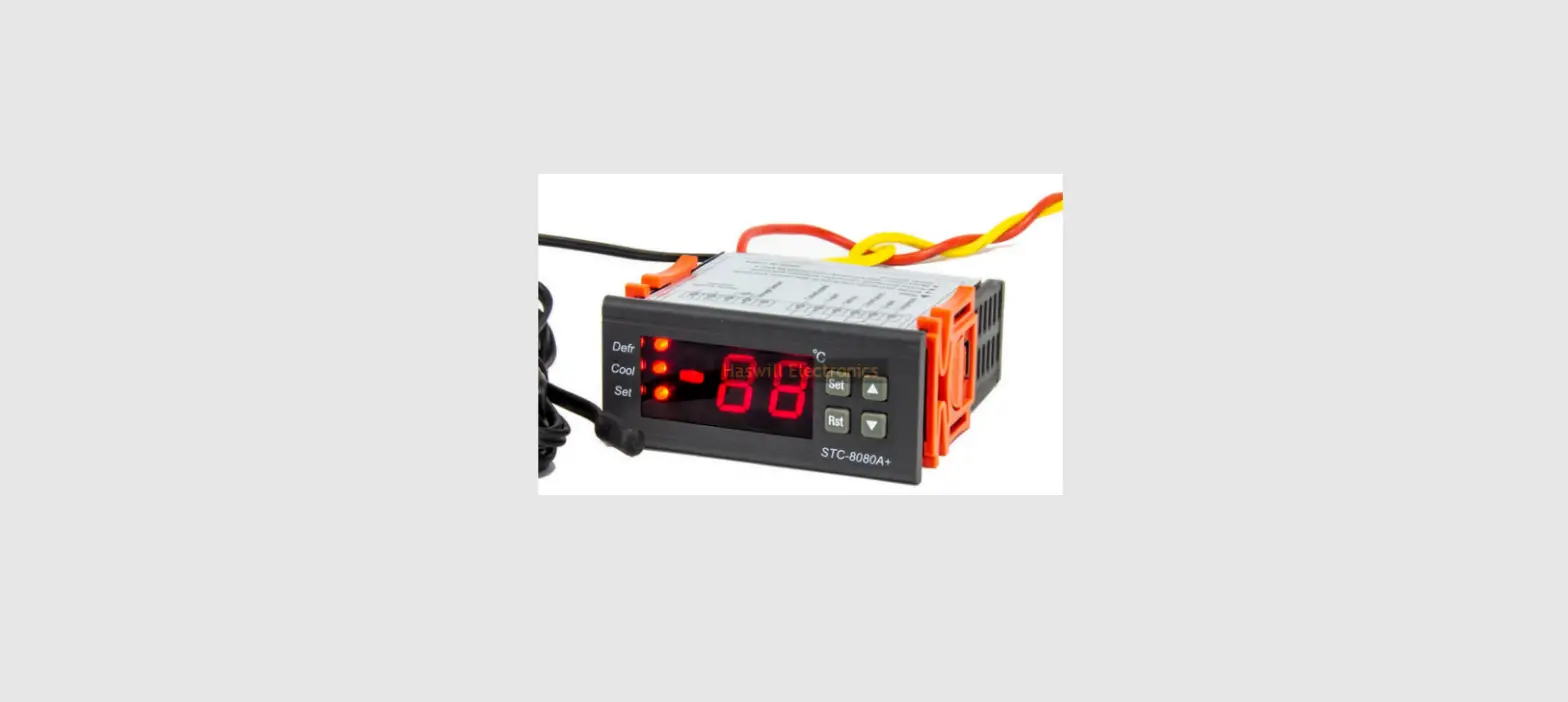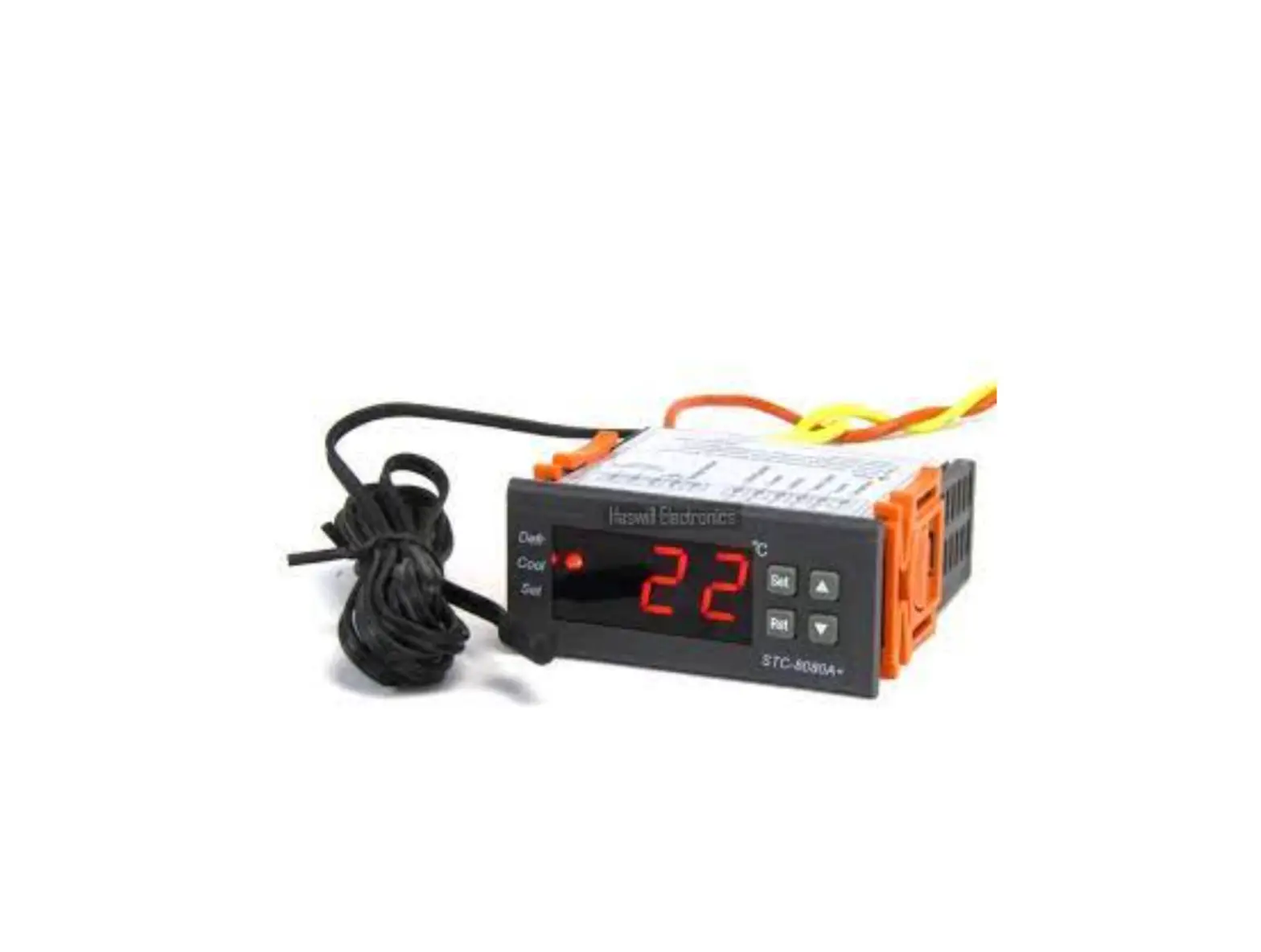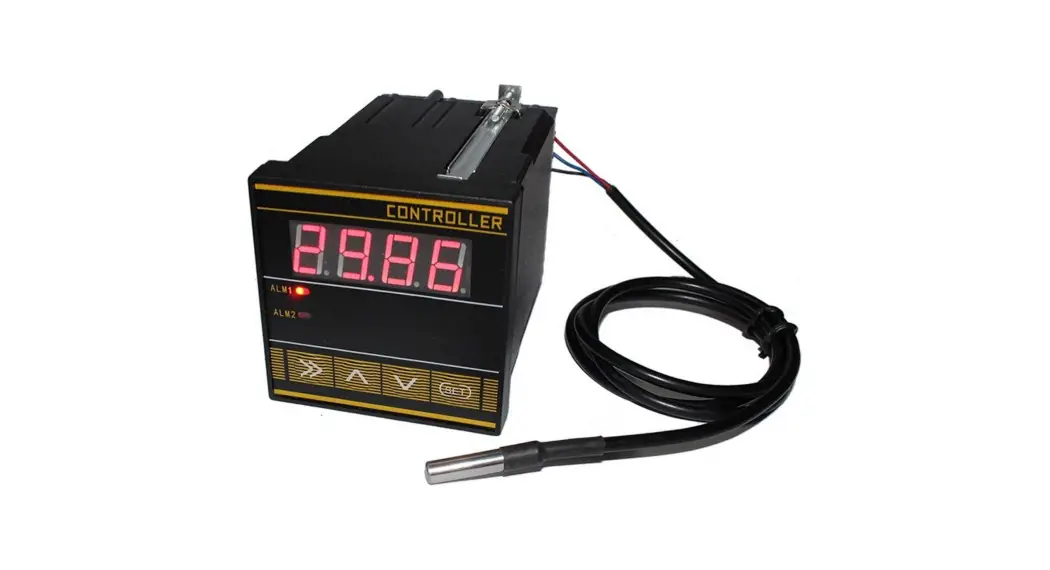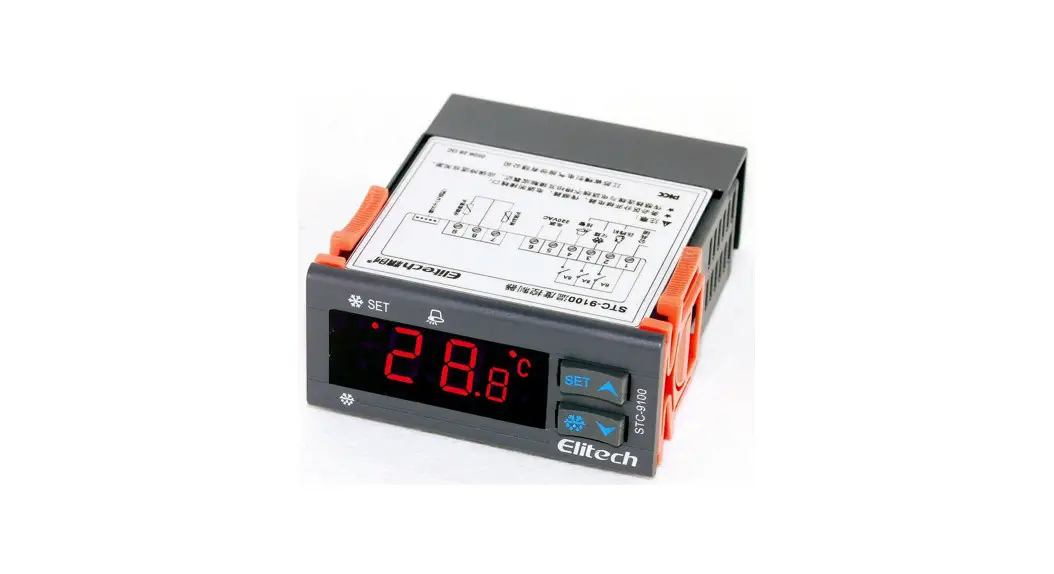
HASWILL ELECTRONICS STC-200 Temperature Controller User Guide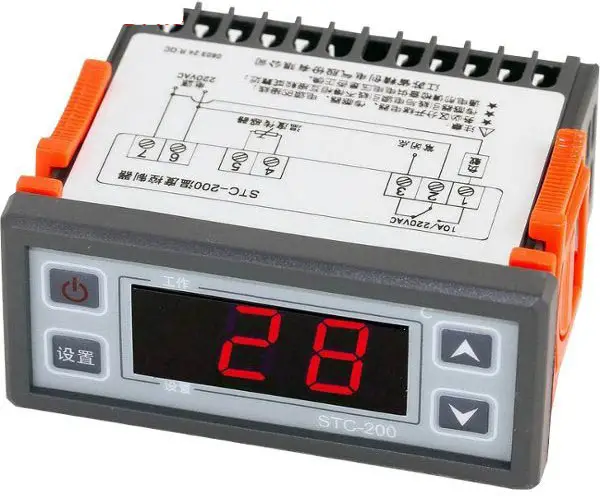
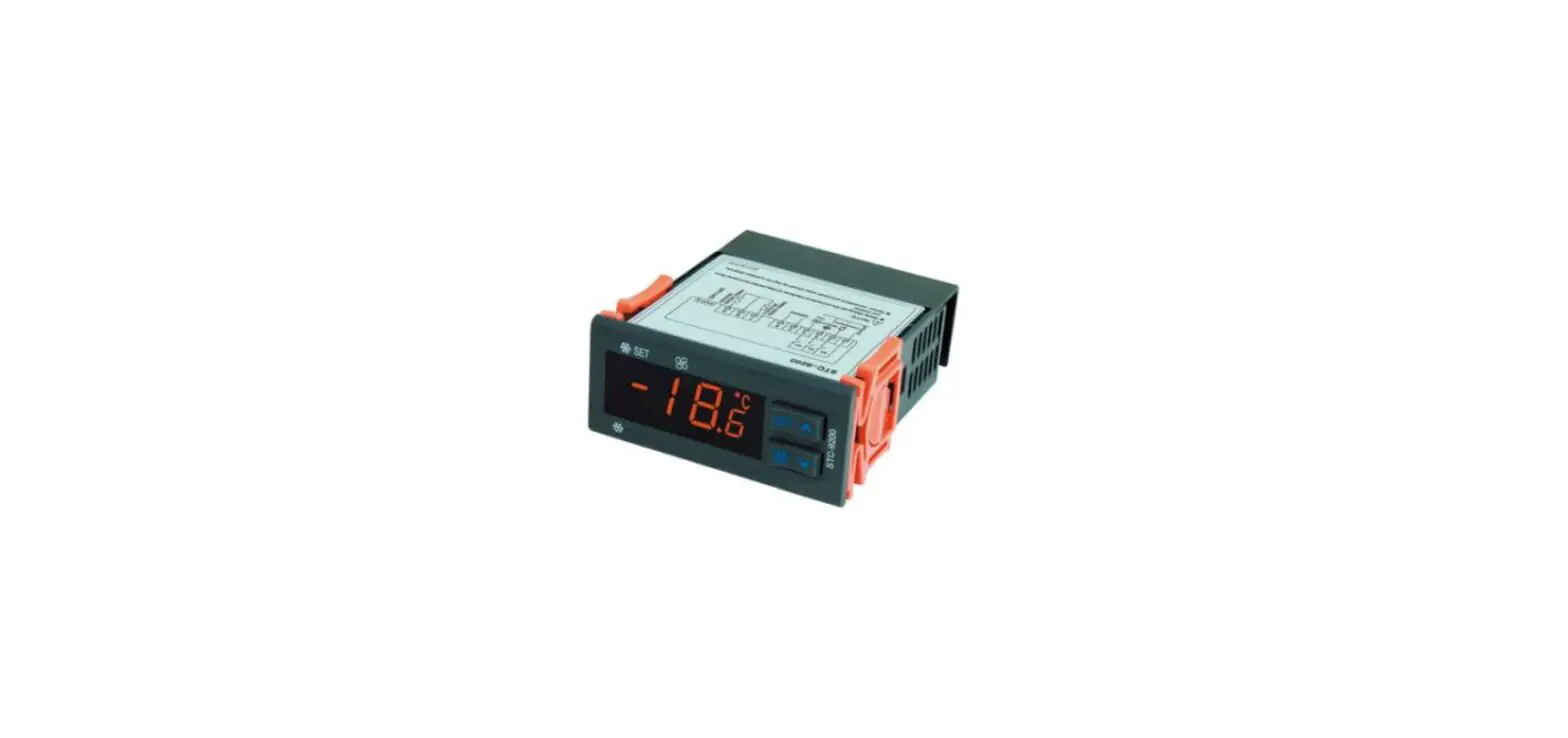
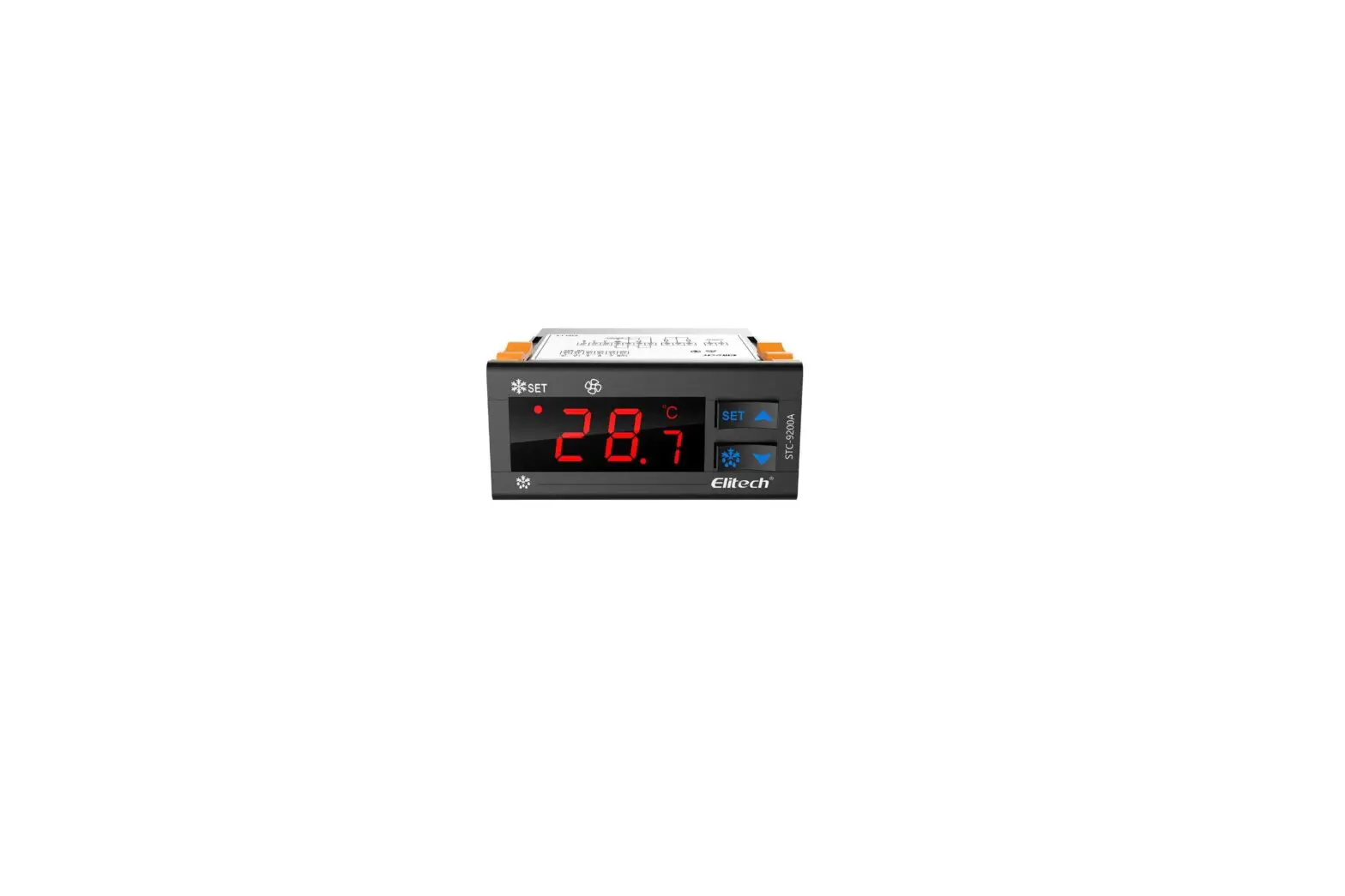
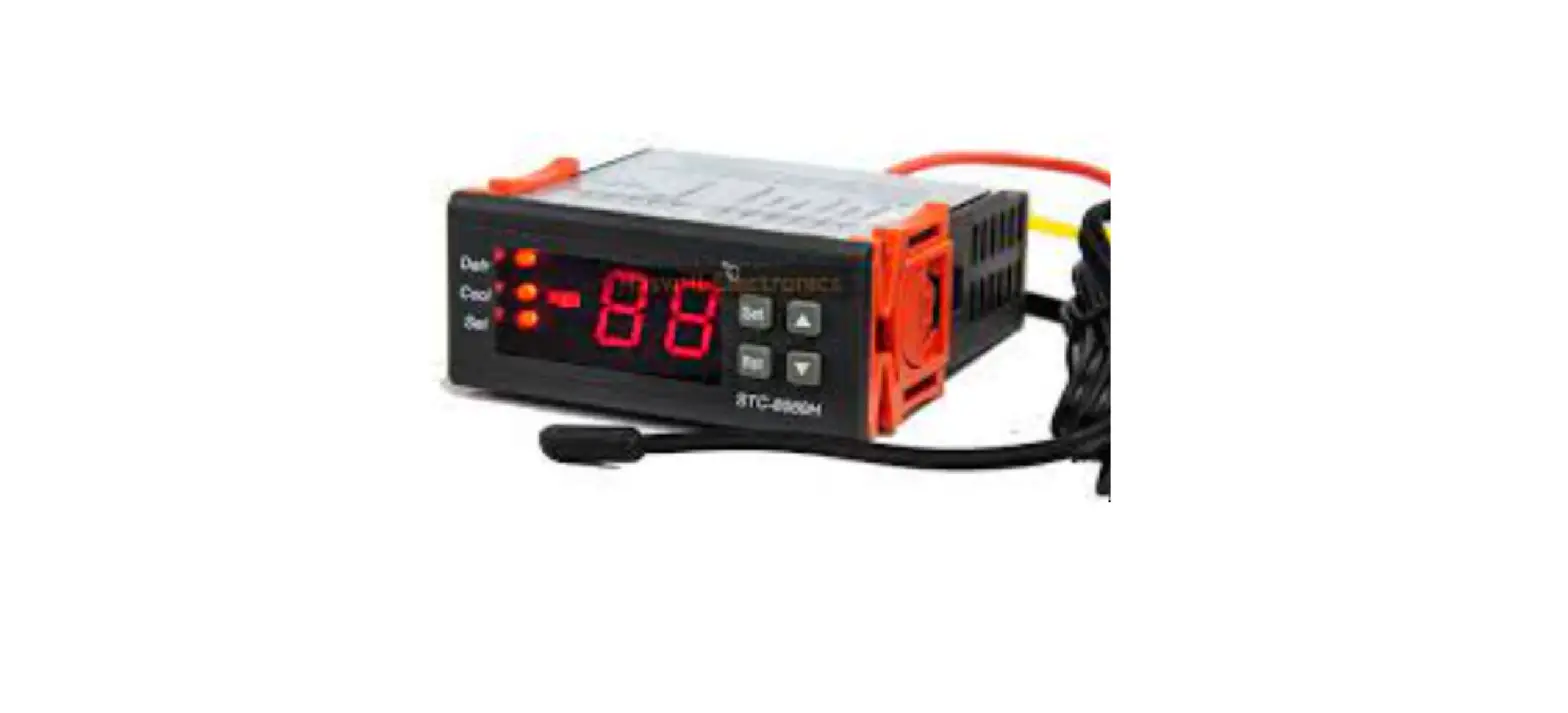
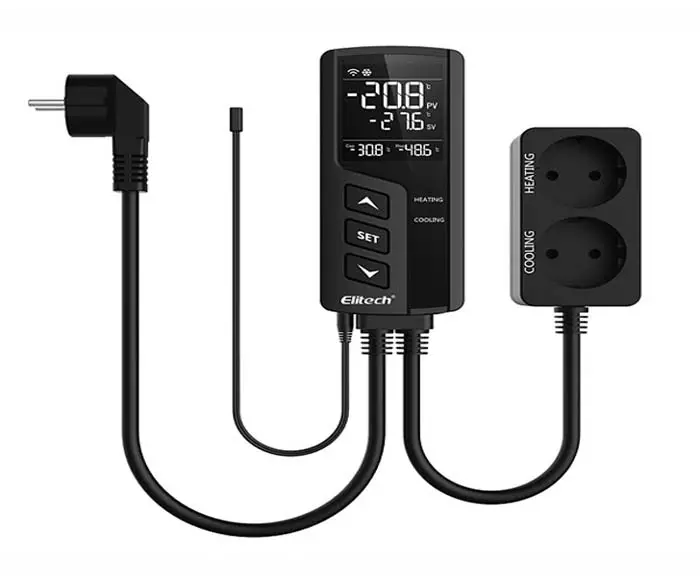
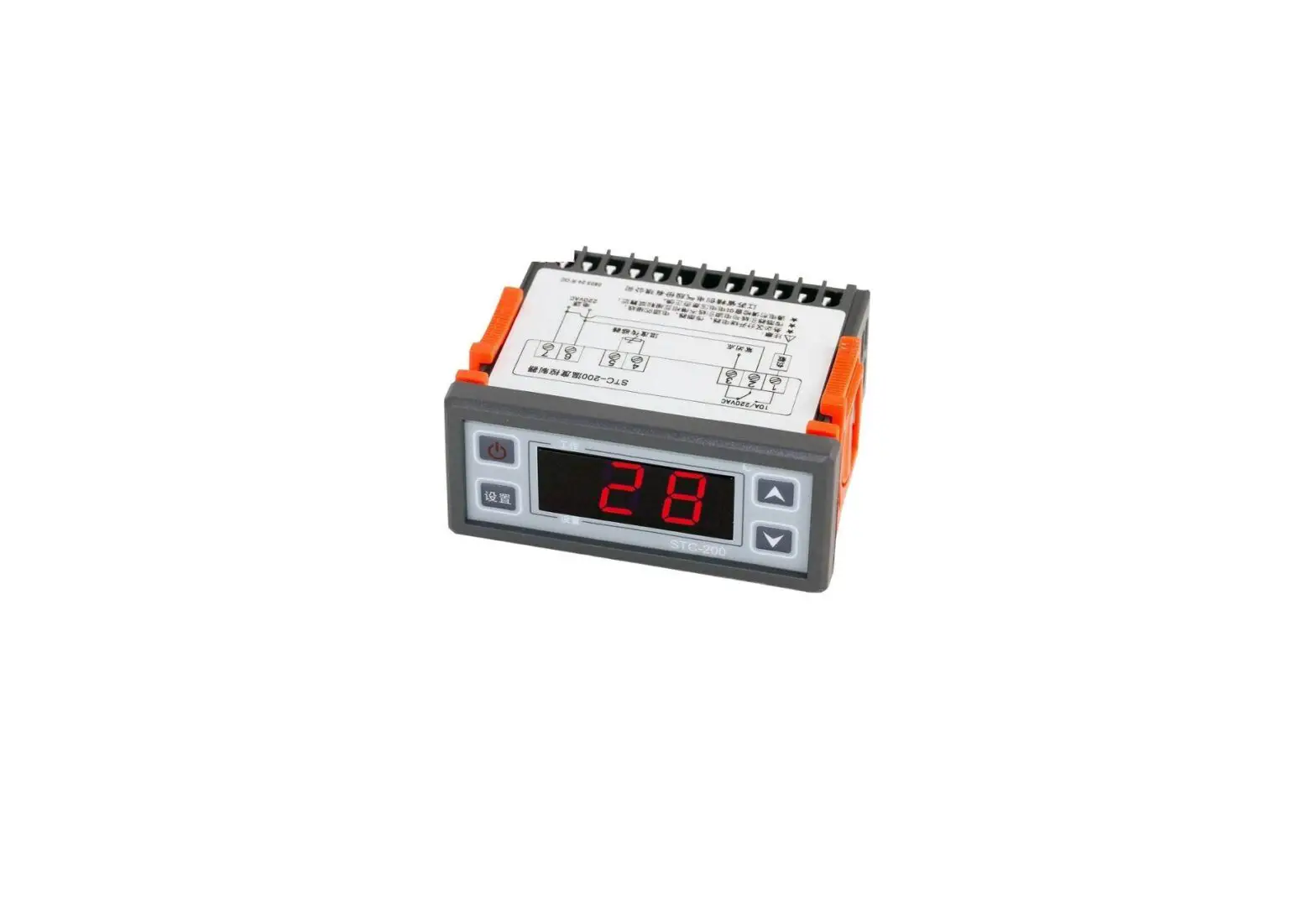
STC-200+ thermostat with just one relay to control the power supply status of the wired heater or cooler or output alarm.
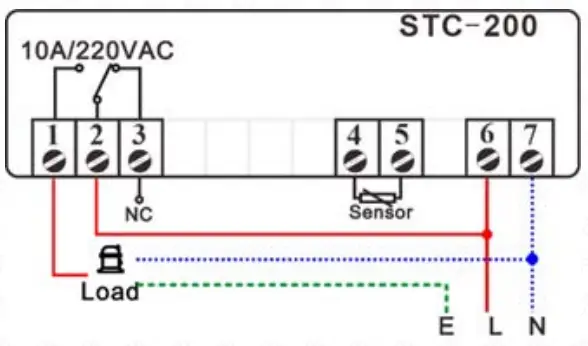
Wiring Diagram
Set the Aimed Temp Range
The aimed temperature range was defined from “SP” to “SP + F0”; hence you need to set both the “SP” and the “F0” value.
| Code | Function |
| F0 | Temperature Hysteresis / Difference |
| F1 | Protection Delay Time for the Compressor |
| F2 | Lower Limit for SP Setting |
| F3 | Upper Limit for SP Setting |
| F4 | Refrigeration or Heating or Alarm Mode |
| F5 | Calibration = Real. – Measured. |
Set the “SP” value
- Press the
 key, shows the exists SP value;
 - Press the or keys to change SP, which F2 and F3 limited;
- It will back to normal status from the setting interface in the 30s if without operation.
 key, shows the exists SP value;
 or
or  keys to change SP, which F2 and F3 limited;
Set the “Hysteresis” Value?
- Hold the
 + keys simultaneously for 4s, and you will see the code F0.
 - Next, press the key again to see the current value and press the direction key to change it.
- At last, press the key to save the new data and back to the menu list.
- Hold the key for 3s to saves data and back to normal monitor status.
- Repeat steps 2,3,4 to change others.
- Hold the key for 3s to quit from setting or leave it alone; it will back to normal status in the 30s if without operation.
 +
+  keys simultaneously for 4s, and you will see the code F0.
This is not a step-by-step user manual;
It just shows the key points.
The new user should read the Full-Content Version User Manual

Haswill Electronics
STC-200+ Thermostat
Copyright Haswill-Haswell All Rights Reserved
 Haswill Electronics - Digital Temperature meter, controller and data Logger from China