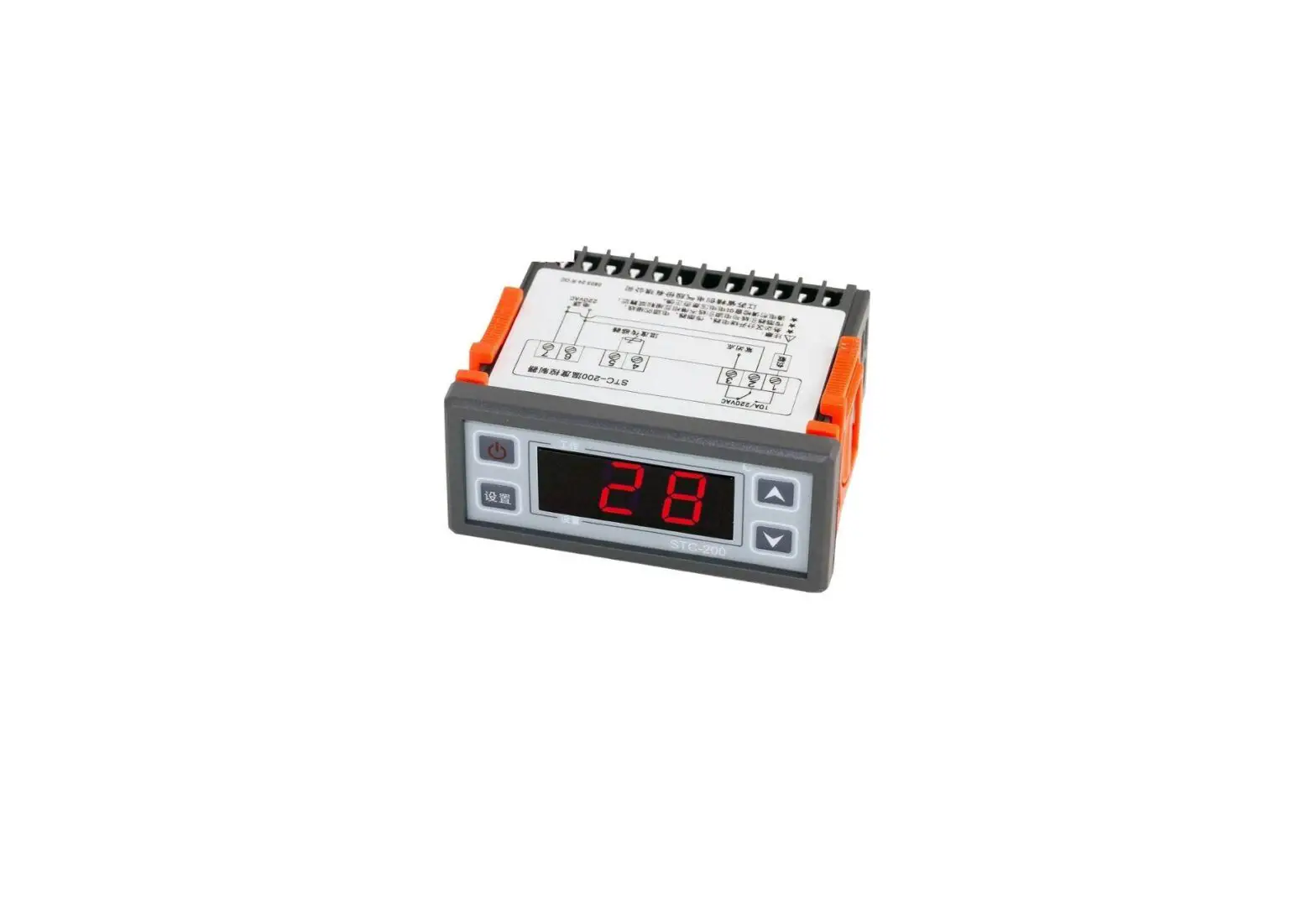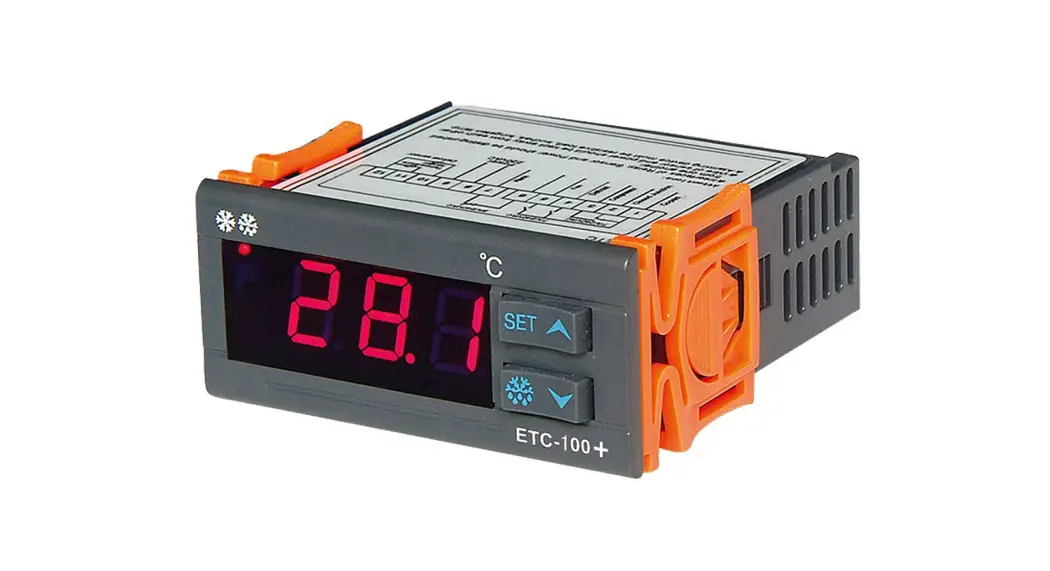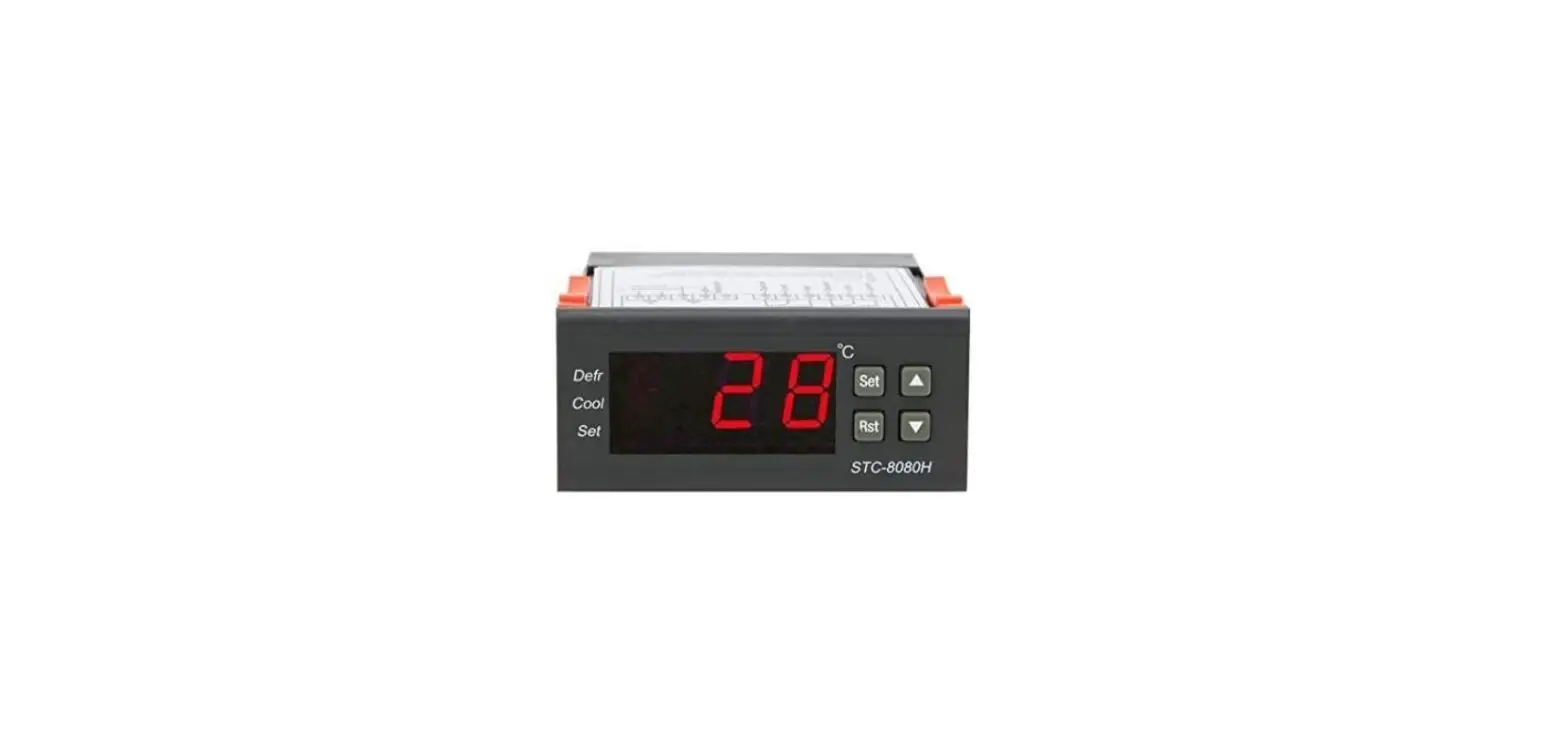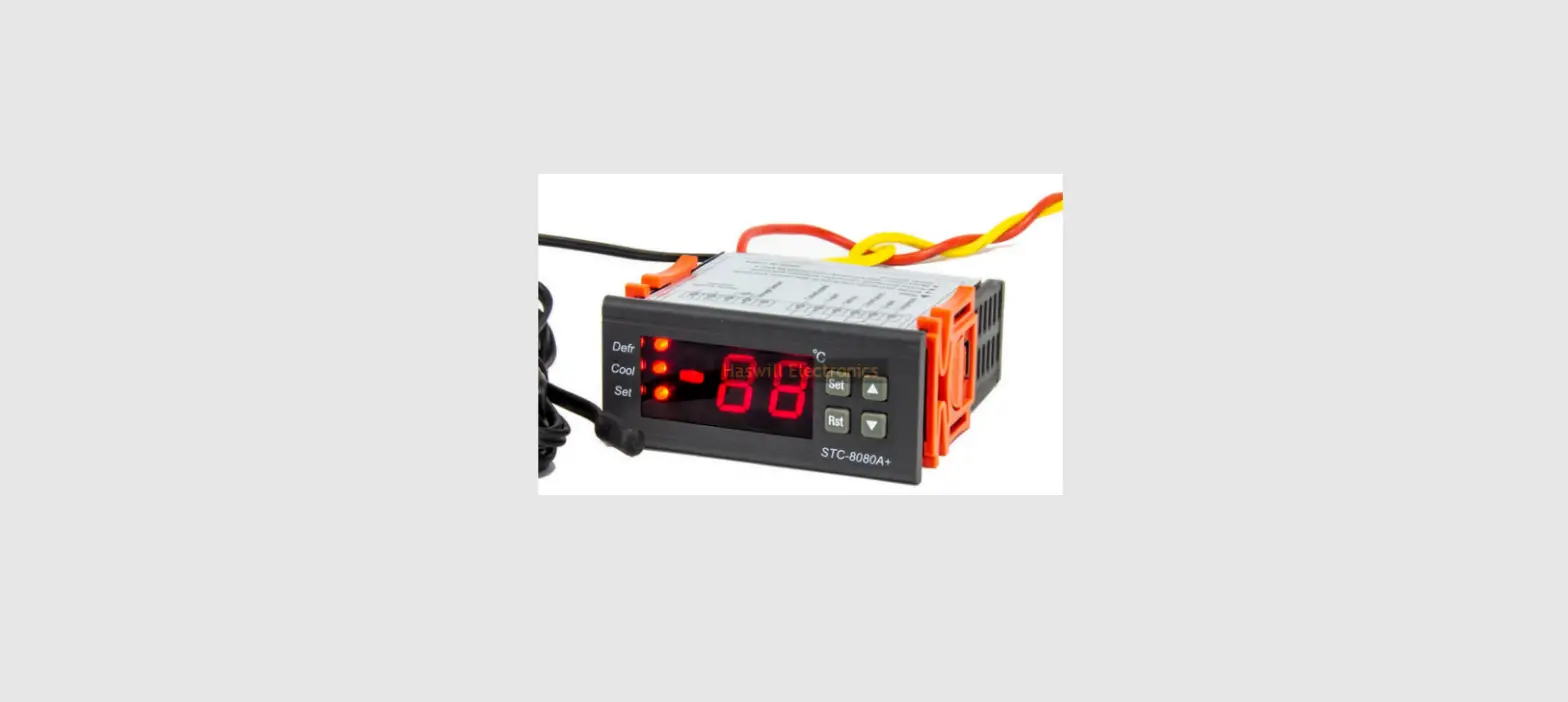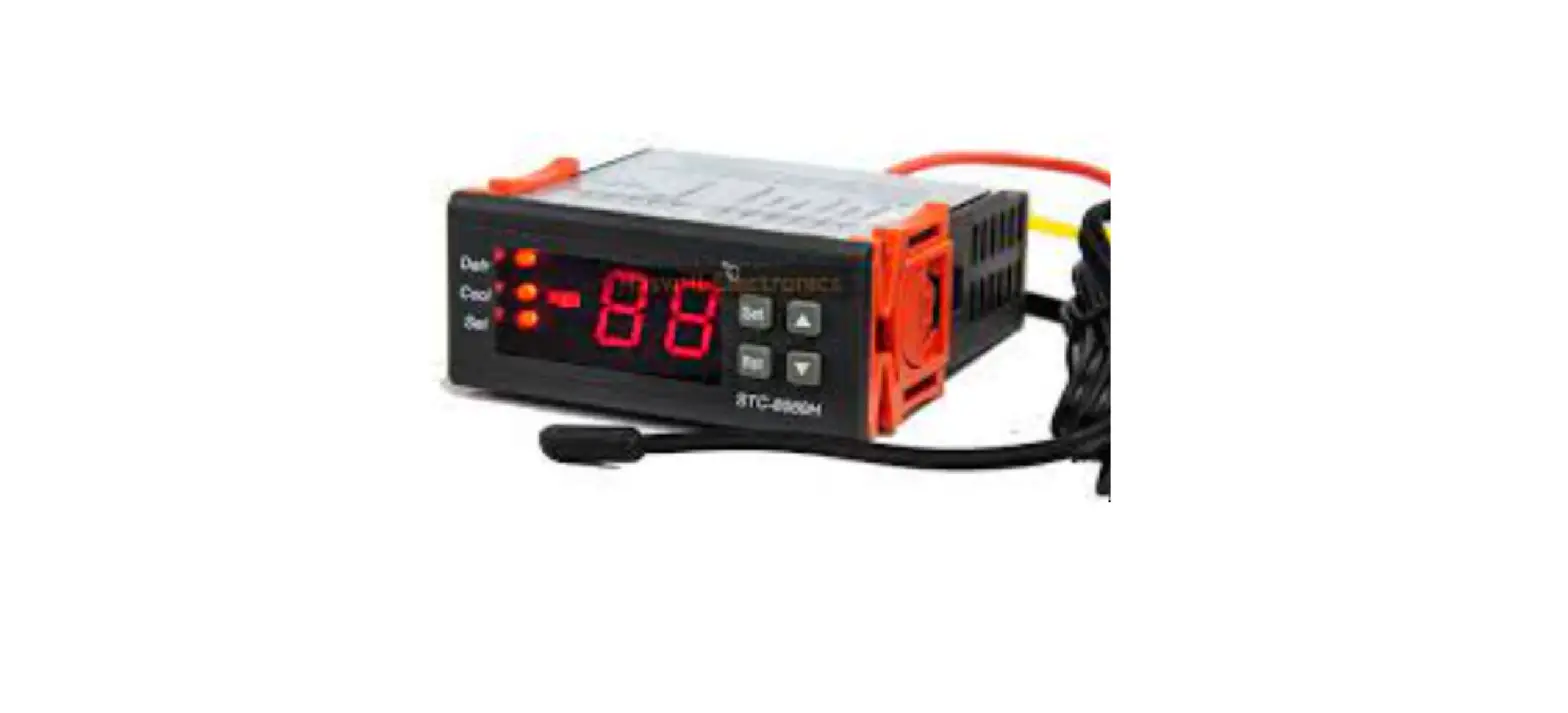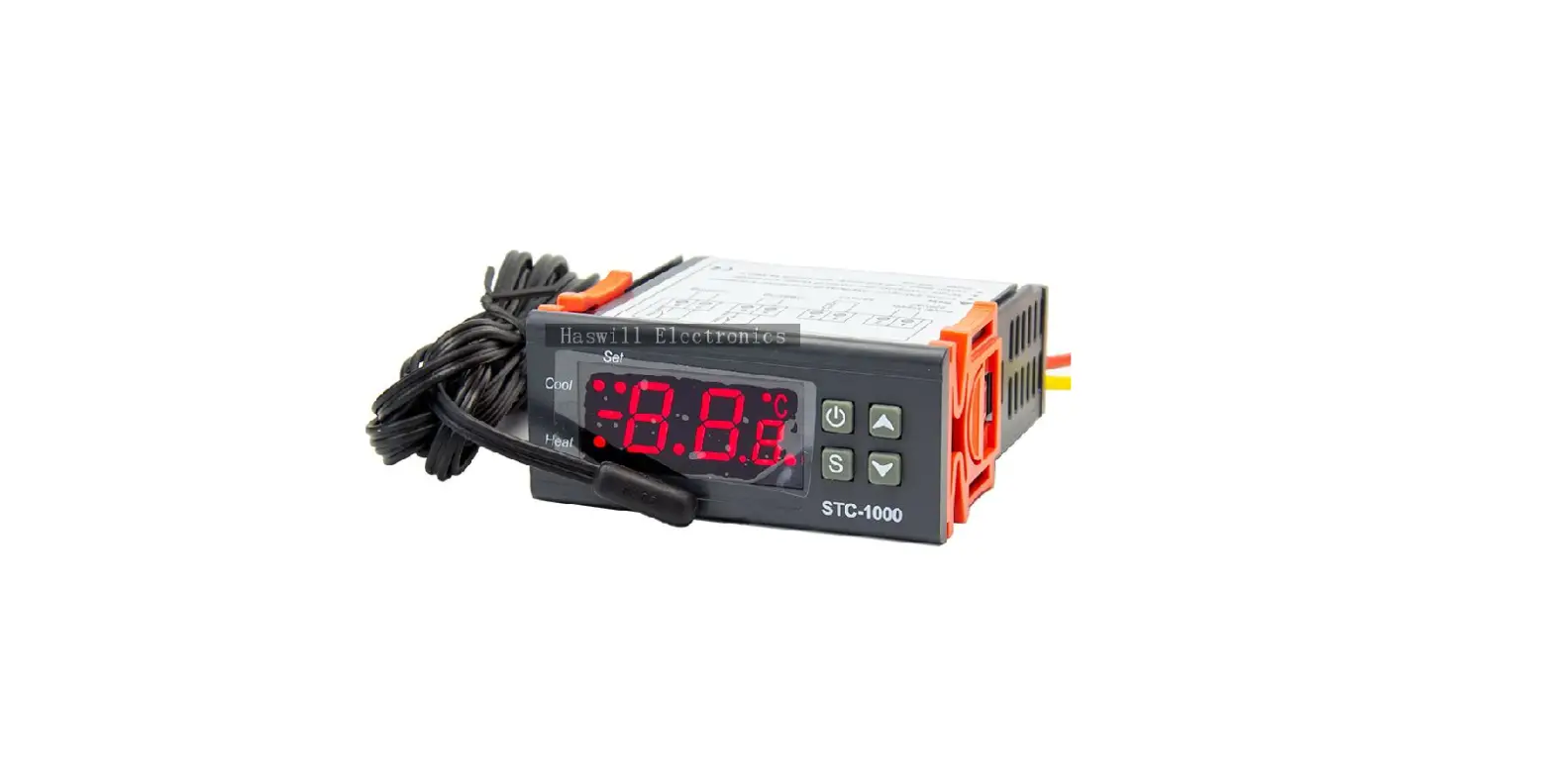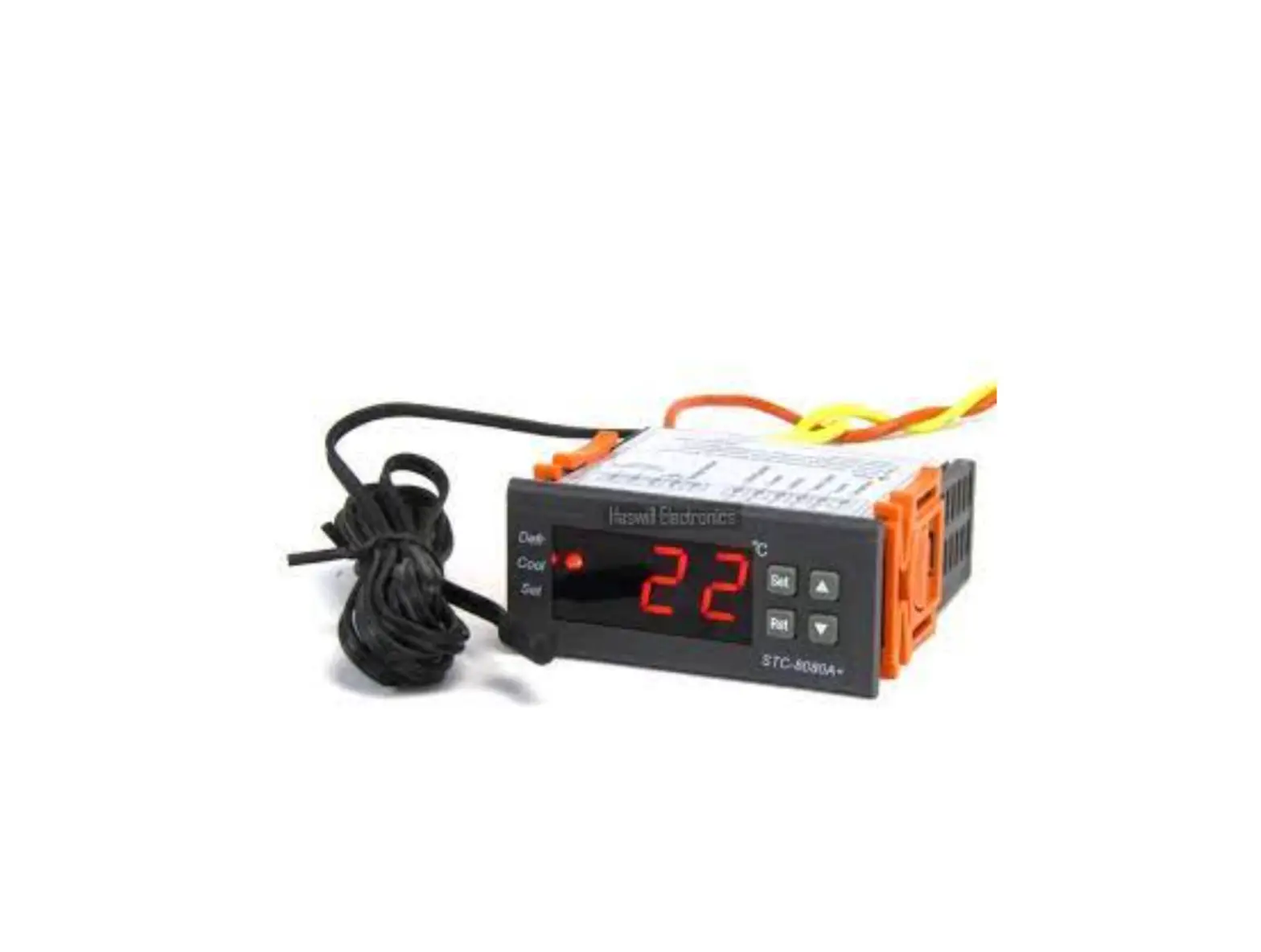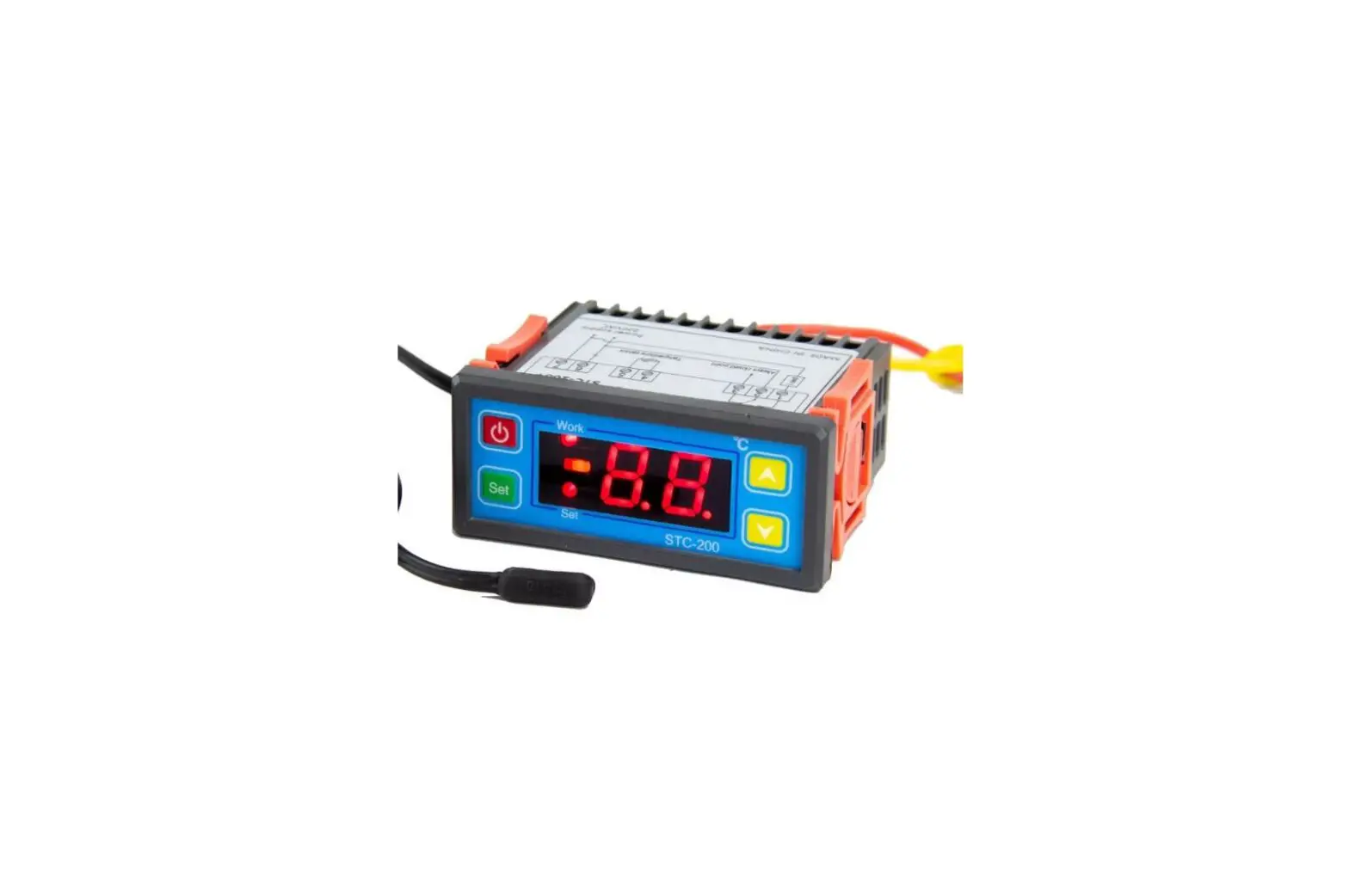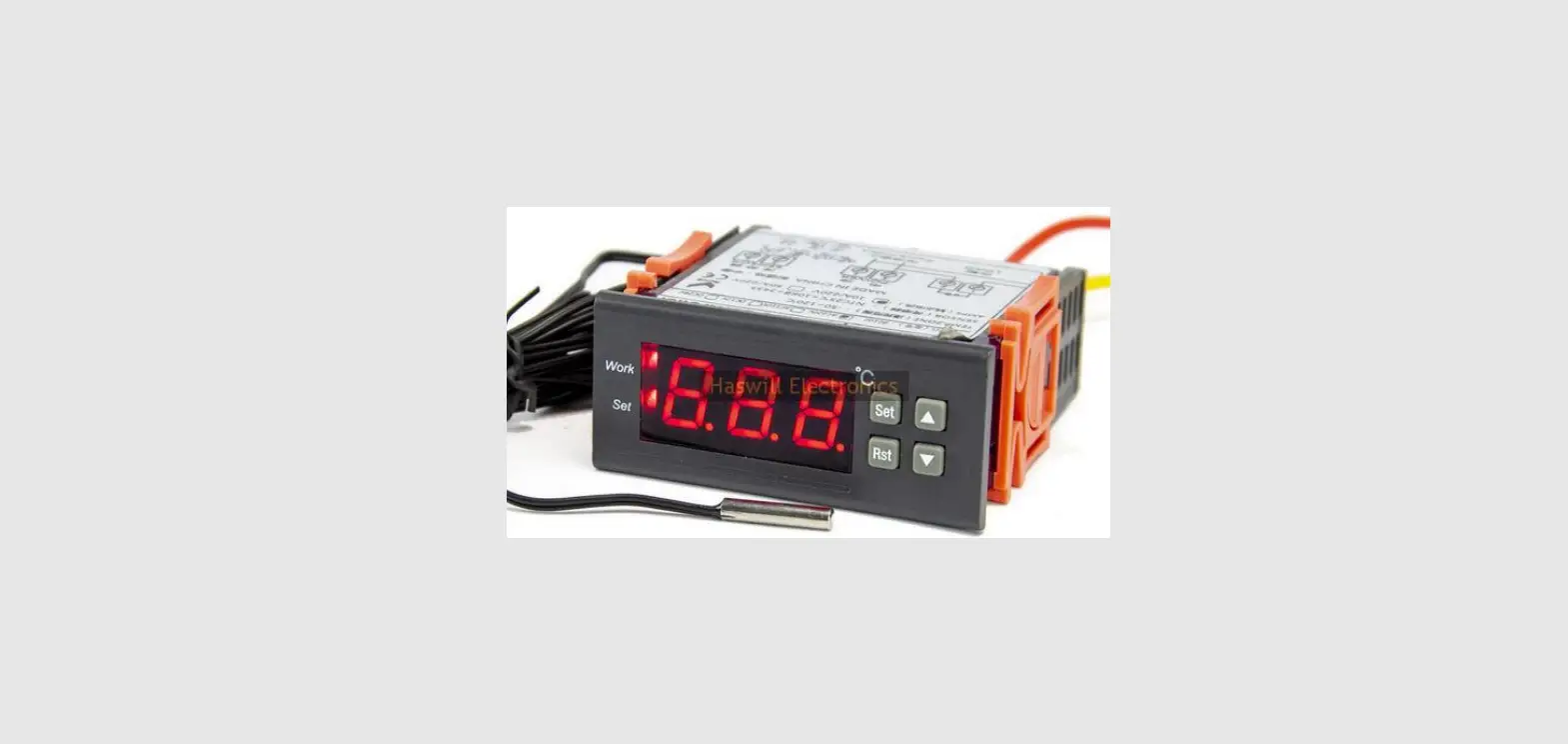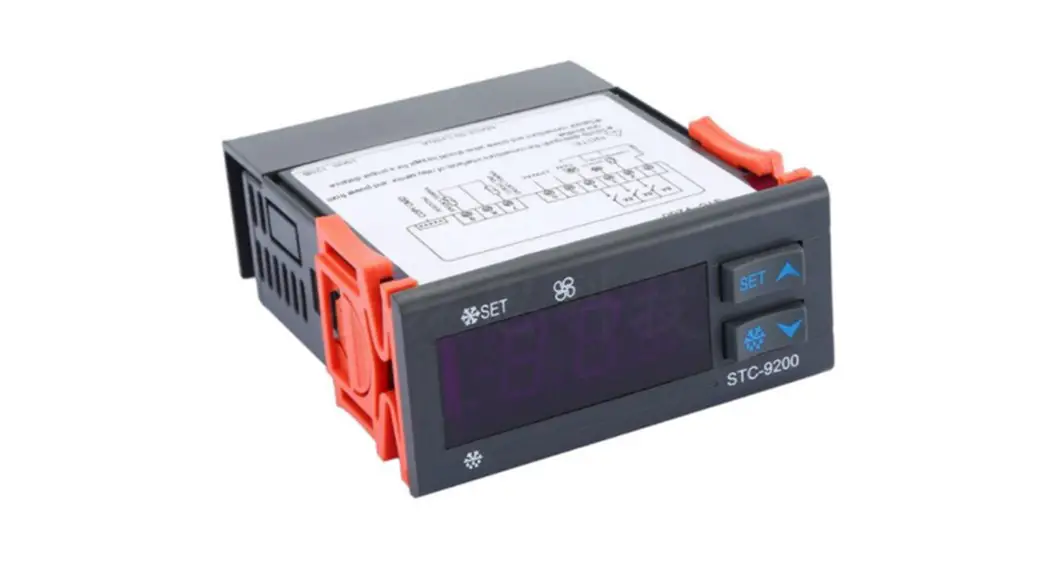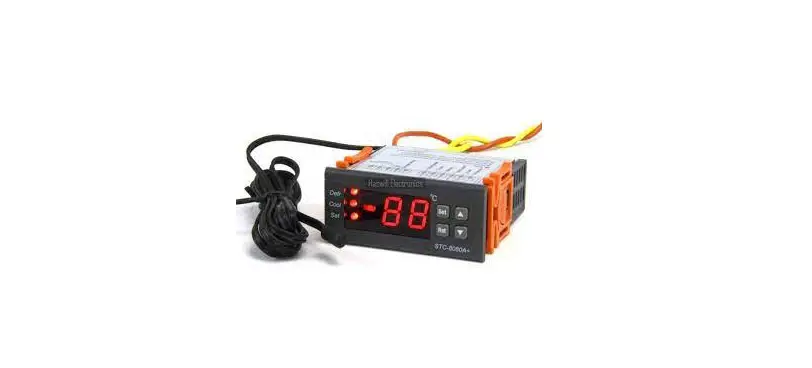
HASWILL ELECTRONICS STC-8080H Temperature Controller User Guide
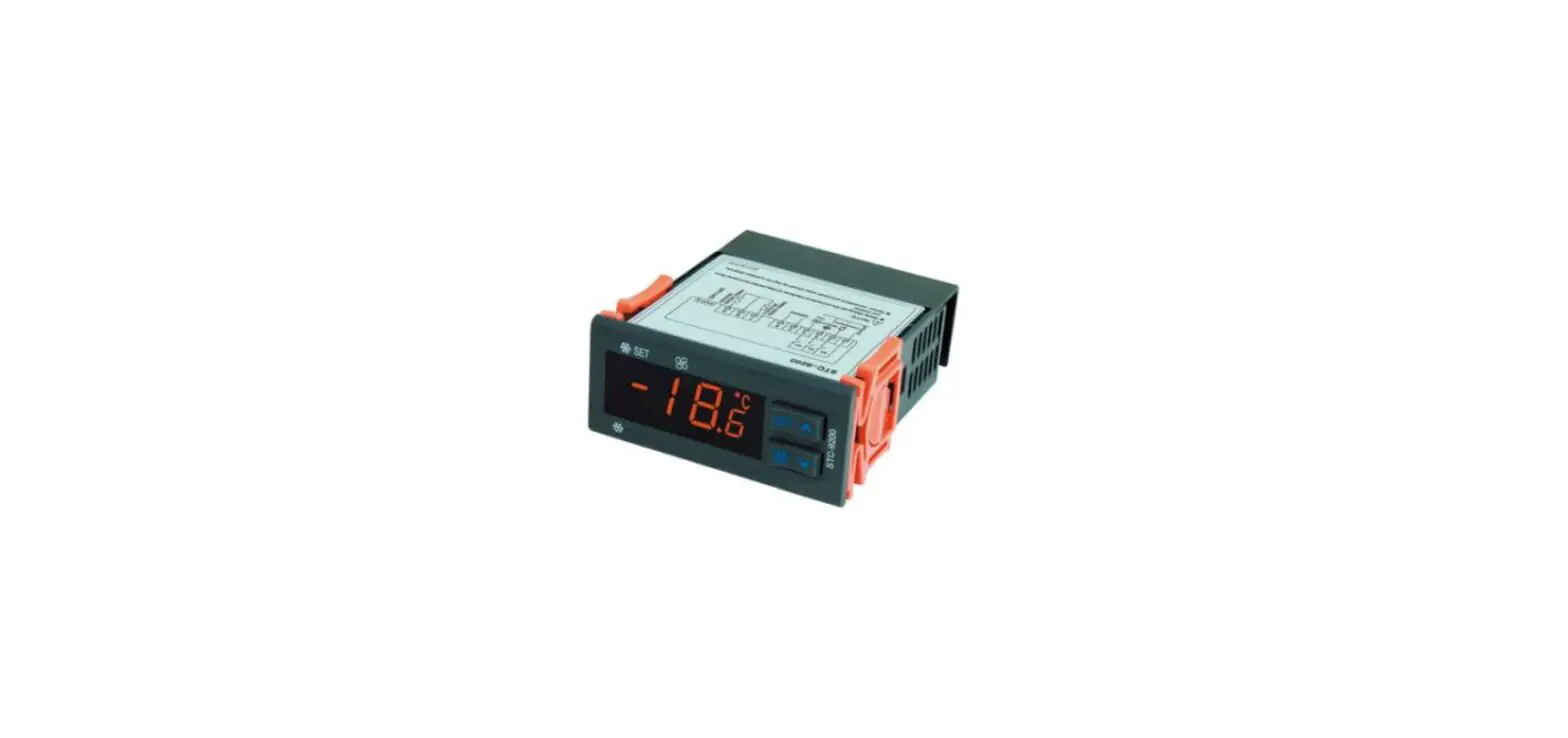
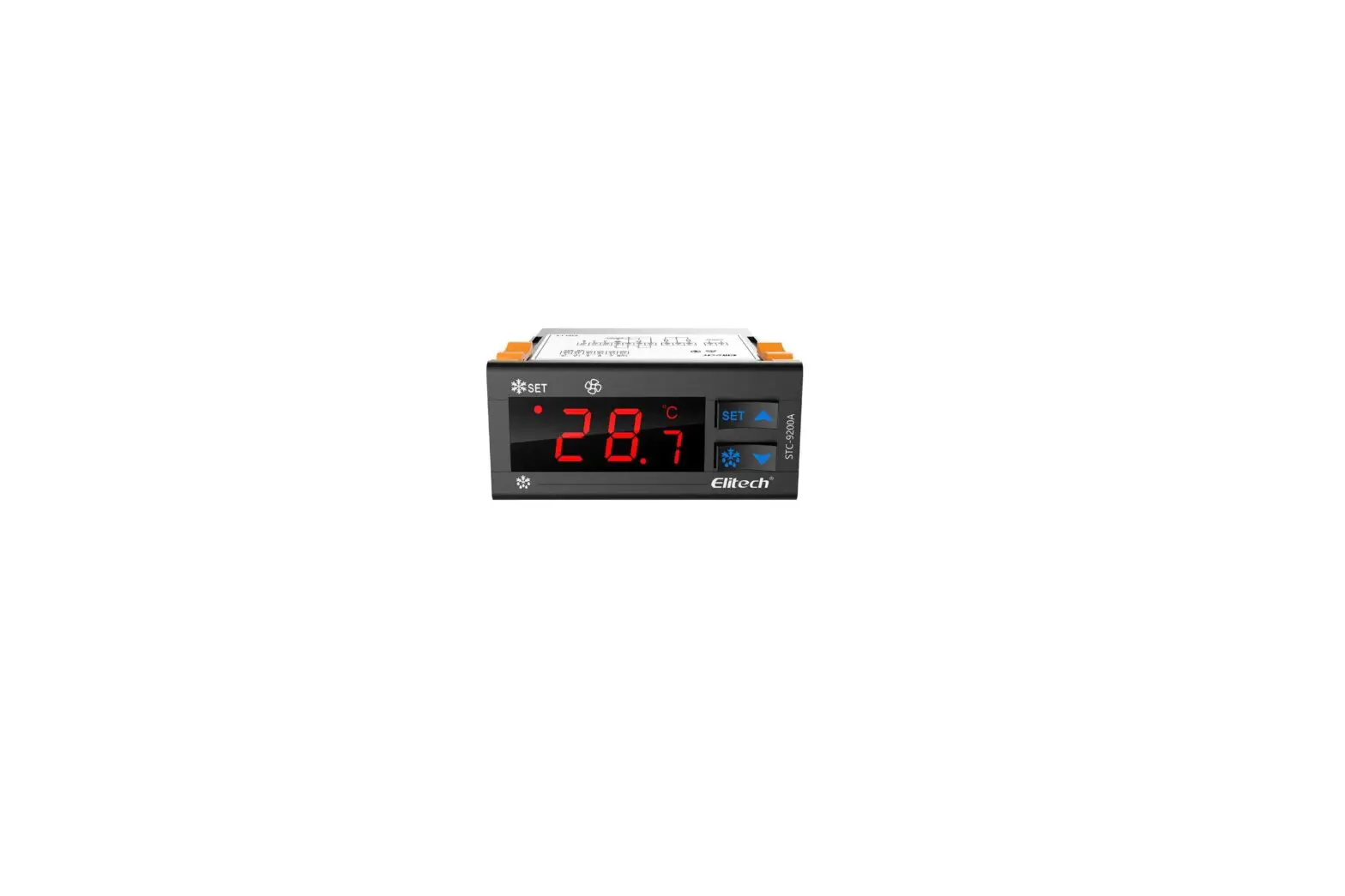
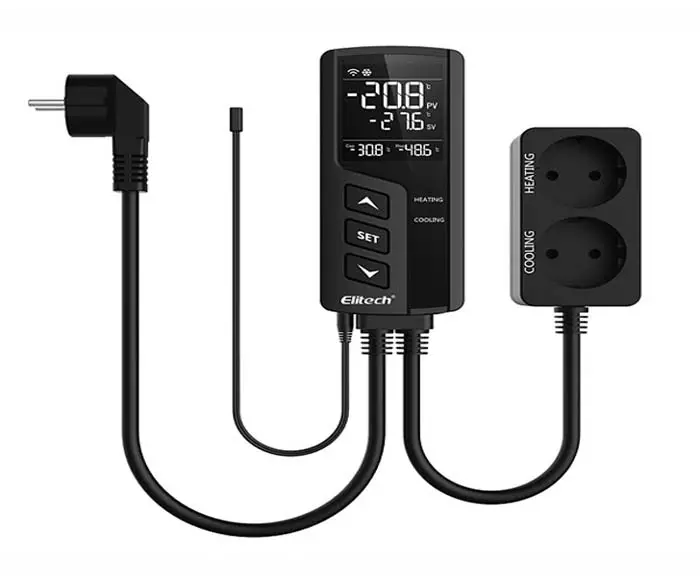
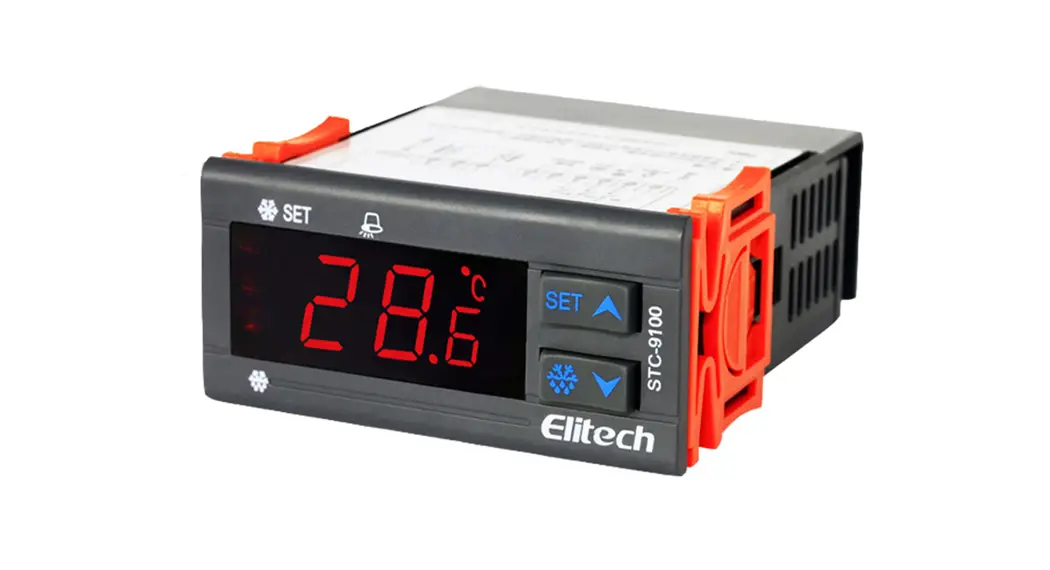
STC-8080H defrosting thermostat with one sensor and two output relays to connect and control the refrigeration and the defrosting unit.
There is an editable delay time for the over temp alarm function
Wiring Diagram
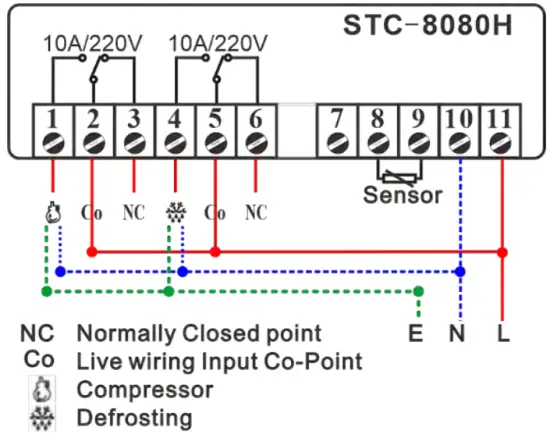
This unit does not output AC electricity; hence you have to wire all live and null wires to each port; you may use the jumper wire conveniently.
| Code | Function |
| F1 | Temperature for Refrigeration Starts |
| F2 | Temperature for Refrigeration Stops |
| F3 | Temperature Calibration |
| F4 | Compressor Delay Time |
| F7 | Over-temperature to Trigger Alarm (more than F1) |
| F6 | Alarm Delay Time |
| F7 | Defrosting Cycle / Interval Time |
| F8 | Defrosting Lasting Time |
Configuration
The aimed temperature range was defined from “F1” to f2”; you need to set both.
- ≥ F1, refrigeration starts.
- ≤ F2, refrigeration ends.
Step 1: Hold the  key for 3s, and the code F1 will appear.
Step 2: Press the  or
or  keys to get the aim function you want to update;
Step 3: Press the key to check the existing value; Hold the key meanwhile press the or key to change the value;
Step 4: Release all keys once it reaches your aim value; Repeat operation from Step 2 / 3 / 4 to adjust other parameters;
Step 5: After configuring all values, press the  key to save data and back to normal monitor status.
Attention: the modified value will be saved automatically and back to normal status if without operation in 30 seconds.
Run the Forced Refrigeration
Hold the  key for 3s to start the forced-defrosting mode; do it again to stop defrosting.
More Tips:
This unit controls the defrosting only by the time.
This is not a step-by-step user manual;
It just shows the key points.
The new user should read the
Full-Content Version User Manual

Haswill Electronics
STC-8080H
Copyright Haswill-Haswell All Rights Reserved
 Haswill Electronics - Digital Temperature meter, controller and data Logger from China