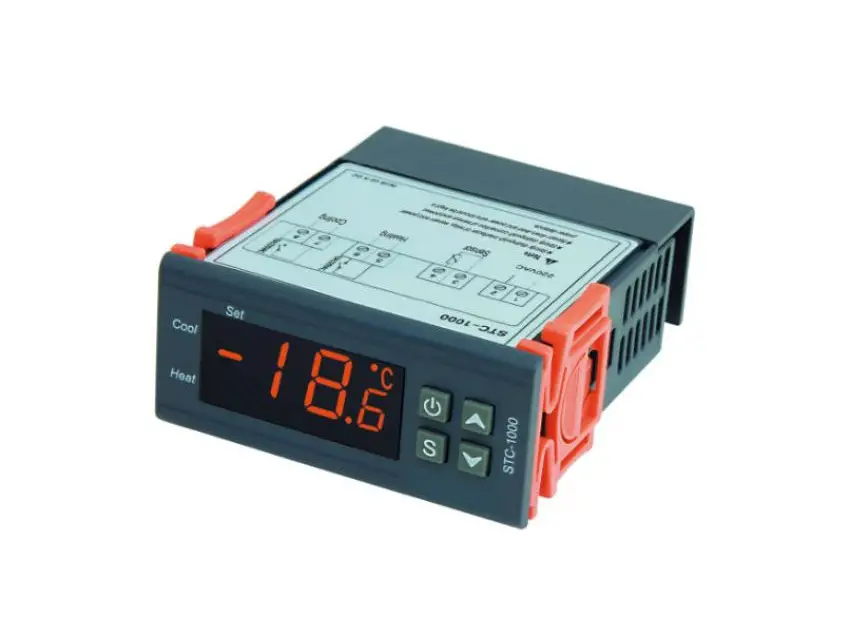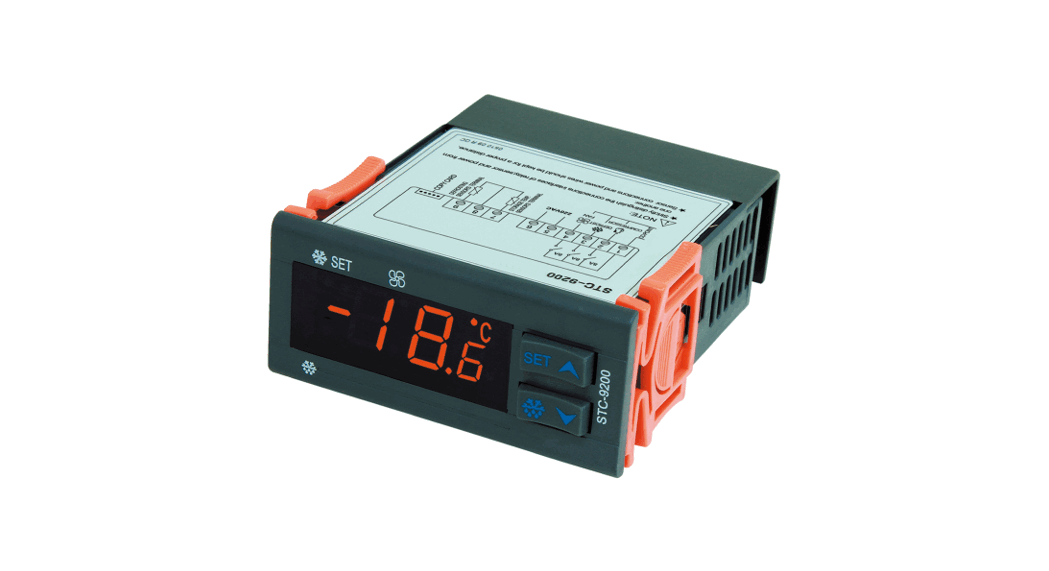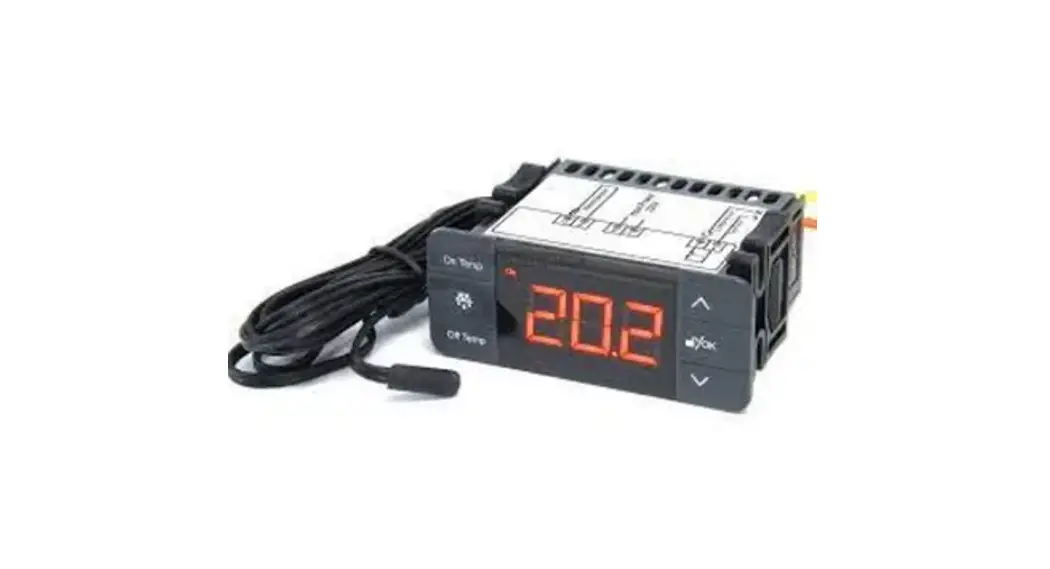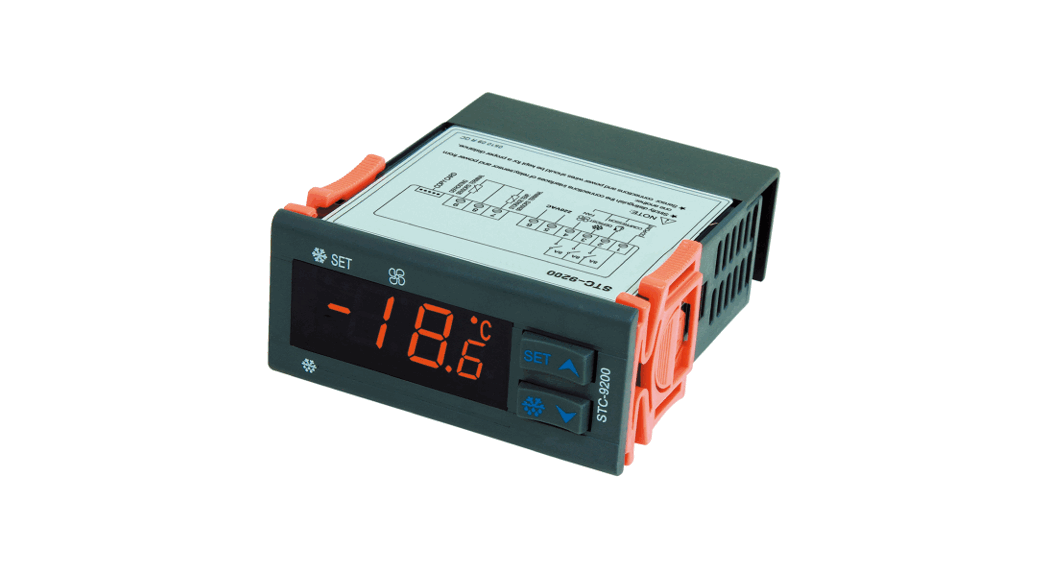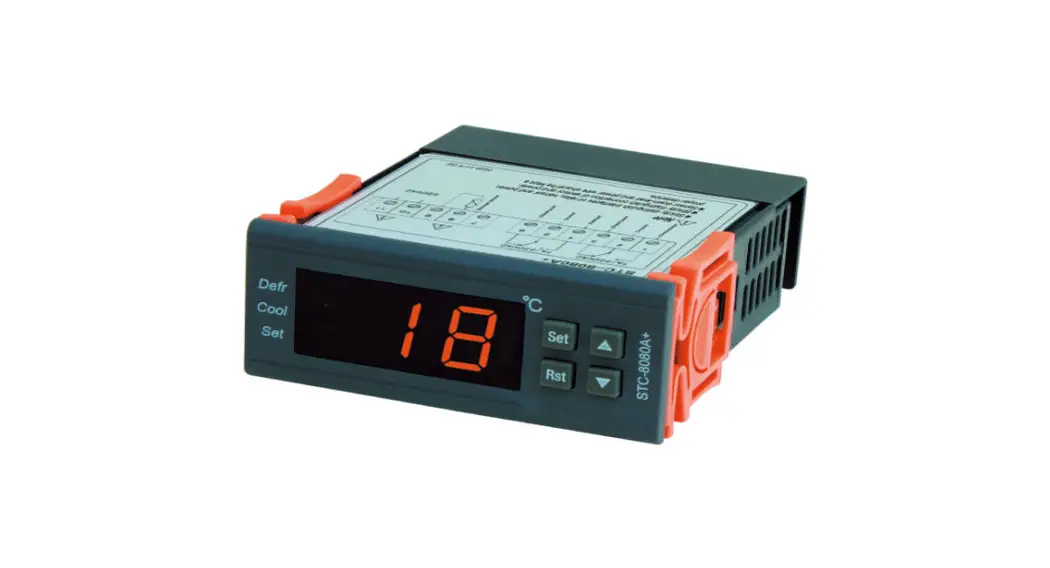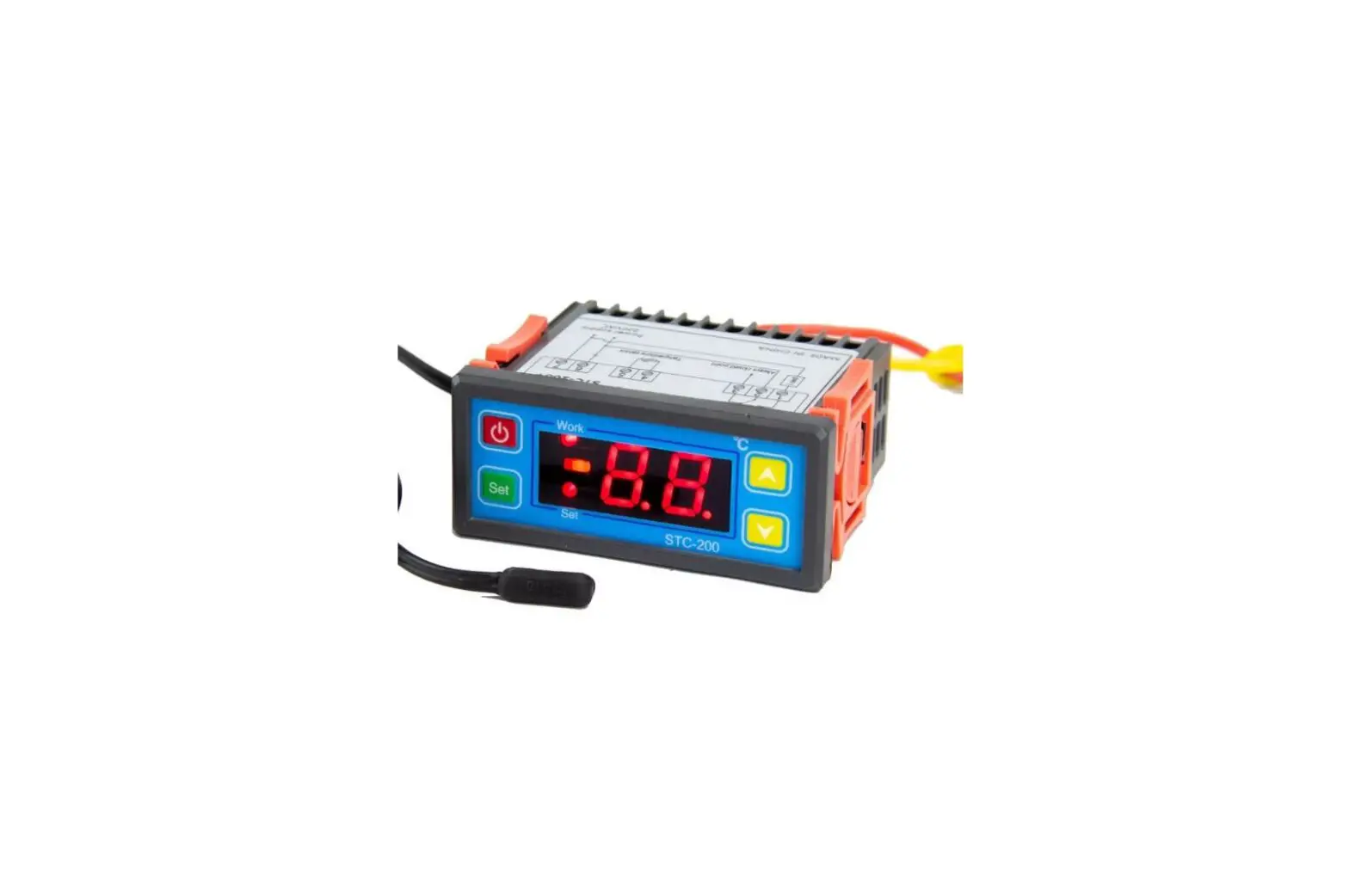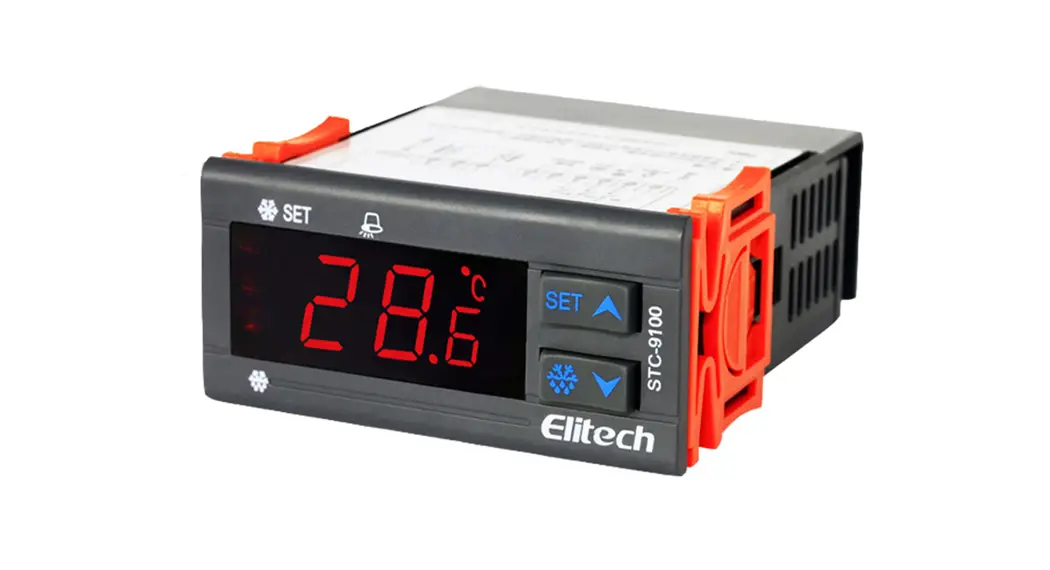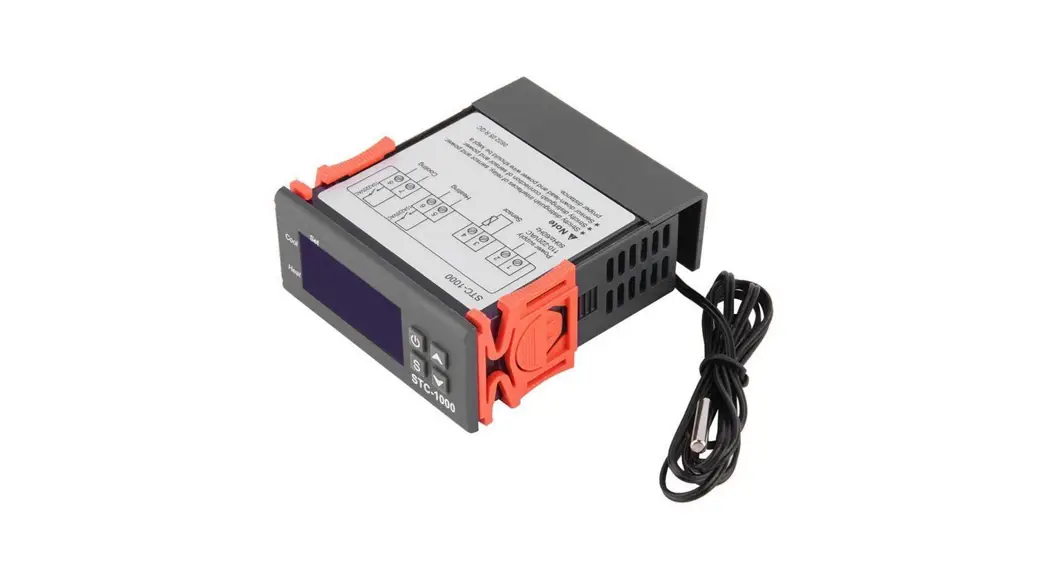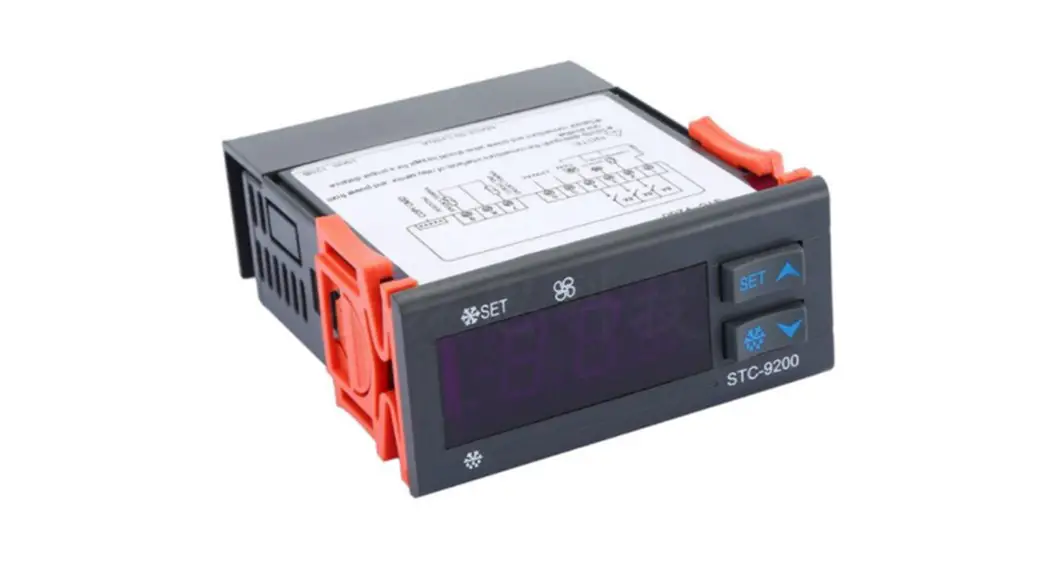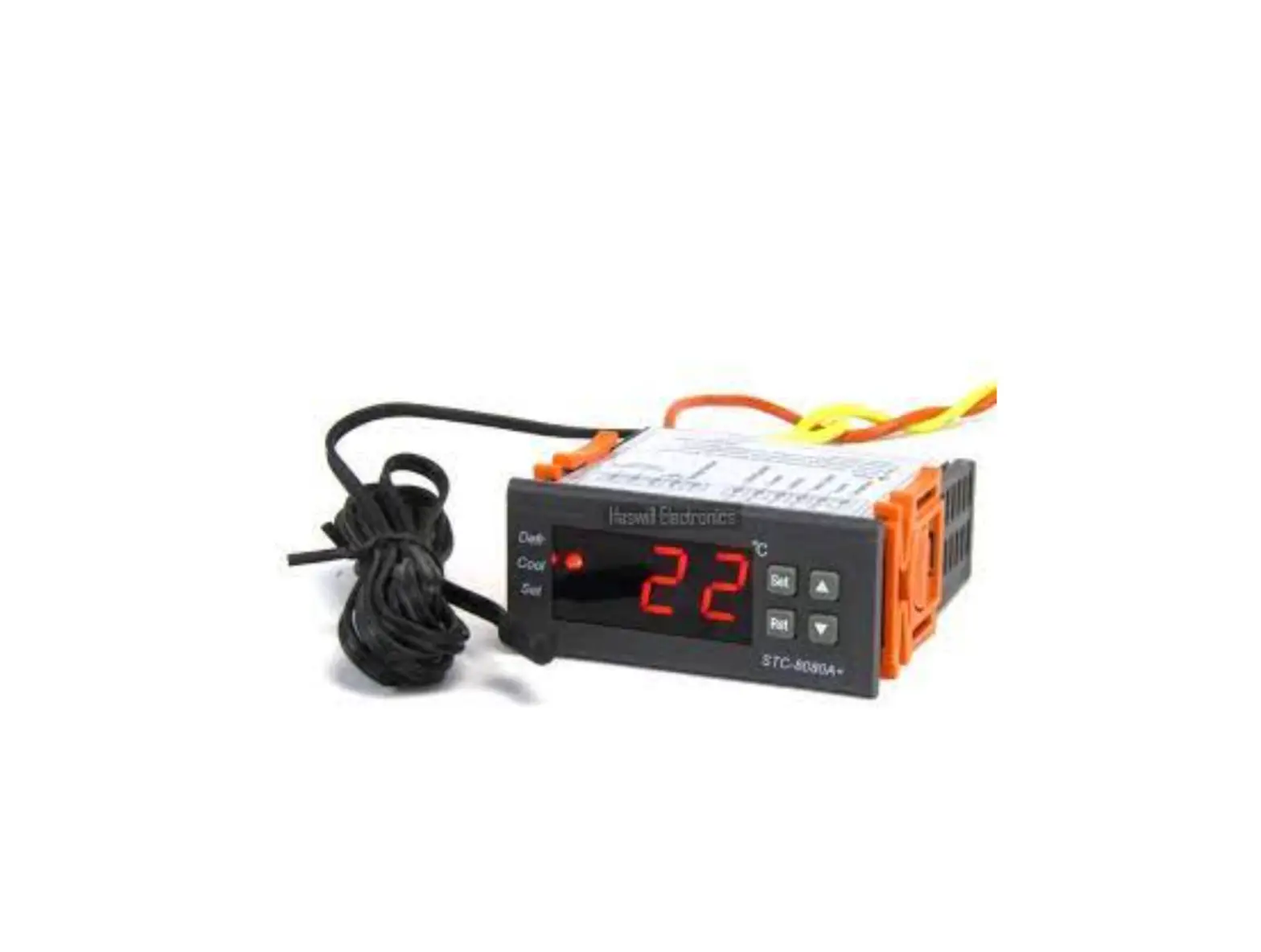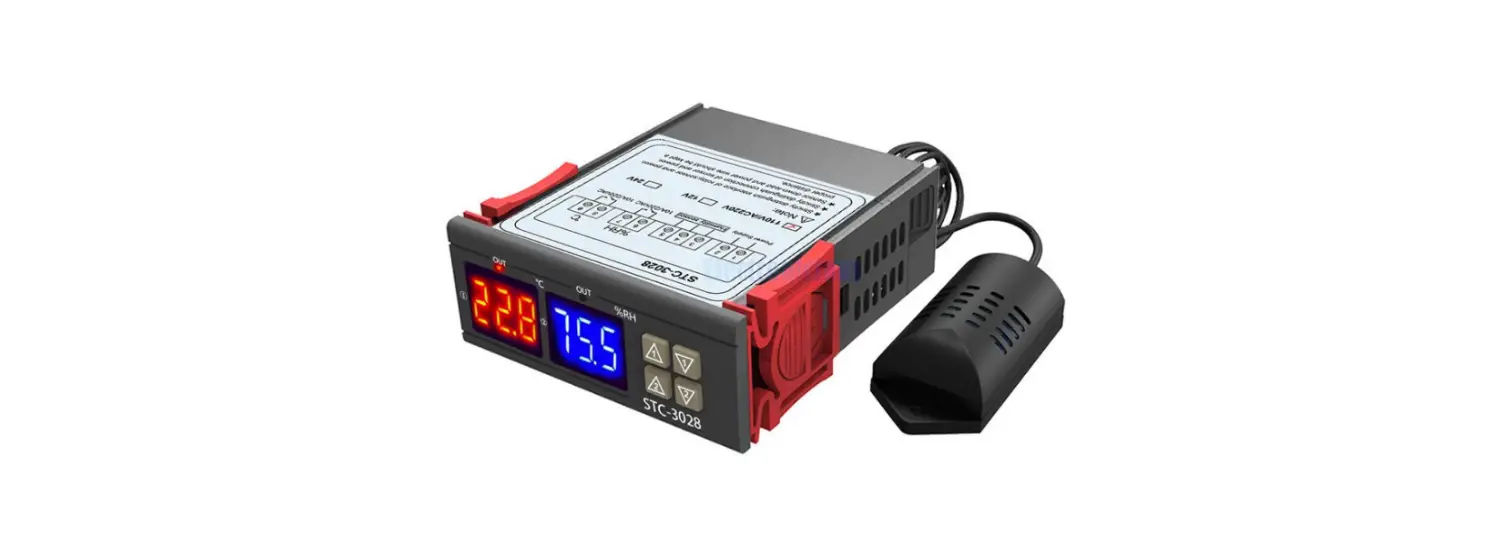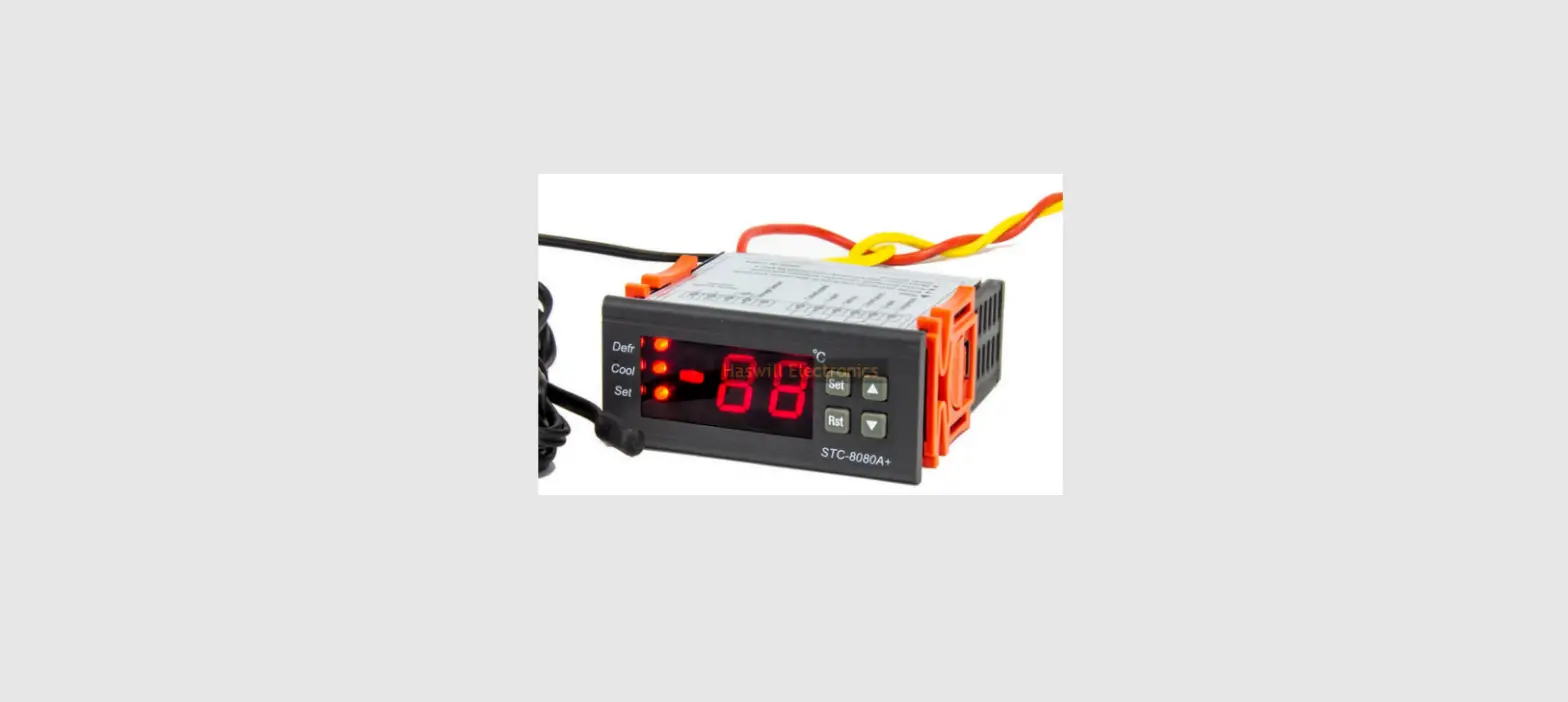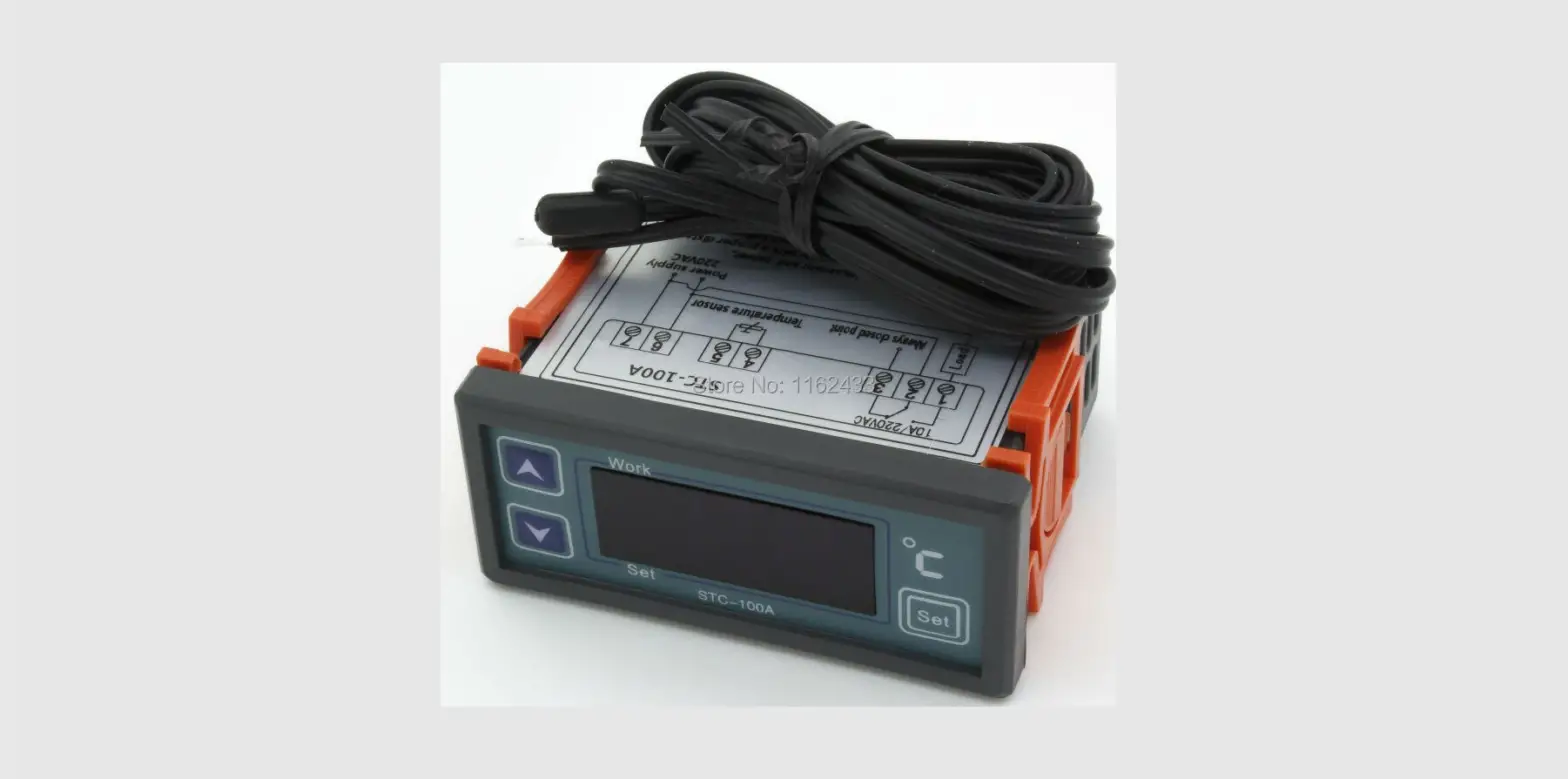

PURGEAR STC-100A Digital Thermostat
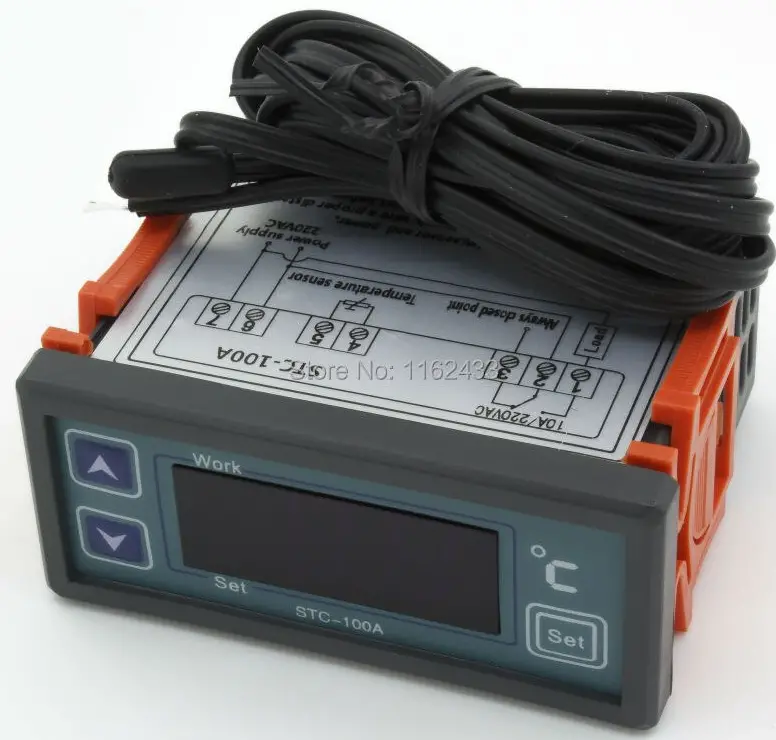
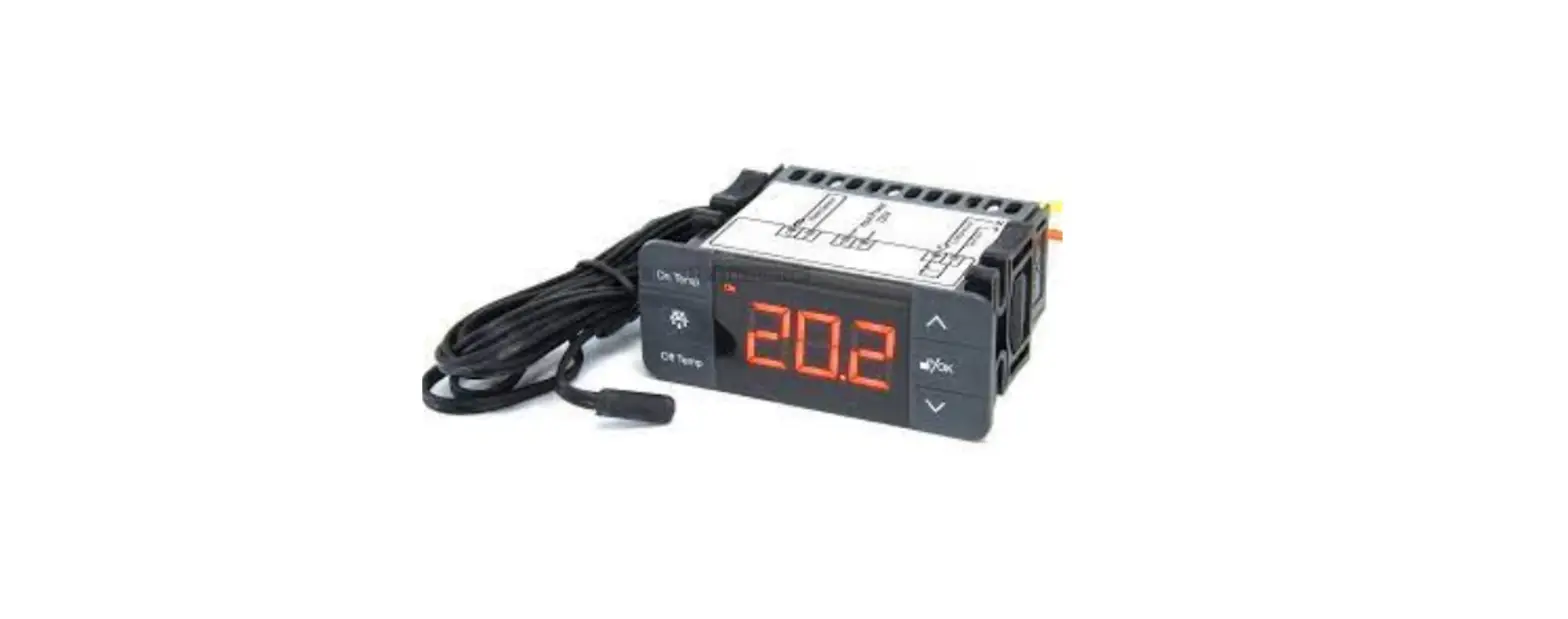
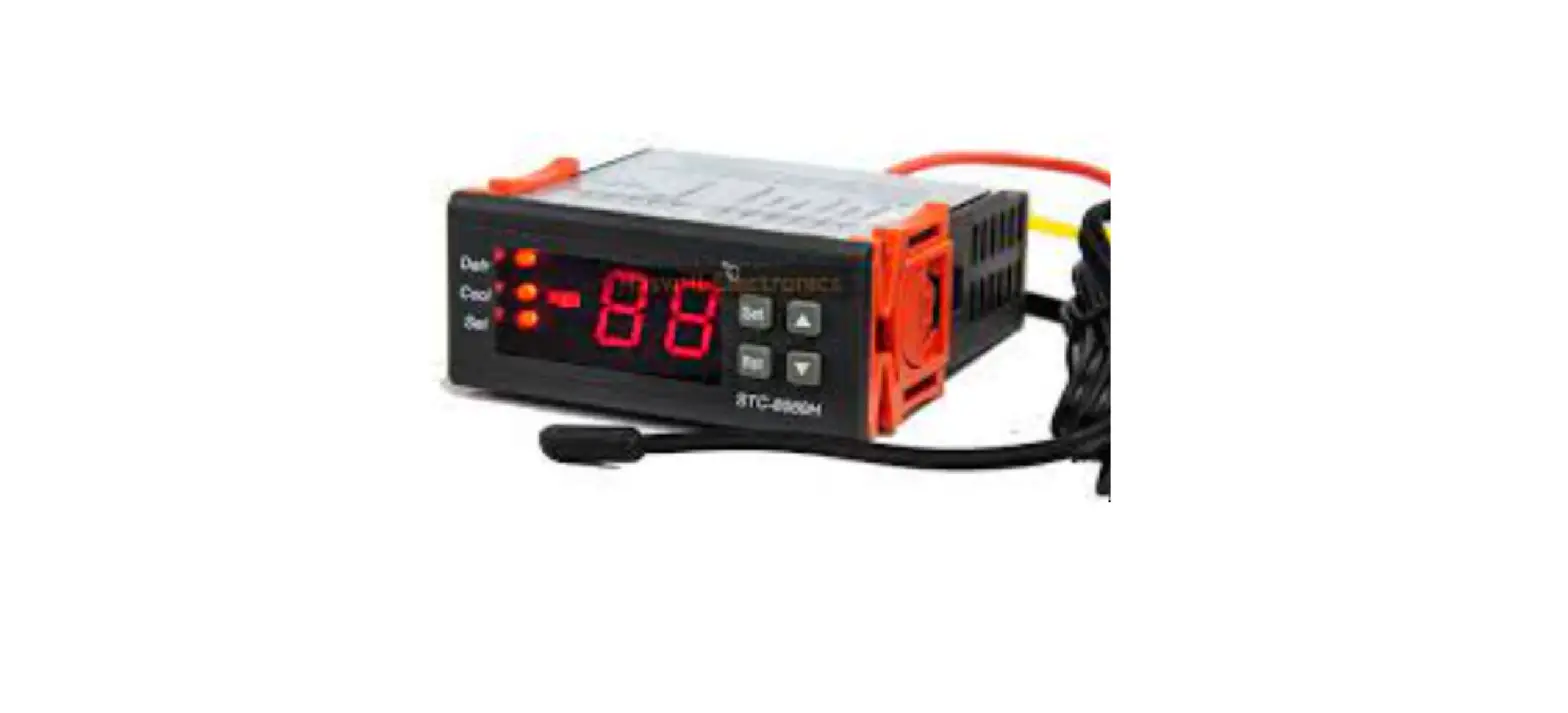
STC-100A thermostat controls the input power supply status of a heater or a cooler.
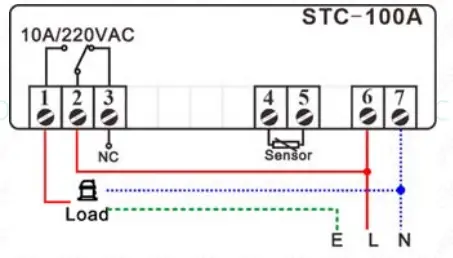
Wiring Diagram
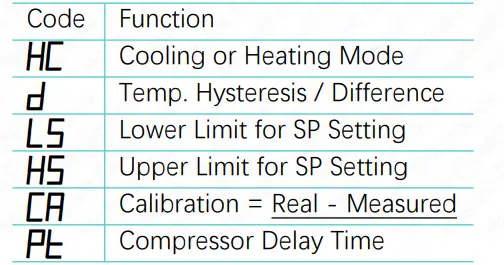
Set the Aimed Temp Range
- The aimed temperature range consists of two parts: “SP” as the bottom line and “SP + d” as the top line, So, you need to set both the “SP” and the “d.”
Set the “SP” value
- Press the
 key to see the SP value;
 - Press the
 or
or key to change it;
 - Press the
 key to save new data.
 - If you found the “SP” cannot reach your ideal value, you must first change the range limitation (LS & HS )..
 key to see the SP value;
 or
or key to change it;
 key to save new data.
Set the “Hysteresis” Value?
- Hold the key for 3s. You will see the code HC.
- Next, press the direction key to find the “d.”
- Press the key to see the current value and press the direction key to change it.
- At last, press the key to save the new data.
This is not a step-by-step user manual; It just shows the key points. The new user should read the Full-Content Version User Manual

Haswill Electronics
- STC-100A Thermostat
- Copyright Haswill-Haswell All Rights Reserved
 Haswill Electronics - Digital Temperature meter, controller and data Logger from China