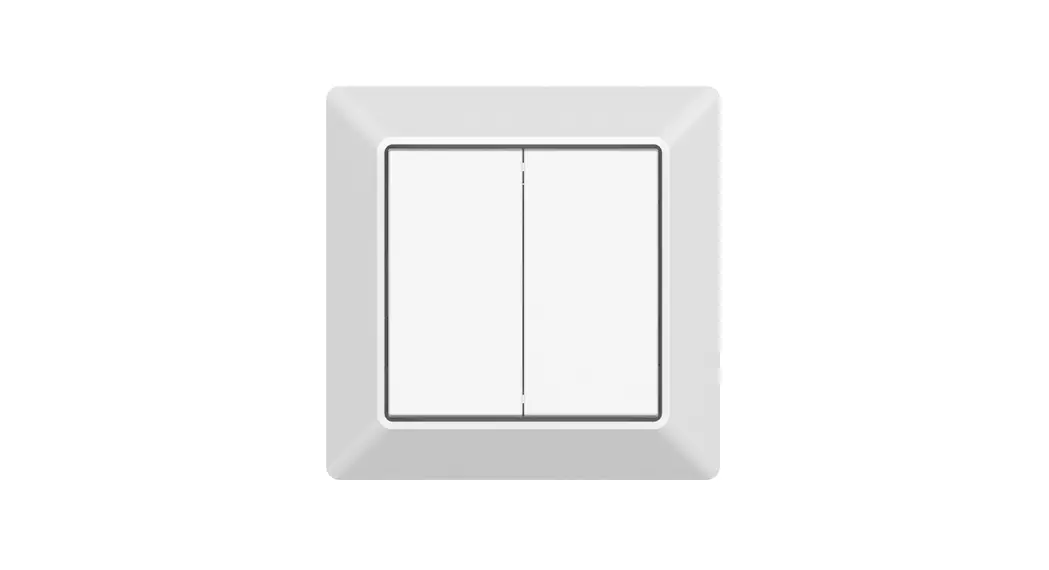
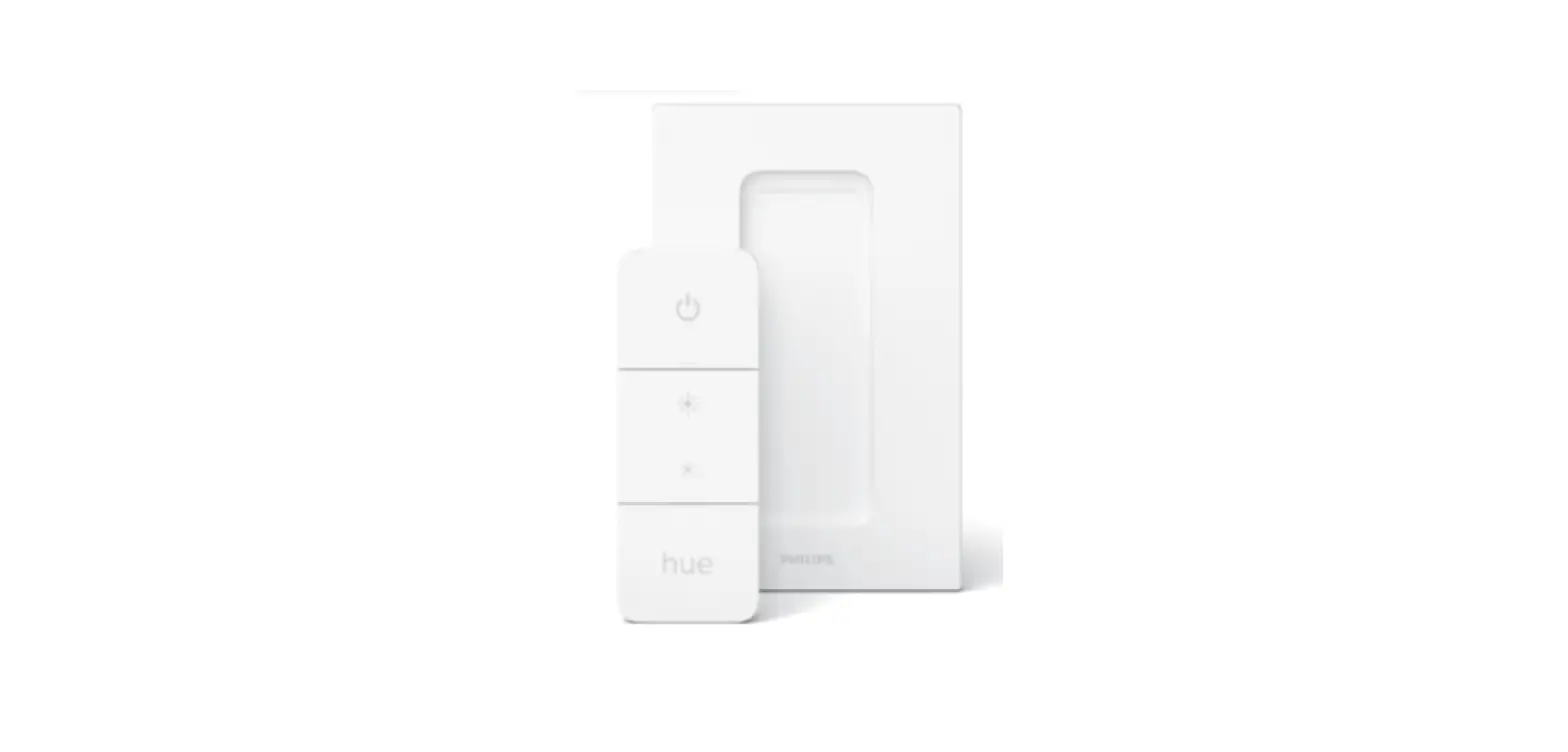
70100041 Battery Powered Friends of Hue Switch
Battery Powered Friends of Hue Switch
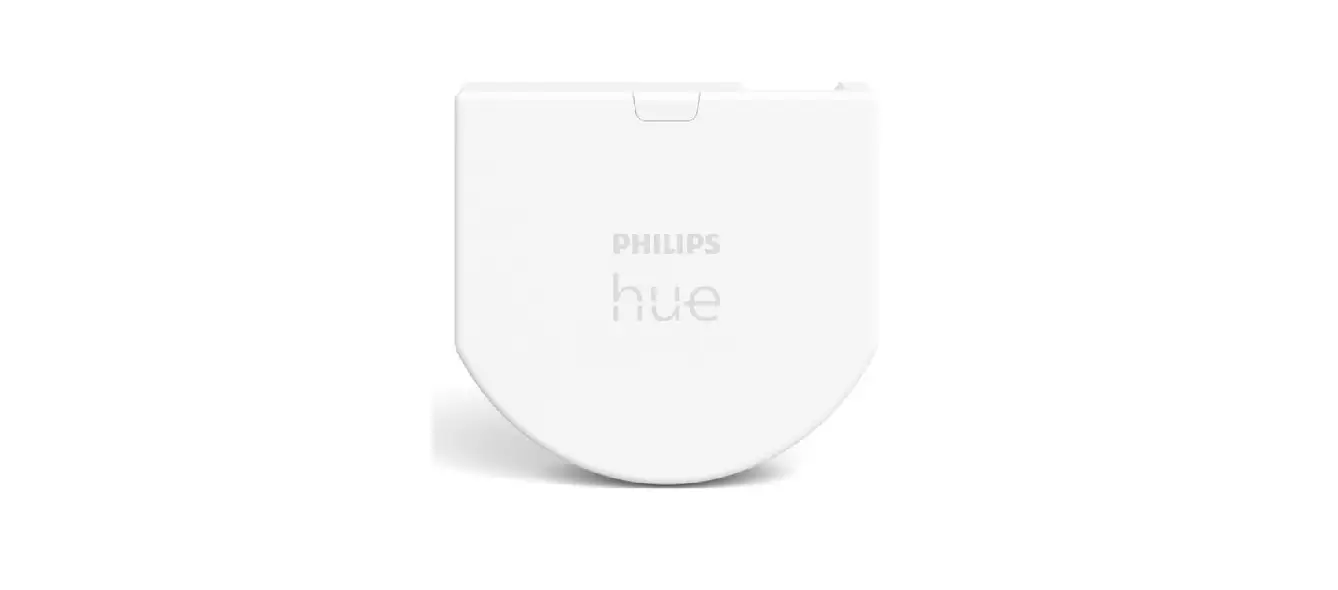
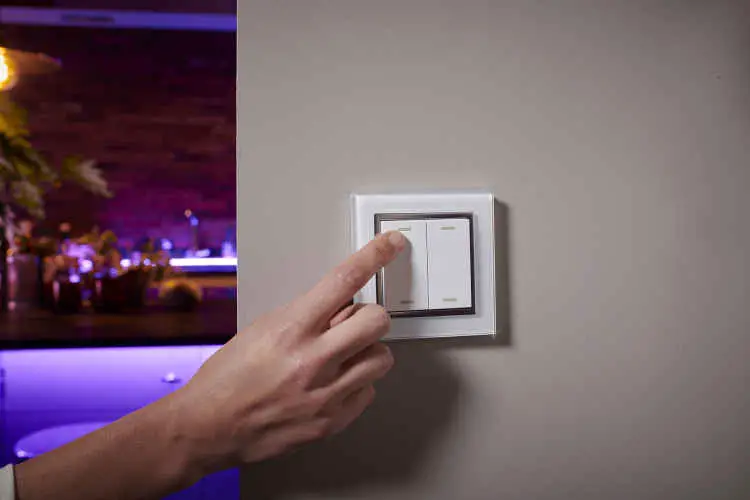
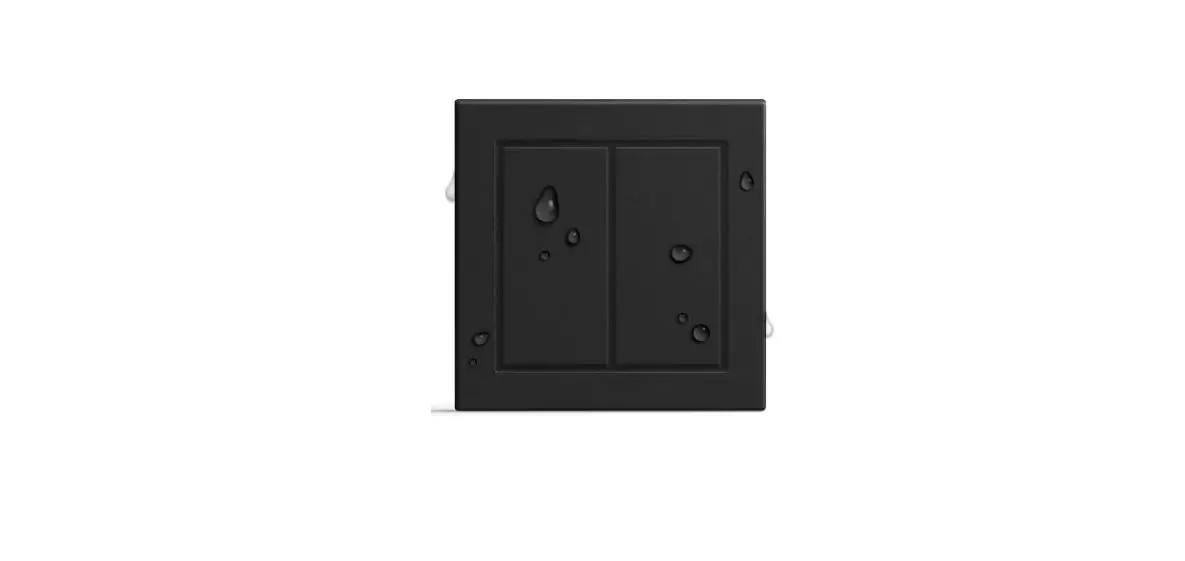
Product Description: The Friends of Hue switch
is a wireless transmitter that communicates with Philips Hue
bridge. The switch uses a CR2430 battery that powers a built-in
transmitter. This transmitter sends wireless radio signals that are
used to remotely control the Philips Hue system. The switch can be
configured through Hue App after added to the Hue bridge. It
enables to control designated light devices in 2 designated rooms
with 4 buttons. Functions of the 4 buttons can be configured
separately through Hue App. The configurable functions includes
ON/OFF, dim up/dim down, and system preset scene control.
Product Data:
- Switch Type: Wireless transmitter
- Transmission Range: 10-30m (typical)
- Radio Frequency: 2.4GHz
- Power Supply: 3V(1xCR2430 battery)
- Buttons: 4
- Dimensions: 80.5×80.5×14.7mm / 86x86x14mm
- Operating Temperature: -20°C to +45°C
- Working Humidity: 10% ~ 95% RH
non-condensing - Waterproof Grade: IP20
- Warranty: 5 years
Installation:
The remote control can be fixed on the wall with 3M glue or
screw. The key part of this controller is a universal, extremely
rotary standard switch element that can be integrated in numerous
frames by different manufactures as below list:
- BEKER
- GIRA
- JUNG
- MERTEN
There are two frame options available: with plastic frame
(14.7mm) and with glass frame (10.10 mm).
Usage Instructions:
Add the Switch to Hue Bridge:
- Configure your Hue Bridge correctly and add light devices to
the Hue Bridge through Hue App as instructed. - Tap Accessory setup on Settings page, then tap Add accessory,
then tap Friends of Hue switch. - Tap a brand to select it, any brand will work. Then operate the
switch as instructed to enable it to be added to the Hue
Bridge. - Note: different Hue Bridges may instruct you to operate
different buttons during adding process, the above instruction is
just an example, please kindly operate the buttons as instructed by
your Hue Bridge since the buttons it requires you to operate may be
different from the above example.
Select Designated Room/Rooms to Control:
- Tap to select a room to be controlled by left side on the
switch, then right side.
Configure the Switch through Hue App:
- Once added successfully, you can use the system suggested
setting or configure the switch as per your preferences. Just tap
Done to use suggested setting, or tap change settings to configure
as instructed. 4 buttons can be configured one by one separately.
Tap the button area to select the button to be configured.
Control the Light Devices in the Selected Room/Rooms with the
Switch:
- After configured successfully, tap save at upper right corner
to save the settings. Then you can use the switch to control the
light devices in the selected room/rooms.
Battery Powered Friends of Hue Switch
Important: Read All Instructions Prior to Installation Function introduction
70100041
With Glass Frame 10.10 mm
86mm
With Plastic Frame 14.7 mm
Front side
80.5 mm
The remote control can be fixed on the wall with 3M glue or screw. Back side
80.5 mm
86mm
Product Data
Switch Type
Transmission Range
Radio Frequency
Power Supply
Buttons
Dimensions
Operating Temperature
Working Humidity
Waterproof Grade
Warranty
The remote control can be fixed on the wall with 3M glue or screw.
Friends of Hue Switch 10-30m (typical) 2.4GHz
3V(1xCR2430 battery) 4
80.5×80.5×14.7mm / 86x86x14mm -20 ~ +45
10% ~ 95% RH non-condensing IP20
5 years
Product Description
The Friends of Hue switch is a wireless transmitter that communicates with Philips Hue bridge. The switch uses a CR2430 battery that powers a built-in transmitter. This transmitter sends wireless radio signals that are used to remotely control the Philips Hue system.
The switch can be configured through Hue App after added to the Hue bridge. It enables to control designated light devices in 2 designated rooms with 4 buttons. Functions of the 4 buttons can be configured separately through Hue App. The configurable functions includes ON/OFF, dim up/dim down, and system preset scene control.
Safety & Warnings · DO NOT expose the device to moisture.
Operations 1. Add the Switch to Hue Bridge Step 1: configure your Hue Bridge correctly and add light devices to the Hue Bridge through Hue App as instructed.
Step 2: tap “Accessory setup” on “Settings” page, then tap “Add accessory”, then tap “Friends of Hue switch”.
Step 3: tap a brand to select it, any brand will work. Then operate the switch as instructed to enable it to be added to the Hue Bridge.
3. Configure the Switch through Hue App
Step 1: once added successfully, you can use the system suggested setting or configure the switch as per your preferences. Just tap “Done” to use suggested setting, or tap “change settings” to configure as instructed. 4 buttons can be configured one by one separately. Tap the button area to select the button to be configured.
Note: different Hue Bridges may instruct you to operate different buttons during adding process, the above instruction is just an example, please kindly operate the buttons as instructed by your Hue Bridge since the buttons it requires you to operate may be different from the above example.
2. Select designated room/rooms to control Step 1: Tap to select a room to be controlled by left side on the switch, then right side.
4. Control the Light Devices in the Selected Room/Rooms with the Switch
After configured successfully, tap “save” at upper right corner to save the settings. Then you can use the switch to control the light devices in the selected room/rooms.
Installation
With Plastic Frame
With Glass Frame
CR2430
CR2430
The key part of this controller is a universal, extremely rotary standard switch element that can be integrated in numerous frames by different manufactures as below list:
BEKER GIRA JUNG MERTEN
S1, B1, B3, B7 glass Standard55, E2, Event, Esprit
A500, Aplus M-smart, M-Arc, M-Plan