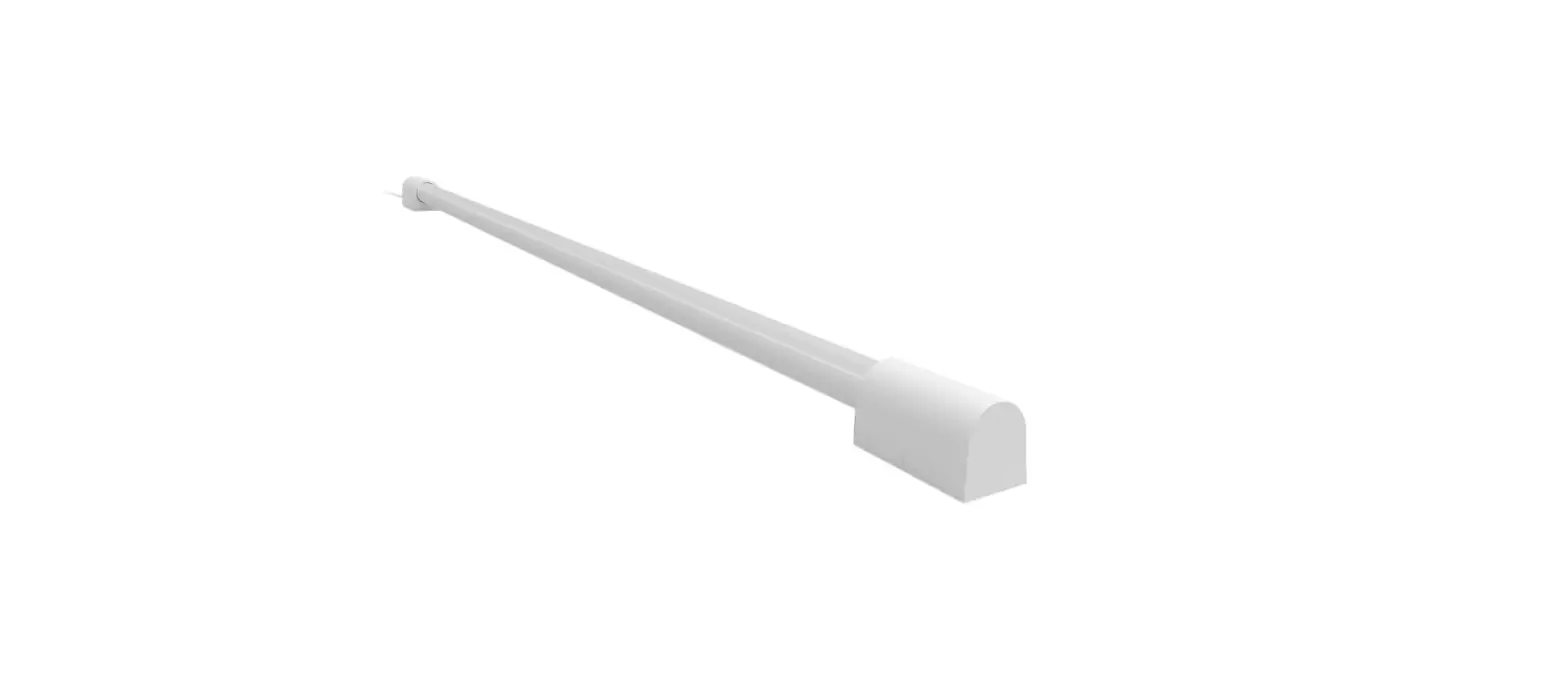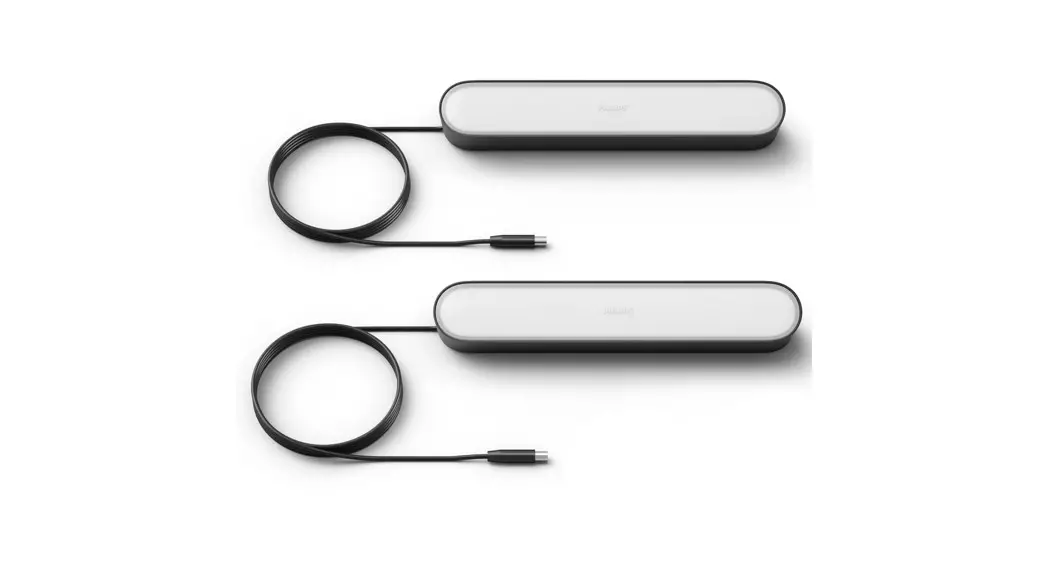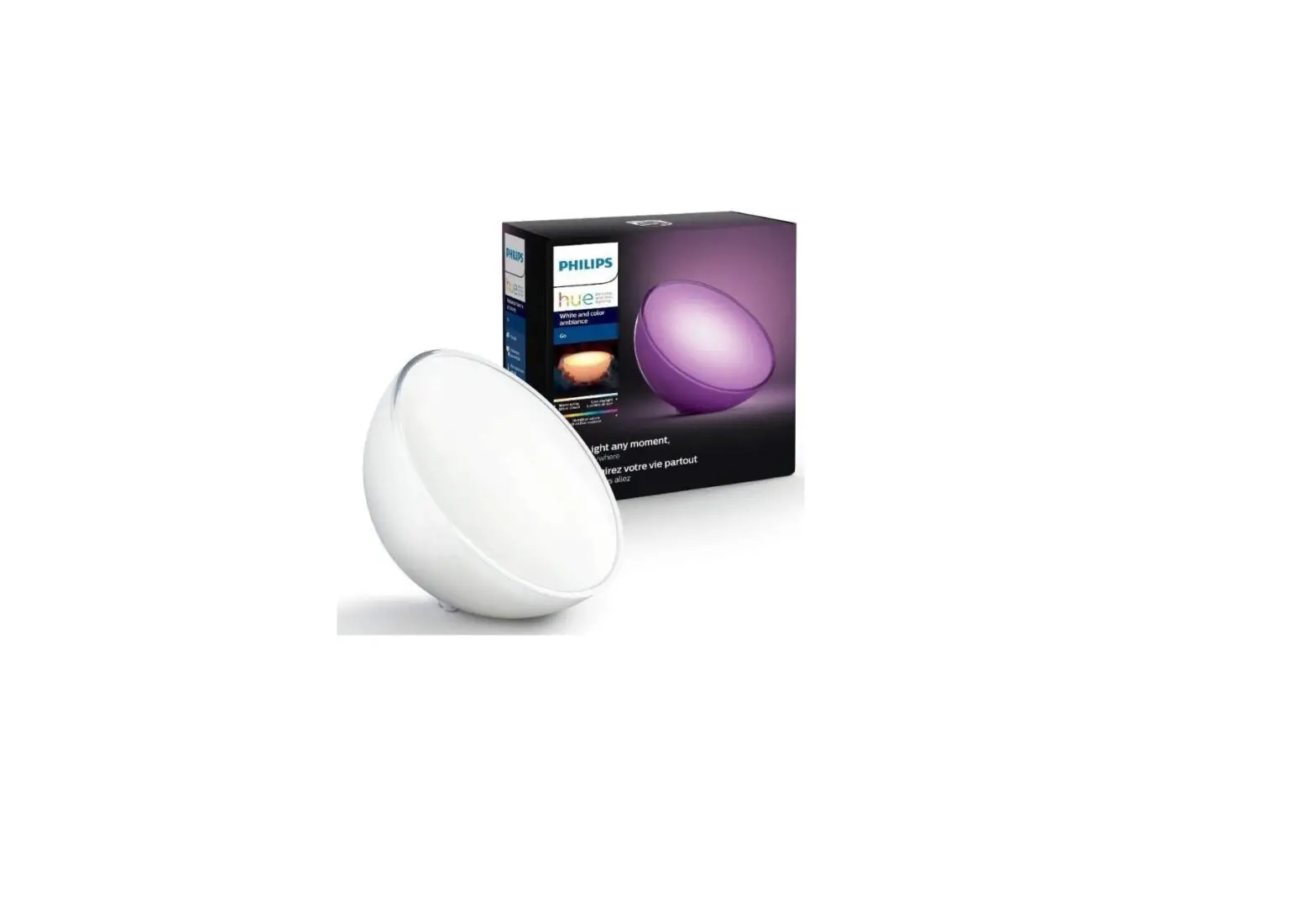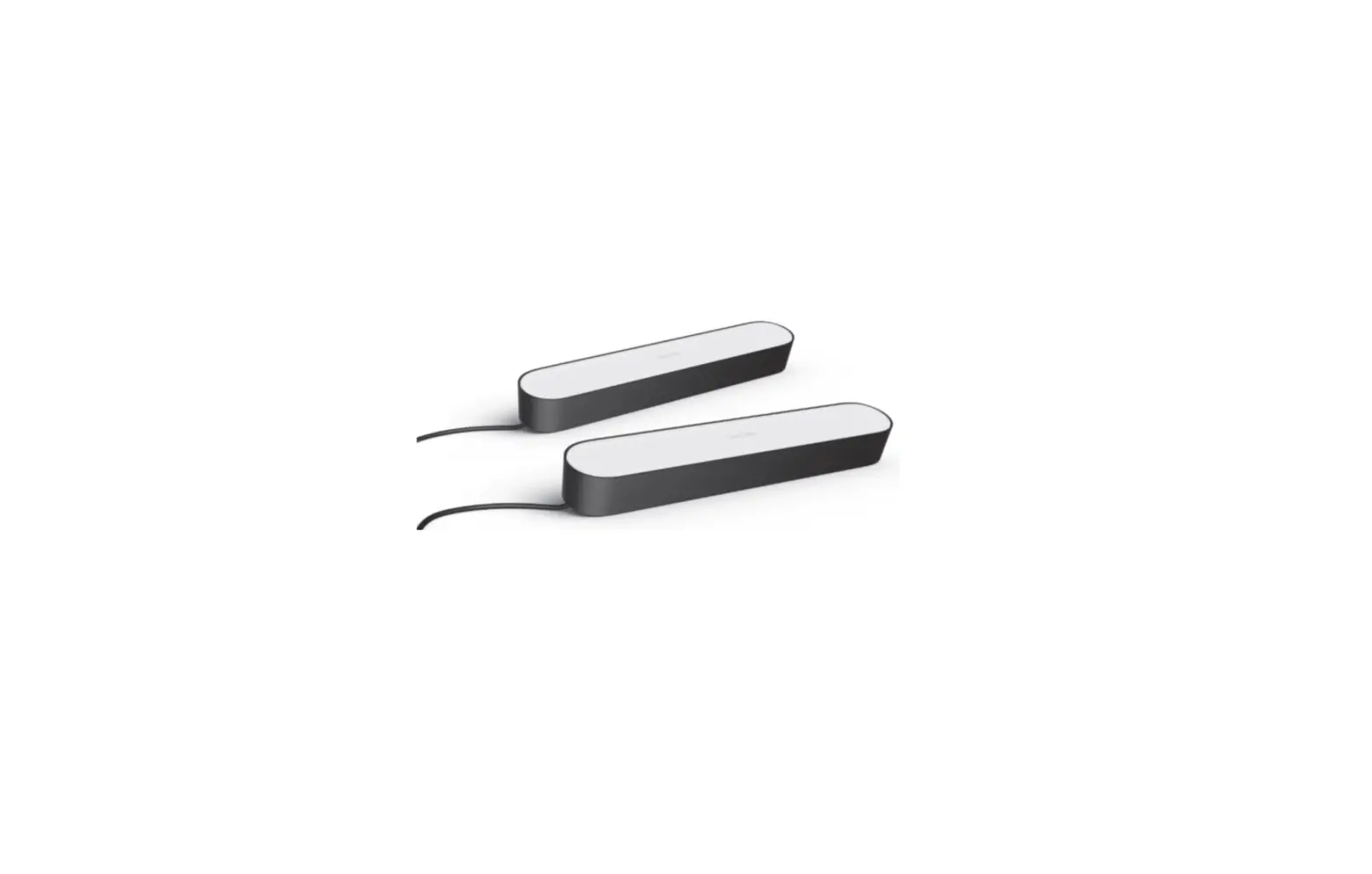
Philips Hue 7820231U7 Smart Light 
- BRAND: Philips Hue
- COLOR: White
- MATERIAL: Acrylic
- STYLE: 2-Pack with Plug
- ROOM TYPE: Living Room
- INDOOR/OUTDOOR USAGE: Indoor
- POWER SOURCE: Corded Electric
- PRODUCT DIMENSIONS: 9.97″L x 1.74″W x 1.41″H
- SPECIAL FEATURE: Color Changing
- CONTROL METHOD: Voice
- LIGHT SOURCE TYPE: LED
- VOLTAGE: 240 Volts
- ITEM WEIGHT: 3 Pounds
- WATTAGE: 6.6 watts
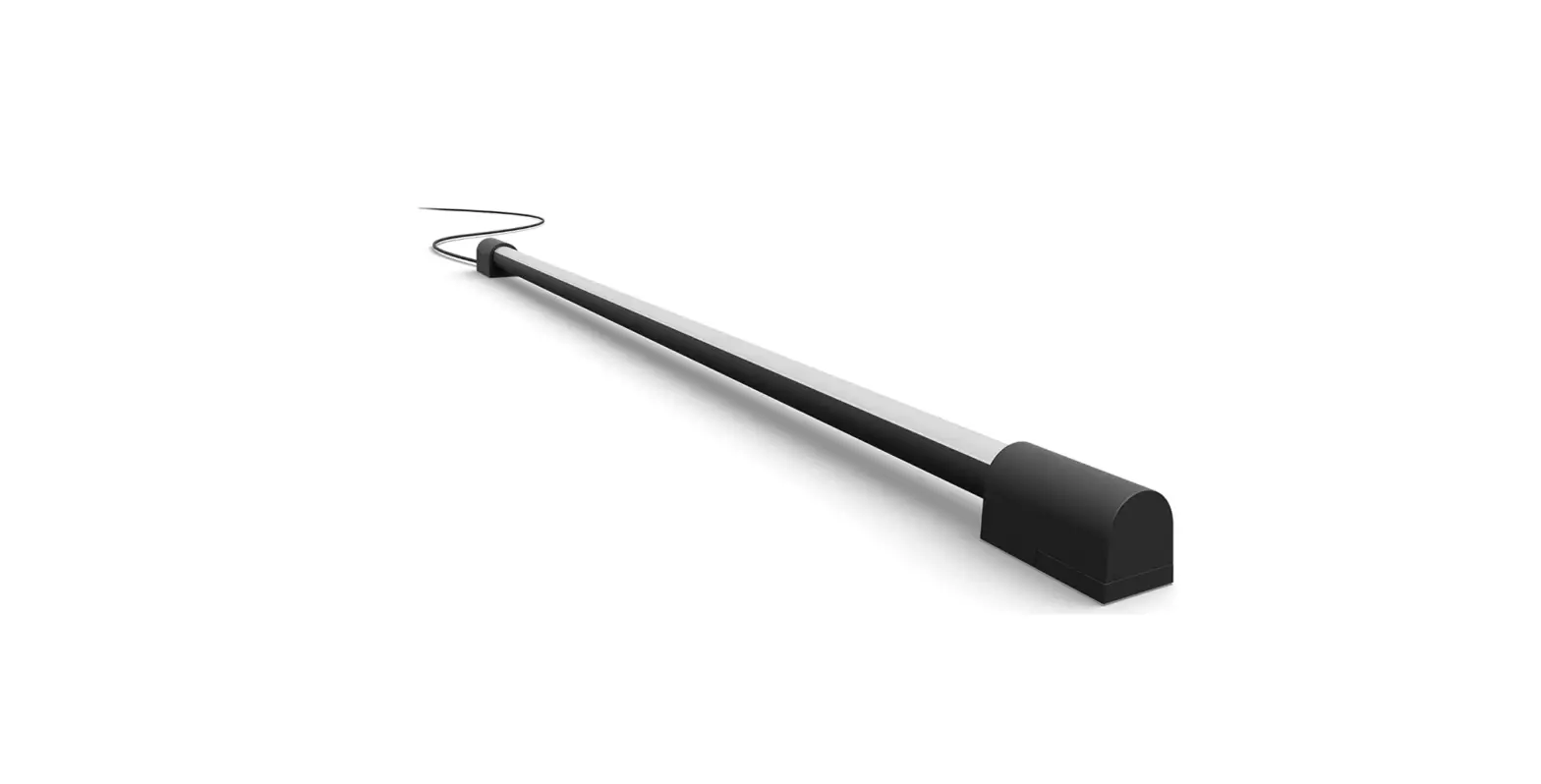
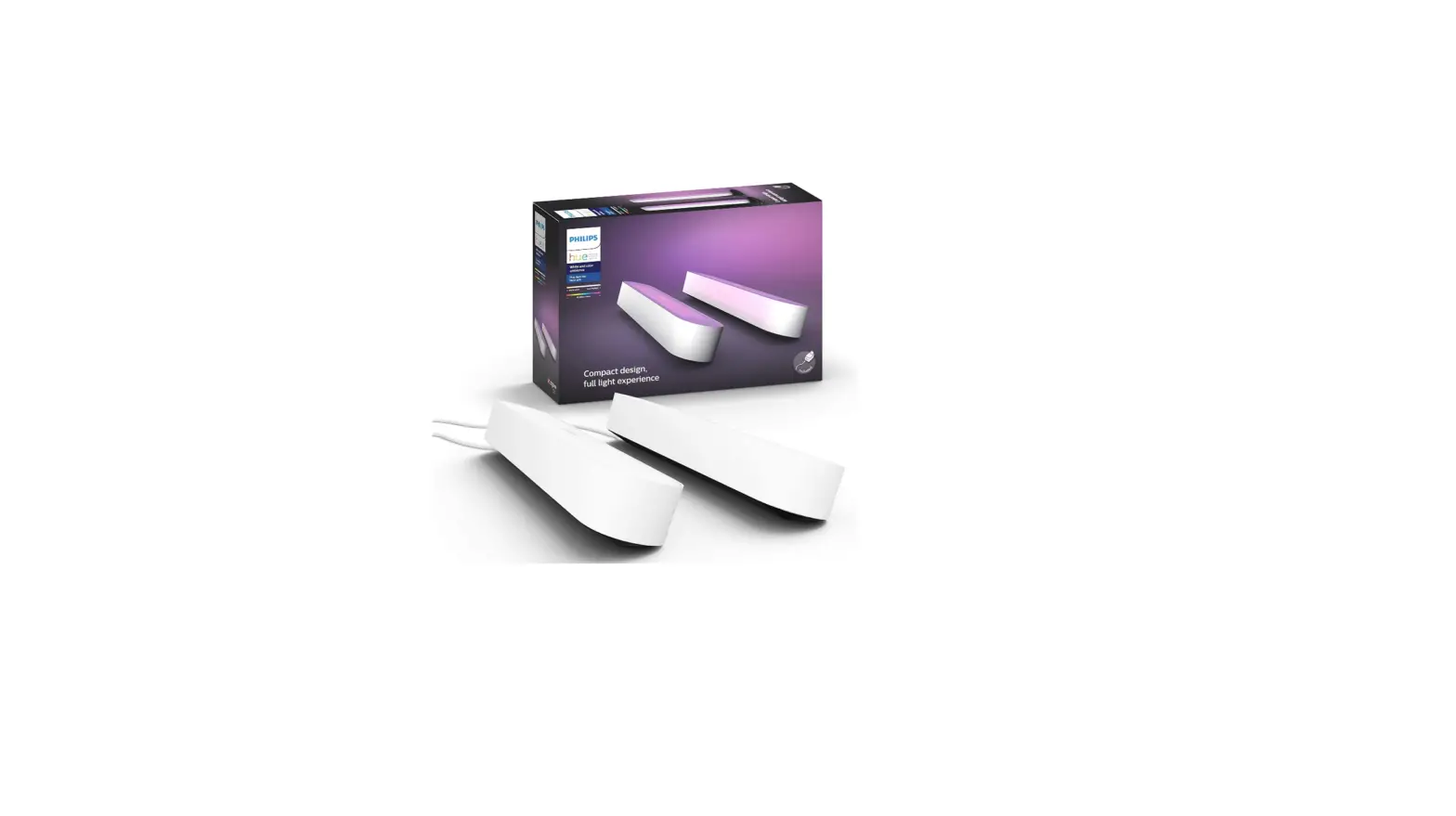
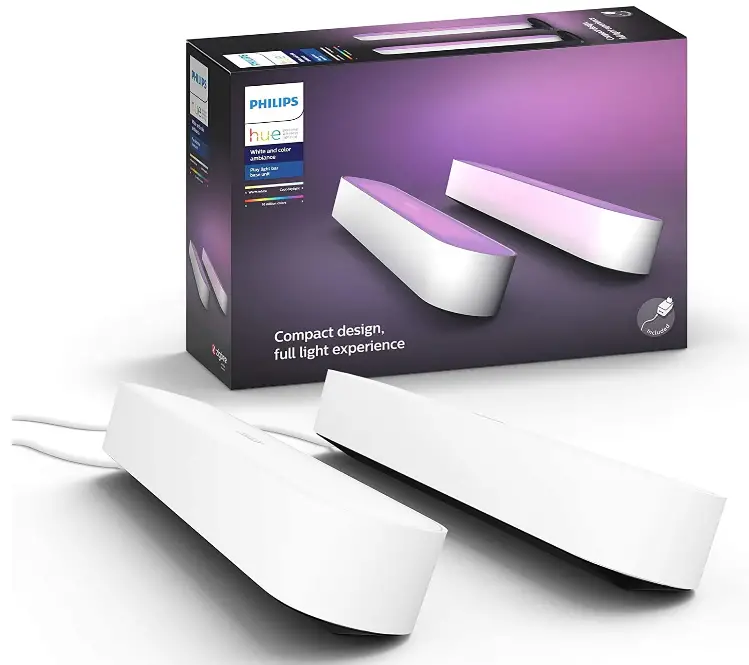
In order to operate lights with your Hue App, Voice Assistant, or Smart Home device, connect it to Hue Hub (available separately). Full sensation of light, compact design. The Hue Play light bars can be used to create a lively atmosphere. To explore various lighting effects, choose from 16 million different colors. You may paint your wall with light by laying it on the floor, allowing it to stand on the cabinet, or mounting it to the back of the TV. Utilize the Hue Sync app to sync your lights to music or movies. Two light fixtures, a power supply unit, two table stands, and two TV mounting supports are included in this base package. requires the Hue Hub (sold Separately) in order to use voice activation and enjoy the full Hue experience.
WHAT’S IN THE BOX
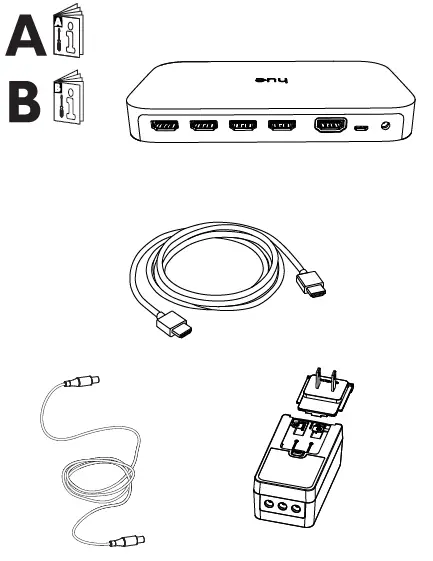
INCLUDED
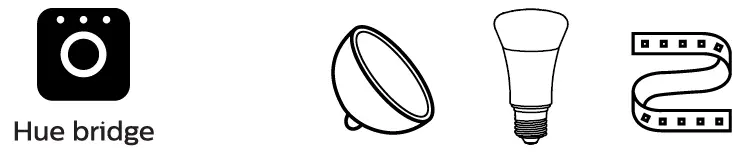
EXCLUDED
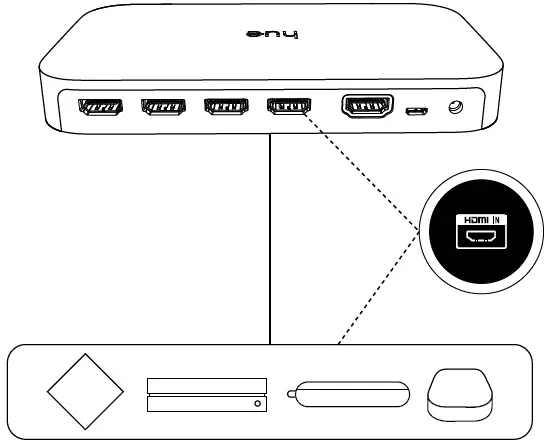
CONNECTING WITH TV
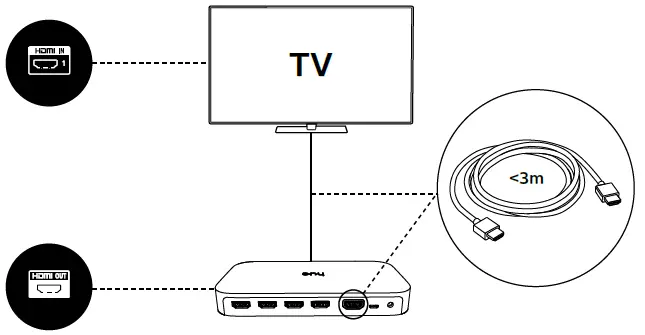
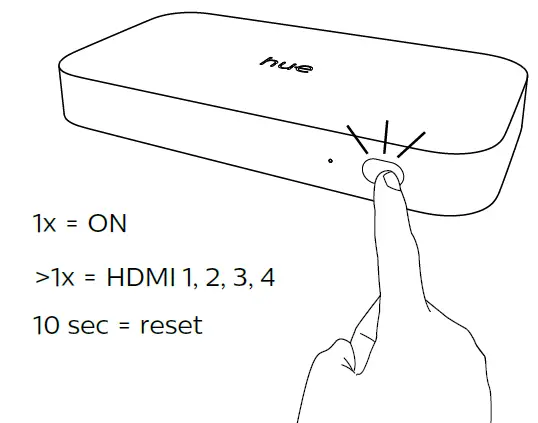
HDMI CONNECTIONS
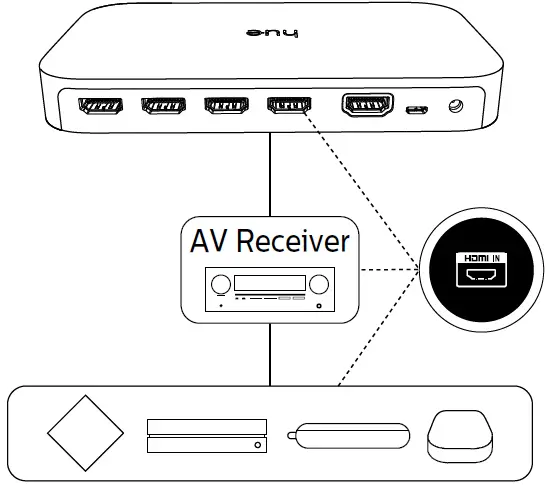
CONNECTING WITH AV RECEIVER
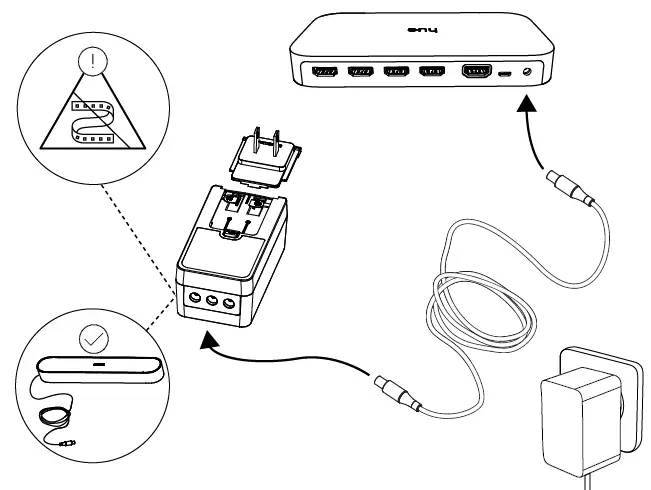
CONNECTING VIA AUX CABLE
FAQs
How do the lights know what is on the TV screen in order to match up?
I use my computer and the Hue Sync app, it does try to match colors on the screen, and you can position the lights in your room in the hue app as an Entertainment group.
If I order this I will receive the Hue bridge, and two light bars or bulbs?
Yes, this is the HUE bridge and two light bars.
How long are the cord leads out of each light bar?
Looks to be a little longer than a meter each from the plug. The plus interestingly has room for three cords, only two of which are used so perhaps a third light could be added.
Does this work with the Hue light strips as well?
I see Christopher answered no. I am presently using this with a Philips Hue light strip with no problems.
Will this work as an extension to connect hue lights to a hue sync box?
Yes, it will!
What is the difference between the single unit and the extension?
The single unit comes with a power supply that allows 3 lights to be plugged in. So, you need to have one of these to start. Then, if you want to add lights to the same physical area, you can buy the cheaper extension lights that will plug into the extra two slots on the original power supply.
Is this Bluetooth compatible?
Doesn’t have Bluetooth but can be remotely controlled with the hub that’s included (connects to modem).
Can you control these with a Philips hue sync box instead of the hue hub?
You need the hue hub for the rest of the hue sync kit to work.
Does this also work with the Philips hue led strip lighting?
I am using this with the Philips Hue light strip with no problem.
Are these waterproof? I’d like to use outdoors.
No, they are not.
Can I use this without the Phillips hue hub?
No, you need a hub to operate all the Hue lights.
Can it be controlled without wireless? I don’t Bluetooth or Wi-Fi.
I don’t believe so. There is not a physical on/off switch on any of the lights.
Does this work with international outlets?
They do have different plugs that can snap on to the transformer.
So, are these like the Hue Blooms where they can operate wirelessly or must they physically be connected to a hub?
These are wireless for connectivity similar to their bulbs. You need a hub but don’t need to physically connect to it. They do need to be plugged in for power.
I can’t change the color using the Bluetooth app. I am using a smart plug which it connects perfectly. how do I fix this?
Get the Hue Bridge. You’ll be able to do everything except sync to TV sound.