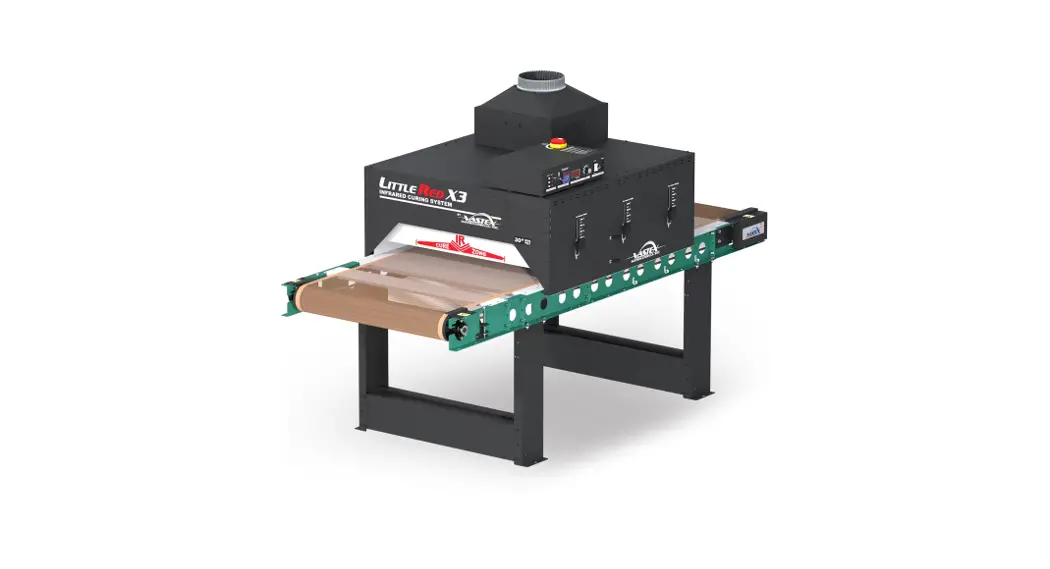
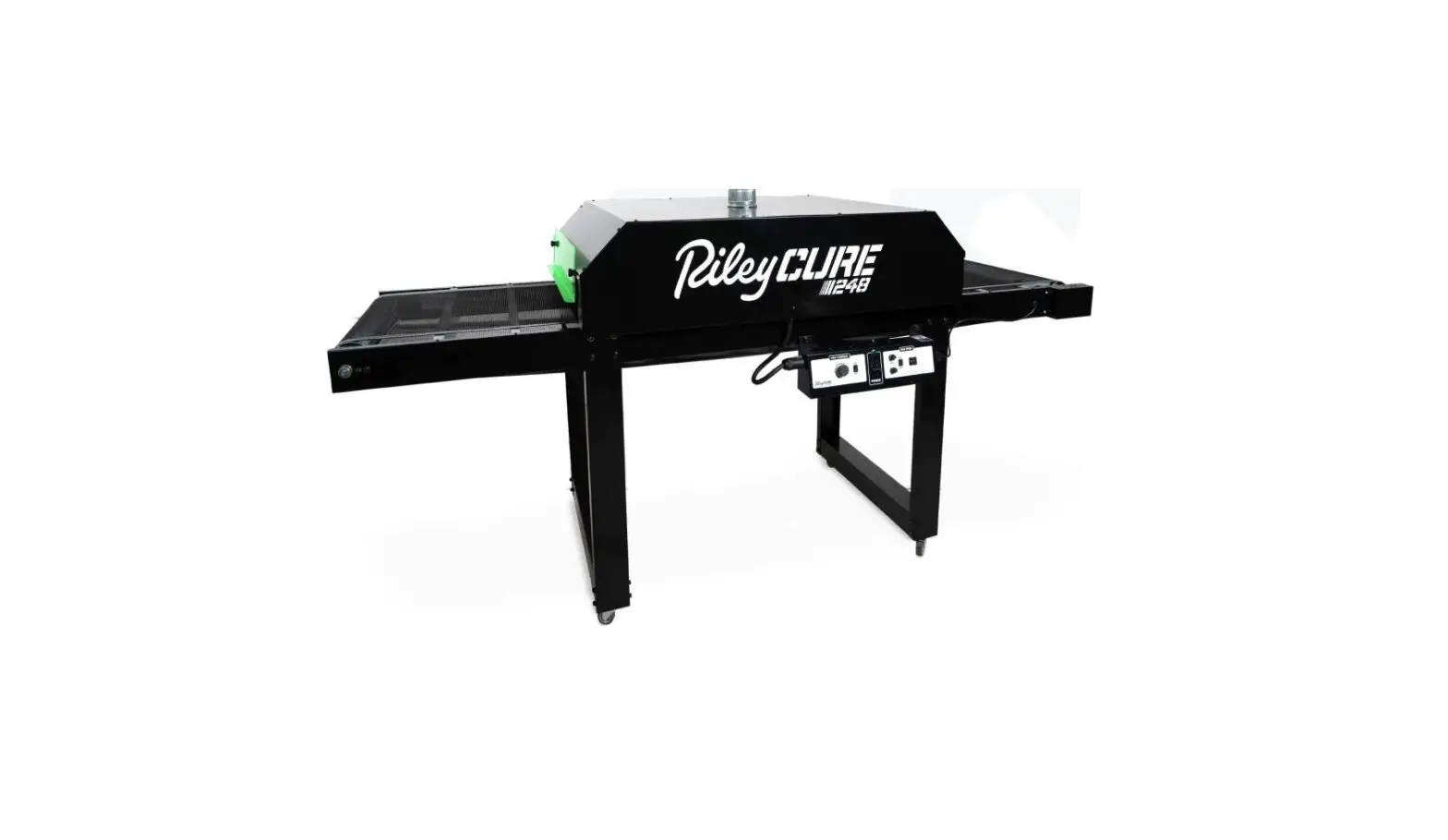
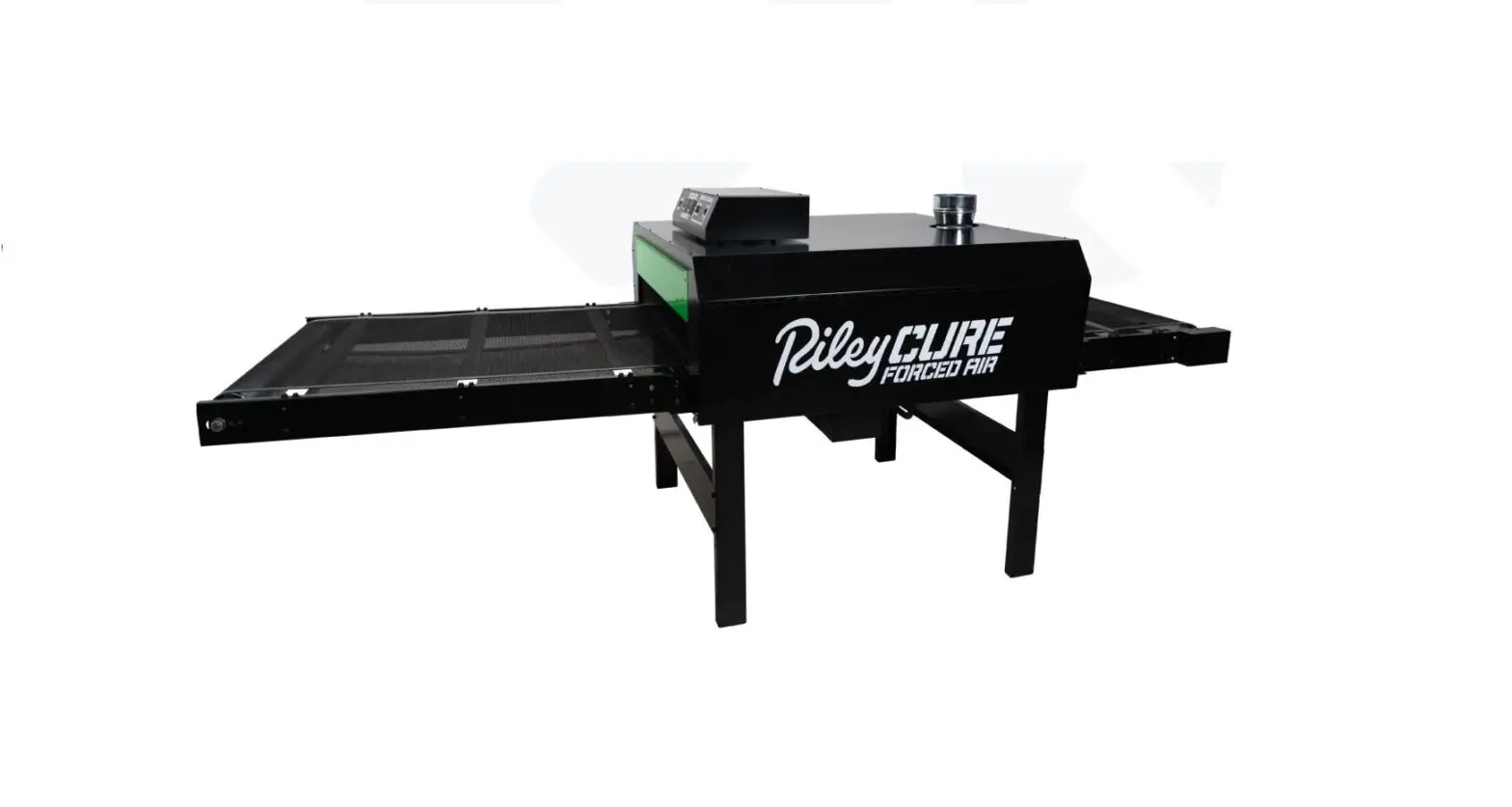
RileyCure Table Top Conveyor Dryer
Product Information: Assembly Instructions for Riley Hopkins
Table Top Conveyor Dryer
The Riley Hopkins Table Top Conveyor Dryer is a compact and
portable machine that is perfect for curing screen printed
garments, posters, and other flat substrates. The dryer is designed
to be easy to assemble and comes packaged in four cartons for
shipment. It has a power requirement of 1462 watts, 120 volts,
12.18 amps, 50/60 Hz, and 1 phase. The machine comes with a NEMA
5-15P plug and should not be operated without it as doing so will
void the warranty. The package includes all necessary parts for
assembly, including conveyor rails, bumper/feet, splice channels,
drive roller assembly, inner and outer side panels, control panel,
heater assembly, chamber end cap, inner chamber cover, and conveyor
belt.
Product Usage Instructions:
Before assembly, please review all instructions carefully to
avoid fire, electric shock, or injury to persons. It is important
to retain the manual for future reference. Follow the steps below
for proper assembly:
Step 1:
- Locate the four painted Conveyor Rails (ITEM 1, 2, 3, & 4)
from BOX 1 and the four rubber Bumper/Feet (ITEM 5) from BOX
2. - Thread each Bumper foot into the threaded insert in each of the
rails. - Locate the two unpainted Splice Channels (ITEM 6) from BOX
1. - Using twelve of the 5/16 x .75L black hex bolts (ITEM 7) from
BOX 2, assemble the two Conveyor Rail assemblies by attaching the
Conveyor Rail pieces (ITEM 1 & 3, 2 & 4) with the Splice
Channel (ITEM 6), so that the Bumper/Feet face the same direction
for each rail assembly.
Step 2:
- Locate the Drive Roller Assy (ITEM 9) from BOX 1. The Drive
Roller Assy has the sprocket attached. - Using four 5/16 x .75 Hex Bolts, attach the Drive Roller Assy
to the Conveyor Rail assemblies on the end.
Step 3:
- Locate the Roller Chain (ITEM 12) from BOX 2.
- Seat the Chain around both sprockets. Slide the Gearmotor to
remove most of the slack from the chain. - Before tightening screws, slide the motor toward the roller to
install the chain over both sprockets. Once the chain is installed,
slide the motor away from the roller to remove slack. Do not remove
all slack, then tighten screws to secure motor. There should be a
1/4-1/8 slack tolerance. - Insert plug through hole.
After completing the above steps, continue with assembly by
following the instructions in the manual for installing the upper
floor pan, control panel, chamber end cap, inner chamber cover, and
chamber curtain. Once assembly is complete, do not plug in the
machine until instructed to do so in the manual. If any parts are
missing or damaged during assembly, contact customer service for
assistance.
Assembly Instructions RILEY HOPKINS TABLE TOP CONVEYOR DRYER
IMPORTANT INSTRUCTIONS:
Read all these instructions before installing or using this equipment. Verify that the proper tools, materials, and personnel are available for the safe and successful use of the dryer. BBC Industries, Inc. is interested in the safe operation of its equipment. All wiring to this equipment must be connected to the electrical source in strict accordance with National Electrical Code (N. E. C.) and local codes having jurisdiction. Do not use extension cords to power this equipment. Before installing this equipment, the user must be aware of the safety requirements as specified by the National Fire Protection Association (NFPA).
Puncture of the element face may result in a shock hazard. · This heater is hot when in use. To avoid burns, do not let bare skin touch hot surfaces. Keep
combustible materials, such as furniture, pillows, bedding, papers, clothes, etc., away from the dryer. · Extreme caution is necessary when any dryer is used by or near children or invalids and whenever the
heater is left operating and unattended. · Do not operate any heater after it malfunctions. Disconnect power at service panel and have heater
inspected by a reputable electrician before reusing. · Do not use outdoors. · To disconnect the dryer, turn off the power to the dryer circuit at the main disconnect panel. · Do not insert or allow foreign objects to enter any ventilation opening as this may cause an electric
shock or fire, or damage to the dryer. · A dryer has hot and arcing or sparking parts inside. Do not use it in areas where gasoline, paint, or
flammable vapors or liquids are used or stored. · Use this dryer only as described in this manual. Any other use not recommended by the manufacturer
may cause fire, electric shock, or injury to persons. RETAIN THIS MANUAL FOR FUTURE REFERENCE
Please review all these instructions prior to assembly. The RileyCure Table Top is packaged in four cartons for shipment. Please make sure all pieces have been received before attempting assembly.
2
TOOLS REQUIRED:
· (x1) 1/2″ wrench · (x1) 7/16″ wrench · (x1) Phillips screwdriver · (x1) Needle-nose pliers
Power Requirements
WATTS
VOLTS
AMPS FREQUENCY PHASE
1462
120
12.18
50/60 HZ
1
PLUG
NEMA 5-15P
/// W§RNING ///
DO NOT plug the equipment in (or apply power) until instructed to do so.
Any attempt to operate the RileyCure Table Top without the cord/plug provided by the manufacturer will void the warranty.
Unpack, identify, and inspect all parts. Report any missing or damaged items.
What’s in the box
IMAGE
DESCRIPTION
QTY.
ITEM #
MB21-002 (LEFT) CONVEYOR RAIL – TAKEUP
1
1
MB21-002 (RIGHT) CONVEYOR RAIL – TAKEUP
1
2
MB21-003 (LEFT) CONVEYOR RAIL – MOTOR
1
3
MB21-003 (RIGHT) CONVEYOR RAIL – DRIVE
1
4
22-141 BUMPER/FOOT
4
5
3
IMAGE
4
DESCRIPTION
MB21-005 SPLICE CHANNEL
25-025 5/16-18 BOLT
MB21-022 TAKEUP ROLLER ASSEMBLY
MB21-023 DRIVE ROLLER ASSEMBLY
08-252-MB GEARMOTOR
25-176 #10-32 x 1/2L SCREW
18-119 DRIVE CHAIN
AIR-229 CHAIN COVER
25-001 #6-20 x 3/8L SCREW
MB21-006 FLOOR PAN
1804-300 CONVERYOR BELT
QTY.
ITEM #
2
6
24
7
1
8
1
9
1
10
4
11
1
12
1
13
36
14
2
15
1
16
IMAGE
DESCRIPTION
22-057 ROUTING CLIP
MB21-014 INNER SIDE PANEL
MB21-015 INNER ENTRY/EXIT
MB21-018 OUTER SIDE PANEL – CP
MB21-025 CONTROL PANEL
MB21-017 OUTER SIDE PANEL
MB21-020 CHAMBER END CAP
MB21-024 HEATER ASSY
MB21-016 INNER CHAMBER COVER
22-093 4″ START COLLAR
MB21-019 CHAMBER COVER
MB21-021GRN CHAMBER CURTAIN – GREEN
QTY.
ITEM #
2
17
2
18
2
19
1
20
1
21
1
22
2
23
1
24
1
25
1
26
1
27
2
28
5
STEP 1
2
1 7
5
7
6
53
6 5
7
5
4
1. Locate the four painted Conveyor Rails (ITEM 1, 2, 3, & 4) from BOX 1 and the four rubber Bumper/Feet (ITEM 5) from BOX 2.
2. Thread each Bumper foot into the threaded insert in each of the rails. 3. Locate the two unpainted Splice Channels (ITEM 6) from BOX 1. 4. Using twelve of the 5/16″ x .75L black hex bolts (ITEM 7) from BOX 2, assemble the two Conveyor Rail
assemblies by attaching the Conveyor Rail pieces (ITEM 1 & 3, 2 & 4) with the Splice Channel (ITEM 6), so that the Bumper/Feet face the same direction for each rail assembly.
6
STEP 2
Roller Drum Faces Out
8
7 Finger Tighten Only
7
7
Sprocket to side with grommet
installed
RolFlaecreDsrOuumt
9
TruTrakTM Belt Guide
7
5. Locate the Drive Roller Assy (ITEM 9) from BOX 1. The Drive Roller Assy has the sprocket attached. 6. Using four 5/16 x .75 Hex Bolts, attach the Drive Roller Assy to the Conveyor Rail assemblies on the end
with the Motor Mounting Cutout. Attach the sprocket side to the rail with the Grommet installed. Note roller drum side out. 7. Locate the Takeup Roller Assy (ITEM 8) in BOX 1. 8. Using four 5/16 x .75 Hex Bolts, attach the Takeup Roller Assy to assembled Conveyor Rail aligning its TruTrackTM Belt guide with the guide on the Drive Roller Assy. Note roller drum side out. Tighten the bolts only finger tight. (The position of this roller will be adjusted later in these instructions.) 9. Locate the Drive Gearmotor (ITEM 10) from BOX 3 and the four #10-32 x ½” Machine Screws (ITEM 11) from BOX 2. 10. Mount the Drive Gearmotor through the mounting slots on the Conveyor Drive Rail with the Sprocket side toward the roller, as shown in the figure. 11. Thread the four #10-32 Machine Screws into the threaded bosses in the Gearmotor. Do not fully tighten. 12. Slide the Gearmotor in the slots towards the Conveyor Drive Roller.
7
STEP 3
Sprocket side toward roller
15
Upper floor pan fits between flanges
10
ONCE THE CHAIN IS INSTALLED, SLIDE THE MOTOR AWAY FROM THE ROLLER TO REMOVE SLACK DO NOT REMOVE ALL SLACK THEN TIGHTEN SCREWS TO SECURE MOTOR
INSERT PLUG THROUGH HOLE
14
1/4–1/8 SLACK TOLERANCE
13
12 14
Before tightening screws,
slide the motor toward
11
the roller to install the chain over both sprockets
13. Locate the Roller Chain (ITEM 12) from BOX 2. 14. Seat the Chain around both sprockets. Slide the Gearmotor to remove most of the slack from the
chain. Allow a small about of slack in the chain per the figure. A tight chain will have a reduced life. 15. Tighten the four Machine Screws. 16. Locate the Chain Cover (ITEM 13) and two #6 x 3/8″ Sheet Metal Screws (ITEM 14) from BOX 2. 17. Fit the Chain Cover over the sprockets and chain. Secure with the two Sheet Metal Screws into the pilot
holes in the top and bottom of the Conveyor Rail. 18. Insert the Gearmotor cord through the grommet in the Conveyor Rail. 19. Locate the two Floor Pans (ITEM 15) from BOX 2. 20. Place the first Floor Pan on the lower flanges of the Splice Channel (ITEM 4) of the Conveyor Rail
assembly with the flanges down and towards the Rollers. 21. Center the Floor Pan between the Conveyor Rails. 22. Insert the second Floor Pan (flanges down) between the upper flange of the Splice Channel and the
flange of the Conveyor Rail assembly. 23. Center the Floor Pan between the Conveyor Rails.
8
STEP 4
TruTrakTM Belt guide must be between disks (both ends)
8
After the pin is re-inserted, slide the roller back until the belt is hand tight.
Tighten bolts to secure.
16
Loosen bolts and slide after installation of Conveyor Belt
Pin ships are installed at one end of the conveyor belt. Remove and DO NOT bend. Mesh teeth and reinsert. Pliers may be needed.
Be sure edges are aligned or Conveyor Belt
17
may jump out of the TrutrakTM Belt grove
24. Locate the Conveyor Belt from BOX 3 (ITEM 16).
25. Locate and remove the pin from the teeth at one of the ends of the Conveyor Belt. Do not discard or bend the pin.
26. Route the Conveyor Belt around both Conveyor Rollers atop both Floor Pans with the rubber TrutrakTM edge guide aligned with the guide slots in the Rollers.
27. Mesh the teeth of the alligator splice. Check to see that the edges of the Belt are best aligned then reinsert the pin per figure. A pair of pliers may be needed to fully reinsert the pin.
28. Remove much of the slack from the Conveyor Belt by pulling the Takeup Roller Assy (ITEM 8) by hand, then tighten the 5/16″ Hex Bolts. The Conveyor Belt only needs to be tight enough so as not to slip while in use. Over tightening the Conveyor Belt may lead to reduced life.
29. Locate the Routing Clip (ITEM 17) from BOX 2.
30. Wrap the Clip around the Gearmotor cord and insert it into the ¼” hole in the Conveyor Drive Motor Rail.
9
STEP 5
19
Heater Support Rails to inside of the chamber
14
18 Flanges Inward 19
18 Flanges Inward
31. Locate the unpainted Inner Chamber sheet metal parts (ITEM 18 & 19) from BOX 2.
32. Using eight #6 x 3/8″ Sheet Metal Screws (ITEM 14) from BOX 2, attach the two Entry/Exit panels (ITEM 19) to one of the Inner Side Panels (ITEM 18). Note the direction of Heater Support Rails and part flanges of the Side Panel per figure.
33. Attach the remaining Side Panel (ITEM 18) to the other side of the Entry/Exit Panels (ITEM 19) using eight additional #6 Sheet Metal Screws (ITEM 14).
34. Note that the Dryer Chamber is not fastened to the Conveyor.
10
STEP 6
21 20 7
7
35. Locate the Outer Side Panel (ITEM 20) in BOX 2. This part is without a label. 36. Locate the Control Panel Assy (ITEM 21) from BOX 3. 37. Using four 5/16 x ¾” Hex Bolts (ITEM 7), attach the Control Panel to the Side Panel.
11
STEP 7
22 14
20
14
14
21
14
38. Install the Control Panel/Side Panel assembled from the previous page to the Inner Chamber Assembly by sliding it over Inner Side Panel (ITEM 18) from above, the Gearmotor side.
39. Locate the other labeled Outer Side Panel (ITEM 22) from BOX 2. 40. Slide Panel over other Inner Side Panel. 41. Attach the Side Panels using eight #6 Sheet Metal Screws (ITEM 14).
12
STEP 8
23 19
14
42. Locate the two Chamber End Caps (ITEM 23) from BOX 2. 43. Rotate the partially assembled chamber onto its end as shown in the figure. 44. Insert one of the End Caps between the two Side Panels with the longest flange to the underside of
the chamber. 45. Align the holes with the Inner Entry/Exit (ITEM 19) and attach the panel using two #6 Sheet Metal
Screws (ITEM 14). 46. Repeat this assembly procedure with on remaining End Cap on the reverse side of the chamber.
13
STEP 9
Heater flanges fit over heater support brackets
Insert plug through the grommet and plug into the connector on the control panel
18 24
47. Locate the Heater Assy (ITEM 24) from BOX 3. 48. Insert the Heater Assy fitting its angled flanges over the Heater Support Brackets with the terminal
blocks on the Control Panel side of the Chamber. 49. The fit may be tight. Insert with the leading end of Heater Assy. 50. Insert the plug connector of the Heater Assy through the grommet in the Inner Side Panel (ITEM 18). 51. Connect the plug to the receptacle connector of the Control Panel.
14
STEP 10
14
26 Insert the collar into
hole bend tabs to secure
27 14
14 25
52. Locate the Inner Chamber Cover (ITEM 25) from BOX 2. 53. Using six #6 x 3/8″ Sheet Metal Screws (ITEM 14), attach the Cover over the assembled Inner Chamber. 54. Locate the 4″ Duct Start Collar (ITEM 26) from BOX 2. 55. Insert the tabs of the Start collar into the hole in the Inner Chamber Cover and bend up to secure. 56. Locate the Chamber Cover (ITEM 27) from BOX 2. 57. Using eight #6 x 3/8″ Sheet Metal Screws (ITEM 14), attach the Cover.
15
STEP 11
28
28
58. Locate the two Chamber Curtains (ITEM 28). Mount them on the Entry and Exit of the Heating Chamber at the desired height.
16
CONTROLS OVERVIEW
TRAVEL DIRECTION
Conveyor Power Switch Conveyor Fuse
TRAVEL DIRECTION
CONVEYOR SPEED CONTROL HEATER POWER INDICATOR LIGHT HEATER CHAMBER POWER SWITCH
FIGURE 13
17
RECOMMENDED INITIAL START-UP PROCEDURE:
1. Plug the Control Panel into a suitable power source. 2. Turn Belt Speed to 5. Flip the rocker switch for Conveyor Speed to the ON position to start the conveyor.
Listen for any unusual noises. Check to see if the rubber edge guide is riding in the roller drum grooves. 3. Turn the Heater Chamber Power Switch to the ON position. The green indicator light will illuminate. Note: These are not production settings. They are intended for initial startup only.
/// c§ution ///
DO NOT operate Heating Chamber unless the belt is moving. Heat will damage an idle belt. 4. Verify that the heating element functions. After about a minute of operation, briefly feel just inside
both the entrance and exit ends of the chamber. The area should be warm.
/// c§ution ///
The heating element is exposed inside the chamber and is operating at very high temperatures. Keep your hand close to the moving belt (without touching it). Note: Some smoke/vapor and odor may be noticed during initial start-up due to residual material from the manufacturing process burning off the elements. 5. Working temperature will be reached after a ten-minute warm-up. Conveyor speed can be determined by placing a small item, like a coin, on the conveyor belt and recording the time it takes to travel through the chamber. (For curing plastisol inks on t-shirts, 30 seconds through the Heater Chamber is a good initial speed to begin your evaluation.) Note: The speed and temperature of the unit may vary slightly with fluctuations in power/voltage servicing the equipment. Process an item through the dryer. Evaluate the completed article according to your quality standards. If the equipment is being used for curing ink on garments, it is recommended to wash the processed garment as the definitive test.
The conveyor dryer is now ready for normal use and operation.
18
CONTROL PANEL MAINTENANCE:
Performed at initial installation, 30 days after initial installation, and 120 days after initial installation.
1. Turn OFF the power to both the Heater Chamber and Conveyor. Unplug the dryer from its power source.
2. After double-checking that the power is off, confirm that all electrical terminations inside of the main control panel are secure by checking the “tightness” of each termination screw (or wire nut as may be applicable) and then “tugging” on each conductor.
Routine Maintenance: Performed after the first week and every 100 hours of operation.
1. The belt should be replaced if it has any tears, voids, separations, fraying, or no longer rides in the roller drum groove due to excessive wear.
2. Belt tension: the belt will relax over time and tension may have to be adjusted by the instructions above.
MANUFACTURER’S WARRANTY
All products are warranted against defects in workmanship at the time of shipment.
The obligation under the above warranty shall be limited to the repair or replacement of any part or parts manufactured by the dryer’s manufacturer without charge F.O.B. factory that may prove defective within 12 months from the date of shipment, which is returned to BBC Industries, Inc.
The above warranties are the only warranties made with respect to the equipment. There is no implied warranty of merchantability or of fitness.
EXCLUSIONS:
There is no warranty on parts not manufactured by BBC Industries, Inc., other than the respective manufacturer’s warranty if any.
The warranty against defects shall not extend to damage caused by any of the following: · Transport by carrier · Corrosion · Operation or use in a manner inconsistent with specifications and/or operating instructions · Ordinary wear, accident, improper installation, or maintenance · Alterations made to equipment in any way
The manufacturer shall not be liable for any losses or damages, including but not limited to incidental or consequential damages, suffered or incurred because the equipment proves to be defective either upon installation or during its operation or use.
Shipment of defective parts to the manufacturer and the return shipment of any repaired or replacement
parts from the manufacturer shall be at the purchaser’s/user’s expense.
19
TABLETOP_072022_D
Riley Hopkins® – 1-360-576-7188 – www.rileyhopkins.com
 Riley Hopkins Screen Printing Equipment