 DRYING GUIDE
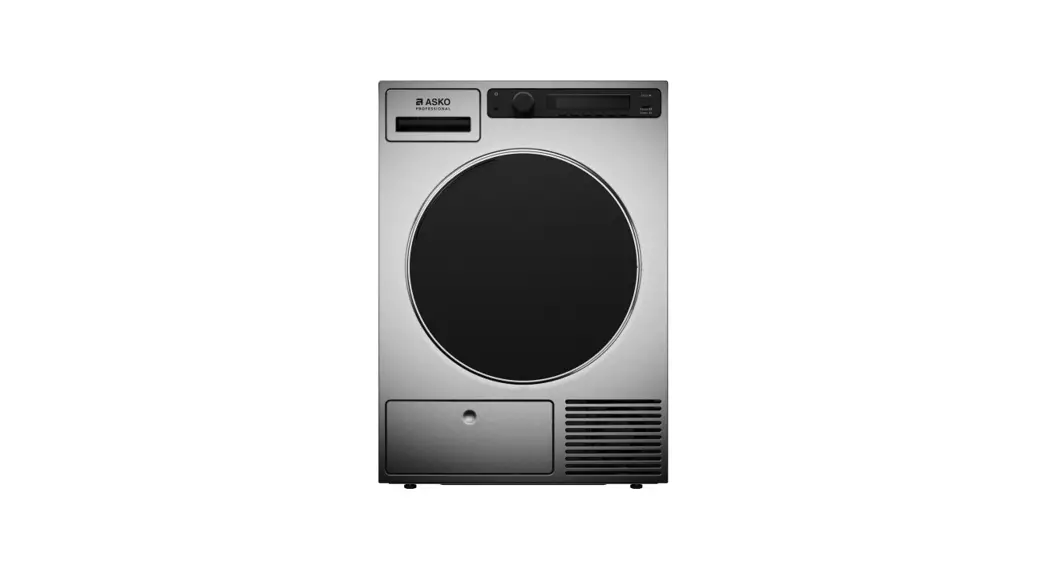
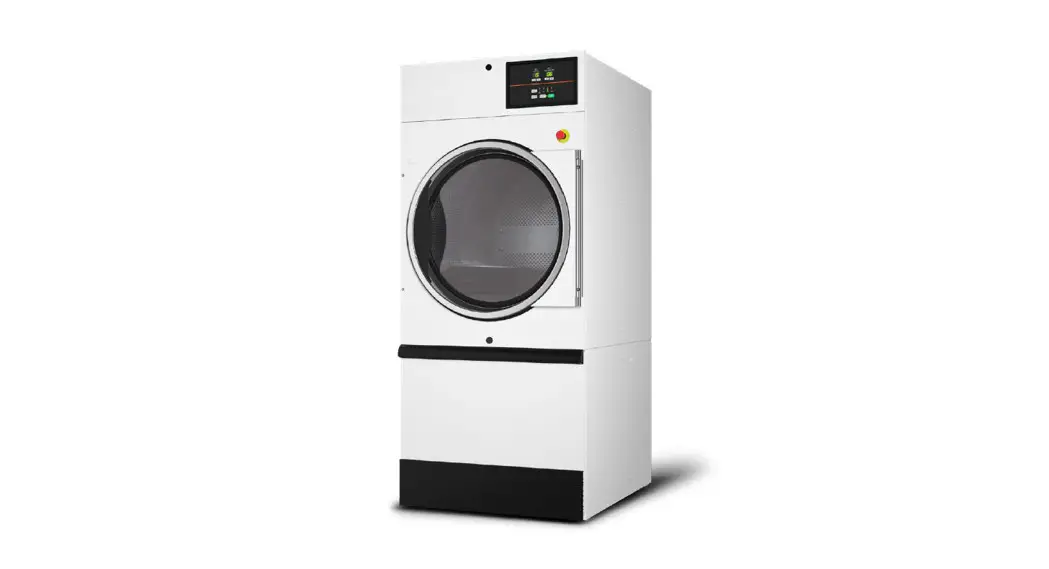
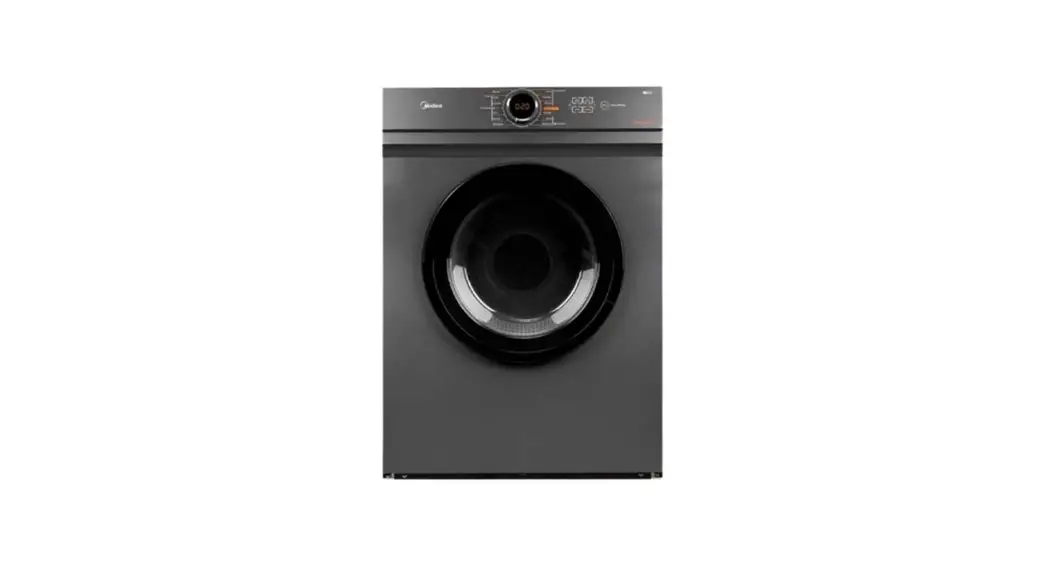
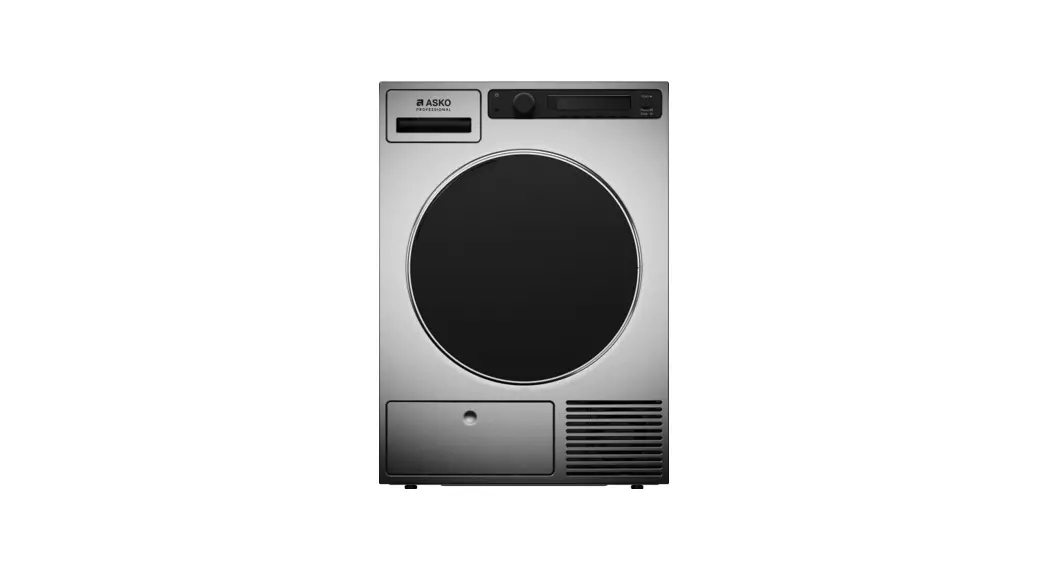
TDC1481HC.S Professional Dryer
- Sort the fabrics
Sort the fabric by type and by how heavily soiled the laundry is.
Observe the drying symbols on the laundry labels.
Close the zippers, hook-and-loop fasteners and buttons. This symbol means that the material is suitable for tumble-drying.
 This symbol means that the material is not suitable for tumbledrying.
And do not tumble-dry…
material labelled ”Do not dry near heat”, garments that have been drycleaned at home, foam plastic, fibreglass material, wool. - Switch on the main ON/OFF switch.
- Open the dryer door and insert the laundry.
Before doing so, make sure the drum is empty. - Choose the drying program.
Turn the program selector knob to the desired drying program.
Selected program will be indicated on the display unitThe maximum load is 7 kg (see the Program table in the nstructions for use).
Full load 
Partial load 
Small load - Choose the program setting.
Program settings can only be set for certain programs.
See chapter: SETTINGS (only appliance owner/distributor may change the settings). - Close the dryer door and press the START/STOP button.
Anticipated drying time, in hours and minutes, will be ndicated on the display. - End of program
Open the door and remove the laundry from the dryer.
Clean the filters. See chapter “CLEANING AND MAINTENANCE”.
Close the door.
Switch off the main on/off switch.
Remove the plug from the power outlet.
 This symbol means that the material is suitable for tumble-drying.
 This symbol means that the material is not suitable for tumbledrying.



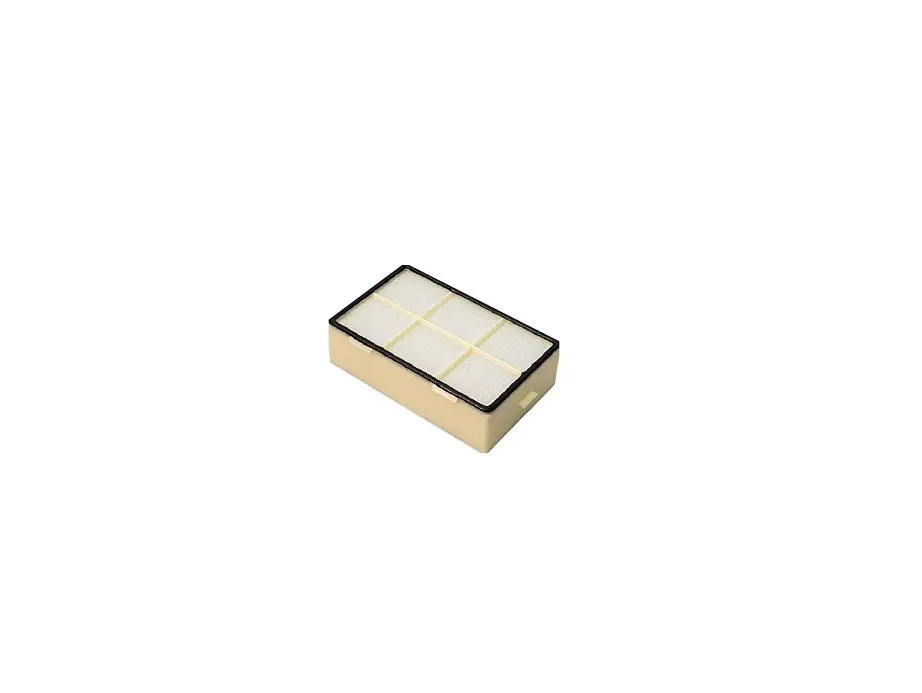
Cleaning the door net filter in the door
Gently scrape the filter to remove the lint lining (fibres and threads).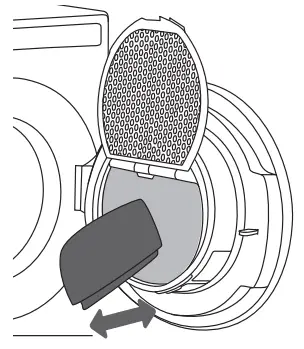
Emptying the condensate tank
(Disregard this warning if you fed the condensate discharge hose into a drain, siphon, or a sink.)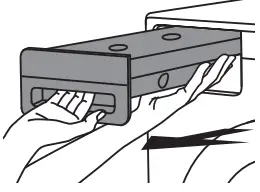 Pull out the condensate tank from the dryer, then turn it upside down over a washbasin, sink, or any suitably sized vessel.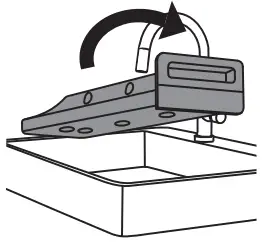
Error display
If an error appears on the display unit, see chapter ERRORS … WHAT TO DO …?
Safety precautions
 This machine is only designed for drying water-washed items.
 The machine is not designed to be used by persons (even children) that are physically or mentally handicapped or lack experience and knowledge. Such persons must receive instruction in how to use the machine from the person responsible for their safety.
Children must be watched to ensure they do not play with the machine. When the tumble dryer is operating, the back of the tumble dryer will get very hot. Leave the machine to cool completely before touching the back.
 CAUTION! Items removed from a stopped programme may be very warm.
The machine must not be rinsed down with water when cleaning.
- Sort the fabrics
Sort the fabric by type and by how heavily soiled the laundry is.
Observe the drying symbols on the laundry labels.
Close the zippers, hook-and-loop fasteners and buttons. This symbol means that the material is suitable for tumble-drying. This symbol means that the material is not suitable for tumbledrying.
And do not tumble-dry…
material labelled ”Do not dry near heat”, garments that have been drycleaned at home, foam plastic, fibreglass material, wool. - Switch on the main ON/OFF switch.
- Open the dryer door and insert the laundry.
Before doing so, make sure the drum is empty. - Choose the program setting.
Program settings can only be set for certain programs.
See chapter: SETTINGS (only appliance owner/distributormay change the settings).Full load Partial load Small load - Close the dryer door and press theSTART/STOP button.
Anticipated drying time, in hours and minutes, will be indicated on the display. - End of program
Open the door and remove the laundry from the dryer.
Clean the filters. See chapter “CLEANING AND MAINTENANCE”.
Close the door.
Switch off the main on/off switch.
Remove the plug from the power outlet. Cleaning the door net filter in the door
Gently scrape the filter to remove the lint lining (fibres and threads).
 Cleaning the door net filter in the door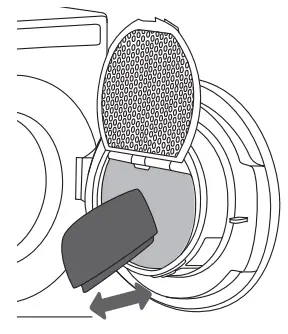
Error display
If an error appears on the display unit, see chapter ERRORS … WHAT TO DO …?
Safety precautions
This machine is only designed for drying water-washed items. The machine is not designed to be used by persons (even children) that are physically or mentally handicapped or lack experience and knowledge. Such persons must receive instruction in how to use the machine from the person responsible for their safety.
Children must be watched to ensure they do not play with the machine. When the tumble dryer is operating, the back of the tumble dryer will get very hot. Leave the machine to cool completely before touching the back. CAUTION! Items removed from a stopped programme may be very warm.
The machine must not be rinsed down with water when cleaning.
Welcome to “ConnectLife Laundry” room You need a smartphone or tablet with the right one operating system (Android or iOS). You also need a wireless Wifi network/mobile data.
Go to: depending on the device that you have.
Download the ”  ConnectLife Laundry” application.
Create a ConnectLife account.
Click on the icon .
Follow the instructions, depending on the option the appliance has.
- Room booking in your “ConnectLife Laundry”
Log in to search a laundry room you want to use and book the room via calendar system. - Appliance booking in your “ConnectLife Laundry”
Log in to scan appliance QR code, after scan and pair, book the appliance you want to use via calendar system. - Please pay to do the laundry
Appliance require payment before using; please follow the instruction in your “ConnectLife Laundry” app.
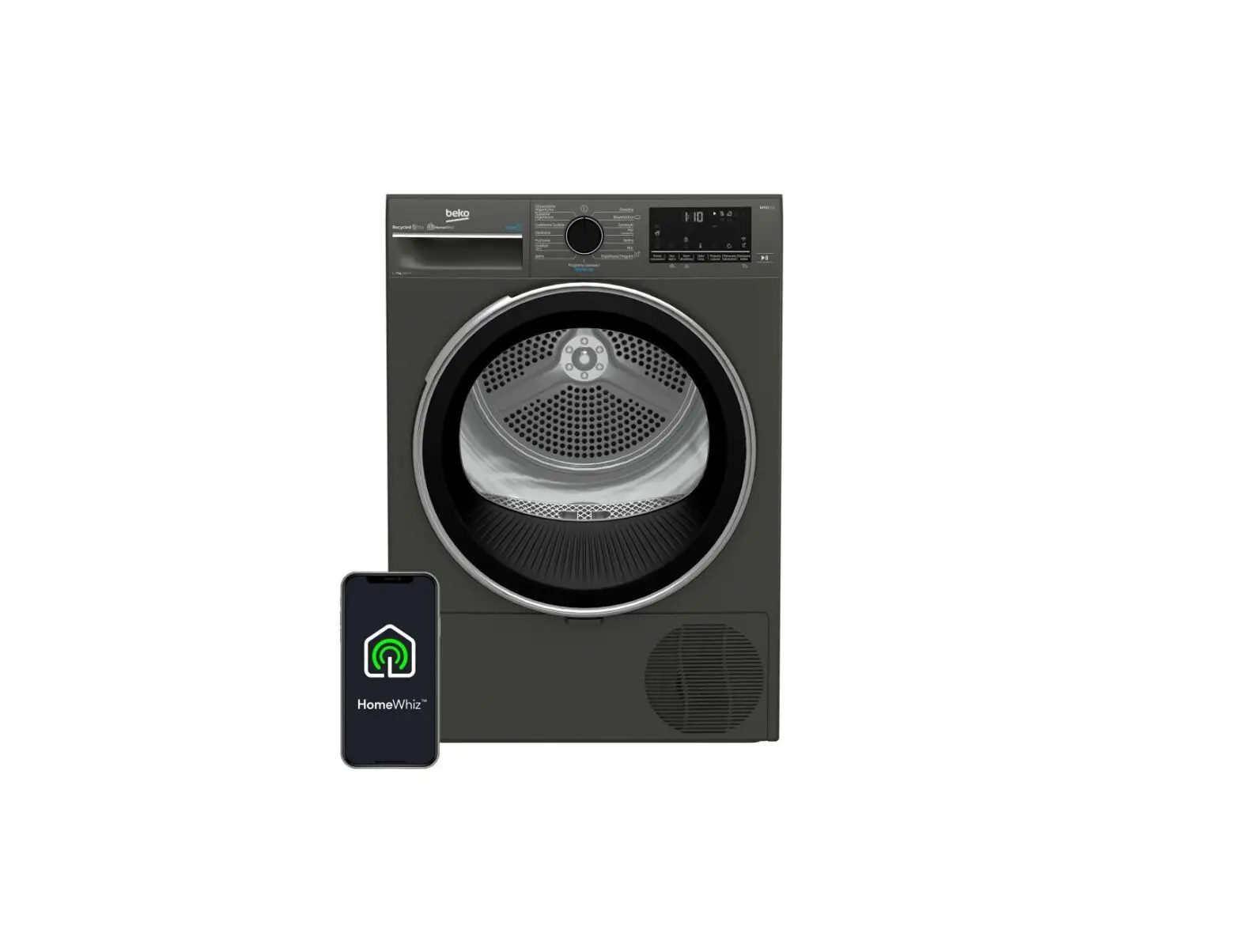
WG WiFi TD75.C SPO/SPK/SPHP 7kg