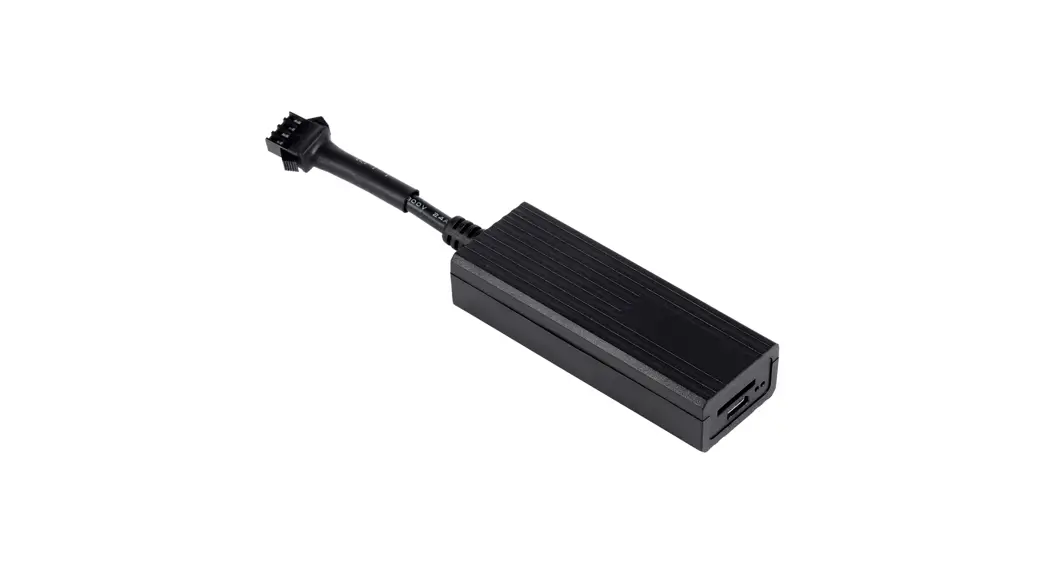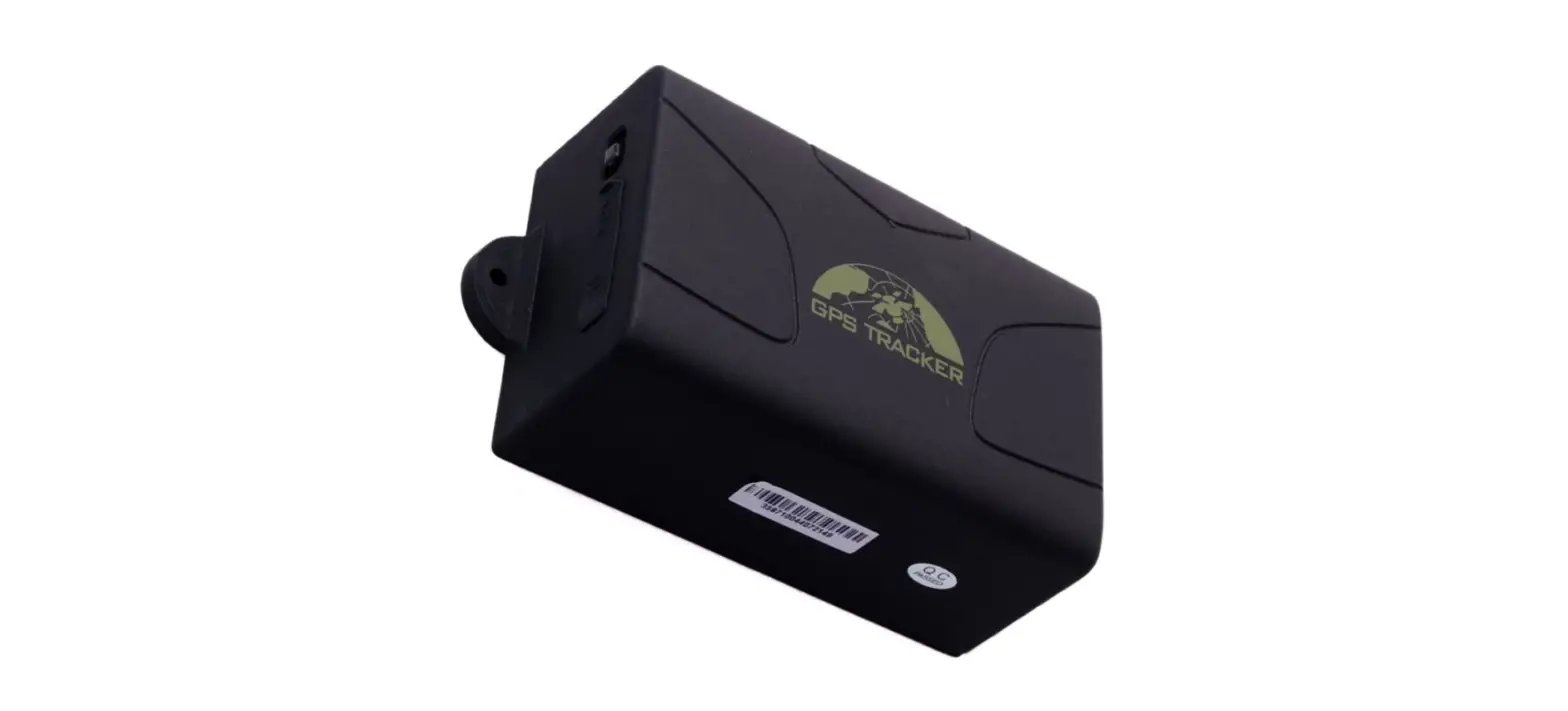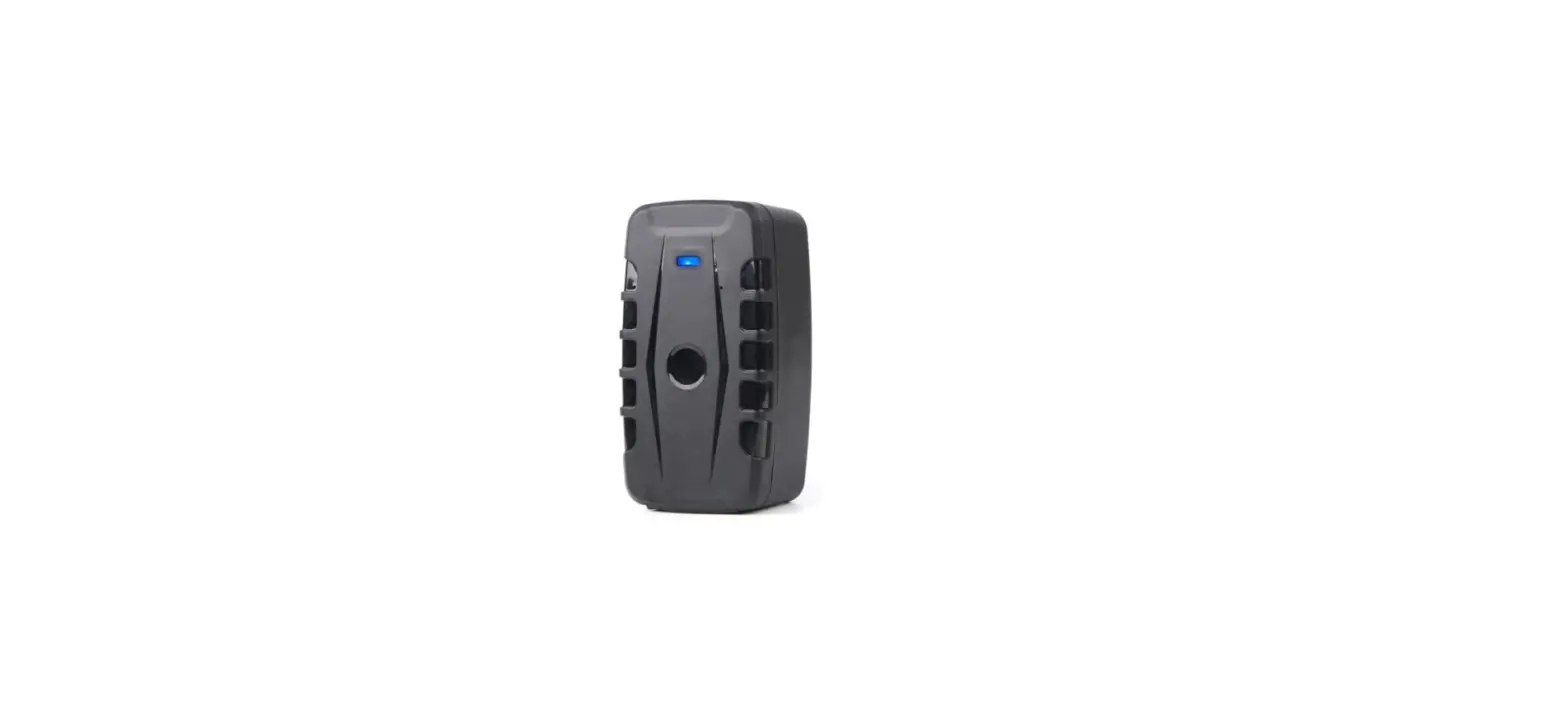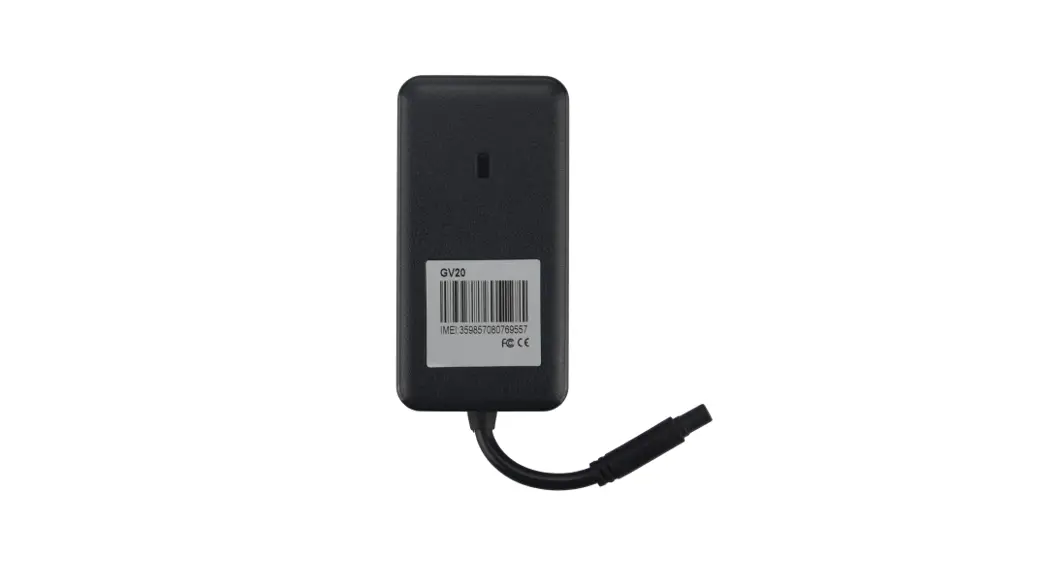
 QUICK INSTALLATION GUIDE
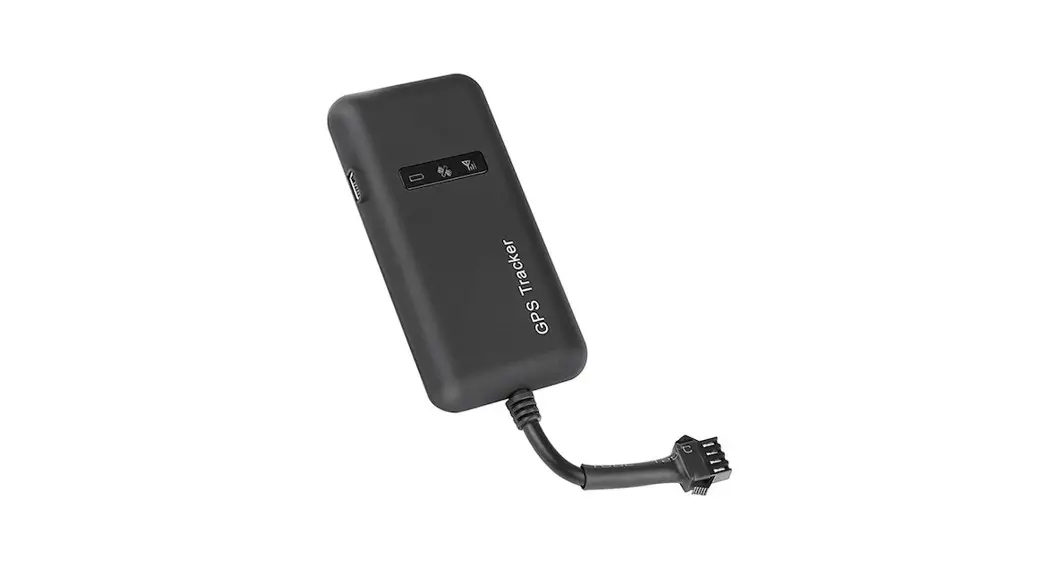
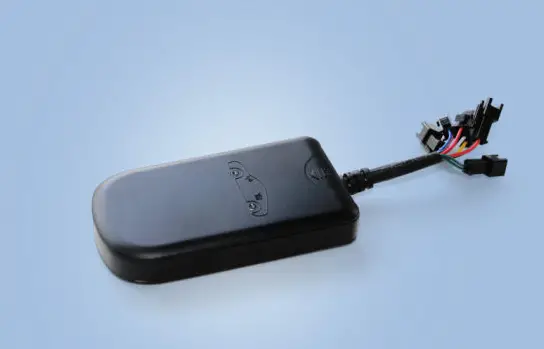
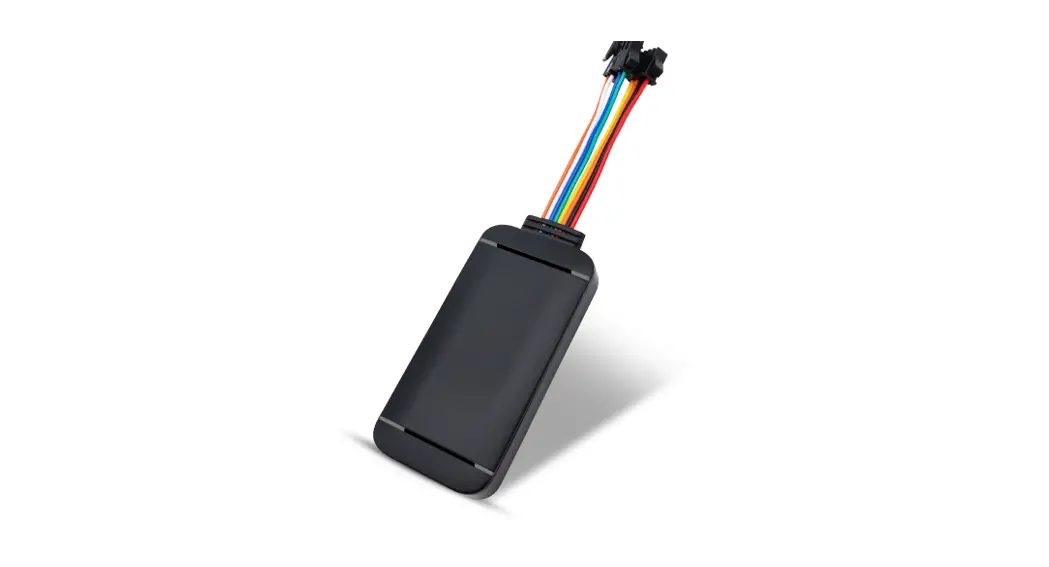
GV20
Hardware Description
Version 1.0
Updated: 4 March 2021
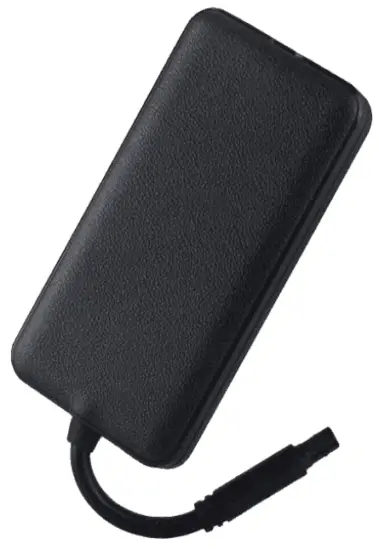
Please carefully read the user guide before use in order to avoid damage and quickly get the device to operate. Product appearance, color, and accessories are subject to change without prior notice in this manual
Product Specifications
| Product Specification | ||
| Size | 85 mm x 45 mm x 13 mm | |
| Weight | 60 g | |
| Battery | 450 mAh High-Temperature Battery | |
| Standby time | 24 hours | |
| Power In | 9 — 36 V DC | |
| Networks | WCDMA 850/900/1900/2100MHz GSM 850/900/1800/1900MHz | |
| SIM Type | FULL / LARGE SIM | |
| Location Accuracy | < 10 meters | |
| Working temperature | -20 Deg C to +70 Deg C | |
| Waterproof | IP65 | |
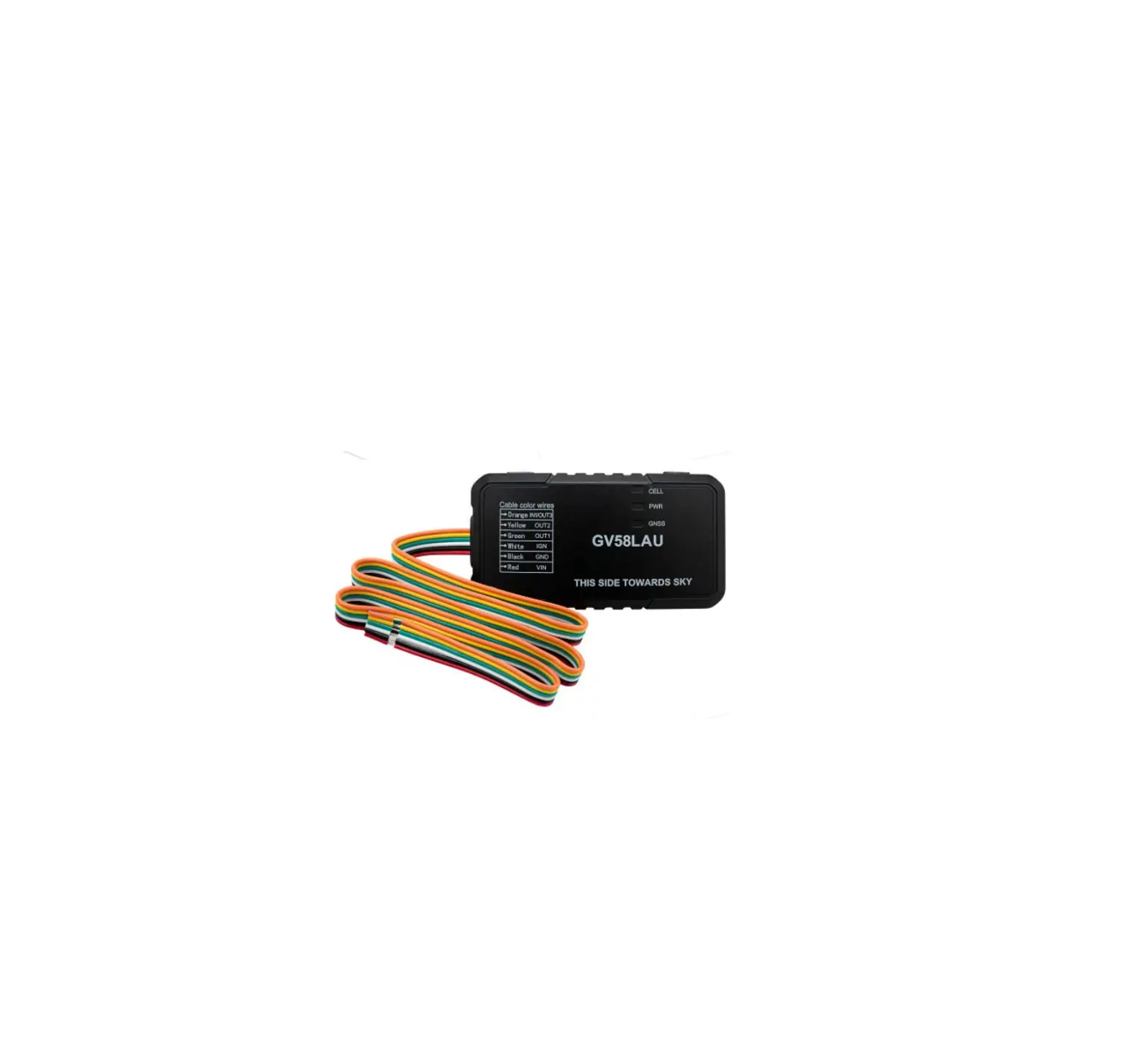
| LED | Green | GSM/GPRS indicator |
| Blue | GPS indicator | |
| Red | DC Power | |
 – Please connect DC power with correct Polarity. Incorrect polarity may damage the tracking device and void the warranty.
– Use Full / Large SIM for the device.
– Activate Prepaid SIMs before using the device.
– Remove PIN number from SIM before using.
Installation Instructions
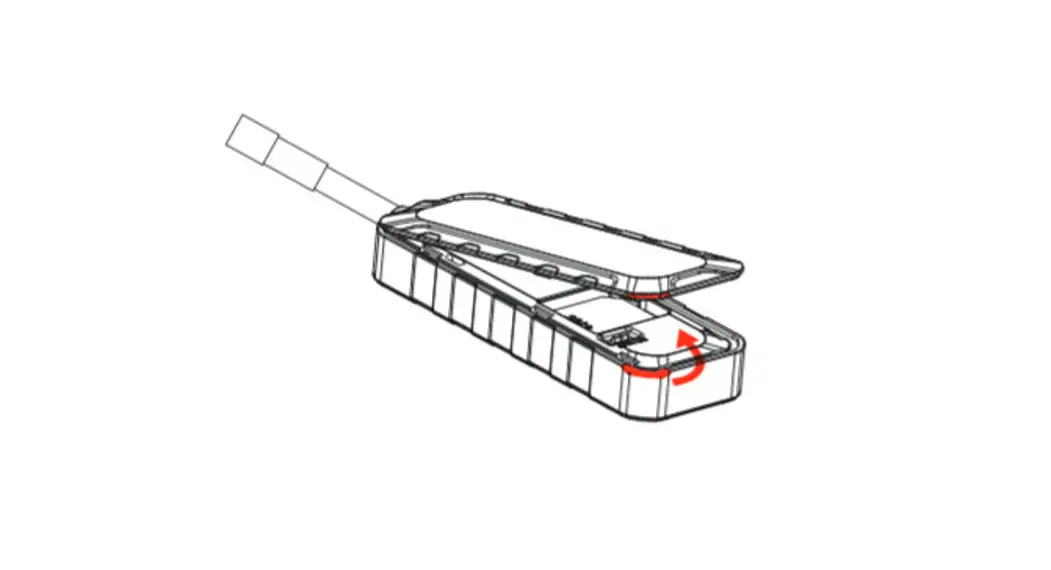
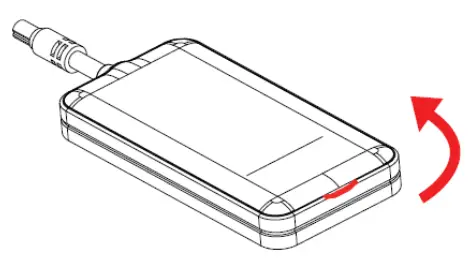
Open the Device
Note:
- Please power off the device before installing or removing the SIM card.
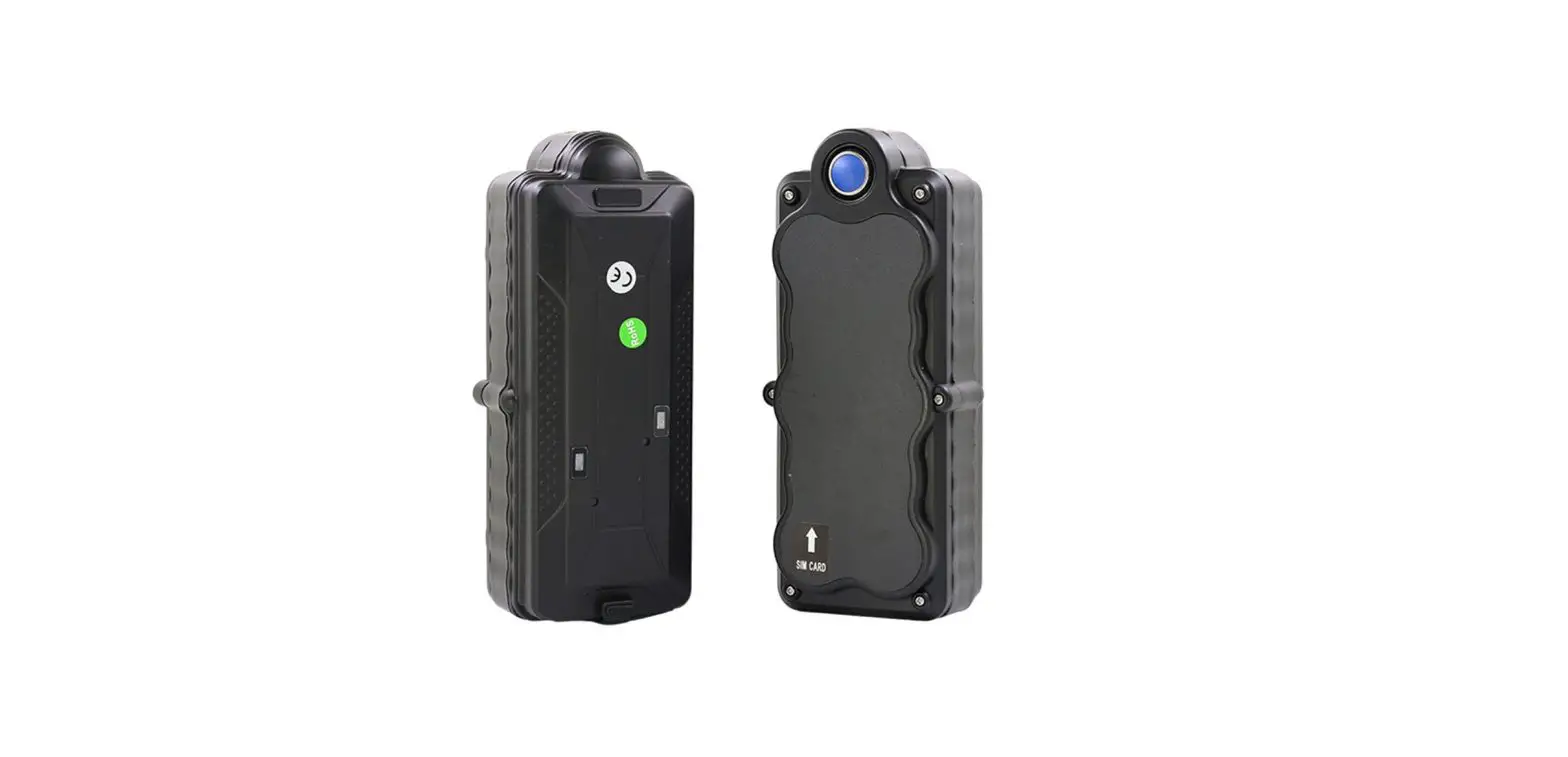
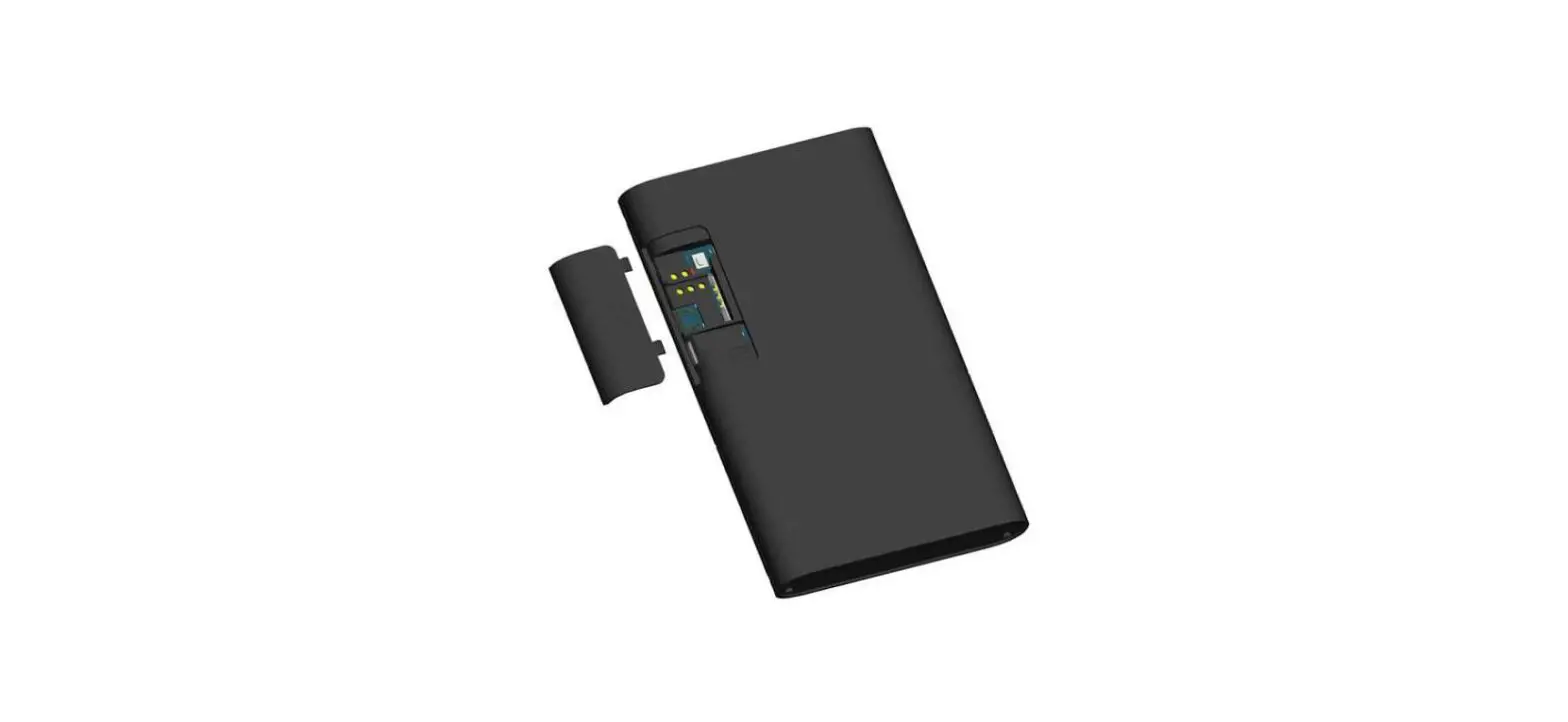
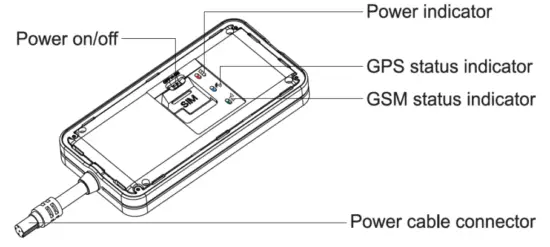
1) Open the cover 2) Insert the SIM card correctly
 2) Insert the SIM card correctly
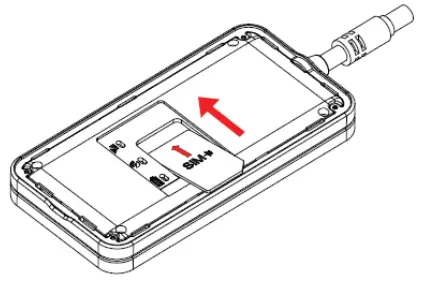 Pull the lid to open the device
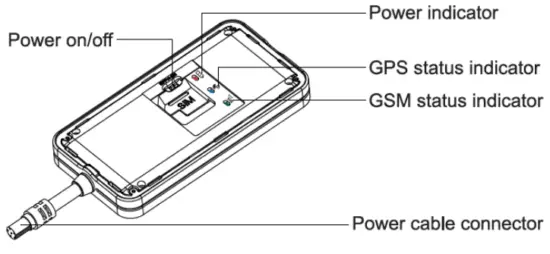
2.2 LED indicators
| GPS LED Indicator- Blue | |
| Flashing (interval 0.1s) | Searching BD/GPS signal |
| Solid blue | BD/GPS positioned |
| OFF | GPS sleep or off |
| GSM LED Indicator – Green | |
| Quick flashing | GSM initializing |
| Slow flashing | Receive GSM signal normally |
| Solid green | Connected to GPRS network |
| OFF | No GSM signal or SIM card |
Wiring
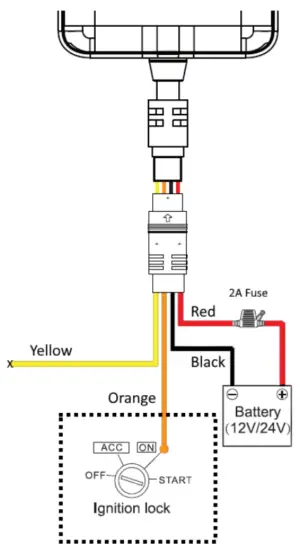 Vehicles Vehicles | 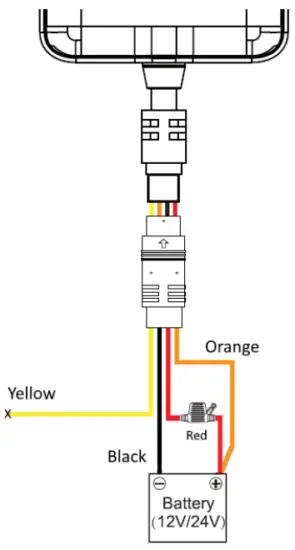 Boats Boats |
(If Engine start notification is required, follow Vehicle wiring – But Not recommended)
Switch ON the device.
The tracking device switches ON automatically when connected to DC Power. But always make sure the Power on/off switch is at the ON position. This will use an internal battery to run the device if external DC power fails.
Close the Cover
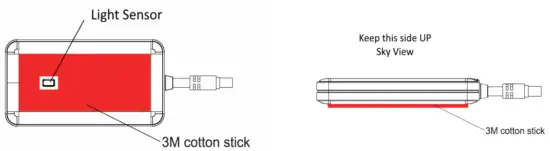
| Use the 3M cotton stick (provided) to fix the device. The light sensor should face down | Fix the device as shown. An incorrect position may reduce the GPS signal |
Fixing the device on Boats
| Speed Boats | Fishing Dhoni |
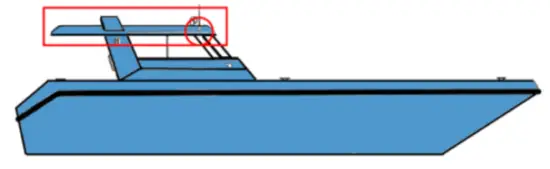 | 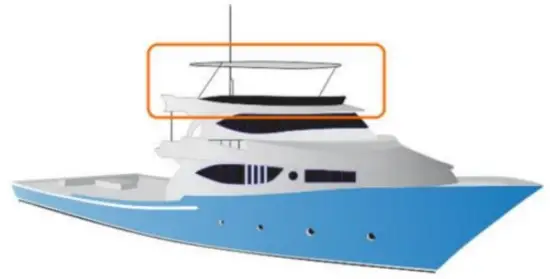 |
- Fix the tracking device at the highest location possible, inside the boat away from metal surfaces, electric wiring, etc.
- A recommended location for a speed boat is near the VHF set where the DC power is available (marked by a circle)
- Keep the tracking device faces up for better GPS reception.
Cable Details
| Wire Color | Name | Description |
| RED | BATTERY + | 9 to 36V DC input power (BATTERY + / plus) |
| BLACK | GND | BATTERY – (minus) |
| ORANGE | IGNITION | Connect Battery +ve with RED wire or connect to Engine Starter key |
| YELLOW | RELAY | NOT USED |
Contact us on 7901617 for any assistance required.
www.followme.mv, [email protected]
 FollowMe - Your Instant Tracking Solution