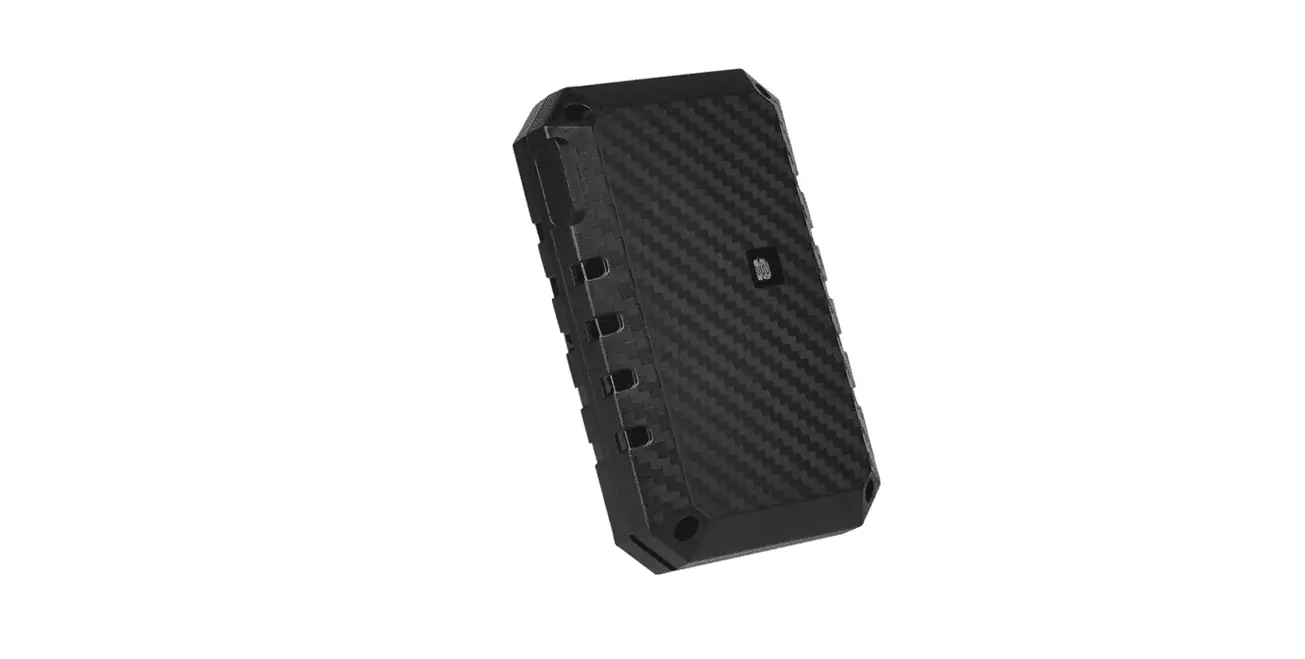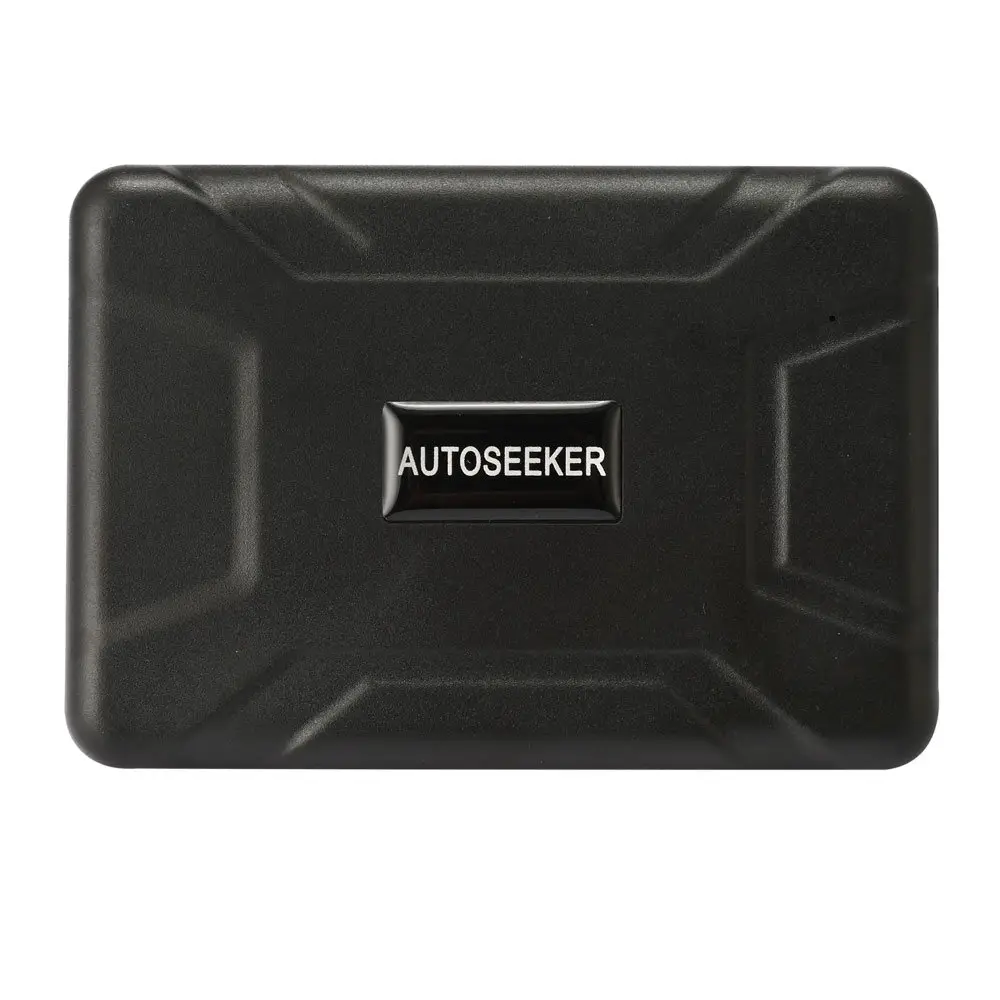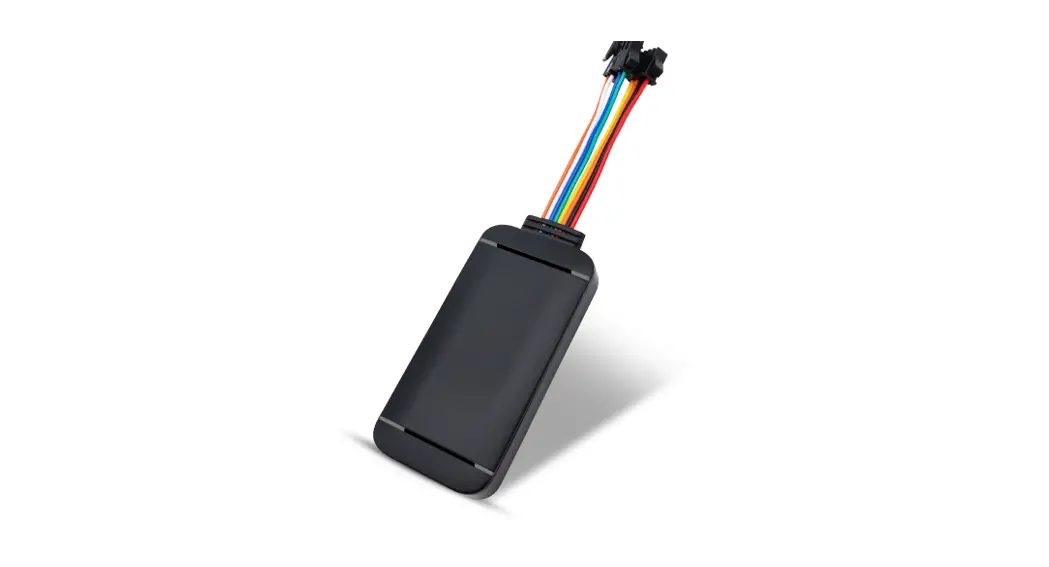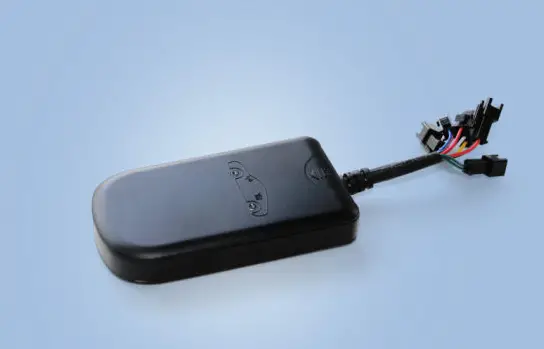

eeLink GPT12-L GPS Vehicle Tracker
NOTICE
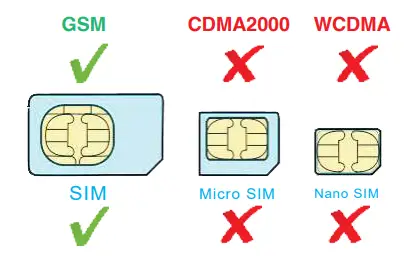
- A Standard GSM SIM Card needed,do not support CDMA2000;

- GPRS of Sim Card must be opened; Traffic, SMS, Calls and other SIM card service fee charged by operators;
- Positioning / Remote Power off / Remote command fucntion rely on the network of base station. Device may not work well if the network signal is not very good;
- Product should stay away from fire, high temperature, heat and other extreme environments;
INTRODUCTION
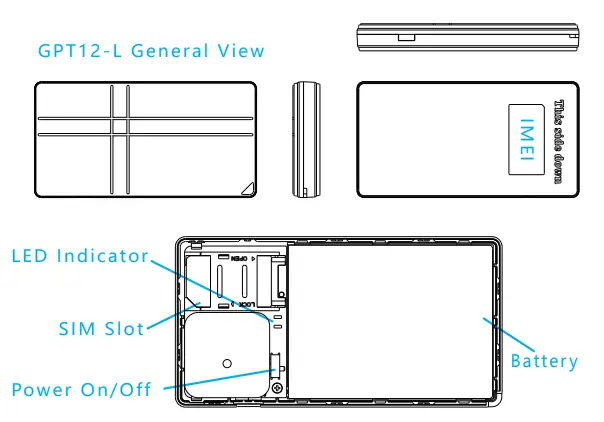
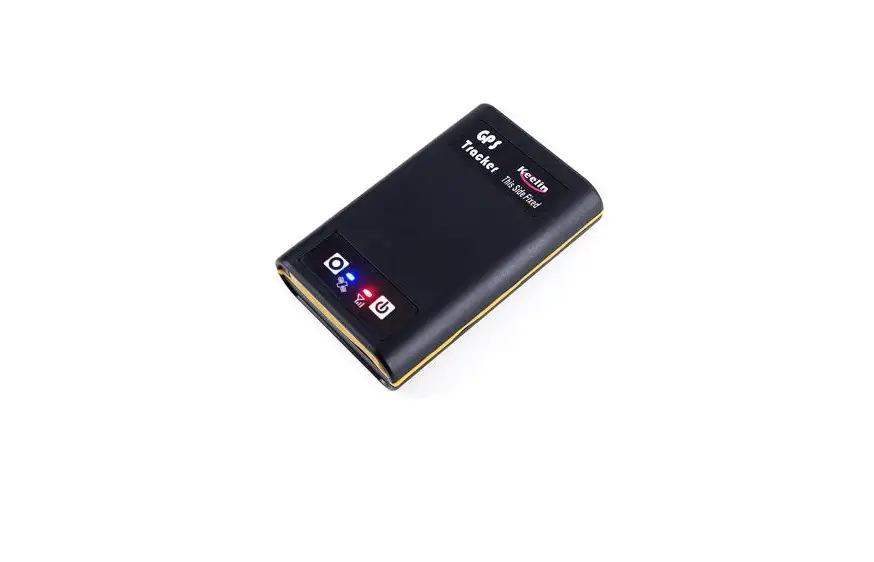
- GPS (GPS Satellite signal,Blue) Quick flash: Searching for GPS Satellite signals (Not positioned); Slow flash: Found GPS signals ; ( Positioned by GPS ) Blue LED Long light after charging.

- GSM LED ( LBS / Base signal, Red ) Quick flash: Searching for base signals ( Not connect yet) ; Slow flash: Found base signals ; ( Base Connected and LBS start ) Red LED Long light when charging.



Function Parameter
- Supports quad bands, i.e. 850/900/1800/1900MHz
LTE-M/NB-IOT
LTE FDD: B1/B2/B3/B /B5/B8/B12/B13/B18/B19/B20/B26/B28 LTE TDD: B39(For LTE-M only) - GPS/LBS double-Positioning mode, support A-GPS 5000mAh Battery , standby for 3 years.
- Long Standby mode, wake up for 5 mins a day, then sleep. Turn to Emergency mode for real time tracking after wake up. GEO-Fence Alarm, Low battery Alarm.
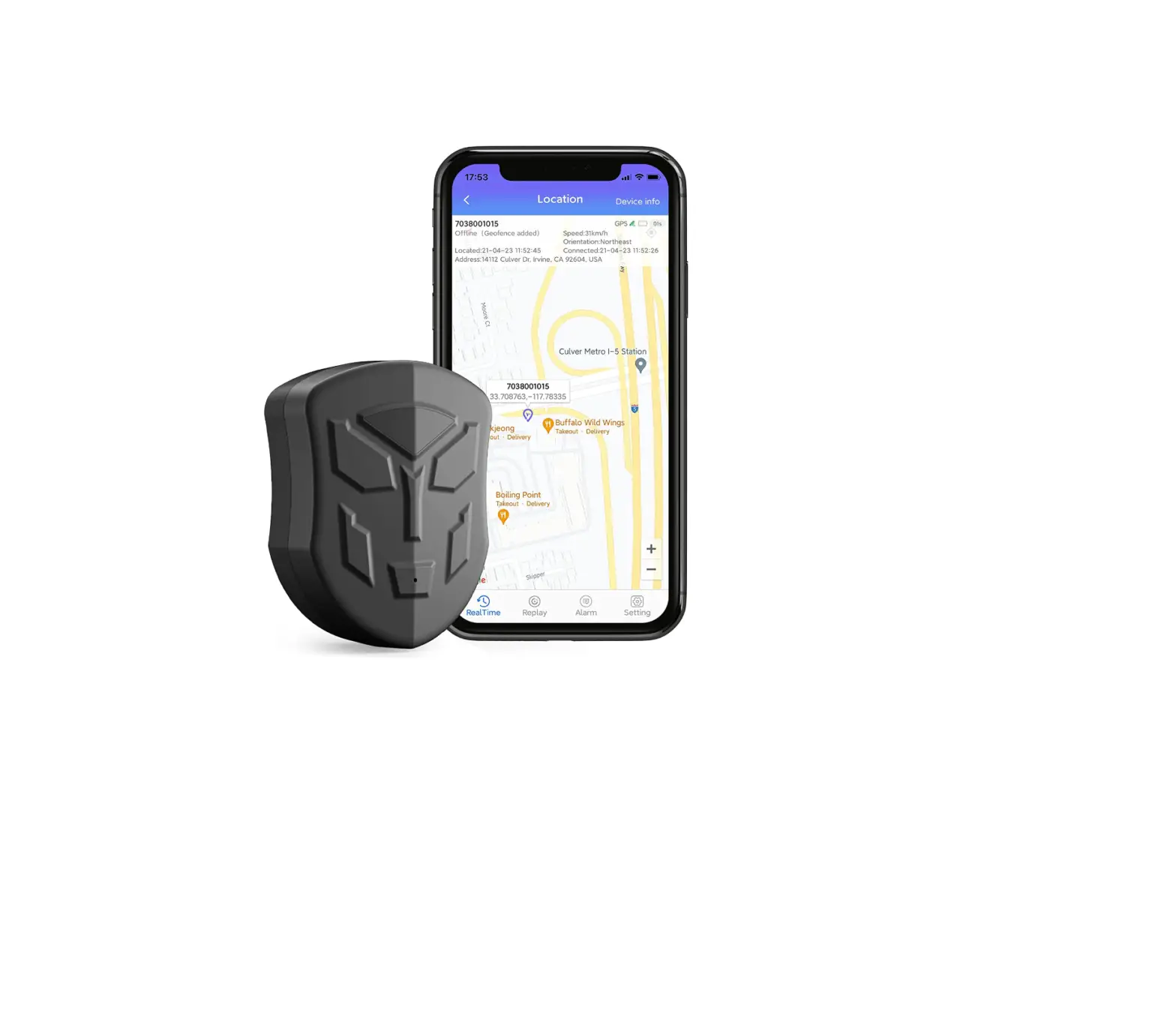
- Track and config device by PC & APP online.
- OTA upgrade firmware.
GPS Positioning Accuracy 5-15m (Depend GPS signal) LBS Positioning Accuracy About 200m (Depend Bases Density) GPS Frequency 1575 MHz GSM Frequency 850/900/1800/1900 MHz Hot/Warm/Cold Start Time <3s,<15s,<60s Battery Capacity 5000 mAh Dimensions (mm) 96(L)×50(W)×11.2(H) Temperature -20℃~65℃ Humidity 20%~80%RH Weight 70 g
Q & A
Q:Positioned by GPS / LBS ?
A:GPS called“Global Positioning System”,GPS device can be positioned by GPS satellite outdoor. Device also can be positioned by base stations of operator which call LBS ,mainly for assistance positioning.
Q:Location is not accurate?
A:If need accurate positioning, use device outdoor where GPS signal is good and start GPS tracking mode.
Device indoor mainly positioned by LBS, the accuracy lower than GPS
Q:Standby time can be longer?
A:Device need Internet connection. Standby time will be different by different using environment and working mode.
Q:Device offline?
A:The conditions below results in offline. No balance or No SIM ② No GSM or GSM signal is weak ③ Battery runs out
Insert SIM, Power on, Installation
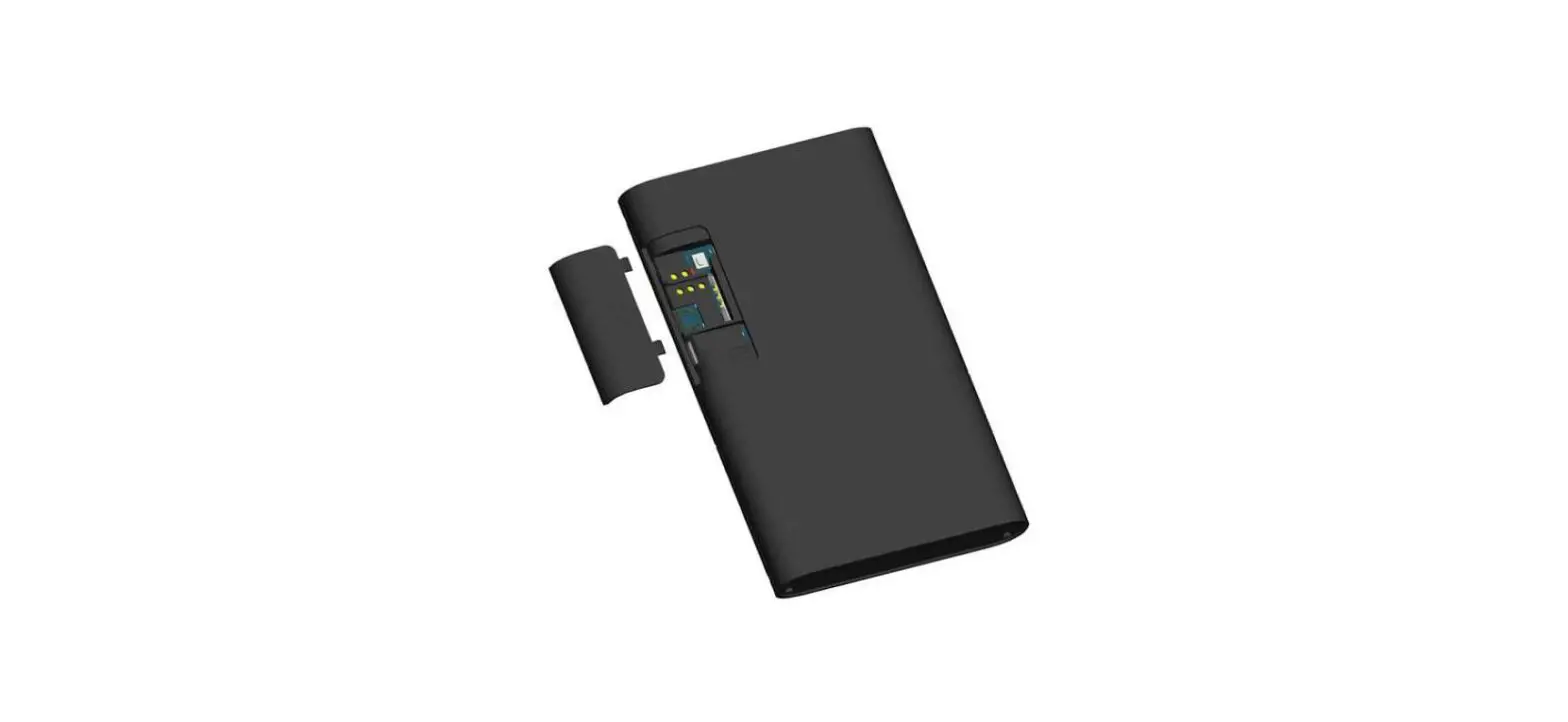
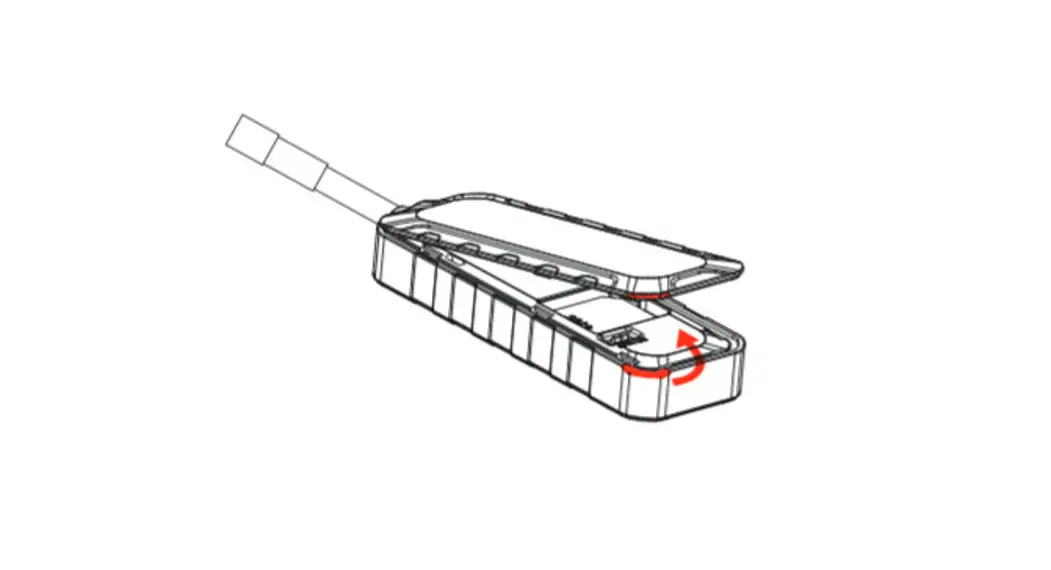
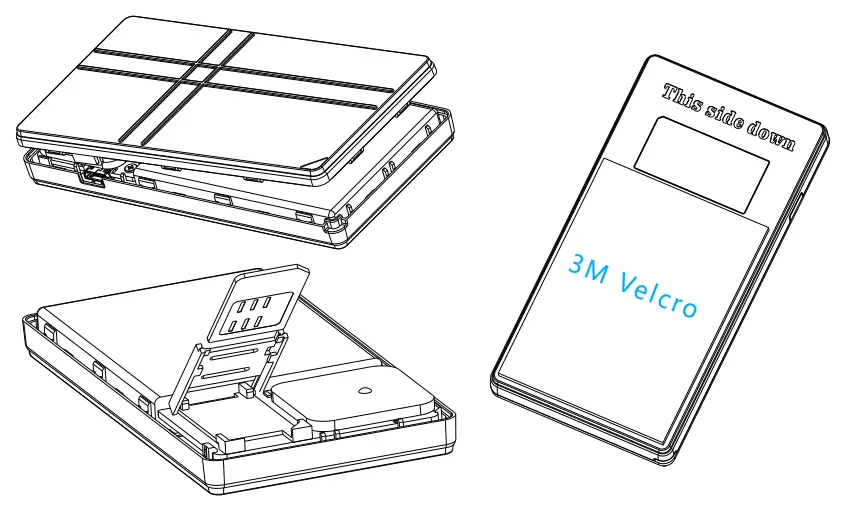
- Open cover and insert SIM to device, notice direction. Lift SIM Slot to remove SIM card.

- Turn switch to power on, observe GSM / GPS LED untill it works fine(See LED explaination), Close cover.
- Stick on board with 3M Velcro.
Install KEELIN APP, Activate Device
- Scan QR below to download Keelin APP

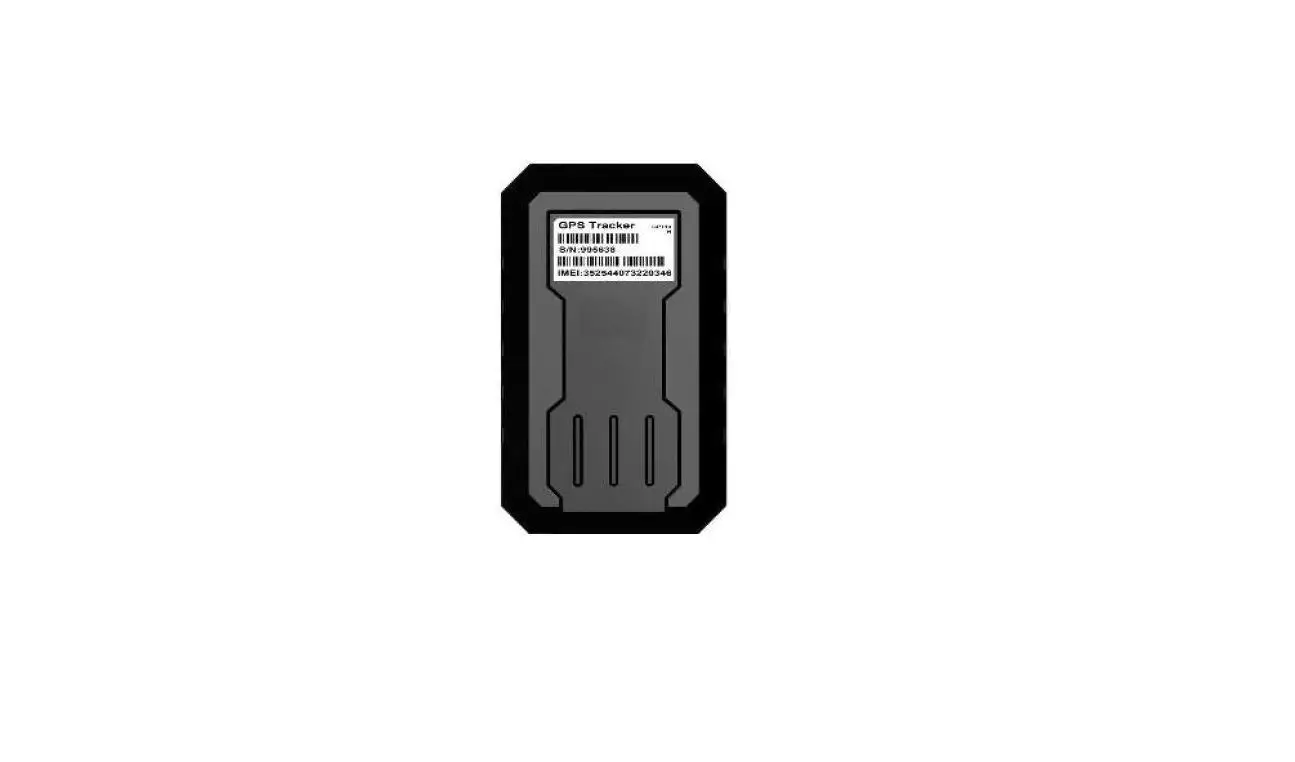
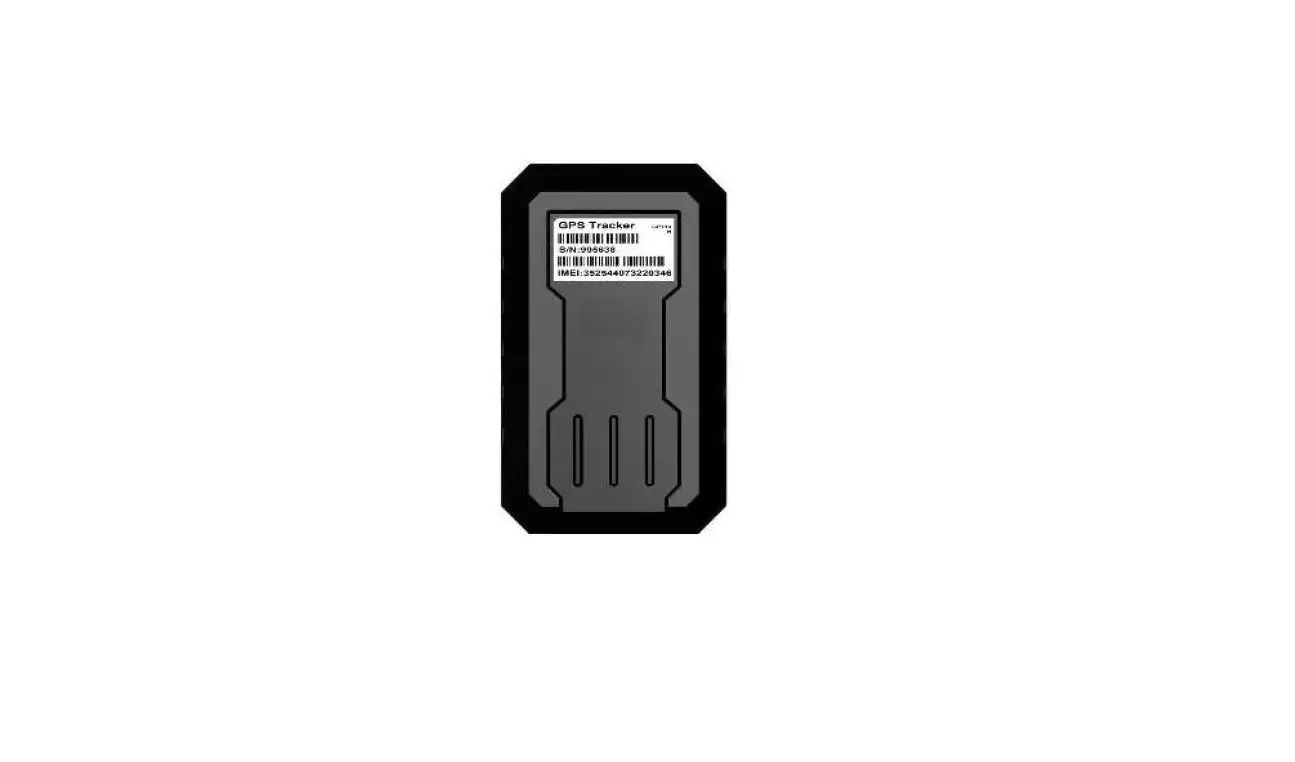
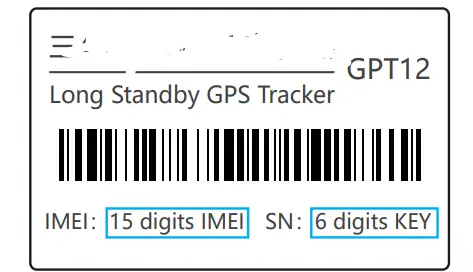
- Launch APP , Scan QR on Label to register & activate device


EELINK Communication Technology CO.LTD
- Address: 5 Floor, Building 10, Changyuan New Material Port, Gaoxin Middle 1st Rd
- Nanshan District, Shenzhen, Guangdong, CHINA
- Mail: [email protected]