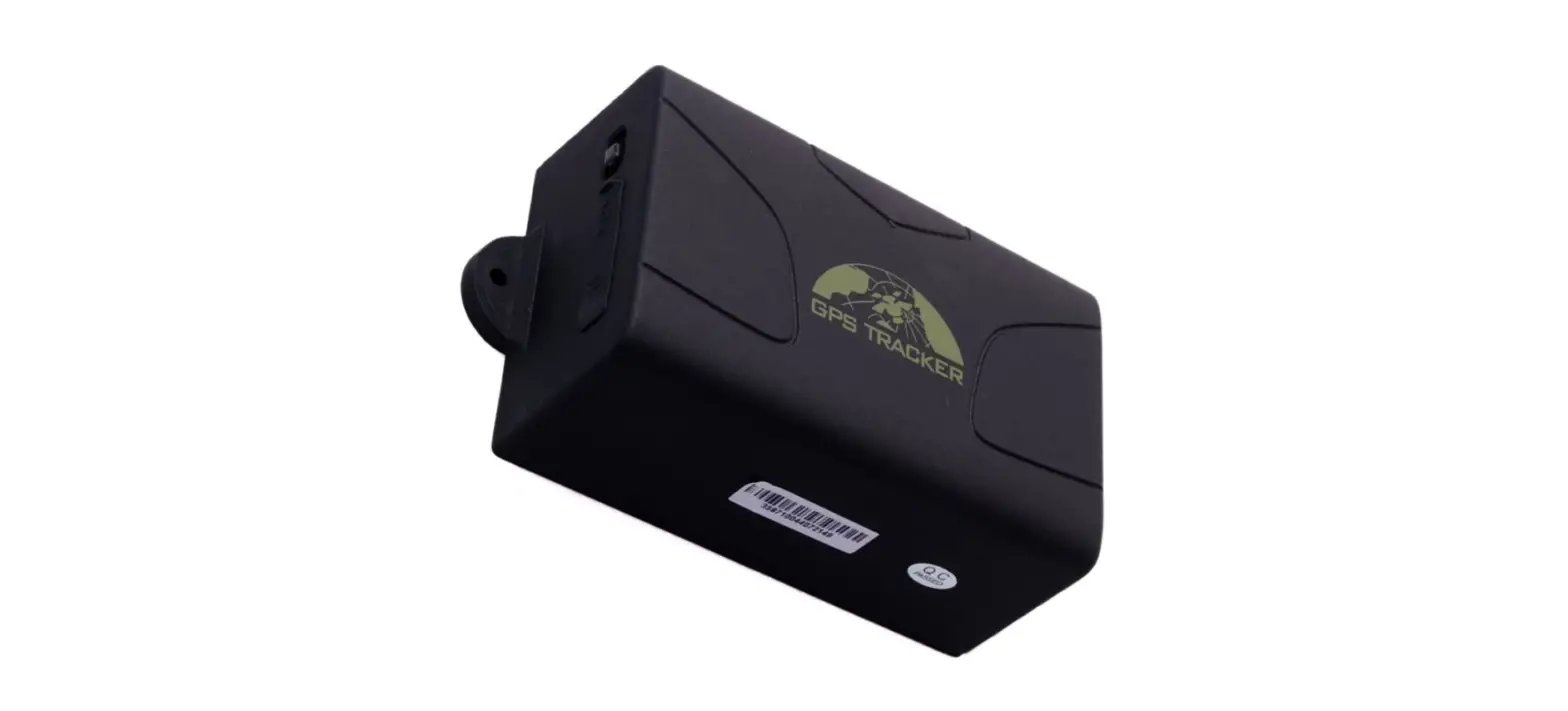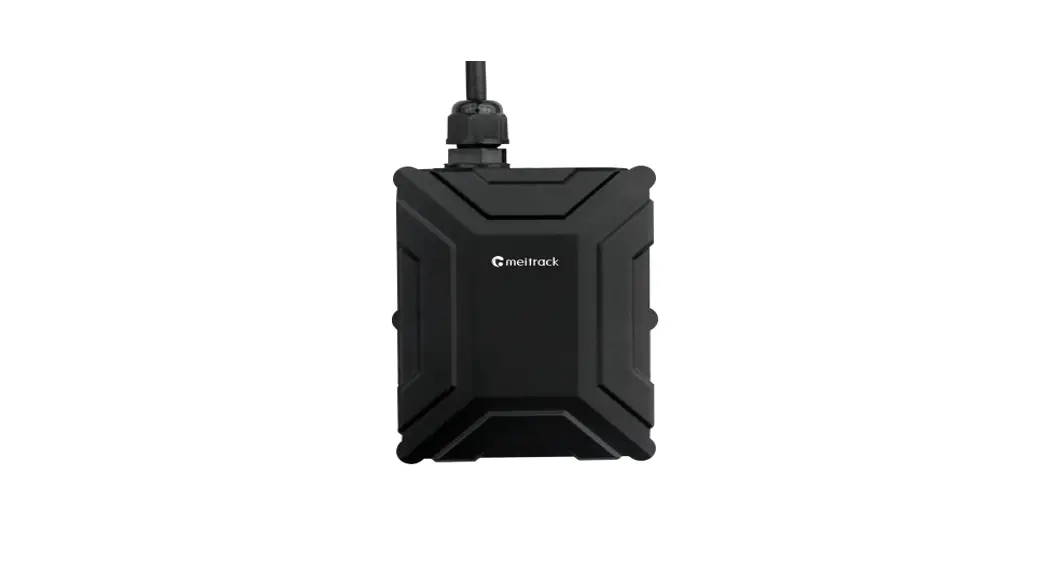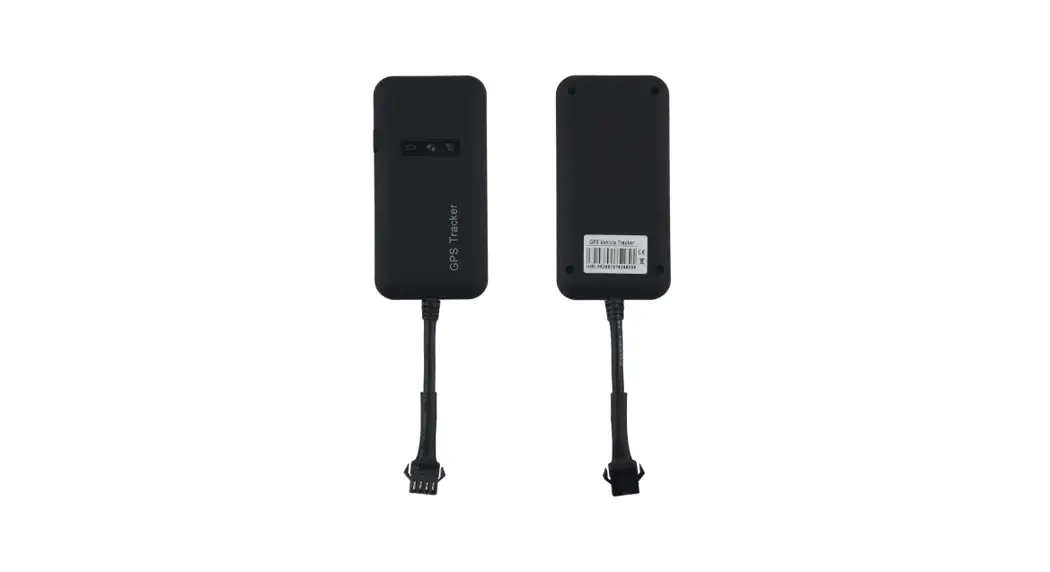
Vehicle GPS Tracker
User Guide
(Version 1.5)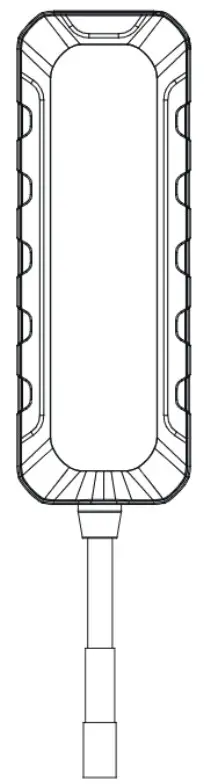
To ensure quick and correct use, please read this manual carefully before using it. Any changes to the product appearance. color or accessories are without notice. One ski of the device is marked ‘THIS SIDE TOWARDS SKY, place the unit upside clove will result in connection Sues. Avoid placing the device somewhere that metal will be covering it up.
Overview
1.1 Main Functions
- GPS + LBS positioning
- IPX5 waterproof
- Vibration / Displacement alarm
- Geo-fence
- Power failure / Overspeed alarm
- Mileage
- Compact and lightweight
Specifications
| Frequency | GSM 850/900/1800/1900MHz |
| GPRS | Class 12, TCP/IP |
| Location accuracy | <10 meters |
| TTFF (open sky) | Avg. hot start <_1 sec |
| Avg. cold start 532sec | |
| Battery | 100mAh/3.7V industrial-grade li-ion polymer battery |
| Working voltage/current | 9-36VDC/32mA(12VDC),18mA(24VDC) |
| Standby current | 55mA |
| Operating temperature | -20°C— +70°C |
| Dimension | 73.8(L) x 25.9(W) x 12.2(H) mm |
| Weight | 26.6g |
Overview
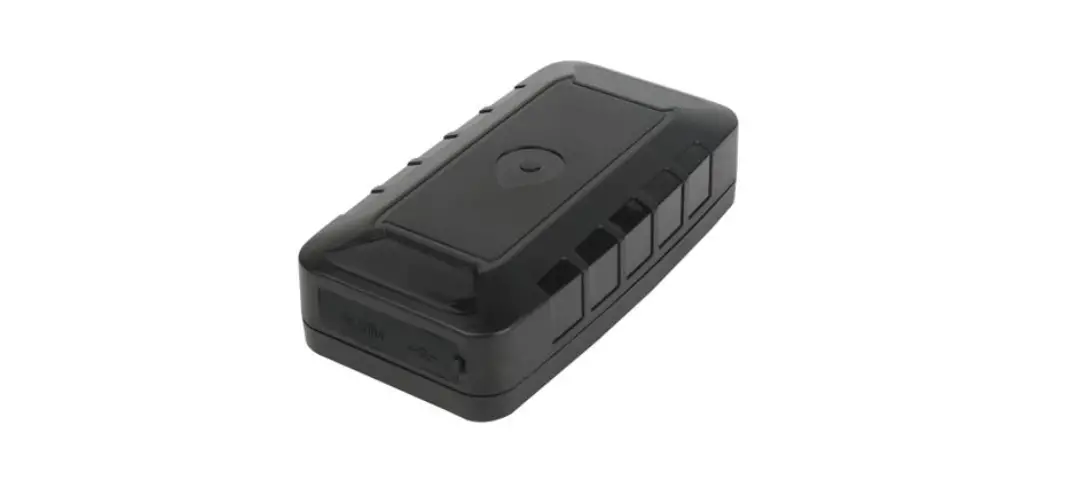
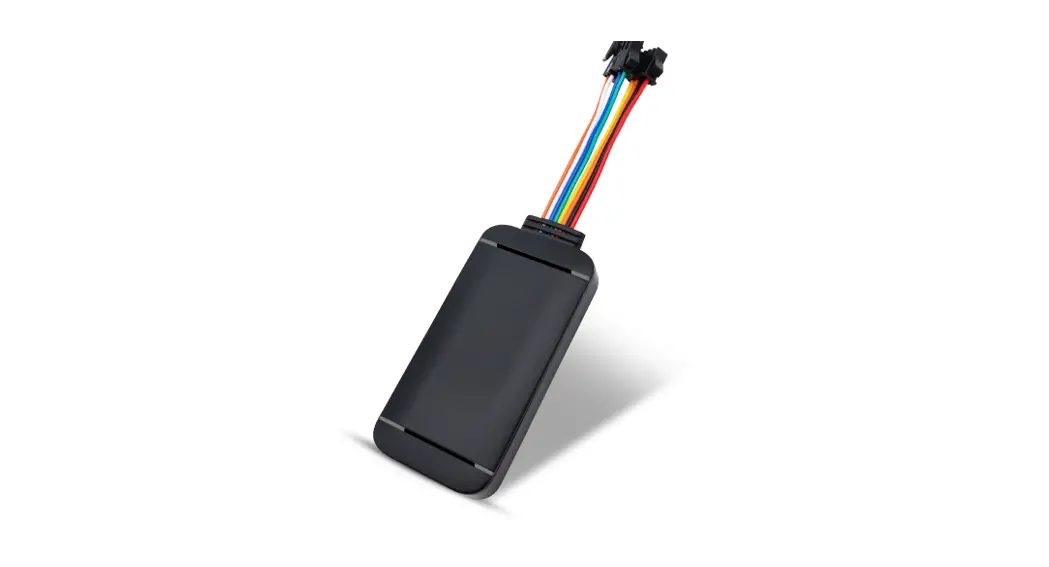
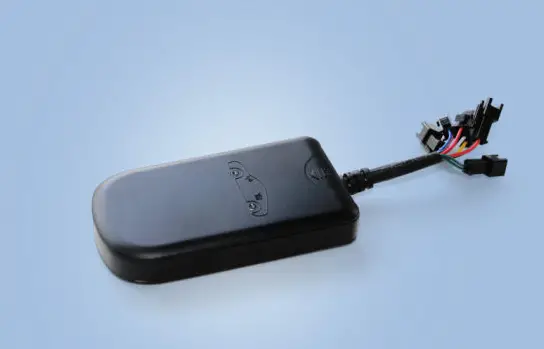
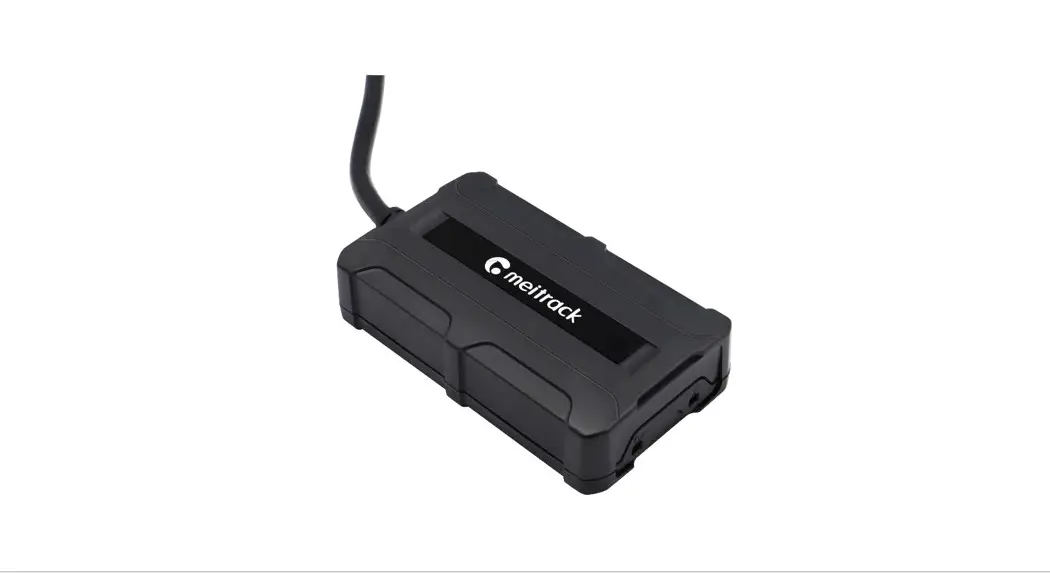
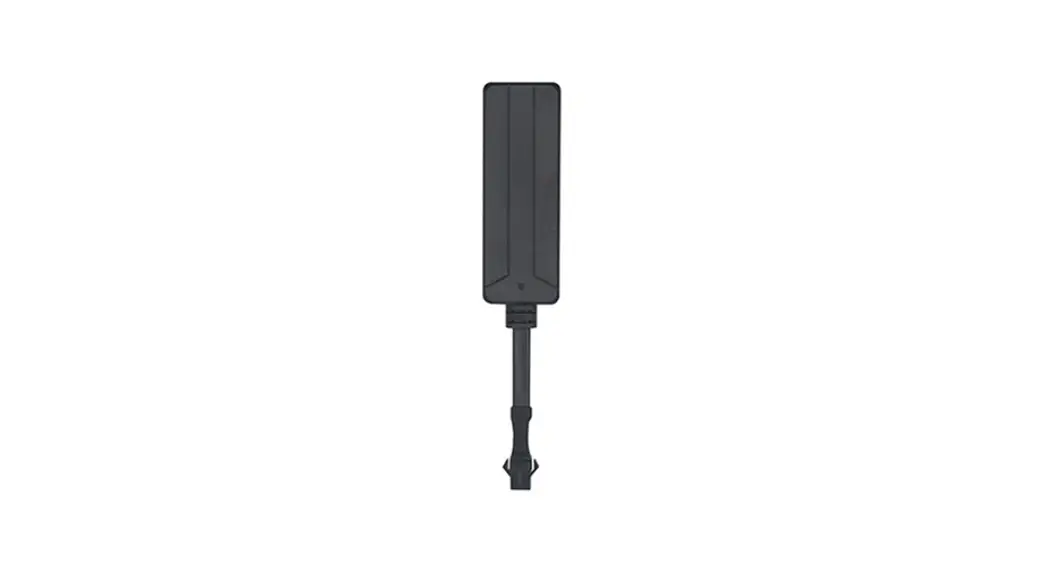
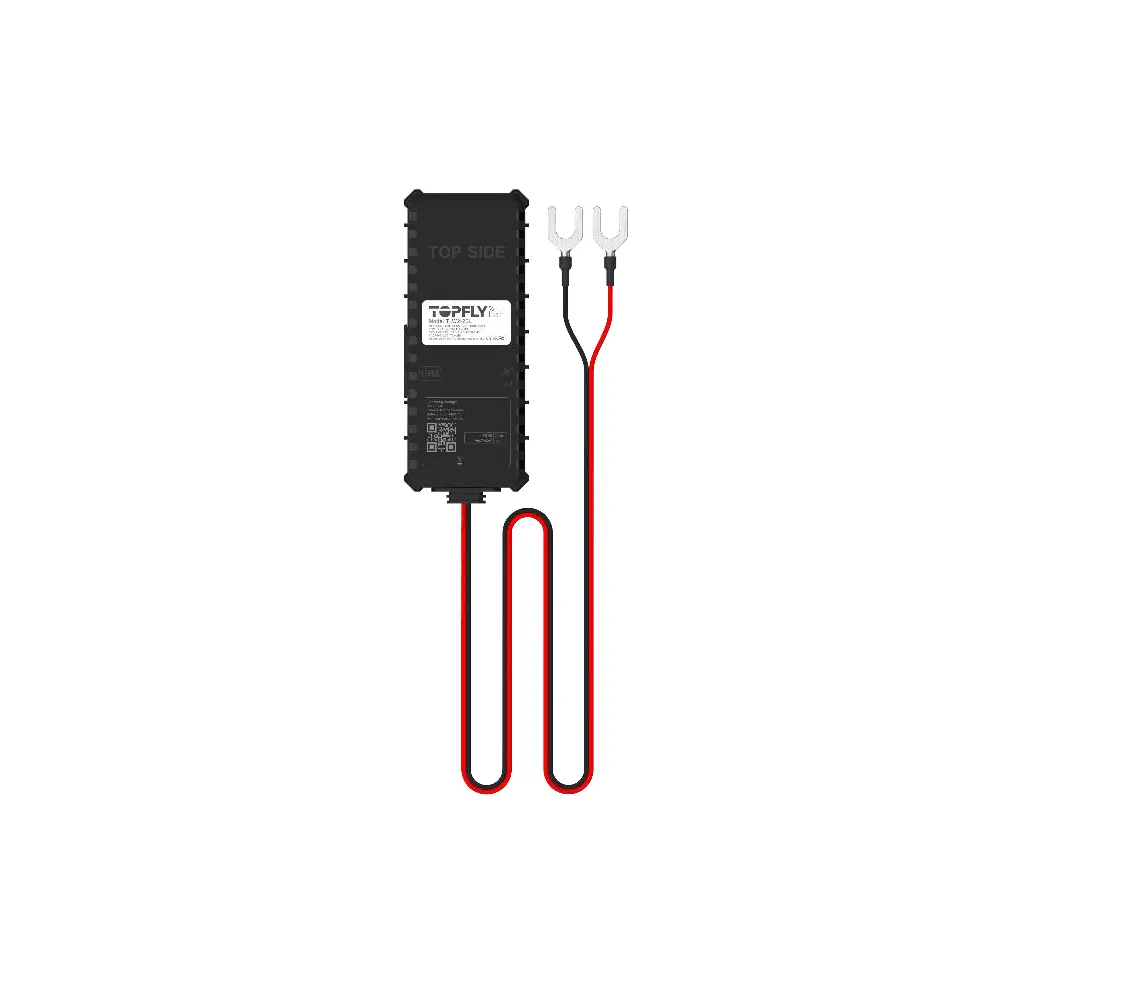
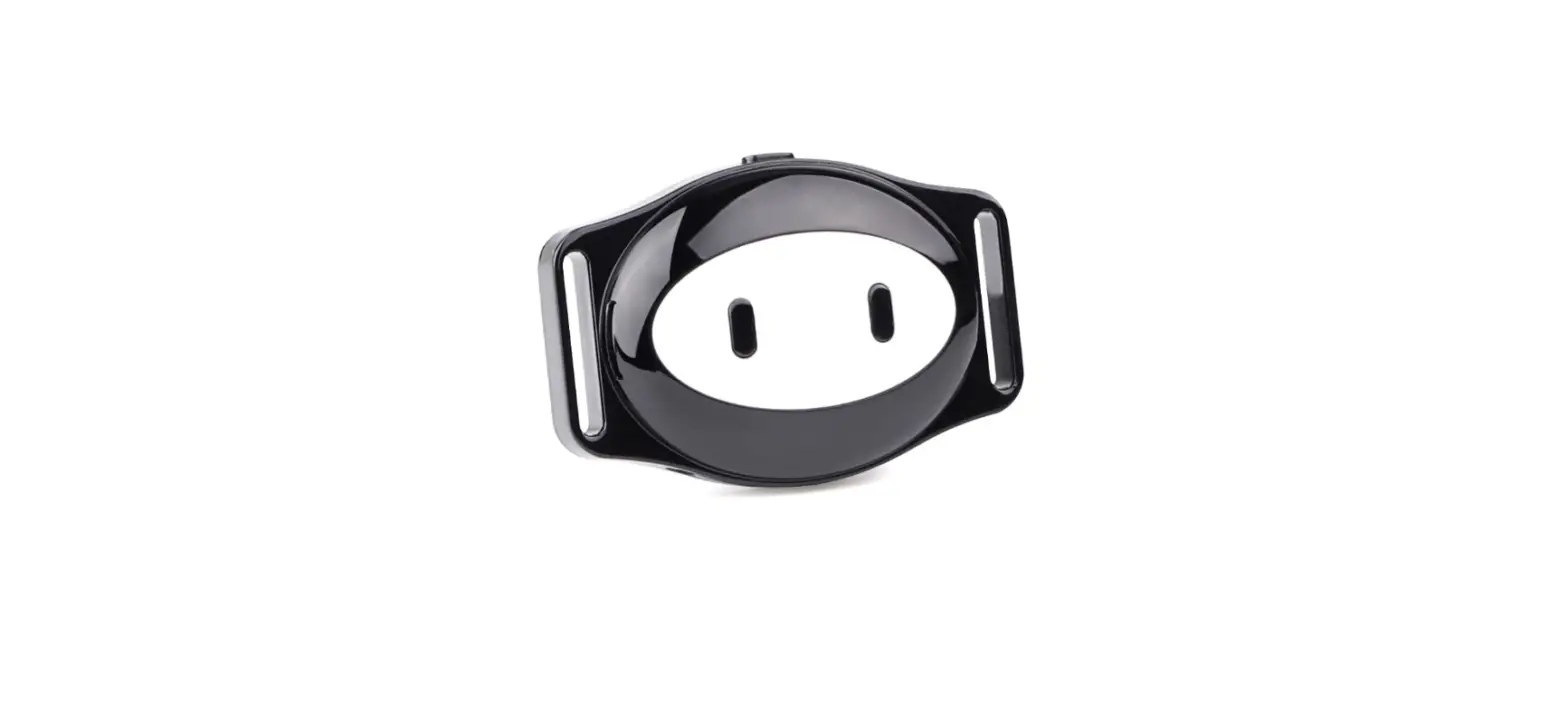
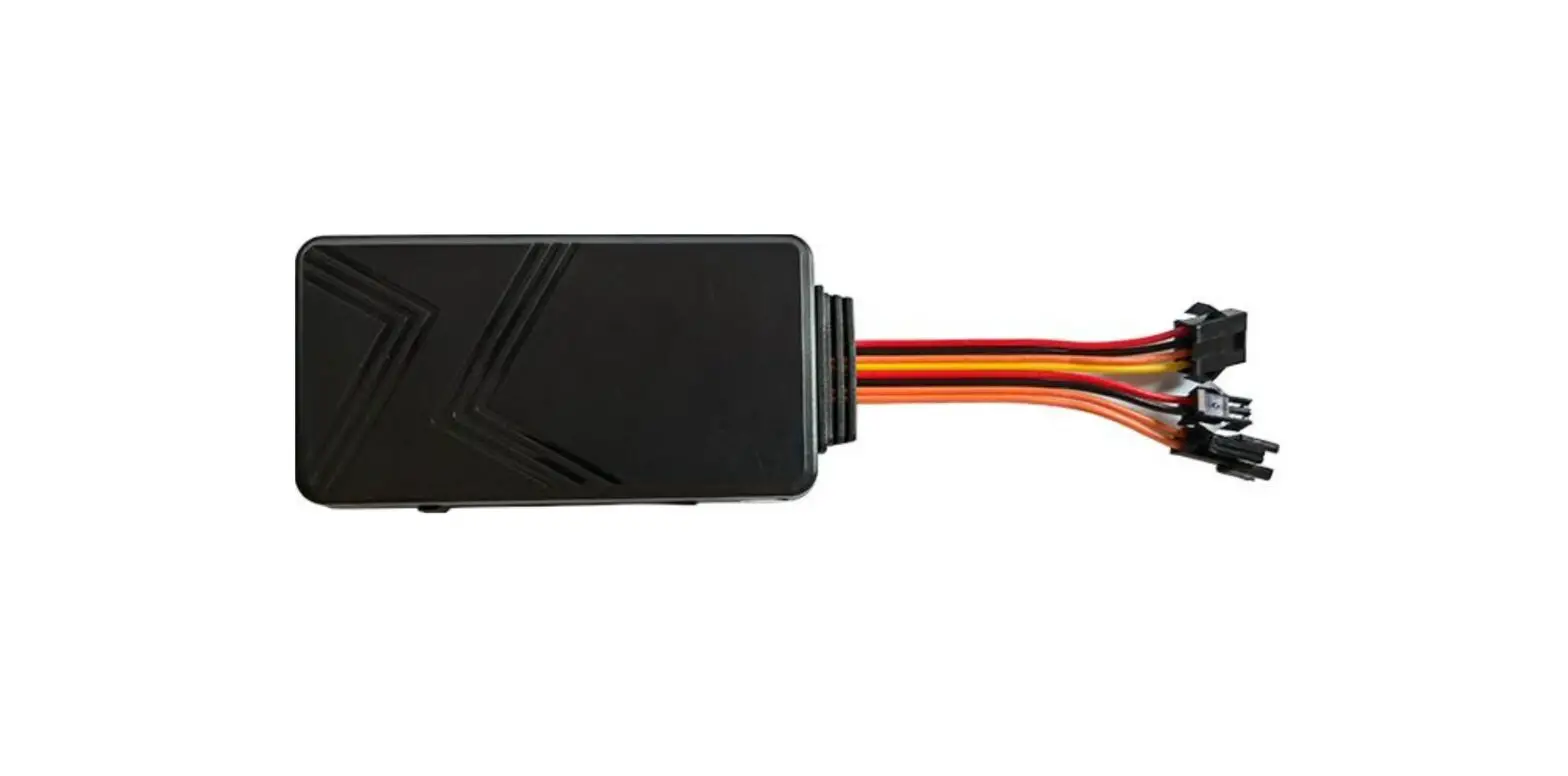
2.1 Device
2.2 Device
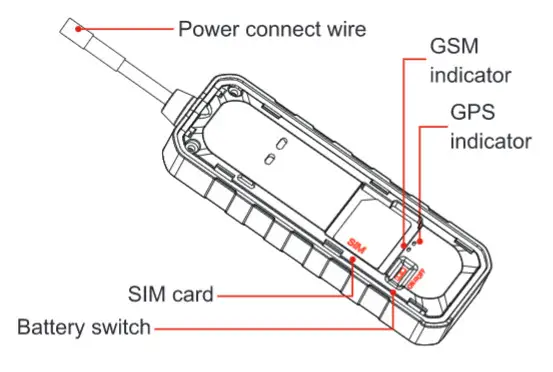
2.3 LED Indicator
Blue LED
| Status | Meaning |
| Flash quickly | Searching signal |
| Solid blue | Positioning succeed |
| Dark | Sleep/Dormant |
Green LED
| Status | Meaning |
| Quick flashing | Search network |
| Slow flashing | Normal network signal |
| Solid green | Calling/Online |
| Dark | Abnormal network/No SIM card |
The LED indicator will be OFF when the device electrifies for 5 minutes.
LED can be controlled by platform and APP.
SIM card
SIM cards should have access to GPRS.
Before SIM card installation, ensure external power is disconnected and the battery switch is on OFF.
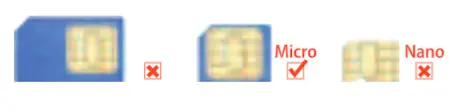
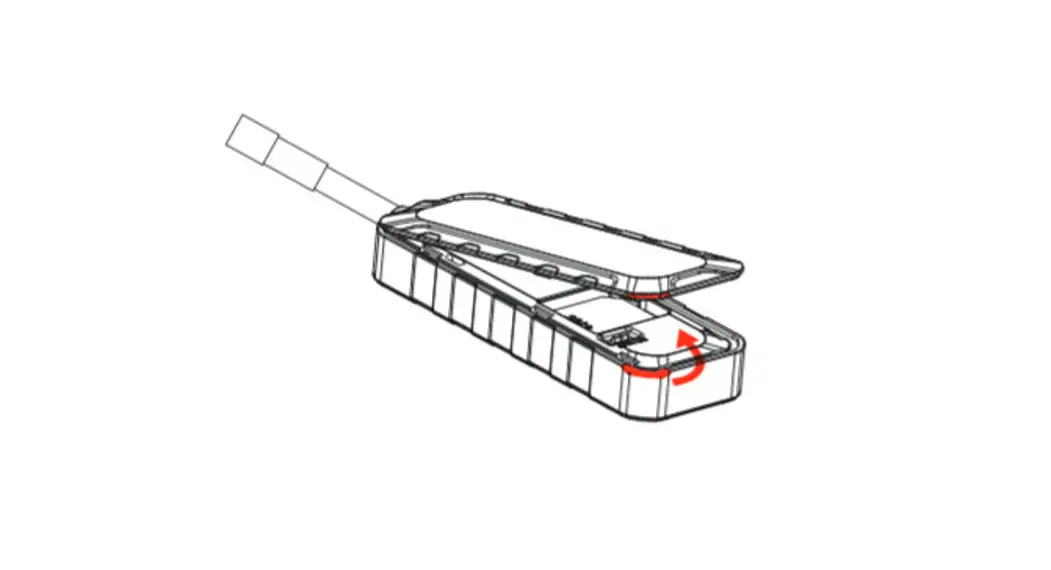
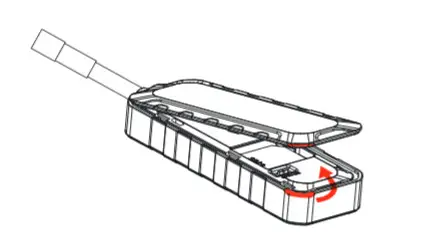
- Find the notch and remove the bottom cover

- Insert the SIM card as shown below

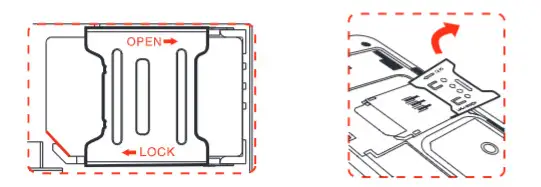
Power on
Open the top cover and turn the battery switch to ON. The terminal starts up by using a backup battery. Connect the device to external power, then the power indicator lights up and the battery is charging.
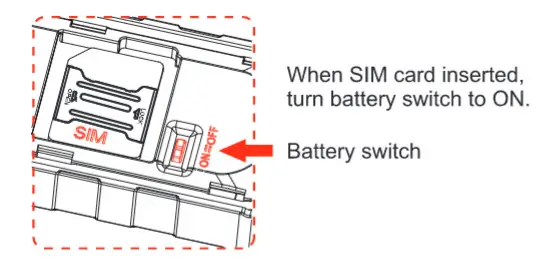
Power off
Disconnect external power and turn the battery switch to OFF.
The power LED is off and charging stops after the device power off.
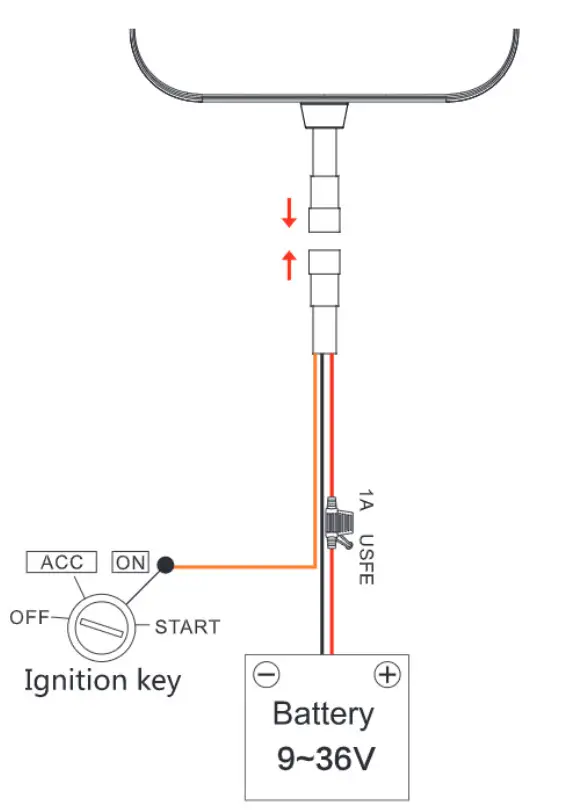
Wiring Instruction
Installation
Please install the device under the guidance of professional personnel.
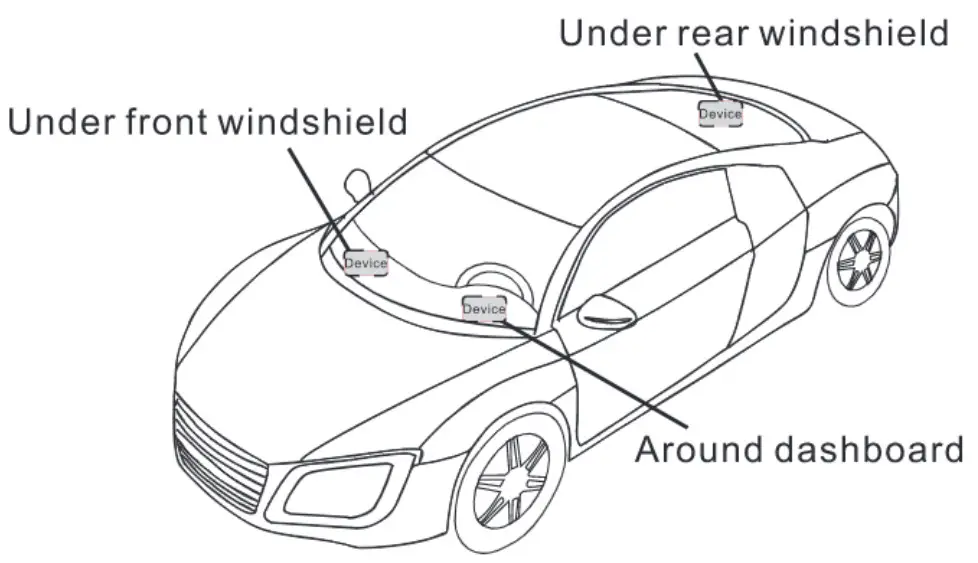 Note: The device should face up to the sky Metal thermal barrier or heating layer of the windshield affects the signal. Please change installation places to receive a better signal.
Platform & APP
6.1 Login service platform
Please login to the designated service platform to set and operate the device.
6.2 Download APP
Please download and install the APP on the designated website, APP Store, or Google Play store.
Main Functions
7.1 SOS
3 SOS phone numbers can be set. Alerts will be sent to pre-set SOS number.
- Add SOS number.
Send SMS command to the terminal. Command format:
SOS.A.phone number 1.phone number 2.phone number 3#
W means to add new numbers, for example, SOS,
”A”,18165542975.18165542976,18165542977# It will reply
“OK! SOS1: 18165542975 SOS2: 18165542976 SOS3: 1816554297rafter set successfully. - Delete SOS number.
Command: Send SMS command:
SOS. D. phone number 1, phone number 2. phone number 3# - Check current SOS number.
Command: SOS#
Respond example:
SOS1: 12352″. SOS2: 132532″, SOS3 13532r”
7.2 Multiple Alarms
Power cut-off alarm
When the electricity supply of the device is cut off, an alarm message will be sent to the platform and SOS number.
Low battery alarm
When the backup battery is low, an alarm message will be sent to the platform and SOS number.
Displacement alarm (Default OFF)
The device will send a movement alarm when the vehicle moves out the pre-set distance.
Overspeed alarm (Default OFF)
Speed limitation can be set in the platform or by SMS. When the vehicle’s speed exceeds the pre-set value. Overspeed alarm will be sent.
Vibration alarm (Default OFF )
The device is in defense status if the vibration alarm is turned on. When the vehicle vibrates several times, the vibration alarm will be triggered.
7.3 Remote Restart
Restart the terminal in the platform or send an SMS command. SMS command: RESET#
Frequently Used Command-List
| 1 | Check device status | STATUS# | |||
| 2 | Get device GPS latitude/longitude | WHERE# | |||
| 3 | Check device location in Google Map link | 1, URL# 2. POSITION | |||
| 4 | SOS number setting | 1. Add SOS number: SOS,A,number 1,number 2,number 3# Example:SOS,A,12342 ‘,134533′”, 135432***# 2. Delete the SOS number: SOS,D, phone number# 3. Query SOS number: SOS# | |||
| 5 | Vibration alarm (Default OFF) | 1. SENALM.ON# 2. SENALM, OFF# | |||
| 6 | Displacement alarm (Default OFF) | 1. MOVING,ON,R, M# R=100– 1000; Movement radius, unit: meter M=0-3; 0: only GPRS; 1: SMS+GPRS; 2: GPRS+SMS+CALL; 3: GPRS +CALL; Default: 1 2. MOVING, OFF# | |||
| 7 | Power cutoff alarm | 1. POWERALM, [A],[M],[11],[1–2],[T3]# A=ON/OFF. default:ON; M=0/1/2/3, way of alarming, 0: GPRS only, 1: SMS+GPRS, 2 : GPRS+SMS+phone call, 3: GPRS+ call, default: 1; T1=2––60 (second), power off detect time, default: 10; T2=1 —3600 (second), default: 300; T3=0–-3600 (second), ACC ON to OFF status step alarm prohibition time default: 0; 2. POWERALM, OFF# Turn off the power alarm. 3. POWERALM# Check the parameters of the alarm. | |||
| 8 | Low battery alarm | 1. BATALM, (A)• [M]# An ON/OFF. default: ON; M 4111, way of alarming, 0: GPRS only, 1: SMS+GPRS 2. LIATALM, OFF# 3. BATAIJA1 Check the parameters of the alarm. | |||
| 9 | Overspeed alarm | 1. SPEED[A][B],[C][M]# A=ON/OFF, tum on/off overspeed alarm. Default: OFF 8=5300 (second),time interval, default:20 (second) C=1-255(kmTh), speed limit, default: 100(kmlh);M=1, alarm method. 0 : GPRS only, 1: SMS+GPRS, default: 1 2. SPEEDS! Check the parameters of over speed. | |||
| 10 | Restart | RESETS! Device restart 20 seconds after receiving this command |
Troubleshooting
If you are having trouble we Your device. try Ilene troublesIxang procedures tette ccolacsmg a servlo) trotsicrai.
| Problems | Causes | Solutions |
| Peer Signal | The Signal maven ere unable to the twin who uses the GPS hacker it the places Mat has peer Signal tecopeon. Such as tall dating aroma cc basement | tieing me GPS beater in Me pla03$ that have the good signal condition. |
| Device Unwed by metal &outs or lam down | Device face up Or metaled in somewhere else | |
| Unable to boot | Low battery | Connect to an external power supply to charge |
| Fusing | Contact supplier to replace the fuse | |
| Unable to connect to the network | SIM card inserted incorrectly | Insert SIM card again |
| Dirty things exist above the SIM card | Clean SIM card | |
| Damaged or invalid SIM card | Replace SIM card | |
| Not In GSM service area | Move to the service area | |
| Poor signal | Move to an area with a strong signal | |
| Charge failure | Poor contact | Ensure device power wire connection |
| Fail to locate | SIM has no access to GPRS | Contact network supplier to get GPRS service |
| SIM card charges owed | Charge | |
| Parameters modification failure | Command format error | Edit and send the command again |
| No reply after sending the command | Check network and ensure SMS available |
Warranty instructions and service
- The warranty is valid only when the warranty card is properly completed and upon presentation of the proof of purchase consisting of the original invoice indicating the date of purchase, model, and serial No.of the product.
We reserve the right to refuse a warranty if this information has been removed or changed after the original purchase of the product from the dealer. - Our obligations are limited to repair of the defect or replacement of the defective part or at its discretion replacement of the product itself.
- Warranty repairs must be carried out by our Authorized Service Centre.
Warranty cover will be void, even if a repair has been attempted by any unauthorized service center. - Repair or replacement under the terms of this warranty does not provide the right to extension or renewal of the warranty period. 5. The warranty is not applicable to cases other than defects in material, design, and workmanship.
Maintenance Record
| Date | Serviced by | ||
| Product Model | |||
| IMEI Number | |||
| Fault Descriptions | |||
| Comments | |||