 IPNVR004A08PB CCTV Manager
Installation Guide
Please read this manual thoroughly before use and keep it for future reference
Install and uninstall the software
Install the software
There are three setups:
- MySQL-installer-community
- Comelit CCTV Manager Server
- Comelit CCTV manager client
Install MySQL
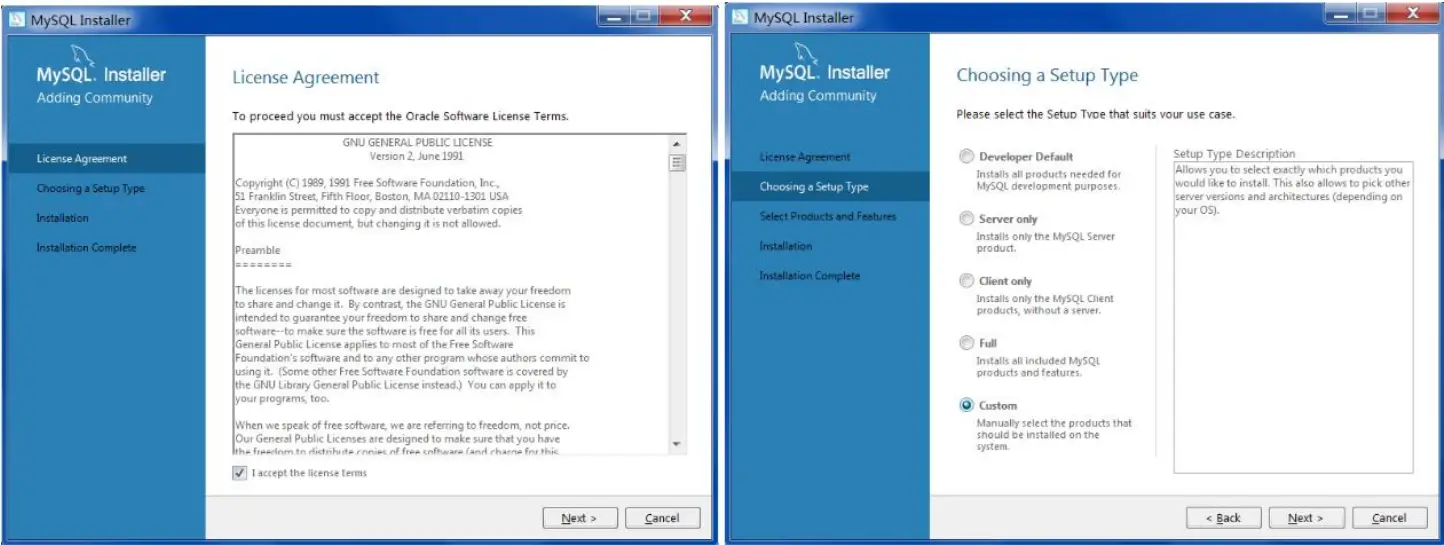
Double-click MySQL.exe to install.
- Select “I accept the license terms”, Click [Next], select “Custom” and then click [Next];

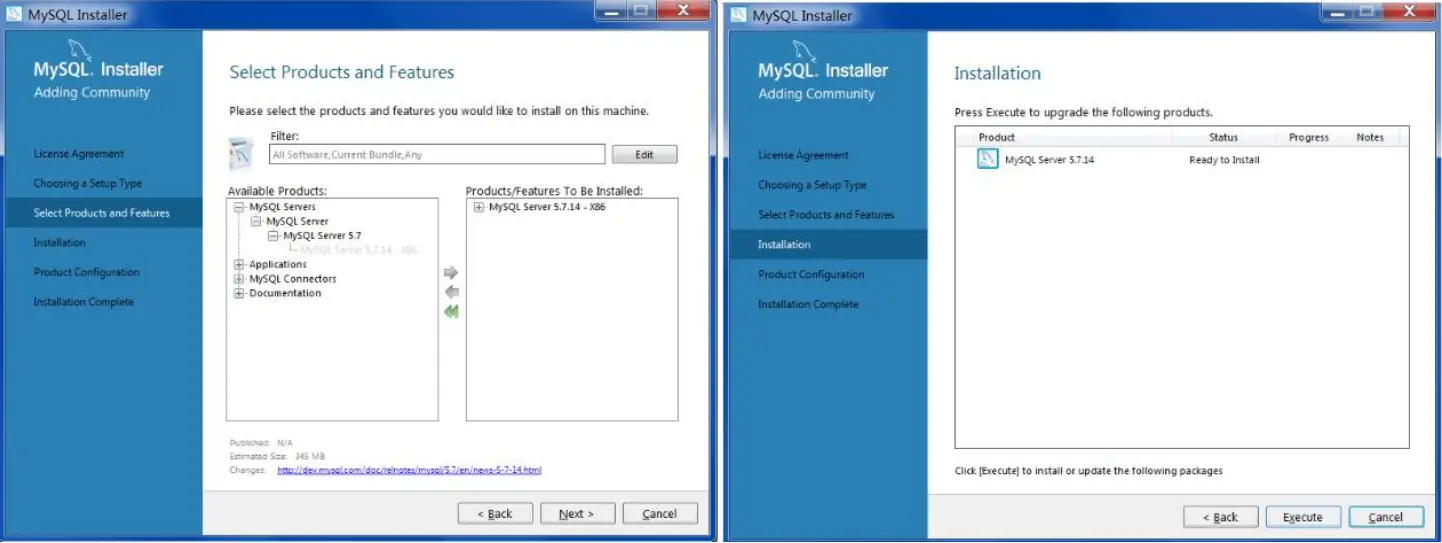
- Select MySQL Servers, unfold it, and select “MySQL Server 5.7”. Click
 to add it. Then click [Next] [Execute];
- Click [Next] [Next], as shown below.

- Check “TCP/IP”, “Open Firewall port for network access” and “Show Advanced Options” as shown below. Then enter MySQL Root Password (minimum of 4 characters.

- Click [Add User] to set a username and password. To avoid forgetting, please enter “root” and the password. Then click [OK] [Next];

- Click [Next] to go to the “Advanced Options” interface. Please set it according to the following picture. Then Click [Next];

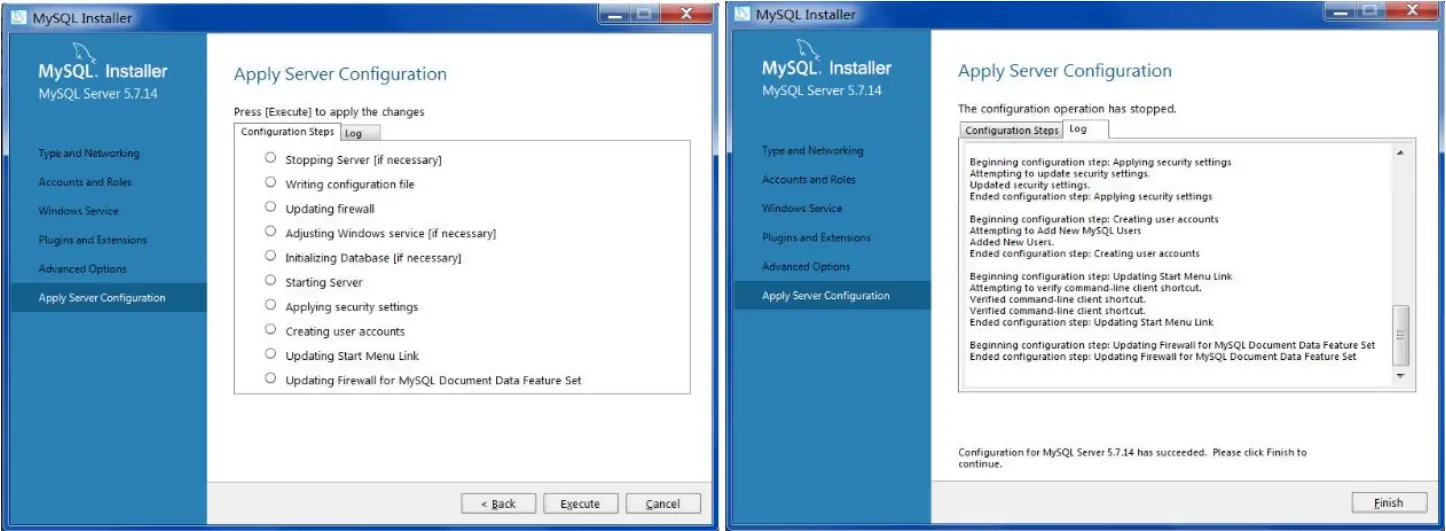
- Click [Execute] [Finish]

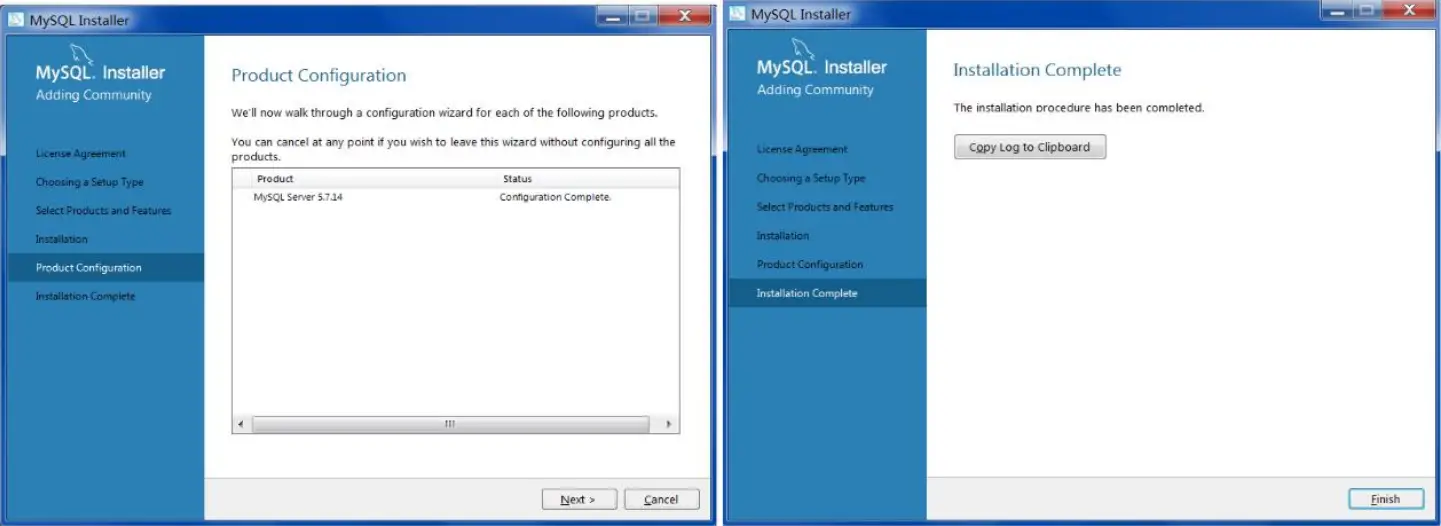
- Click [Next] [Finish].

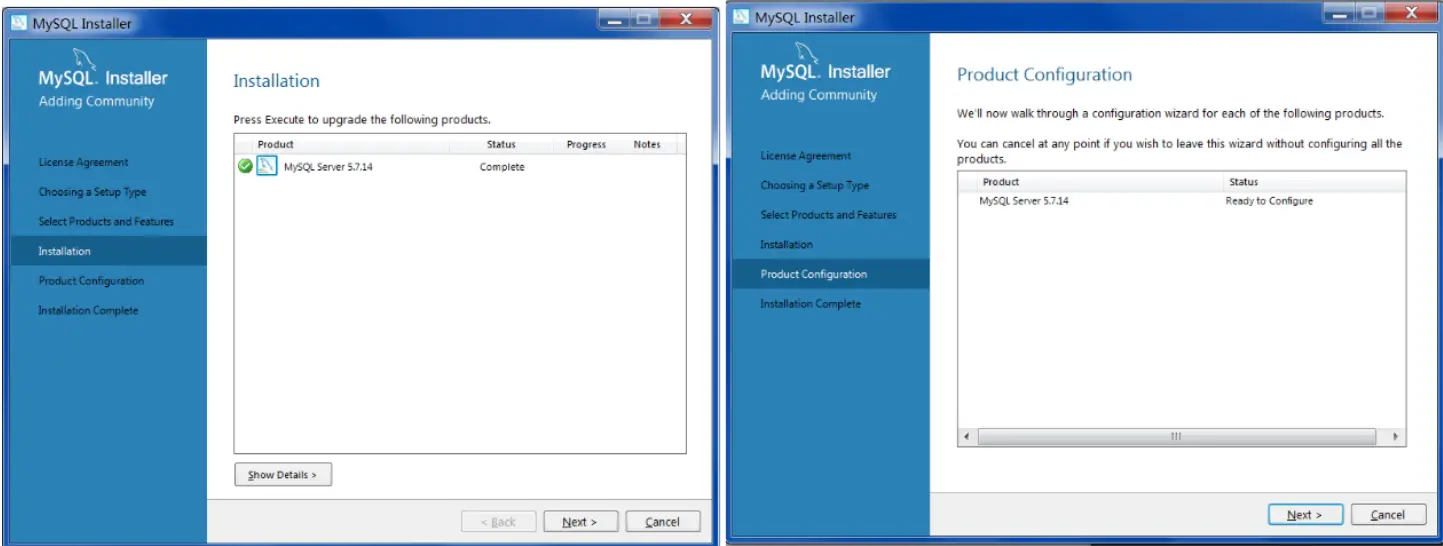
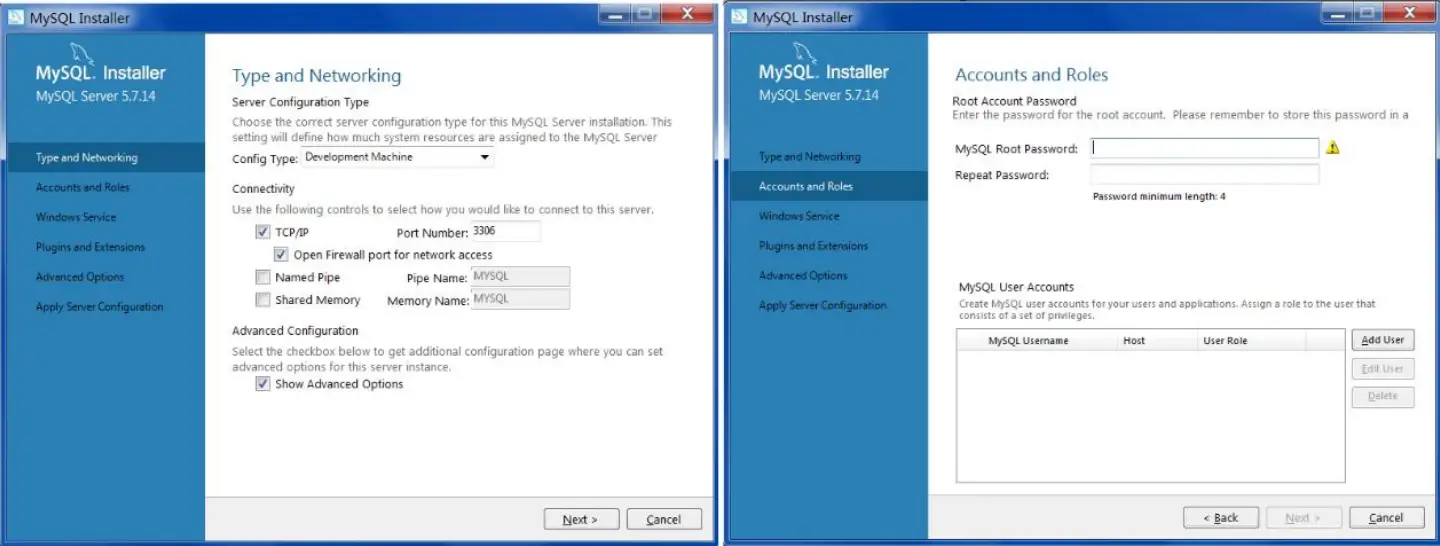
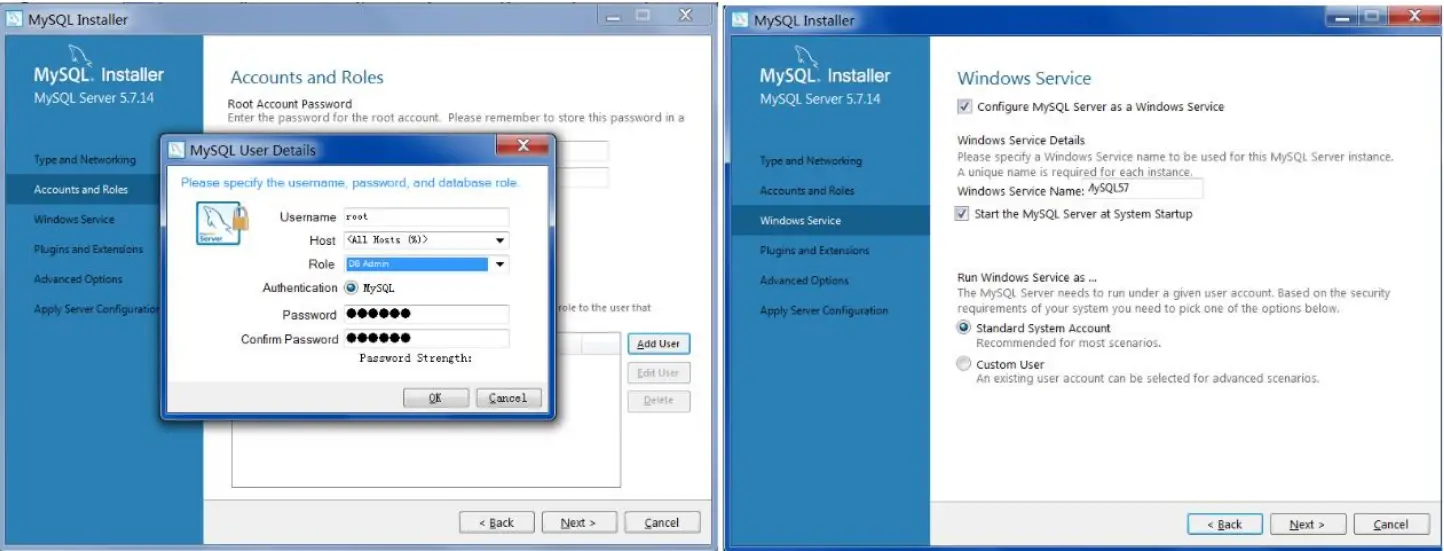
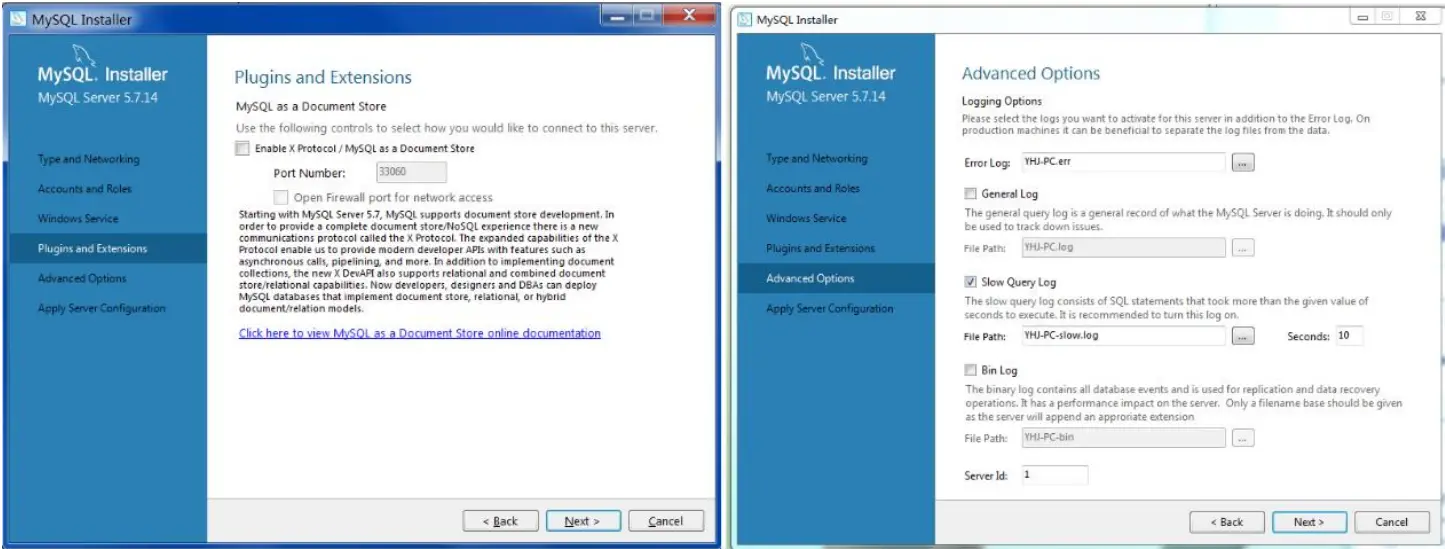
Install the Server
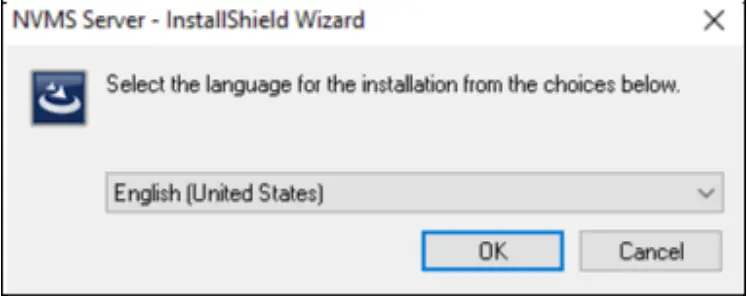
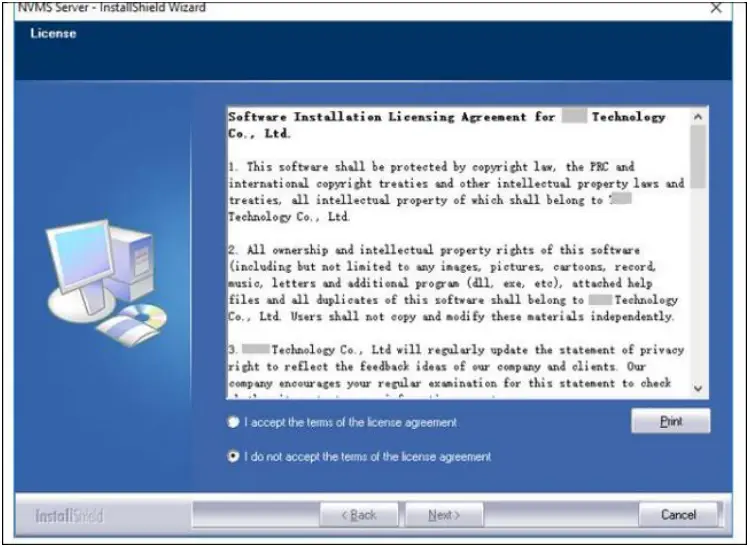
- Double click “Comelit CCTV manager server.exe”. Select the desired GUI language.

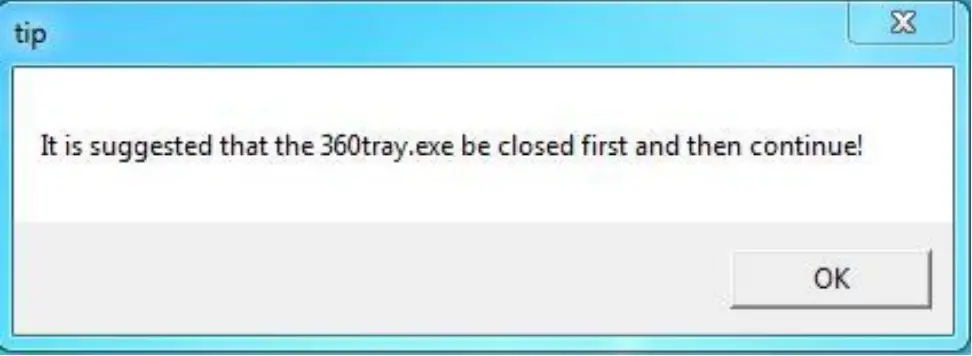
- A tip will pop up to suggest you close the antivirus software.

- Click “I accept the terms of the license agreement” and then click [Next].

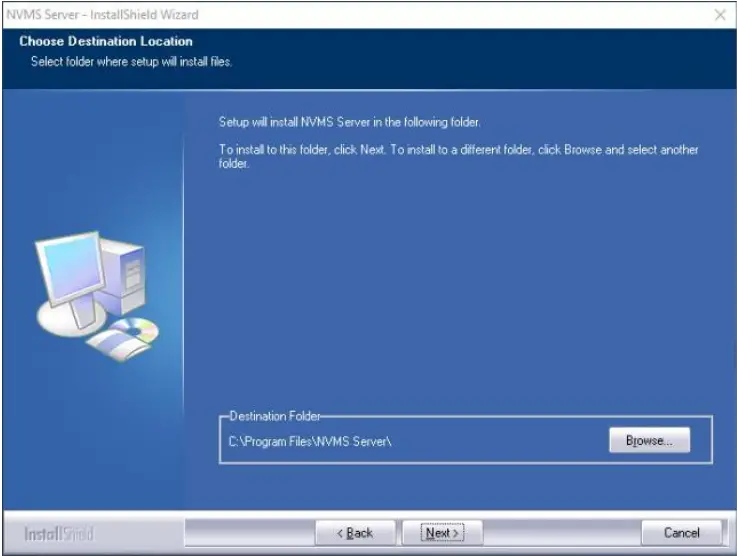
- Click [Browse] to select the installation location and then click [Next].

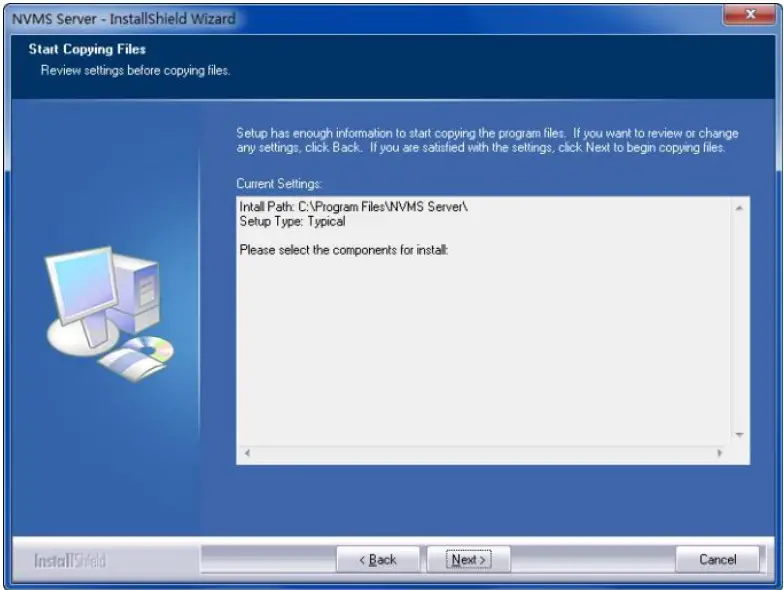
- Click [Next].

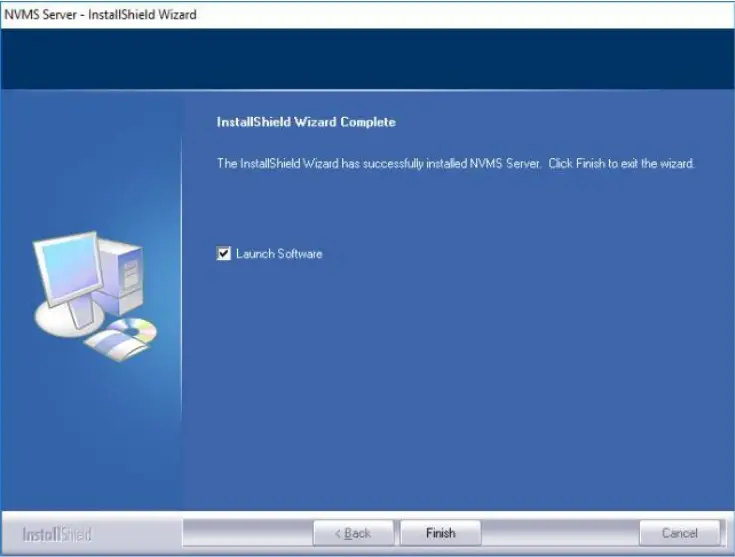
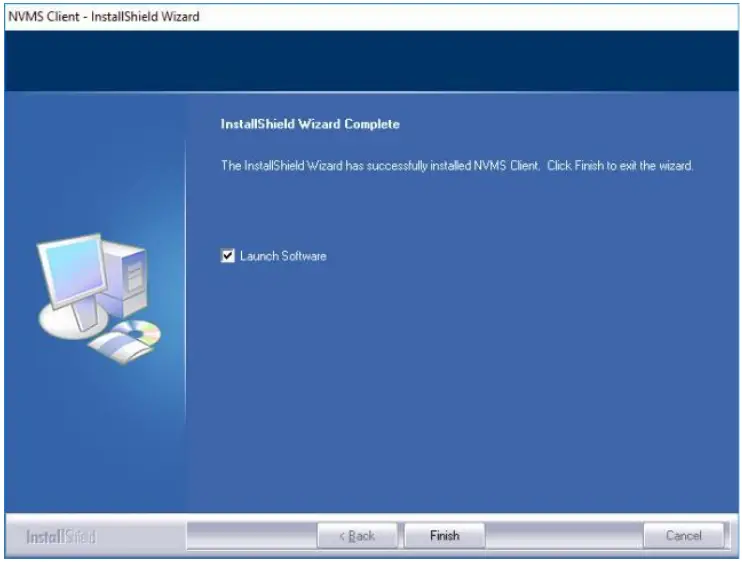
- Check “Launch Software” as needed and then click [Finish]”.

Install the Client
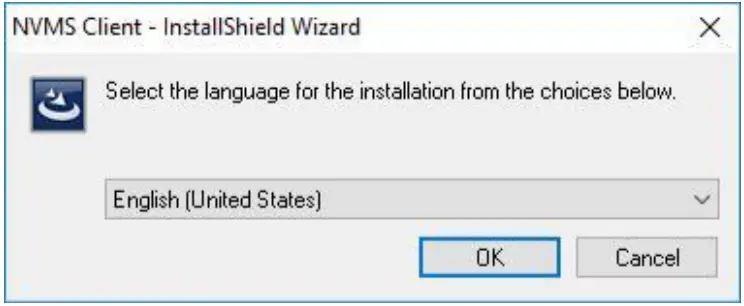
- Double click “Comelit CCTV manager Client setup.exe”. Select the desired GUI language.

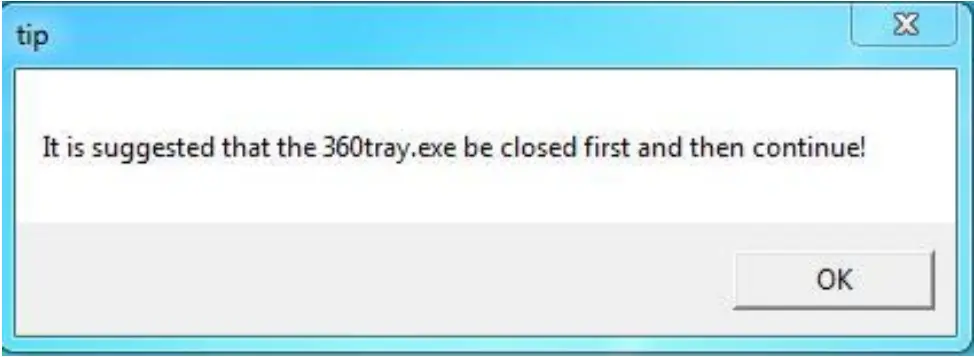
- A tip will pop up to suggest you close the antivirus software.

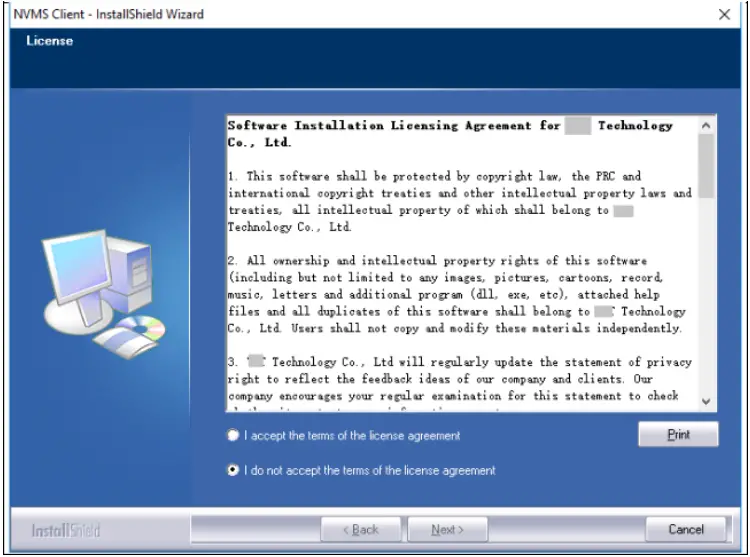
- Click “I accept the terms of the license agreement” and then click [Next].

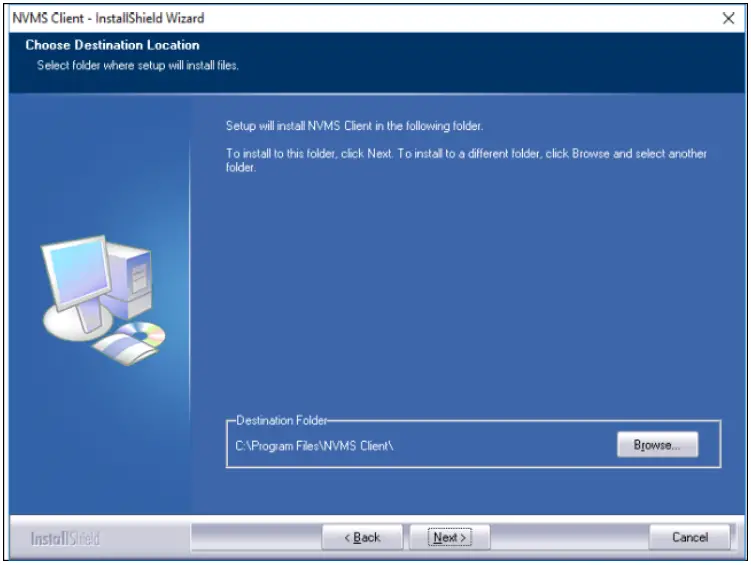
- Click [Browse] to select the installation location and then click [Next].

- Check “Launch Software” as needed and then click [Finish]”.

Uninstall the Software
It is strongly recommended to back up the configuration data before installing the new version of the Comelit CCTV manager VMS. The uninstallation steps of the Server are similar to the uninstallation of the client.
Click “Start”  All Programs Comelit CCTV manager Server Uninstall to pop up the following wizard. Click “Yes” to confirm.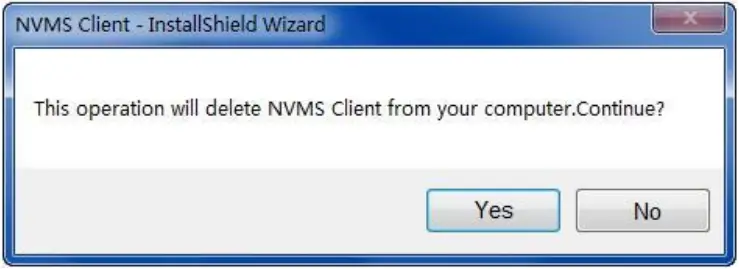
Then click the “Finish” button to completely uninstall the Authentication Server.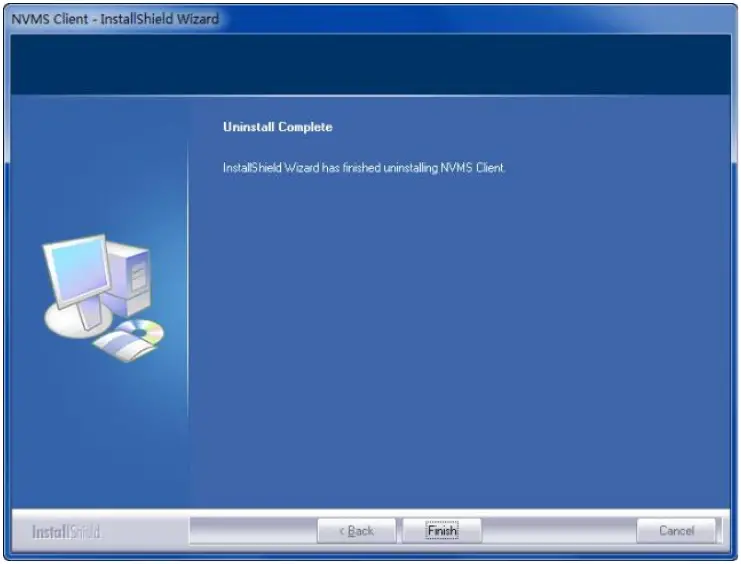
Login
Run Servers
Before logging onto the client, please ensure that all the servers are working normally. Having been installed successfully for the first time, the server tray will minimize on the taskbar of the computer. Double-click the server tray icon to pop up the server tray interface. You can also right-click the server tray icon and select “Display the main interface to pop up the server tray interface as shown below.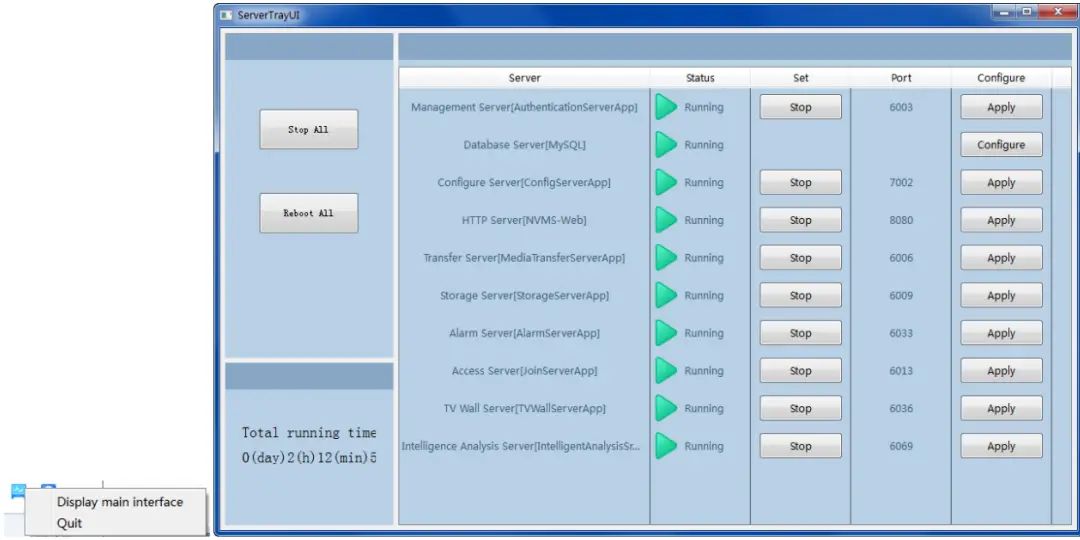
The working status and port can be checked from the server tray. All servers can be stopped and restarted. All server ports can be modified. Click the corresponding port number to modify it. The modified port will be saved automatically after you move your mouse to another place. The database can also be configured by clicking [Configure].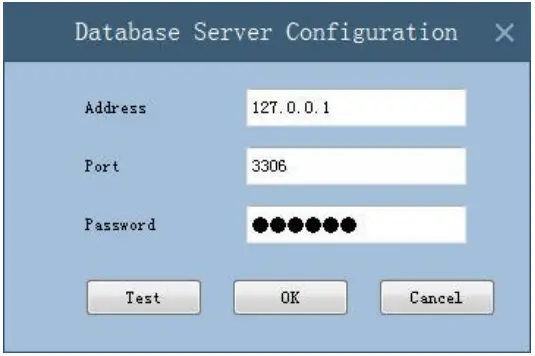
Login
Double-click the shortcut icon of “MonitorClient” to run the software as shown below.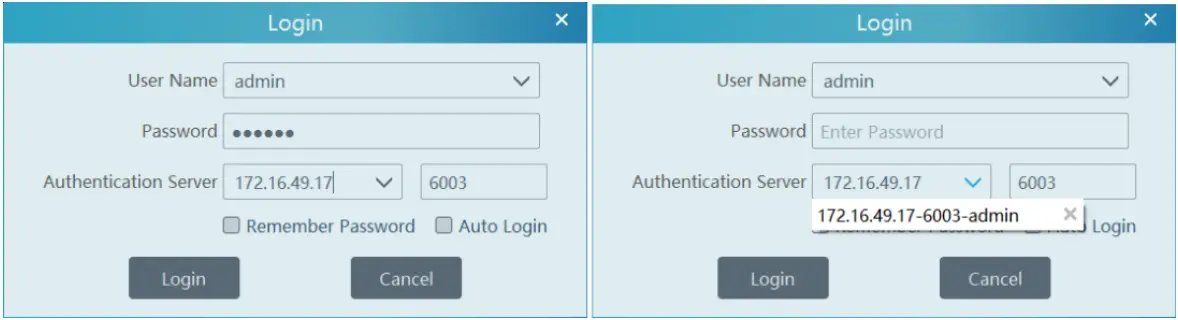
- Enter your Username and Password (the default Username is admin; the default Password is admin).
- Enter the IP address and port (the default Port is 6003) of the authentication server.
Check “Remember Password” or “Auto Login” as needed. - Click [Login].
Via Don Arrigoni, 5
24020 Rovetta (BG) – Italy
www.comelitgroup.com