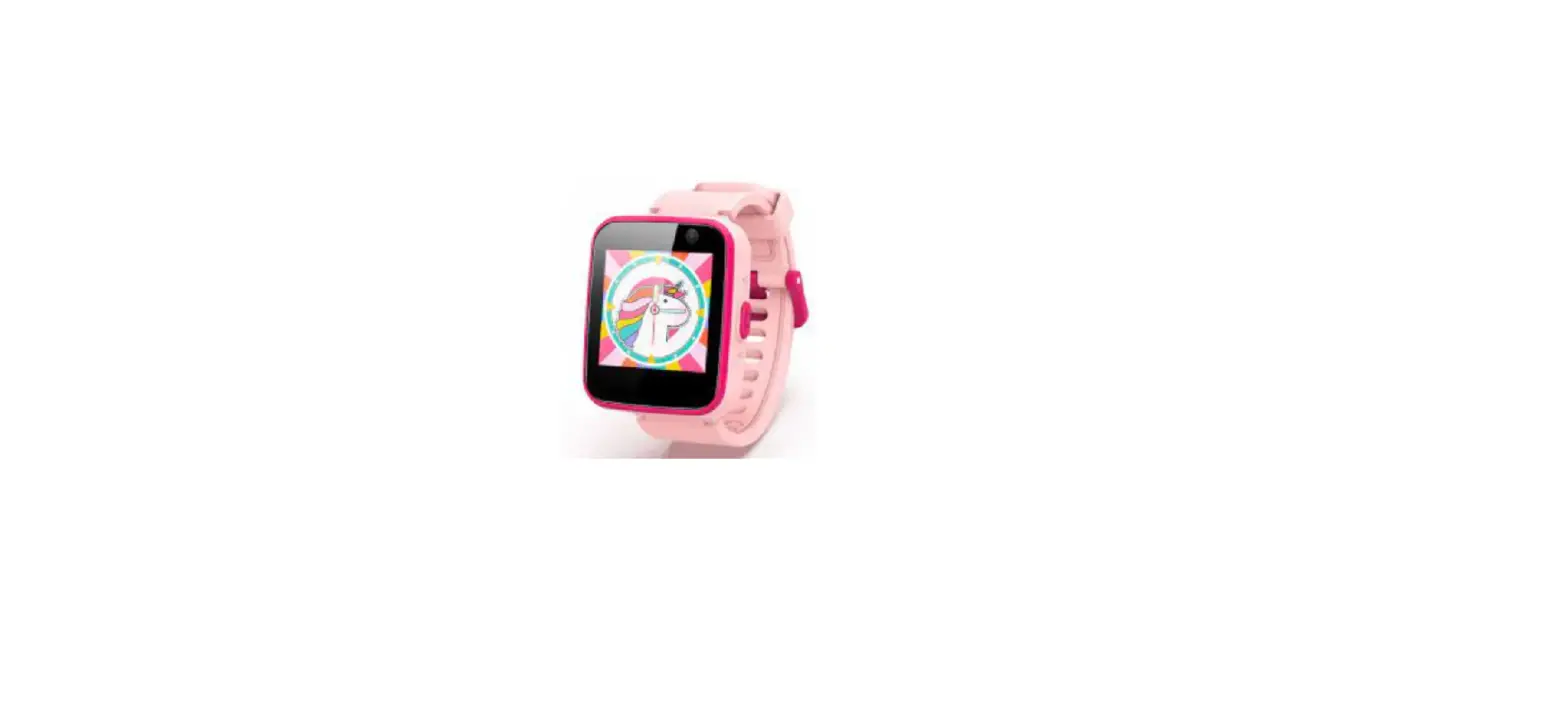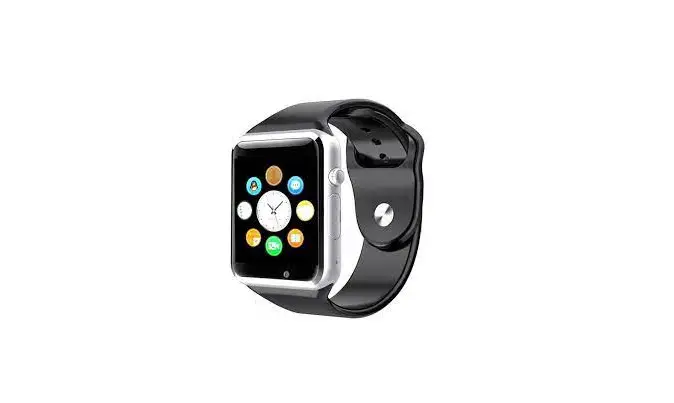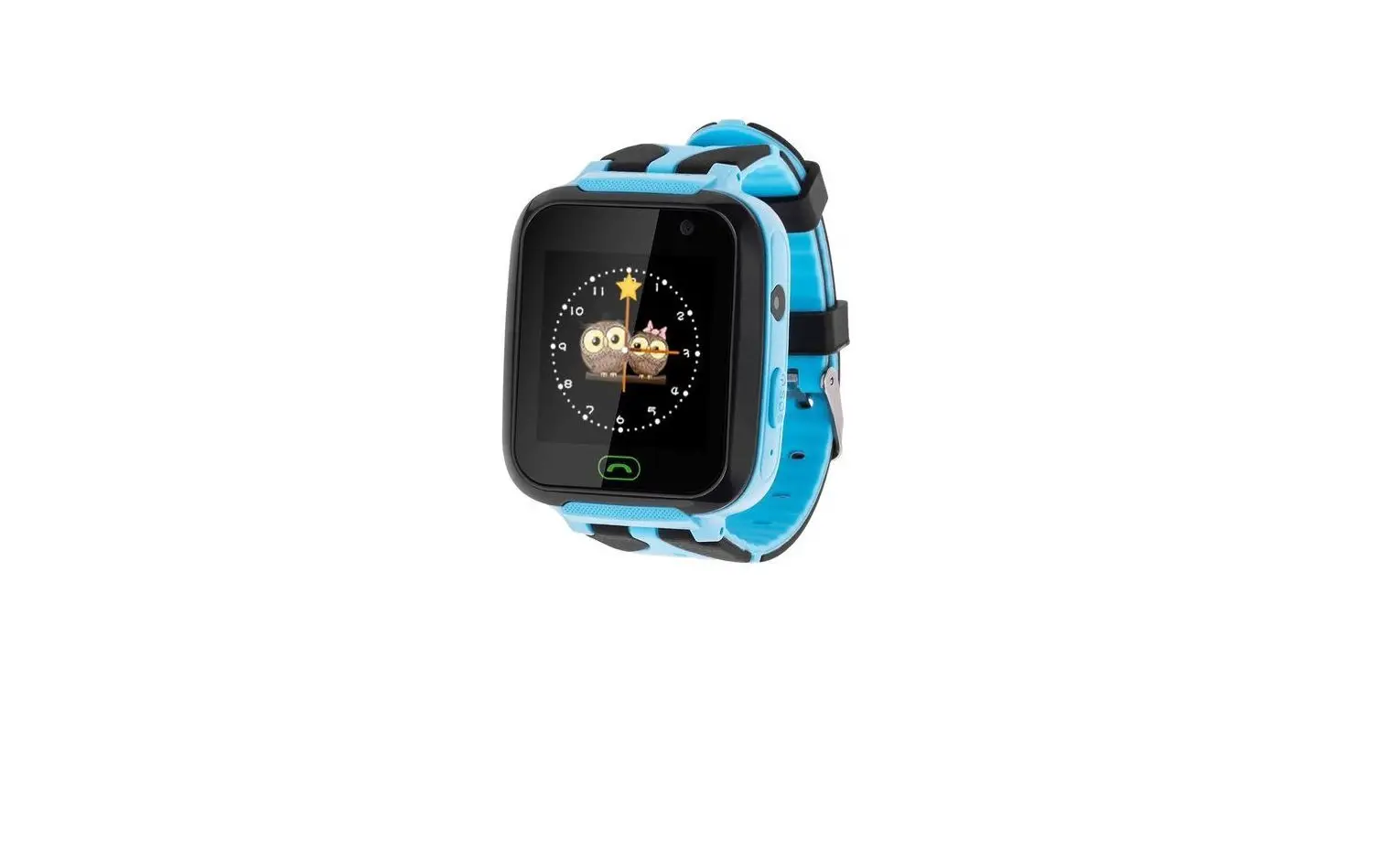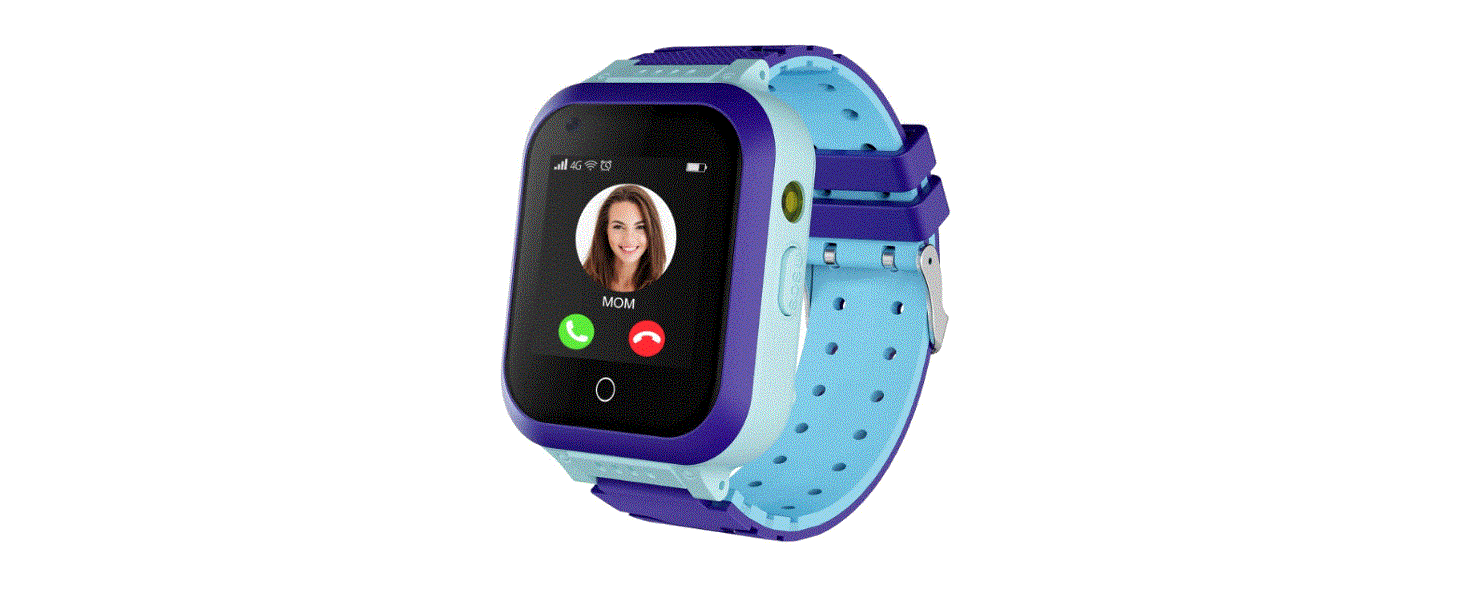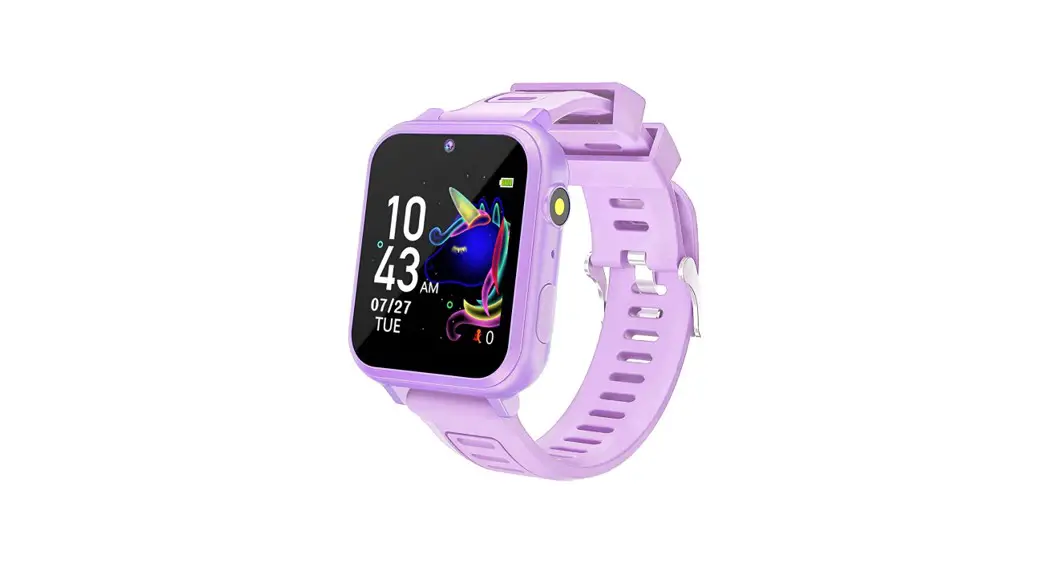
 B0BLZCW4YR Kids Smart Watches Girls
User Manual
B0BLZCW4YR Kids Smart Watches Girls
Touch instructions: Swipe left or right to switch menus. Swipe up and down to back the previous menu, touch enter the menu.
*Note: The function of this product could be subject to change. For the functional modification that will not affect the use of this product, this manual will not be revised. Thank you for your understanding.
Get Started
1.1 Power On/Off
Power On: Press and hold the power button 
Shutdown: Press and hold the power button
- Before turn on the watch, make sure that the battery is properly installed in the device.
- If the device fails to turn on, this could be caused by low battery. Please try again after recharging the device for 5 minutes.
1.2 Charging
Remove the silicone plug on the USB charging port, and then connect the Micro-USB end of the cable to the watch and the other end to the USB charger.
“After the charger is plugged to the power socket, the power icon at the top right of the screen will start scrolling, indicating that it is in charging mode. The power icon will stop scrolling with a full battery icon when fully charged.
Functions
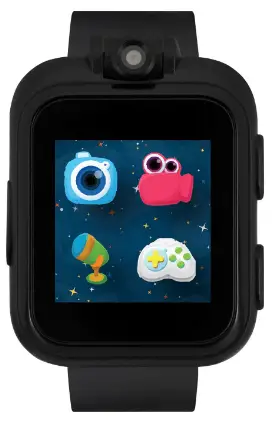
2.1 User interface 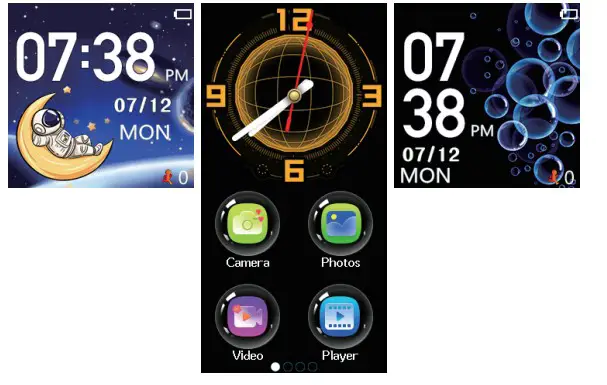 2.2 Camera
In the main menu, slide to select “Camera” and click to enter to preview interface, click the left button to take a picture, and click the right button to enter the image viewer. 2.3 Photos
In the main menu, slide to select Photos and click to enter, you can view the saved photos.
2.4 Video
In the main menu, slide to select “Video” and click to enter, you can enter the preview interface, click the left button to start recording, right button to enter the video player.
2.5 Player
In the main menu, slide to select “Player” and click to enter.After entering, a list of recorded videos will be displayed, select and click to play.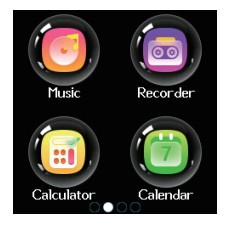 2.6. Music
Swipe to select music in the main menu, click to enter, you can play the downloaded stored music. *download”*.mp3″music to watch storage disk: My Music.
2.7 Recorder
In the main menu, slide to select “Recorder” and click to enter, you can record. Note: need memory in watch.
2.8 Calculator
In the main menu, slide to select “Calculator” and click to enter, you can calculate.
2.9 Calendar
In the main menu, swipe to select the calendar, click to enter, you can view the calendar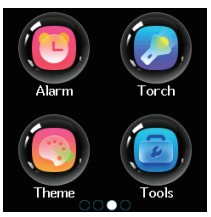 2.10 Alarm
In the main menu, slide to select “Alarm” and click to enter, you can set the alarm, up to three different alarms are supported. can set switch on/off, set time and period.
2.11 Torch
In the main menu, slide to select “Torch” and click to enter.The flashlight can be turned on and off as needed, and be careful not to illuminate the eyes directly.
2.12 Theme
Swipe to select wallpaper in the main menu Click to enter, you can change to the preset wallpaper.
2.13 Tools
In the main menu, slide to select the tools and click to enter, there are stopwatch, timer, file manager,reset wallpaper.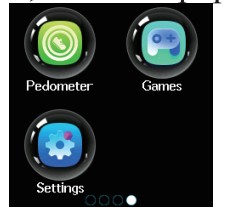 2.14 Pedometer
In the main menu, slide to select “Pedometer” and click to enter, You can choose to open, close and clear. After turning on Pedometer, the system will automatically record the number of steps per day.
2.15 Settings
The following items can be set in the settings:
- Language Can set 5 different languages
- Time And Date You can set the time and date of the watch. Optional date and time format
- Ringtone volume After switch on, you can adjust the volume of the ringtone of the incoming call. Turn to the lowest to mute. *
School Mode
- Period Setting
 Set the start and end time periods Two segments can be set
 - Day setting
 Set the date when the function neeas to De opened
 - on-off

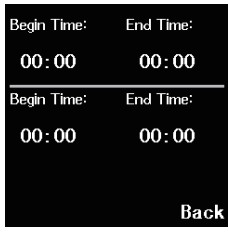 Set the start and end time periods Two segments can be set
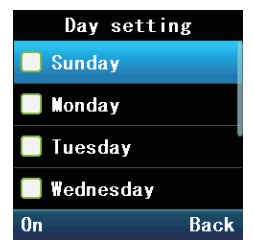 Set the date when the function neeas to De opened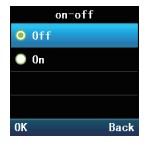
Function switch
2.16 Games
There are twenty-four Games in the watch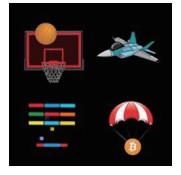
- Basketball Shoot master How to play: Press the basketball to shoot, When the backboard is going to move to the middle, control to shot.
- Bee War
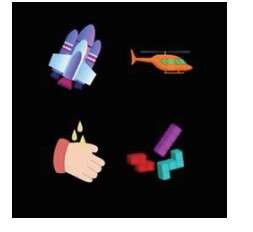
Protect your star from the attack by your enemy. Wipe out all of them before they arrive at your base station. How to play: tap leWright to move your war craft to shoot, need to hit twice to destroy the enemy. Score as much as you can! You have a total of three opportunities. You can set “Easy”, “Normal” and “Hard” modes separately, and set music on or off and view.
- Pinball flit Bricks
How to play: Destroy all bricks to progress to the next level. White bricks give a special 3-ball bonus. Blue bricks need to be hit 2 times. Score as much as you can! The “Easy”, “Normal” and “Hard” modes can be set separately. And set turn music on/off or check the score. - Car Grab Goods
How to play: Click the screen left or right to move the car, as much as possible to catch the airdropped supplies. You have a total of three opportunities. The “Easy”, “Normal” and “Hard” modes can be set separately. And set turn music on/off or check the score.
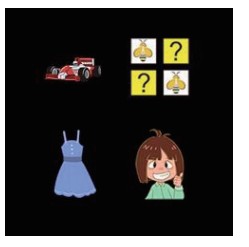
- Ultimate racing
How to play: Press and hold the car to move left and right to switch lanes. The car in front may drop gold coins. Eat as many gold coins as possible. To avoid crashes, you have only one chance. Can set turn music on/off or check the score. - Memory
To test your memory ability, you can choose different levels of difficulty and find two identical pictures by flipping through the cards until you find all the pictures. - Princess Dress up
You can choose different clothes, shoes, hairstyles, head wear and so on on on the left side of the interface. After selecting, click to change clothes. - Tooth brushing fight
Press the prompt number to quickly click the brushing button.Aftcr brushing, please press confirm.
- Teddy Bear Escape
Tap, don’t swipe the screen to make the teddy bear rotate clockwise or counter clock wise in the circle to avoid colliding with the spaceship. - Sky and gold
Control the allow fighter “pay attention to avoiding enemy bullets” and destroy them as much as possible . - Can’t stop washing hands
Click on tap that is running as fast as you can .when that tap stops another will turn on and you need start tapping that tap as fast as you can.Thc faster you tap the more points you geLGood luck! - Tetris
Move, rotate and place the various blocks output by the game to arrange them in one or more rows to eliminate the score. When the cubes fill up the entire game interface, it will fail and the game will end. When the box is falling, each time you click on the box, the box will flip and deform once. Hold down the box and drag it to the left or right to change the position of the drop.
- Sudoku
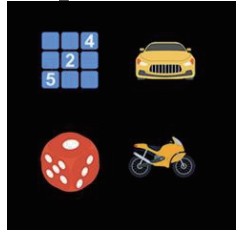
Fill in any number from 1 to 9 in the blank space and make sure each row, each columu, and each of the nine grids contain 1 to 9 of each number. The numbers arc full, all of them go directly to next round. If there are mistakes, you must continue to be revised until they are correct. - parking puzzle
Click the car drive it ro its own parking spot. the color of the car matches the parking spt - dice
Tap the screen or shake the watch and the dice will roll to a different number
Motorcycles
Press and hold the screen to accelerate the motorcycle, release the motorcycle to slow down, don’t rollover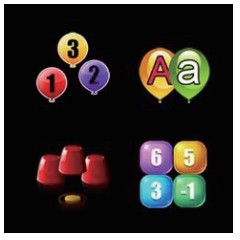
- Digital sorting
Put the numbers in order and you will pass to the next level if you are right. Think fast, you only have 10 seconds. - Find the same
letter Find the balloon with the same letter as given, the more the better
*Eyesight Follow the cup that has the coin in it Positions change quickly so watch carefully and guess where the gold coin Is.
*Math Pinch
Select the right number combination to match the target number displayed.
- Box
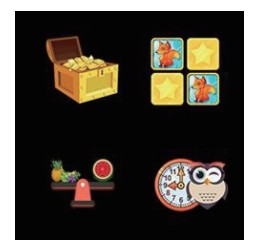
The goal is to put a box on every coin. Click on the box and arrows will appear. Once arrow is clicked, box moves on line until it gets to the coin or hits another box. If nothing is in the way you slide off the grid and you’re out - Turn over the cards
Turn over the cards and try to remember the corresponding pattern. Match the pictures, to eliminate cards - Than the weight
Compare the fruits on the two scales to fmd the heaviest one - Know the time
Set the hour and minute and the time will be announced.
Hardware Specifications
| No. | Item | Parameter/Model |
| 1 | CPU model | MT6261 |
| 2 | Screen | 1.5 4 inch; IPS HD colored touch screen |
| 3 | Resolution | 240*240 |
| 4 | Camera | 300,000 pixels |
| 5 | Battery | 400mAh lithium polymer battery |
| 6 | Internal memory | 32MB |
| 7 | Cover material | Metal + Plastic |
| 8 | Strap material | Dow Corning food grade silicone |
| 9 | Watch size | 5 2mm*38.2mm*1 3 .8mm |
| 10 | Watch weight | 57.2g |
| 11 | Optional languages | English (default), French, Spanish, German, Italy |
Package Contents
| No. | Item | Quantity |
| 1 | Kids Smart Watch (with battery) | 1 |
| 2 | USB cable | 1 |
| 3 | Instruction Manual | 1 |
- Please check the contents in the checklist carefully. If any of them is missing, please contact the seller in time. Thank you for choosing our product!