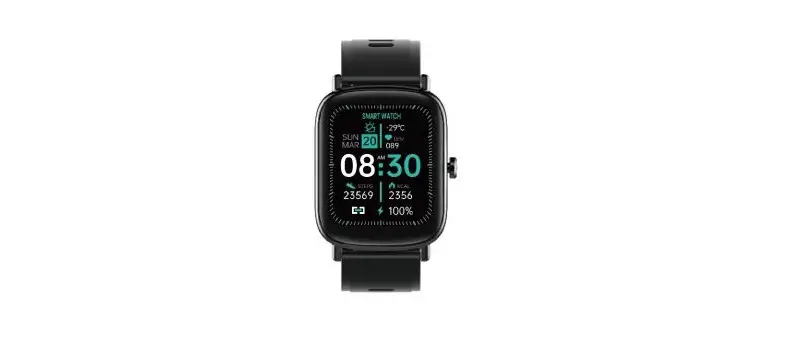
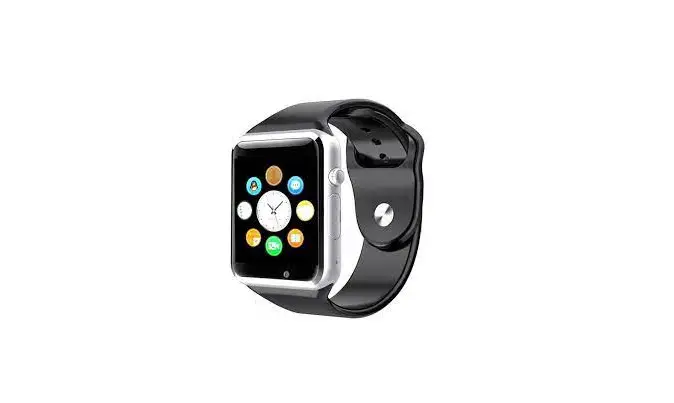
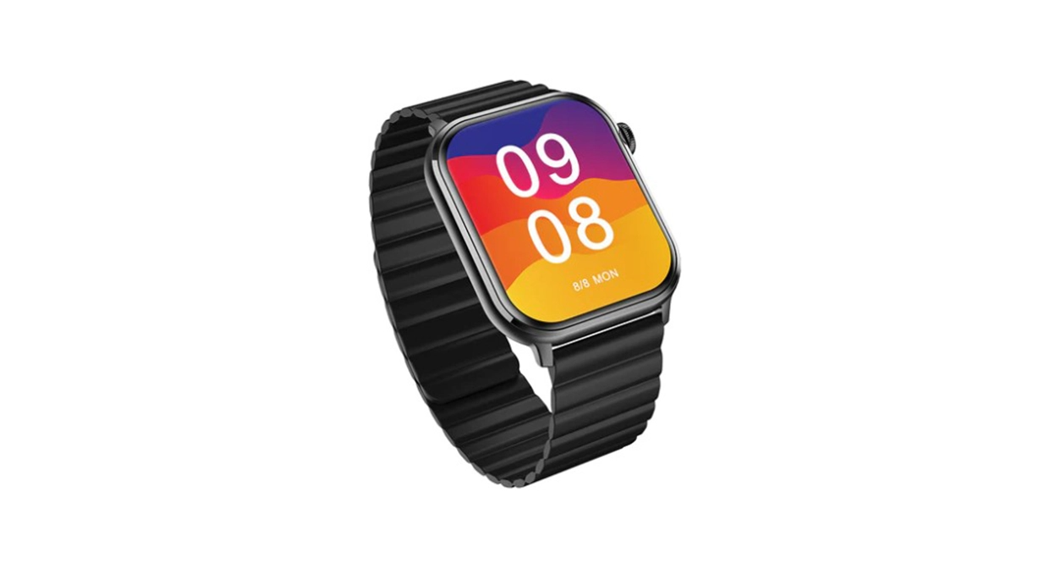
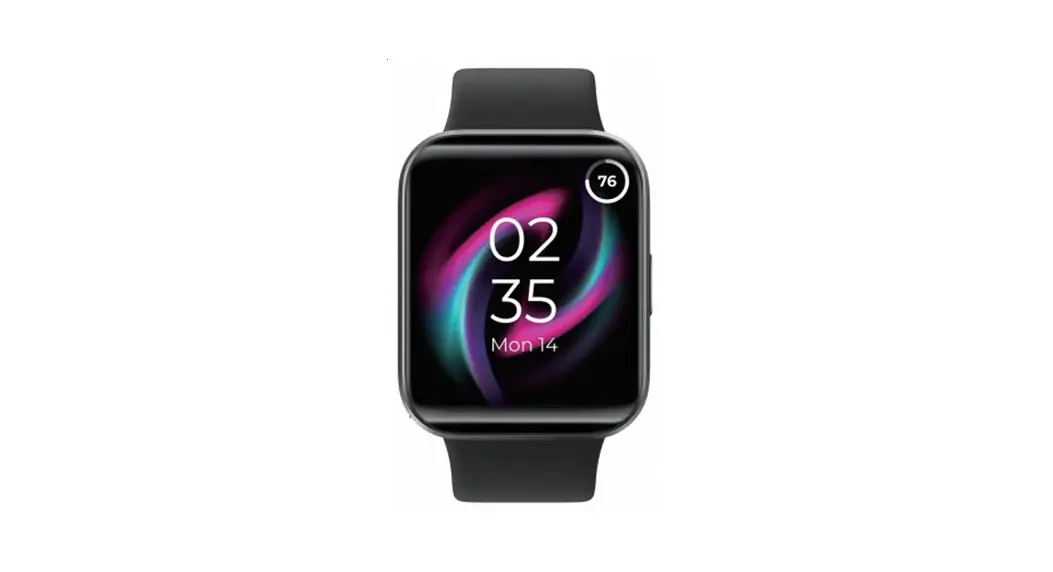
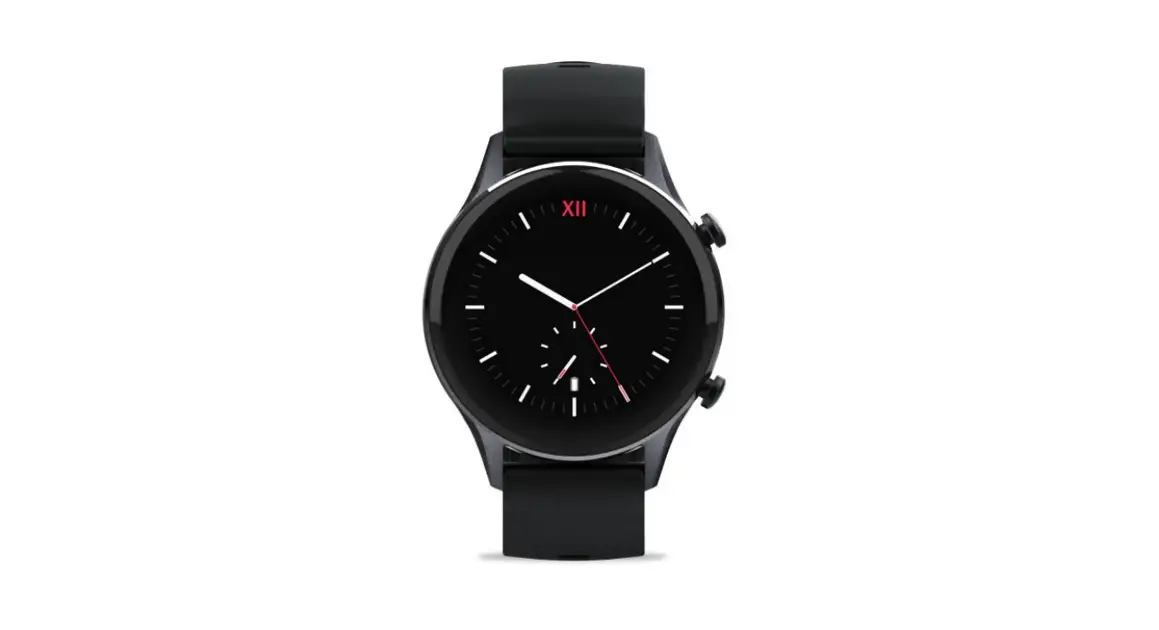
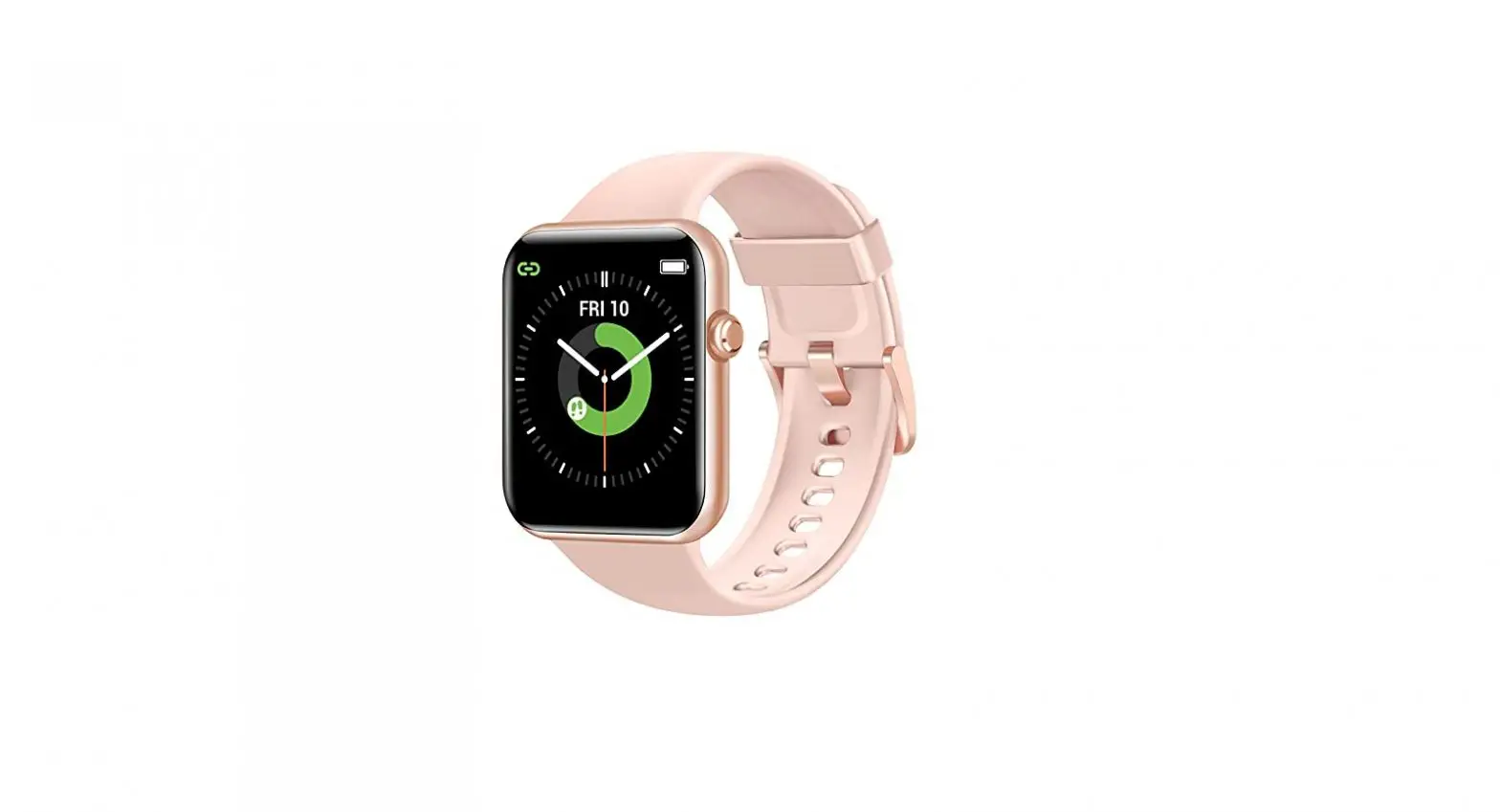
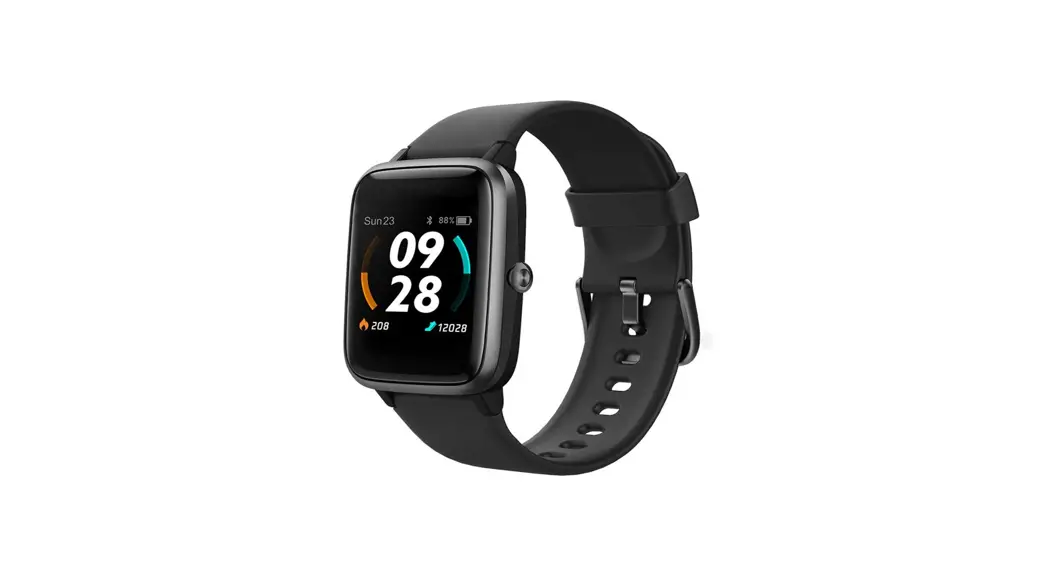
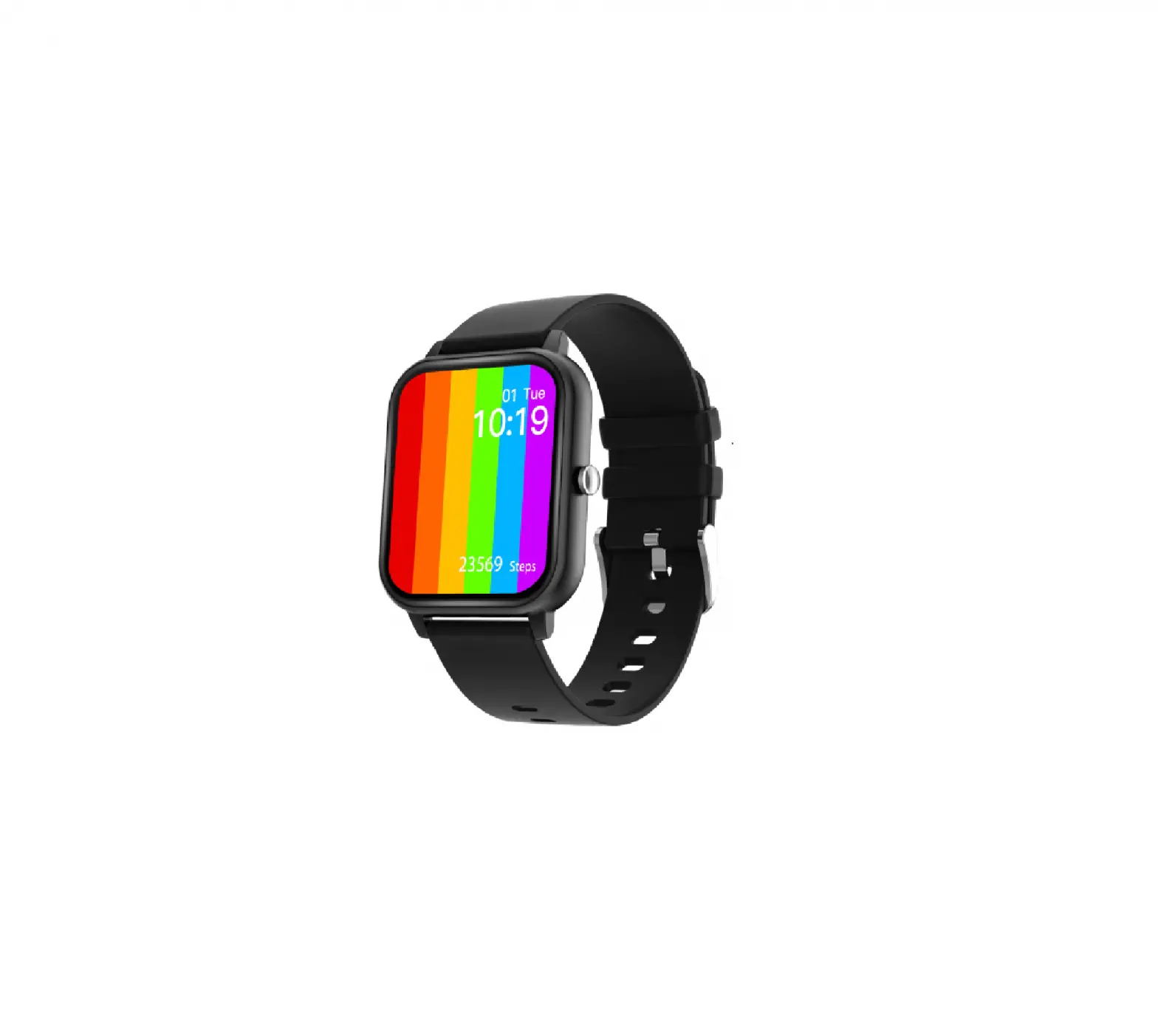
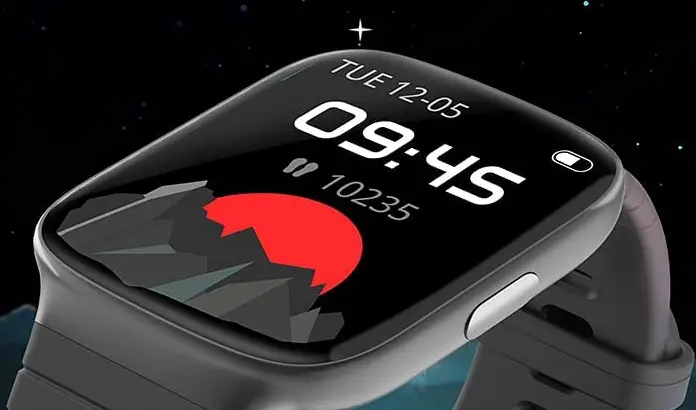
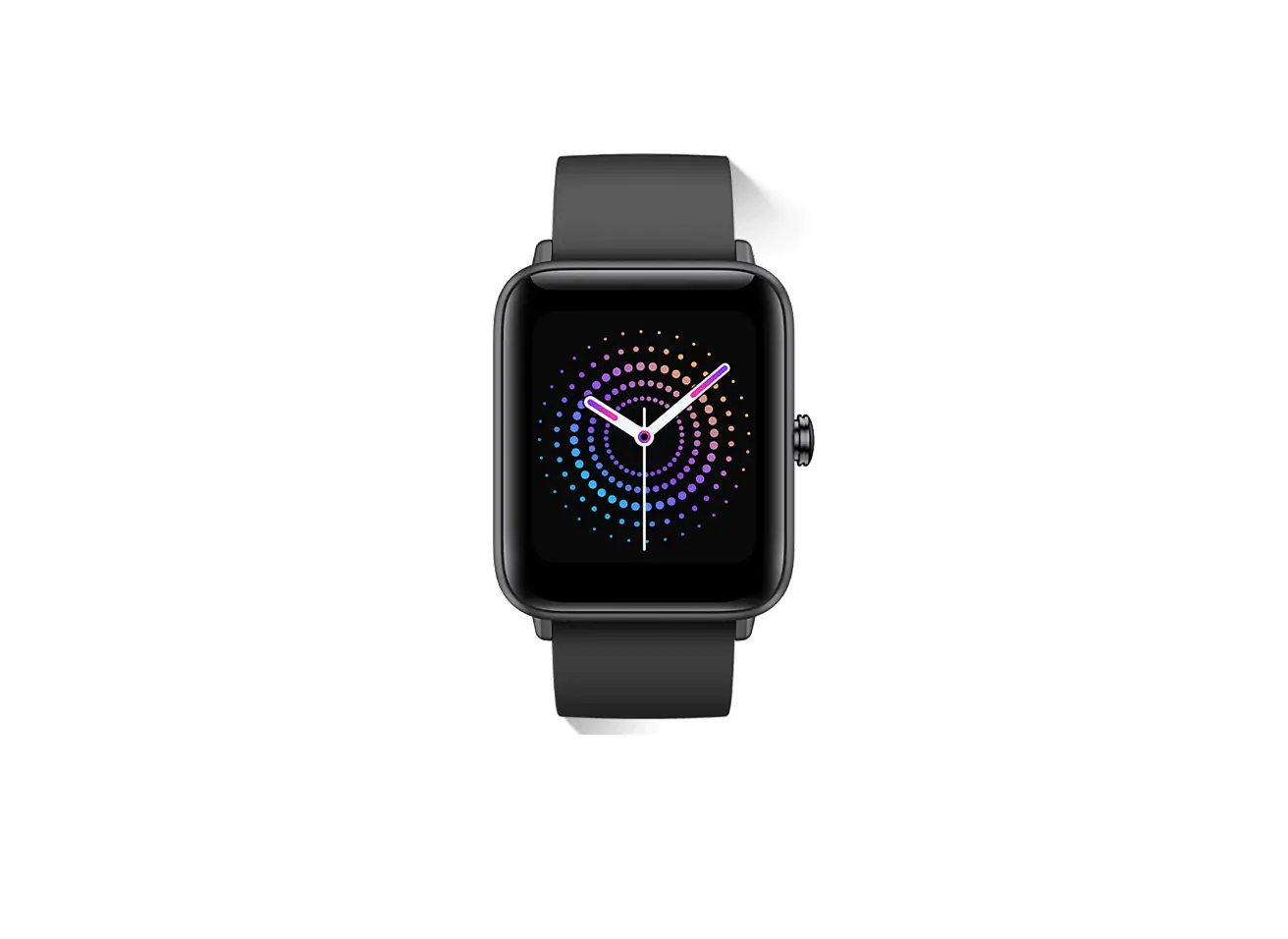
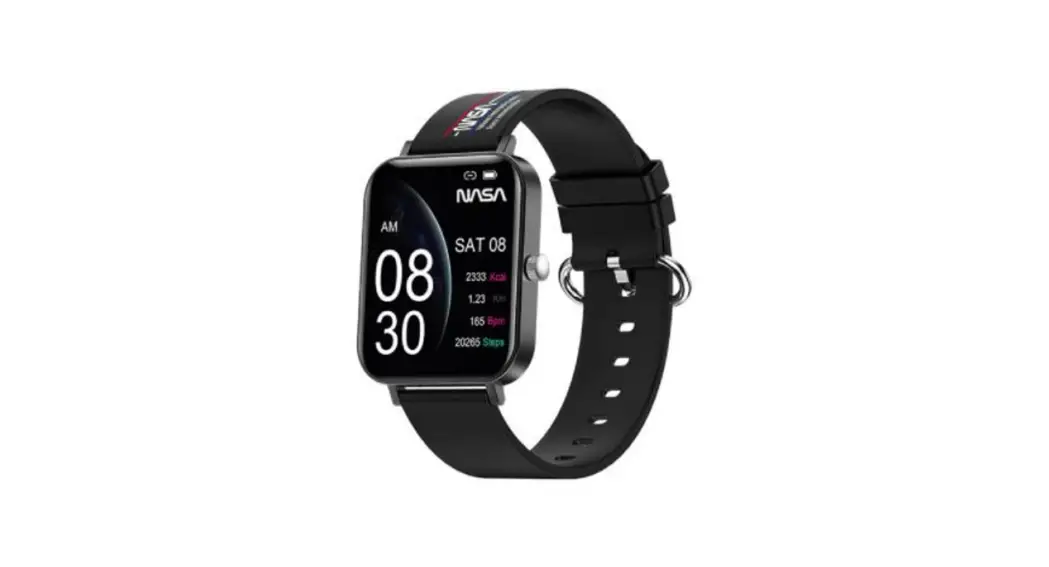
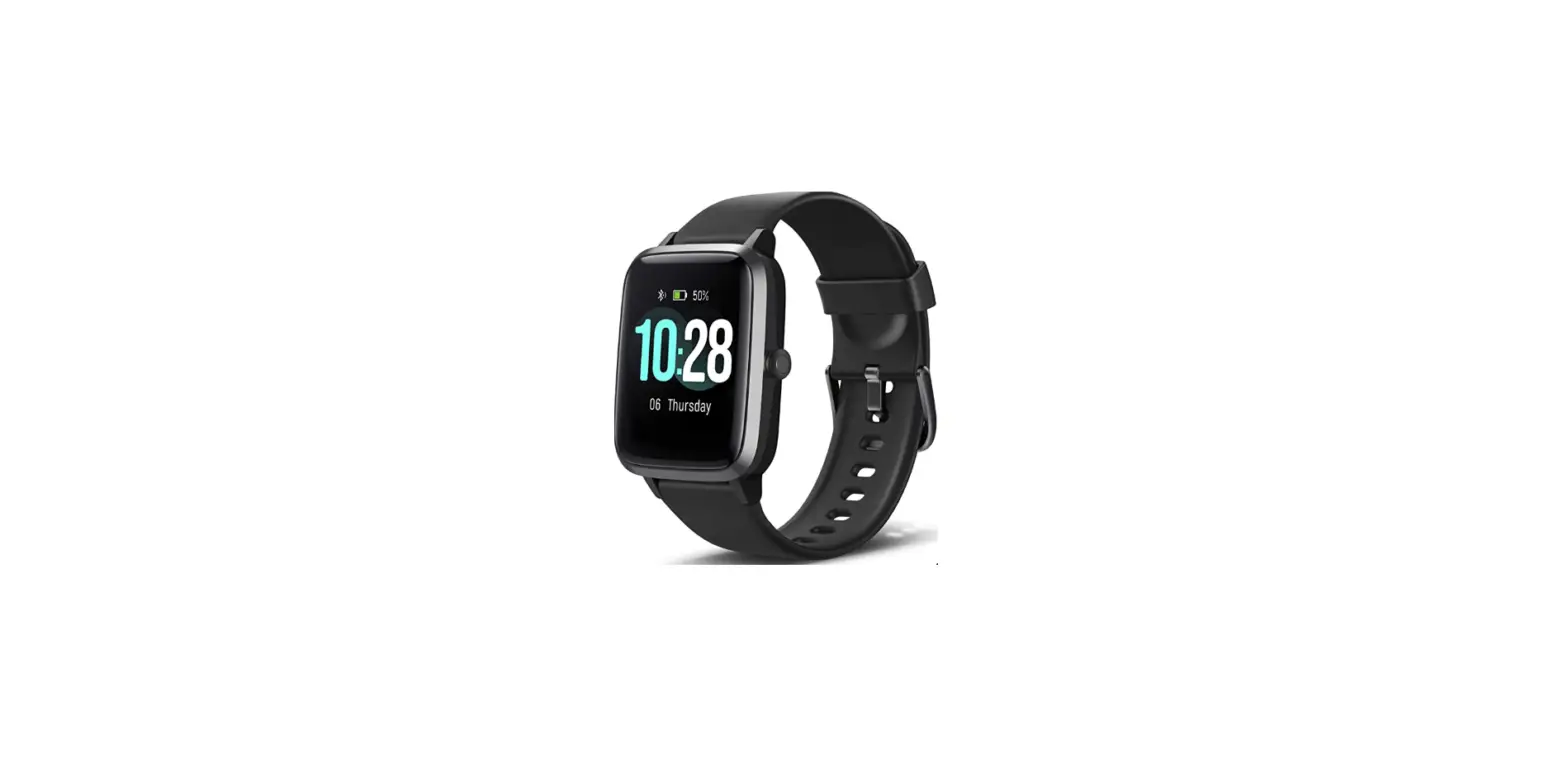
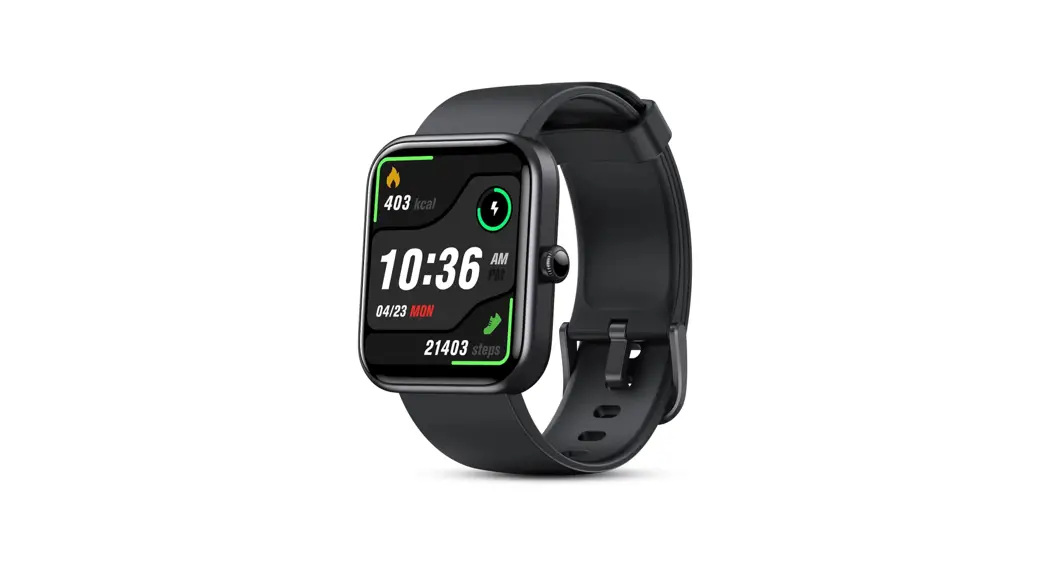
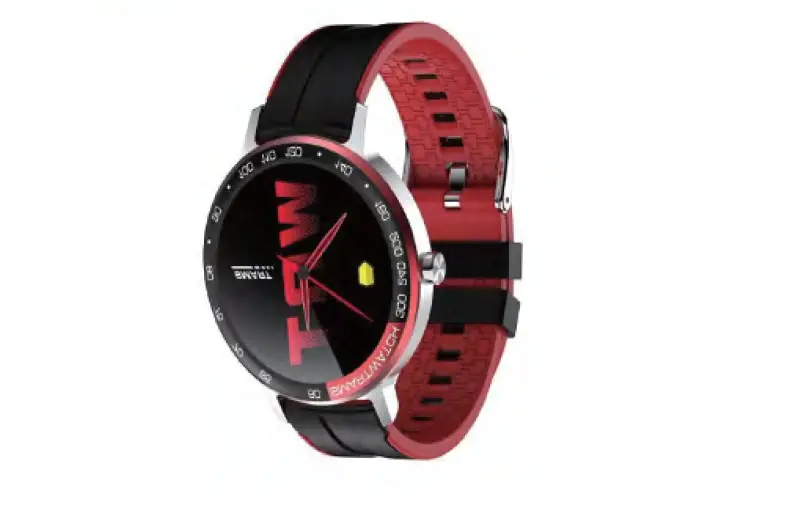
idondrdo UT001 Smart watch
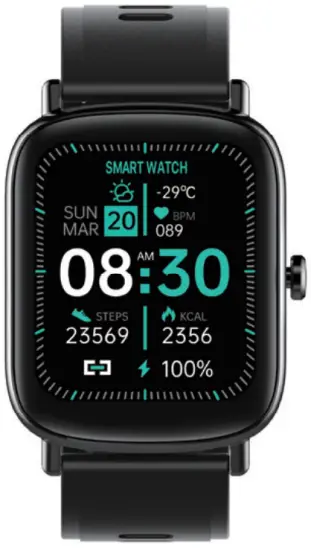
Product overview
Specifications
| Model | UT001 |
| Screen type | 1.69-inch color screen |
| Battery capacity | 220mAh |
| Charging voltage | DC 5.0 V+_0.2V |
| Charging time | About 2.5 hours |
| Battery life | 30 Days |
| Waterproof level | IP68 |
| Weight of product | 1.6 ounce |
| Operating temperature | 32~140℉ |
| Bluetooth version | BLE 4.0 or above |
| Battery power | 0.814Wh |
| Packing list: Watch /Charging line /Instructions | |
Basic Operations
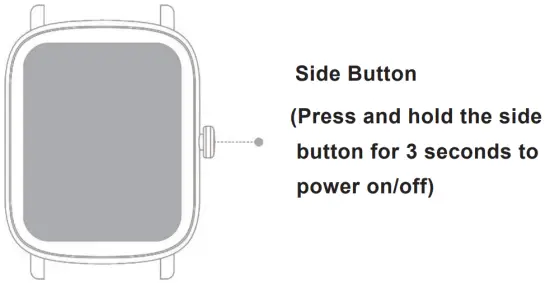
Short press: To return to the last step; To wake the screen when it is off;
Long press: Press and hold for 3 seconds to turn on or off;
Charging & Turning on
When the watch is off, it will automatically turn on when you charge. Or you can turn it on by pressing and holding the side button for 3 seconds.
Note: Charge the device before the first use, and use the original power adapter for charging.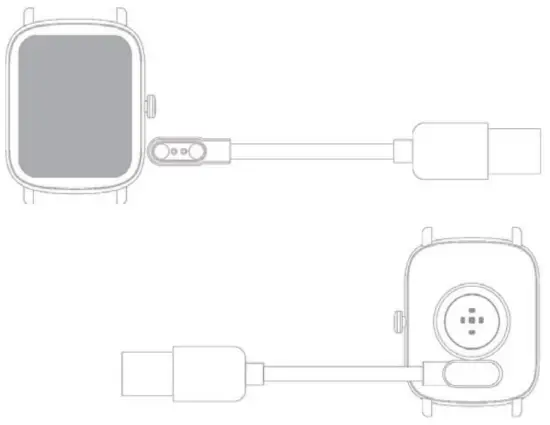
Turning off
You can turn off the device by tapping “Off” on the“Settings” interface, or you can simply press and hold the side button for 3 seconds, and then the watch will be turned off with vibration.
Operation of the Screen
Swipe up/down: To switch menu; To view messages;
Swipe left/right: To switch menu;
Tap the screen: To enter the menu; To operate according to the prompts;
Tap and hold on the home page: To switch the dial interface;
Note: If no operation is performed within 15 seconds, the screen will be off by default. You can also adjust the time to automatically turn off the screen in “Display Timeout” in “More Settings” on the “Device” interface off GloryFit App. After enabling the “Light Up” function, the screen will light up when you raise your hand and turn the screen to nearly horizontal, and the
Functions Introduction
Home page:
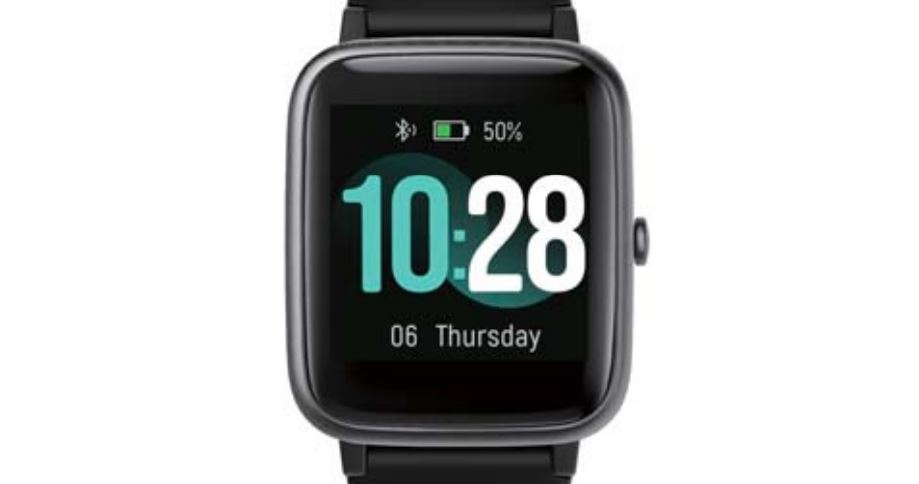
Display date, time and day of the week.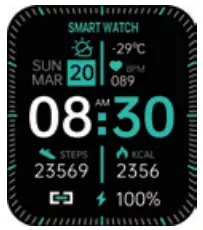
Steps:
Record the current steps, distance, time and calories.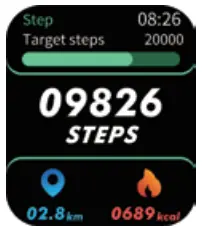
Heart rate:
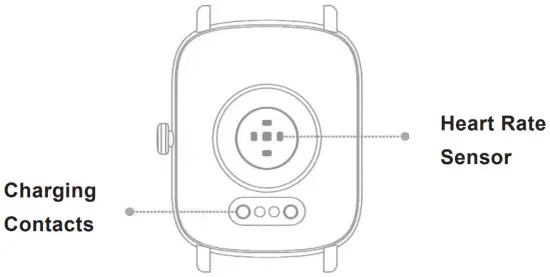
Show your real-time heart rate. You can view more heart rate data on the GloryFit App.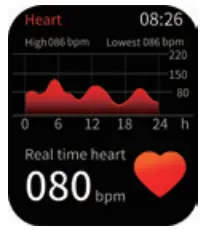
Blood pressure:
Measure your current blood pressure. You can view more blood pressure data on the GloryFit App.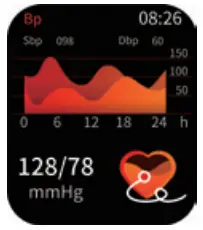
Blood oxygen:
Measure your current blood oxygen. You can view more blood oxygen data on the GloryFit App.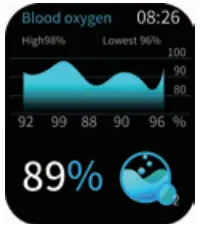
Sleep data:
Wear the watch to fall asleep, and it can track your sleep. After waking up, go to the “Sleeping” interface to find out how long you slept last night. You can also view your sleep data for the past 7 days and the past month on the GloryFit App.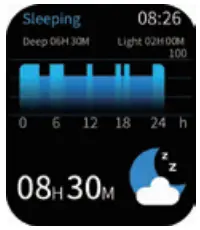
Note: Arm hair, tattoos, shaking, low temperature, abnormal wearing style and other factors may affect the measurement results of heart rate, blood pressure, blood oxygen, sleep data, and even cause the value to fail. In addition, this product is an electronic monitoring product, which is not used as medical treatment. The data is for reference only. If you feel unwell, please consult a medical institution.
Check weather conditions:
Check the current temperature and weather conditions of the day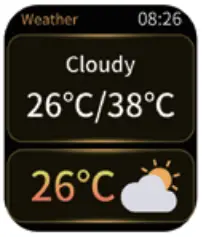
Music control:
You can play/pause music when paired with your phone. You must open the phone player before you use the feature.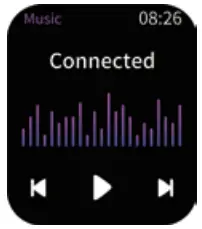
Settings:
Tap“Settings” on the screen, you can adjust the screen brightness/custom watch face/reset/power off, and you can also view the info and QR code of the device here.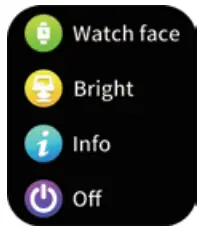
Message notifications:
The watch can display text messages, calls and App notifications such as Facebook, WhatsApp, Twitter, etc.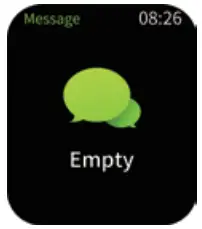
Note: Keep the phone connected to the device, and keep Bluetooth turned on. This function requires connecting the GloryFit App. Tap “App” on the “Device” interface, choose the App to receive notifications, and turn it on.
Sedentary reminder:
After the watch is connected to the mobile phone, tap “Sedentary Reminder” on the “Device” interface of the App to set the sedentary reminder function of the watch. You can set the start time and end time of the reminder and the frequency. And the watch will vibrate to remind you according to the set time and frequency.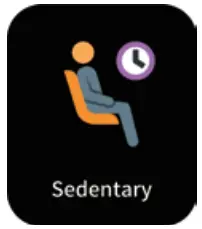
Exercise:
Tap the “Training” icon, choose one physical training. The watch supports 24 workout modes like outdoor running, swimming, cycling, skipping, badminton, basketball, football, and so on. Under one exercise mode, it will record exercise time, heart rate, calories, etc.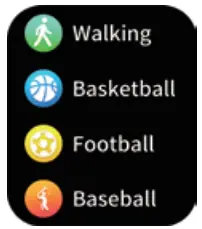
Alarm:
After the watch is connected to the mobile phone, tap “Alarm” on the “Device” interface of the App to set the time to alarm
More functions:
Stopwatch: Tap “More”, and then tap “Stopwatch” to use this function.
Timer: Tap “More”, and then tap “Timer” to use this function.
Flashlight: Tap “More”, and then tap “Flashlight” to turn on the flashlight on the watch. Find phone: Tap “More”, and then tap “Find me” to find your mobile phone, and your phone will ring tonotice you.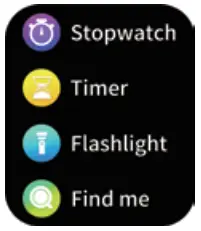
Light up:
After the watch is connected to the mobile phone, tap “Light Up” on the “Device” interface of the App. After enabling the “Light Up” function, the screen will light up when you raise your hand and turn the screen to nearly horizontal, and the screen will light off automatically when you lower your hand.
Do not disturb:
After the watch is connected to the mobile phone, tap “Do Not Disturb” on the “Device” interface of the App. You can set the time area to close the lift up the screen, turn off vibration, and message notifications.
Remote camera:
After the watch is connected to the mobile phone, tap “More Settings” on the “Device” interface of the App, and then tap “Shake To Take Picture”, then you can shake the watch to take a photo.
Safety Instructions
- DO NOT place the product and its accessories at extreme temperatures, otherwise it may cause hazards such as product failure, fire or explosion.
- Protect the product from strong impacts or jolts, so as not to damage the product and its accessories, and thus avoiding product failures.
- DO NOT disassemble or modify the product and its accessories by yourself.
Care and Maintenance
Suggestions for use and maintenance:
- Keep the product clean;
- Keep the product dry;
- DO NOT wear the product too tight;
- DO NOT touch gasoline, cleaning solution,m propyl alcohol, alcohol and other chemicals.
- If there is water stains on the watch, please wipe it dry with a soft cloth before charging, otherwise it will corrode the charging contacts and cause charging failure.
Waterproof:
NOT suitable for use while diving, swimming in the sea, or in a sauna.
Suitable for use in swimming pools, showers (cold water) and shallows.
FAQ
If you encounter problems with paring or use, etc., please go to the GloryFit App and find “Help” on the “Profile” page to get the answers or solutions you need.
Contact Us
If you have any questions or need help, please feel free to contact us via
Support Email: [email protected]
or 24h Online Service: https://idondrdo.afterservice.vip
or scan the following QR code to communicate with us directly, we will try our best to help you.