KF01 Kids Smart Watches
Product Information
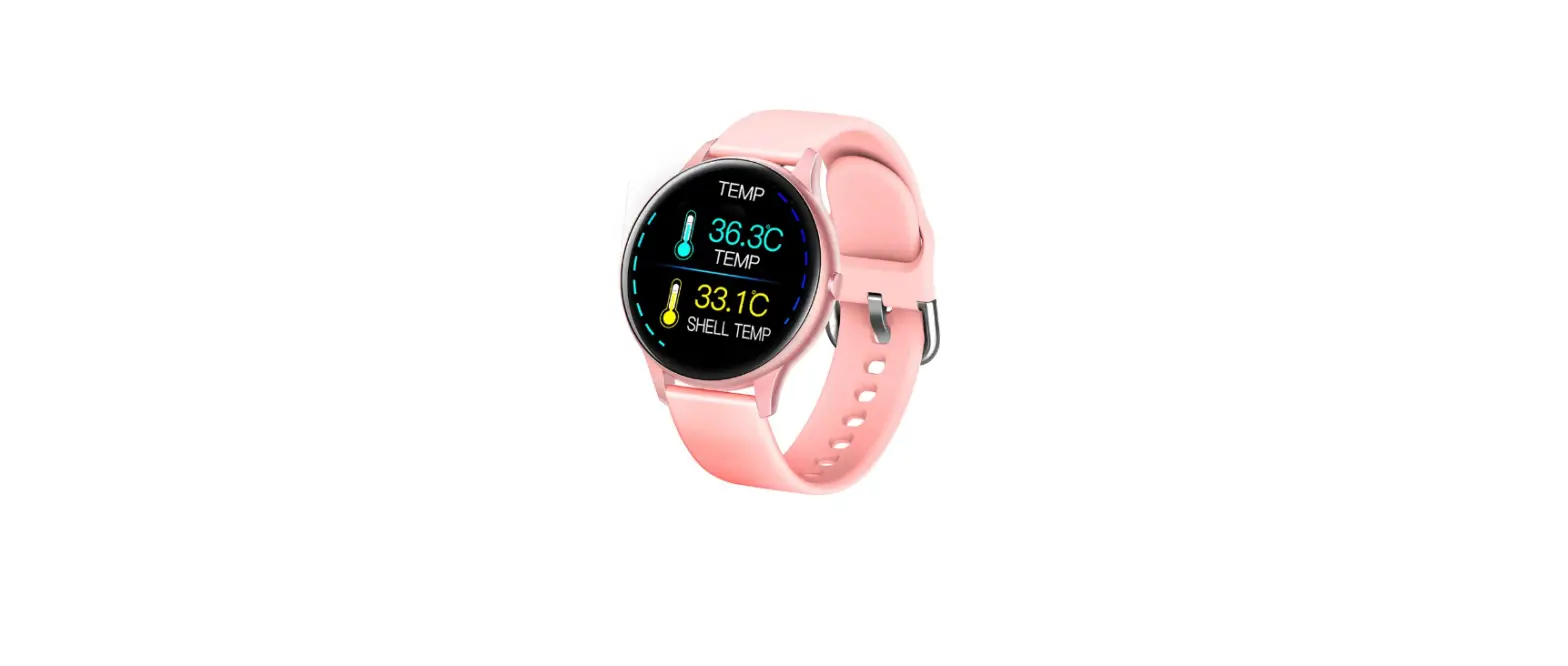
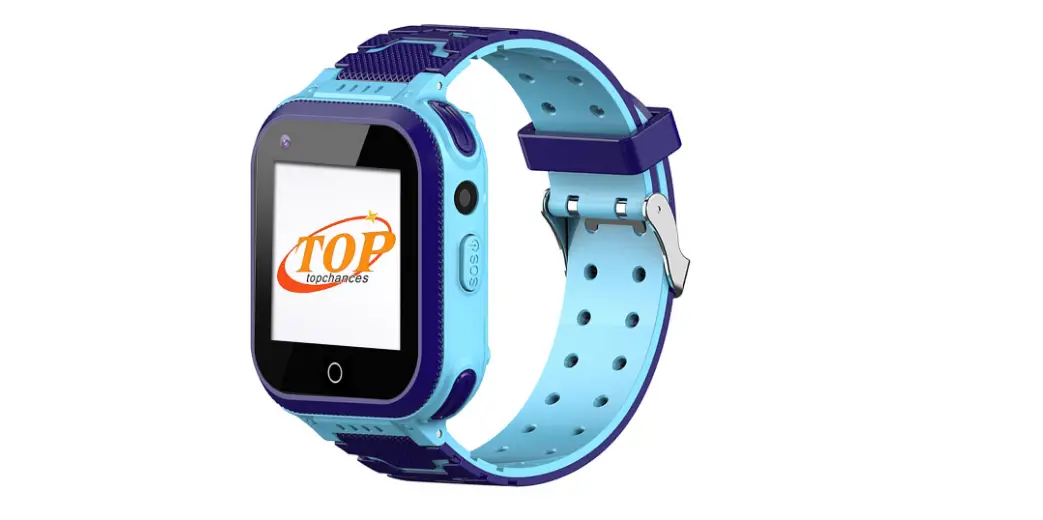
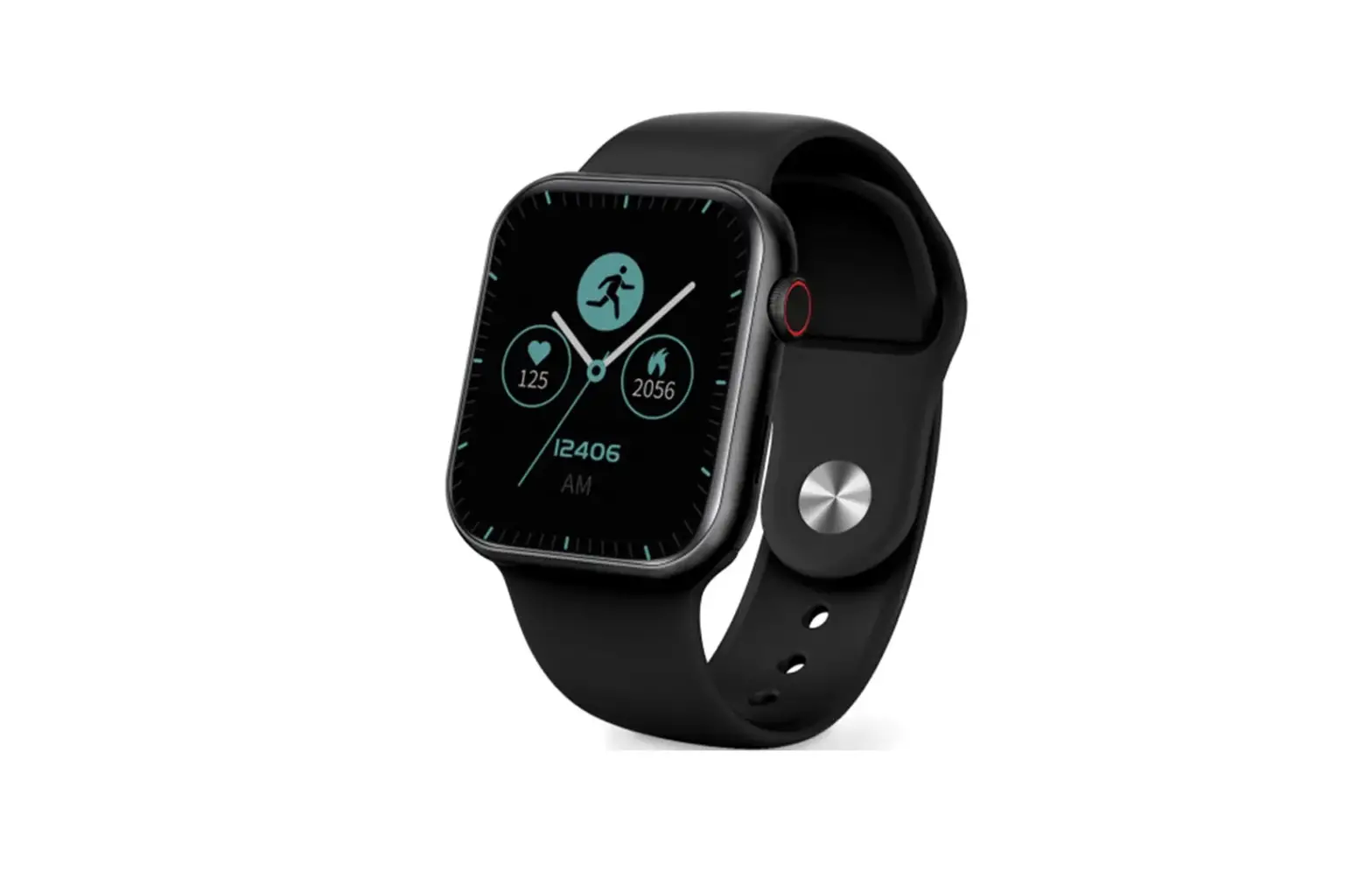
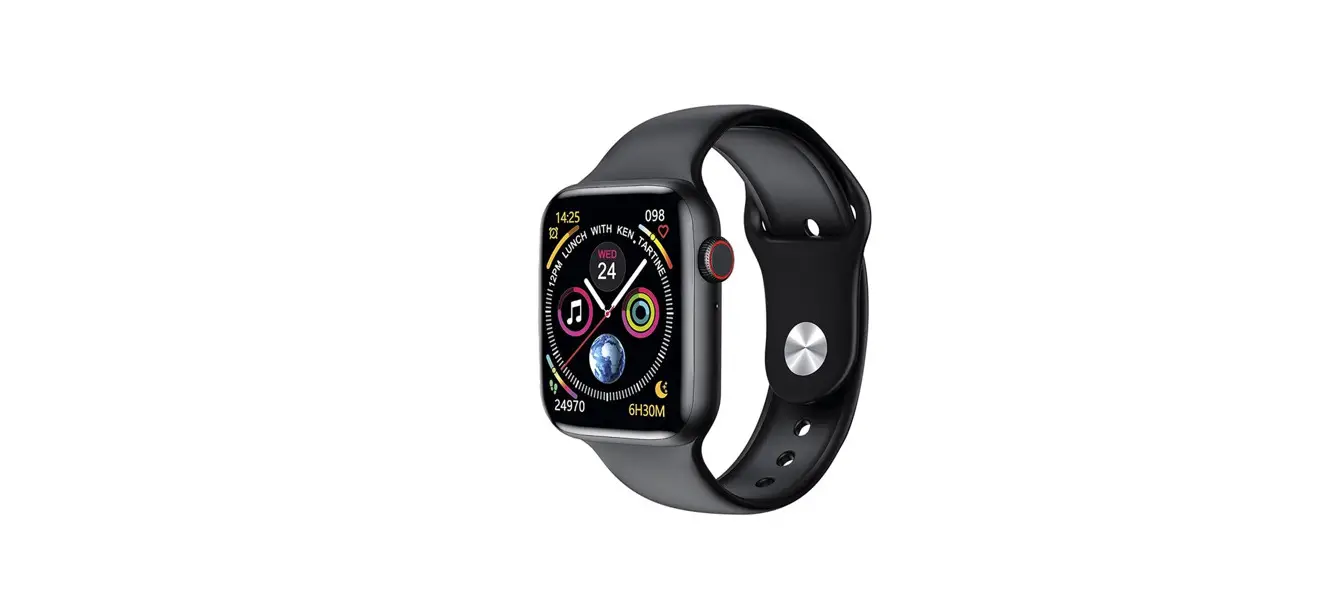
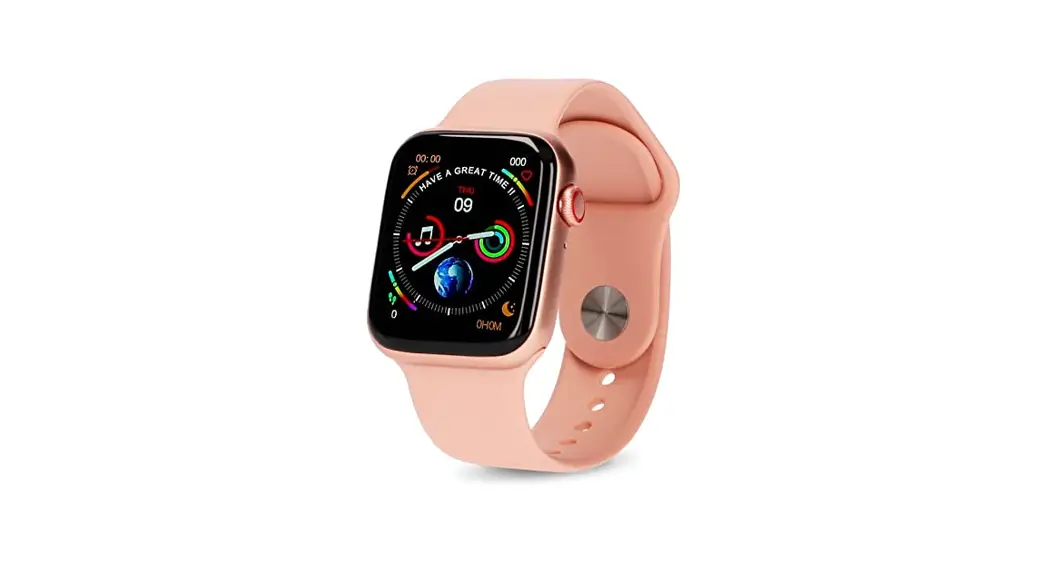
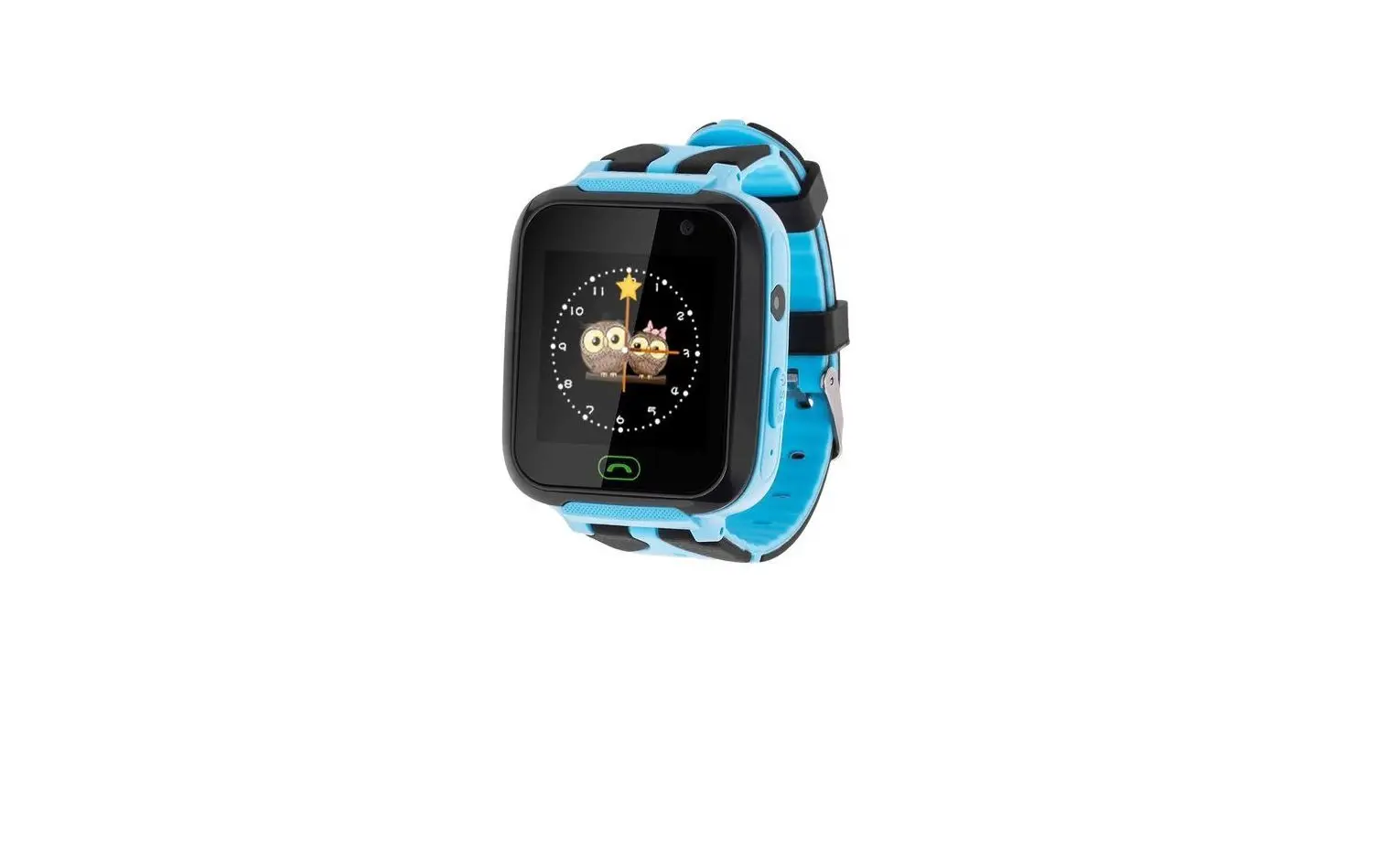
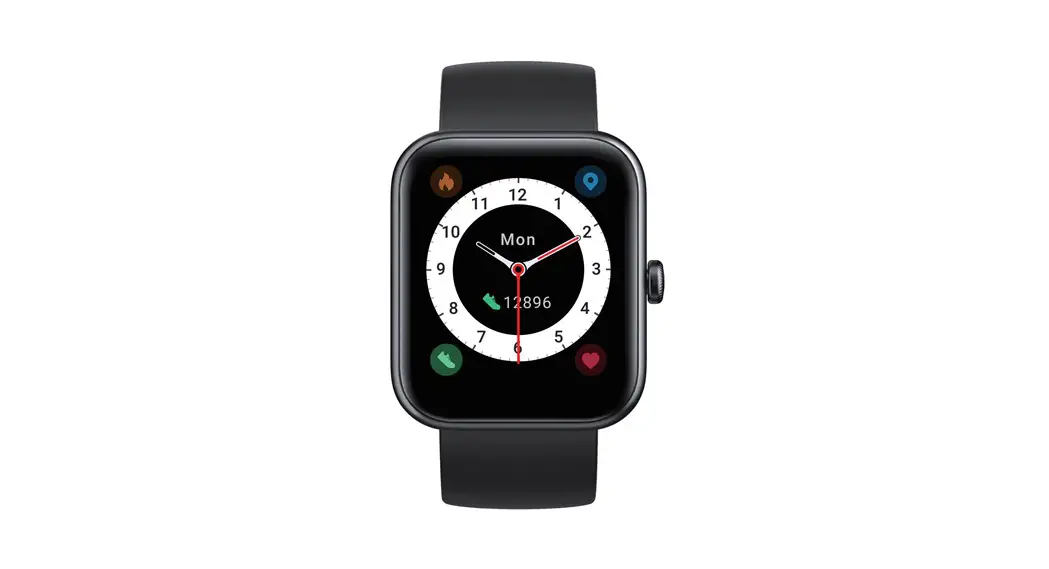
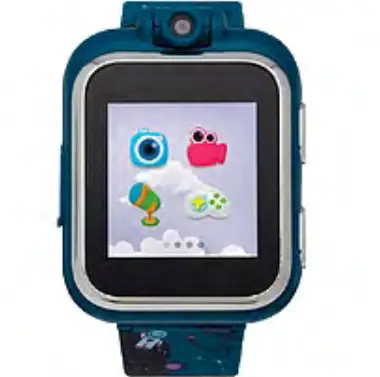
The Kids Smart Watches KF01 is a smartwatch designed for
children. It comes with a 1.4-inch display and a 22mm silicone
strap. The watch is equipped with a heart rate sensor and supports
various functions such as a pedometer, sleep monitor, sports modes,
smart reminders, and multiple styles. It has a waterproof level of
IP68 and is available in three colors: black, blue, and red. The
watch weighs 38g and has a lithium polymer battery with a capacity
of 200mAh.
Product Usage Instructions
- Power On/Off:
- When the watch is off, charge it or long press the side key to
start the watch. - When the watch is powered on, select the shutdown interface
from the drop-down menu and click to shut down. - Alternatively, long press the side key in the main interface to
shut down.
- When the watch is off, charge it or long press the side key to
- To Charge:
Plug the charging cable into the USB port. Please fully charge
your new device for 1~2 hours. - To Start: Download the APP
- Make sure your phone’s Bluetooth is ON. Do not pair the watch
from the Bluetooth list directly. - Go to the MasWear APP and register a MasWear account. If you
don’t want to register, choose model KF01 to connect. - A Bluetooth request will pop up during pairing, make sure to
click pair.
- Make sure your phone’s Bluetooth is ON. Do not pair the watch
- Multi-Dial:
The watch has 8 main interfaces. You can also customize the
watch face on the MasWear APP. - Track Your All-Day Activities:
The watch displays the current number of steps, distance, and
calories. The data can be synchronized to the APP for further
viewing. - See Your Health Data:
The Smartwatch measures heart rate, blood pressure, and blood
oxygen levels. - Monitor Your Sleep:
Note: The data will be calculated only when you wear the watch
to sleep. - Sport Modes:
The Smartwatch offers 5 sports modes including walk, run, climb,
ride, and treadmill. - Smart Reminders:
- Alarms: You can set up to 3 alarms and customize their
names. - Sedentary Reminder: Reminds you to move.
- Drink Reminder: The default reminder interval is 30 minutes,
and you can customize it.
- Alarms: You can set up to 3 alarms and customize their
- Multiple Functions:
The watch includes various functions such as stopwatch, remote
photograph, calendar, music, games, recording, temperature,
weather, flashlight, and contacts.
7 CM
7 CM
User Manual
Kids Smart Watches KF01
BOX CONTENTS
Package Include: 1 * Smart watch 1 * watch band 1 * charger cable 1 * user manual
INSTRUCTIONS IN DETAILS
POWER ON/OFF 1.When the watch is off, charge or long press the side key to start the watch. 2. When the watch is power on, select the shutdown interface from the drop-down menu, and click ” ” to shut down. 3. Or long press the side key in the main interface to shut down.
TO CHARGE
Plug the charging cable into the USB port. Please fully charge your new device (1~2 hours).
TO START: Download the APP
Pair with the phone 1. Make sure your phone bluetooth is ON. Please don’t pair the watch from bluetooth list diretly. 2. Go to “MasWear” APP=>Register a MasWear account(If you don’t want to register, peripheral Now=>Choose model “KF01” to connect.(A bluetooth request will pop up during paring, please make sure to click pair)
MULTI-DIAL
There are 8 main interfaces on the watch. 1.
SMARTPHONE COMPATIBILITY:
iOS 8.2 & above
Android 5.1 & above Bluetooth 5.2 BLE system
Scan to download
2. Also support you to DIY watch face on APP. Go to “MasWear” APP => Device => Watchface, then DIY now.
TRACK YOUR ALL-DAY ACTIVITIES
the status of the current number of steps, distance and calories.
According to the current walking steps, it can be synchronized to the APP to view
Pedometer data
SEE YOUR HEALTH DATA
The Smartwatch will messaure the heart rate & blood pressure & blood oxygen of the
Heart Rate
Blood Pressure
MONITOR YOUR SLEEP
Note: The data will be calculate only when you wear a watch to sleep.
Blood Oxygen
SPORT MODES:
The Smartwatch has 5 sports modes, including walk, run, climb, ride, treamill.
SAMRT REMNDERS:
Encourages you to develop good health habits.
Alarms: Total 3 alarms are allowed, and you could customize the alarm name,
Sedentary Reminder: to remind you to move. Drink Reminder:The default reminder interval is 30 minutes, you can customize the
MULTIPLE STYLES:
MULTIPLE FUNCTIONS:
stopwatch, remote photograph, calendar, music, games, recording, temperature, weather, flashlight, contacts, etc.
BASIC PARAMETERS:
Product Type Display Size Heart rate sensor
Weight
Smart Watch 1.4inch HSR3300 38g
Watch Size Waterproof Level
41.4*40.3*10.6mm IP68
CPU Accelerometer
Color ROM
Watchband
22mm silicone strap Package Contents
Lithium polymer
FR5082
SC7A20
200mAh
Black, blue, red
External 64Mb Smartwatch, manual,charging cable
FCC Statement
Changes or modifications not expressly approved by the party responsible for compliance could void the user’s authority to operate the equipment. This equipment has been tested and found to comply with the limits for a Class B digital device, pursuant to Part 15 of the FCC Rules. These limits are designed to provide reasonable protection against harmful interference in a residential installation. This equipment generates uses and can radiate radio frequency energy and, if not installed and used in accordance with the instructions, may cause harmful interference to radio communications. However, there is no guarantee that interference will not occur in a particular installation. If this equipment does cause harmful interference to radio or television reception, which can be determined by turning the equipment off and on, the user is encouraged to try to correct the interference by one or more of the following measures: — Reorient or relocate the receiving antenna. — Increase the separation between the equipment and receiver. — Connect the equipment into an outlet on a circuit different from that to which the receiver is connected. — Consult the dealer or an experienced radio/TV technician for help This device complies with part 15 of the FCC rules. Operation is subject to the following two conditions (1)this device may not cause harmful interference, and (2) this device must accept any interference received, including interference that may cause undesired operation.
SCAN TO DOWNLOAD