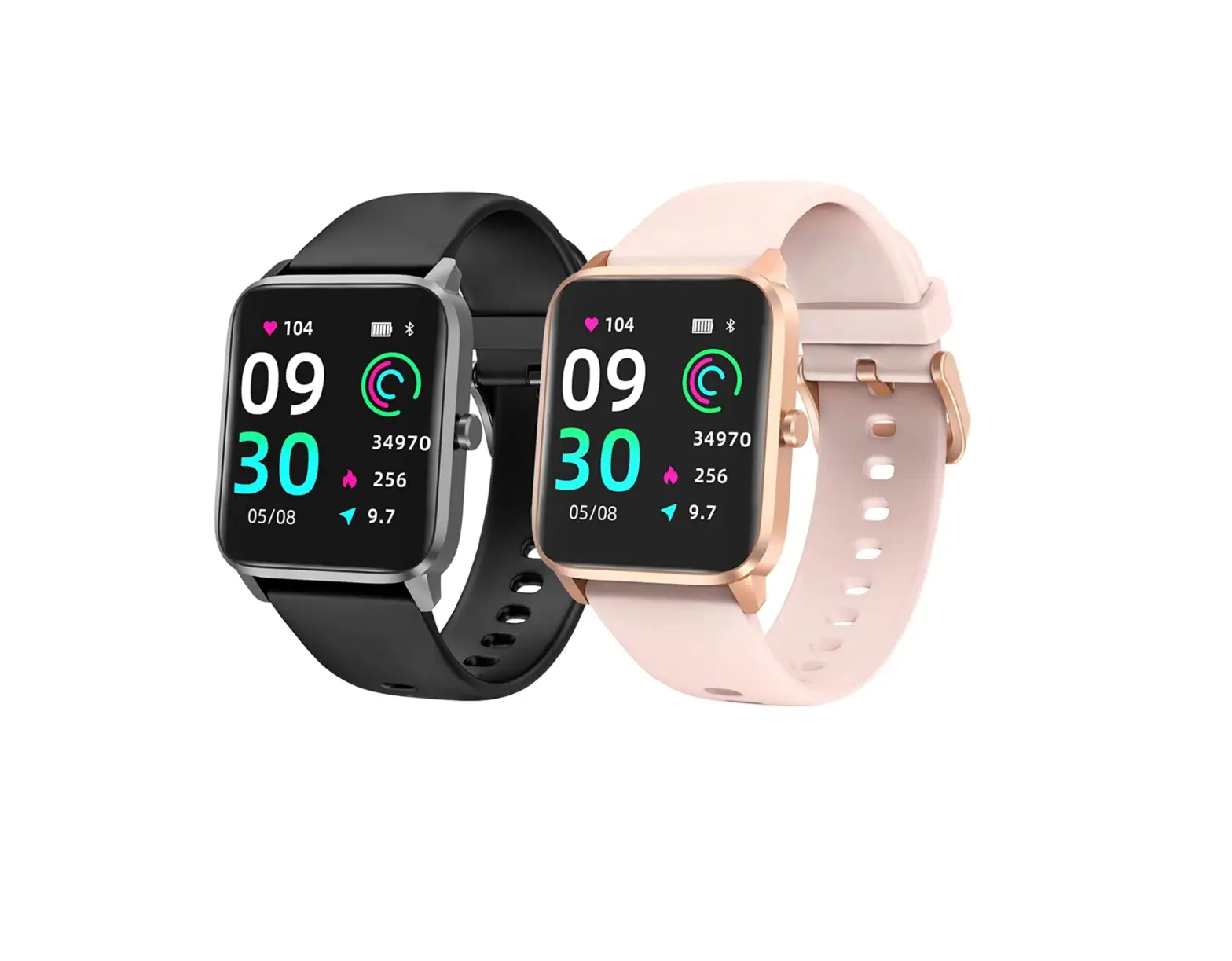
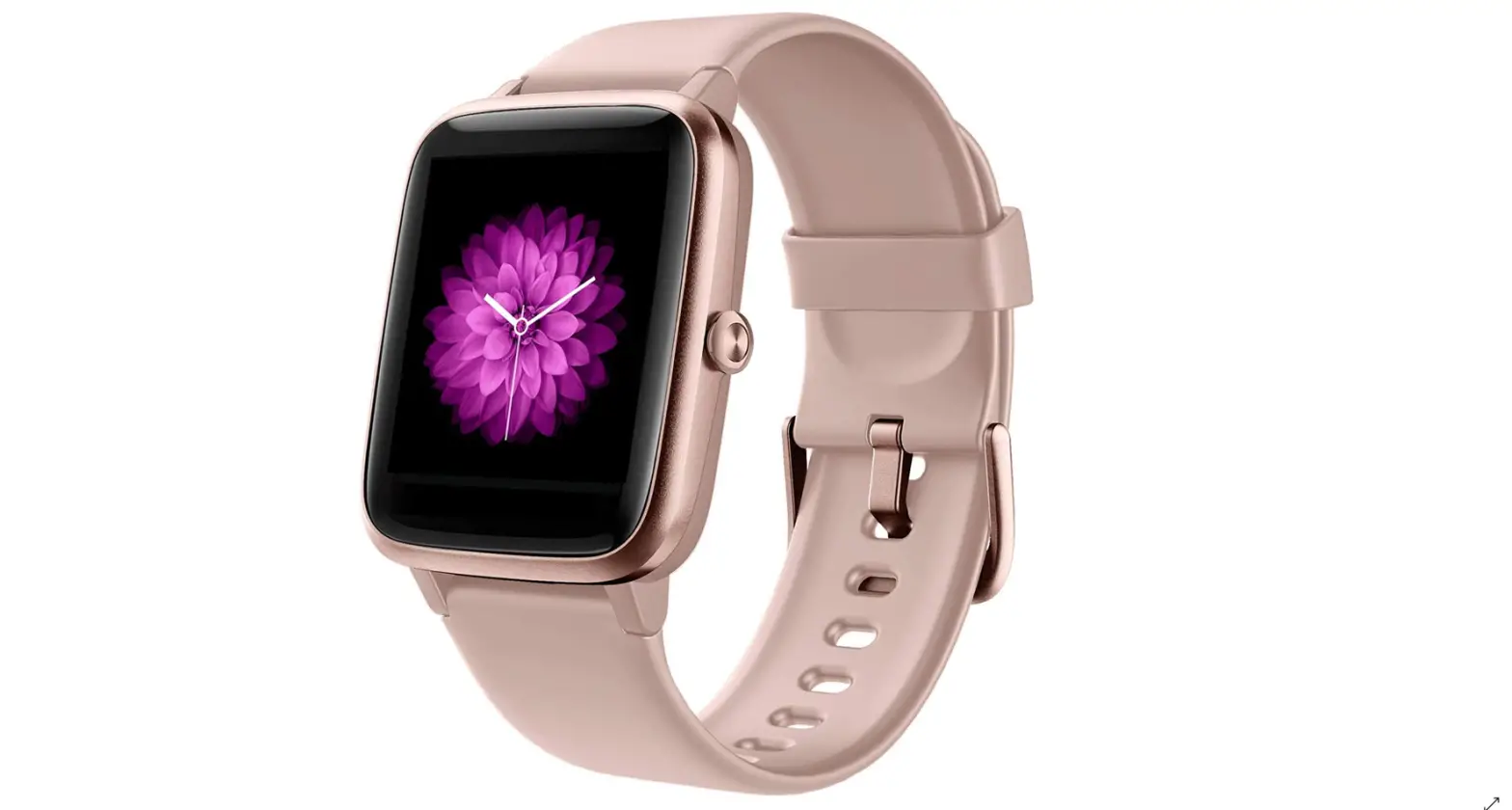
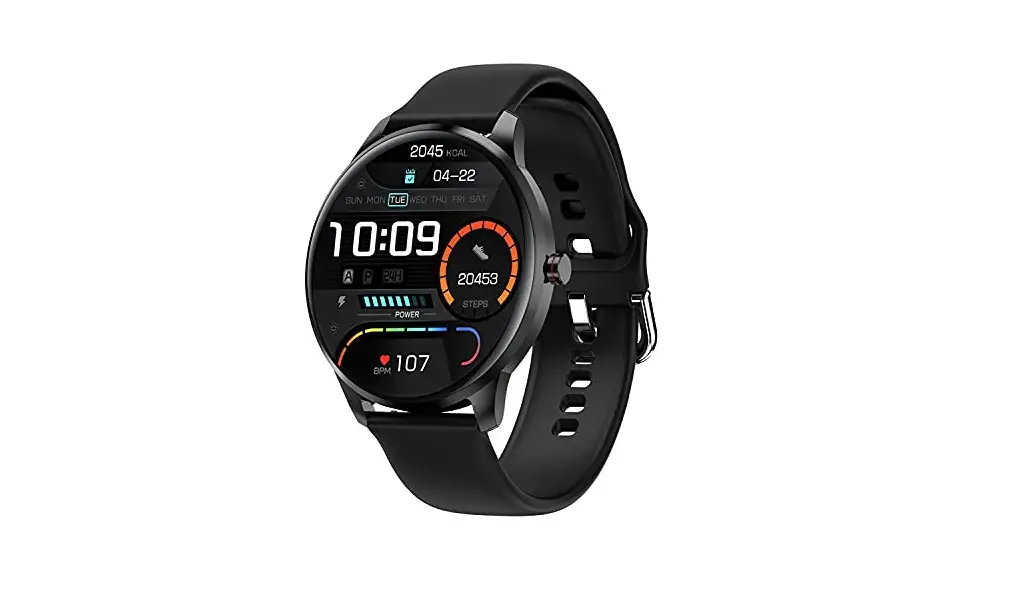
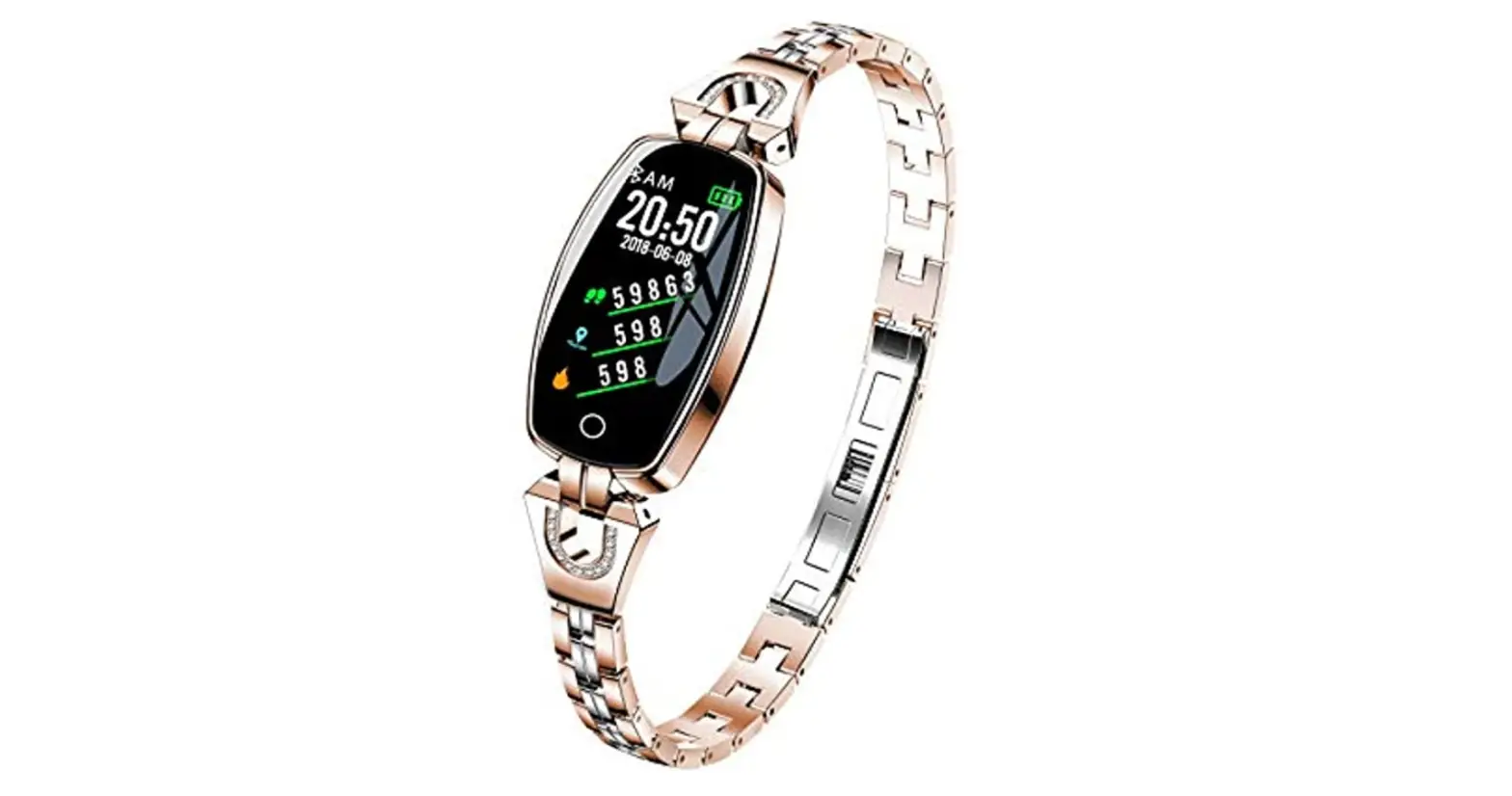
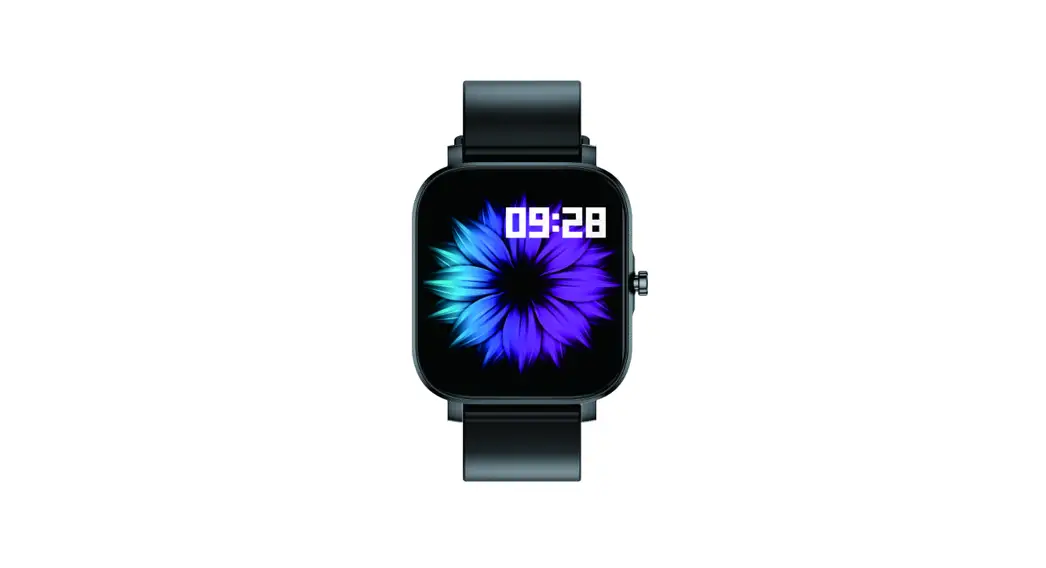
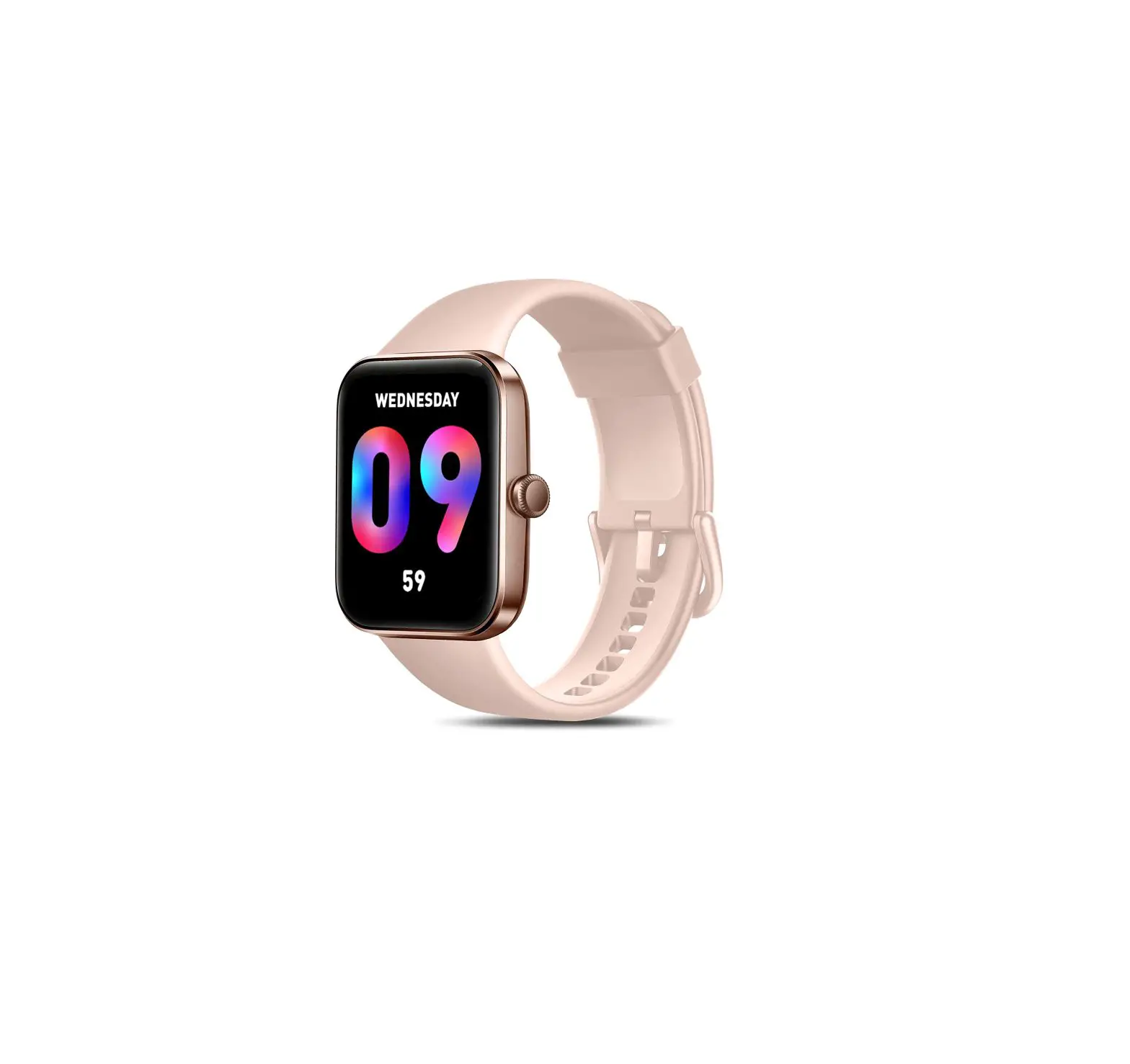
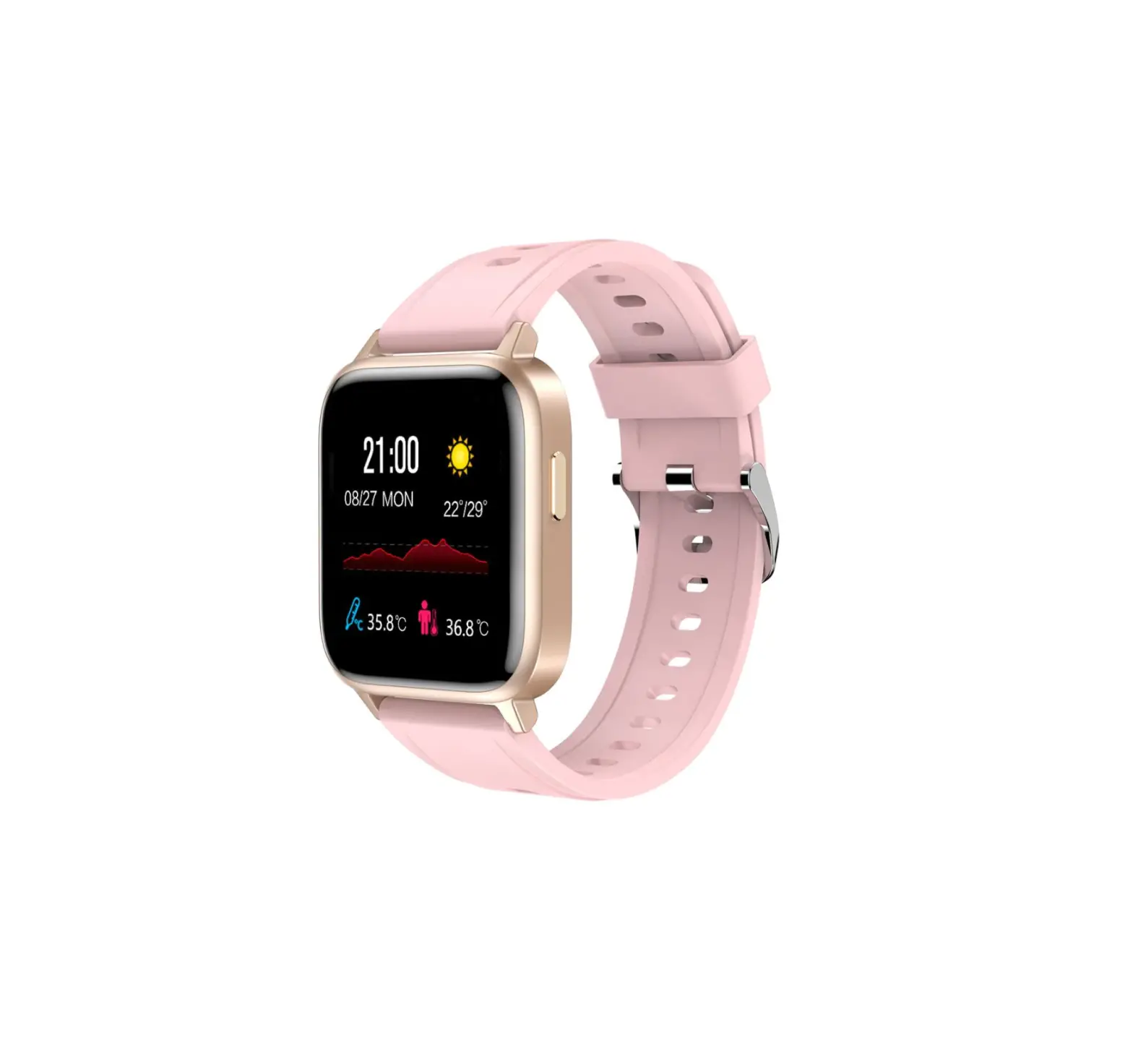
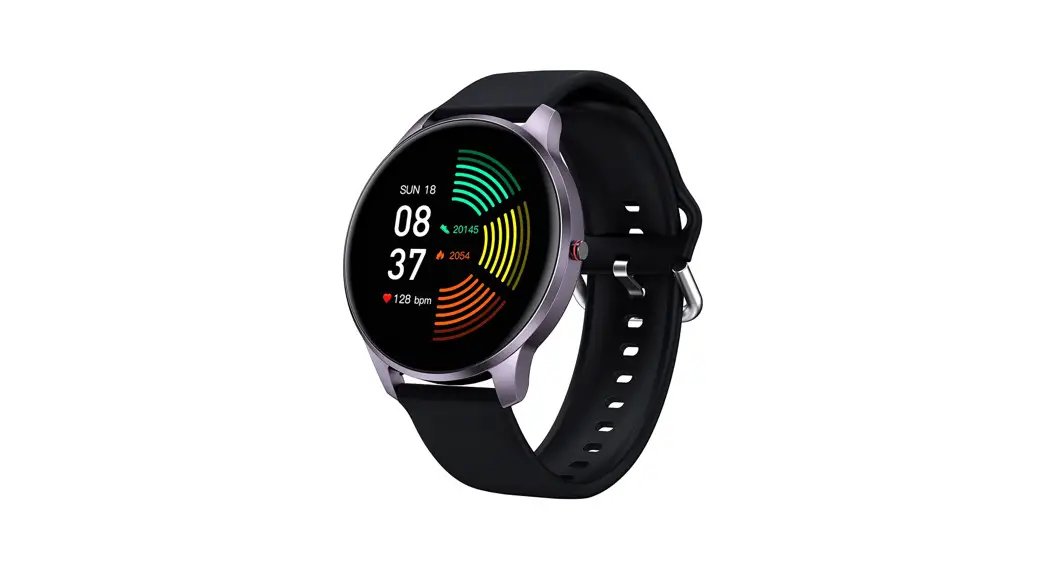
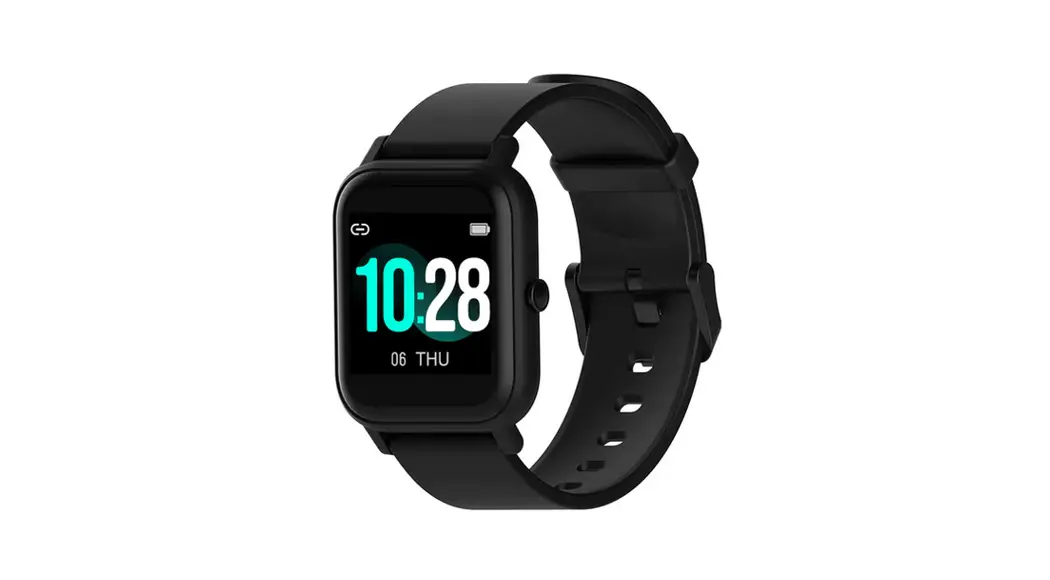
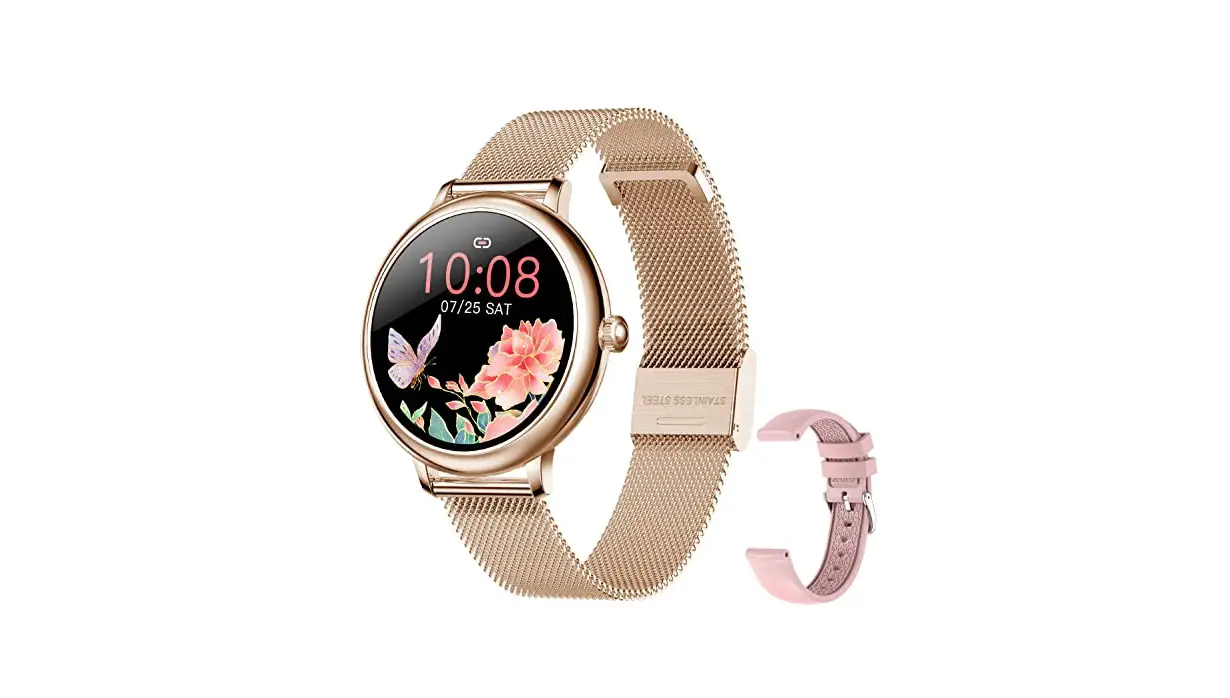
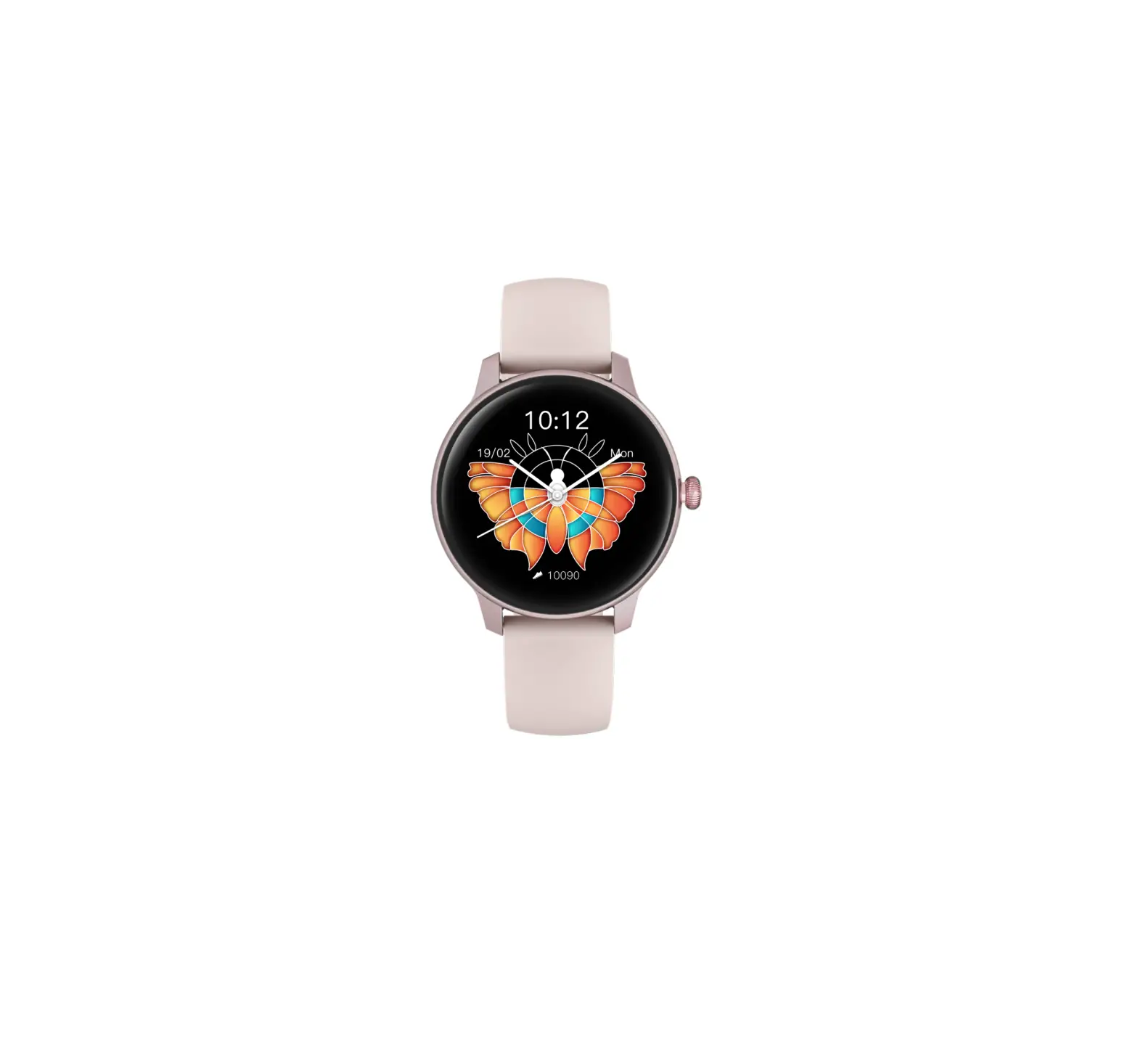
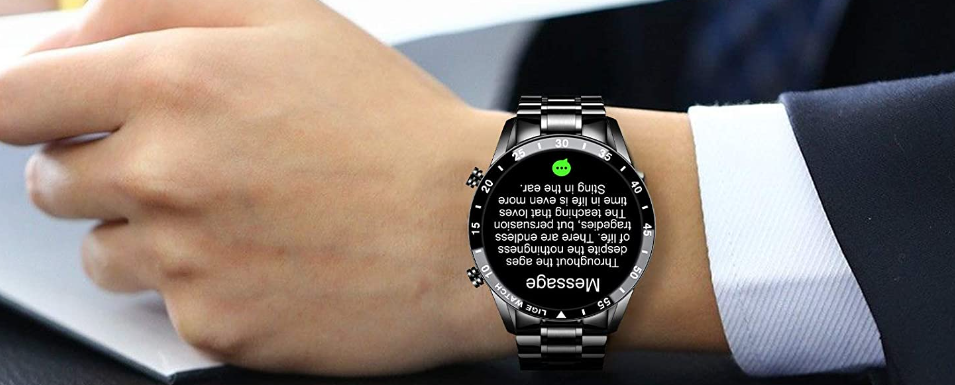
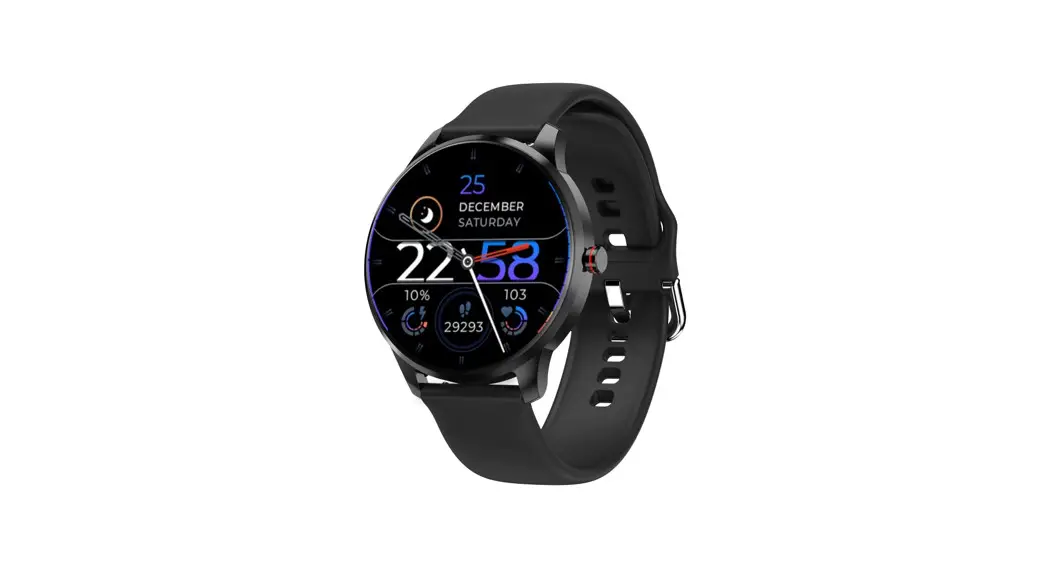
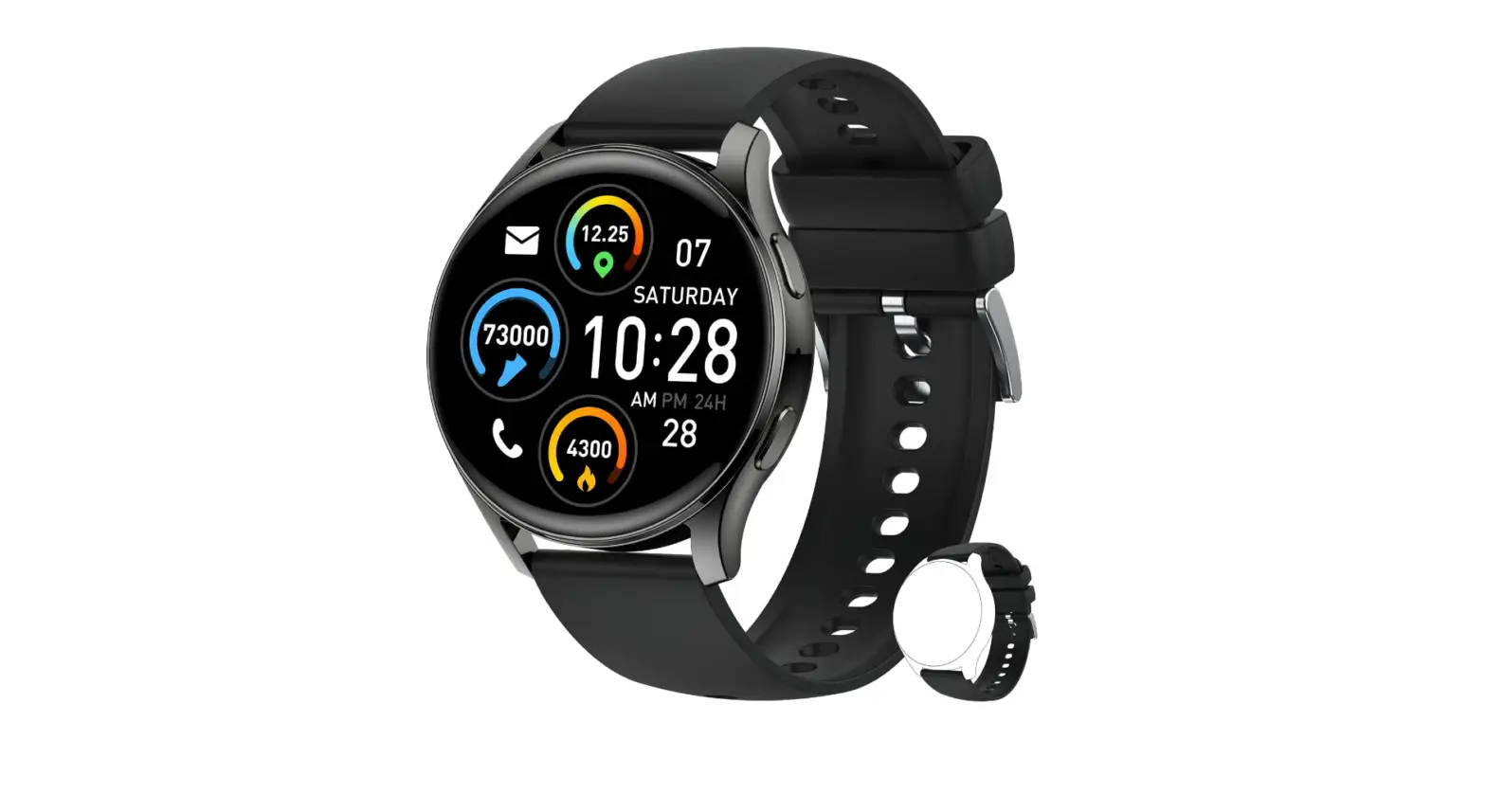
B0BVG3HWWM Smart Watch for Men Women
Product Information
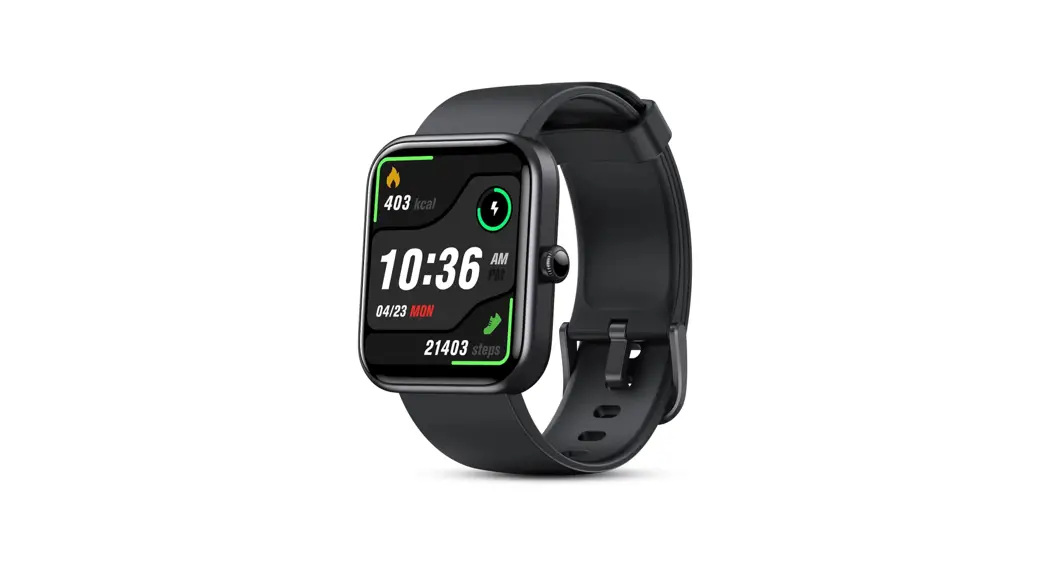
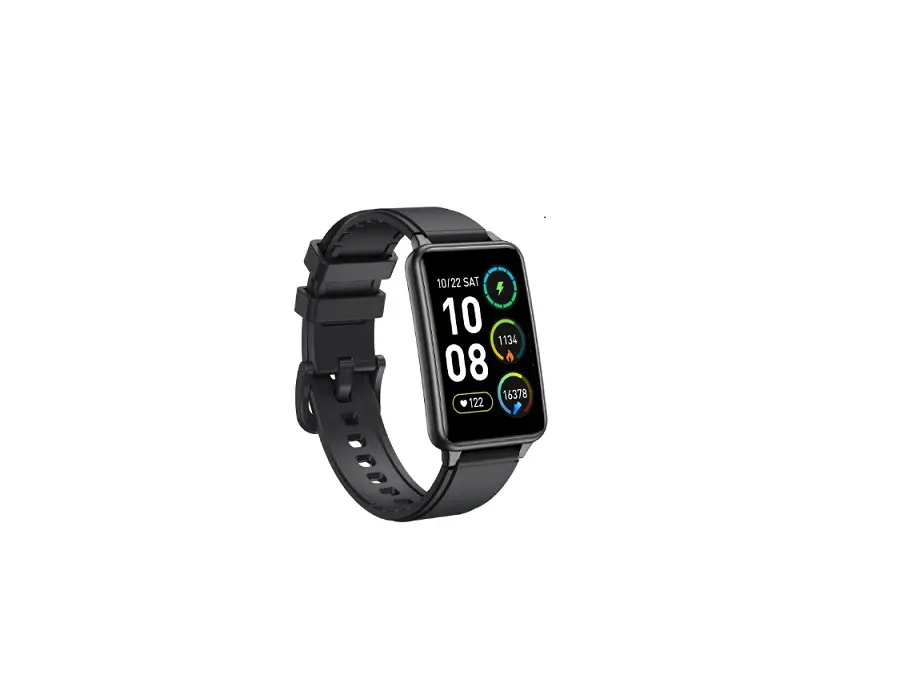
The SOUYIE Watch is a smartwatch that offers various features
such as Bluetooth connectivity, fitness tracking, call alerts,
message reminders, and more. It is compatible with both iOS and
Android smartphones.
FAQ about Bluetooth Connection
Q1: How to connect the watch to my phone?
A1:
- Download the FitCloudPro App.
- Turn on your phone’s Bluetooth.
- Open the FitCloudPro App and navigate to the “Find Device”
section. - Click “Add Device” and select your watch to pair.
- Agree to bind the watch with the App.
Once the App Bluetooth is connected, your phone and watch can
synchronize data. Additionally, you can connect the watch’s Audio
Bluetooth to make calls, control voice assistant, and listen to
music directly on the watch. Please note that the Audio Bluetooth
cannot be turned on when the watch battery is low, and the
Bluetooth connection distance should not exceed 10 meters.
Q2: Why did the watch Bluetooth connection fail?
A2:
- Check if the watch is already connected to another mobile
phone. The Bluetooth icon will be white in a connected state and
red in a disconnected state. - Ensure that you are using the latest version of the FitCloudPro
App. - Check the system version of your mobile phone (requires iOS 9.0
or Android 4.4 or higher). - Verify if any anti-virus software is installed on your mobile
phone and if Bluetooth is enabled. - If the above steps do not resolve the issue, try restarting
both your watch and mobile phone. If the problem persists, consider
using another mobile phone.
Q3: Why can’t the watch sync data with the App?
A3:
- Synchronization failure may occur due to data errors after
long-term use. Simply repeat the sync operation. - If your mobile phone’s Bluetooth function has weakened over
time, it may result in a longer synchronization process or
interrupted Bluetooth signal, causing synchronization failure.
Q4: After the connection between the App and the watch is
interrupted suddenly, my attempt to reconnect fails repeatedly.
Why?
A4:
- Ensure that Bluetooth is enabled on your mobile phone before
connecting the App to the watch for the first time. - If the connection is interrupted due to distance or
interference, try reconnecting within an effective distance of 10
meters. - Check if your FitCloudPro App is up to date and update it if
necessary. - Restart both your watch and mobile phone.
Q5: Should I keep Bluetooth enabled on my mobile phone?
A5:
- Step counting, sleep monitoring, and HR monitoring do not
require a connection to the App. Simply wear the watch during
exercise. Afterward, you can connect it to the App to view
synchronized data. - For Call alert, Find My Watch, or Message Reminder (messages
from WhatsApp or other applications), you need to enable Bluetooth
on your mobile phone and maintain the connection between the watch
and App.
Q6: What is the effective distance of Bluetooth?
A6:
If there are no obstacles, the effective connection distance of
Bluetooth is about 10 meters. However, if there are walls or other
obstacles, the effective distance may be less than 10 meters.
FAQ for SOUYIE Watch
I.FAQ about Bluetooth Connection
Q1 How to connect the watch to my phone?
A1
A: The watch needs to connect to dual Bluetooth (App Bluetooth in “FitCloudPro” and Audio Bluetooth in the phone).
Step1: Download “FitCloudPro” App > Turn on Phone’s Bluetooth > Enter “FitCloudPro”
App > Find “Device” > Click “Add Device”> Find “Watch” to pair > Agree to bind on the watch.
After connecting the App Bluetooth, the mobile phone and the watch can synchronize data.
Step2: Turn on phone’s Bluetooth > Find “Watch HT” to pair. After connecting the Audio
Bluetooth, you can make calls, control voice assistant and listen to music directly on your
watch.
*NOTE: The Audio Bluetooth cannot be turned on when the watch battery is low. The
distance of the Bluetooth connection should not exceed 10 meters.
Q2 Why did the watch Bluetooth connection fail?
A2 1. Check whether the watch has been connected to another mobile phone. in Bluetooth
connected state, you can find the icon ” ” is white at the upper left corner of the screen.
In Bluetooth disconnected state, you can find the icons ” ” is red.
2. Check whether you are using the latest App. 3. Check the system version of your mobile phone. (The watch is compatible with IOS 9.0 and Android 4.4 or higher smart phones) 4. On your mobile phone, check whether any anti-virus software has been installed and whether Bluetooth is enabled. If there is no problem with the above, try to restart your watch and mobile phone. If the connection failure persists, please try to use another mobile phone.
Q3 Why can’t the watch sync data with the App?
A3
1. Synchronization failure may be caused by data errors after long-term use. You just need to repeat the sync operation.
2. If the mobile phone is used for a long time, the Bluetooth function may decrease, resulting
in too long synchronization process; or the Bluetooth signal of the mobile phone is
interrupted during the synchronization process, resulting in synchronization failure.
Q4 After the connection between the App and the watch is interrupted suddenly,
my attempt to reconnect fails repeatedly. Why?
A4
1. Before connecting the App to the watch for the first time, you need to enable “Bluetooth” on your mobile phone.
2. Probably the connection between the App and watch is interrupted by your failure to
maintain the effective distance of Bluetooth or other interference. Please initiate a
reconnection in the effective distance (10 meters).
3. Probably the App version is too low. Please update the App.
4. Try to restart your watch and mobile phone.
Q5 Should I keep Bluetooth enabled on my mobile phone?
A5
1. Step counting, sleep monitoring and HR monitoring do not require connection to the App. During exercise, you just need to wear the watch. After exercise, you can connect the watch
to the App to view the data synchronously.
2. For Call alert, Find My Watch or Message Reminder (messages from WhatsApp or other
applications), you need to enable Bluetooth on your mobile phone and maintain the
connection between the watch and App.
Q6 What is the effective distance of Bluetooth?
A6
If there are no obstacles, the effective connection distance of Bluetooth is about 10m. If there are walls or other obstacles, it is less than 10m.
Q7 Why the Bluetooth connection is not stable?
A7
1. Check whether the distance between the watch and your mobile phone is appropriate. An excessive distance can reduce the Bluetooth connection effect.
2. Disable Bluetooth and enable it again, in order to check for Bluetooth failure.
3. Check whether the App is killed in the background after quitting.
4. Bluetooth may be disabled automatically after the watch screen is locked in power saving
mode. In such case, you need to keep Bluetooth enabled.
Q8 Why are Android phones easily disconnected?
A8
“FitCloudPro” App must be running on the phone so that the Bluetooth will not be disconnected automatically. But the storage management of Android system will forcibly
turn off the App, which requires to manually turn off the power saving mode of the mobile
phone and add the “FitCloudPro” App to the Android system managed whitelist.
There are two methods:
1. Find “Manage apps” in Phone Settings, then find “FitCloudPro”, and turn “Autostart” on;
2. Lock “FitCloudPro” in the recently opened programs page, so that the APP will not be
forcibly closed.
Q9 How to unbind the watch from the phone?
A9
For Android, Enter “FitCloudPro” App > “Find Device” > Click “UNBIND”. For IOS, Enter “FitCloudPro” APP > “Find Device” > Click “UNBIND”. Then open Phone’s
Settings > Bluetooth > MY DEVICES > Select “Watch HT” > Click the blue “i” sign > Click
“Forget This Device”.
*NOTE: If the Apple phone does not forget the device, it will not be able to search for the
device when it is bound again, and when there are reminders such as information and phone
calls, it will still receive a reminder notification.
II.FAQ about Call/ Message Reminder
Q1 How to use Call Reminder?
A1
1. The watch needs to connect to dual Bluetooth (App Bluetooth in “FitCloudPro” and Audio Bluetooth in the phone).
2. After the watch is connected to the App, start the App, click [Device], go to [Push
Notifications] to enable [Call alert].
3. On your mobile phone, keep Bluetooth enabled and run the App in the background.
4. When there is an incoming call, the watch will display the call and vibrate. If the name of
the caller is not saved in “Contacts”, the watch will display his/her phone number directly.
The watch supports hanging up, answering and making calls.
Q2 How to use Message Reminder?
A2
For example: 1. WhatsApp: do not enable the DND (Do Not Disturb) mode. In addition, please log out of
WhatsApp on your PC or tablet.
2.On your mobile phone: go to [Notification Manager] to authorize WhatsApp to push
messages to the notification bar, and authorize the “FitCloudPro” App to obtain WhatsApp
messages from the notification bar and transmit them to the watch via Bluetooth. Go to
[Startup Manager] or [Power Task Manager] to authorize the App and WhatsApp to work inthe background without being killed.
3. In the “FitCloudPro” App: authorize the watch to receive messages. Do not enable the
DND mode.
4. Do not enable the DND mode on the watch.
5.The watch may fail to receive messages if there is an App bug or a compatibility problem
with the mobile phone.
Q3 Why doesn’t my watch notify when I get an incoming call?
A3
1. The watch needs to connect to dual Bluetooth (App Bluetooth in “FitCloudPro” and Audio Bluetooth in the phone).
2. Check whether Bluetooth is enabled on your mobile phone and connected to the watch.
3. For IOS system, you need to allow Bluetooth pairing. For non-IOS system, please check
whether the App is running. If the App is not running in the background but is killed after the
screen is locked, the watch will not receive information.
Q4 Why can’t my watch receive message notifications?
A4
1. In the App, go to [Push Notifications] to enable [WhatsApp]. 2. Do not log into WhatsApp on both your PC and mobile phone, or enable the DND mode.
3. Maintain the connection between the watch and your mobile phone, and keep Bluetooth
enabled.
4. For some Android phones, when the screen is locked, the App will be killed, rather than
run in the background, and thus will fail to receive messages. In such case, you need to
enable background startup of the App on your mobile phone.
5. Check whether the App’s messages appear in pop-up box of your mobile phone. If no, the
watch will fail to receive messages.
Q5 Why does the watch not vibrate when there is an incoming call?
A5
1. In the App, enable [Call alert]. 2. Do not enable the DND mode in your phone and watch.
3. Check whether the motor vibrates when the watch is charged and activated. If yes, the
motor is not faulty; if no, the motor is faulty.
4. If the motor is not faulty and you have enabled [Call alert] in the App, the vibration failure
may be caused by a software problem.
Q6 I am using an IOS phone, and I fail to activate “Call alert”. Why?
A6
1. On your IOS phone, disable Bluetooth and enable it again. 2. Start the App, enable [Call alert], and then click [OK] when the dialog box of Bluetooth
pairing pops up.
Q7 Why is there no detailed content when WhatsApp comes to a message
reminder?
A7
The push content of the watch is displayed according to the content prompted by the mobile phone. If WhatsApp doesn’t show the details on the phone, the watch won’t show the details
either.
Solution: In WhatsApp settings, turn on notifications to display message details.
III.FAQ about Weather Information
Q1 No weather information, or inaccurate weather information is displayed on
the watch. Why?
A1
1. Start App, click [Device] to enable [Weather Reports]. Ensure smooth network of your mobile phone, and synchronize the App and the watch so that the weather information can
be displayed on the watch.
2. On your mobile phone, please make sure the network is normal and enable [GPS] and the
App notification service. Your city will be regarded automatically as your location. If your
location information cannot be obtained, no weather data will be displayed. Enabling [GPS]
can make your location information and the weather data more accurate.
3. Maintain the connection between the App and watch and perform the synchronization
operation manually (the watch cannot update the weather data on its own, and you need to
synchronize the weather data to the watch) to ensure 100% synchronization. When the
watch is disconnected from the App, the weather data will no longer be updated
synchronously, and no weather data will be displayed on the watch.
4. It is normal that there may be a 1 ° C~2 ° C difference between the weather data
displayed on the watch and mobile phone.
5. If there is still no weather data or inaccurate weather data, please disable [Weather
reports] and enable it again, and then synchronize the App and the watch manually to ensure
100% synchronization.
6. If there is still no weather data or inaccurate weather data, please restart the watch and
your mobile phone, enable [GPS] and the App notification service.
7. If the problem persists after the above steps are completed, probably there is a software
bug or weather server failure.
Q2 The weather data displayed on the watch is different from that displayed on
the mobile phone. Why? On the watch, the weather data come and go. Why?
A2
1. The temperature acquired by the third-party weather App called in the watch is different from that acquired by the weather App of your mobile phone.
2. There may be an error of the temperature predicted by the weather App of your mobile
phone.
3. Error of the temperature predicted by the third-party weather App: ±5.
4. Probably the interface of the third-party weather server is faulty: it is sometimes good and
sometimes bad when the App calls weather data from such server.
IV.FAQ about Health/ Sleep Monitor
Q1 What factors can affect the health measurement results?
A1
1. Non-standard wearing can affect the measurement signal, such as the light leakage caused by incomplete fitting.
2. Swing of the arm, slight movement of the watch on your skin, etc., wearing too tight,
raising the arm and making a fist, etc. can affect your blood circulation and thus affect the
measurement signal.
3.Correct measuring method: lay the arm flat, relax and stay still, and hold the watch against
the arm.
*Note: individual differences such as skin color, hair, tattoos and scars can also affect the
measurement signal, despite correct wearing of the watch.
Q2 How can I measure the HR value correctly?
A2
1. Hold the light-emitting part of the watch against the skin (muscle) to ensure that the watch will not shift a lot during your exercise (tighten the watch strap to achieve a
comfortable tightness). Excessive or insufficient tightness can affect the measurement results
(avoid light leakage and shift of the reflected light).
2. Do not hold the light-emitting part of the watch against the protruding bones (radius and
ulna) on the wrist side,or the watch may fail to correctly receive the red light reflected by
blood vessels, which will affect the measurement results.
3. To obtain a more accurate HR value, you can enable “Elevated Heart Rate Measurement”
in the App.
Q3 How does the smart watch measure my HR?
A3
The watch uses the photoelectric transmission method to measure HR: the sensor in contact with the skin will emit a beam of light on the skin, and the reflected/transmitted light will be
measured. Blood absorbs the light of a certain wavelength; each time the heart pumps
blood, such light will be absorbed in large quantities, based on which, the heartbeat can be
determined. The HR measurement is based on Photo-Plethysmo-Graphy (PPG), so the
measurement accuracy and consistency is associated with “gender, age, BMI, weather, race
or skin color, and health or VO2 Max”. The wrist sweat or other impurities, dark skin (which
can’t absorb light well), weather conditions and humidity can affect the measurement
results.
Q4 Why does the back of the watch automatically glow green?
A4
1. Design philosophy: the light transmittance of the blood is changed by the pulse, and then converted into electrical signals by simple light reflection, which will be recorded; our blood
is red and can absorb the green light to the maximum extent; the final data after reflection is
the most accurate, so we use green LED as the HR measurement tool.
2.If you enable automatic HR monitoring, your HR will be measured automatically. You can
also enable manual HR measurement. During the measurement, the HR LED will
automatically flash and emit green light.
Q5 When does sleep monitoring work?
A5
The sleep tracking time is from 9:30 pm to 12:00 noon the next day. Data beyond this period of time will not be regarded as sleep data.
Q6 How does the smart watch measure my sleep?
A6
Sleep monitoring is performed through the built-in sensor. The sensor can detect the subtle movements of your hand so as to determine whether your body is in an active state or a
quiet sleep state. During your sleep, the watch will record the frequency of your hand
movements and analyze whether you are in a deep sleep or light sleep state, so as to analyze
your sleep quality and provide suggestions.
Q7 What is the meaning of Deep Sleep ,Light Sleep, Waking Sleep and REM
Sleep?
A7
1. Deep sleep, light sleep, waking sleep and REM sleep are determined based on the changes of the sensor level detected during your sleep.
2. If the detected sensor level remains high for a long time, probably you are not sleeping. If
the high sensor level is maintained for a short time, it can be filtered out and your sleep
quality can be analyzed.
3. The sensor can obtain your corresponding sleep data based on your body movements. It is
in contact with your wrist and can detect your body movements. The watch will determine
your sleep state based on the frequency of your body movements. Frequent body
movements indicate light sleep. There are relatively few body movements during deep sleep.
4. REM (rapid eye movement) sleep is a stage of sleep during which your eyeballs move
rapidly and involuntarily. At this stage, the activity of neurons in your brain is the same as
when you’re awake. Most vivid dreams that can be recalled subsequently occur during REM
sleep. This is the lightest stage of sleep. If you wake up during REM sleep, you will be alert
and refreshed if compared with other stages of sleep.
Q8 No sleep data is recorded, or the sleep data is inaccurate. Why?
A8
1. Check whether you wear the watch before going to bed. If no, the App will not generate sleep data after synchronizing with the watch.
2. Your sleep quality can be a reason. If you have trouble falling asleep, the App may not
generate sleep data. You can take some measures to help sleep, for example, doing some
exercise, drinking a glass of milk, relaxing your body and not playing with your mobile phone.
3. Please wear the watch correctly (in case of insufficient tightness, there is a certain
probability of failure to detect the watch).
4. The watch will adapt to the individual situation of each user. You can wear it for several
days for observation purpose.
5. If your skin is rather dark, the App will be very likely to fail in detecting the watch, and thus
will not generate sleep data.
V.FAQ about Step Counting
Q1 How does the watch count my steps?
A1
The watch uses a three-axis acceleration sensor to track the number of your steps. The three-dimensional acceleration data captured by the sensor in real time will be processed
through filtering and peak-valley detection, and finally will be converted into readable values
(steps, distance, calories) in the App using various algorithms and scientific and rigorous
logical operations. The shaking and displacement of your hand can be detected by the
built-in relatively high-precision acceleration sensor. The displacement of the watch in space
can be detected by the integrating accelerometer so as to determine whether new steps are
generated.
Q2 Why the number of my steps is not accurate?
A2
1. At the first time, you must provide your gender, age, height and weight and other information honestly and accurately. Inaccurate information will affect the algorithm of the
acceleration sensor, resulting in inaccurate exercise data (steps, distance and calories).
2. Your steps are calculated based on three-dimensional acceleration data, so the wearing
condition of the watch also has a certain influence on the accuracy of the results. Make sure
that the watch will not move (left and right, up and down) in the wearing position during
your exercise.
3. Your arm swing posture, stride length, body shape, uphill and downhill, as well as the
smoothness of the road surface, can also affect the value of steps.
4. If your body moves during sleep (turning to another side, getting up and falling asleep
again, etc.), if you are in the car or driving the car, or if the road surface is rough, new steps
may be generated.
Q3 New steps are generated when I wake up from sleep, or when I’m in the car or
driving. Why?
A3
1.The shaking and displacement of your hand. The watch is equipped with a built-in relatively high-precision acceleration sensor. The displacement of the watch in space can be detected
by the integrating accelerometer so as to determine whether new steps are generated.
2. If your body moves during sleep (turning to another side, getting up and falling asleep
again, etc.), if you are in the car or driving the car, or if the road surface is rough, there will be
a certain probability of misjudgment by the sensor. We are optimizing the anti-interference
algorithm currently, and will control the misjudgment rate to acceptable to users
subsequently.
Q4 No new steps are generated on the watch after I walk 5 steps. Why?
Q4
The step counting algorithm has been optimized into an intelligent anti-interference mode. If you wear the watch and walk 50 consecutive steps in the absence of irregular movement,
the watch will record your new steps. If there is irregular movement within 50 steps, the
watch will recalculate your steps.
Q5 The number of steps displayed on the watch is different from that displayed in
[Apple Health]. Why?A5
The number of steps displayed in [Apple Health] is calculated based on the steps data uploaded from multiple data sources (Apps) using the unique algorithm of Apple Health
platform, instead of displaying the steps data uploaded from our App directly. You are
recommended to set our App as the first data source. However, we still cannot guarantee a
100% consistency between the number of steps displayed in our App and in [Apple Health].
VI.FAQ about Battery/Charging
Q1 How can I charge the watch?
A1
1. The package includes a USB magnetic charging cable. To charge the watch, please connect one end of the magnetic charging cable to a USB 5V port, and the other end to the watch.
2.Choose a power supply to charge the watch: either via the USB port of your PC or the
charger of your mobile phone (the rated voltage of the watch is 3.7V~4.2V; the rated voltage
of USB port is usually 5V, so USB port is the best power supply for the watch; via USB port,
the watch needs to be charged for 2h).
*NOTE: Do not use a fast-charge power supply (9V), excessive current of the fast charging
head will damage the battery and lead to battery losses.
Q2 How long can the watch be used on a full charge?
A2
Battery capacity: 210mAh. The battery life can reach 5 days in typical usage scenarios and the standby time can reach 30 days. The battery endurance of different product models may
vary, depending on the battery level, screen brightness and actual working condition.
Q3 Should I fully discharge the watch before charging?
A3
1. When the watch runs out of power, it will shut down automatically and lose the data. 2. If the watch is not charged soon after running out of power, it may fail to be turned on
when charged. Therefore, you are recommended to charge the watch when the battery
voltage becomes low.
Q4 Why the watch fails to be turned on when charged?
A4
1. Before first use or after a long idle time: if the watch fails to be turned on in 1min due to over-discharge protection, please charge it for more than 30min until it is turned on.
2. The rated charging voltage of the watch is 4.2V~4.7V. You’d better select a 5V power
supply to charge the watch. A fast-charge power supply (9V) can cause breakdown to the
capacitor, resulting in a short circuit or open circuit of the PCBA.
3. If the water soak into the watch, the short circuit can cause boot failure (if the water
temperature is higher than 40°C, the watch may be no longer waterproof due to adhesive
failure).
4. The battery wires are falsely welded. The positive and negative wires at either end of the
battery are broken, so there is no power output from the battery.
5. If the watch screen fails to be turned on during charging, please check whether the watch
can vibrate and the HR LED on the back is flashing. If yes, there is a screen failure and you
need to return the watch to us for repair; if no, there is a hardware failure and you need to
return the watch to us for repair.
6. Probably the charging failure is caused by hardware failure if the charging cable is not
faulty. In such case, you need to return the watch to us for repair.
Q5 Why does my watch consumes power quickly?
A5
1. Main factor of fast power consumption: the watch is not charged by 5V power supply but via a high-power charger, which causes breakdown to the capacitor.
2. The watch is no longer waterproof (it cannot be used at a water temperature above 40°
C, as this can easily cause a short circuit due to water penetration).
3. A quality defect of the watch causes fast power consumption.
4. The watch has not been turned on for a long time, or is not charged soon after running
out of power but kept idle for a long time, which can cause the battery capacity to decay and
impair the battery endurance.
5. If you turn on some functions such as turning the wrist to brighten the screen, 24H health
monitor, it will increase the power consumption and reduce the battery usage time.
Q6 The watch shuts down automatically. Why?
A6
1. Probably the watch has run out of power. You can activate the watch by charging, and then check the battery level.
2. Accidentally touched the on/off button for a long time, resulting in shutdown.
3. If the watch shuts down or reboots automatically during normal use, probably there is a
software failure.
VII.FAQ about Screen
Q1 Nothing is displayed on the watch screen (black screen error). Why?
A1
Charge the watch and check whether the HR LED on the back is flashing. If the HR LED is flashing, but the watch screen fails to be turned on, probably the watch screen is faulty or
the screen FFC becomes disconnected. If the watch does not respond to charging, probably
the PCBA is faulty and needs to be returned to us for repair.
Q2 There is display error, blur or lines on the watch screen. Why?
A2
1. Check the firm ware version, and update the firmware if possible. Reset the watch and observe the blurred screen. If the watch screen works properly before the OTA upgrade, and
there is display error in some areas of the screen after the OTA upgrade, probably there is a
software bug and the font library upgrade fails. You need to return the watch to us for
firmware upgrade.
2. If the blurred screen is caused by lines, probably there is a hardware problem. You need to
return the watch to us for repair.
Q3 The watch screen is so dark. Why?
A3
1. The watch has 5 levels of brightness that can be adjusted. 2. There may be a matching problem between the firmware and hardware. The firmware
needs to be upgraded.
3. If the problem persists after the firmware is upgraded, probably the watch screen has a
fault and needs to be returned to us for repair.
Q4 I can’t see the watch screen clearly in the sun. Why?
A4
The watch screen is a TFT LCD screen, so it is normal that you cannot see the screen clearly in the sun. You can increase the screen brightness, but the battery endurance will decline
greatly.
Q5 The touch control performance of the watch is poor. Why?
A5
1. Most watches are equipped with a single-contact controller. To ensure the touch sensitivity, you need to click the touch area of the watch screen properly (not too fast or too
lightly).
2. Keep the watch screen clean, remove the dust and water stains (if any), and protect the
watch screen against interference of other foreign objects.
3. If the above causes are excluded, probably there is a hardware failure and the watch
needs to be returned to us for inspection and repair.
Q6 The watch screen fails to be turned on when my wrist is lifted. Why?
A6
1. Firstly, you need to turn on the “Raise to Wake” function in “FitCloudPro”. 2. If the watch screen sometimes can and sometimes cannot be turned on when your wrist is
lifted, you may need to adjust the wrist raising acceleration and angle. Usually the watch
screen will be turned on when your wrist is lifted to the extent that you can look at the front
side of the watch.
3. Considering that your wrist may be lifted unintentionally (for example, your arm may be
stretched during sleep), we have designed the watch to be resistant to unintentional
interference.
4. if it doesn’t work, please restart the watch through the App and try again.
Q7 The screen is not tapped, but still jumps to a different page.
A7
1. There may be a software failure. Try to update the firmware. The watch screen is faulty and needs to be returned to us for repair.
Other FAQ
Q1 What is the size of the watch strap?
A1
The strap has usual pins that hold on and the width is 20mm, so you can choose other 20mm width watch band you like. And It’s made of silicone, which is soft and wearable.
Q2 About the waterproof problem of the watch.
A2
The watch can be used for daily life waterproofing and swim waterproofing. Not suitable for diving, sea water, hot springs, sauna, other wading or deep water activities under high-speed
water flow. Water resistance is not permanent and protection performance may decrease
due to daily wear and tear.
Q3 What is the meaning of IP67/ IP68/ 5ATM?
A3
IP67 is an ingress protection level specific to the mobile phone industry. It defines the protection ability of a product against liquid and solid particles. The first digit following “IP”
indicates the dust protection level, and the second digit indicates the water resistance level.
For example, IP67 means dust protection level 6 and water resistance level 7. IP68 is
subdivided into 3ATM, 5ATM, 10ATM and 20ATM. For example, 5ATM means that the watch
can withstand 5 atmospheres (equivalent to the pressure at a water depth of 50m).
Q4 During the firmware upgrade, the watch remains on the upgrade screen and
has no further response.
A4
1. Before the upgrade, make sure that the battery level of the watch reaches 35%. The OTA upgrade may get stuck or fail due to insufficient battery power.
2. Check whether the watch is still connected to the App. If yes, resume the upgrade on the
upgrade screen until the upgrade is completed.
Q5 After wearing the watch for along time, my hand skin appears red and itchy.
A5
1. Wearables are usually made of metal, leather, silicone and TPU. A few people may be allergic to the material of the watch strap.
2. Do not wear the watch too tightly. Make sure that a finger can be inserted between the
watch strap and your wrist. If you wear the watch too tightly, your wrist skin can become
airtight, and the watch can easily leave marks on your wrist, causing a wrong feeling of red
and itchy skin.
3. Keep the contact area of your wrist dry. You may feel uncomfortable when the watch strap
is wet and covers your wrist under airtight conditions.
4. Clean the watch strap properly. After you wearing the watch for a long time, the watch
strap may comeinto contact with some unclean stains. If the stains are not removed in time,
your skin may have allergic reactions. Please clean the watch strap in time and carry out
reasonable maintenance and care.