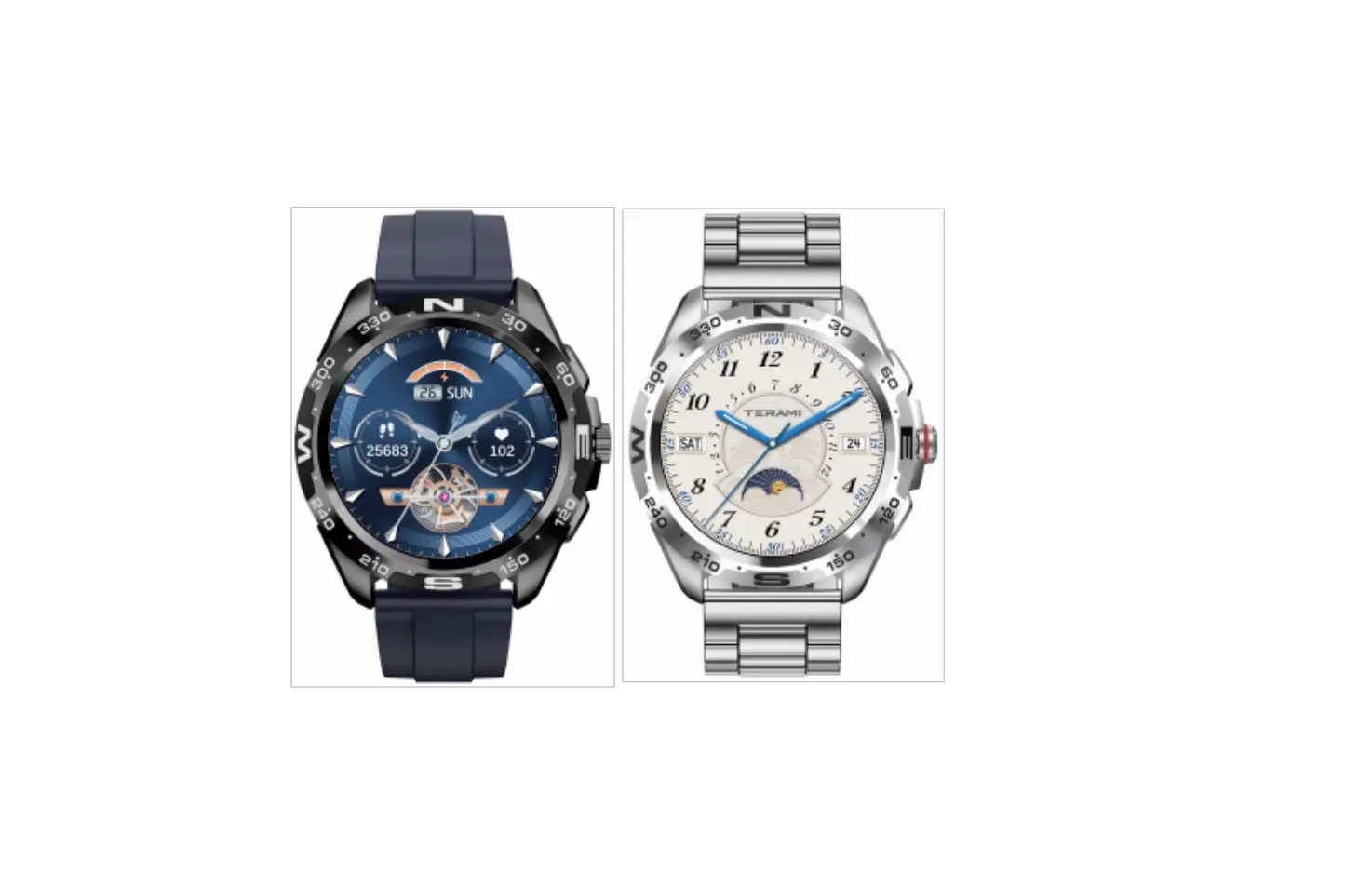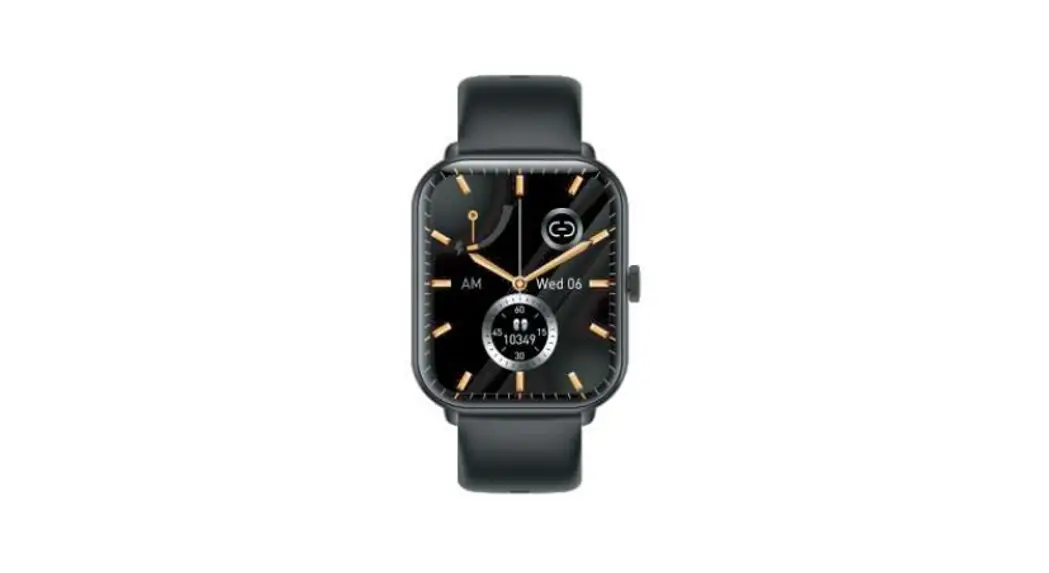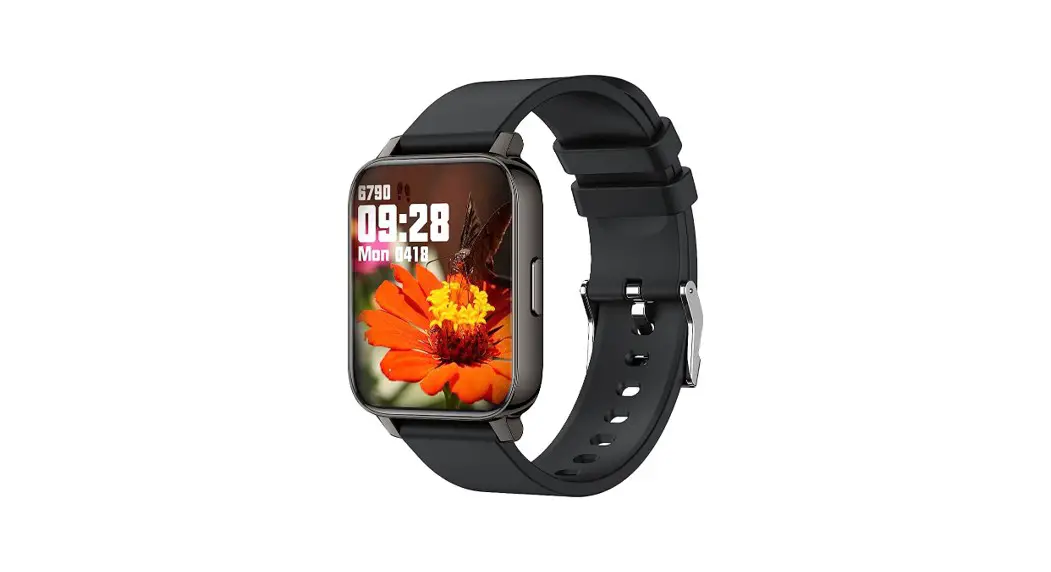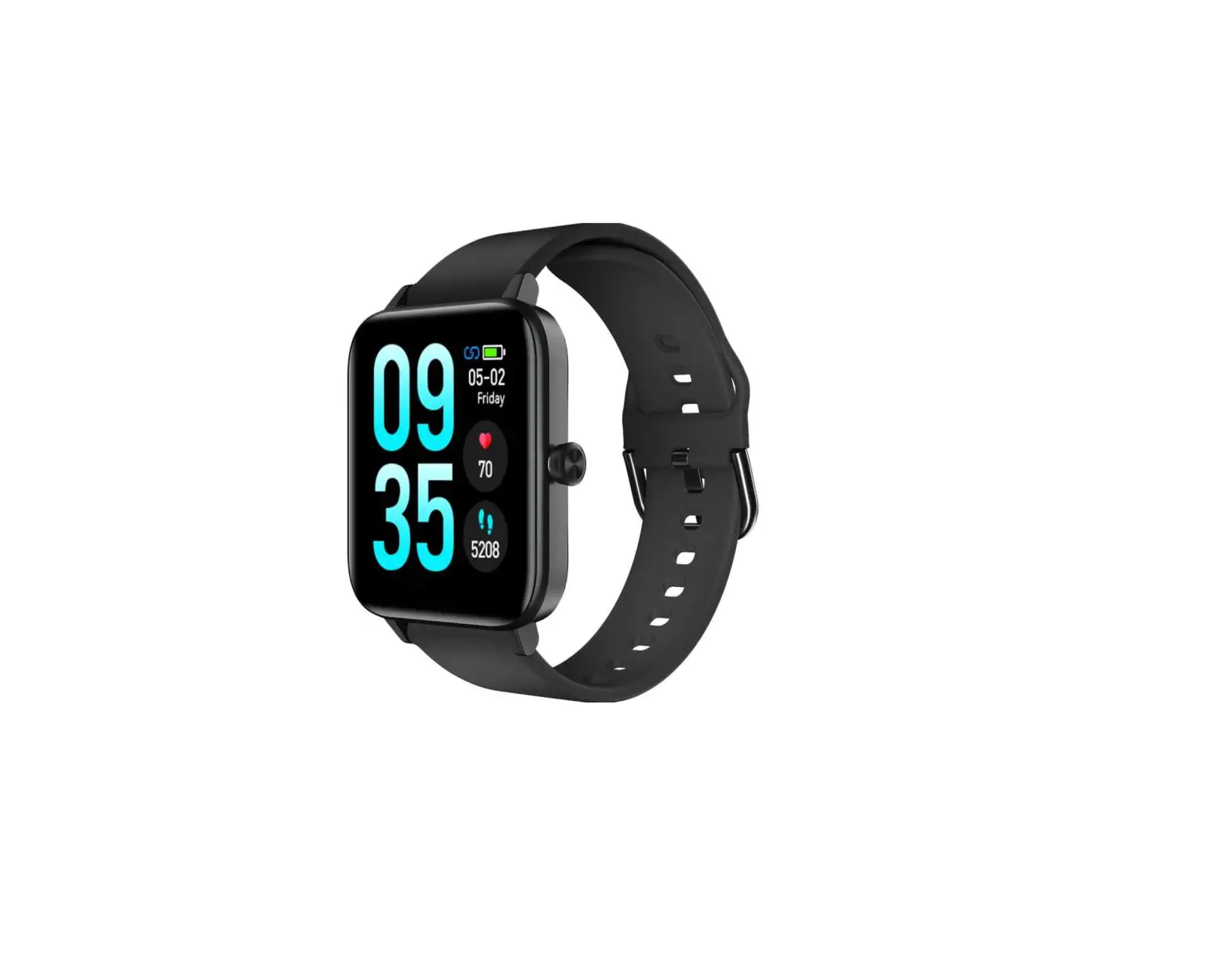
Instruction Manual

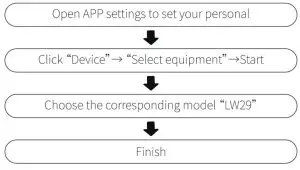
Download and Log into APP
- APP installation requires you to turn Bluetooth on;
- APP Download
- I0S: search and download “GloryFit” on the APP Store (or you can scan the QR code displayed on the bracelet to download);
- Android: search and download “GloryFit” on the Google Play Store (or you can scan the QR code displayed on the bracelet to download)
- Compatible with 10510.0 and more advanced systems /Android 5.0 and more advanced systems.
- After a successful installation, please register and log into your account according to the prompts.
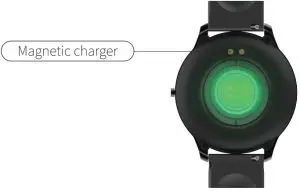
How to Charge
- Close the magnetic charger and the watch, and then it will automatically connect to the charging port on the charging device (as shown on the right; input voltage: 5V/1A or 5V/2A).

Bluetooth Pairing
Keys and parts overview
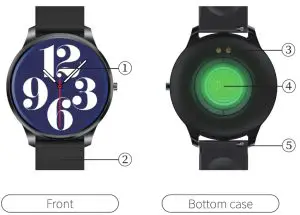
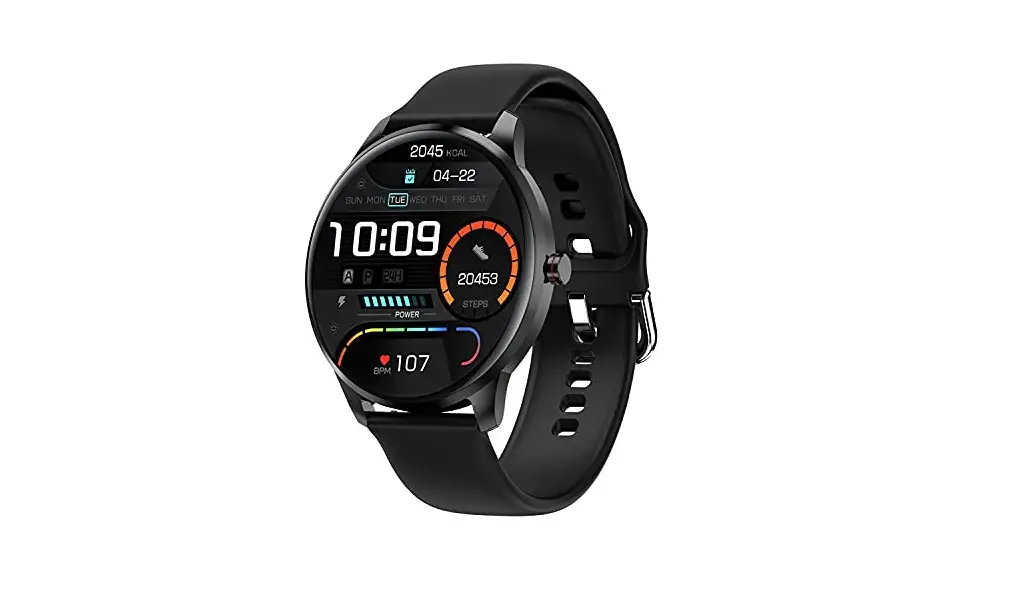
- TFT display
- wristband
- magnetic charging port
- light detection sensor
- switch ears
How to Operate
- Side the dial interface from top to bottom to enter the shortcut interface;
- Slide the dial interface from bottom to top to enter the information list interface;
- Slide the dial interface from left to right to enter the menu style interface;
- Slide the dial interface from right to left to enter interfaces such as step counting, heart rate, and sleep.
Sports Data
Click the data icon to enter the sports data interface and check the corresponding date for the day: steps, distance and calorie.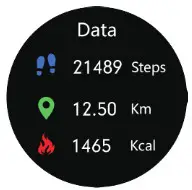 Notification
Information Push-After the watch is connected to the mobile phone APP, the newly pop-up information from the mobile phone will be pushed to the watch side synchronously. The watch can store up to 8 messages.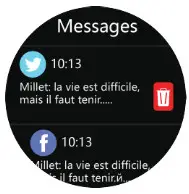 Weather
Push Weather: all whether the information will be automatically synchronized to APP after a successful connection between the bracelet and APP.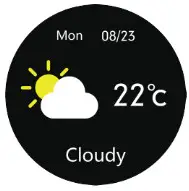 Sleep Monitoring
Display the sleep monitoring status of the day, the data is updated every day, and the specific sleep data can be viewed in the APP simultaneously.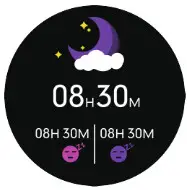 Heart Rate Monitoring
After a successful switch, it starts to measure after the bottom green light is on; it takes about 30–60s to measure and the measuring value is based on PPG technology. 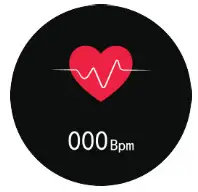 Blood Pressure Monitoring
After a successful switch, it starts to measure after the bottom green light is on; it takes about 30-the 60s to measure and the measuring value is based on PPG technology.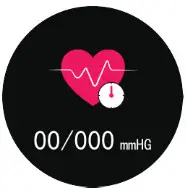 Blood Oxygen Monitoring
After a successful switch, it starts to measure after the bottom green light is on; it takes about 30-the 60s to measure and the measuring value is based on PPG technology.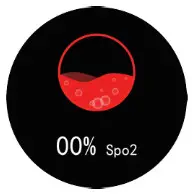 Sports Mode
Enter Sports Mode to enjoy various exercise modes: hiking, running, climbing, cycling, basketball, yoga and elliptical machine…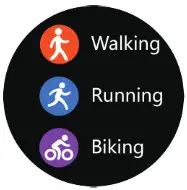 Stopwatch
Stopwatch timing-click the triangle icon to start, click again to pause, and the button on the left is to restore.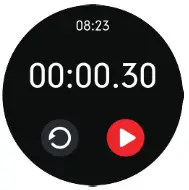 Music
Music
Play Music: After a successful connection, open the music player to control.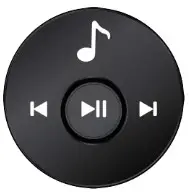 Adjust Brightness
Settings – Brightness – Adjust Brightness CV and “-” can be used to control).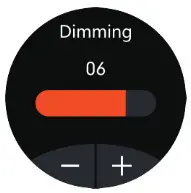 Dial Switch
The dial can be selected, and the dial can be switched by long-pressing the dial, and the watch can be pushed Dial (multiple dials built into the watch).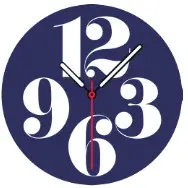 On/Off
Long press “On/Off key for 3s to power on. The bracelet will automatically power on when it is charging. Click the “Off icon to power off.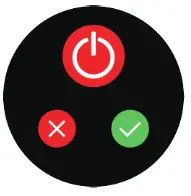 System Information
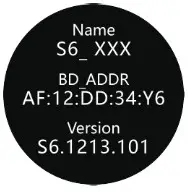
Check the bracelet’s information such as Bluetooth name, Mac address, firmware version.
Restore Factory Settings
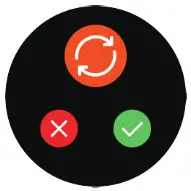
All personal data will be removed if you confirm to restore factory settings.
Parameters
Please read the instruction manual carefully, ensuring your safe and correct use.
- All data offered by the product is only a reference for health management. Please don’t take it as medical data! Be subject to all hospital test results in case of any abnormal data.
- Thanks to its IP68 waterproof grade, you can use the bracelet when washing hands or when it is raining. To avoid any damage, please:
(a) Don’t immerse the product in hot water;
(b) Don’t press keys underwater or wear it during diving;
(c) Don’t touch the corrosive liquid.
| Waterproof Grade | I P68 |
| Sensor | 3 Axis G-sensor |
| Battery Capacity | 280mAh |
| Synchronizing Method | Bluetooth |
| Resolution Ratio | 240*240 |
| Display | 1.28″ TFT Full-touch Color Screen |
| Working Period | About 10 Days |
| Working Temperature | -10°C∼50°C |
| Packing List | Watch, Charging Cable, Manual |
| Compatible Systems | 10510.0 and More Advanced Systems; Android 5.0 and More Advanced Systems |
| Warranty Card | |||
| Customer Information | |||
| Type | Seller | ||
| Customer Name | Tel | ||
| Seller Tel | Purchase Date | ||
| Customer Address | |||
| Seller Address | |||
| Abstract | |||
| Date | |||
| Fault | |||
| Malfunction | |||
| Remarks | |||