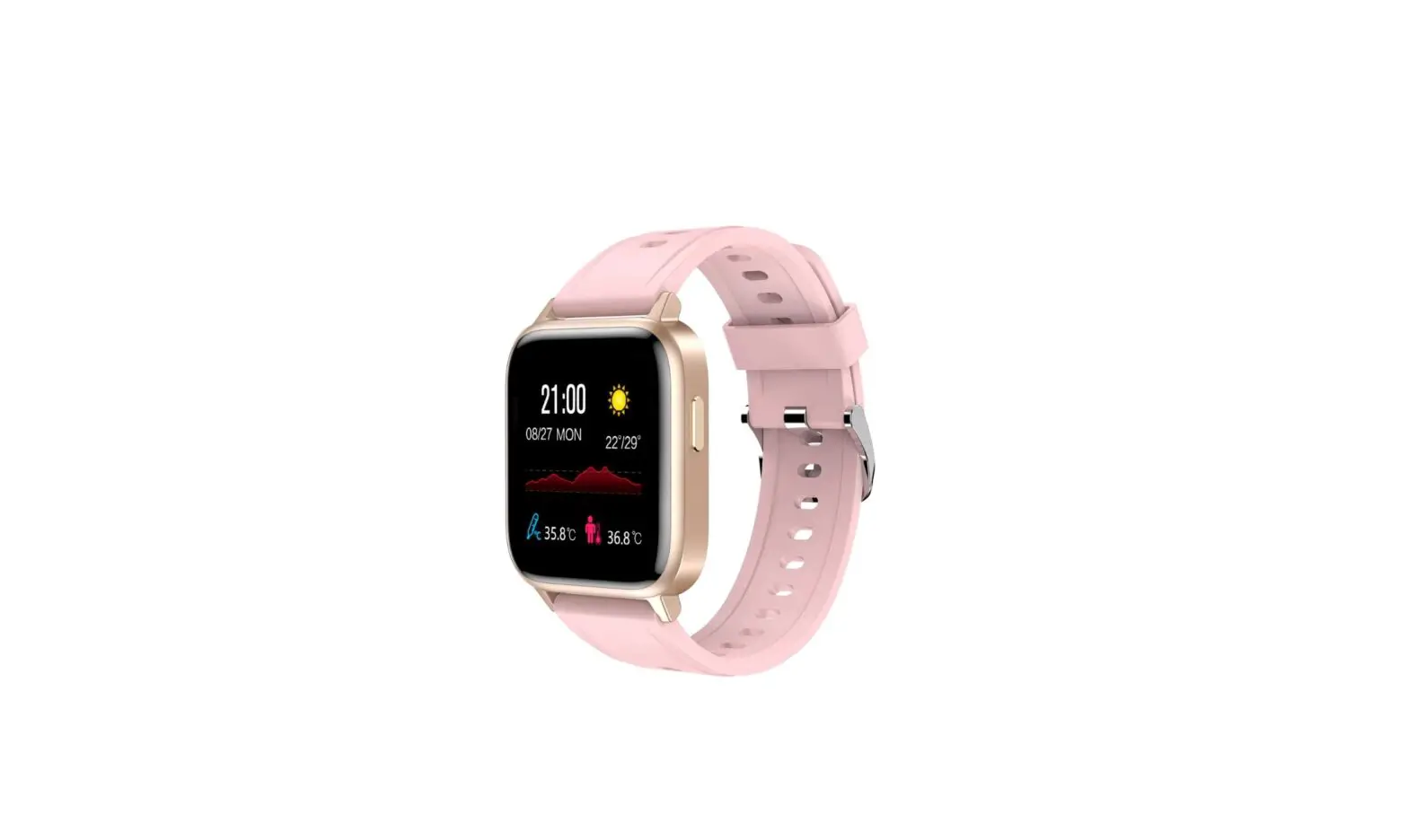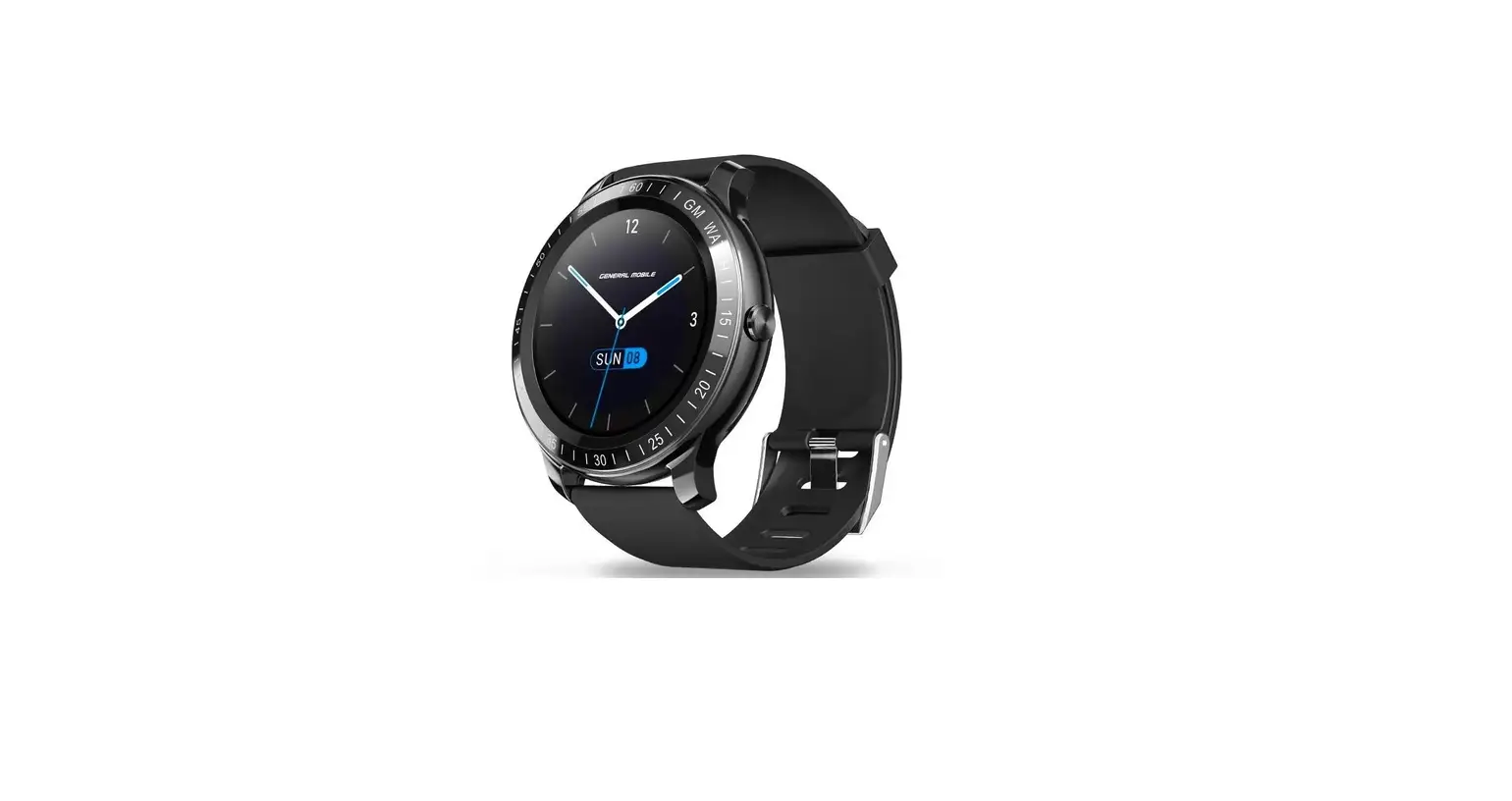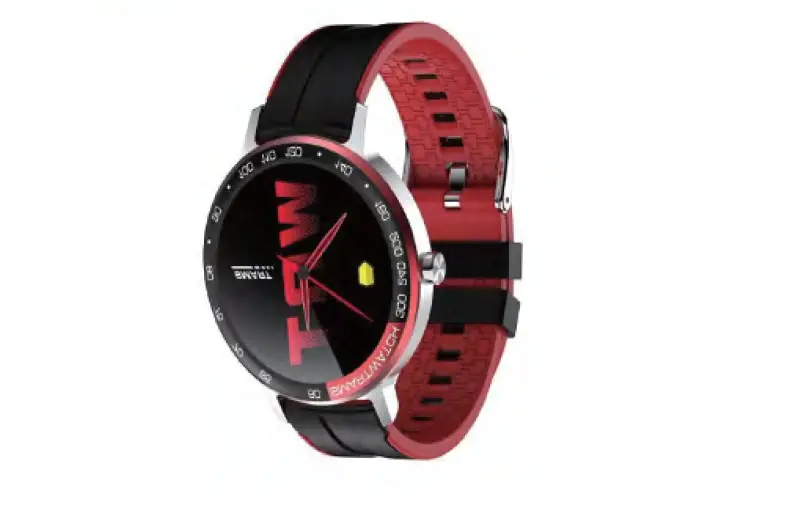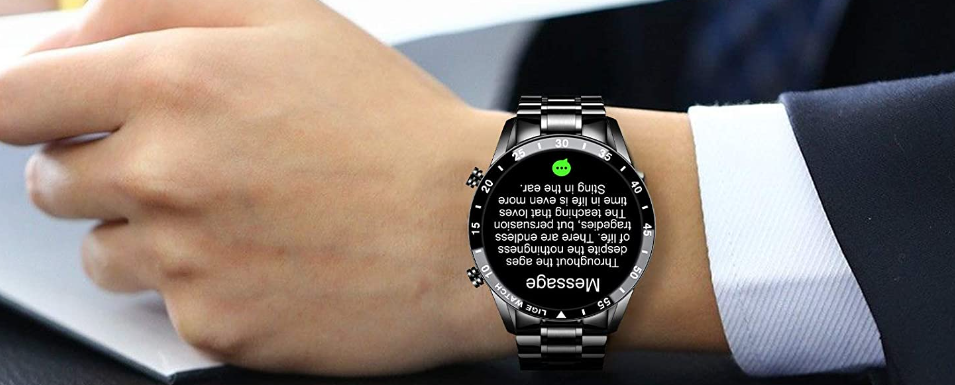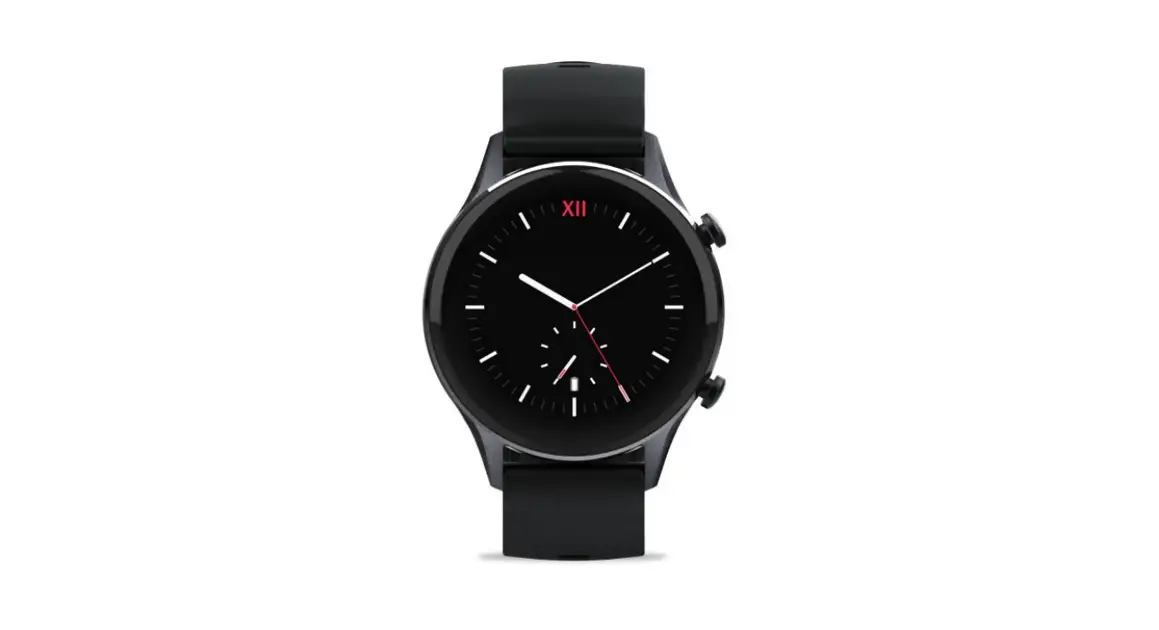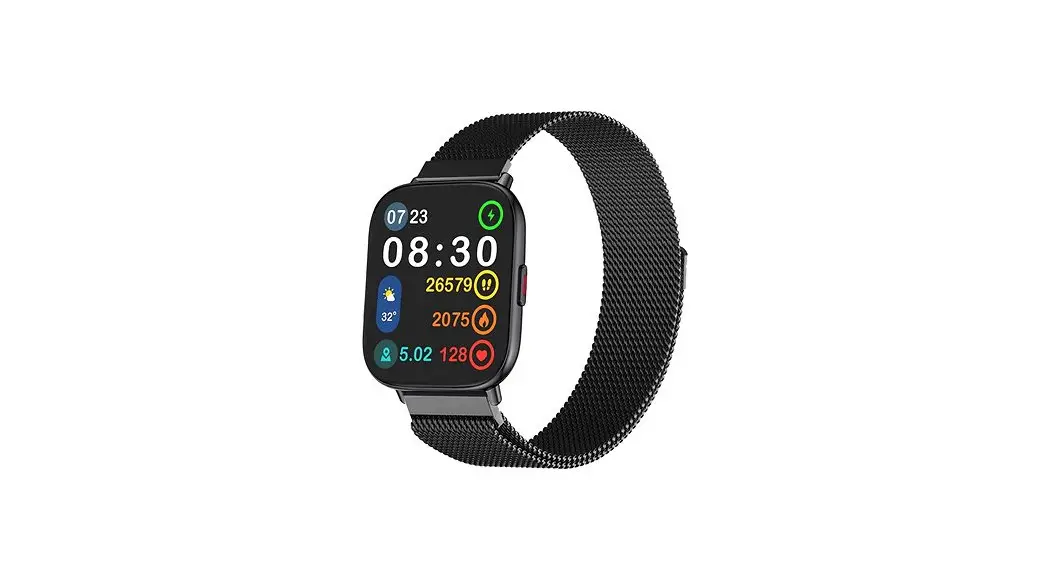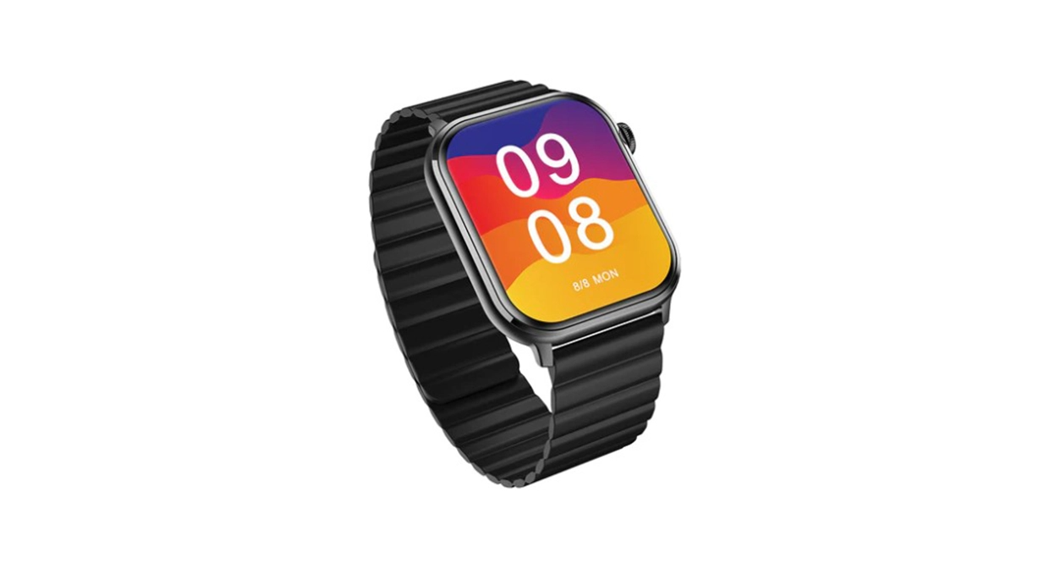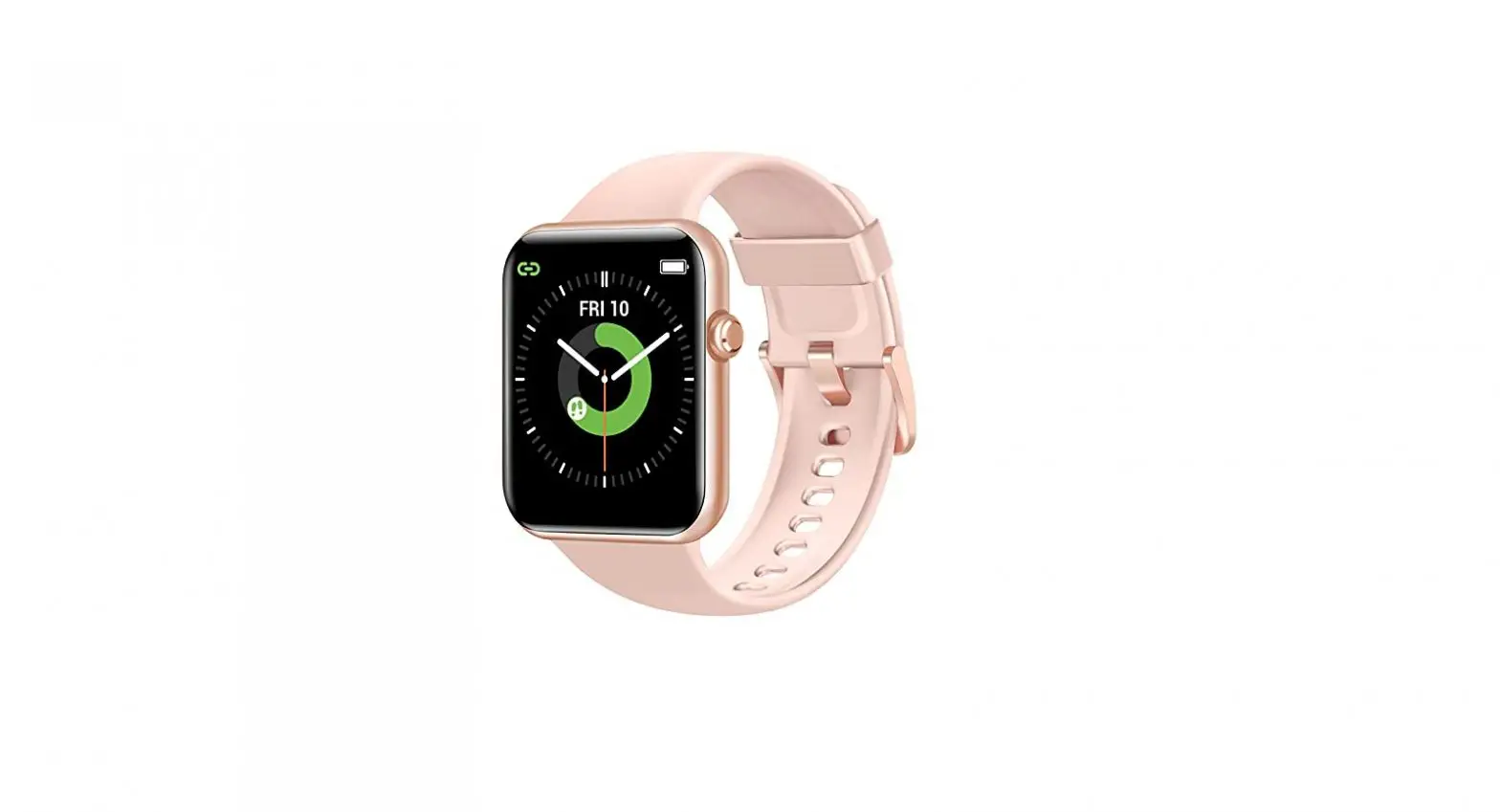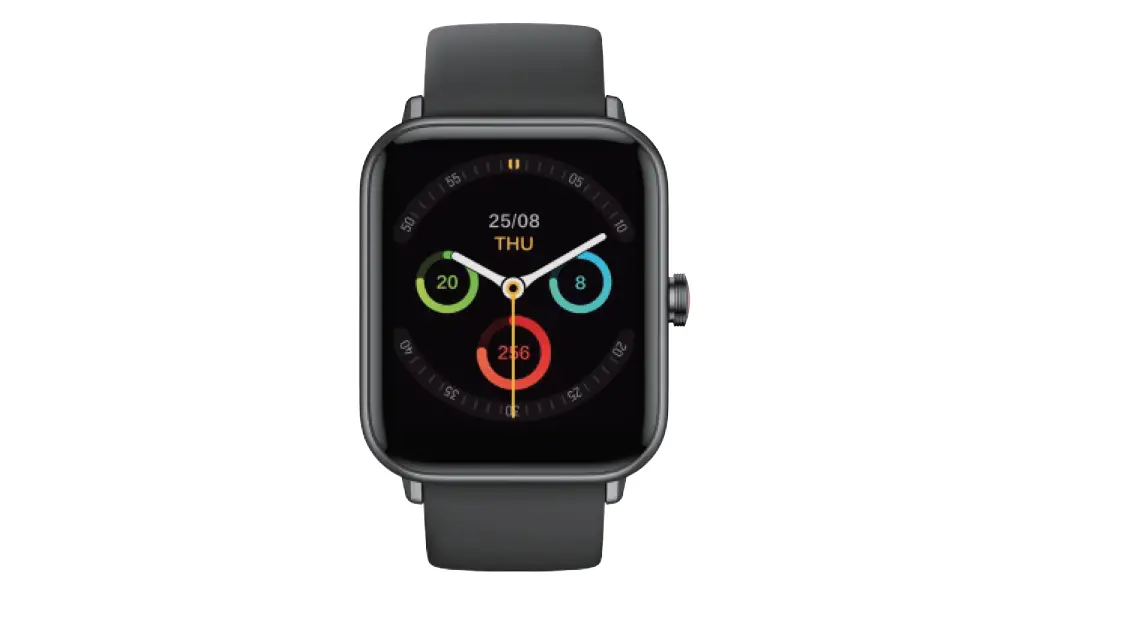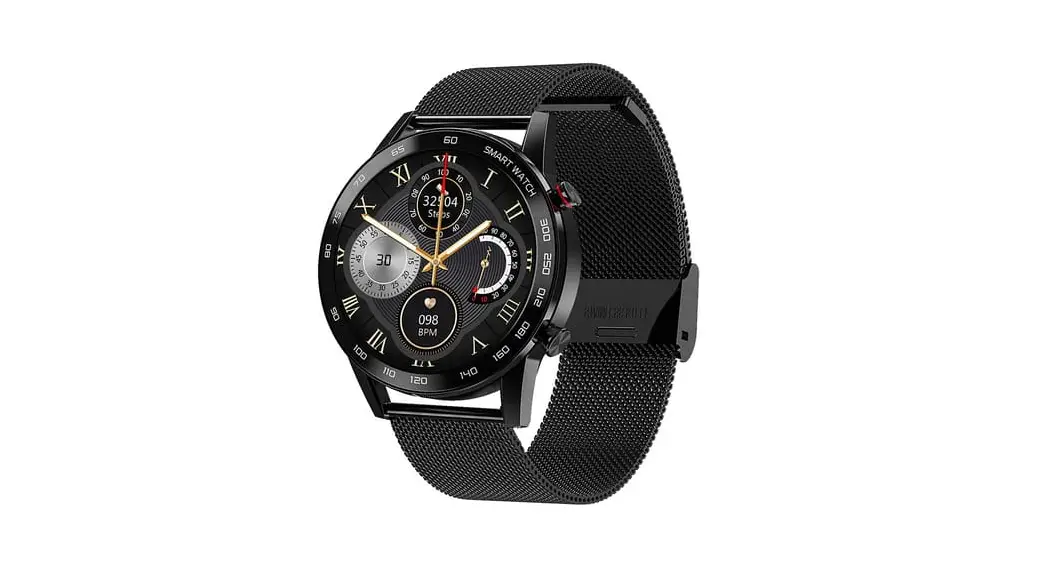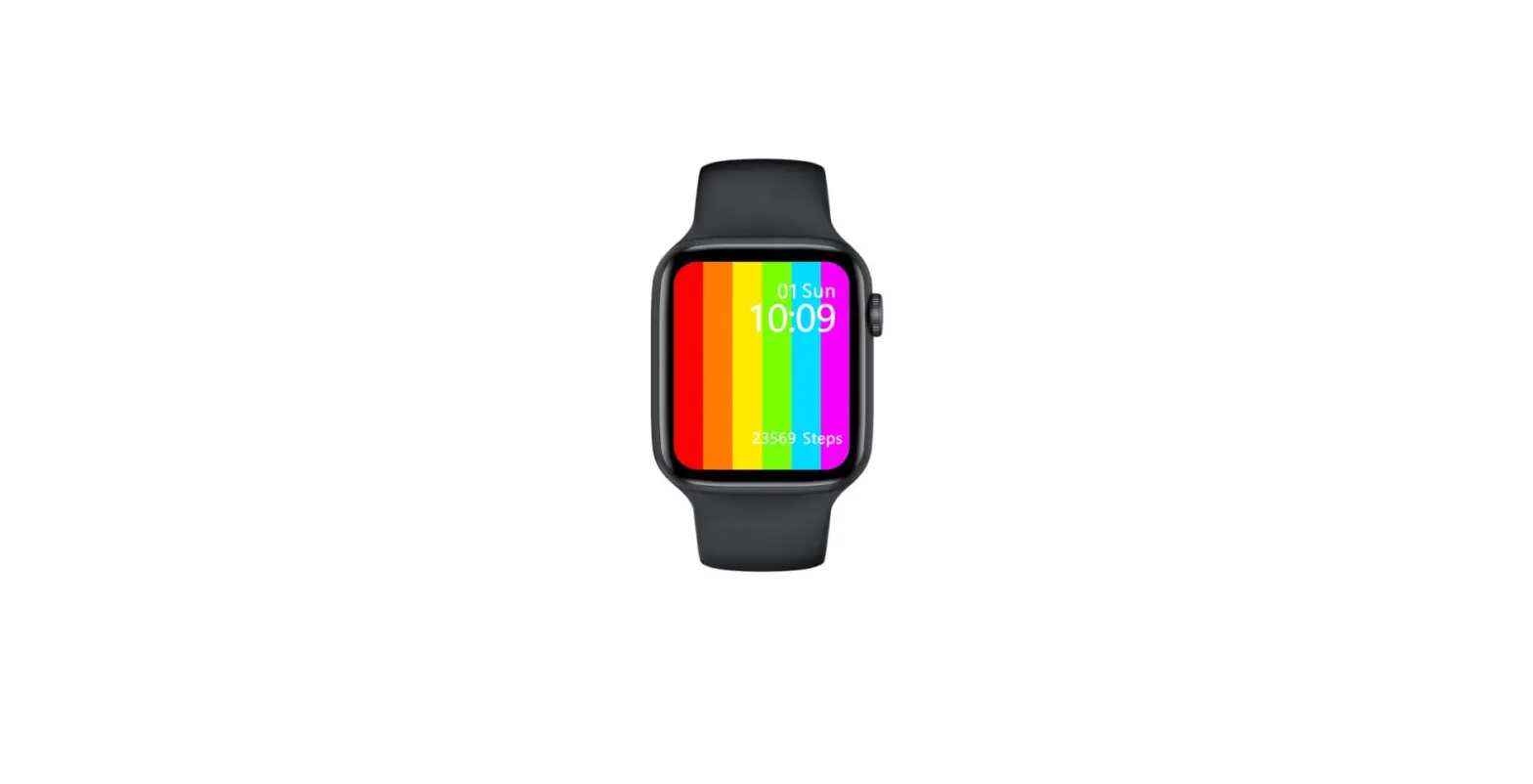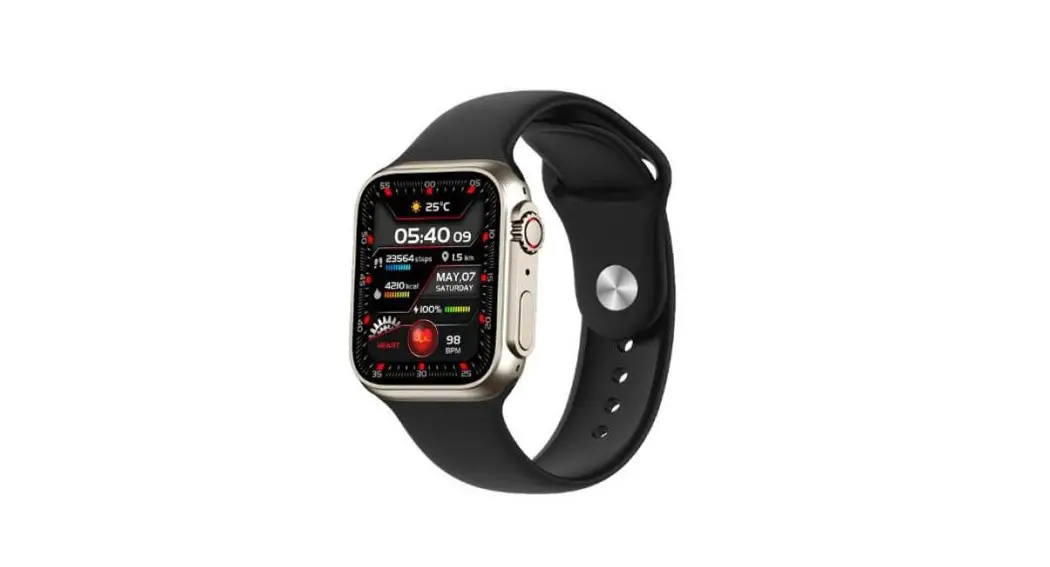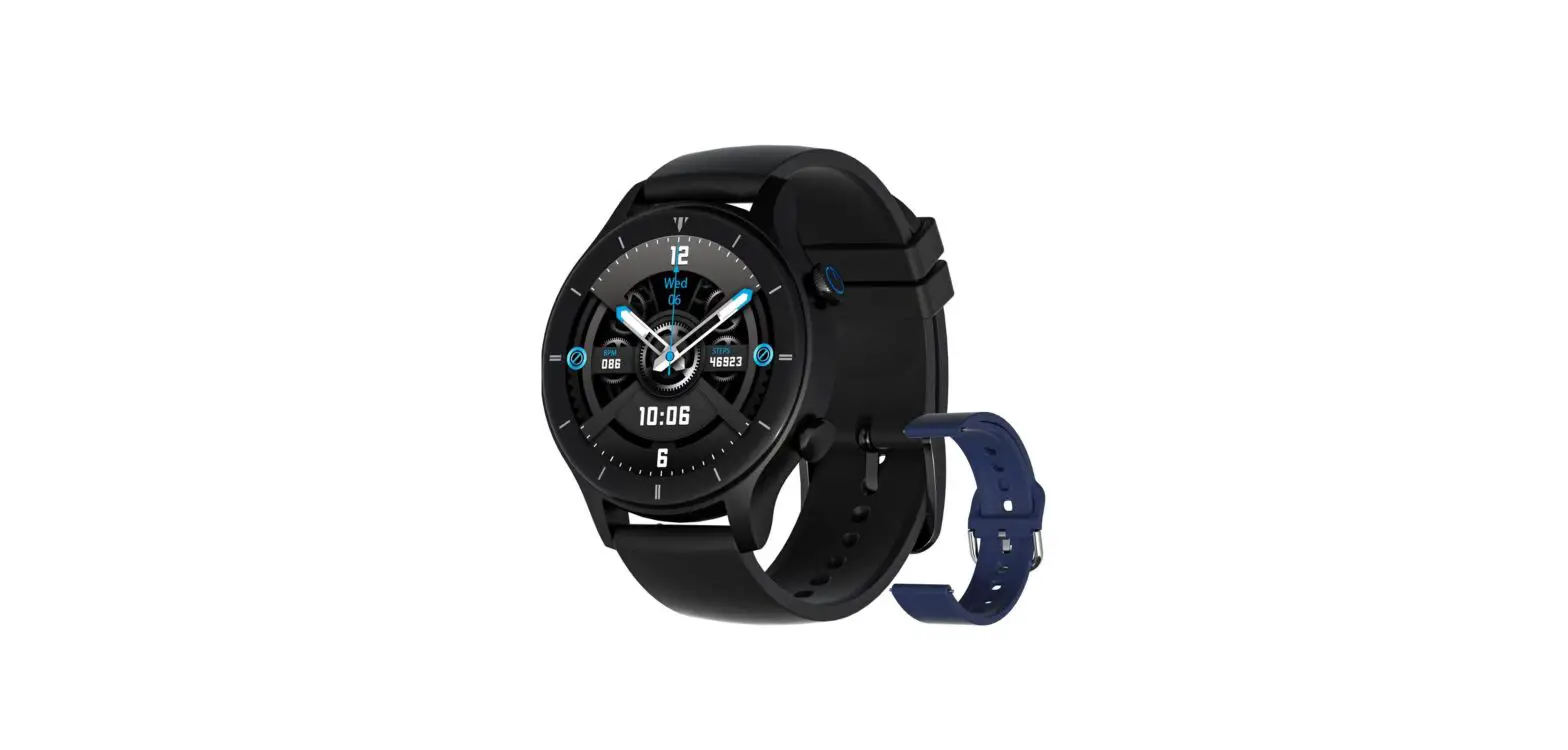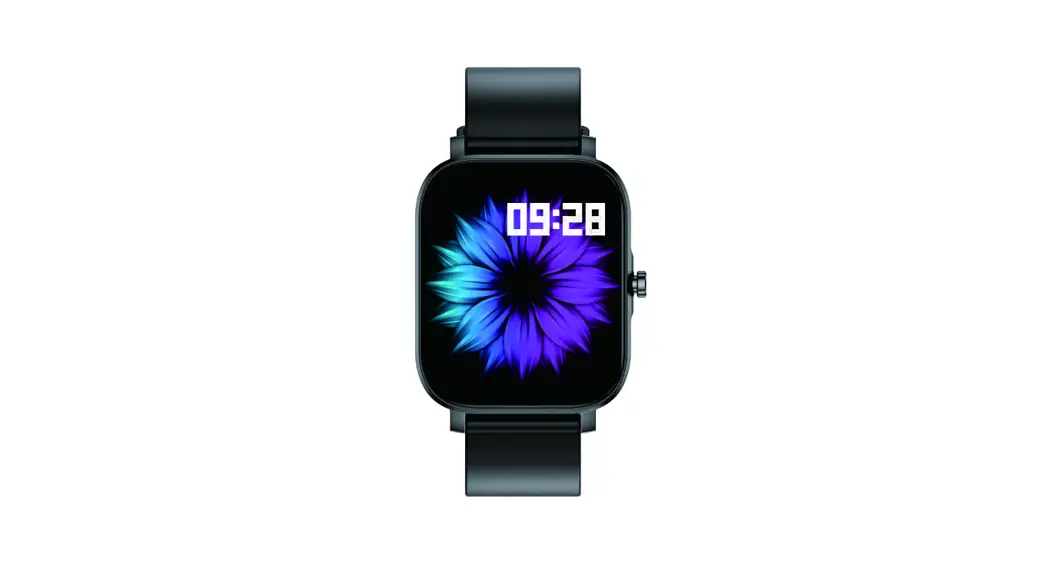
GCBIGTS29 Smart Watch
User Manual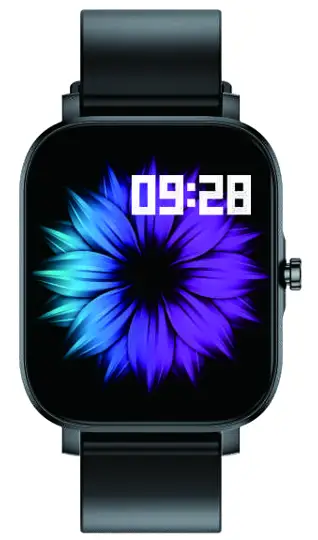 USER MANUAL
SMART BRACELET
TS29
ACTIVATE WARRANTY
Support permanent replacement for damaged, defective, upgraded or lost items (No need to return the original one). Please activate within15 days via the below
e-mail: [email protected]
Downloading the App
Scan the following QR code, download, and install the App.
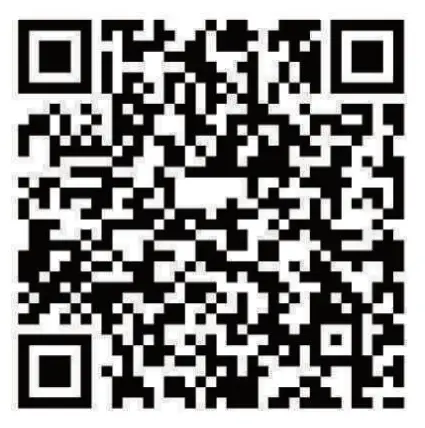 http://plus.crrepa.com/app-download/dafit
scan QR Code and Download
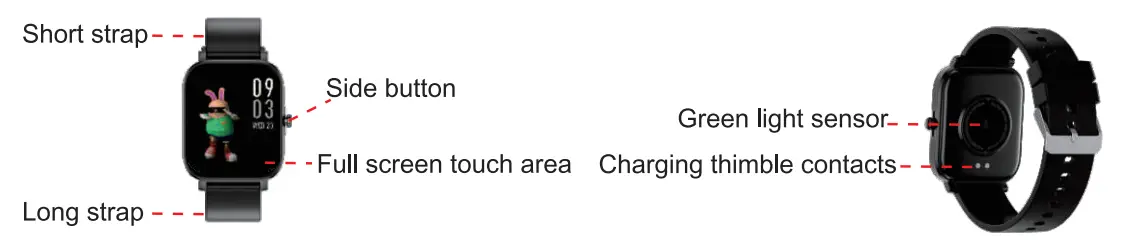
Appearance introduction
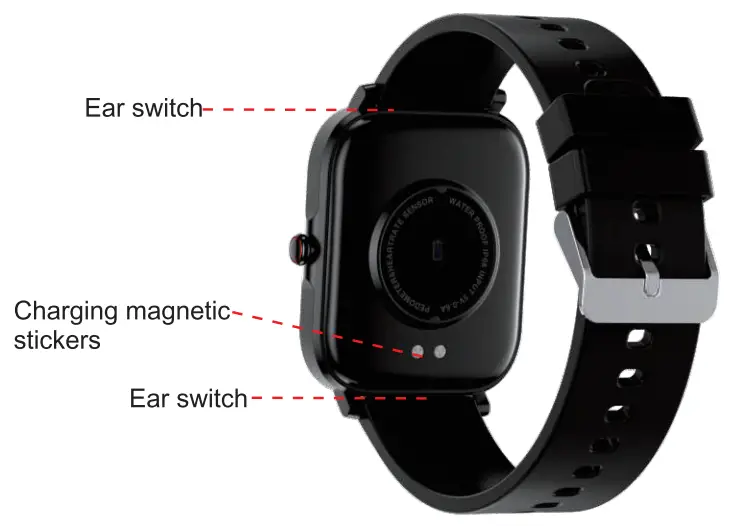
How to remove the strap
Charging requirements and battery specifications
Operating Voltage 3.7V Battery capacity 230mAh Battery Type Lithium polymer battery Battery Type Contact charging Charging method 512Hour, 25°C constant temperature
| Operating Voltage | 3.7V |
| Battery capacity | 230mAh |
| Battery Type | Lithium polymer battery |
| Battery Type | Contact charging |
| Charging method | 512Hour, 25°C constant temperature |
Notice
Smartwatch data cannot be used for medical purposes. The monitoring data is for reference only. If you need medical help, please contact a professional doctor.
Charging and Active
Charging the device to act before the first time using; To charge your device, plug the charging cable into the adapter or USB port on your computer.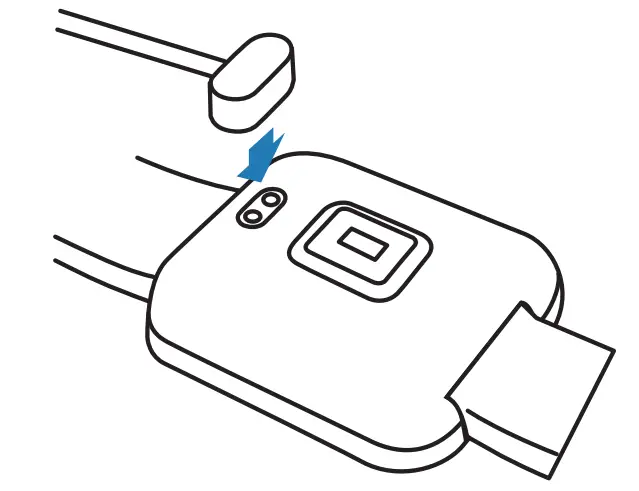
lf the watch is out of power, please charge it, and wait for 5~10 seconds to light up the screen.
Pairing
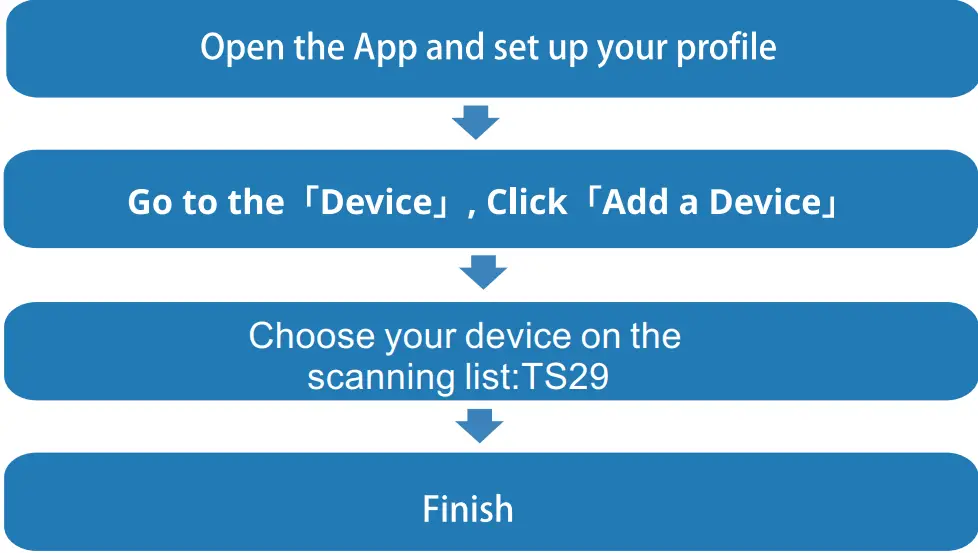
The MAC address on the “Setting” -” About” page could help you identify your device on the scanning list.
Compatible device description
Android 5.0 4- iOS 9.0
Use the Touch Screen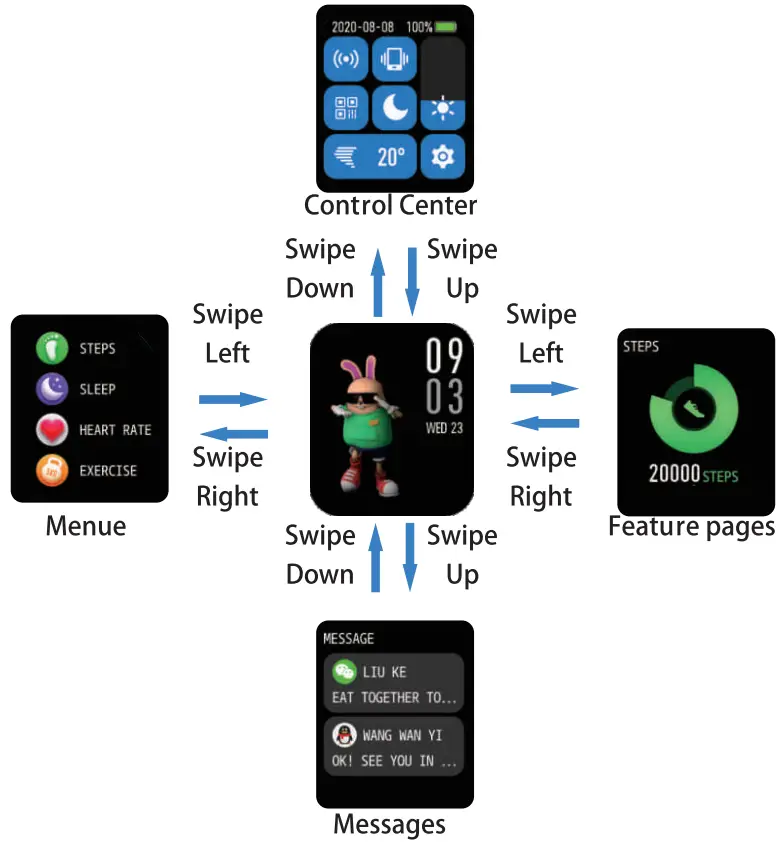
Supports switching dial styles and custom dial styles
- Press and hold for 3 seconds on the main interface to select another dial style.
- To switch a custom watch face, you need to edit and select the pictures in the album in the watch face push of the APP, or you can choose to push more watch faces at the bottom.
Smart Watch Features
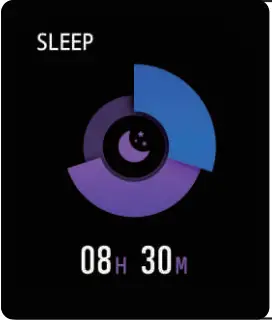 | Sleep Mode The watch can record and display the total sleep time and the time of deep sleep and light sleep last night. More detailed analysis and data logging can be viewed in the APP. |
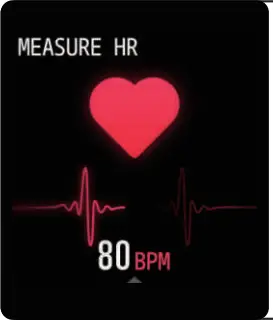 | Heart Rate Test The SmartWatch could record your heart rate all day . You also could tap on the page to start measuring heart rate. Click to start to test,it will vibrate after testing. |
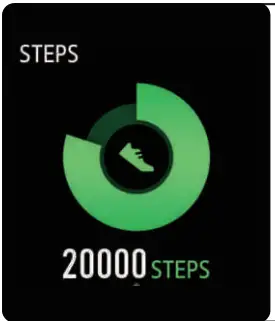 | Sports Smart Watch automatically tracks Steps taken on the screen. NOTE: Your movement stats reset to zero at midnight. |
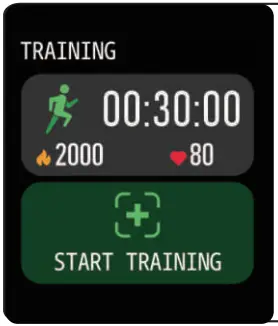 | Training Tap the training icon on the menu to start a new training measure recording, there are 12 sports modes to be chosen. The last training recording will be shown on the training page. |
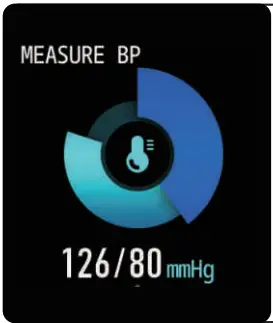 | Blood Pressure Test Tap on the blood pressure page to start measuring your blood pressure. On the blood pressure page, It can show the blood pressure measurement data of the last times. |
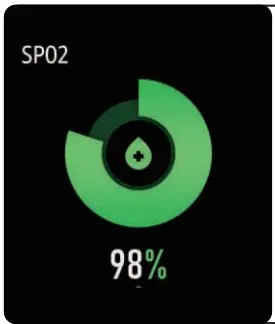 | Sp02 Test Tap the 5 p02 pages to start measuring your Sp02. On the Sp02 page, It can show the Sp02 measured data of the last times. |
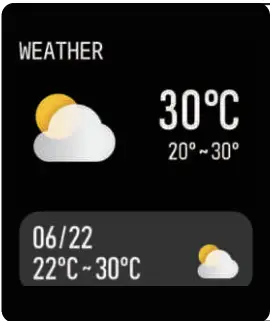 | Weather It could show the weather info of current and tomorrow on the weather page. Weather info is synced after connecting with the APP, it will not be updated after a long disconnect. |
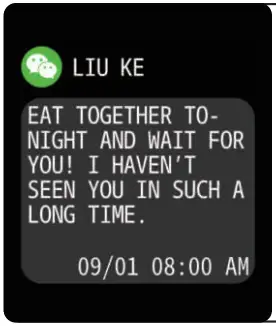 | Messages Reminder The device can sync incoming notifications from Twitter, Facebook, Whatsapp, Instagram etc. Recently 5 messages can be stored. Note: You can switch of/off the incoming notification in the APP. |
 | Remote Shutter After connecting the device,you can remote control the camera on your phone. |
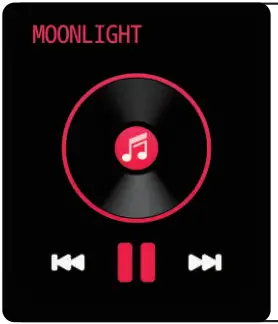 | Player Shutter After connecting the device,you can remote contra’ the music player on your phone. |
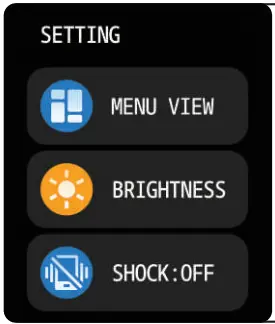 | Other Features Other features include brightness, mute on off/do not disiurb . factory reset, power off, app and about. |
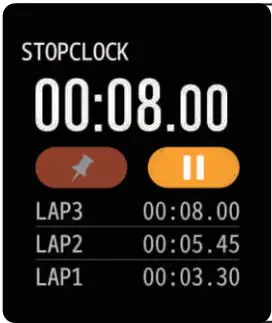 | Stop Watch Tap the start button on the stopwatch page to start timing, and tap the stop button to stop timing. |
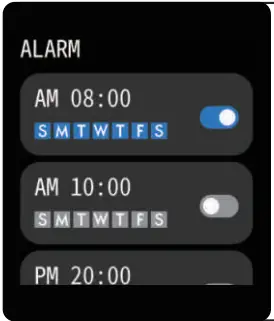 | Silent Alarms Set up the alarm on the APP, the device will vibrate to remind on time. |
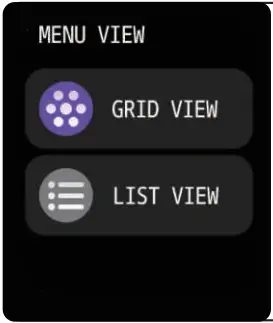 | MENU VIEW Select MENU VIEW In SETTING to switch between two styles, LIST VIEW and GRID VIEW. |
 | Remind to Move The device will vibrate to remind you to make relax after 1-hour sitting. Note: You can switch on/off the feature in the APP. |
 | Remind to Drink The smart watch will remind you lime to Drink Some Water” at the planned drinking time. Note: You can set the feature in tht APP. |
Getting to Know Your Device
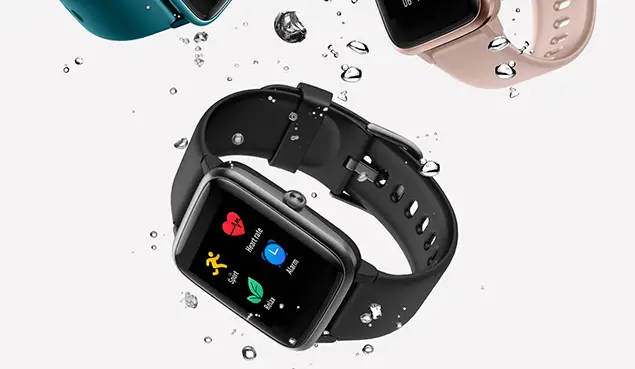
- Waterproof precautions
The watch can record and display the total sleep time and the time of deep sleep and light sleep last night. More detailed analysis and data logging can be viewed in the APP. - Using Quick View
With Quick View you can check the time or the message from your phone on your Smart Bracelet without taping. Just turn your wrist towards you and the time screen will appear for a few seconds.
General Info & Specifications
- Environmental Conditions Operating temperature: 14°F to 122°F (-10°C to 50°C) Non-operating temperature: -4°F to 140°F (-20°C to 60°C)
2. Size Fits a wrist between 5.5 and 7.7 inches in circumference. - Disposal and Recycling Please kindly be aware that it is the consumer s responsibility to properly dispose of and recycle Smart Bracelet and accompanying components. Do not dispose of Smart Bracelet with common household waste, the Smart Bracelet unit is considered electronic waste and should be disposed of at your local electronic equipment collection facility. For more information, please contact your local electronic equipment waste management authority or the retailer where you bought the product.
FAQs
- Why the watch cannot be searched in the App?
A: a.When the Bluetooth on the watch is not searched by the mobile phone during Bluetooth broadcast, the Bluetooth on the watch will sleep. Please turn off the Bluetooth
on the watch and that on the mobile phone and search and connect the Bluetooth again about one minute later.
b.The GPS positioning function on the mobile phone must be turned on. In “Setup” on the mobile phone using the Android operating system, be sure to allow the App to obtain the positioning authority.
2. Why no reminders are received after the reminder function has been enabled?
A: If the message notification function and the corresponding motification authority have been enabled, the Bluetooth on the mobile phone should be kept on and connected to the watch at all times. For example, only when WeChat or QQ has not been logged in on other clients will the message reminder function on the watch be available when any message pops up on the mobile phone.A mobile phone using the Android operating system must allow the App to run in the background and set white lists.