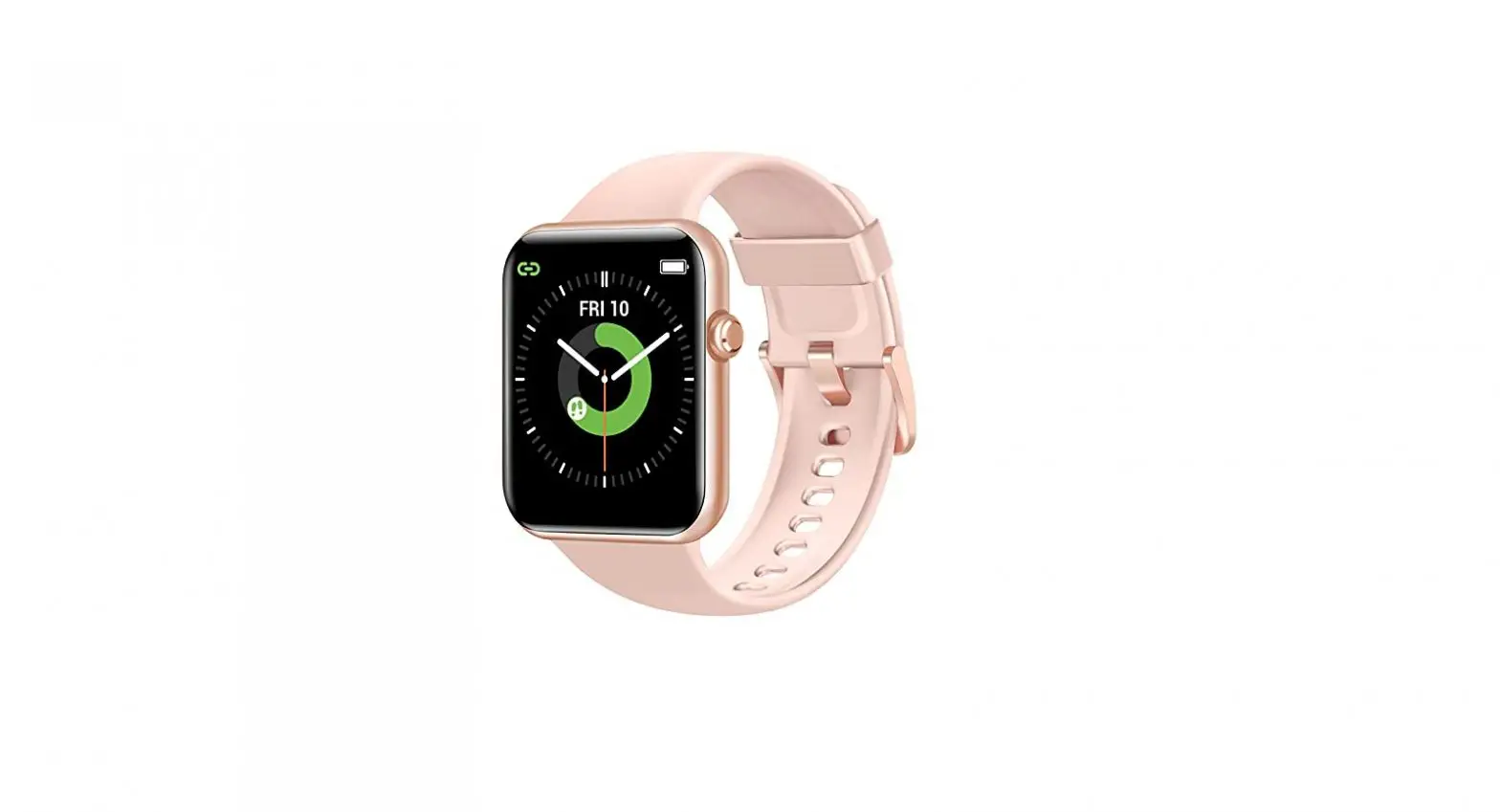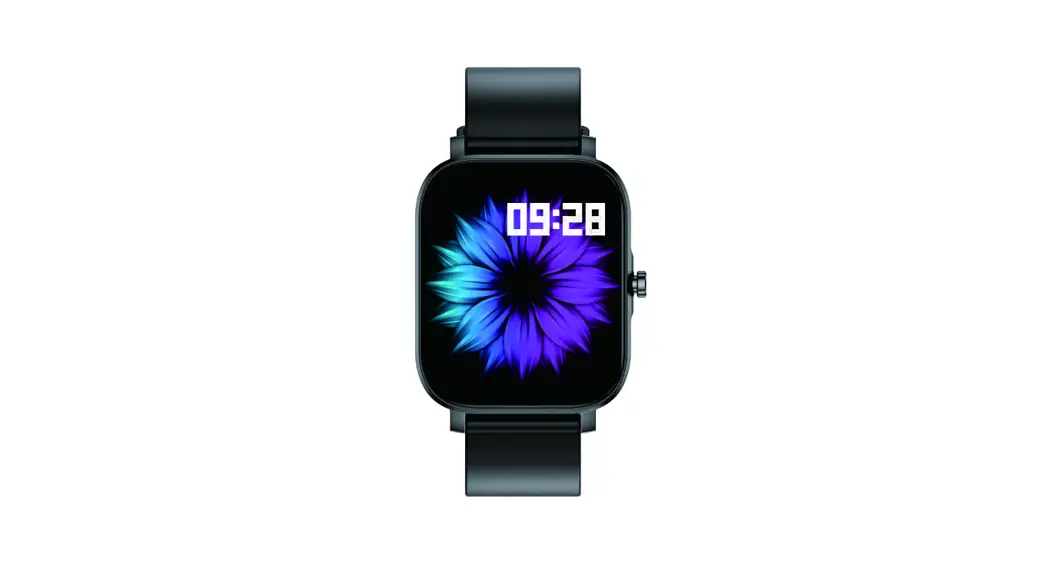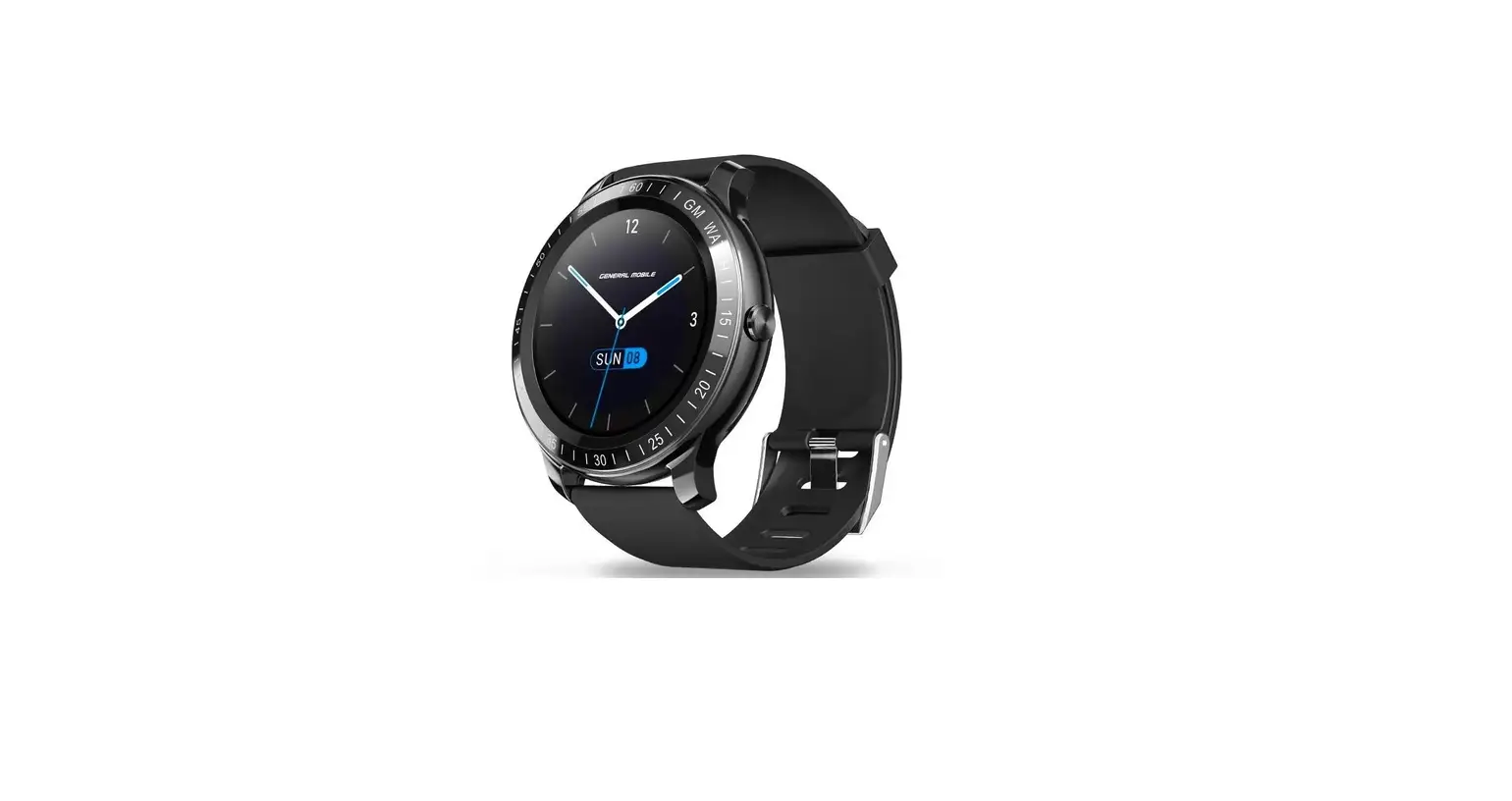

GMWatch
User Manual and Warranty Certificate
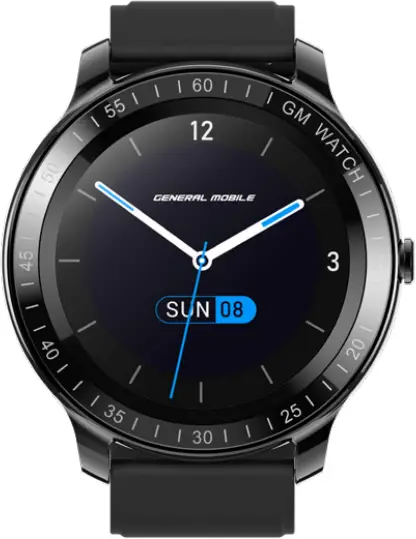
I. Quick Start
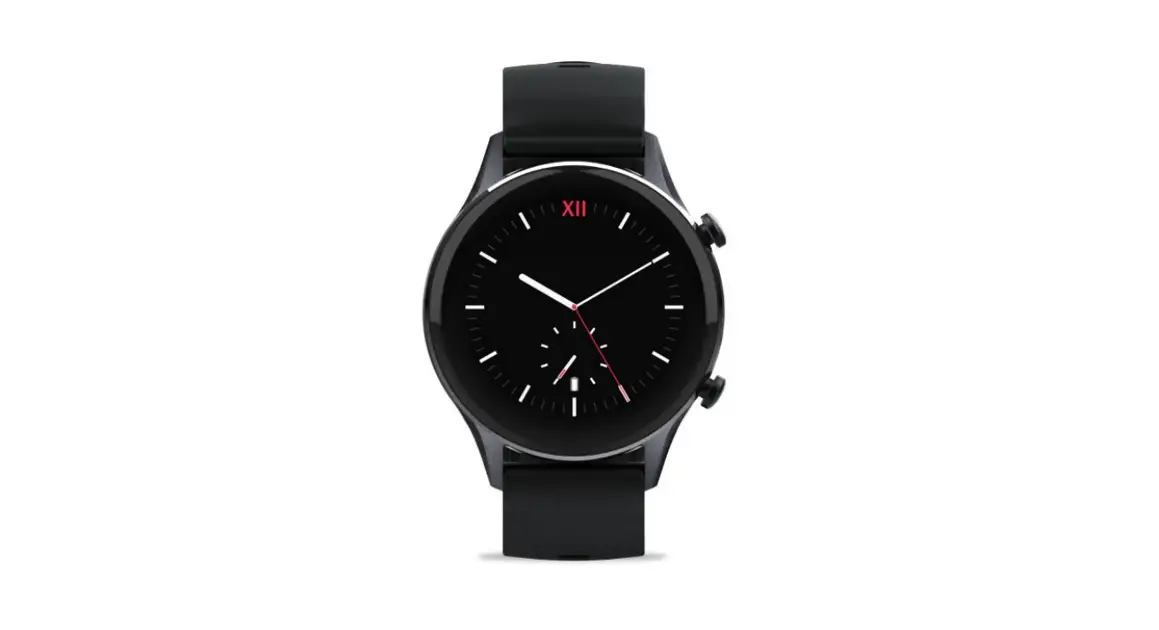
1. Appearance
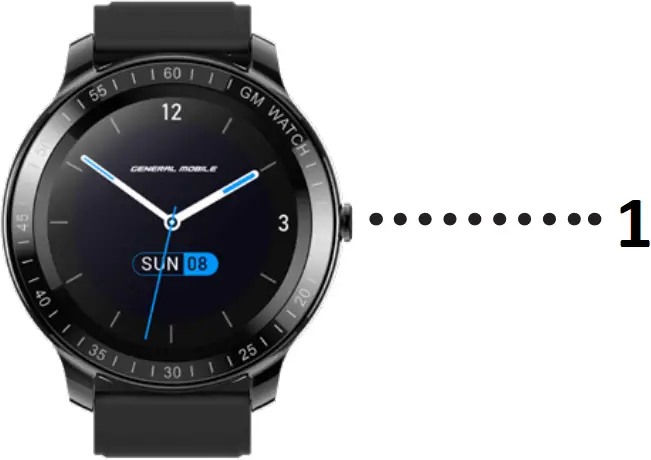
- Button
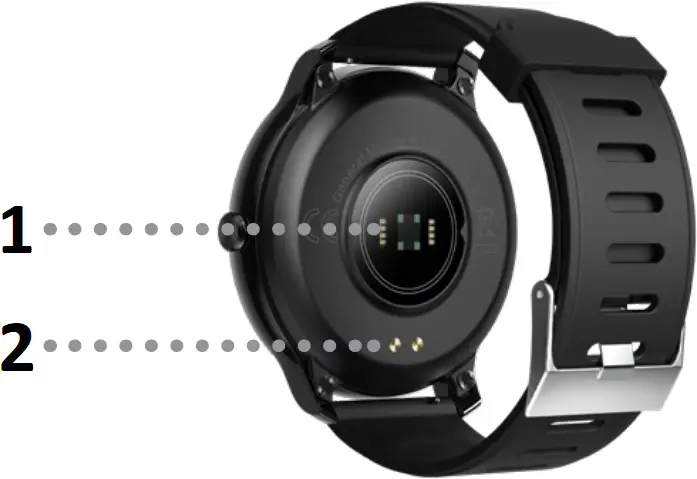
- Heart Rate Sensor
- Magnetic Charging Interface
Short Press
- Stop the reminder on the reminder interface.
- Light up the screen when the screen is off.
- Turn off the screen when the dial screen is on.
- In the app, end or exit the app and return to the upper-level page.
Long Press
Long press for 10s to reset the software in charging mode (data not cleared)
2. Starting and Shutting Down The Watch
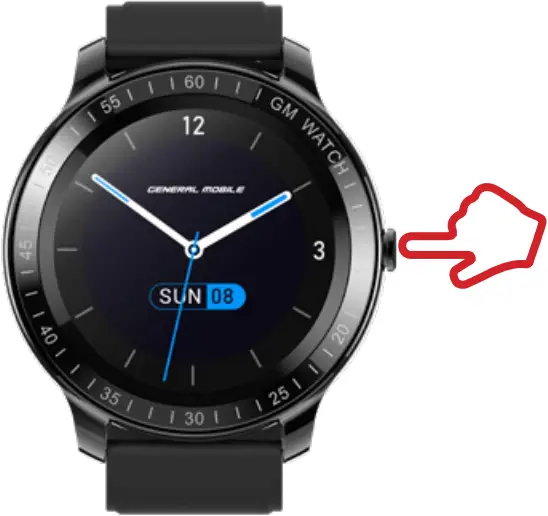
a. Starting the Watch
Long press the button to start the watch
b. Shut Down
Shutdown path:
Settings > Shutdown
II. Download and Pairing

1. Downloading the App
Directly scan the QR code to download “GM Watch” or search for “GM Watch” in the mobile app store to download and install the app.
2. Pairing
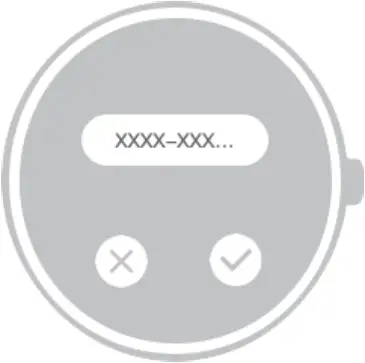
Pair the app with the watch by using “GM Watch” on the mobile phone.
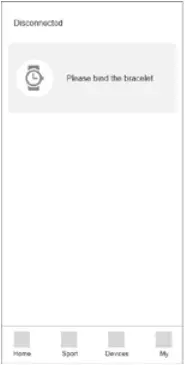
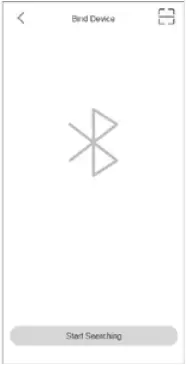
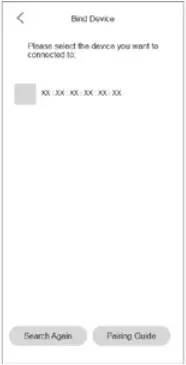

III. Screen Operations
 Swipe up and down
- Switch between pages at the same level.
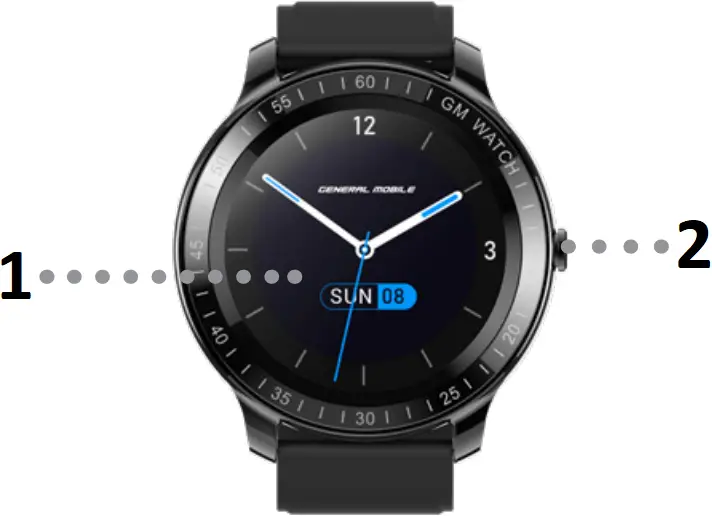
- Screen
- Button
Slide left and right
- Switch between pages at the same level.
Top on the screen
- Top a list item to display the lower level page
- Complete the corresponding operations as prompted.
Long press on the screen
- On the dial page, switch the dial
IV. Functions
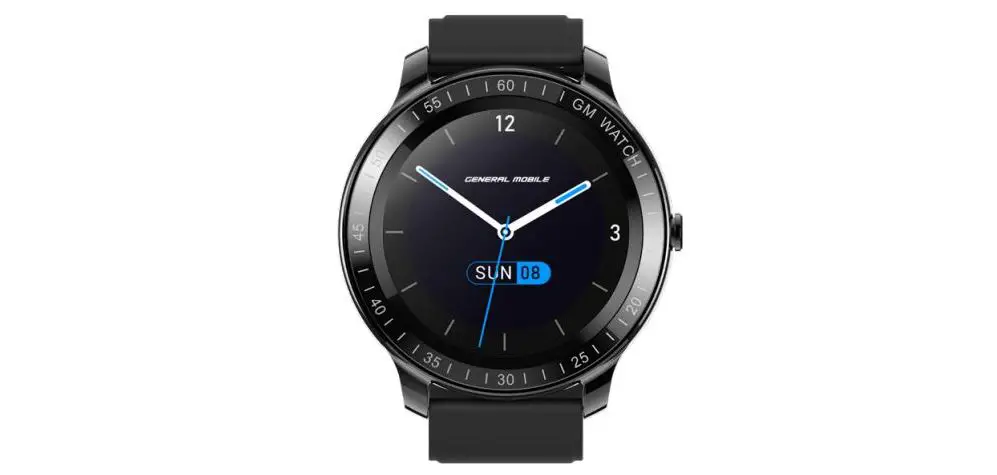
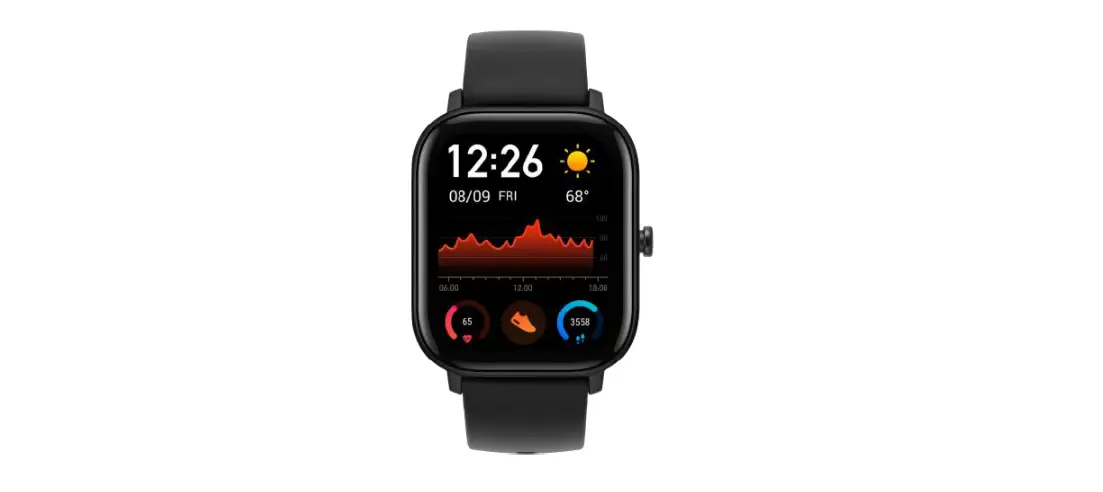
The GM Watch supports multiple sports modes, female health, weather, breathing training heart rate monitoring, sleep monitoring blood oxygen detection, message reminders and other functions. For details about the functions and common questions, see the user guide on the app.
Alternatively, scan the QR code with a browser or other scanning tool to obtain the usage guide.
V. Maintenance
It is recommended to wear and maintain the watch based on the following requirements:
1. Keep the product clean.
2. Keep the product dry.
3. Do not wear the product too tightly.
4. Clean the device using soap-free cleaners, instead of household cleaners.
5. It is recommended to scrub the stains that are not easy to remove with alcohol.
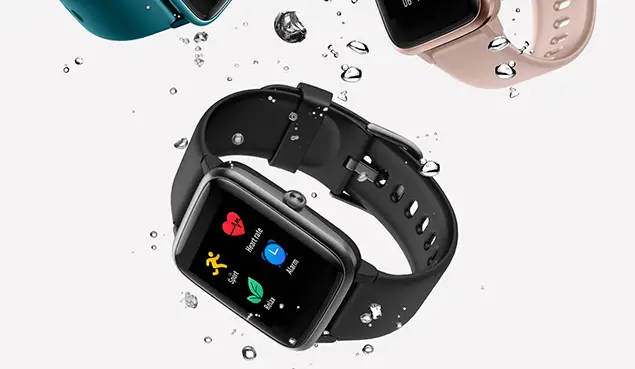
Waterproof: The device is tested and dustproof and waterproof in certain environments.
VI. Safety & Certification
Do not place the device and its accessories in an area that is too hot or too cold; otherwise, the device may malfunction, catch fire or explode.
Avoid strong impact or vibration on the product, so as not to damage the equipment and its accessories and cause equipment failure.
Do not disassemble or modify equipment and accessories without authorization. When the equipment fails, contact the after-sales service.
The radio waves generated by the equipment may affect the normal operation of implanted medical equipment or personal medical equipment, such as pacemakers, cochkear implants, and hearing aids. If you use these medical devices, consult their manufacturers about the restrictions on their use.
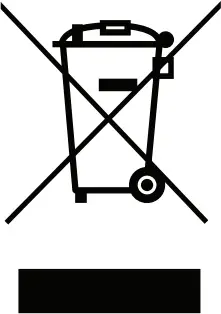
Do not throw away old electrical appliances along with the residue. Dispose of used electrical appliances separately at private collection points or public collection points for free. 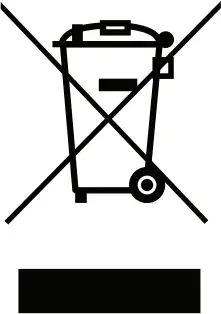 The owner of the old equipment brings the equipment to these collection points or similar collection points This helps recover valuable raw materials and dispose of toxic substances.
 The equipment complies with EU ROHS standards.
Refer to IEC 62321, EU ROHS Directive 2011/65/EU and revised directives.
VII. Technical Specifications
| Model | GM Watch |
| Battery capacity | 300 mAh |
| Charging time | 2.5h |
| Waterproof level | IP68 |
| Operating temperature | -20°C – 60°C |
| Product frequency | 2.4 GHz |
| Screen size | 1.28″ |
| Charging voltage | 5V |
| Battery life | About 10 days |
| Product net weight (with strap) | 62g |
| Bluetooth version | BLE 5.1 |
| Maximum transmit power | 6.5dBm |
Declaration of Conformity (RED)
| Product Description | Smart Watch |
| Brand | General Mobile |
| Model | GM Watch |
| We hereby declare that the above named product is in conformance all the essential requirements of the directive RED to which is declaration relates, is in conformity with the following standards and/or other normative documents. | |
| Standards | EN 62479:2010, EN 50663:2017 EN 62368-1:2014+A11:2017 ETSI EN 301 489-1 V2.2.3 (2019-11) ETSI EN 301 489-17 V3.2.4 (2020-09) EN 55032:2015, EN 55035:2017 EN 61000-3-2:2014, EN 61000-3-3:2013 ETSI EN 300 328 V2.2.2 (2019-07) |
| Manufacturer | Sichuan Koobe Communication Co., Ltd |
| Importer | Telpa Teknoloji Hizmetleri A.Ş. Hamidiye mah. Anadolu Cad. No:14 Kağıthane İSTANBUL/TÜRKİYE |

Sebahattin YAMAN/CEO
05.01.2022