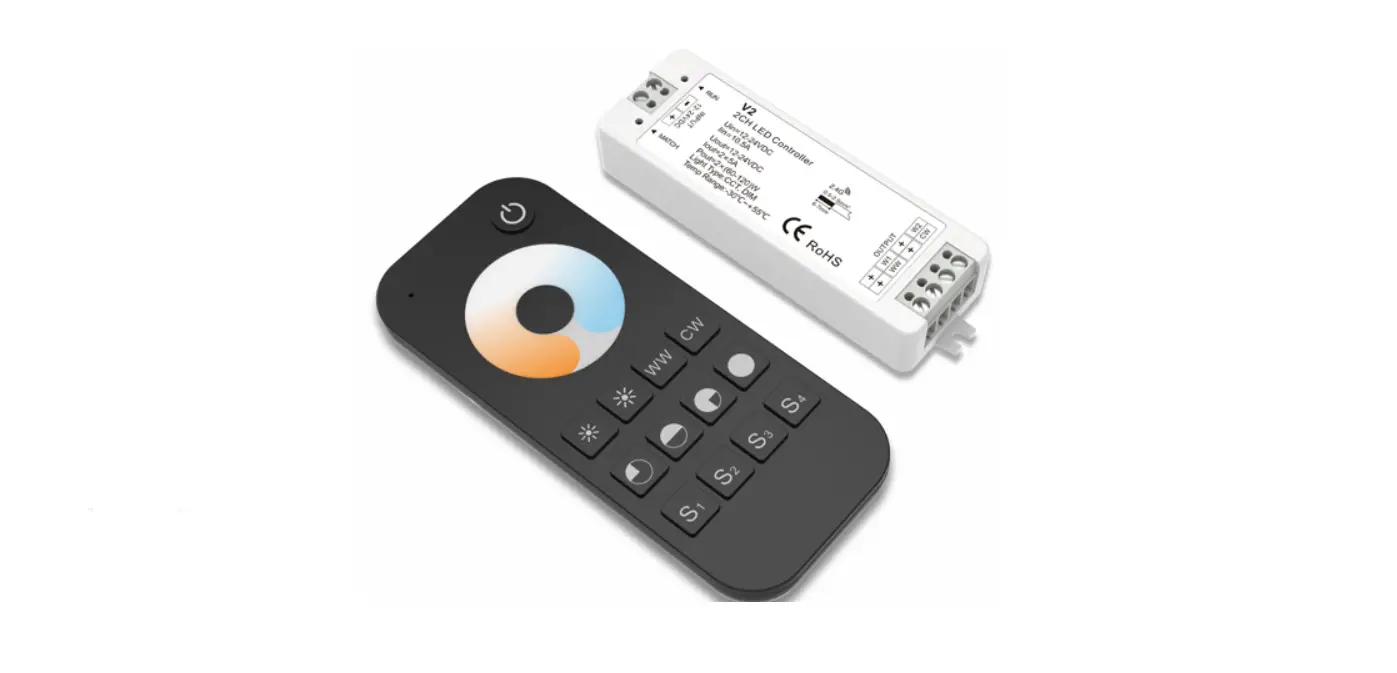
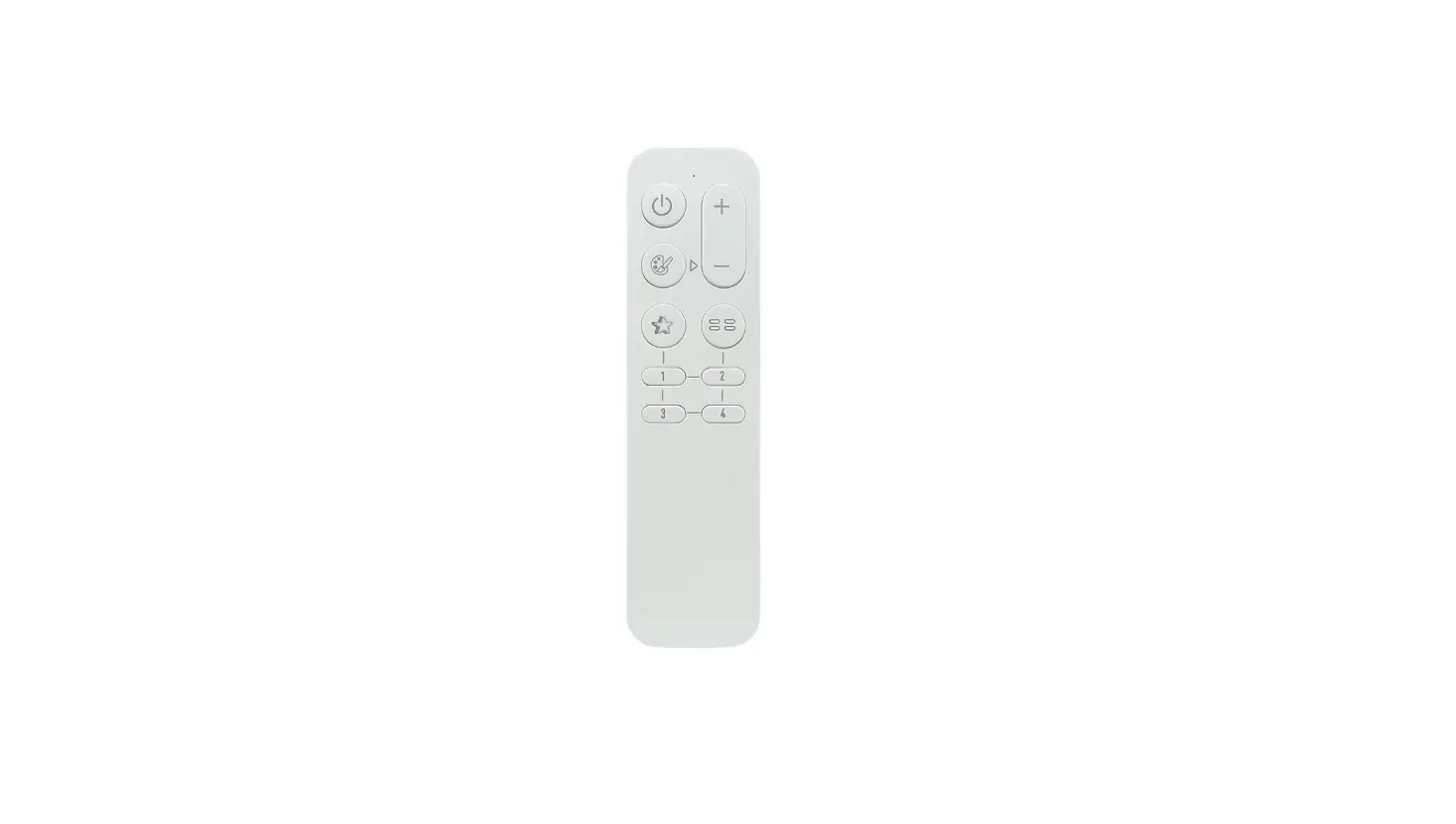
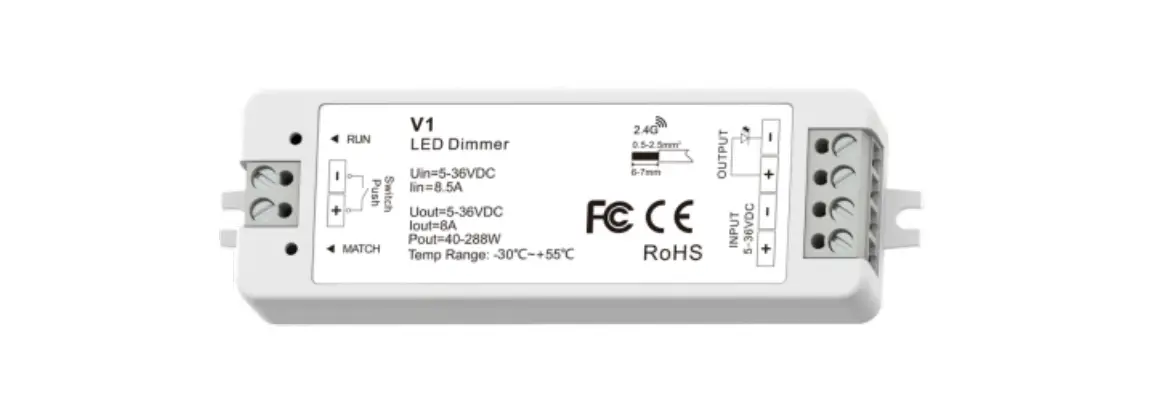
2 Channel Smart LED Controller
Pirnar 2CH Smart LED Controller
The Pirnar 2CH Smart LED Controller is a device designed to
manage and control exterior and interior LED lighting. It operates
on a DC12/24V power input and has two channels: CH#1 for exterior
LED outputs and CH#2 for interior LED outputs. The controller
features various buttons and indicators for selecting color
temperature, brightness, and channel control.
Product Specifications:
- Input Voltage: Same as LED Working Voltage (DC12/24V Power
Input) - Max Output Current: Not specified
- Working Temperature: Not specified
- Storage Temperature: Not specified
Product Usage Instructions:
ADDING NEW DEVICES:
- Click on the “Add Device +” in the top right corner of the
Pirnar app. - Wait for the app to automatically find a device. If the device
is not found automatically, press down Button#1 and Button#2
simultaneously for 5-10 seconds until the LEDs start blinking. - Wait for the device to be found automatically or choose the
SmartLux device manually and follow the in-app instructions. - Click on the “+” symbol and enter the name and password for the
2.4 GHz Wi-Fi network. - Finish adding devices.
MANUAL DEVICE MANAGEMENT:
Brightness:
- Press down Button#1 to change the brightness of LEDs. Button#3+
and Button#4- will light up, allowing you to adjust the
brightness.
Lighting Temperature:
- Press Button#2 to change the lighting temperature. Button#3+
and Button#4- will light up, allowing you to adjust the lighting
temperature.
Switching between CH#1 Exterior LED and CH#2 Interior
LED:
If you want to switch between CH#1 and CH#2:
- Press and hold both Button#3+ and Button#4- simultaneously for
5 seconds. - This will make Indicator#2 or Indicator#3 light up for the
chosen channel (CH#1 or CH#2). If Indicator#2 was already lit, it
will turn off and Indicator#3 will light up.
Managing CH#1 Exterior LED:
Shining LED indicator#2
Managing CH#2 Interior LED:
Shining LED indicator#3
FCC Warning:
This device complies with part 15 of the FCC rules. Operation is
subject to the following two conditions: (1) this device may not
cause harmful interference, and (2) this device must accept any
interference received, including interference that may cause
undesired operation.
Radiation Exposure Statement:
This equipment complies with FCC radiation exposure limits set
forth for an uncontrolled environment. This equipment should be
installed and operated with a minimum distance of 20cm between the
radiator and your body.
Pirnar 2CH Smart LED Controller
Input Voltage Max Output Current Working Temperature Storage Temperature
12Vdc / 24Vdc 5A /CH -25°C — 55°C -40°C — 80°C
( Same as LED Working Voltage )
DC12/24V Power Input
CH#1 Exterior LED Outputs
CH#2 Interior LED Outputs
Button #4: CCT DIM Increase Button #3: CCT DIM Decrease
Button #2: Brightness Select
Indicator #2: CH#1 Select
Button #1: Color Temperature Select Indicator #1: Pwr Indicator
Indicator #3: CH#2 Select
Press Button #1 + Button #2: Keep 10S pressing Resets the controller and goes into pairing mode
Press Button #3 + Button #4: Keep 5S pressing Switch and activate CH#1 or CH#2
ADDING NEW DEVICES
You must add a new device to manage your SmartLux lighting. Device must be within range of a
2.4 GHz Wi-Fi network.
1
2
1 Click on “Add Device” + in the top right
corner of the Pirnar app.
2 Wait for the app to automatically find a device. If the app does not find the device automatically,
press down Button#1 and Button#2 for
5-10 seconds until the LEDs start blinking
Wait for the device to be found automatically. Or choose the SmartLux device manually and follow the in-app instructions
3
3 Click on the + symbol. Enter the name and password for the 2.4 GHz Wi-Fi network.
4 Finish adding devices
4
MANUAL DEVICE MANAGEMENT Brightness: Press down Button#1 to change the brightness of LEDs Then the Button#3 + and Button#4 – will be light up. allowing you to adjust the brightness.
Lighting Temperature: Press the Button#2 to change the lighting temperature.
Then the Button#3 + and Button#4 – will be light up. allowing you to adjust the lighting temperature.
Switching between CH#1 Exterior LED and CH#2 Interior LED If you want to switch between CH#1 and CH#2
Press and hold both Button#3 + and Button#4 – 5 seconds simultaneously.
This will make the Indicator#2 or Indicator#3 light up for the chosen channel (CH#1 or CH#2). If the Indicator#2 was already lit, it will turn off and Indicator#3 will light up.
Shining LED indicator#2 Managing CH#1 Exterior LED
Shining LED indicator#3 Managing CH#2 Interior LED
FCC Warning This device complies with part 15 of the FCC rules. Operation is subject to the following two conditions: (1) this device may not cause harmful interference, and (2) this device must accept any inte rference received, including interference that may cause undesired operation.
Changes or modifications not expressly approved by the party responsible for compliance could void the user’s authority to operate the equipment.
NOTE: This equipment has been tested and found to comply with the limits for a Class B digital device, pursuant to part 15 of the FCC Rules. These limits are designed to provide reasonable protection against harmful interference in a residential installation. This equipment generates uses and can radiate radio frequency energy and, if not installed and used in accordance with the instructions, may cause harmful interference to radio communications. However, there is no guarantee that interference will not occur in a particular installation. If this equipment does cause harmful interferenceto radio or television reception, which can be determined by turning the equipment off and on, the user is encouraged to try to correct the interference by one or more of the following measures: · Reorient or relocate the receiving antenna. · Increase the separation between the equipment and receiver. · Connect the equipment into an outlet on a circuit different from that to which the receiver is connected. · Consult the dealer or an experienced radio/TV technician for help.
Radiation Exposure Statement This equipment complies with FCC radiation exposure limits set forth for an uncontrolled environment. This equipment should be installed and operated with minimum distance 20cm between the radiator and your body.
ISED Statement This device complies with Industry Canada’s license-exempt RSSs. Operation is subject to the following two conditions: This device may not cause interference; and This device must accept any interference, including interference that may cause undesired operation of the device. Le présent appareil est conforme aux CNR d’Industrie Canada applicables aux appareils radio exempts de licence. L’exploitation est autorisée aux deux conditions suivantes: l’appareil ne doit pas produire de brouillage; l’utilisateur de l’appareil doit accepter tout brouillage radioélectrique subi, même si le brouillage est susceptible d’en compromettre le fonctionnement.
Radiation Exposure Statement This equipment complies with ISED radiation exposure limits set forth for an uncontrolled environment. This equipment should be installed and operated with minimum distance 20cm between the radiator and your body. Déclaration d’exposition aux rayonnements L’appareil respecte les limites d’exposition aux rayonnements établies par la ISED pour les environnements non contrôlés. Lors de l’installation et du fonctionnement de cet appareil, la distance minimale entre le radiateur et le corps doit être de 20 cm