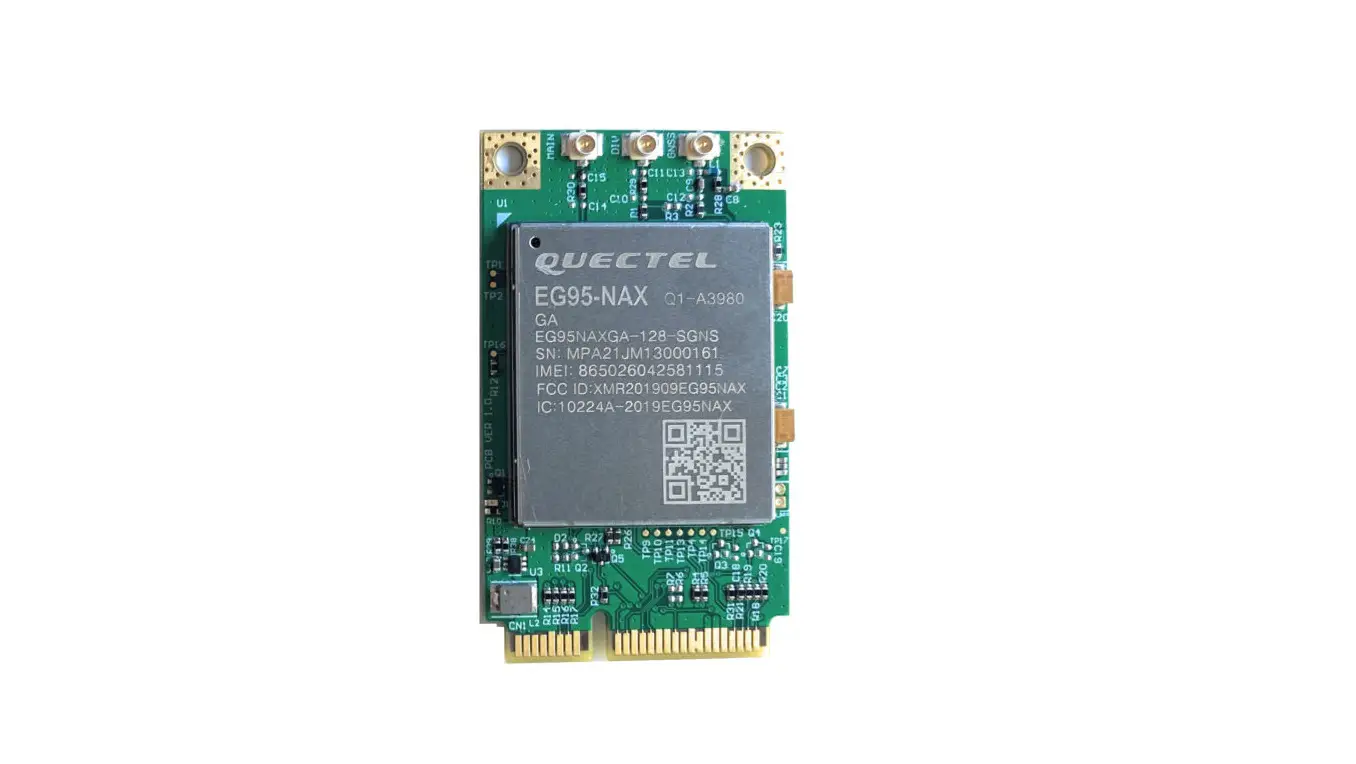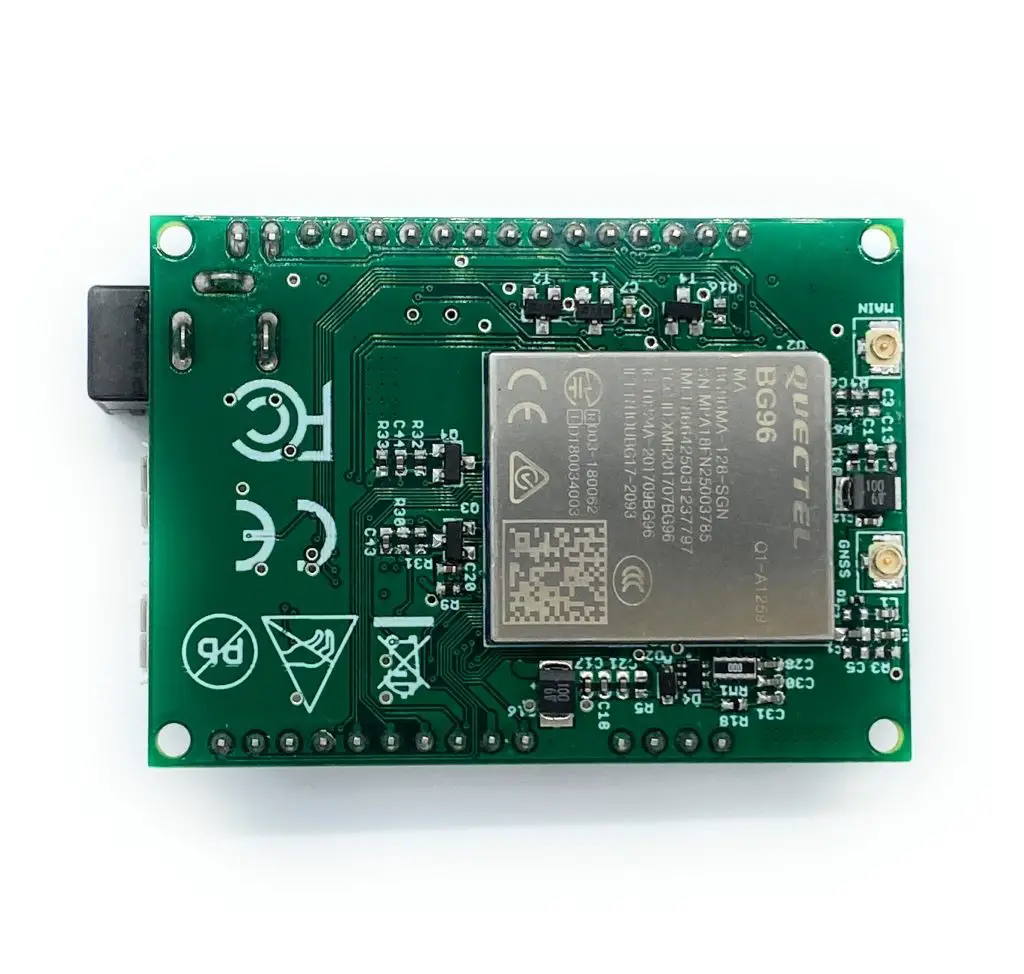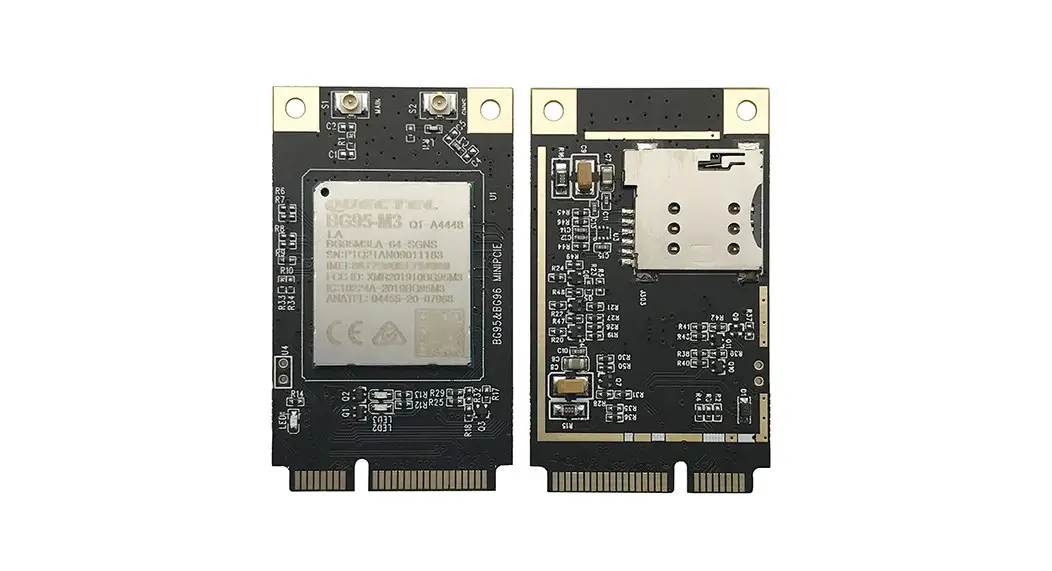

5G HUB TECHNOLOGIES BG95-M3 BG95 LTE Cat M1 NB2 Module
Purpose of the Document
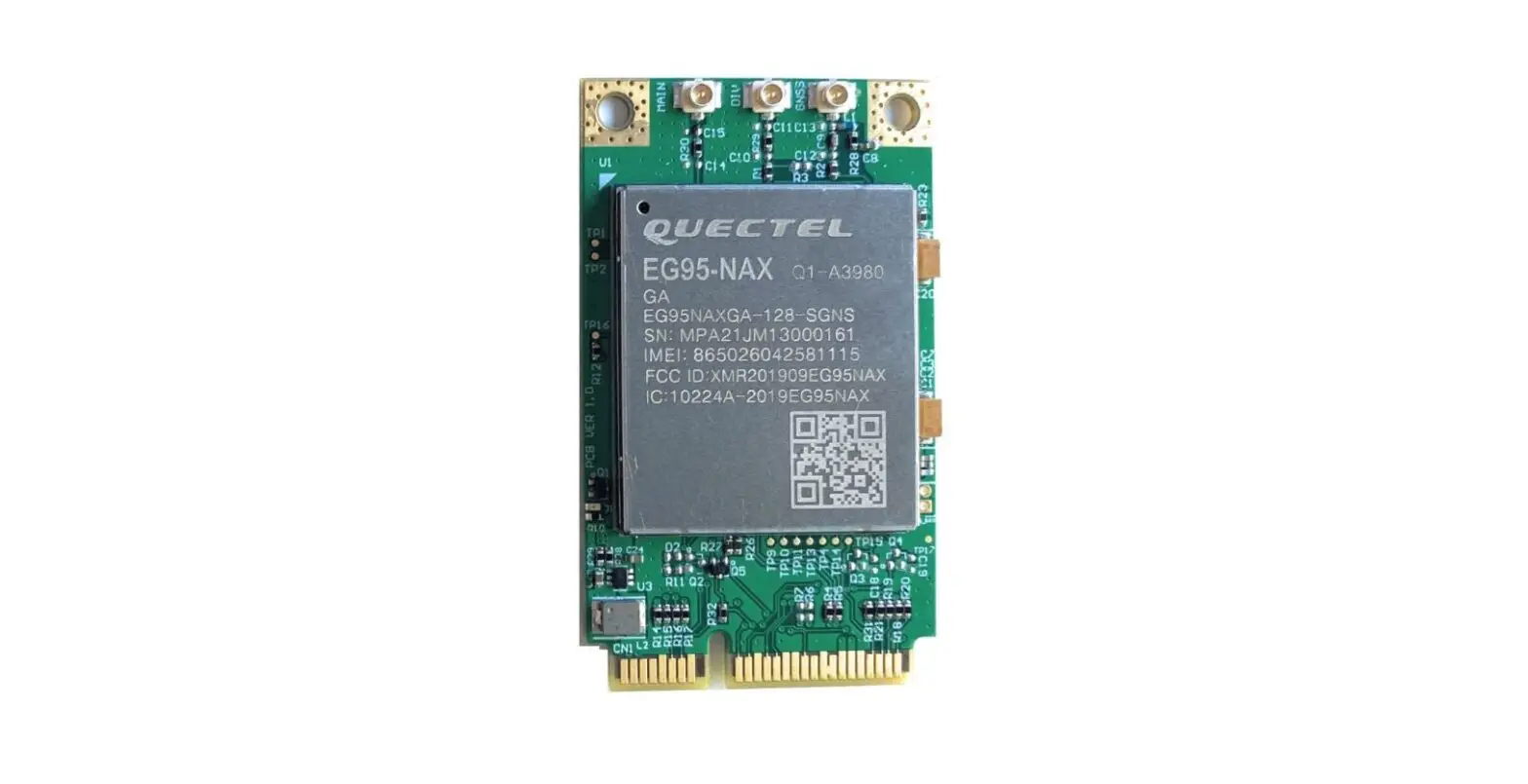
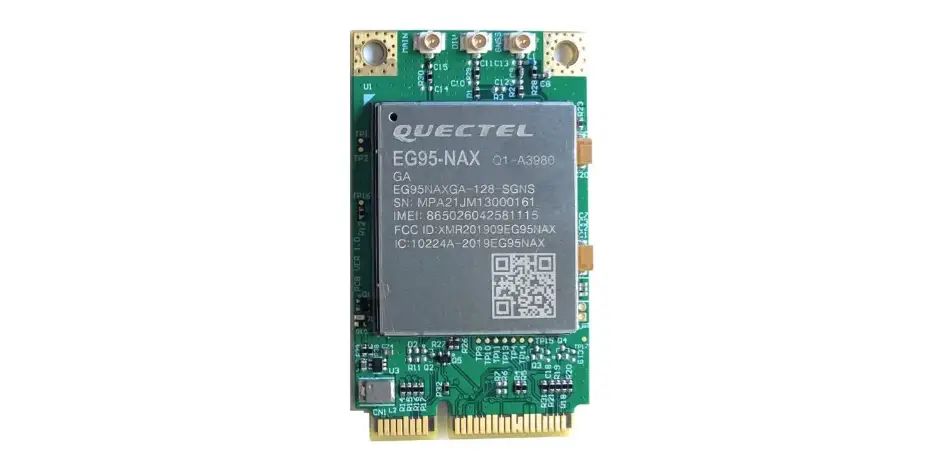
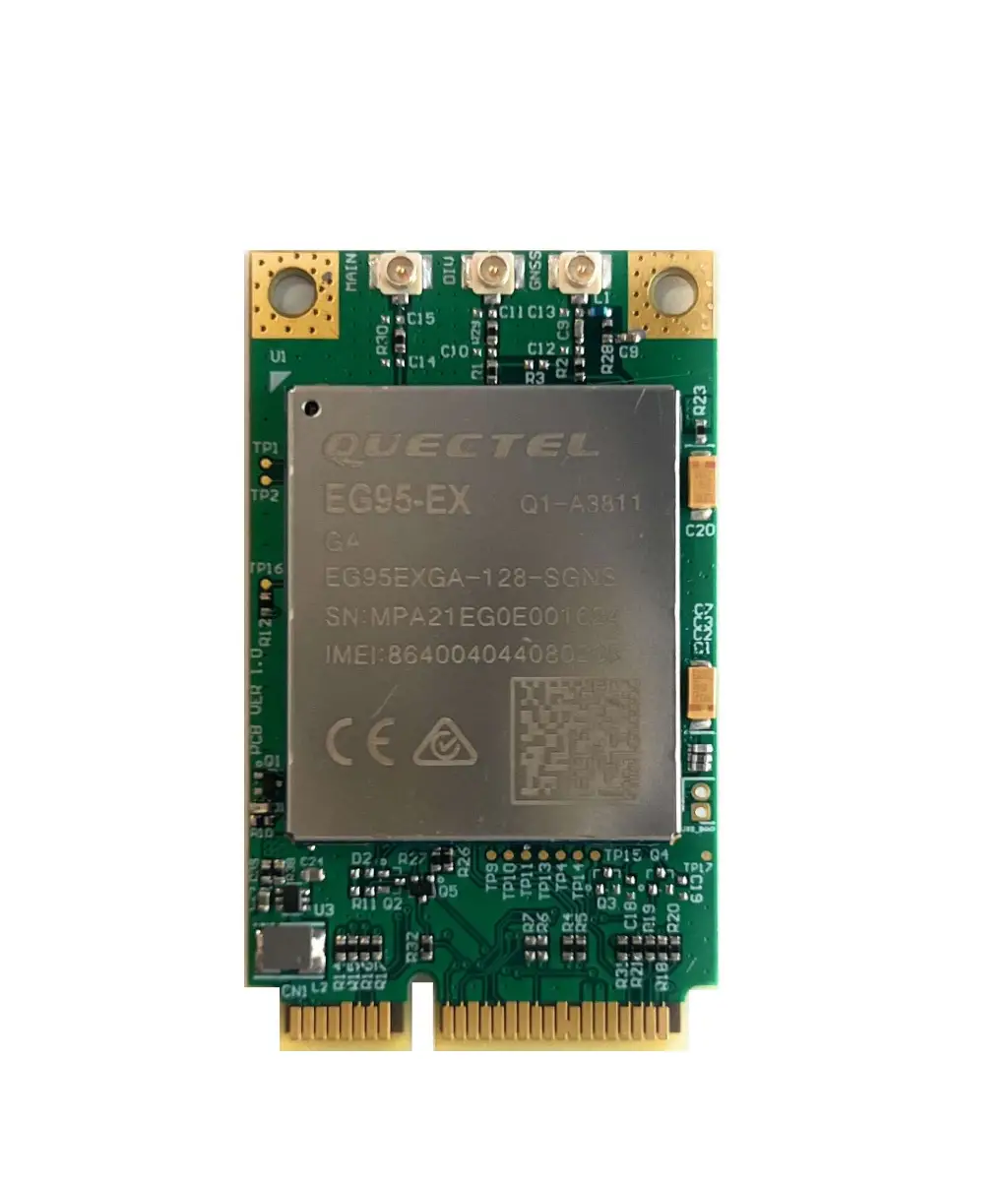
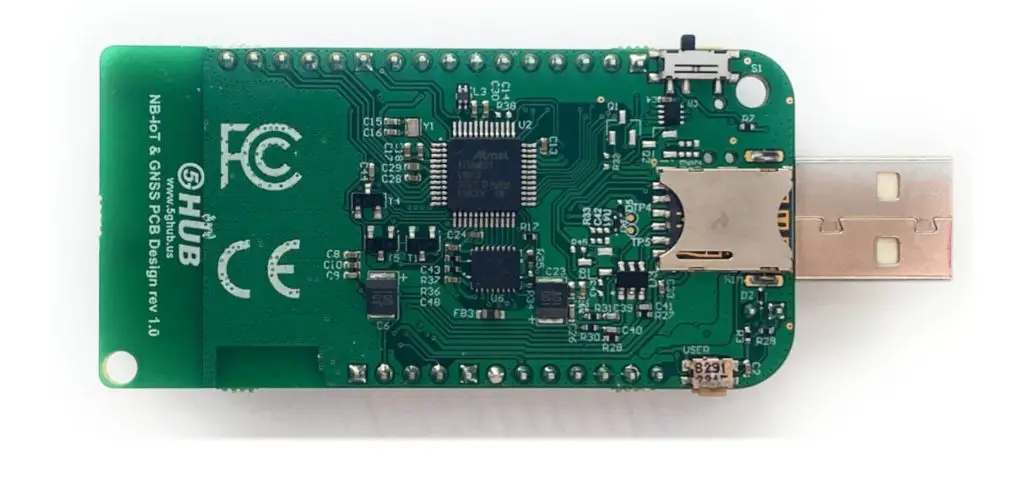
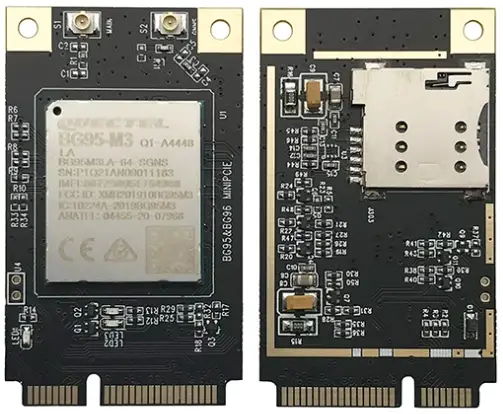
The purpose of this document is to explain the technical specifications and manual for using the miniPCIe BG95 LTE Cat M1/NB2 module.
Document History
| Version | Author | Date | Description |
| A | 5G HUB | 07.10.2022 | Initial Document |
Package Content
Package:
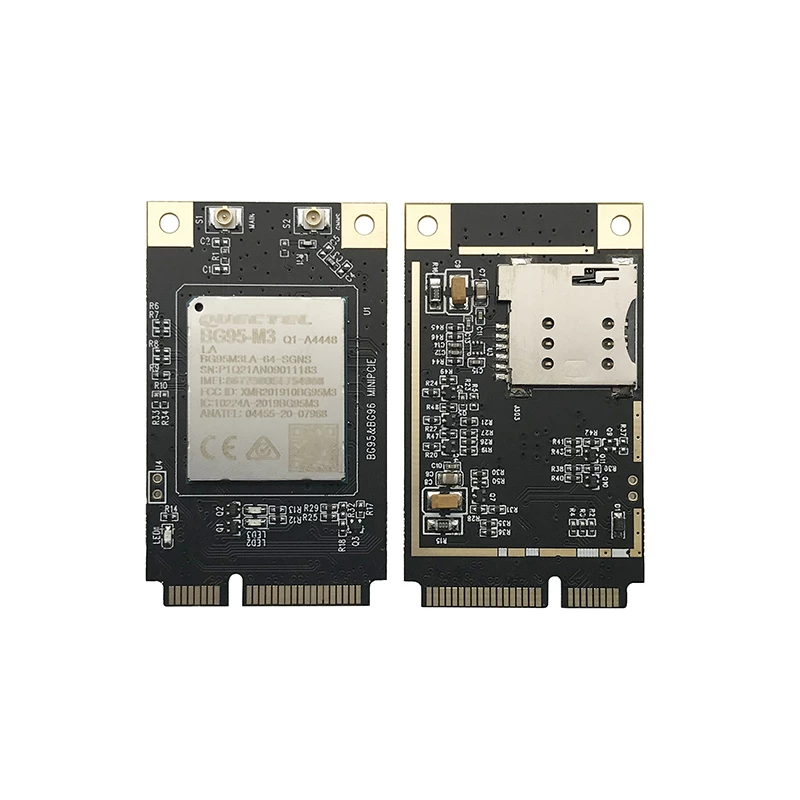
- miniPCIe for BG95-M3.
Download software:
Software can be downloaded from the following website: https://www.5ghub.us/download
Software to download:
- QNavigatorV1.6 (in the folder \Tools).
- Quectel driver (in the folder \Driver).
Documentation:
- Quectel AT commands and GNSS commands manual (in the folder \Doc).
General Description
Overview
- BG95 Mini PCIe is a series of LTE category M1/NB2 module adopting standard PCI Express Mini Card form factor (Mini PCIe). It is optimized specially for M2M and IoT applications and delivers 588 Kbps downlink and 1119 Kbps uplink data rates. It provides data connectivity on LTE-FDD/GPRS/EGPRS networks, and supports half-duplex operation in LTE networks.
- BG95 provides GNSS functionality to meet customers and supports Qualcomm® location technology (GPS, GLONASS, BeiDou, Galileo and QZSS). The integrated GNSS greatly simplifies product design, and provides quicker, more accurate and more dependable positioning.
- A rich set of Internet protocols, industry-standard interfaces, and abundant functionalities (USB serial drivers for Windows 7/8/8.1/10, Linux, Android) extend the applicability of the module to a wide range of M2M applications such as industrial router, industrial PDA, rugged tablet PC, video surveillance and digital signage.
Key Features
- LTE category M1/NB1 module optimized for broadband IoT applications
- Worldwide LTE, and GSM/GPRS/EDGE coverage
- Standard PCI Express® MiniCard form factor (Mini PCIe) ideal for manufacturers to easily integrate wireless connectivity into their devices
- GNSS Gen8C Lite of Qualcomm. Multi-constellation GNSS receiver available for applications requiring fast and accurate fixes in any environment
- LTE FDD: B1/B2/B3/B4/B5/B8/B12/B13/B18/B19/B20/B25/B26/B28/b66/B85
- GSM 850/EGSM 900/DCS 1800/PCS 1900
Data Rate
- LTE
Cat M1: Max. 588 kbps (DL)/1119 kbps (UL) Cat NB2: Max.127 kbps (DL)/158.5 kbps (UL) - GPRS:
Max. 107Kbps (DL)/85.6Kbps (UL) - EDGE:
Max. 296Kbps (DL)/236.8Kbps (UL)
Interfaces
- USB 2.0 with High Speed up to 480Mbps
- 1.8V (U)SIM Interface
- NETLIGHT LED for network connectivity status indication
- UART × 3
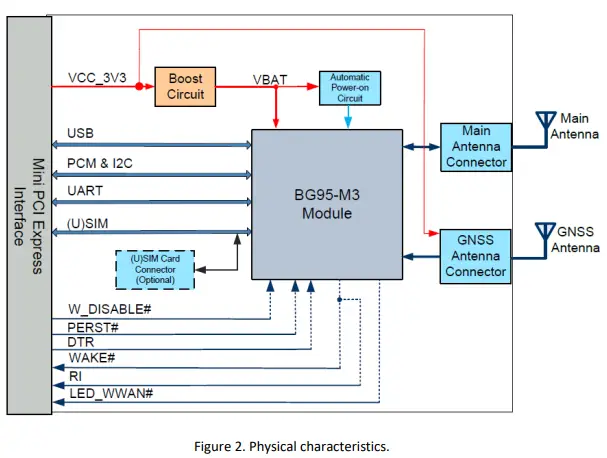
- One main antenna (ANT_MAIN) and one GNSS antenna (ANT_GNSS) interfaces
Software Features
- USB Serial Driver:
- Windows 7/8/8.1/10,
- Linux 3.x(3.4 or later)/4.1~4.15 Android 4.x/5.x/6.x/7.x/8.x/9.x
Protocols
- Support PPP/TCP/UDP/SSL/TLS/FTP(S)/HTTP(S)/NITZ/PING/MQTT/LwM2M/CoAP/IPv6 protocols. Support PAP (Password Authentication Protocol) and CHAP (Challenge Handshake Authentication Protocol) protocols which are usually used for PPP connections
General Features
- Temperature Range: -35°C ~ +75°C
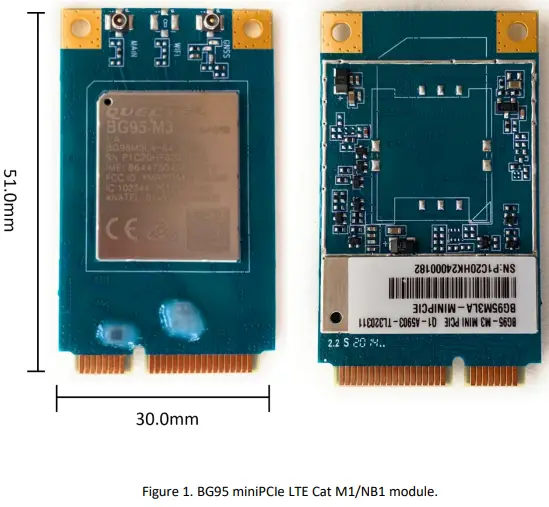
- Dimensions: 30.0mm x 51.0mm x 4.9mm
- Weight: Approx. 9.8g
- Mini PCIe Package
- Supply Voltage: 3.0V~3.6V, 3.3V Typ.
- 3GPP E-UTRA Release 14
- Bandwidth: 1.4/3/5/10/15/20MHz
- 3GPP TS 27.007
Approvals
- Carrier:
- Vodafone (Global)
- Deutsche Telekom/Telefónica (Europe)
- Verizon/AT&T/T-Mobile/U.S. Cellular (North America)
- Rogers/Bell*/Telus* (Canada)
- SKT/KT*/LGU+* (South Korea)
- NTT DOCOMO/SoftBank/KDDI (Japan)
- Regulatory:
- GCF (Global)
- CE (Europe)
- FCC/PTCRB (North America)
- IC (Canada)
- Anatel (Brazil)
- KC (South Korea)
- NCC (Taiwan)
- JATE/TELEC (Japan)
- RCM (Australia/New Zealand)
- FAC (Russia)
- NBTC (Thailand)
- ICASA (South Africa)
- Others:
- RoHS Compliant
- WHQL
Overview Diagrams
Functional Diagram
The following figure shows the block diagram of BG95 miniPCIe.
MiniPCIe PIN Diagram and Assignment
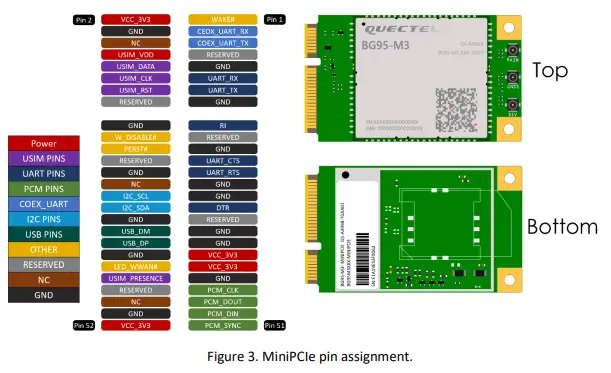
The physical connections and signal levels of BG95 Mini PCIe comply with PCI Express Mini Card Electromechanical Specification.
- Power supply
- (U)SIM interface
- USB interface
- UART interfaces
- PCM and I2C interfaces
- Control and indication pins

Pin Description
| Pin # | Pin Name | Pin Direction | Pin Functionality |
| 1 | NC | ||
| 2 | VCC_3V3 | I | 3.0V~3.6V, typically 3.3V DC supply |
| 3 | NC | ||
| 4 | GND | Mini card ground | |
| 5 | NC | ||
| 6 | NC | Not connected | |
| 7 | RESERVED | Reserved | |
| 8 | USIM_VDD | O | Power supply for the (U)SIM card |
| 9 | GND | ||
| 10 | USIM_DATA | I | Data signal of (U)SIM card |
| 11 | UART_RX | I | UART receive data |
| 12 | USIM_CLK | O | Clock signal of (U)SIM card |
| 13 | UART_TX | O | UART transmit data |
| 14 | USIM_RST | O | Reset signal of (U)SIM card |
| 15 | GND | ||
| 16 | RESERVED | ||
| 17 | RI | O | Ring indication |
| 18 | GND | ||
| 19 | RESERVED |
| 20 | W_DISABLE# | I | Airplane mode control |
| 21 | GND | ||
| 22 | PERST# | I | Fundamental reset signal |
| 23 | UART_CTS | I | UART clear to send |
| 24 | RESERVED | ||
| 25 | UART_RTS | O | UART request to send |
| 26 | GND | ||
| 27 | GND | ||
| 28 | NC | ||
| 29 | GND | ||
| 30 | I2C_SCL | OD | I2C serial clock |
| 31 | DTR | DI | Sleep mode control |
| 32 | I2C_SDA | OD | OD I2C serial data |
| 33 | RESERVED | ||
| 34 | GND | ||
| 35 | GND | ||
| 36 | USB_DM | IO | USB differential data (-) |
| 37 | GND | ||
| 38 | USB_DP | IO | USB differential data (+) |
| 39 | VCC_3V3 | I | 3.0V~3.6V, typically 3.3V DC supply |
| 40 | GND | ||
| 41 | VCC_3V3 | I | 3.0V~3.6V, typically 3.3V DC supply |
| 42 | LED_WWAN# | OC | LED signal for indicating the network status of the module |
| 43 | GND | ||
| 44 | NC | (U)SIM card insertion detection | |
| 45 | PCM_CLK | IO | PCM clock signal |
| 46 | RESERVED | ||
| 47 | PCM_DOUT | O | PCM data output |
| 48 | NC | ||
| 49 | PCM_DIN | I | PCM data input |
| 50 | GND | ||
| 51 | PCM_SYNC | IO | PCM frame synchronization |
| 52 | VCC_3V3 | PI | 3.0V~3.6V, typically 3.3V DC supply |
Operating Models
The following table briefly outlines the operating modes of the BG95.
| Mode | Detail | |
| Normal Operation | Idle | Software is active. The module has registered on the network, and it is ready to send and receive data |
| Mode | Detail | |
| Normal Operation | Idle | Software is active. The module has registered on the network, and it is ready to send and receive data |
Airplane Mode
When the module enters airplane mode, the RF function will be disabled, and all AT commands related to it will be inaccessible.
W_DISABLE#
W_DISABLE# enables/disables the RF function (excluding GNSS). It is pulled up by default, and driving it low makes the module enter airplane mode. The pin function is disabled by default, and AT+QCFG=”airplanecontrol”,1 can be used to enable this function.
Airplane Mode Control (Hardware Method)
| W_DISABLE# | RF Function Status | Module Operation Mode |
| High level (default) | RF enabled | Normal mode |
| Low level | RF disabled | Airplane mode |
The RF function can also be enabled/disabled with AT+CFUN=<fun>, and the details are listed below. Airplane Mode Control (Software Method)
| AT+CFUN=<fun> | RF Function Status | Module Operation Mode |
| <fun>=0 | RF and (U)SIM disabled | Minimum functionality mode |
| <fun>=1 | RF enabled | Full functionality (normal mode) |
| <fun>=4 | RF disabled | Airplane mode |
PERST#
PERST# forces a hardware reset on the module. The module can be reset by driving PERST# low for 2–3.8 s and then releasing it.
LED_WWAN#
LED_WWAN# indicates the network status of the module. LED_WWAN# supports two indication modes which can be switched through AT+QCFG=”ledmode”:
- AT+QCFG=”ledmode”,0 (Default setting)
- AT+QCFG=”ledmode”,1
The following tables show the detailed network status indications of LED_WWAN#.
Indications of Network Status (AT+QCFG=”ledmode”,0, Default Setting)Pin Status Description Flicker slowly (200 ms low/1800 ms high) Network searching Flicker slowly (1800 ms low/200 ms high) Idle Flicker quickly (125 ms low/125 ms high) Data transfer is ongoing Always low Voice calling Pin Status Description Low Level (Light on) Registered on network successfully High-impedance (Light off) -No network coverage or not registered -W_DISABLE# is at low level (airplane mode)
-AT+CFUN=0 or AT+CFUN=4
WAKE#
- WAKE# is an open collector signal which is similar to RI, but a host pull-up resistor and
- AT+QCFG=”risignaltype”,”physical” command are required. When a URC returns, a 120ms low level pulse will be outputted. The state of WAKE# is shown as below.