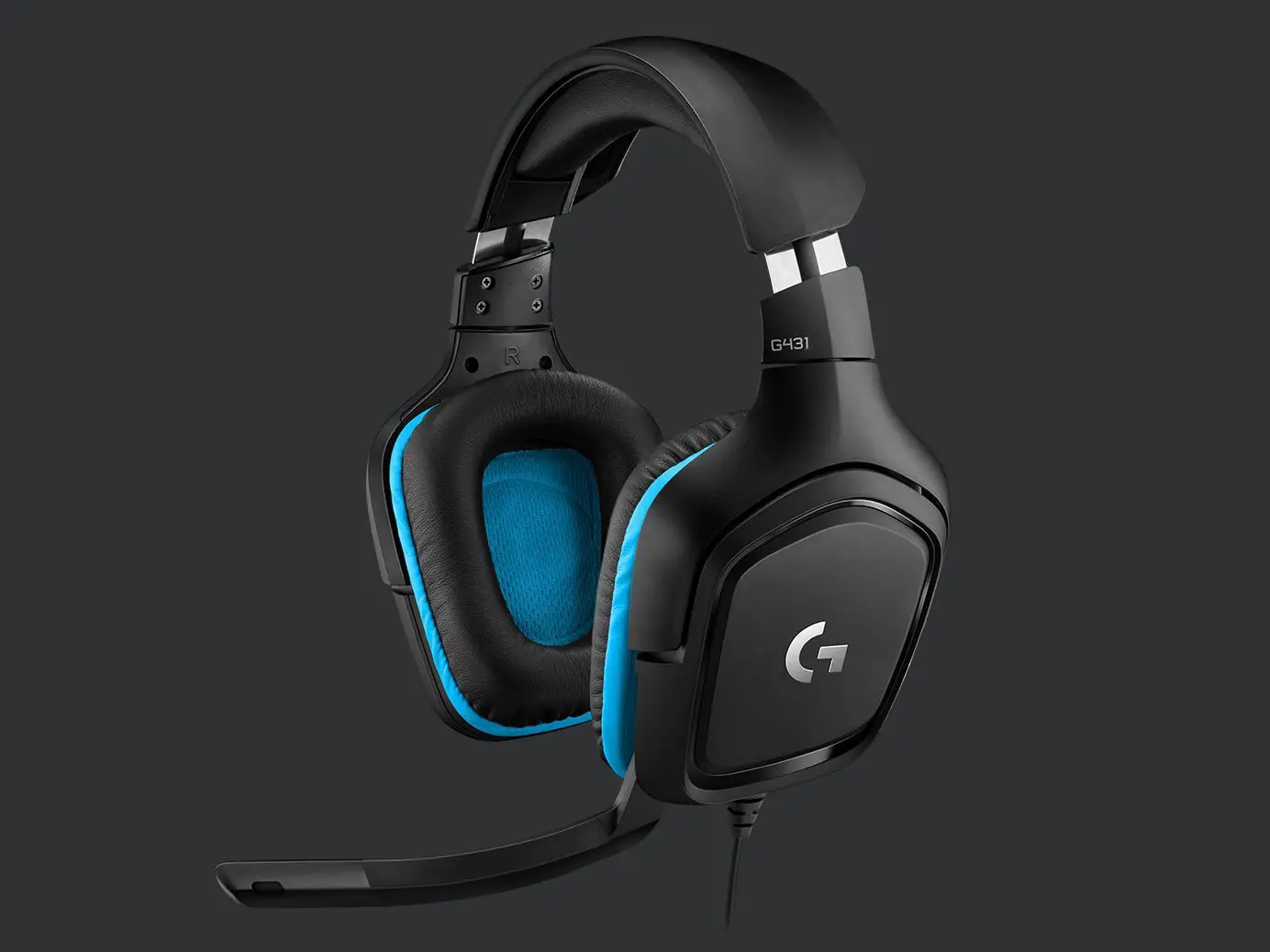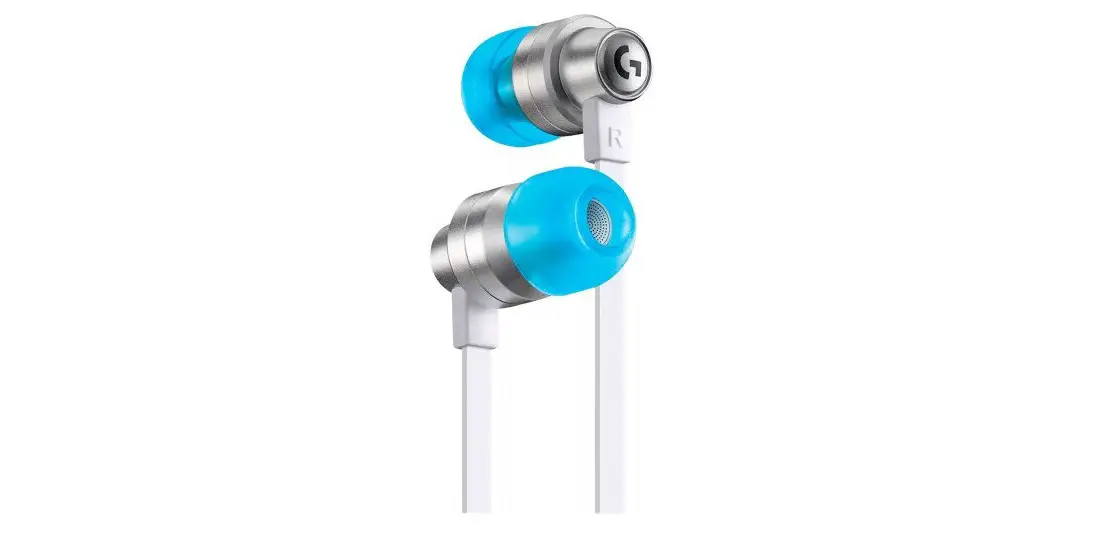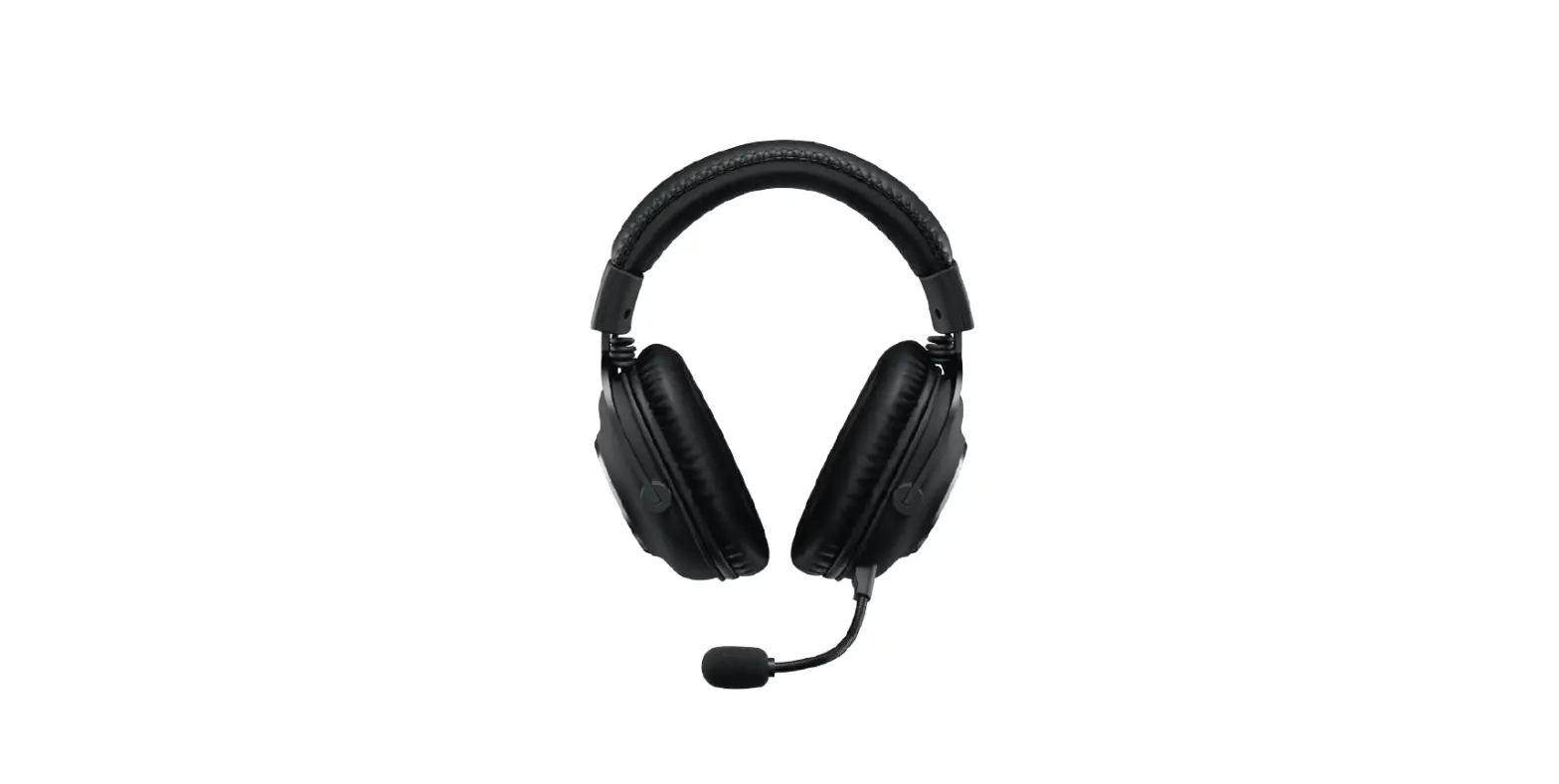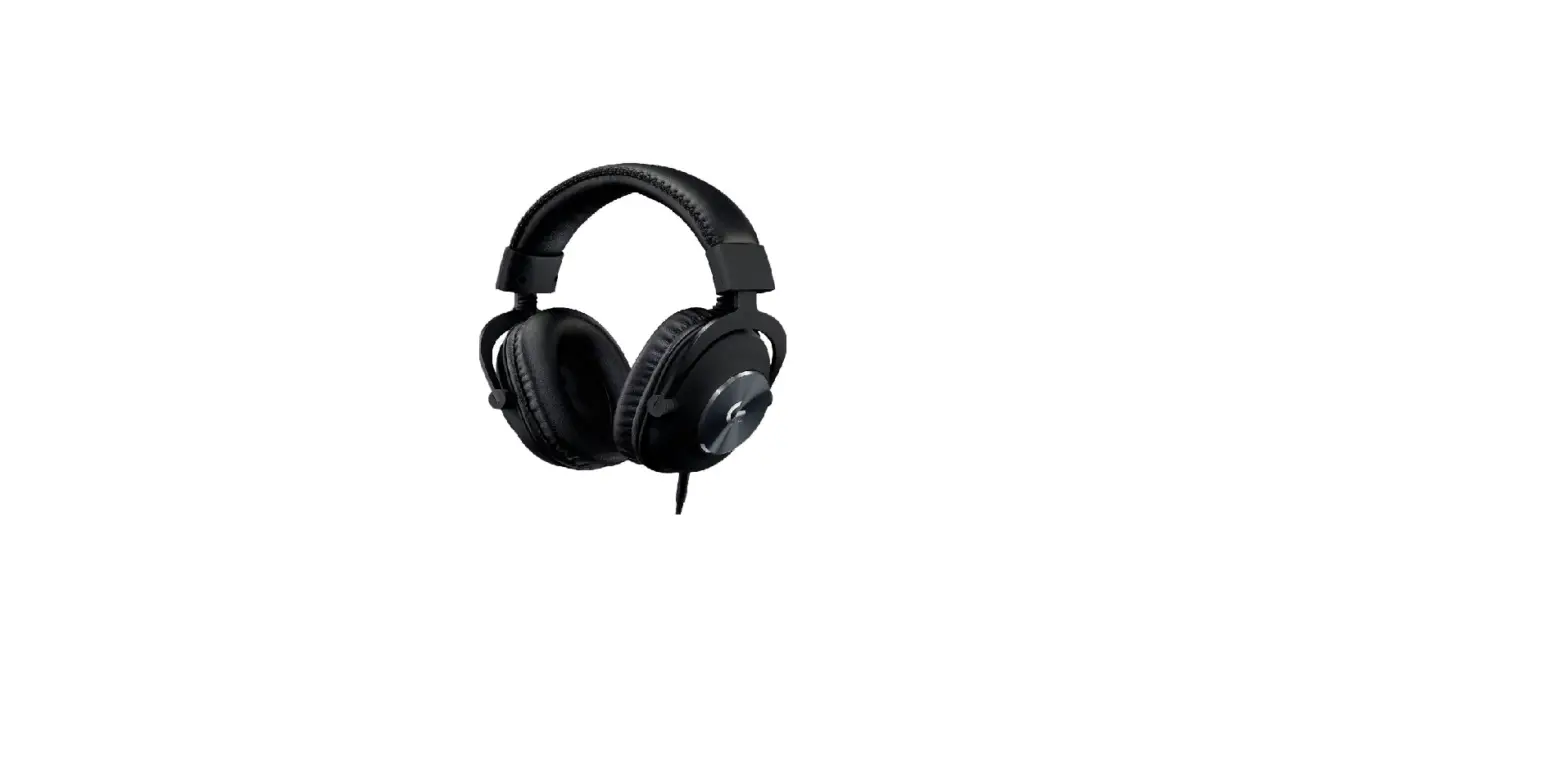
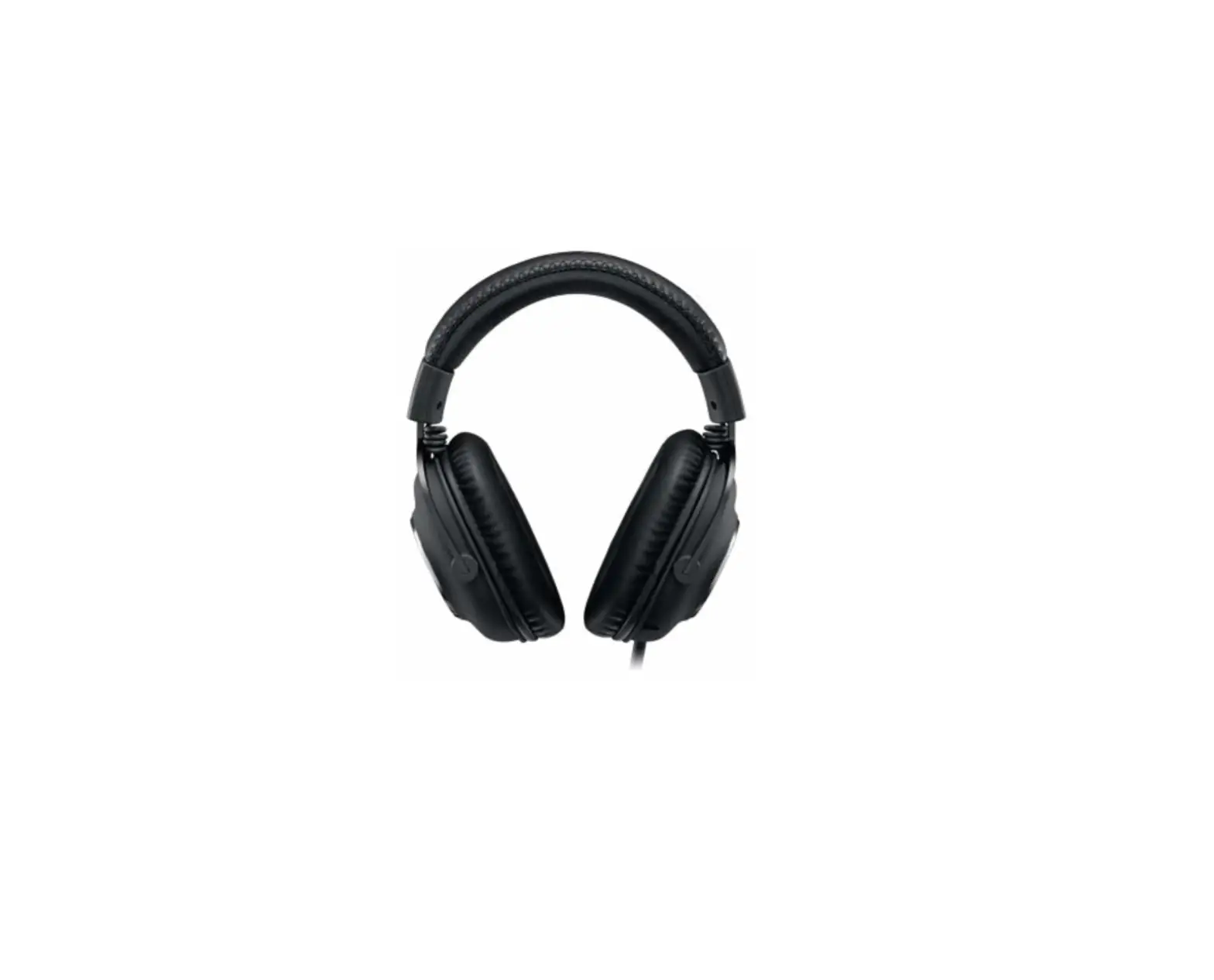
PRO GAMING HEADSET | PRO
For Oculus Quest 2
SETUP GUIDE


FEATURES
For Oculus Quest 2:
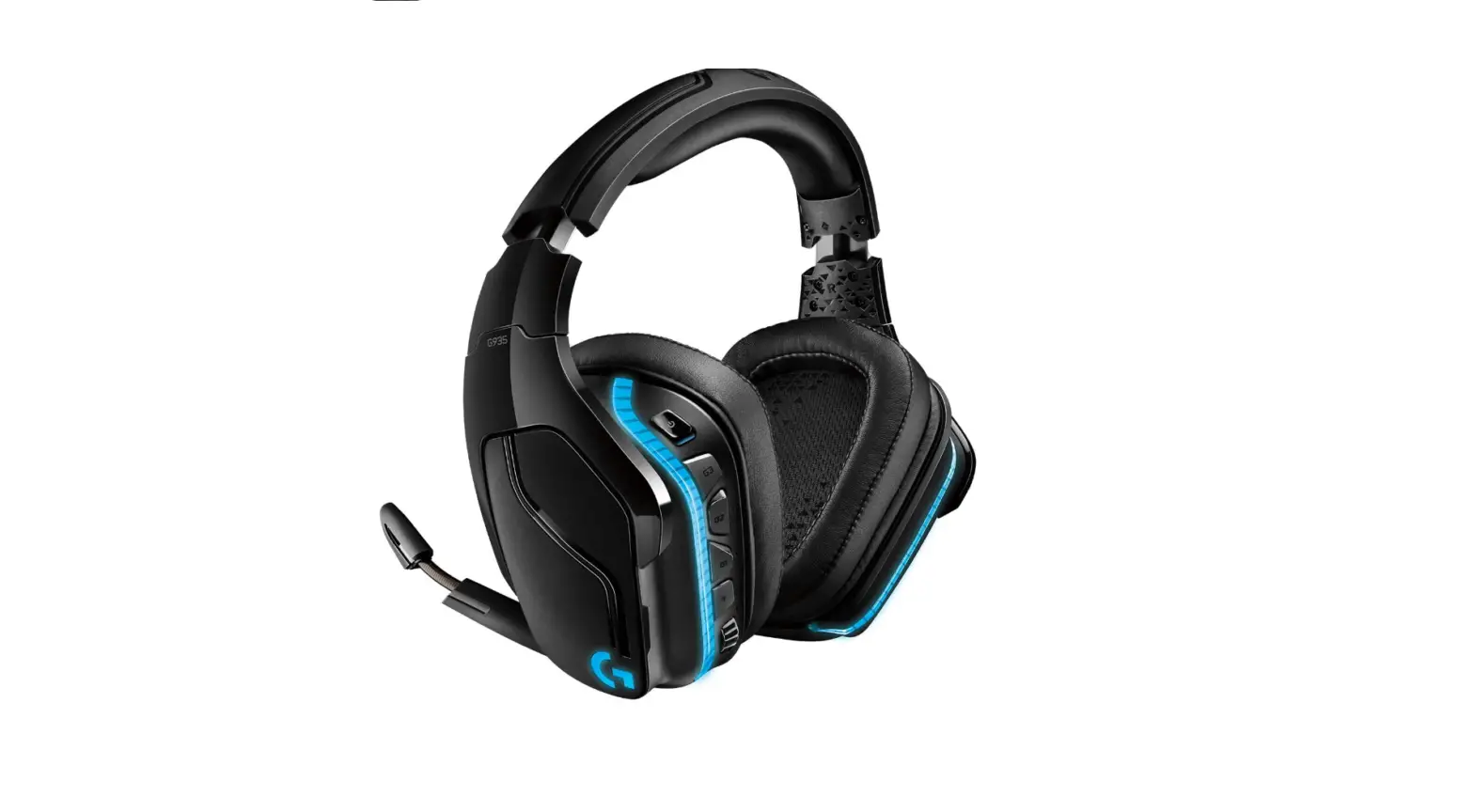
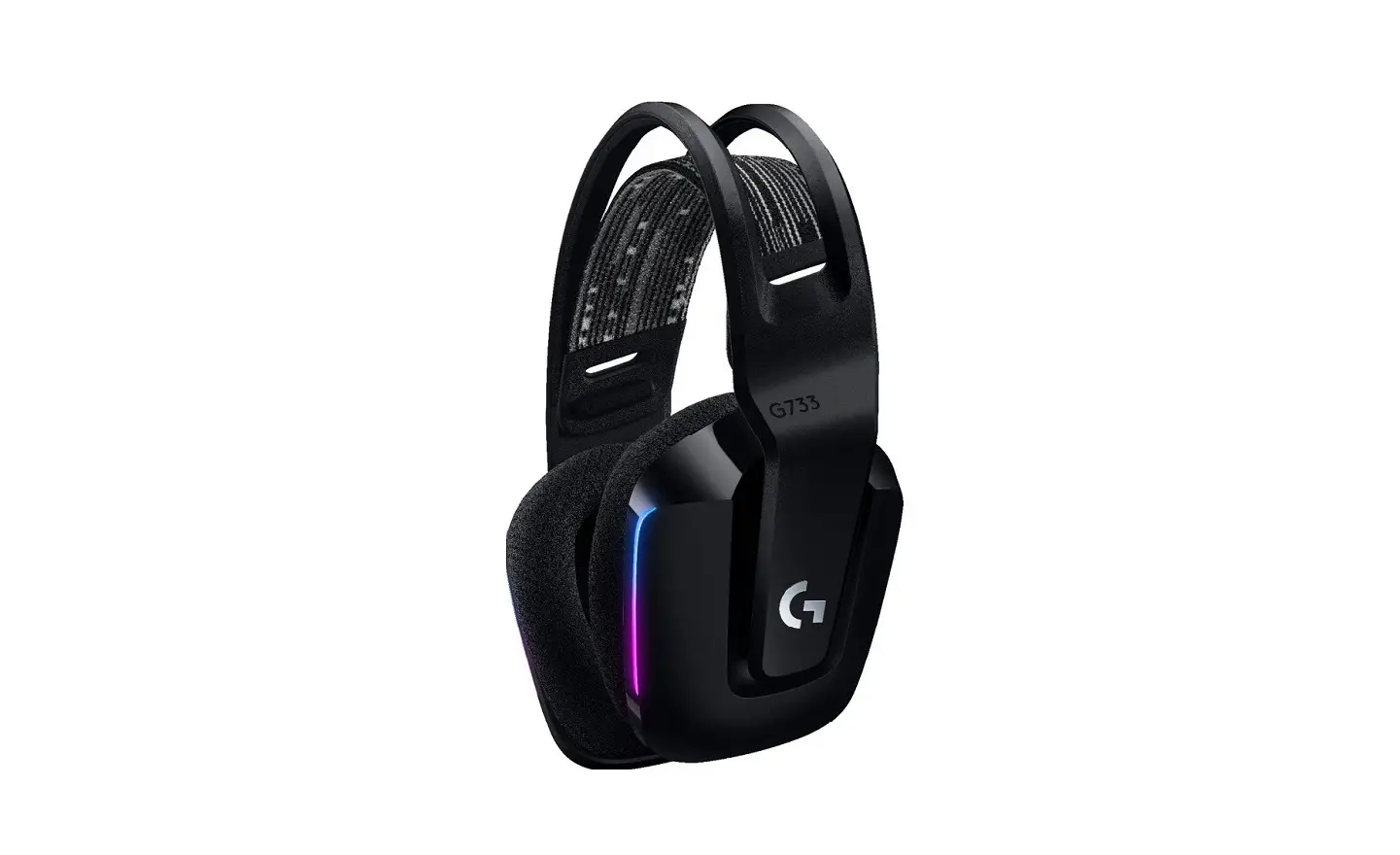
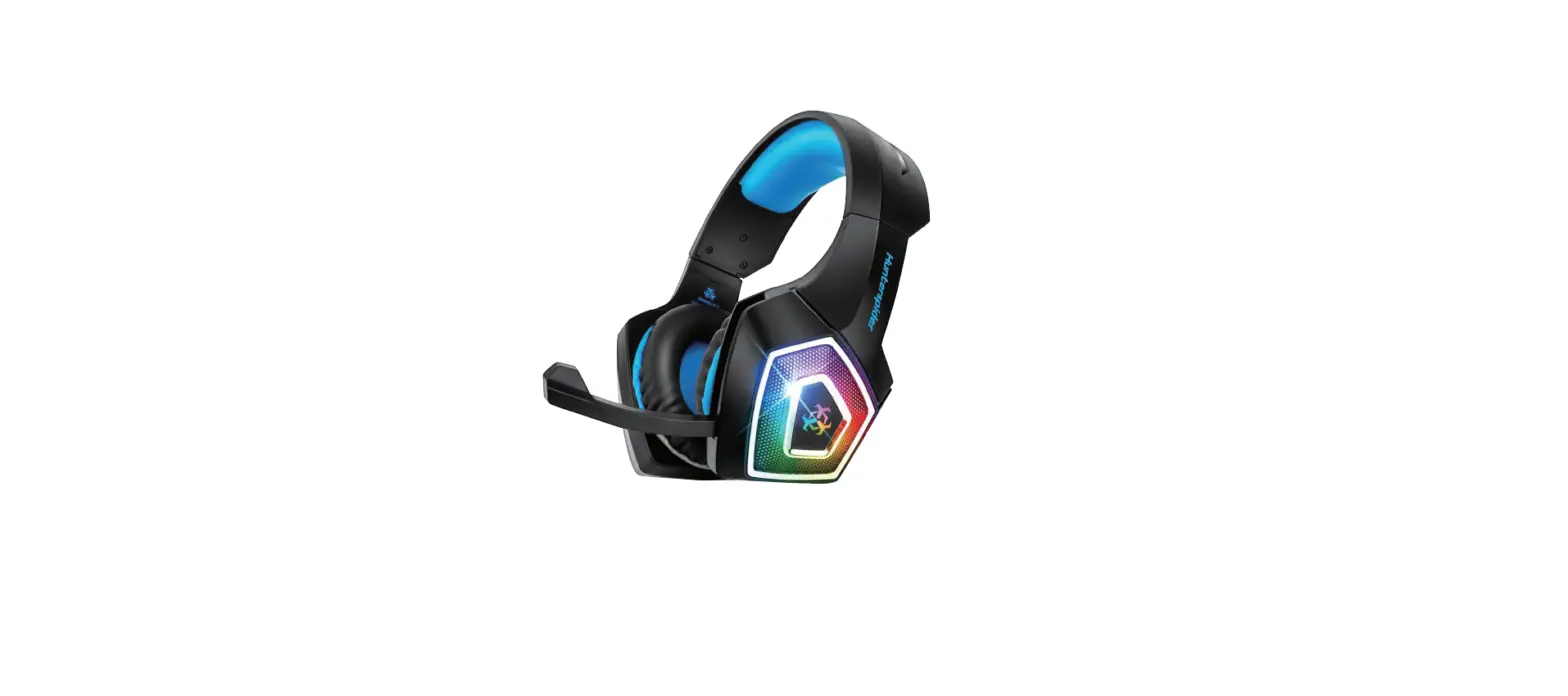
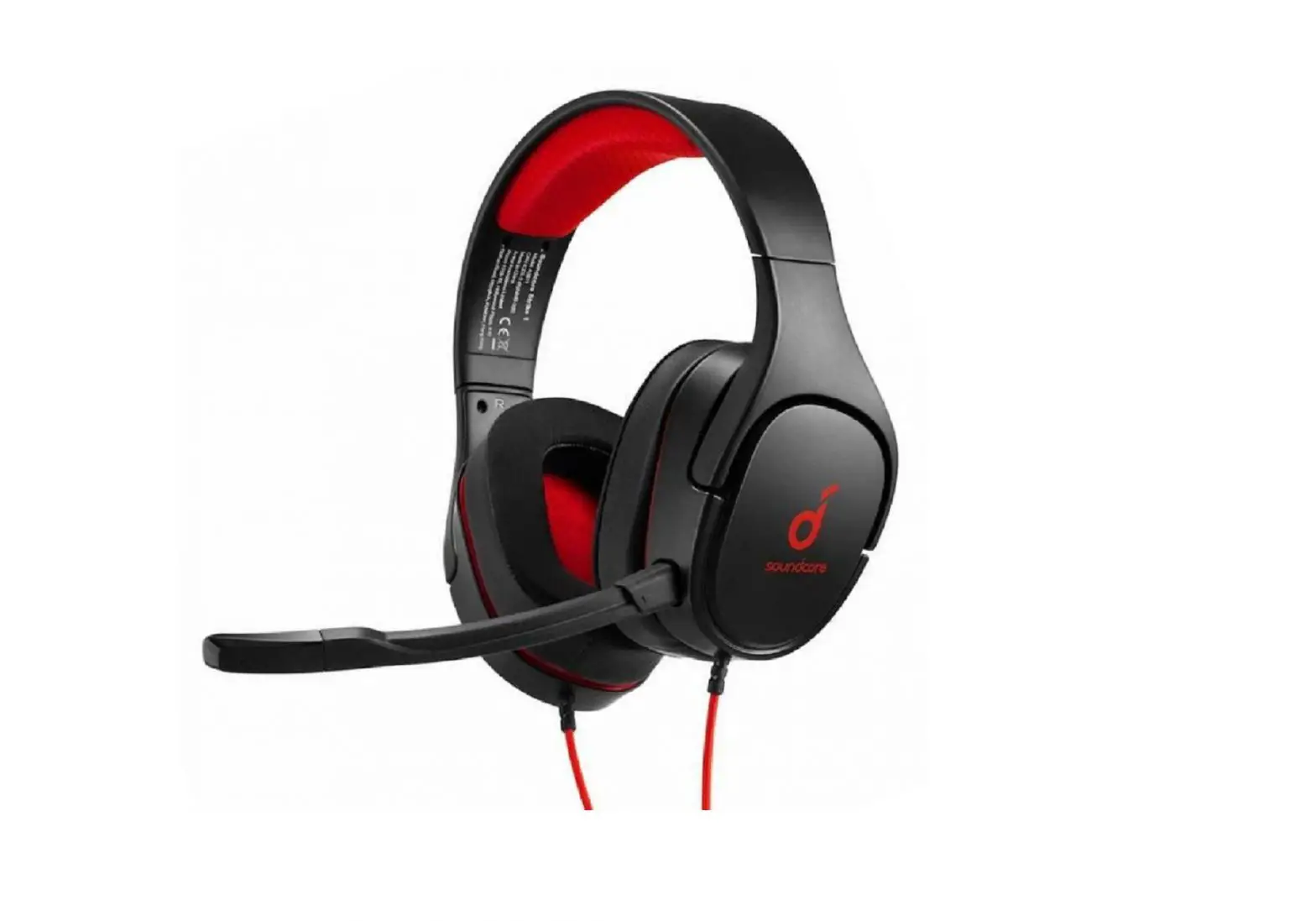
1 PRO gaming headset
2 Cable for Oculus Quest 2


For Console / PC:
3 USB external sound card
4 Detachable mic
5 PC splitter
6 Cable for Console / PC


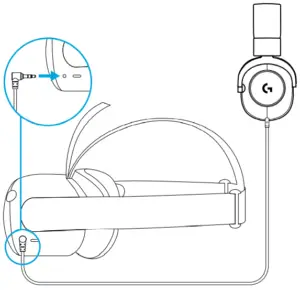
OCULUS QUEST 2 SETUP
Connect with cable for Oculus Quest 2.
Insert the 90-degree 3.5 mm jack into the Oculus Quest 2.
CONNECT WITH PC
1 Attach microphone to the headset
2 Connect the headset with PC
3 Download and install G HUB software

CONNECT WITH CONSOLE
Connect the headset with controller


Logitech Oculus Quest 2 Pro Gaming Headset User Manual – Optimized PDF
Logitech Oculus Quest 2 Pro Gaming Headset User Manual – Original PDF
![Logitech Oculus Quest 2 Gaming Earbuds [g333 Vr] User Manual](https://static-data1.manualsee.com/1/img/167/17299/2020/12/Logitech-Oculus-Quest-2-Gaming-Earbuds-G333-VR-featured-1568x764.png "Logitech Oculus Quest 2 Gaming Earbuds [g333 Vr] User Manual")