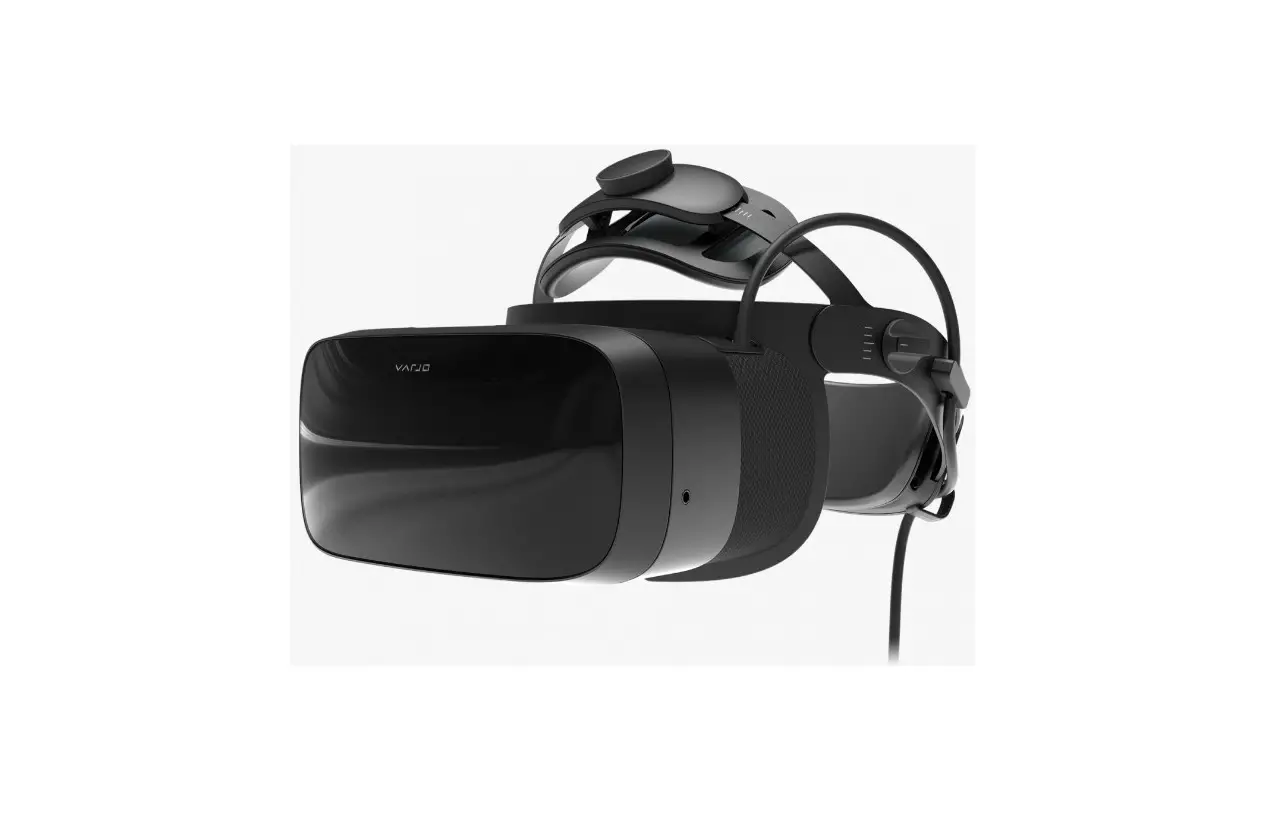
Virtual Reality Headset
Virtual Reality Headset
User’s Manual
Product Overview:
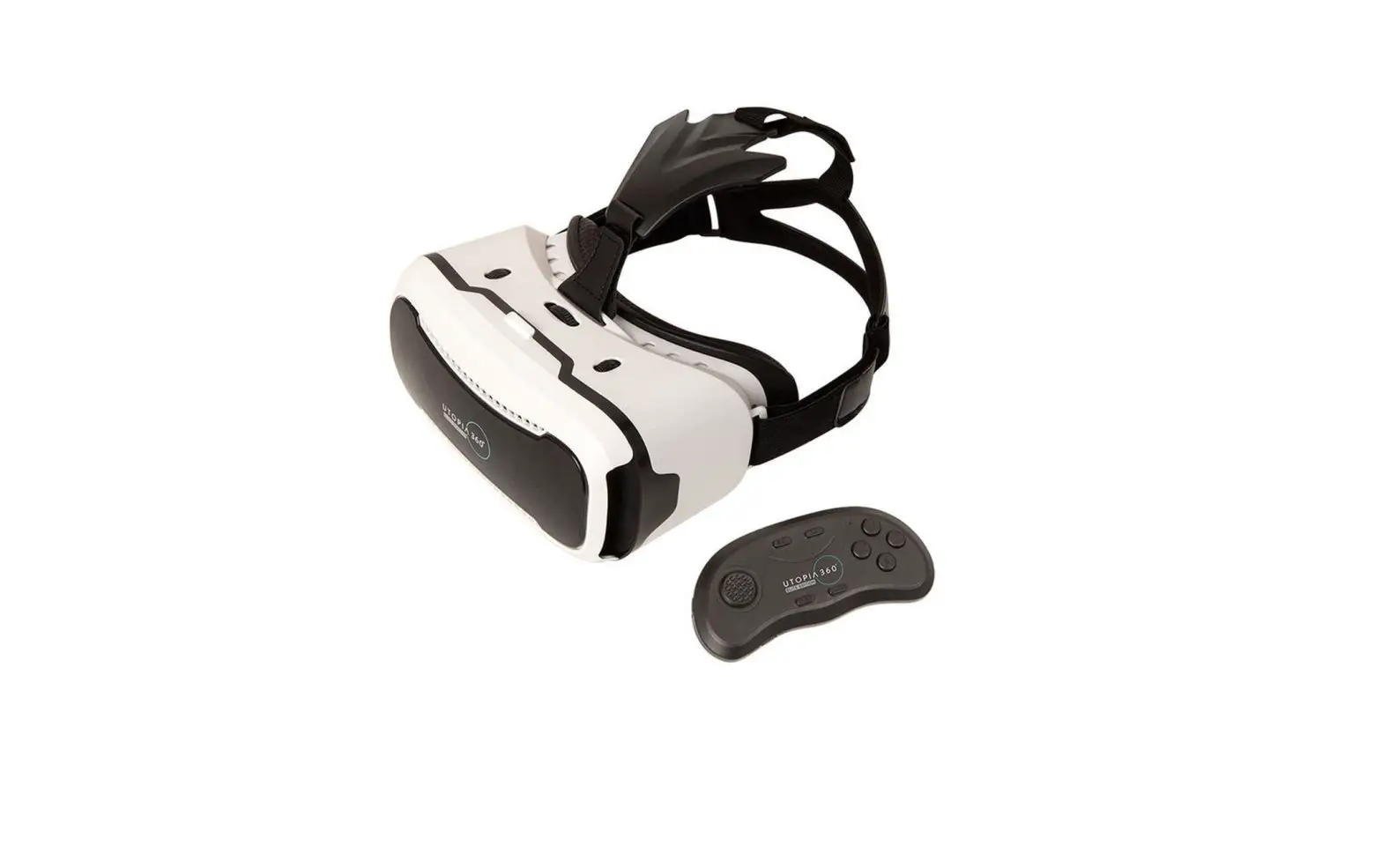
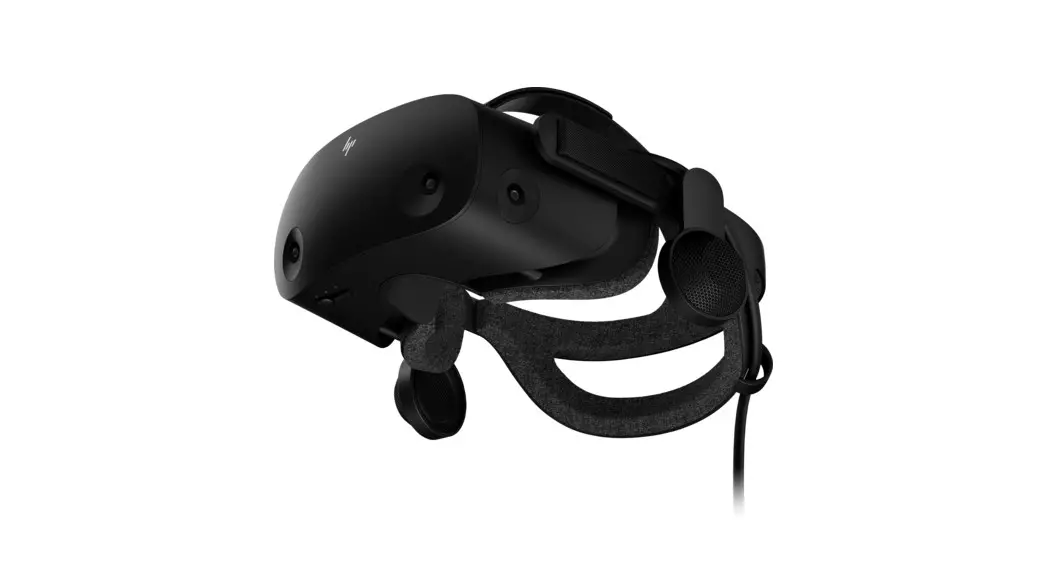
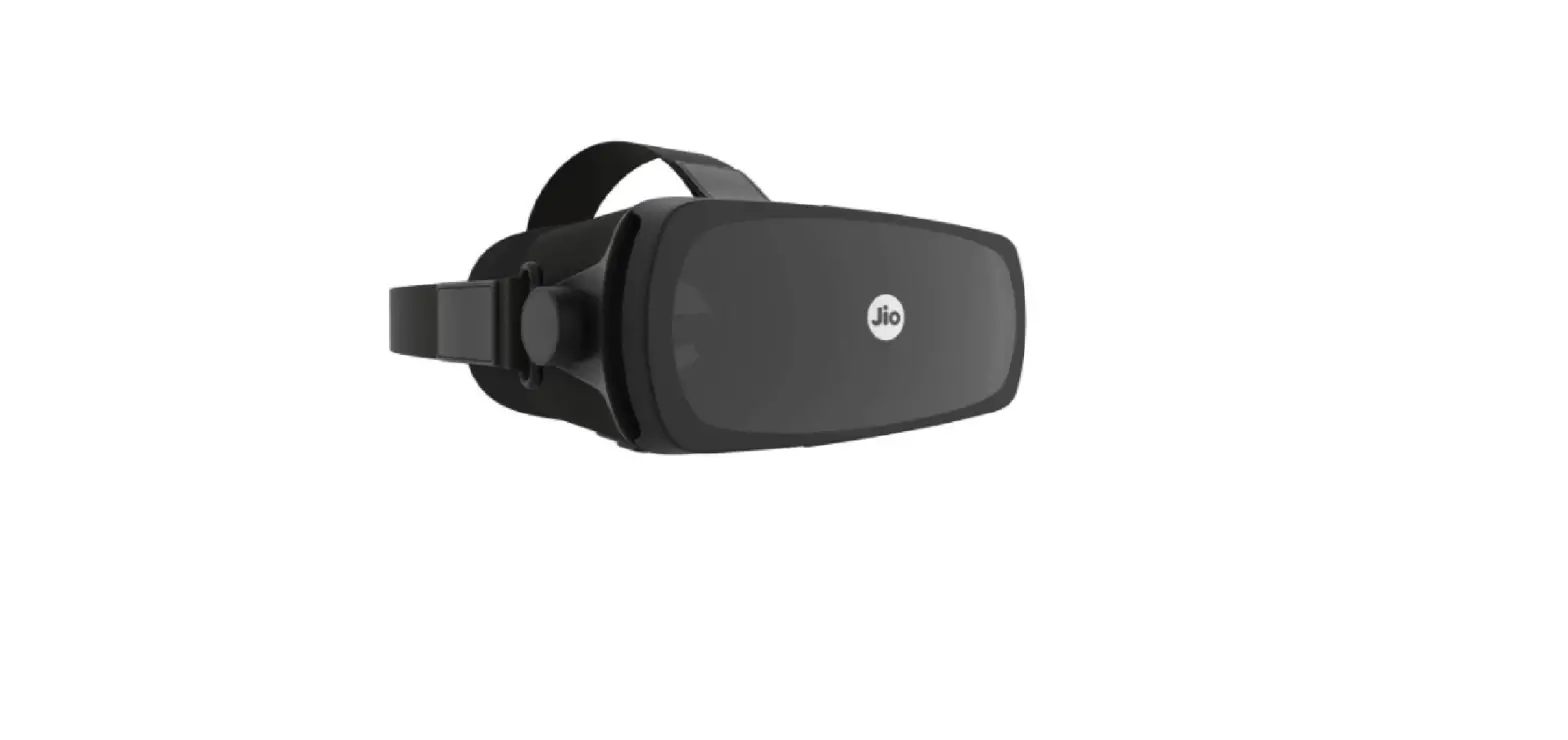
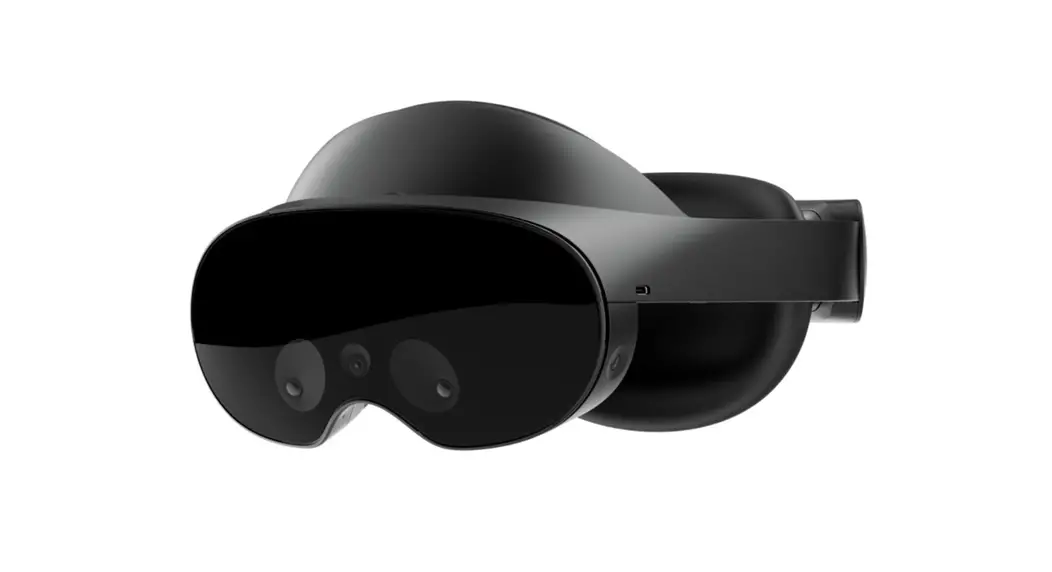
The Virtual Reality Headset is a device that allows users to
experience immersive virtual reality content. It is designed with
various features to enhance comfort and adjustability for the best
user experience.
- Pupil Distance Adjustment: The headset is
equipped with a pupil distance adjustment feature. This allows
users to adjust the distance between the lenses to match their
individual eye distance, ensuring optimal clarity and comfort. - Focal Distance Adjustment: The focal distance
adjustment feature allows users to adjust the distance between the
lenses and the user’s eyes. This ensures that the virtual reality
content appears sharp and in focus. - Device Buckle: The device buckle helps secure
the headset onto the user’s head, providing stability and comfort
during usage. - Ergonomic Belt: The ergonomic belt is designed
to distribute the weight of the headset evenly across the user’s
head, minimizing strain and discomfort during extended use. - Device Body: The device body houses the
internal components of the headset and provides structural
support. - Removable Panel: The removable panel allows
easy access to insert or remove the user’s phone from the
headset. - Optical Lens: The optical lenses are
responsible for projecting the virtual reality content and ensuring
a clear, immersive viewing experience. - Leather Patch: The leather patch provides
additional comfort and helps block out external light sources for
an enhanced virtual reality experience.
Instructions:
- Installing your phone into the headset:
Follow these steps to install your phone into the virtual
reality headset:- Open the cover plate as shown in the picture below.
- Insert your phone into the headset, ensuring it is positioned
in the middle. - Close the cover plate securely.
- Adjusting the headset:
To achieve the best user experience, follow these steps to
adjust the headset:- Use the pupil distance adjustment feature to adjust the
distance between the lenses to match your individual eye
distance. - Utilize the focal distance adjustment feature to adjust the
distance between the lenses and your eyes for optimal clarity and
focus.
- Use the pupil distance adjustment feature to adjust the
Virtual Reality Headset
USER’S MANUAL
Product Overview
Pupil Distance Adjustment Focal Distance Adjustment
Device buckle
Ergonomic Belt
Instructions
1. Installing your phone into the headset. Open the cover plate as shown in the picture below and insert your phone into the virtual reality headset. Make sure the phone is in the middle and close the cover plate.
Device body Removable Panel
Optical lens Leather Patch
2. Adjusting the headset. Adjust the pupil distance and focal distance to get the best user experience.