logitech G333 VR For Oculus Quest 2 Gaming Earbuds User Guide
FEATURES
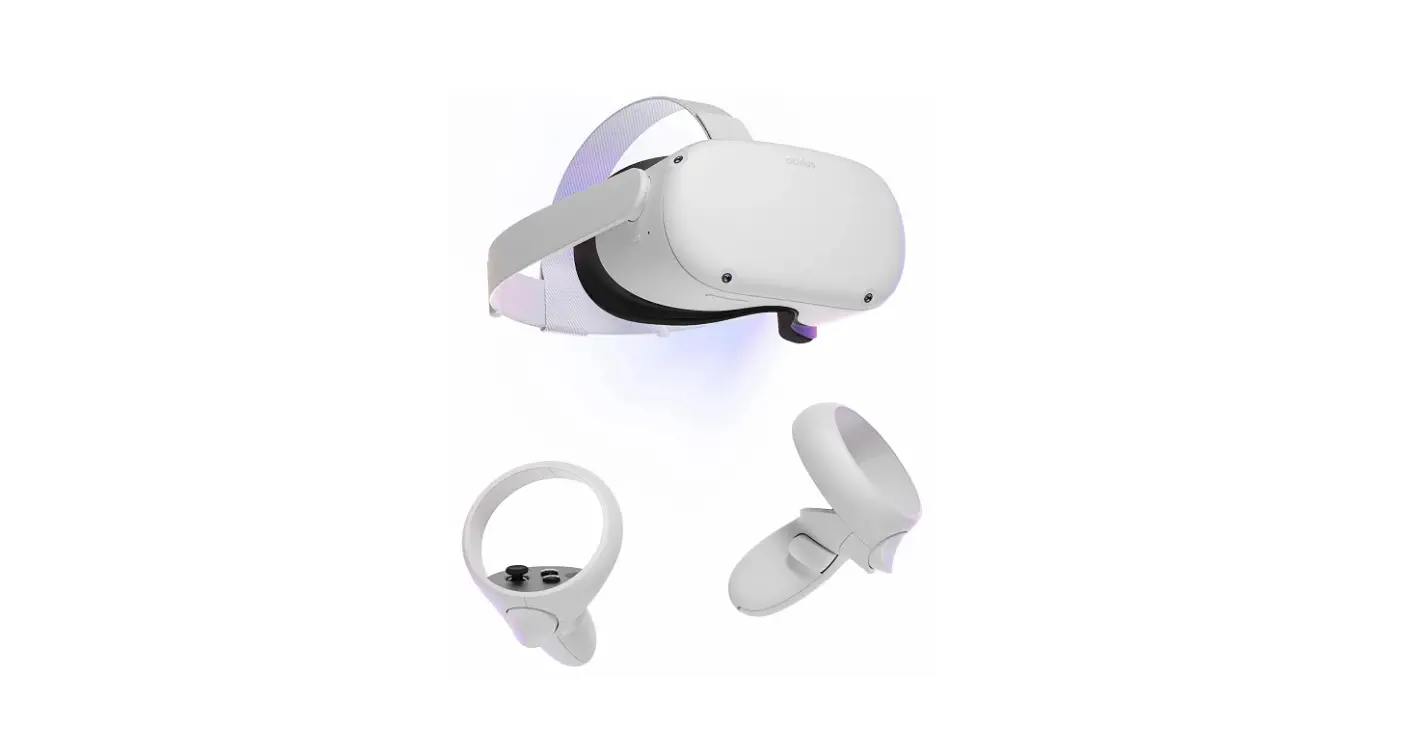
For Oculus Quest 2:
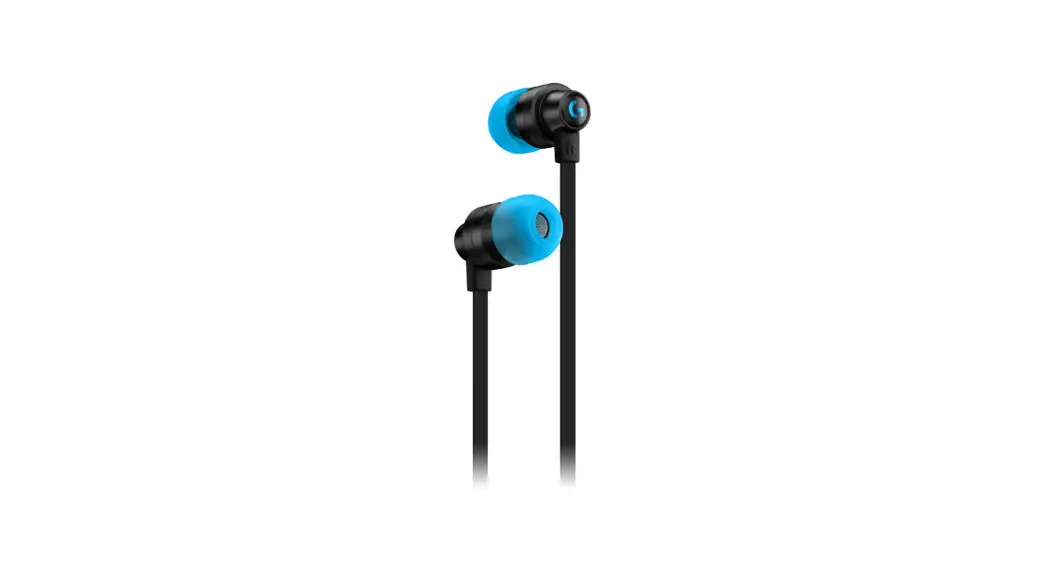
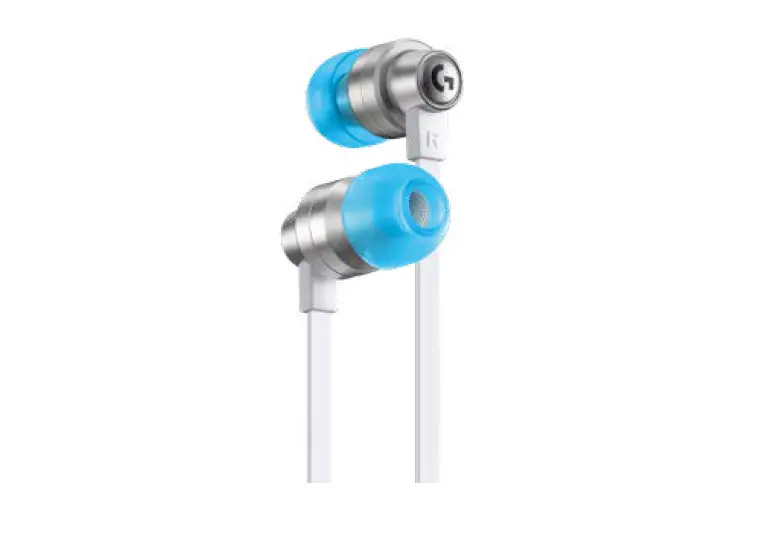
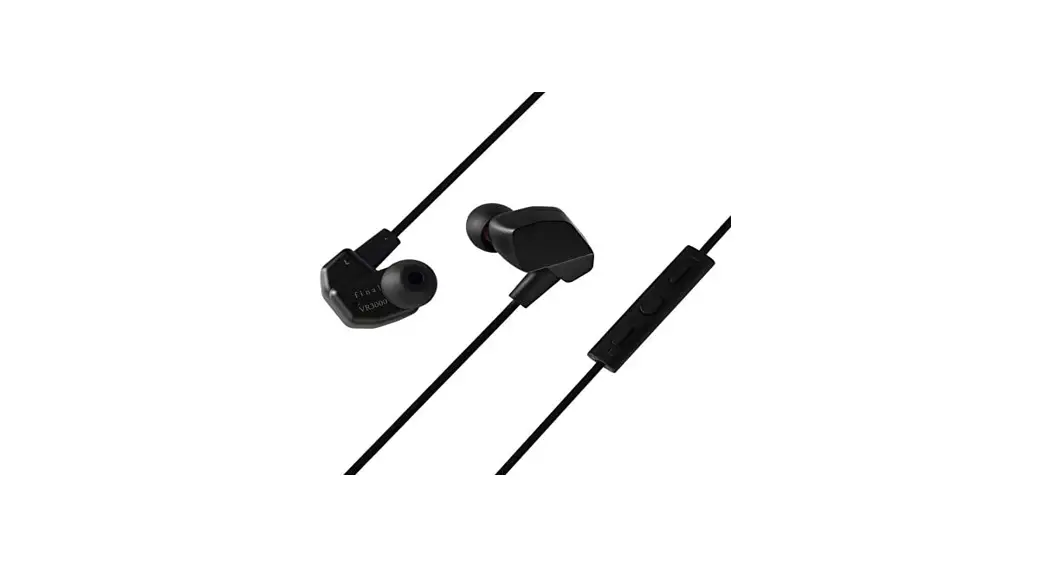
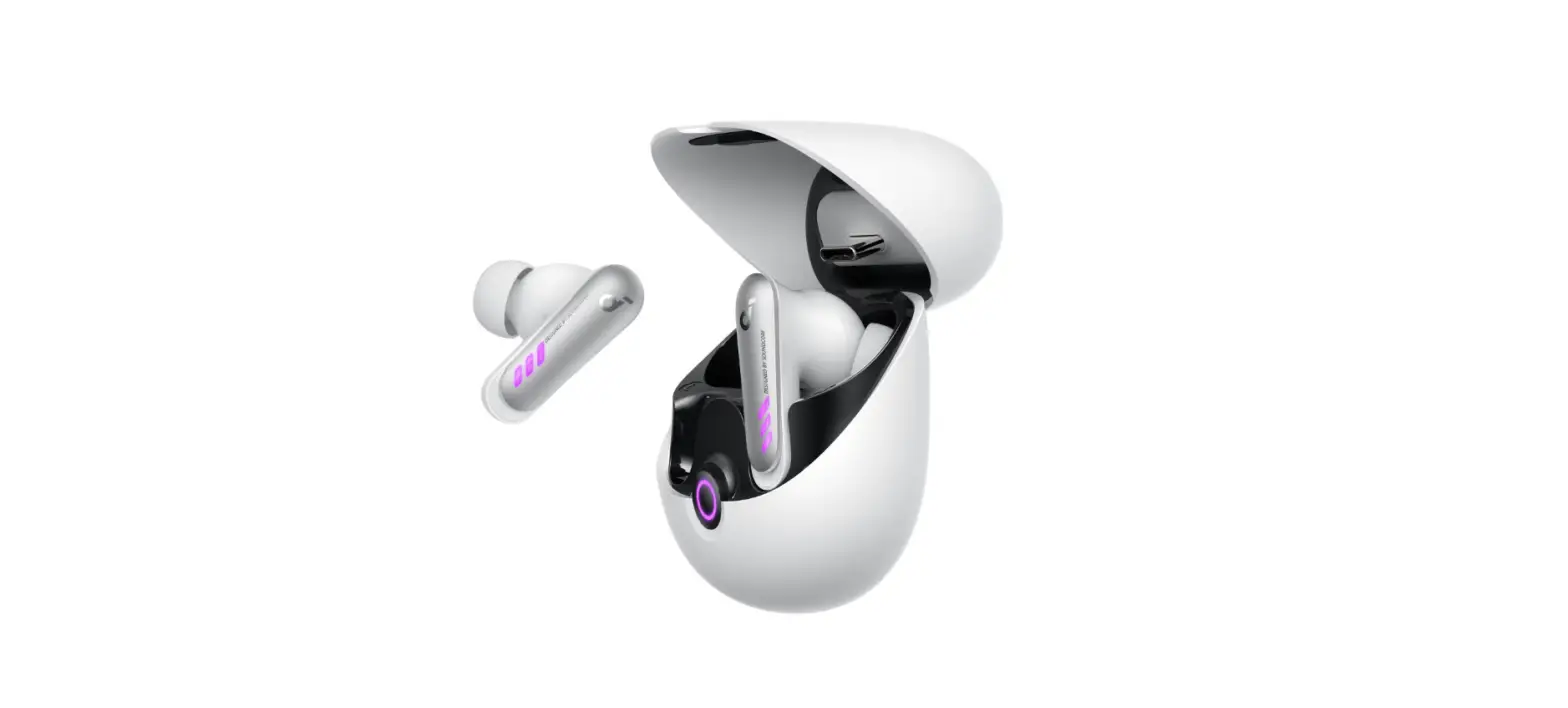
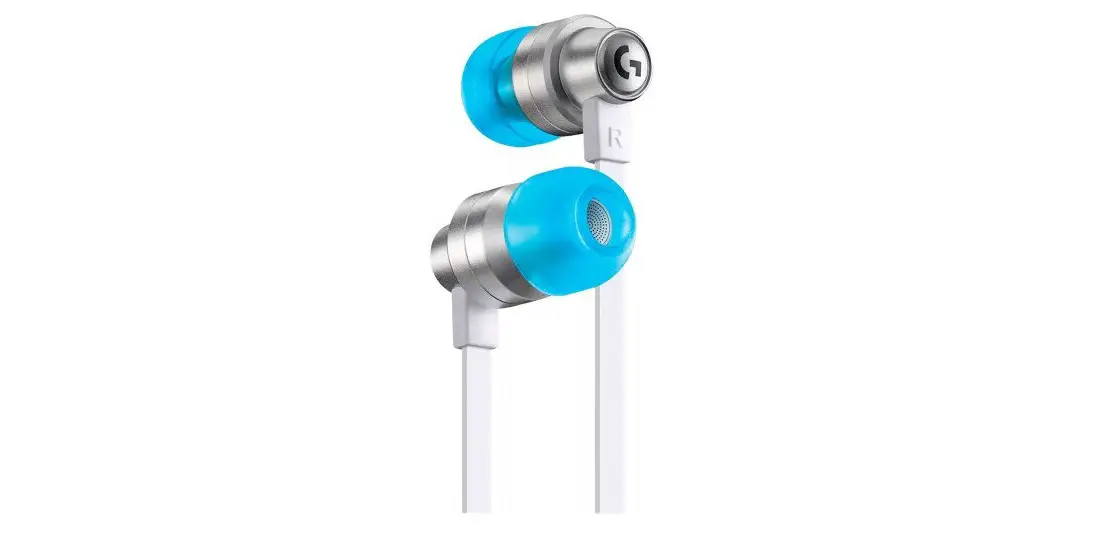
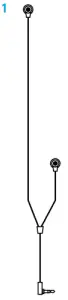
- G333 VR Gaming Earbuds

- 2 3 velcro straps

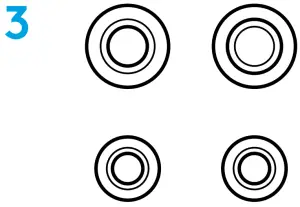
- Silicone earbuds L + S


OCULUS QUEST 2 SETUP
Connect G333 VR to Oculus Quest 2:
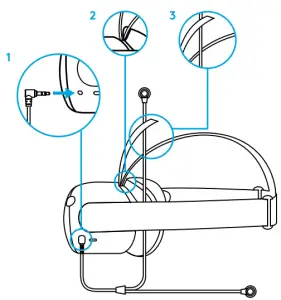
- Plug the 3.5mm Jack into Oculus Quest 2
- On Oculus Quest 2, open the top, center strap
- Pass the long cable side through the opened center strap on the Oculus Quest 2

VELCRO STRAPS
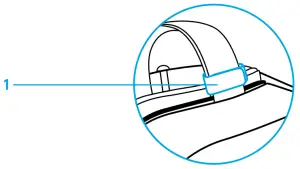
- Close the top, center strap with a long cable side flowing through it. Add a velcro strap to hold the cable in place.

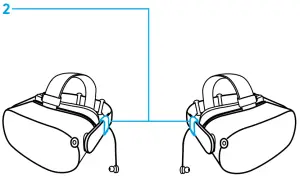
- Holding the earbuds cable inside the Oculus Quest 2 headband, attach the velcro straps to the right and left sides of the Oculus Quest 2’s headband to hold the earbuds in place.


![Logitech Oculus Quest 2 Gaming Earbuds [g333 Vr] User Manual](https://static-data1.manualsee.com/1/img/167/17299/2020/12/Logitech-Oculus-Quest-2-Gaming-Earbuds-G333-VR-featured-1568x764.png "Logitech Oculus Quest 2 Gaming Earbuds [g333 Vr] User Manual")