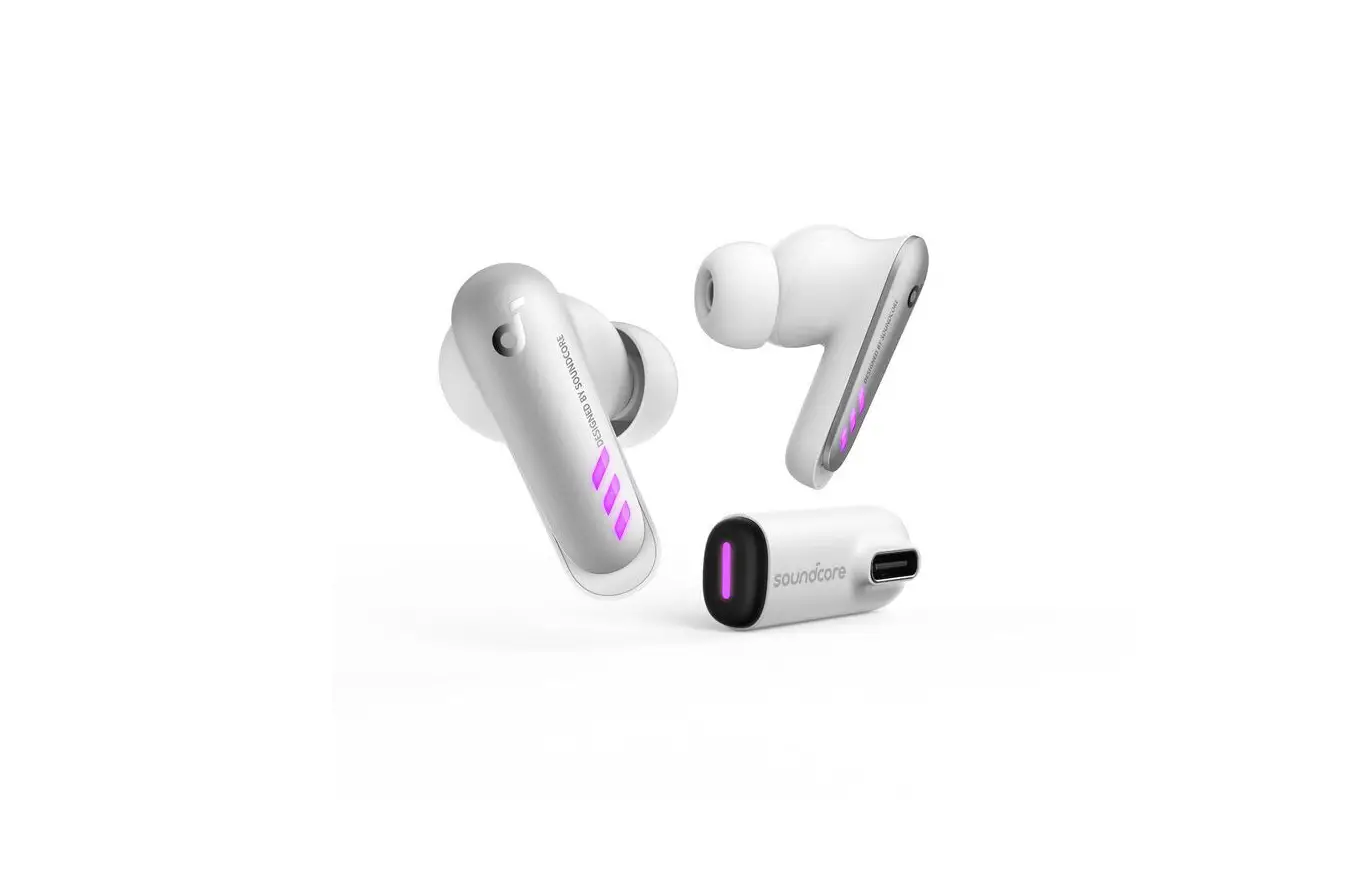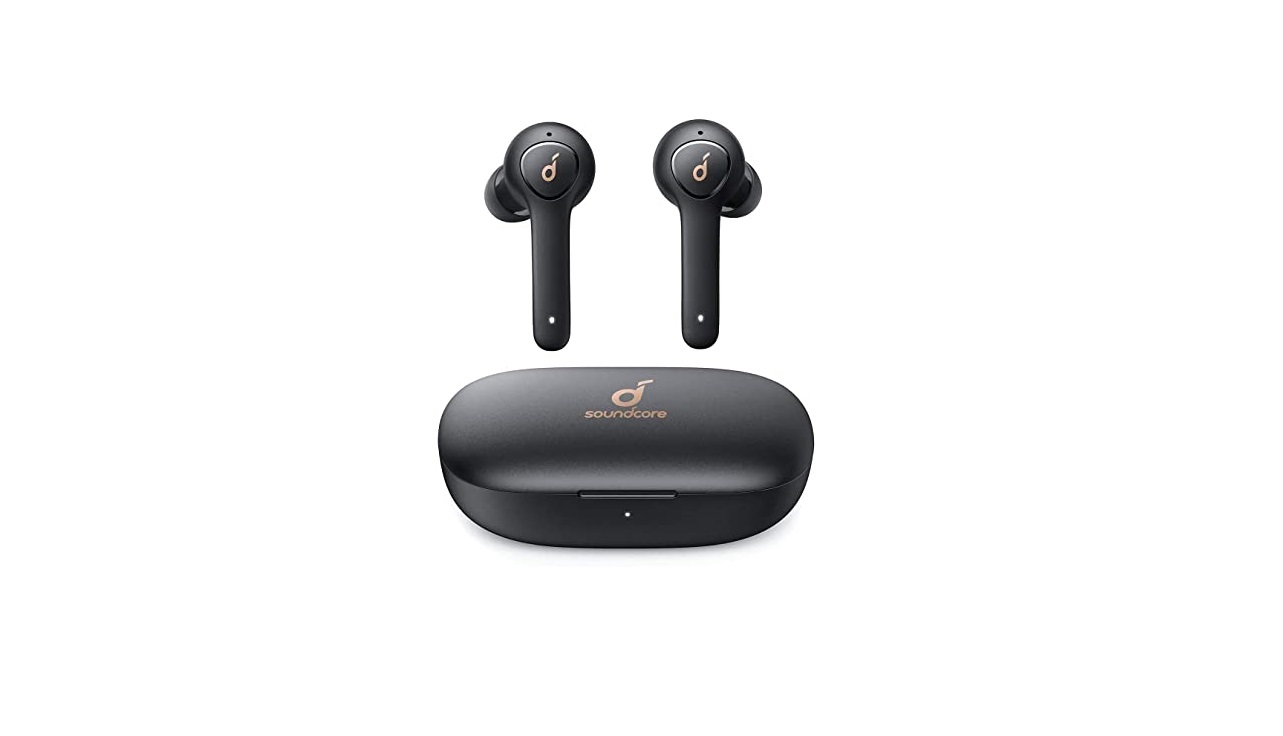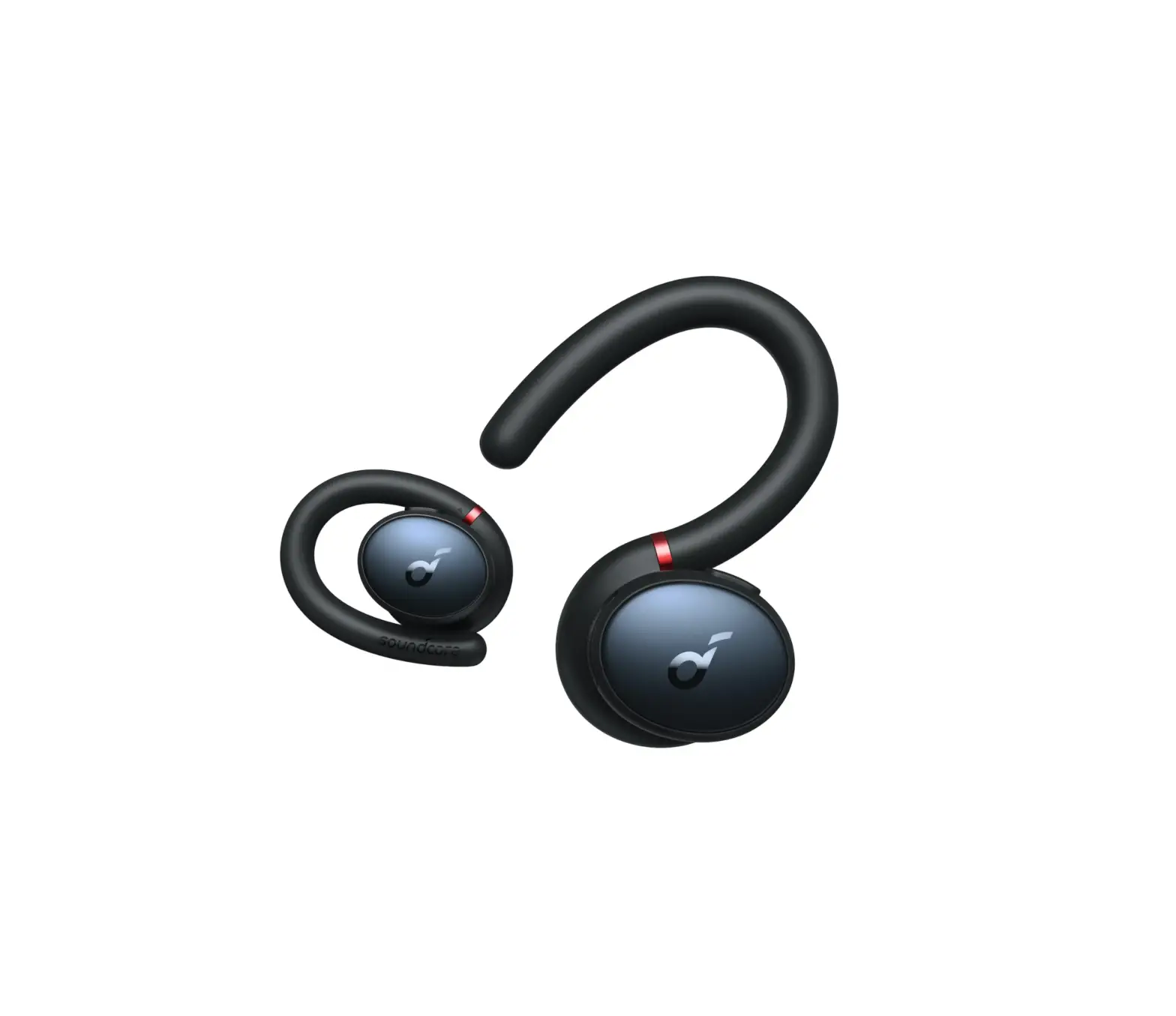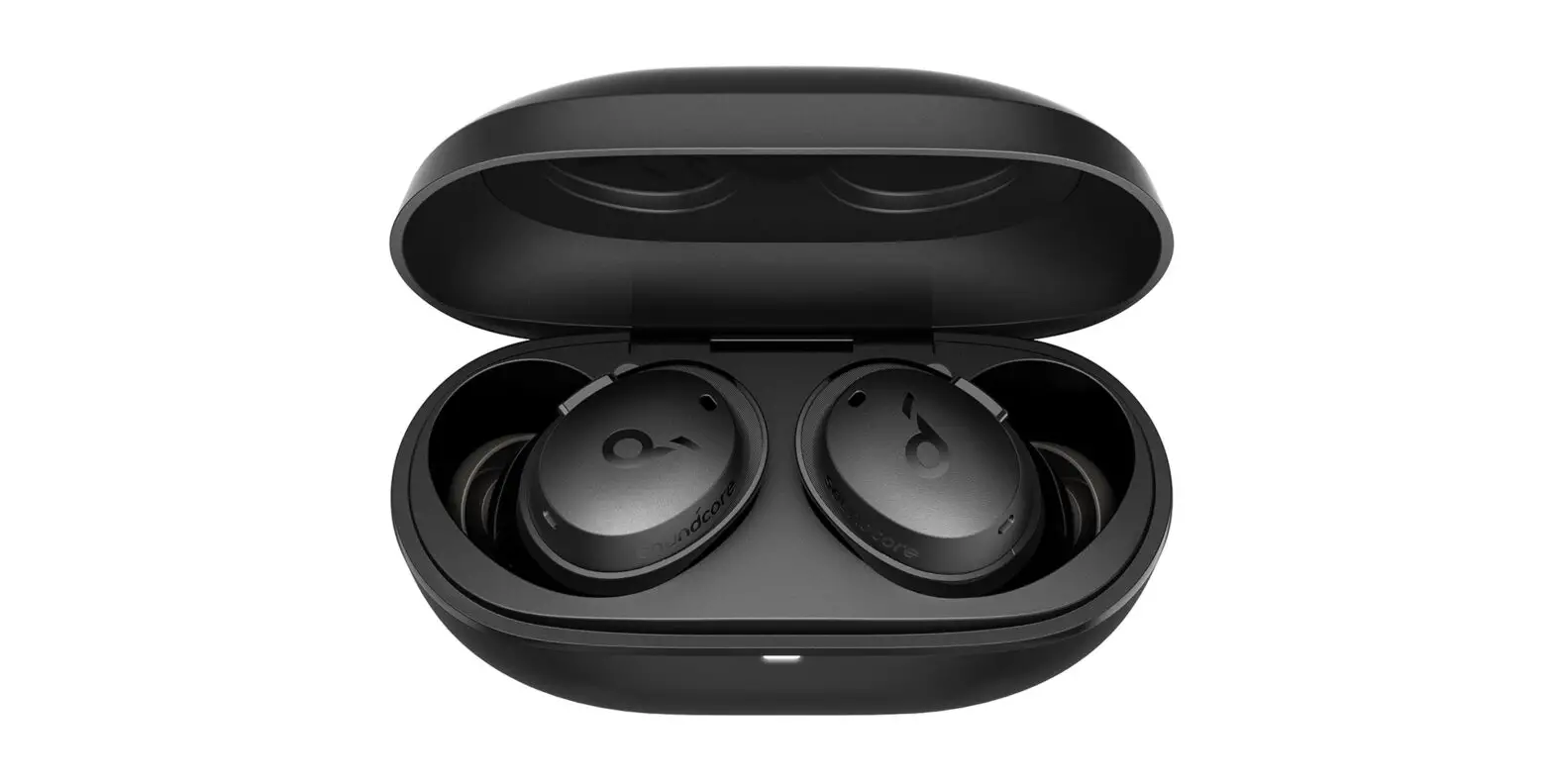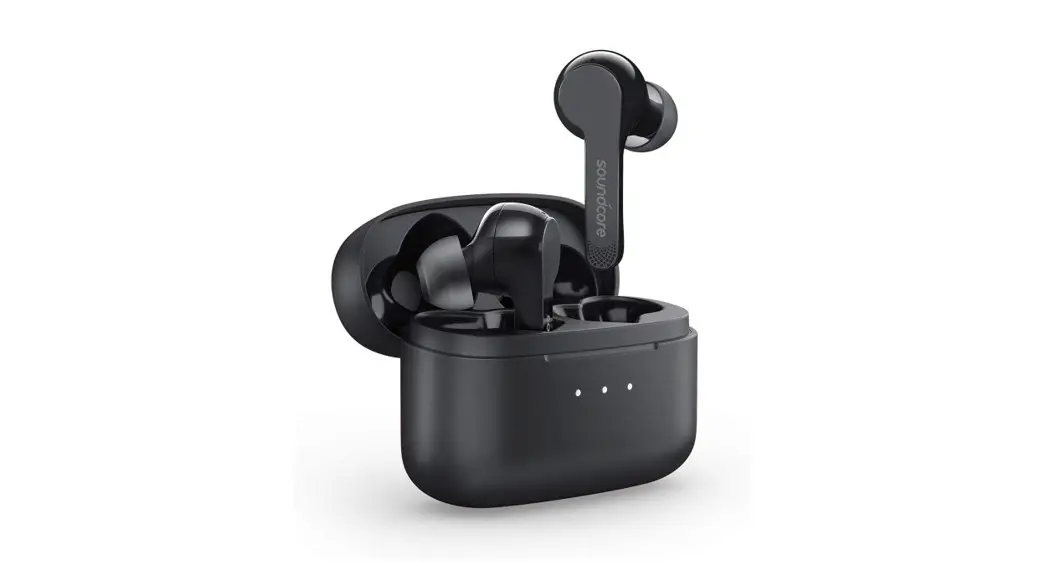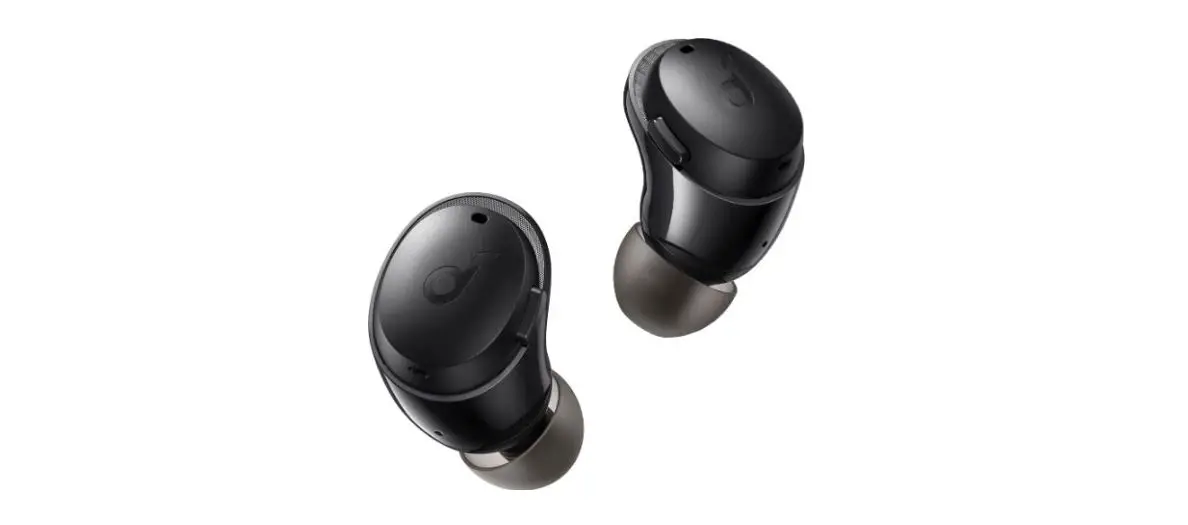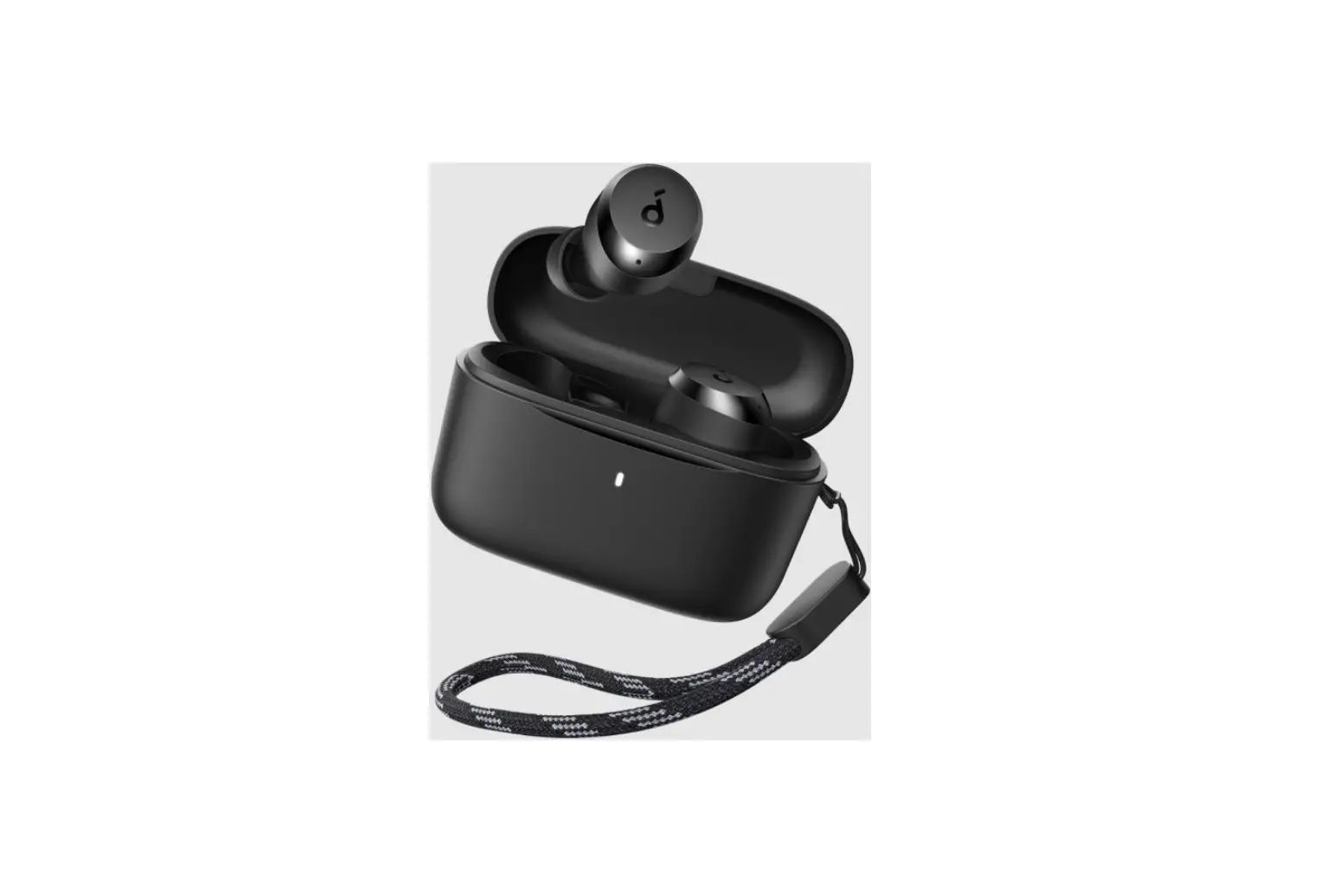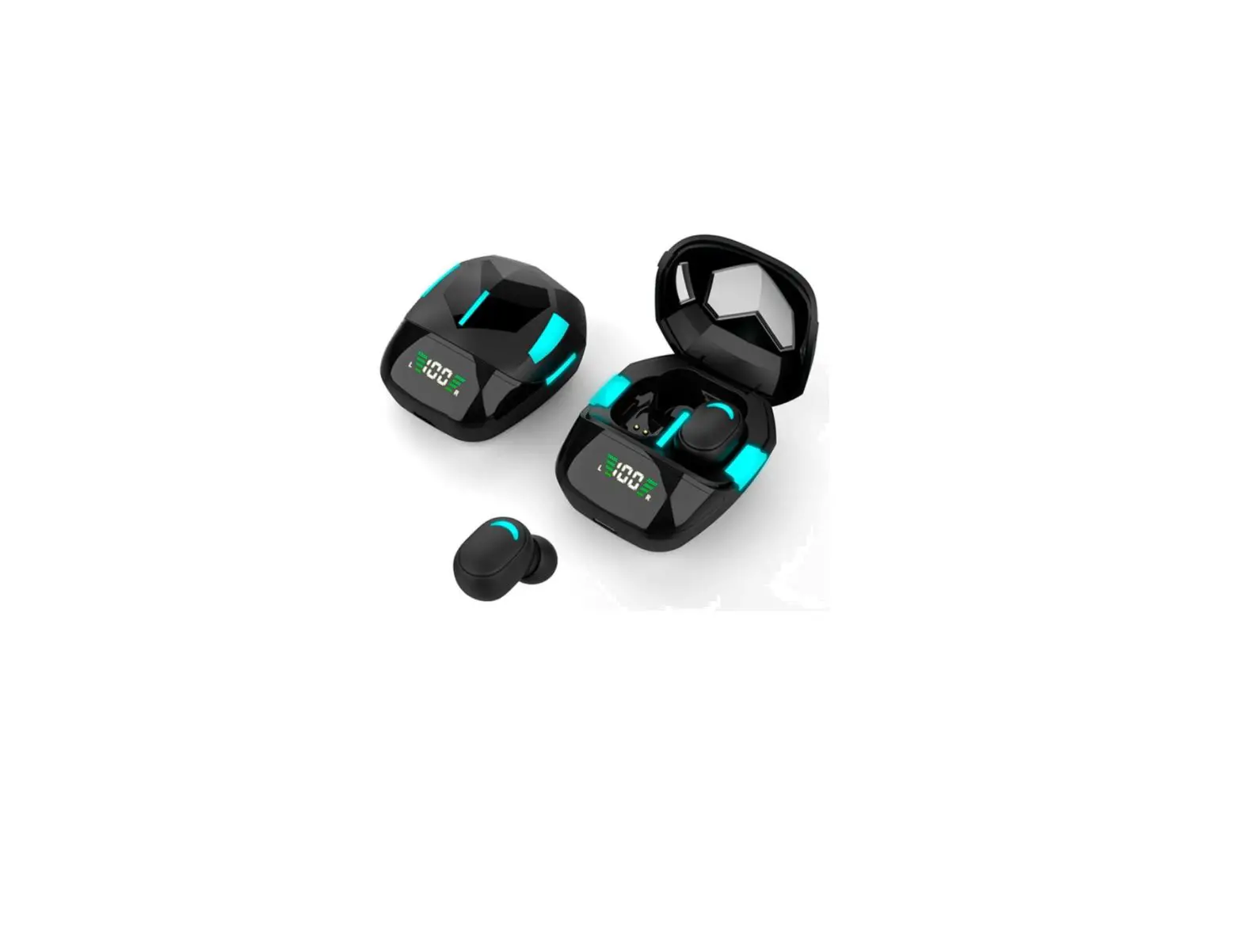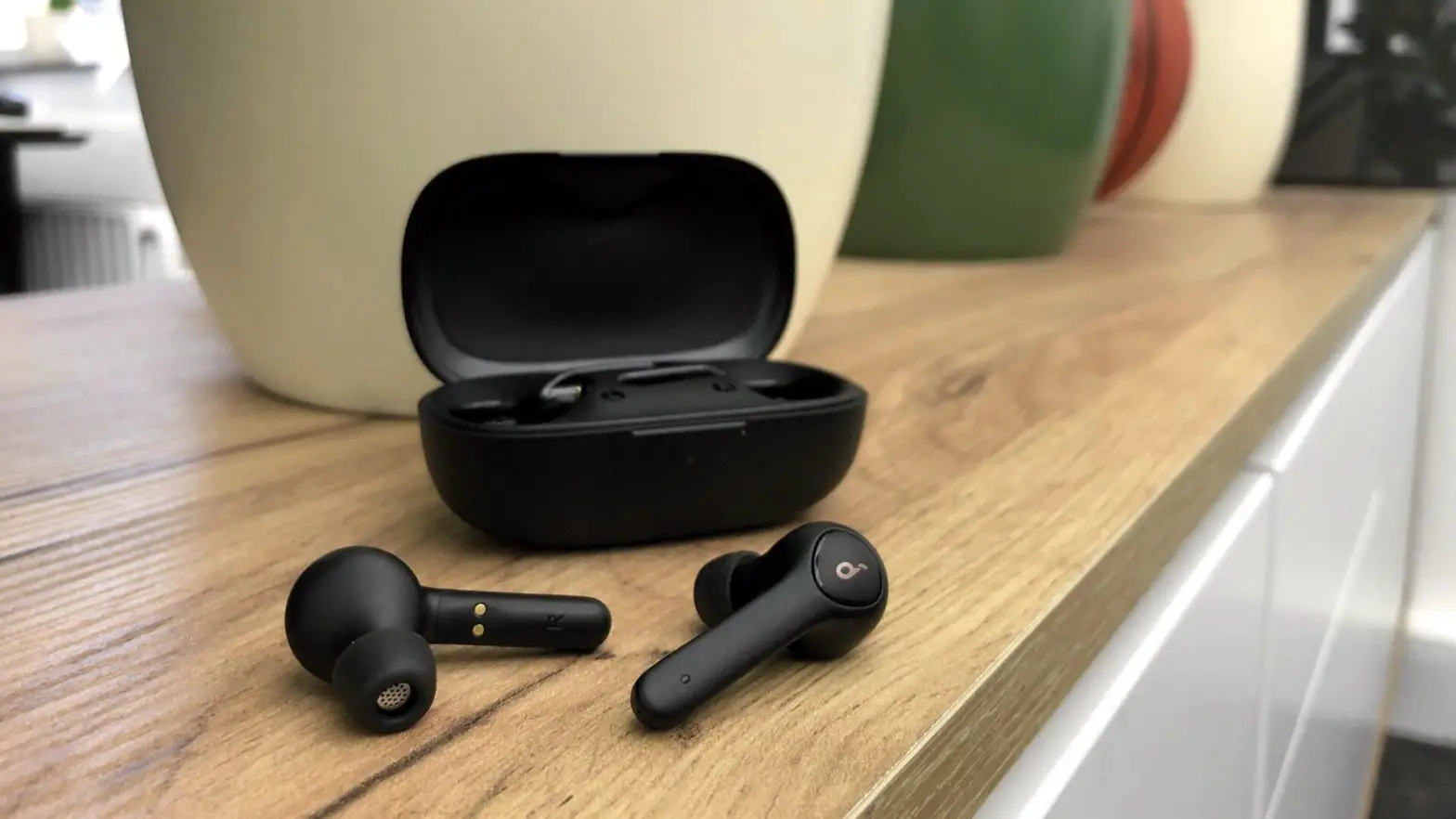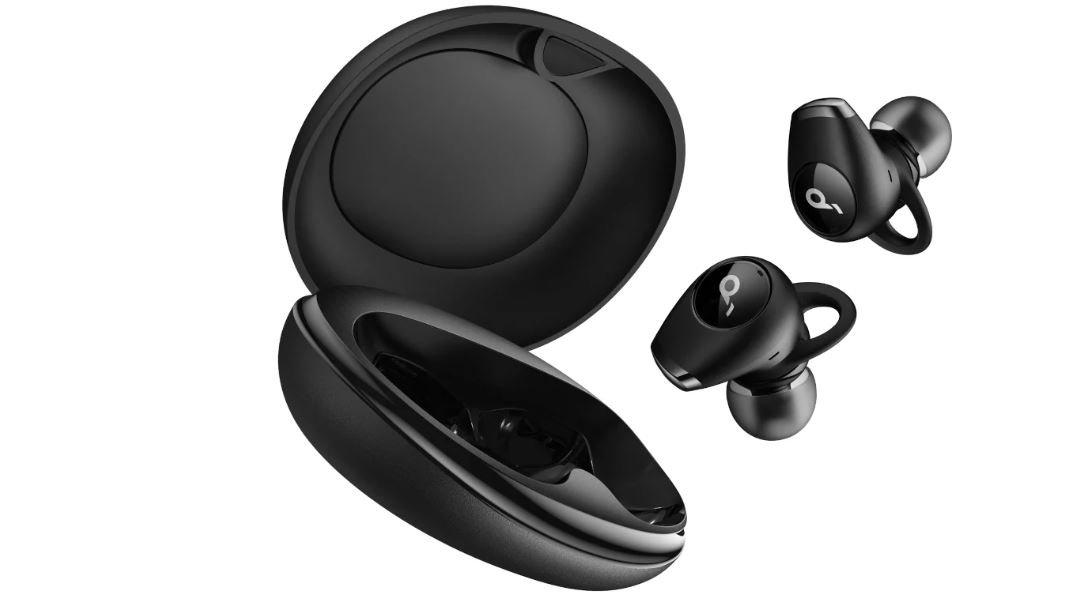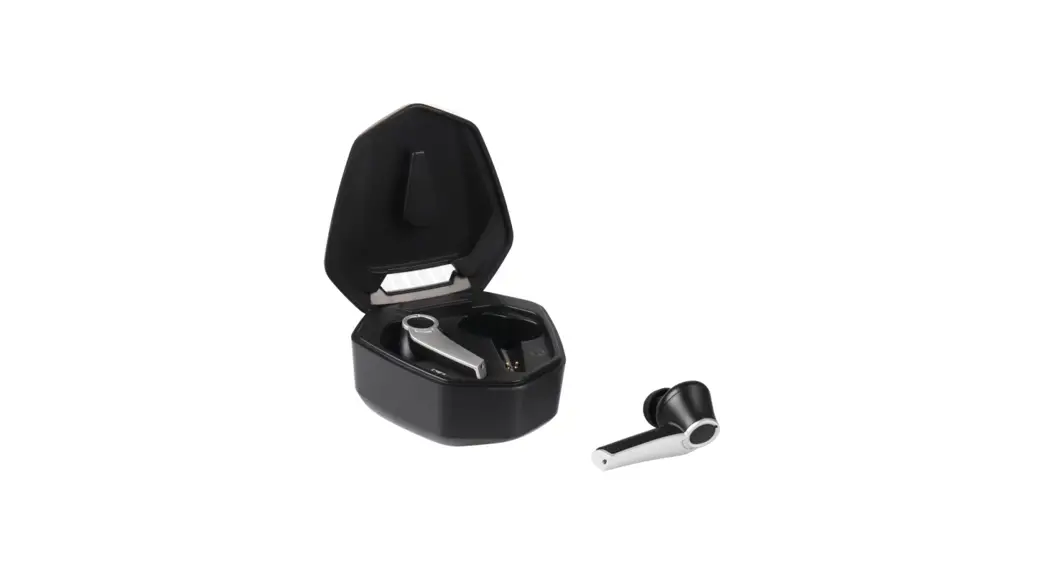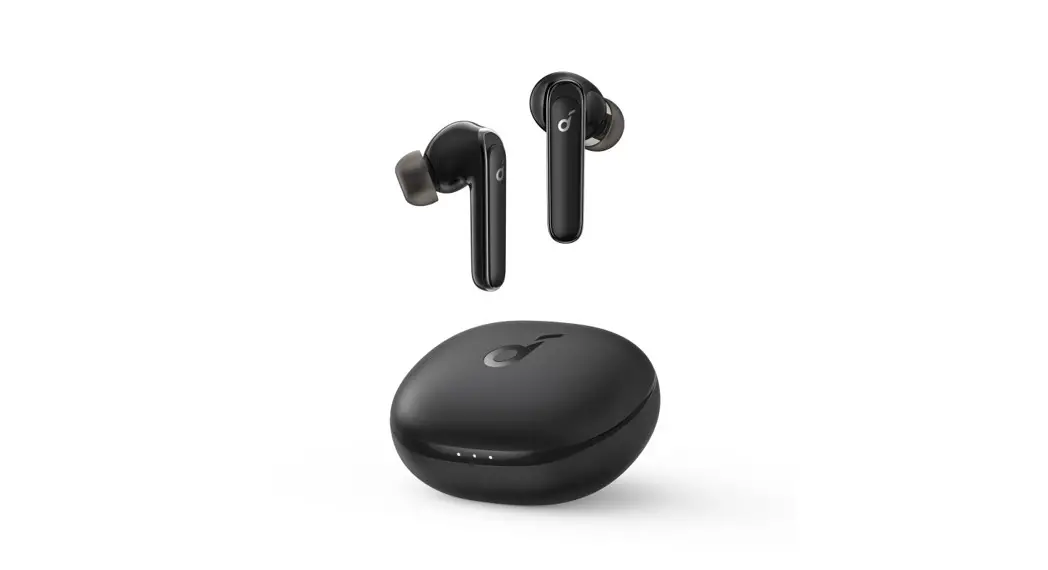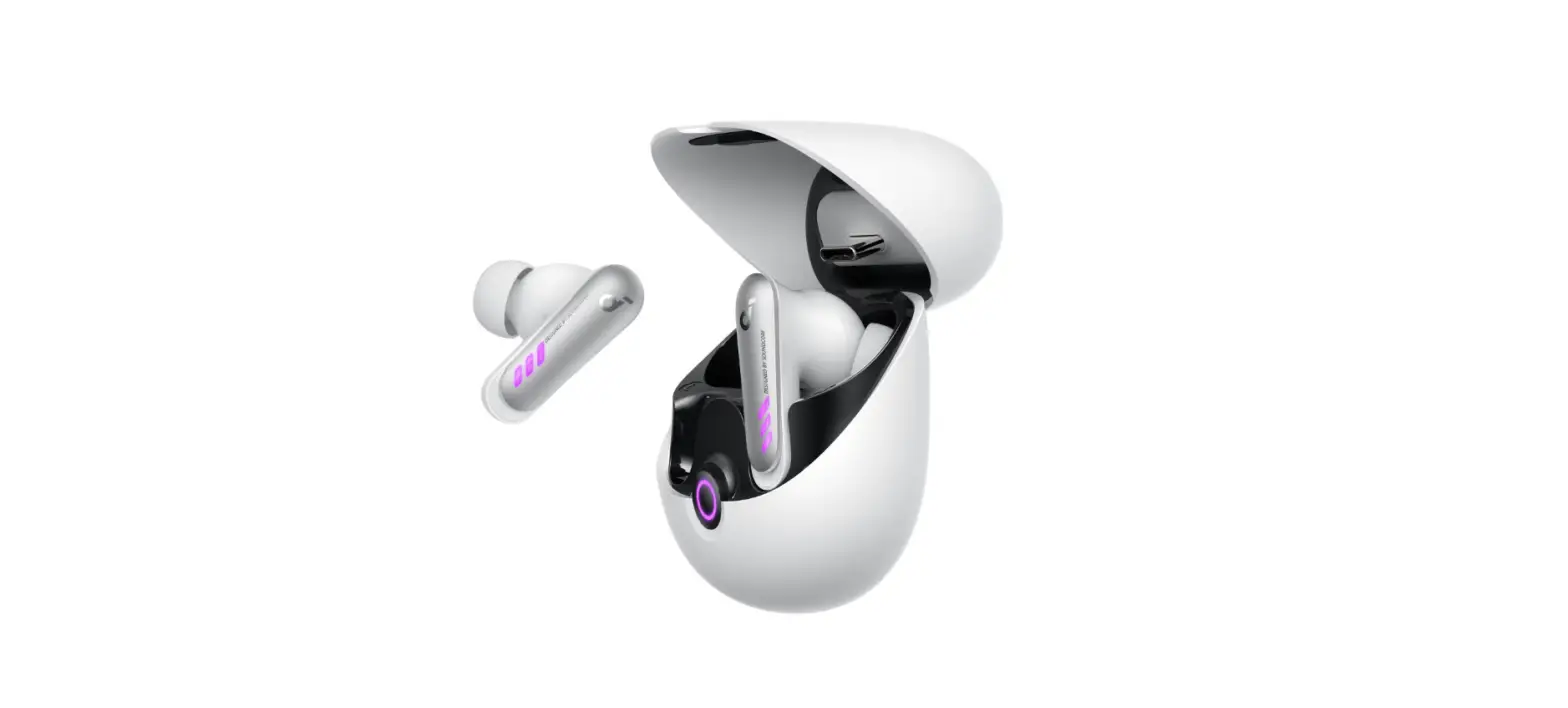

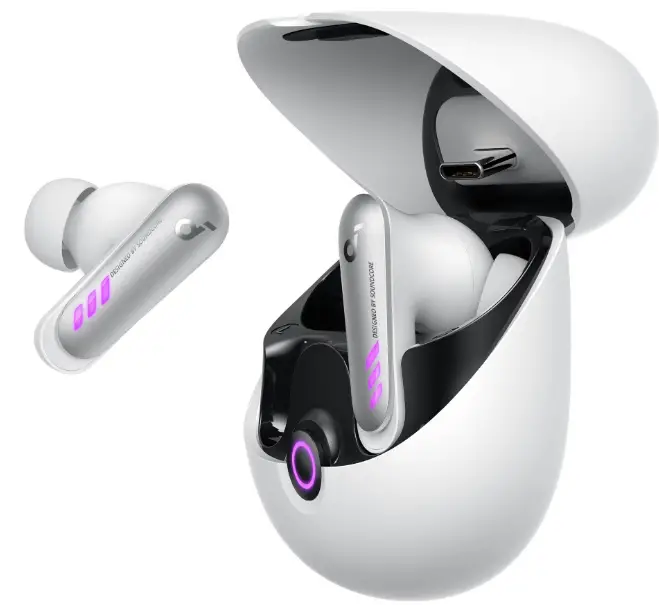
soundcore VR P10 TWS Gaming Earbuds
APP
Download the soundcore app to enhance your experience (firmware update, dongle switching, EQ tuning, and more).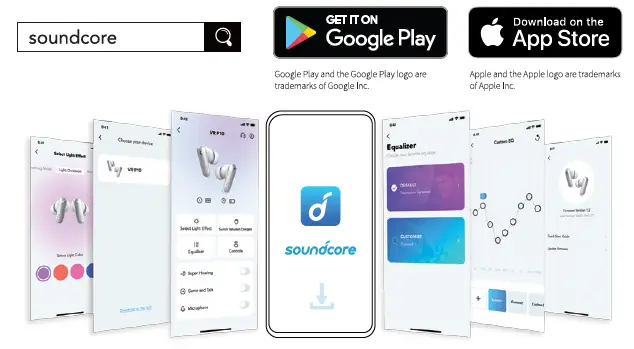
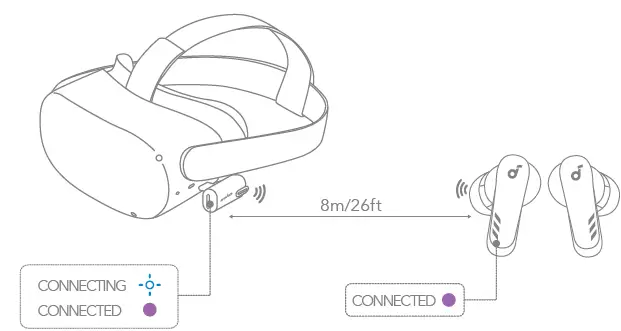
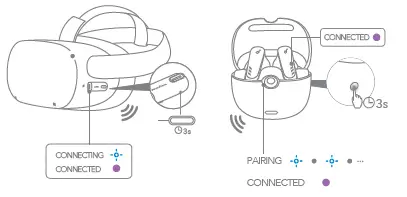
PAIRING VIA DONGLE
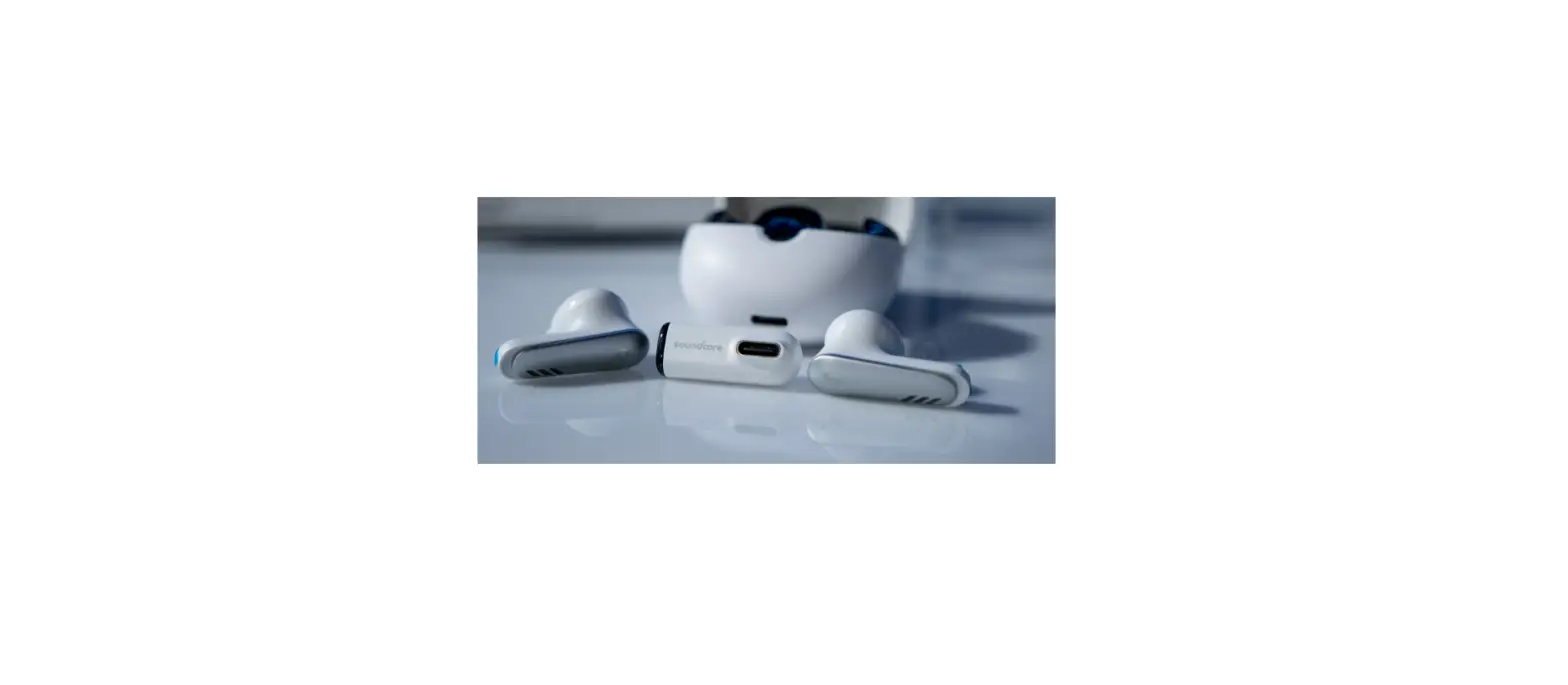
When the dongle is plugged into the USB-C port of your VR headset or gaming console, the earbuds will automatically connect with it and be ready to use. Use the included USB-C to USB adapter if necessary.
BLUETOOTH PAIRING
Open the charging case, then press and hold the button on the charging case for 3 seconds to enter Bluetooth pairing mode. Select “soundcore VR P10” from your device’s Bluetooth menu to connect. *During Bluetooth pairing, the connection between the earbuds and the dongle might break temporarily. The connection of dongle will resume when the Bluetooth pairing succeeds or when you return the earbuds in the charging case, then close and open the case.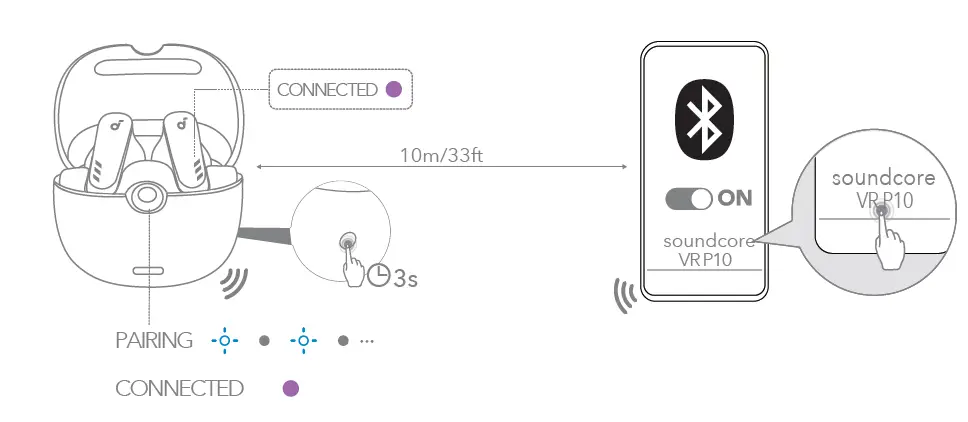
DUAL CONNECTION
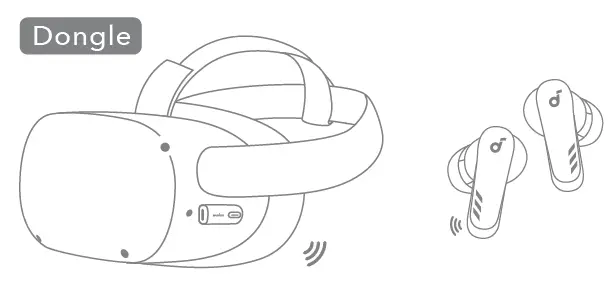
Dongle
The earbuds can connect with two devices (via dongle or Bluetooth) at the same time
Bluetooth
You can only play music from one device at a time. If you have an incoming call on the Bluetooth device, the volume on the dongleconnected device will be lower than that on the Bluetooth device. The Bluetooth® word mark and logos are registered trademarks owned by the Bluetooth SIG, Inc. and any use of such marks by Anker Innovations Limited is under license.Other trademarks and trade names are those of their respective owners.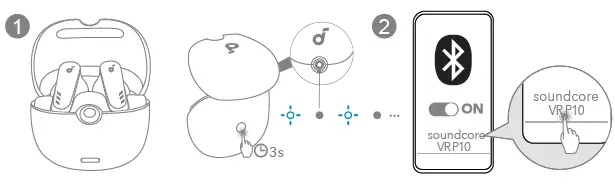
CONTROLS
- x2: Tap twice
- 2s: Press and hold for 2 seconds
In the soundcore app, you can customize the controls, e.g. enable a single tap to adjust volume. Controls may vary when connected via the dongle if the console’s system is incompatible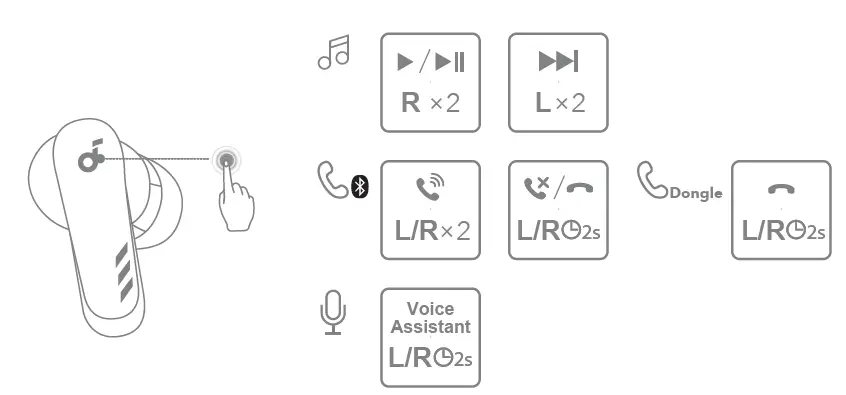
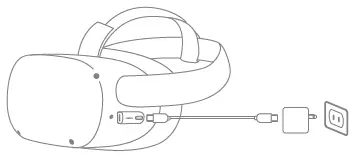
PLAYING WHILE CHARGING
- You need a charger that supports USB PD (Power Delivery) and has a minimum output of 9V/2A, otherwise this function might not work properly.
- No data transmission is supported. Don’t try to link a PC to a VR headset using a USB-C cable.

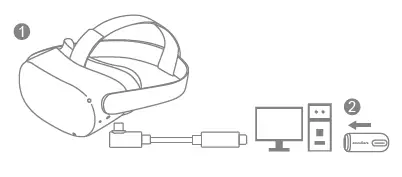
VR LINKING WITH PC
- Connect the link cable from a USB-C port on your PC to your VR headset.
- Plug the dongle into another USB-C port on your PC to use your sound core earbuds

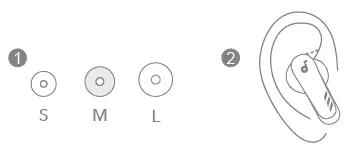
WEARING
Choose the Ear Tips that fit your ears best.
CHARGING
Fully dry off the earbuds and the USB-C charging port before charging.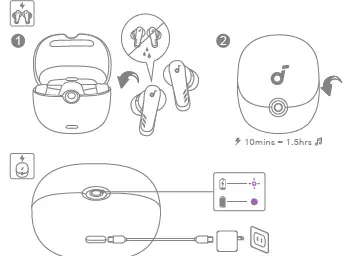
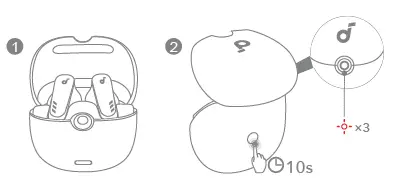
RESET
Return the earbuds in the charging case and leave the case open. Press and hold the button on the back for 10 seconds until the charging case LED indicator flashes red three times.
LED LIGHT GUIDE
- Flashing red
- Steady red
- Breathing purple
- Steady purple
- Breathing blue

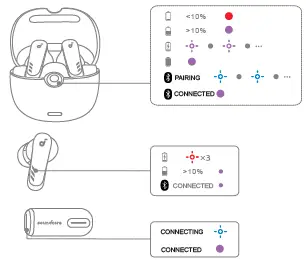
DONGLE
- DONGLE RESET

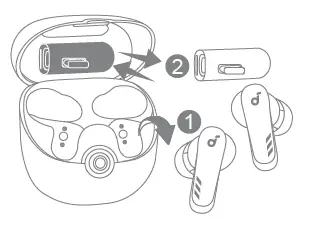
- DONGLE STORAGE

Customer Service
- 18-month limited warranty
- Lifetime technical support
- Our warranty is additional to the legal rights consumers have buying this product.
- [email protected]
- [email protected] (For Middle East and Africa Only)
- [email protected] (EA)
- +1 (800) 988 7973 (US/CA) Mon-Fri 6:15AM – 5:00PM (PT)
- +44 (0) 1604 936200 (UK) Mon-Sat 6:00 – 19:00 Sun 6:00 -14:00
- +49(0)69 9579 7960 (DE) Mo-Fr 8:00 – 16:00
- 03 4455 7823 9:00-17:00/ERENE
- +86 400 0550 036 (pE)A-E 9:00-18:00
- +82 02 1670 7098 (B-)-310:00 – 17:00
- +971 42428633 (Middle East & Africa) Mon-Thu 9:00- 17:30 Fri 8:00 -12:00
- +971 8000320817 (UAE) Mon-Thu 9:00 – 17:30 Fri 8:00-12:00
- +966 8008500030 (KSA) Mon-Thu 8:00-16:30 Fri 7:00-11:00
- +965 22069086 (Kuwait) Mon-Thu 8:00-16:30 Fri 7:00-11:00
- +20 8000000826 (Egypt) Mon-Thu 7:00-15:30 Fri 6:00-10:00
Anker Innovations Limited
- Input: 5V 0.5A
- Room 1318-19, Hollywood Plaza, 610 Nathan Road, Mongkok, Kowloon, Hong Kong
- The following importer is the responsible party (contract for EU and UK matters)
- Anker Technology (UK) Limited
- GNR8, 49 Clarendon Road, Watford, Hertfordshire, WD17 1HP, United Kingdom
- Anker Innovations Deutschland GmbH
- Georg-Muche-Strasse 3, 80807 Munich, Germany.
SOUND CORE
For FAQs and more information, please visit: soundcore.com/support
SUPPORT
Please visit www.soundcore.com/support for more information.
 Soundcore EN
 Soundcore EN
 Anker (アンカー) Japan公式サイト – Anker Japan公式サイト