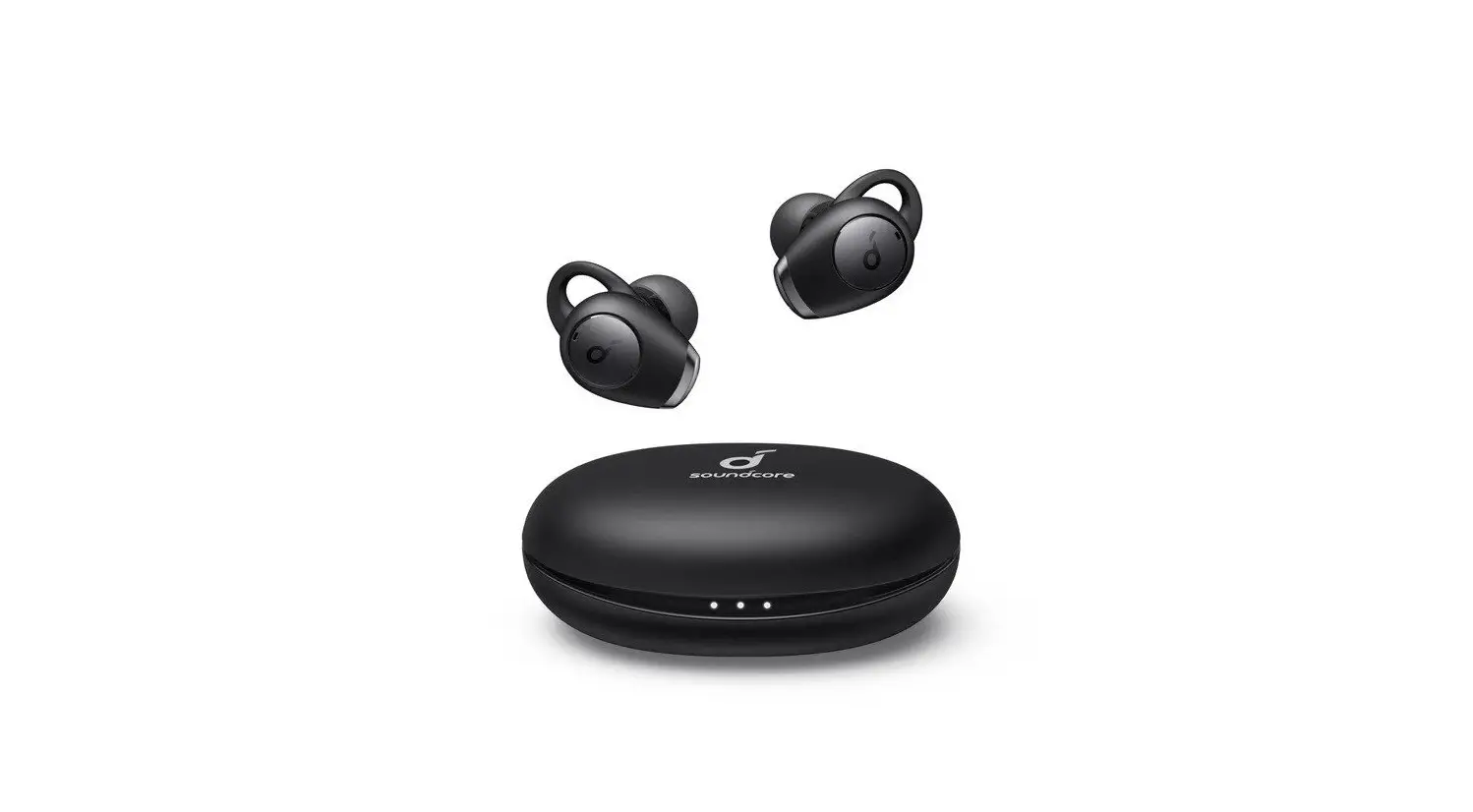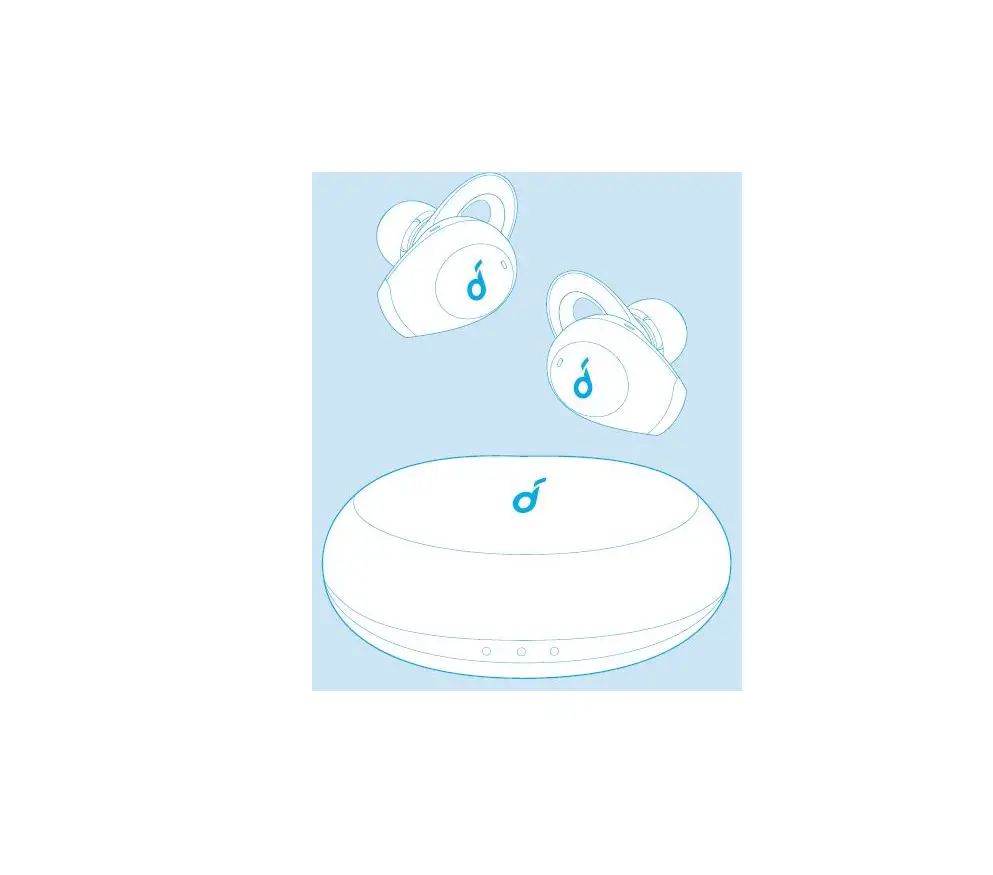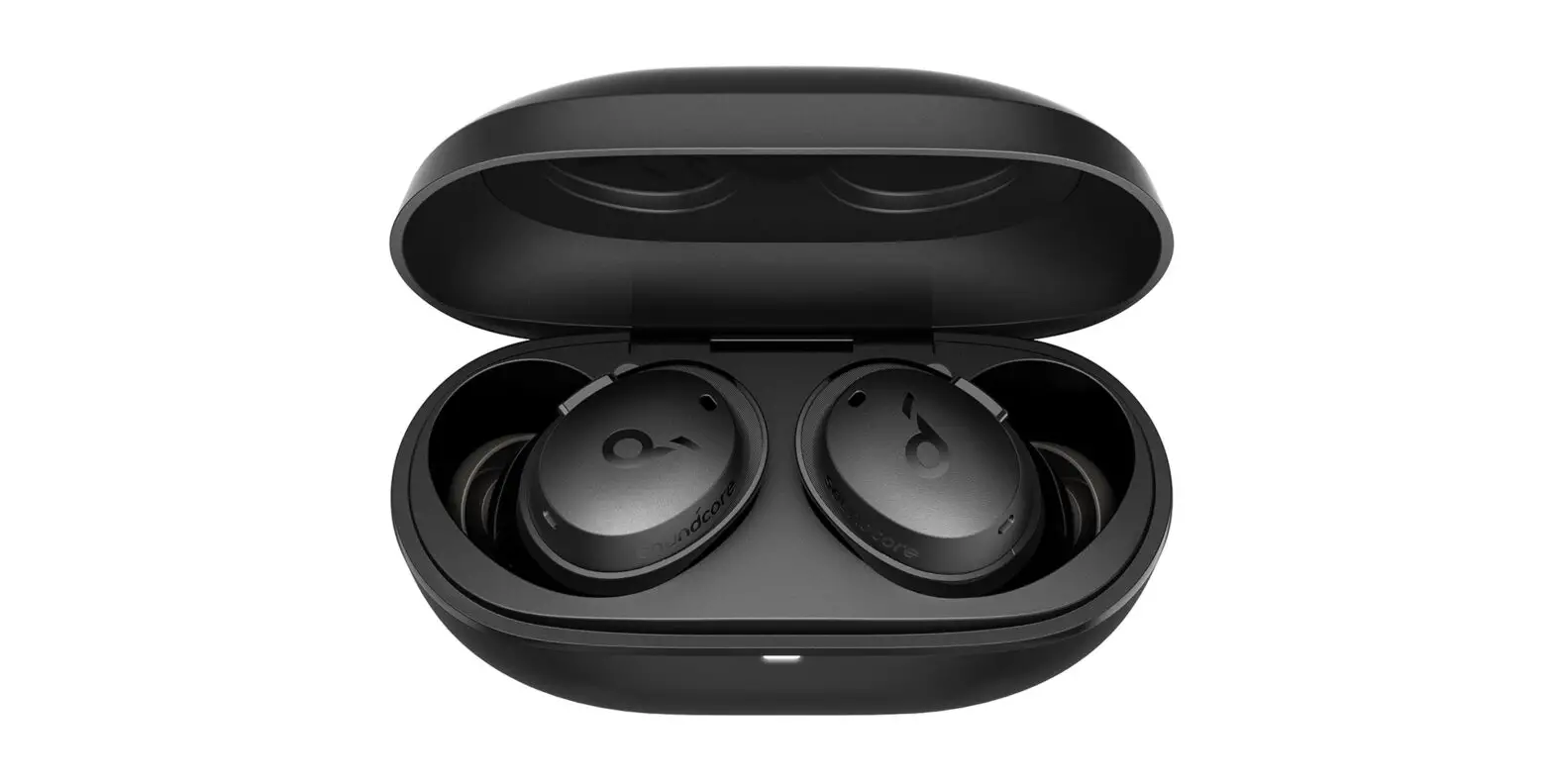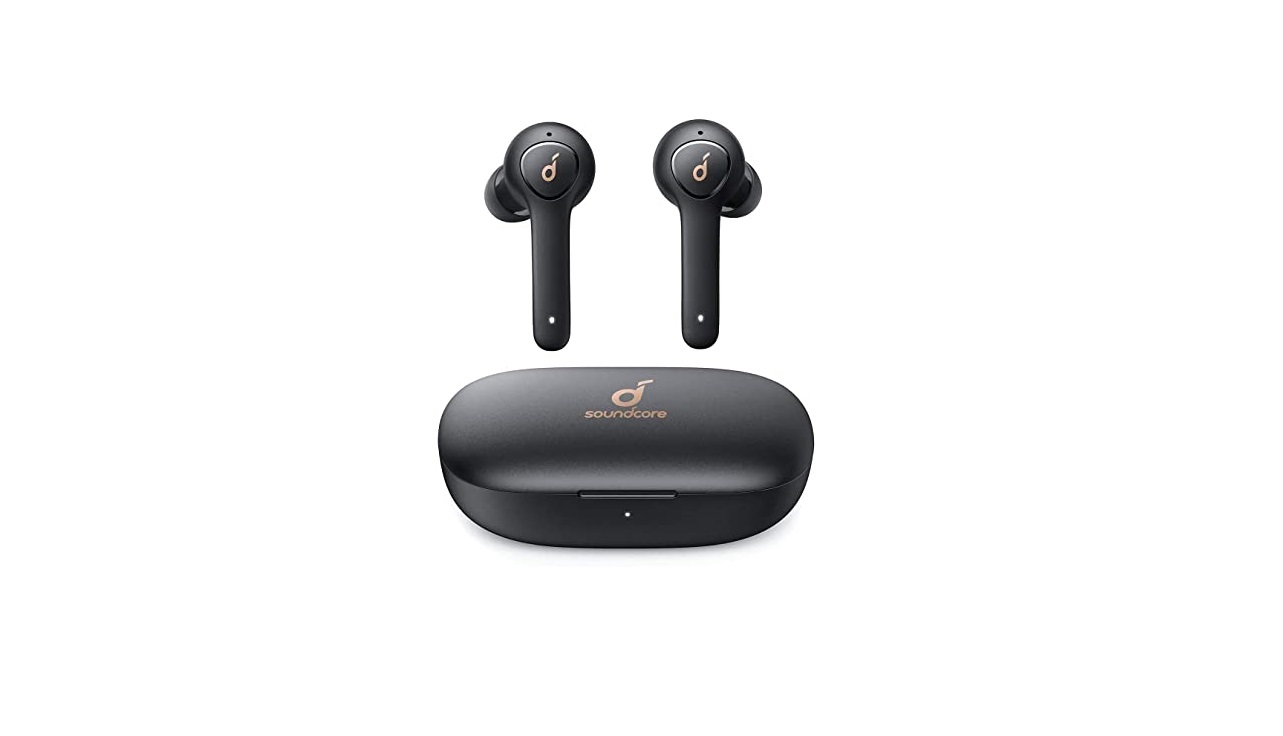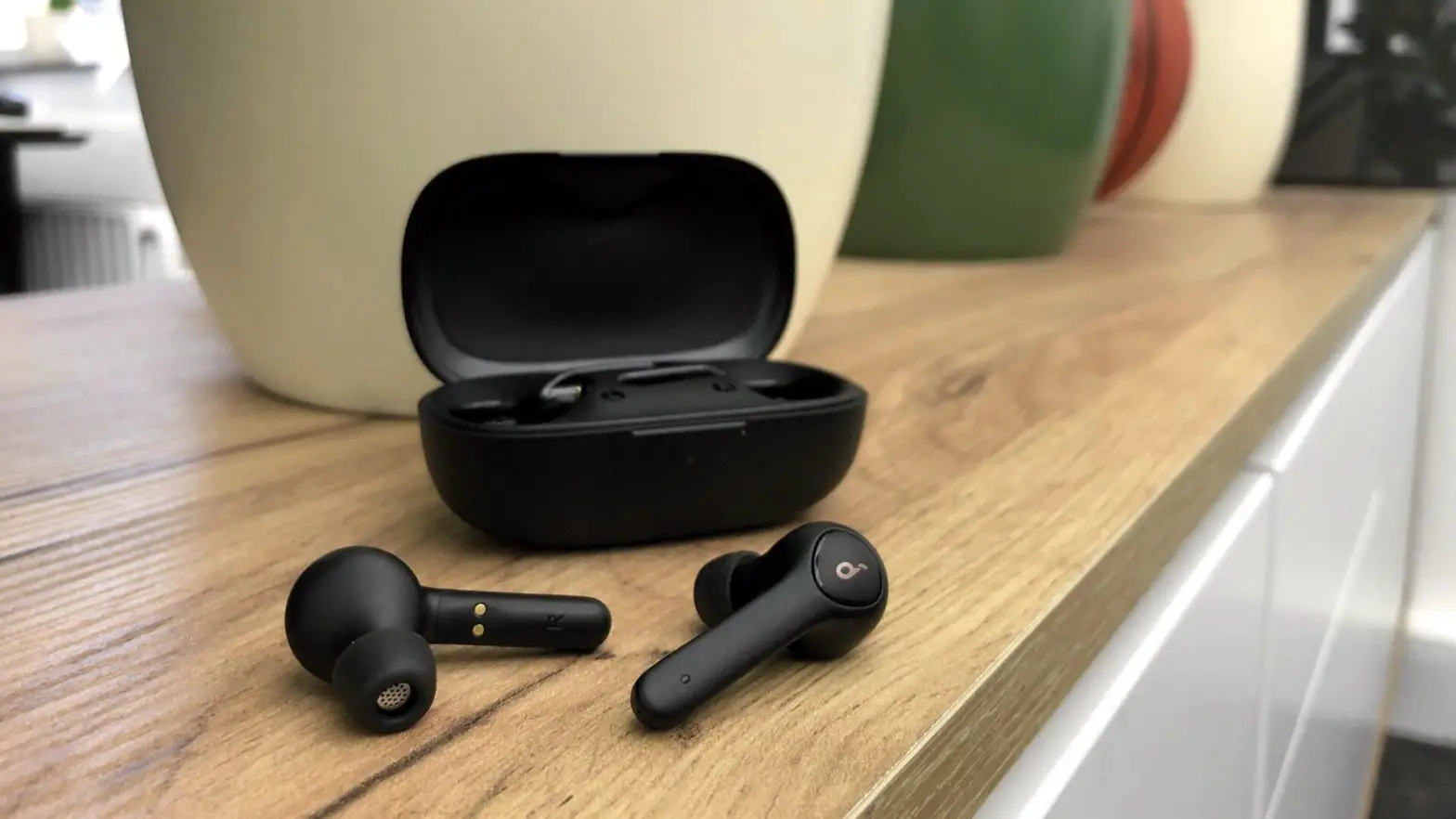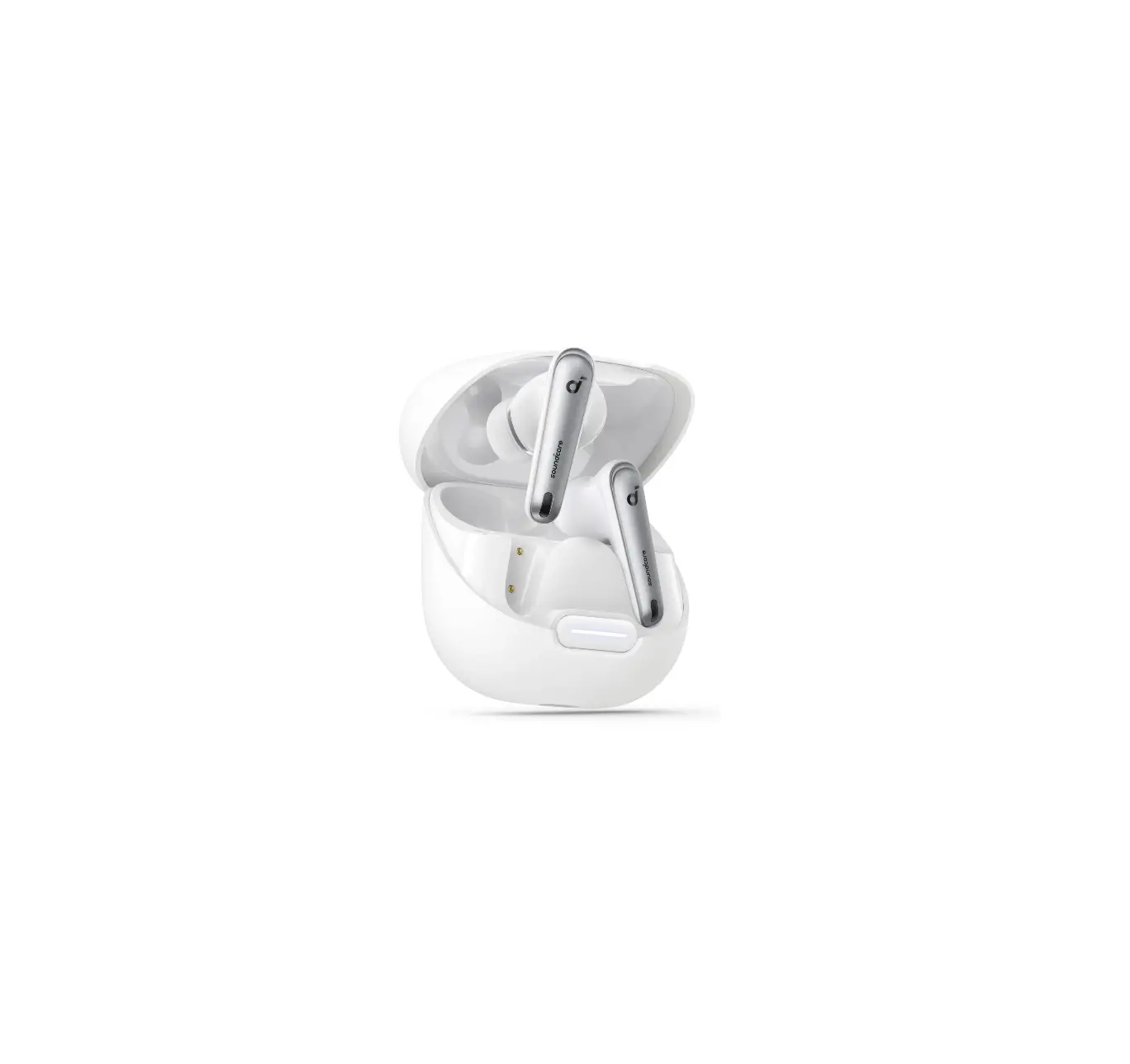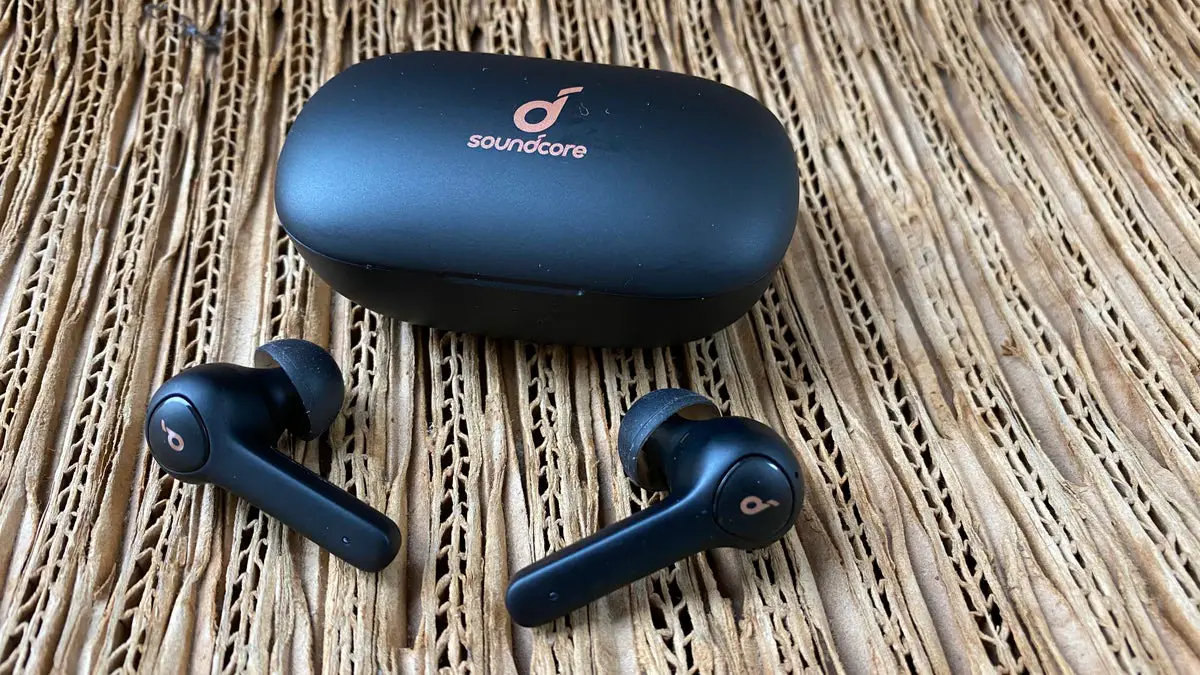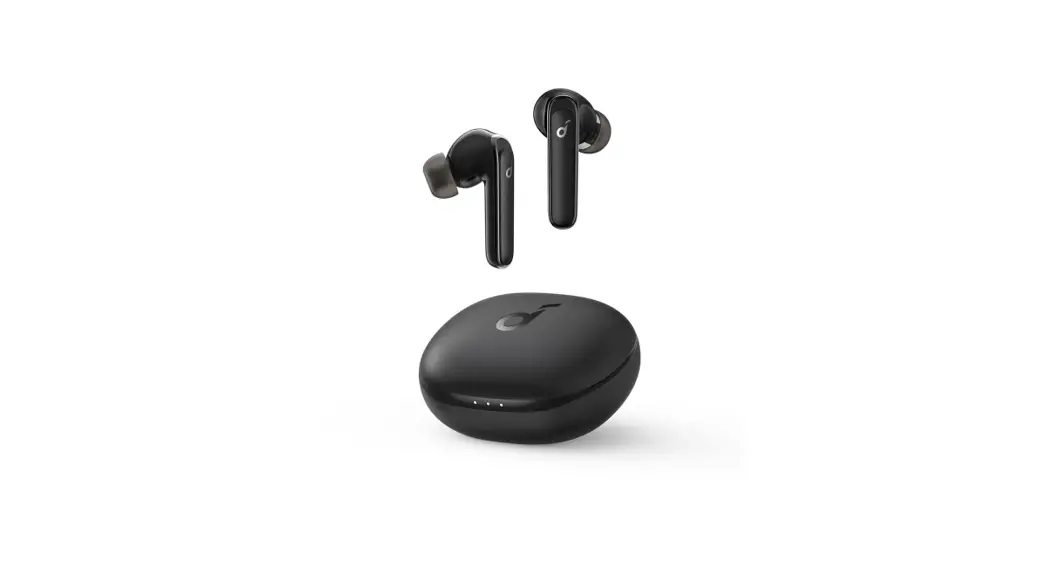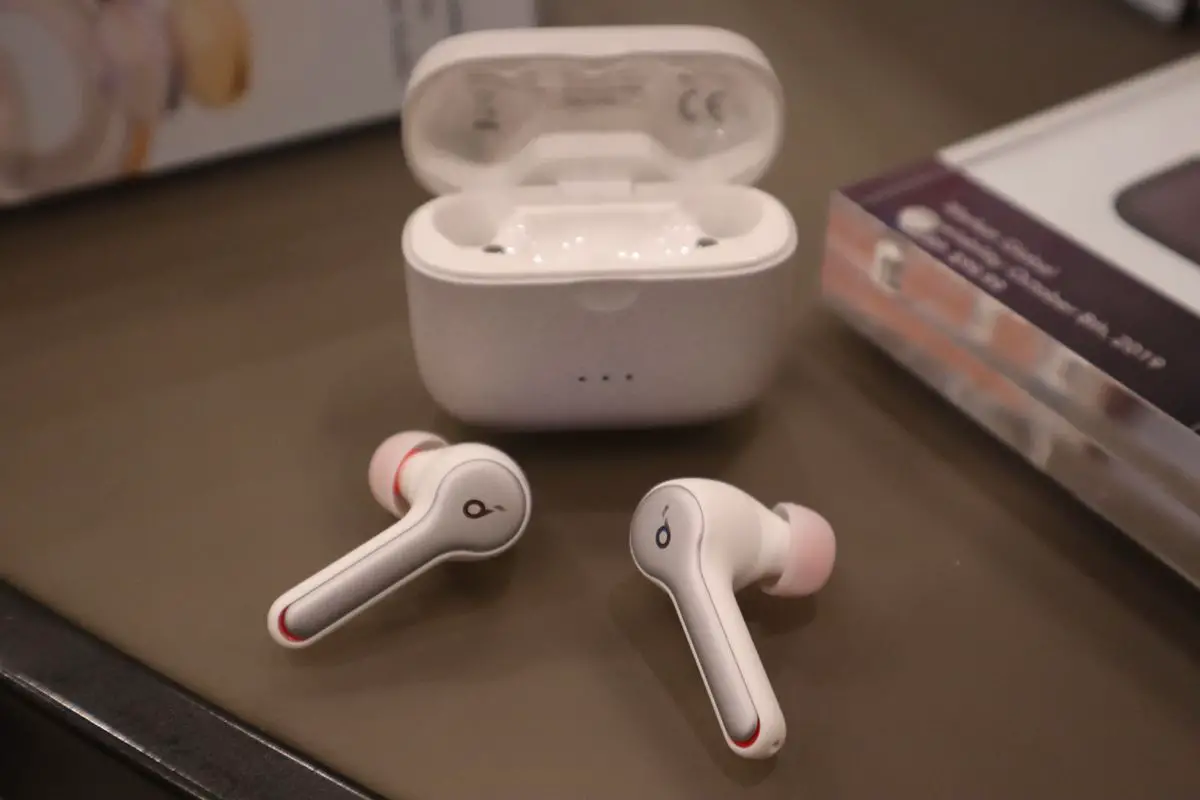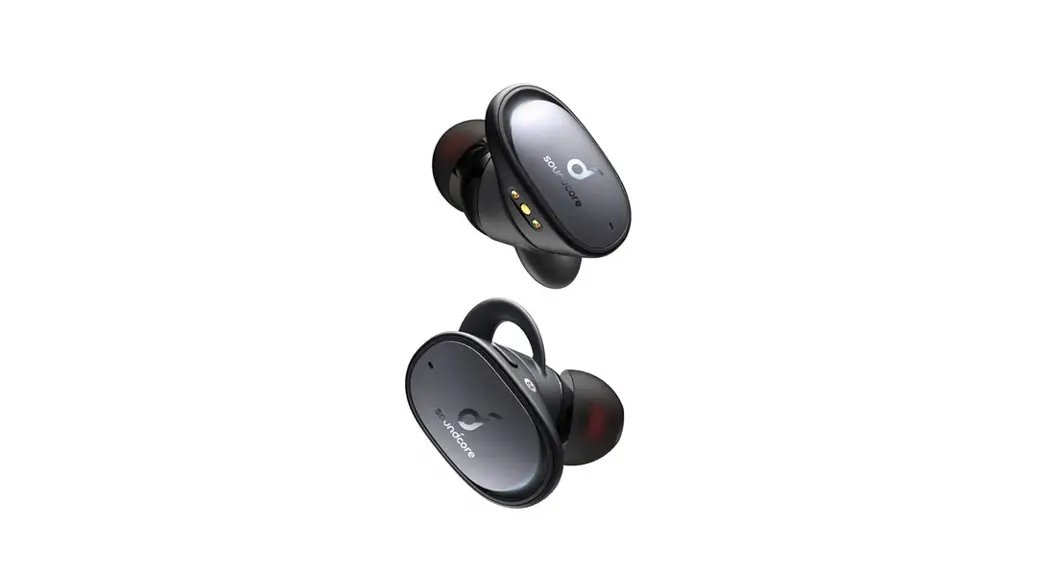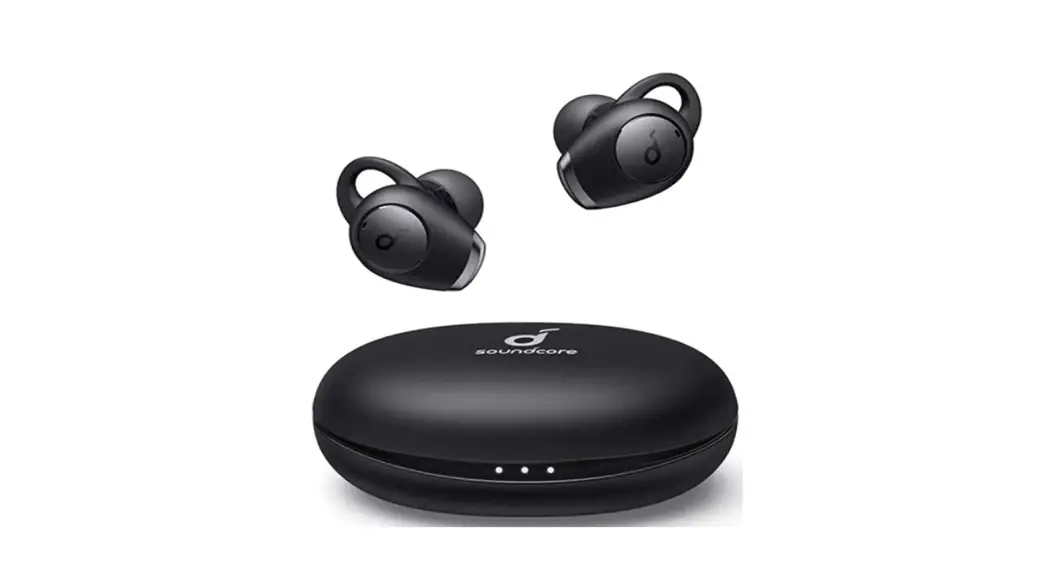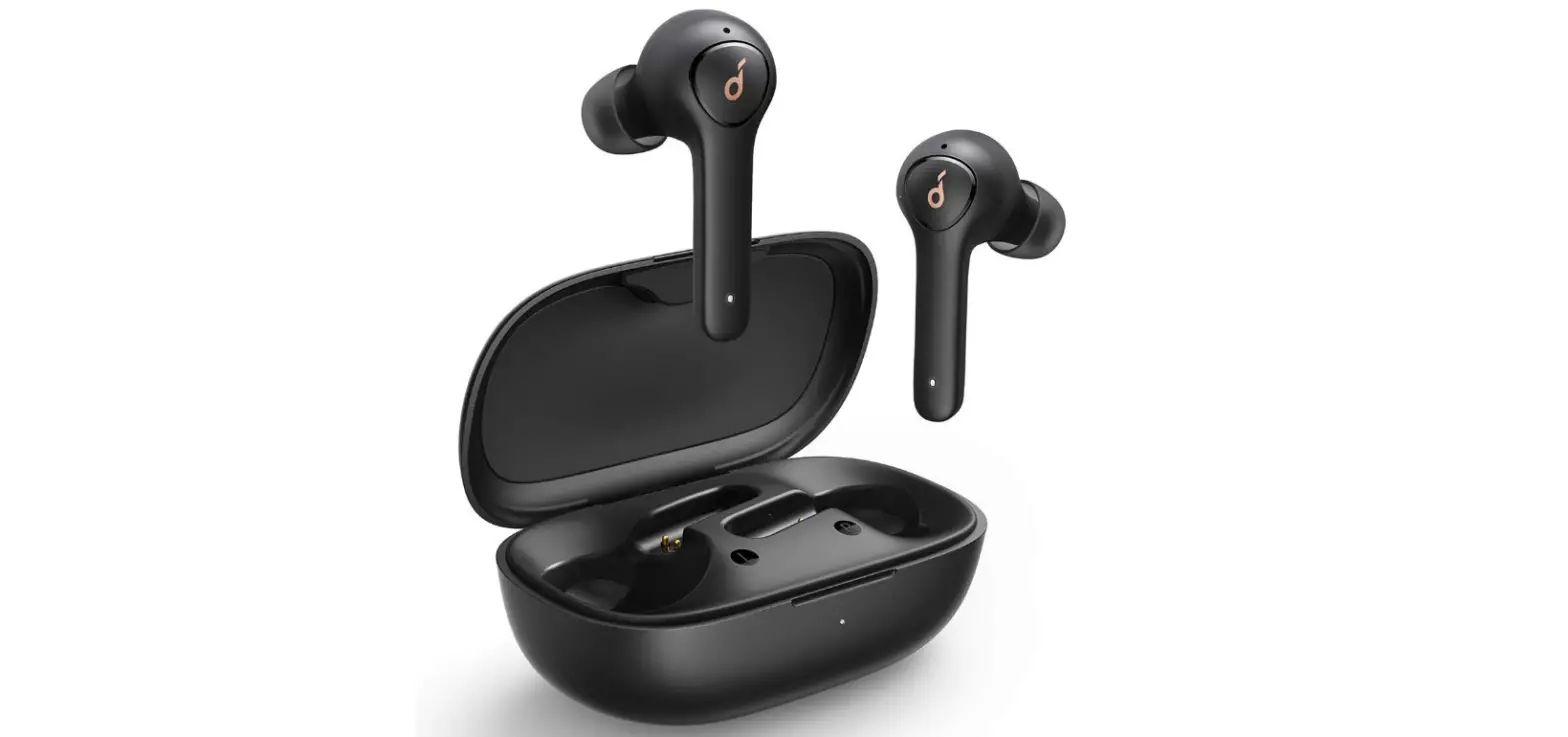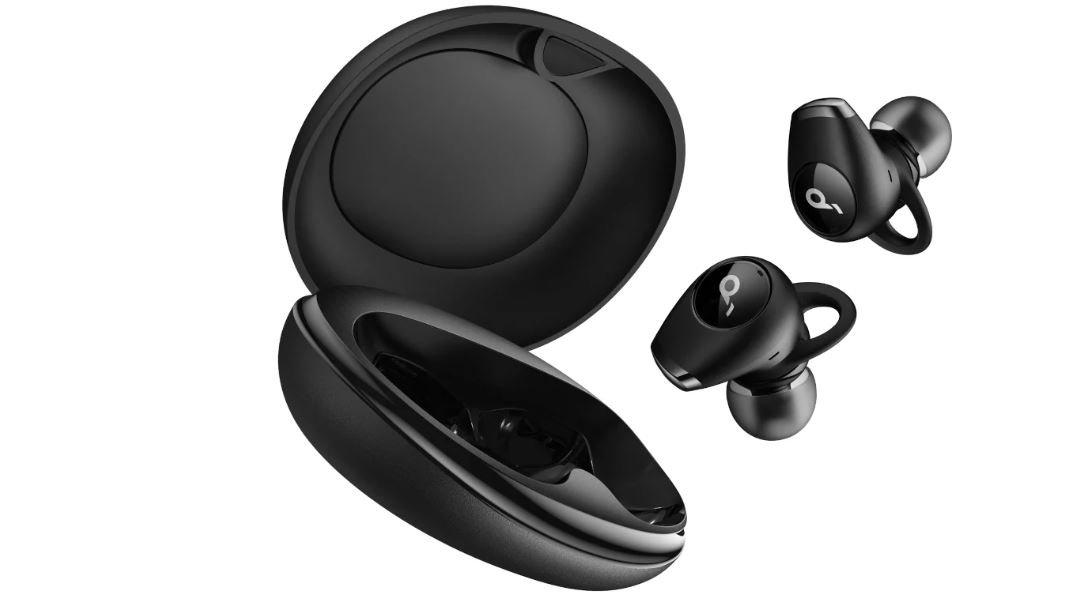

soundcore Life Dot 2 NC True Wireless Earbuds
SUPPORT
For FAQs, detailed user manual and more information, please visit www.soundcore.com/support
APP

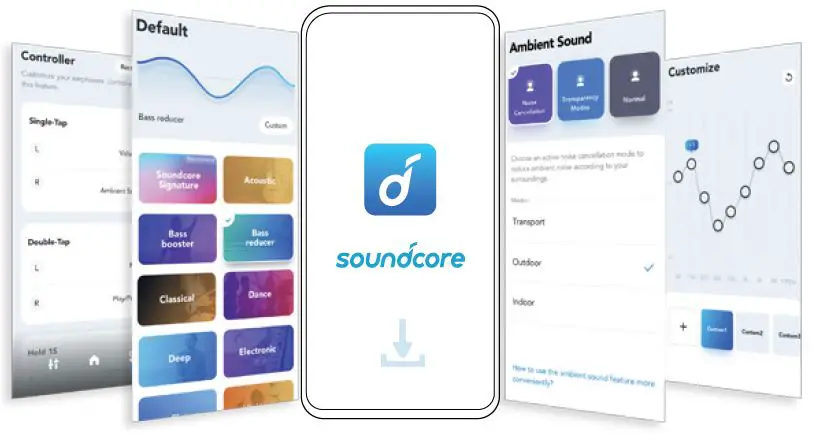
Download the Soundcore App to customize the user interface (e.g. adjust volume, control playback, activate Siri), adjust EQ, switch ANC modes, update firmware, and explore more.
AMBIENT SOUND
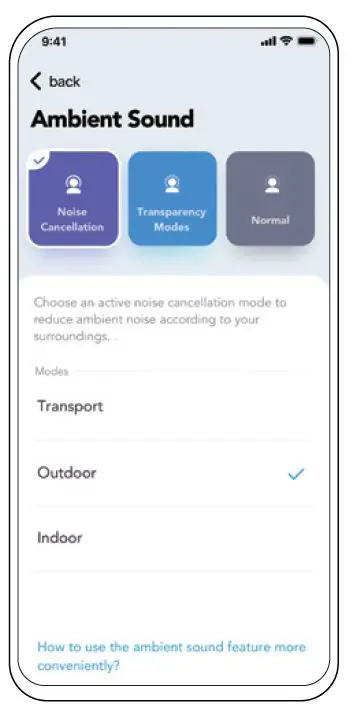
Switch ANC/Transparency/Normal modes in the Soundcore App. ANC (Active Noise Cancellation): Reduce unwanted background noise. Transparency: Stay aware of surroundings while listening to music.
WEARING
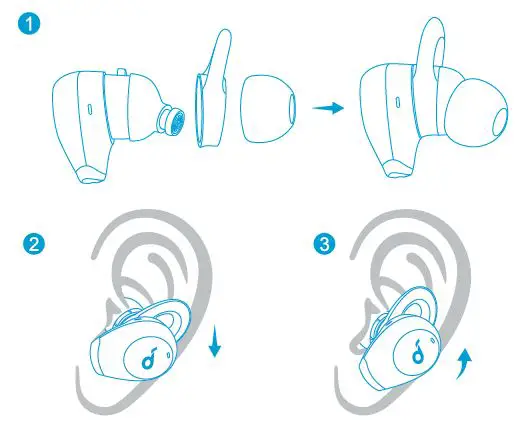
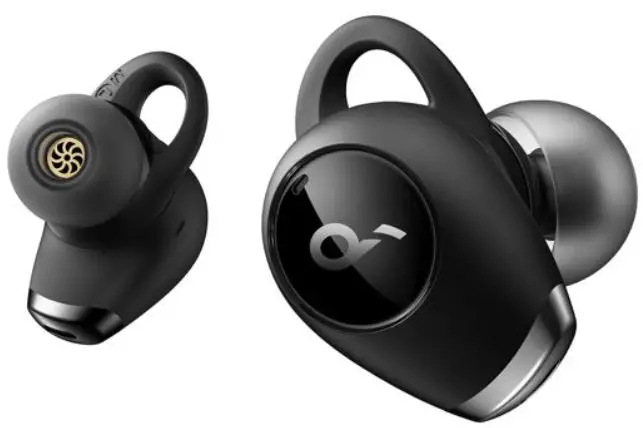
Choose the EarTips and EarWings that fit your ears best.
CHARGING
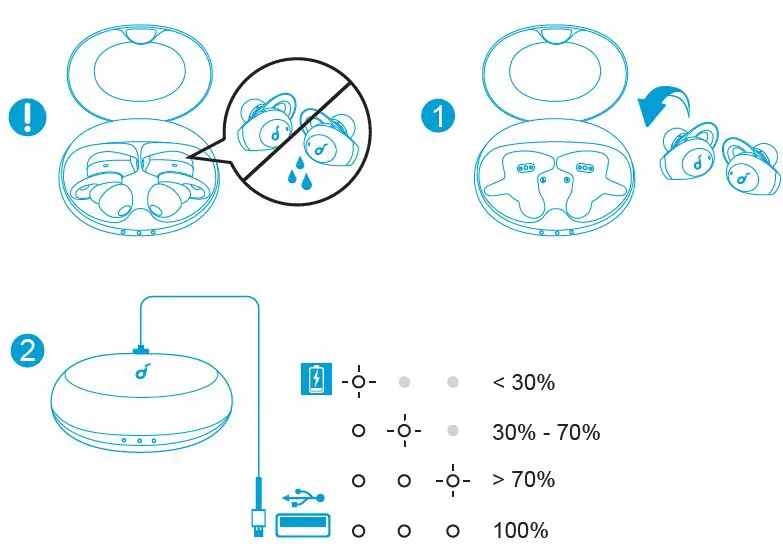
Fully dry off the earbuds and the USB-C charging port before charging. Use a certified USB-C charging cable to prevent any damage.
POWERING ON/OFF
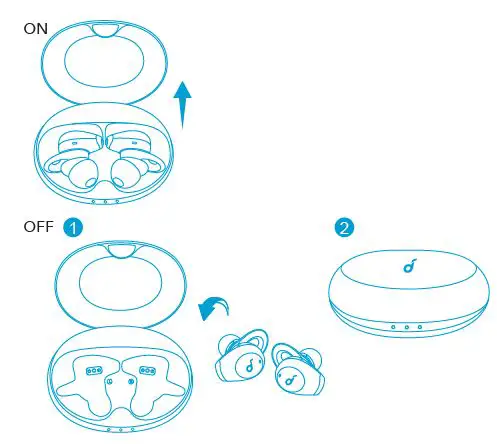
Open the charging case, the earbuds will automatically power on. To power off, place the earbuds into the charging case and close the case.
PAIRING
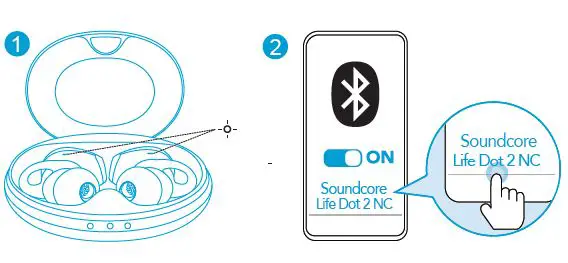
Open the charging case, the earbuds will automatically enter the Bluetooth pairing mode. Select Soundcore Life Dot 2 NC” on your device’s Bluetooth list to connect.
CONTROLS
 x1: Tap once x2: Tap twice 2: Press and hold for 2 seconds
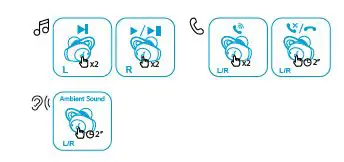 x1: Tap once x2: Tap twice 2: Press and hold for 2 seconds
RE PAIRING
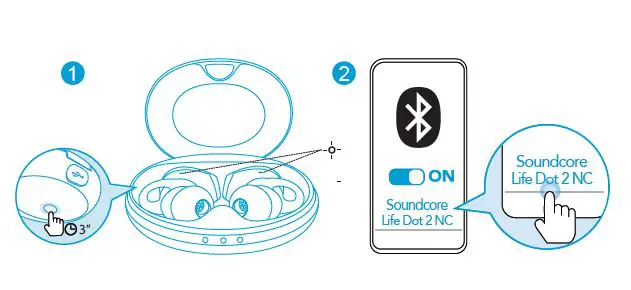
Pairing with another device: Place the earbuds into the charging case and keep it open. Press and hold the button on the case for 3 seconds until the earbud LED indicators flash white to enter pairing mode.
RESET
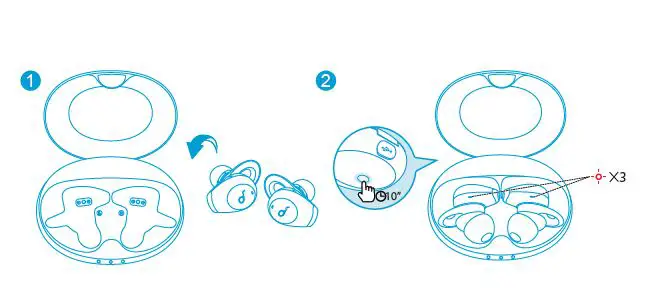
Reset if the earbuds cannot properly pair with each other or with other devices. Place the earbuds into the charging case and keep it open. Press and hold the button on the case for 10 seconds until the earbud LED indicators flash red 3 times and then turn white.
LED LIGHT GUIDE
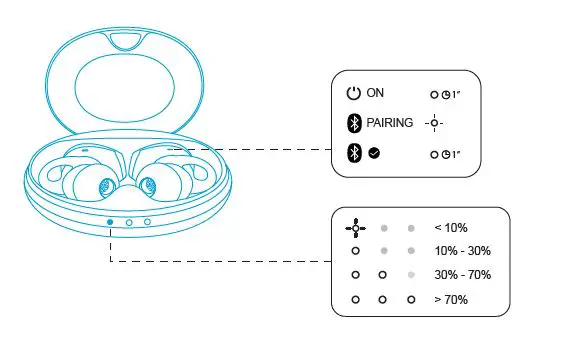
- Steady white
- Flashing white
- Flashing red
 soundcore Headphones & Speakers - Hear it, Feel it - soundcore US
 Anker (アンカー) Japan公式サイト – Anker Japan公式サイト
 Soundcore EN