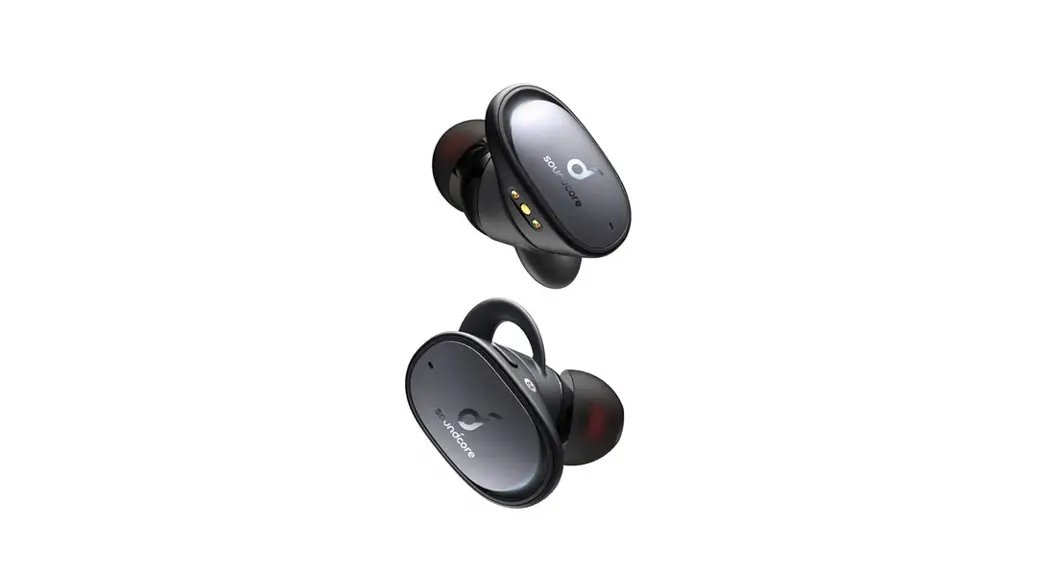
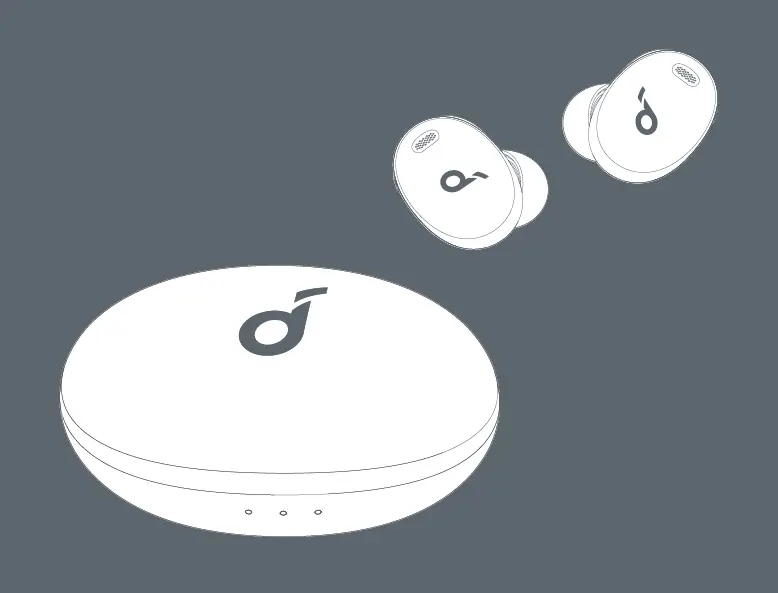
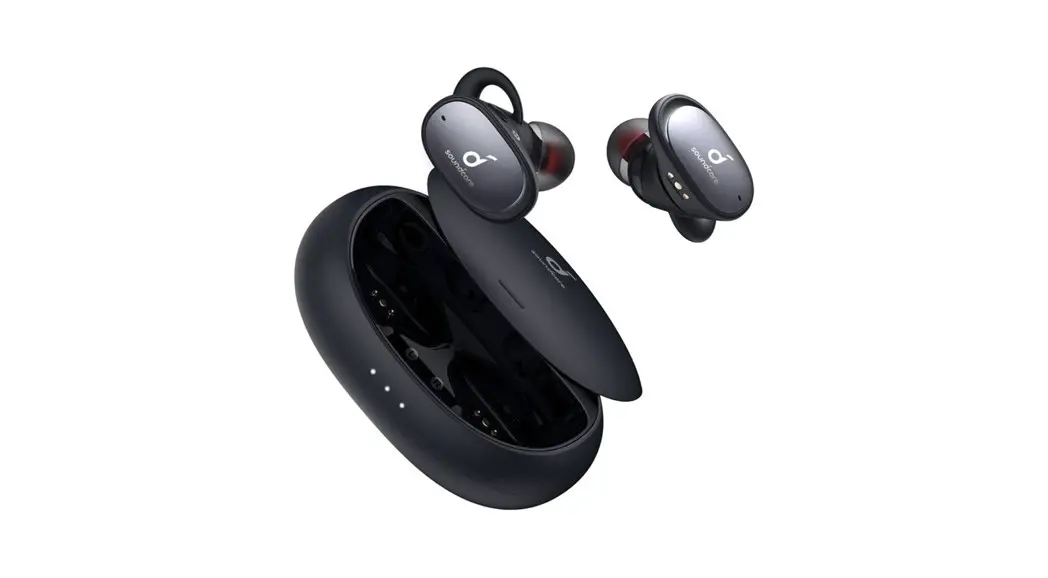
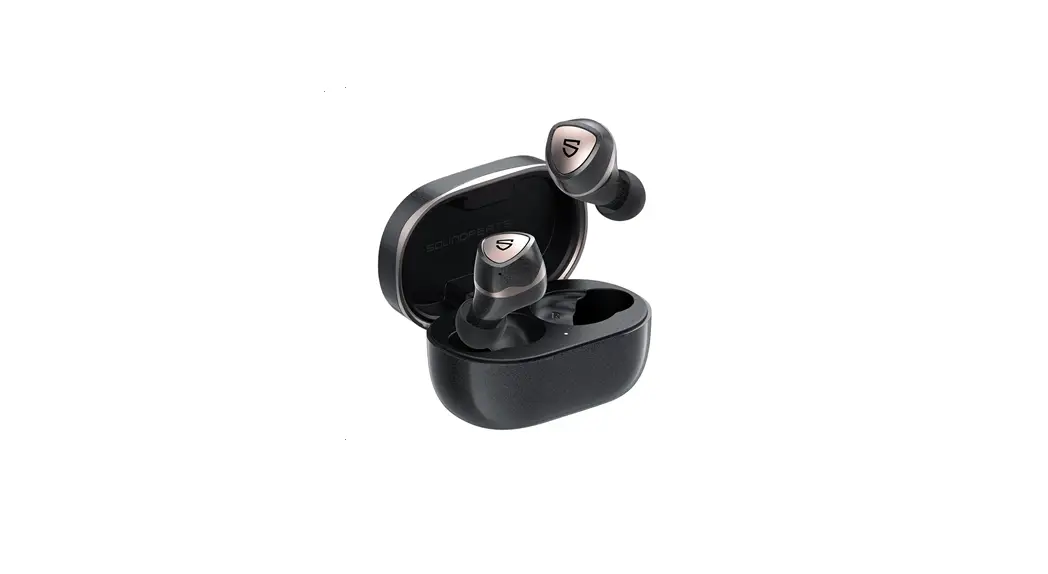
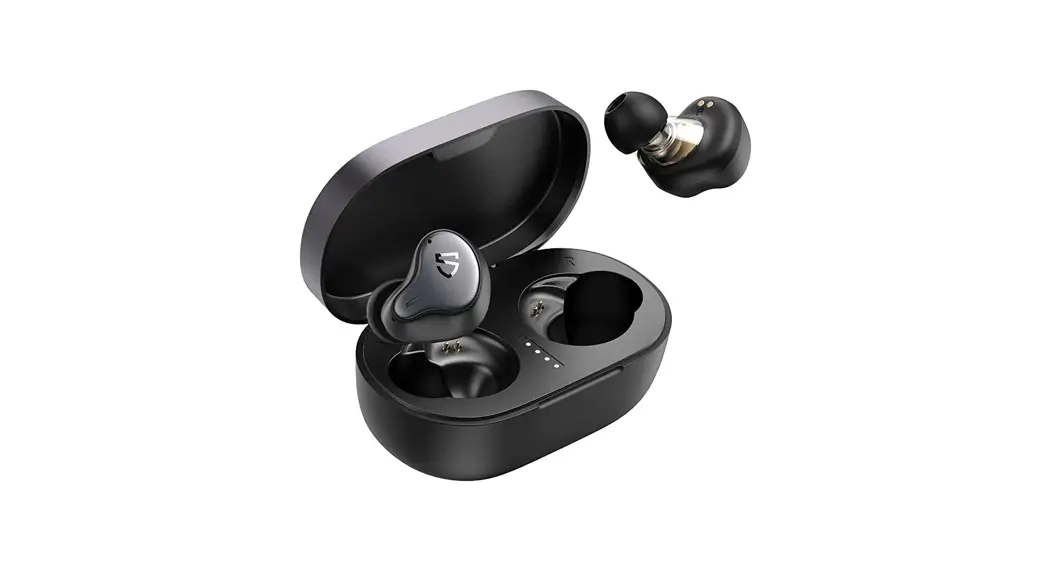
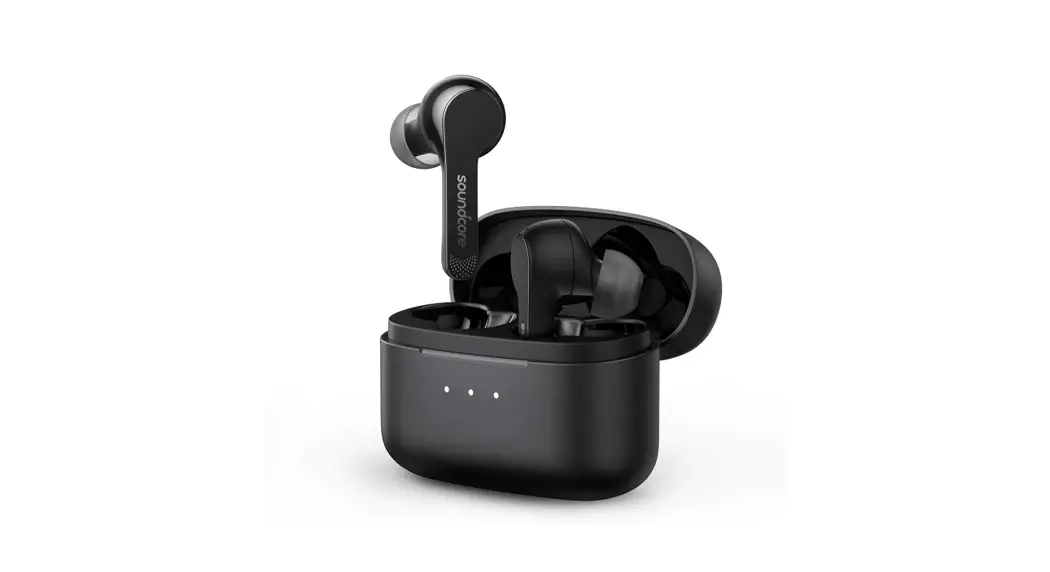
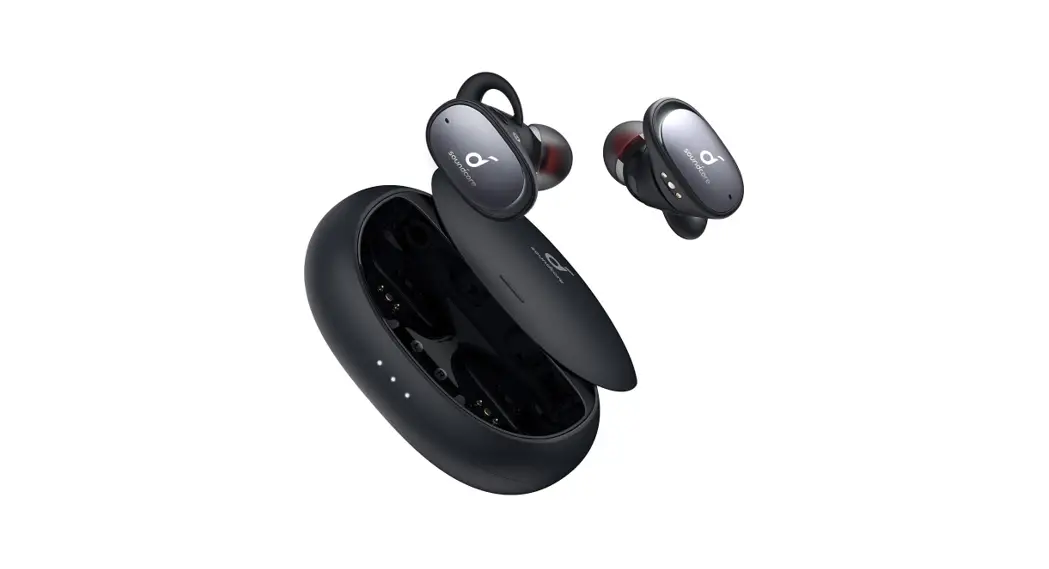
Lribety 2 Pro Wireless Earbuds
Product Information:
Model: A3909, A3909L, A3909R 51005002026 V03
Product Name: Soundcore Liberty 2 Pro
Website: www.soundcore.com/support
Social Media Handles: @SoundcoreAudio @soundcoreaudio
@soundcoreaudio
Product Usage Instructions:
Wearing:
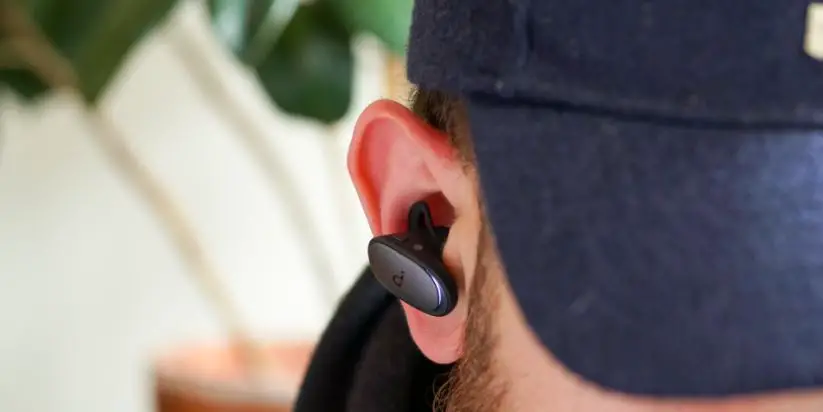
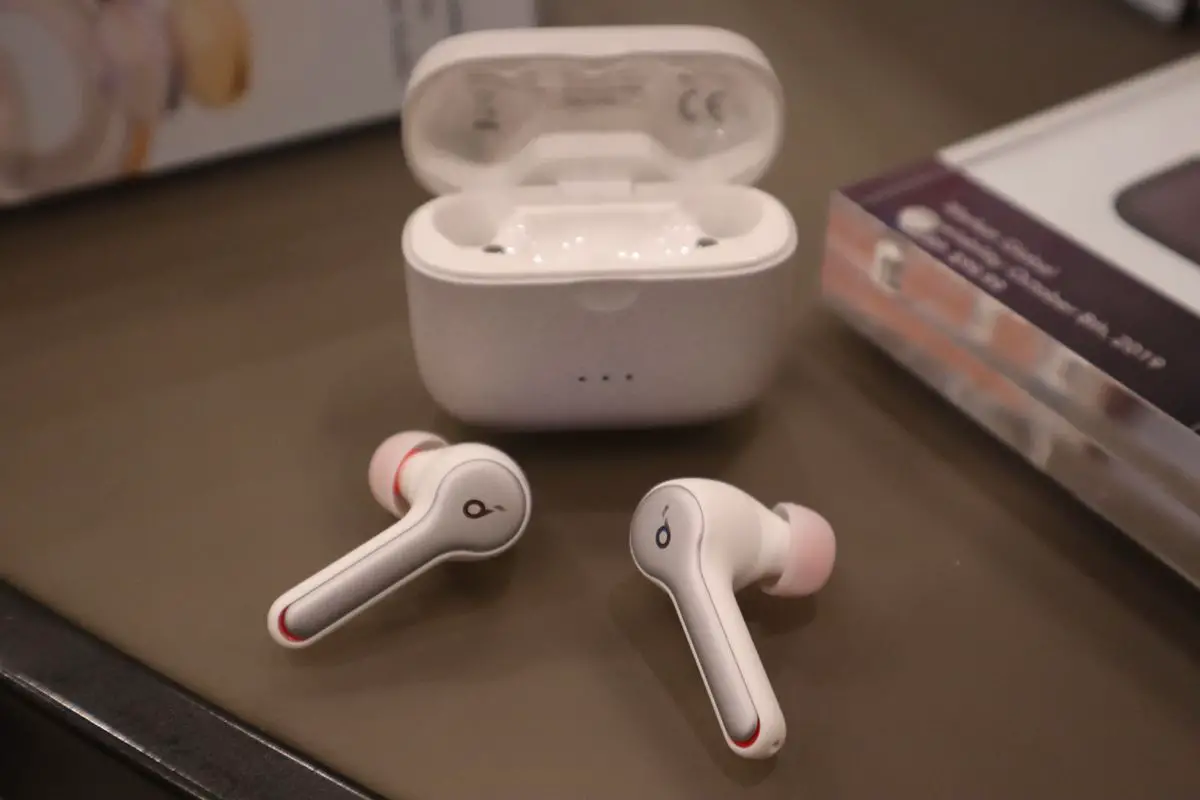
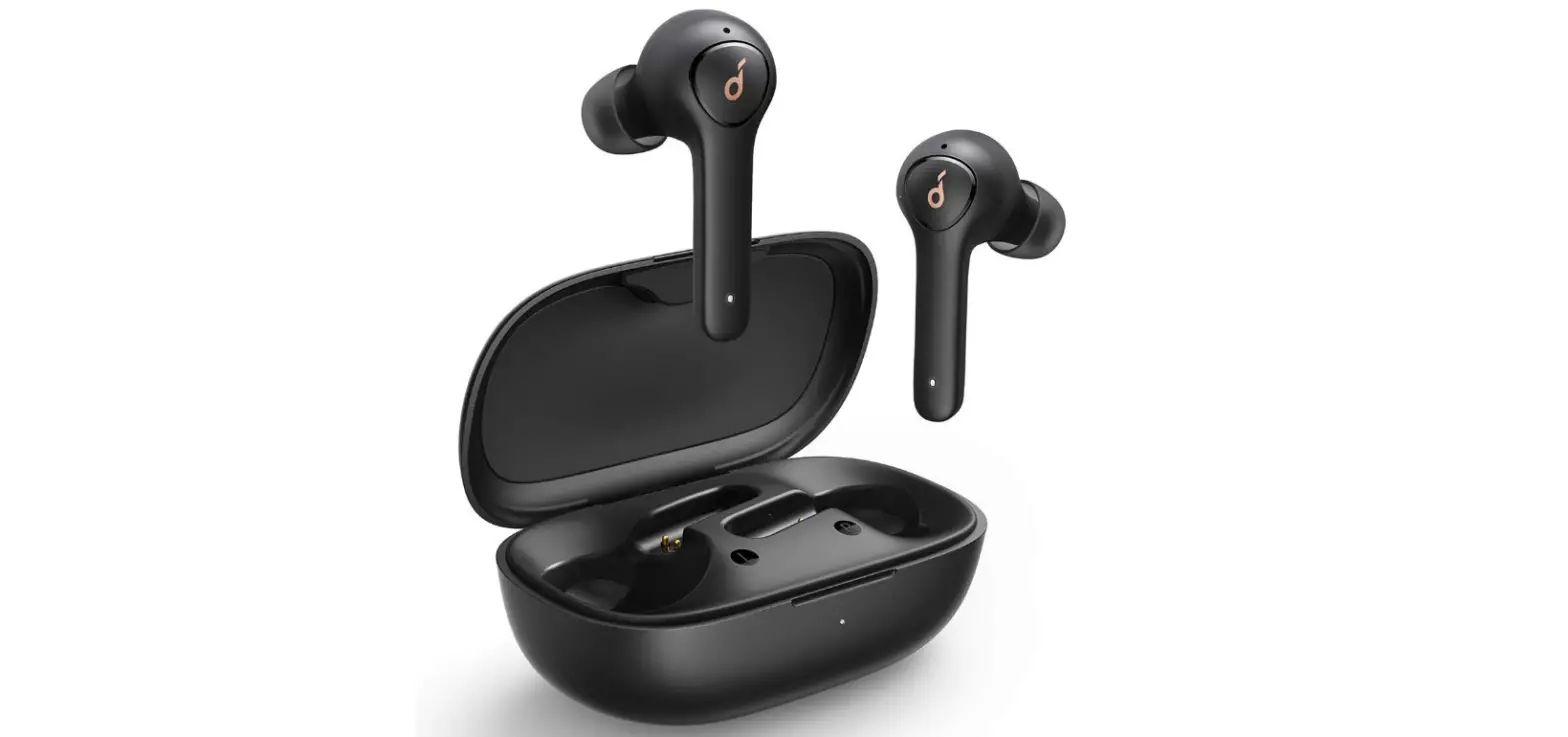
- Choose the EarTips and EarWings that fit your ears best.
- Adjust the earbuds to ensure the microphone is directed towards
your mouth.
Charging:
- Fully dry off the earbuds before charging.
- Wireless charging is supported for the charging case. Position
the center of the charging case at the center of your wireless
charger. Make the appropriate adjustment and select the best
position for wireless charging.
Powering On/Off:
- To power on, open the charging case.
- To power off, close the charging case.
Pairing:
- Open the charging case and keep it open.
- Find “Soundcore Liberty 2 Pro” in the Bluetooth list on your
device. - Confirm to pair when a notification pops up, otherwise the
secondary earbud may not be used separately.
All of the controls in stereo mode can be customized in the
Soundcore App.
- Press X1 once
- Press X2 twice
- Press and hold for 1 second
- Press and hold for 5 seconds
Note: The button controls may vary based on the language
selected.
Model: A3909, A3909L, A3909R 51005002026 V03
Soundcore Liberty 2 Pro Quick Start Guide
For FAQs and more information, please visit :
ssooundcore.coomm //ssuuppppoortrt
@SoundcoreAudio @soundcoreaudio @soundcoreaudio
? SUPPORT
1
FAQ
For FAQs, detailed user manual and more information, please visit www.soundcore.com/support
DE: Für FAQs, ein detailliertes Benutzerhandbuch und weitere Informationen besuchen Sie bitte www.soundcore.com/support.
ES: Para acceder a las preguntas frecuentes, el Manual del usuario detallado y más información, visite www.soundcore.com/support
FR: Pour les FAQ, le manuel d’utilisation détaillé et plus d’informations, veuillez consulter la page www.soundcore.com/support.
IT: Per domande frequenti, manuale utente dettagliato e ulteriori informazioni, visitare il sito www.soundcore.com/support
JP: https://www.ankerjapan.com/ KO: www.soundcore.com/support
. : www.soundcore.com/support : FAQ www.soundcore.com/support PT: Para perguntas frequentes, manual do usuário detalhado e mais informações, acesse
www.soundcore.com/support TR: Sik sorulan sorular, ayrintili kullanici kilavuzu ve daha fazla bilgi için lütfen www.soundcore.
com/support adresini ziyaret edin. :AR www.soundcore.com/support
www.soundcore.com/support , , :HE
WEARING
2
1
2
3
Choose the EarTips and EarWings that fit your ears best. Adjust the earbuds to ensure the microphone is directed towards your mouth.
DE: Wählen Sie die Ohrhörer und Ohrflügel, die am besten zu Ihren Ohren passen. Die Ohrhörer einstellen, um sicherzustellen, dass das Mikrofon auf Ihren Mund gerichtet ist.
ES: Seleccione los adaptadores para el oído y los soportes que mejor se ajusten a sus oídos. Ajuste los auriculares para garantizar que el micrófono esté orientado hacia la boca.
FR: Choisissez les embouts et les ailerons correspondant le mieux à vos oreilles. Ajustez les écouteurs afin que le microphone soit dirigé vers votre bouche.
IT: Scegliere gli auricolari e i copriauricolari che assicurano la tenuta migliore. Regolare gli auricolari per assicurarsi che il microfono sia diretto verso la bocca.
JP:
KO: . .
:
:
PT: Escolha as pontas dos fones de ouvido e modelos para ouvido que melhor se adaptem à sua orelha. Ajuste os fones para garantir que o microfone esteja direcionado para a sua boca.
TR: Kulaklariniza en uygun kulaklik uçlarini ve kanatlarini seçin. Kulakliklari mikrofon aziniza doru bakacak ekilde ayarlayin. . :AR . . :HE .
CHARGING
3
i
< 30%
30% – 70%
> 70%
100%
Fully dry off the earbuds before charging. Wireless charging is supported for the charging case. Position the center of the charging case at the center of your wireless charger. Make the appropriate adjustment and select the best position for wireless charging.
DE: Trocknen Sie die Ohrhörer vor dem Aufladen vollständig ab. Für die Ladehülle wird eine drahtlose Ladung unterstützt. Positionieren Sie die Mitte der Ladehülle in der Mitte Ihres drahtlosen Ladegeräts. Nehmen Sie die entsprechende Anpassung vor und wählen Sie die beste Position zum drahtlosen Aufladen aus.
ES: Seque los auriculares completamente antes de cargarlos. El estuche de carga es compatible con la carga inalámbrica. Coloque el centro del estuche de carga en el centro del cargador inalámbrico. Realice los ajustes correspondientes y seleccione la mejor posición para la carga inalámbrica.
FR: Séchez complètement les écouteurs avant de les recharger. Le chargement sans fil est pris en charge pour le chargeur. Positionnez le boîtier de chargement au centre de votre chargeur sans fil. Effectuez le réglage approprié et sélectionnez la meilleure position pour la charge sans fil.
IT: Asciugare completamente gli auricolari prima di caricarli. Per la custodia di ricarica è supportata la ricarica wireless. Posizionare il centro della custodia di ricarica al centro del caricabatterie wireless. Apportare la regolazione appropriata e selezionare la posizione migliore per la ricarica wireless.
JP: Liberty 2 Pro
KO: . . . .
:
:
PT: Seque totalmente os fones de ouvido antes de carregá-los. O carregamento sem fio funciona com a capa carregadora. Posicione o centro da capa carregadora no centro do seu carregador sem fio. Certifique-se de que o ajuste está correto e selecione a melhor posição para o carregamento sem fio.
TR: arj etmeden önce kulakliklari iyici kurulayin. Kablosuz arj için arj kutusu destei gerekir. arj kutusunun merkezini kablosuz arj cihazinizin ortasina getirin. Uygun ayarlamalari yapin ve kablosuz arj için en iyi konumu seçin.
. . :AR .
. . :HE .
4 POWERING ON/OFF
ON
OFF
1
2
Open or close the charging case to power on/off.
DE: Öffnen oder schließen die Ladehülle zum Ein- und Ausschalten. ES: Abra o cierre el estuche de carga para encenderlo o apagarlo. FR: Ouvrez ou fermez le chargeur pour l’allumer ou l’éteindre. IT: Aprire o chiudere la custodia di ricarica per accendere/spegnere. JP:
KO: . : / : / PT: Abra ou feche a capa carregadora para ligar/desligar. TR: arj kutusunu aktive etmek/devre dii birakmak için açin veya kapatin.
. / :AR . , :HE
PAIRING
5
1
2
3
Soundcore Liberty 2 Pro
Soundcore Liberty 2 Pro
Bluetooth Pairing Request “Headset” would like to pair with your Phone Cancel Pair
Pair
Open the charging case and keep it open. Find “Soundcore Liberty 2 Pro” in Bluetooth list on your device. Confirm to pair when a notification pops up, otherwise the secondary earbud may not be used separately.
DE: Öffnen Sie die Ladehülle und lassen Sie sie geöffnet. Suchen Sie in der Bluetooth-Liste auf Ihrem Gerät ,,Soundcore Liberty 2 Pro”. Bestätigen Sie das Koppeln, wenn ein Hinweis eingeblendet wird, andernfalls kann der zweite Ohrhörer möglicherweise nicht separat verwendet werden.
ES: Abra el estuche de carga y manténgalo abierto. Busque “Soundcore Liberty 2 Pro” en la lista de Bluetooth del dispositivo. Cuando aparezca el mensaje emergente, confirme para realizar el emparejamiento; de lo contrario, es posible que el auricular secundario no se pueda utilizar de forma independiente.
FR: Ouvrez le chargeur et laissez-le ouvert. Recherchez « Soundcore Liberty Air 2 Pro » dans la liste Bluetooth de votre appareil. Confirmez le couplage lorsqu’une notification apparaît, sans quoi vous ne pouvez pas utiliser l’écouteur secondaire.
IT: Aprire la custodia di ricarica e tenerla aperta. Trovare “Soundcore Liberty 2 Pro” nell’elenco Bluetooth sul dispositivo. Confermare l’associazione quando viene visualizzato un avviso, altrimenti l’auricolare secondario non potrà essere utilizzato separatamente.
JP: Bluetooth Soundcore Liberty 2 Pro
KO: . Bluetooth “Soundcore Liberty 2 Pro” . . .
: “Soundcore Liberty 2 Pro”
: Soundcore Liberty 2 Pro
PT: Abra a capa carregadora e mantenha-a aberta. Encontre “Soundcore Liberty 2 Pro” na lista de Bluetooth no seu dispositivo. Confirme para emparelhar quando um aviso aparecer; caso contrário, o fone de ouvido secundário não pode ser usado separadamente.
TR: arj kutusunu açin ve açik tutun. Cihazinizdaki Bluetooth listesinde “Soundcore Liberty 2 Pro” öesini bulun. Bildirim göründüünde eletirme yapmak için onaylayin, aksi halde ikincil kulaklik tek baina kullanilamayabilir.
. “Soundcore Liberty 2 Pro” . :AR .
“Soundcore Liberty 2 Pro” . :HE , . ‘
.
6 BUTTON CONTROLS
1 L/R
1 L/R
ON 1″
L/R
2 L
1″ L/R
OFF 5″
L/R
2 R
Voice Assistant
1″ L/R
X1: Press once X2: Press twice
1″: Press and hold for 1 second 5″: Press and hold for 5 seconds
All of the controls in stereo mode can be customized in the Soundcore App.
DE: Alle Steuerungen im Stereo-Modus können in der Soundcore-App angepasst werden. ES: Todos los controles del modo estéreo se pueden personalizar en la aplicación Soundcore. FR: Toutes les commandes en mode stéréo peuvent être personnalisées dans l’application
SoundCore. IT: È possibile personalizzare tutti i comandi in modalità stereo dall’app Soundcore. JP: ( ) Soundcore
KO: Soundcore . : Soundcore
: Soundcore
PT: Todos os controles no modo estéreo podem ser personalizados no aplicativo Soundcore. TR: Stereo moddaki tüm kontroller Soundcore Uygulamasinda özelletirilebilir.
.Soundcore :AR .Soundcore :HE
X1: Press once X2: Press twice 1″: Press and hold for 1 second 5″: Press and hold for 5 seconds
DE: X1: Einmal drücken X2: Zweimal drücken 1″: 1 Sekunde lang gedrückt halten 5″: 5 Sekunden lang gedrückt halten
ES: X1: Pulsar una vez X2: Pulsar dos veces 1″: Mantener pulsado durante 1 segundos 5″: Mantener pulsado durante 5 segundos
FR: X1 : Appuyez une fois X2 : Appuyez deux fois 1″ : Appuyez et maintenez pendant 1 seconde 5″ : Appuyez et maintenez pendant 5 secondes
IT: X1: Premere una volta X2: Premere due volte 1″: Tenere premuto per 1 secondo 5″: Tenere premuto per 5 secondi
JP: X11 X22 1″: 1 5″: 5
KO: X1: X2:
1″: 1 5″: 5
: X1 X2
1″ 1 5″ 5 : X1 X2
1″ 1 5″ 5 PT: X1: Pressione uma vez X2: Pressione duas vezes 1″: Mantenha pressionado por um segundo 5″: Mantenha pressionado por 5 segundos TR: X1: Bir defa basin X2: ki defa basin 1″: 1 saniye basili tutun 5″: 5 saniye boyunca basili tutun
:X2 :X1 :AR 1 : “1 5 :”5
:2X :1X :HE :”1 5 :”5
PAIRING
7
1
R
3”
2
3
Soundcore Liberty 2 Pro
Soundcore Liberty 2 Pro
Bluetooth Pairing Request “Headset” would like to pair with your Phone Cancel Pair
Pair
Pairing with another device: Place the earbuds into the charging case and keep it open. Press and hold the button on the case for 3 seconds until the LED indicator on the right earbud flashes white.
DE: Kopplung mit einem anderen Gerät: Legen Sie die Ohrhörer in die Ladehülle und lassen Sie sie geöffnet. Drücken Sie die Taste auf dem Ladeetui und halten Sie sie für 3 Sekunden gedrückt, bis die LED-Anzeige am rechten Ohrhörer weiß leuchtet.
ES: Emparejamiento con otro dispositivo: Coloque los auriculares en el estuche de carga y manténgalo abierto. Mantenga pulsado el botón del estuche durante 3 segundos hasta que el indicador LED del auricular derecho parpadee en color blanco.
FR: Couplage avec un autre appareil : Placez les écouteurs dans le chargeur et laissez celui-ci ouvert. Appuyez et maintenez le bouton enfoncé situé sur le boîtier pendant 3 secondes jusqu’à ce que le voyant de l’écouteur droit clignote en blanc.
IT: Associazione con un altro dispositivo: Collocare gli auricolari nella custodia di ricarica e tenerla aperta. Tenere premuto il pulsante sulla custodia per 3 secondi fino a quando l’indicatore LED sugli auricolari destro non lampeggia in bianco.
JP: Bluetooth LED 3
KO: : . LED 3 .
: 3 LED
: 3 LED
PT: Emparelhando com outro dispositivo: Coloque os fones de ouvido na capa carregadora e mantenha-a aberta. Mantenha pressionado o botão na capa por 3 segundos até que o indicador LED no fone de ouvido direito pisque na cor branca.
TR: Baka cihazla eletirme: Kulakliklari arj kutusuna yerletirin ve kutuyu açik tutun. Sa kulakliin LED göstergesi beyaz renkte yanip sönünceye kadar kutu üzerindeki dümeyi 3 saniye basili tutun.
. : . :AR . LED 3
. : :HE . LED 3
RESET
8
1
2
3
3
10″
Reset if the earbuds cannot connect with each other properly or cannot connect with your device properly. Place the earbuds into the charging case and keep it open. Press and hold the button on the case for 10 seconds until the LED indicators on earbuds flash red 3 times.
DE: Zurücksetzen, wenn die Ohrhörer nicht richtig miteinander verbunden werden können oder nicht richtig mit Ihrem Gerät verbunden sind. Legen Sie die Ohrhörer in die Ladehülle und lassen Sie es geöffnet. Drücken Sie die Taste auf dem Ladeetui und halten Sie sie für 10 Sekunden gedrückt, bis die LED-Anzeige an den Ohrhörern 3 Mal rot leuchtet.
ES: Si los auriculares no se pueden conectar correctamente entre ellos o con el dispositivo, realice el restablecimiento. Coloque los auriculares en el estuche de carga y manténgalo abierto. Mantenga pulsado el botón del estuche durante 10 segundos hasta que los indicadores LED de los auriculares parpadeen en color rojo 3 veces.
FR: Réinitialisez les écouteurs s’ils ne parviennent pas à se connecter l’un à l’autre ou si vous ne parvenez pas à vous connecter à votre appareil. Placez les écouteurs dans le chargeur et laissez celui-ci ouvert. Appuyez et maintenez le bouton enfoncé situé sur le boîtier pendant 10
secondes jusqu’à ce que les voyants des écouteurs clignotent en droite en rouge. IT: Nel caso in cui il collegamento tra gli auricolari o con il dispositivo non avvenga
correttamente, reimpostarlo. Collocare gli auricolari nella custodia di ricarica e tenerla aperta. Tenere premuto il pulsante sulla custodia per 10 secondi fino a quando gli indicatori LED sugli auricolari lampeggiano in rosso 3 volte.
JP:
LED 3 10
KO: . . LED
3 10 .
:
10 LED 3
:
10 LED 3
PT: Reinicie se os fones de ouvido não se conectarem um com o outro ou com o seu dispositivo corretamente. Coloque os fones de ouvido na capa carregadora e mantenha-a aberta. Mantenha pressionado o botão na capa por 10 segundos até que os indicadores LED pisquem na cor vermelha 3 vezes.
TR: Kulakliklar birbiriyle veya cihazinizla düzgün balanamazsa sifirlayin. Kulakliklari arj kutusuna yerletirin ve kutuyu açik tutun. Kulakliklarin LED göstergeleri 3 defa kirmizi renkte yanip sönünceye kadar kutu üzerindeki dümeyi 10 saniye basili tutun.
. :AR
LED
10
. .
)3(
. :HE LED 10 .
. 3
APP
9
Soundcore
Google Play and the Google Play logo are Apple and the Apple logo are trademarks
trademarks of Google Inc.
of Apple Inc.
Download the Soundcore App for HearID, UI customization, EQ settings, and earbuds firmware update. Make sure the earbuds firmware is always up-to-date before using. Enable Bluetooth permission while using the App.
DE: Laden Sie die Soundcore-App herunter und profitieren Sie von HearID, Anpassungen der Benutzeroberfläche, EQ-Einstellungen und Firmware-Aktualisierungen für die Ohrhörer. Stellen Sie vor der Verwendung stets sicher, dass die Firmware der Ohrhörer auf dem neuesten Stand ist. Aktivieren Sie während der Verwendung der App die BluetoothFunktion.
ES: Descargue la aplicación Soundcore para utilizar HearID, personalizar la interfaz de usuario o la configuración de EQ, y actualizar el firmware de los auriculares. Asegúrese de que el firmware de los auriculares esté siempre actualizado antes de utilizarlos. Active el permiso de Bluetooth durante el uso de la aplicación.
FR: Téléchargez l’application SoundCore pour HearID, ainsi que les paramètres de personnalisation de l’interface utilisateur et de l’égaliseur audio, mais aussi la mise à jour du micrologiciel. Assurez-vous que le micrologiciel des écouteurs est toujours à jour avant de les utiliser. Activez l’accès Bluetooth tout en utilisant l’application.
IT: Scaricare l’app Soundcore per usufruire di HearID, interfaccia utente personalizzata, impostazioni dell’equalizzatore e aggiornamenti del firmware degli auricolari. Assicurarsi che il firmware degli auricolari sia sempre aggiornato prima dell’utilizzo. Abilitare l’autorizzazione Bluetooth durante l’utilizzo dell’app.
JP: HearIDUI Soundcore Bluetooth
KO: HearID, UI , EQ Soundcore . . Bluetooth .
: Soundcore HearIDUI EQ
: Soundcore HearIDUI EQ
PT: Baixe o aplicativo Soundcore para HearID, personalização de IU, configurações de EQ e atualização de firmware de fones de ouvido. Certifique-se de que o firmware dos fones de ouvido esteja sempre atualizado antes de usar. Ative a permissão de Bluetooth enquanto usa o aplicativo.
TR: HearID, Arayüz özelletirme, EQ ayarlari ve kulaklik donanim yazilimi güncellemesi için Soundcore Uygulamasini indirin. Kullanmadan önce kulakliklarinizin donanim yaziliminin güncel olduundan emin olun. Uygulamayi kullanirken Bluetooth iznini etkinletirin.
EQ HearID Soundcore :AR . Bluetooth . .
EQ , ,HearID Soundcore :HE . . .Blutooth ,
LED LIGHT GUIDE 10
ON
1″
OFF
1″
PAIRING
1″
< 10% 10% – 30% 30% – 70% > 70%
Steady white Steady red Flashing white
Flashing red
DE: ES: FR: IT: JP: KO: : :
Leuchtet weiß Leuchtet rot Blinkt weiß Blinkt rot
Blanco fijo Rojo fijo Parpadeo en blanco Rojo intermitente
Blanc fixe Rouge fixe Blanc clignotant Rouge clignotant
Bianco fisso Rosso fisso Bianco lampeggiante Rosso lampeggiante
PT: Branco fixo Vermelho fixo Branco intermitente Luz vermelha piscante
TR: Sabit yanan beyaz Sabit yanan kirmizi Yanip sönen beyaz Yanip sönen kirmizi
:AR
:HE
Customer Service Kundenservice | Atención al Cliente | Service Client | Servizio ai Clienti | | | | | Serviço de Apoio ao Cliente | Müteri Hizmetleri |
| 18-month limited warranty 18 Monate beschränkte Herstellergarantie | Garantía limitada de 18 meses | Garantie limitée de 18 mois | Garanzia limitata 18 mesi |
|| 18 | 18] 18 meses de garantia limitada | 18 aylik sinirli Garanti |
18 | 18 Lifetime technical support Lebenslanger technischer Support | Asistencia técnica de por vida | Support technique à vie | Supporto tecnico a vita | | | | | Suporte técnico ao longo da vida útil do produto | Ömür Boyu Teknik Destek Hizmeti |
|
Our warranty is additional to the legal rights consumers have buying this product. Unsere Garantie gilt zusätzlich zu den gesetzlichen Ansprüchen, die Verbrauchern beim Erwerb dieses Produkts zustehen. Nuestra garantía es adicional a los derechos legales de los consumidores asociados a la compra este producto. Notre garantie s’ajoute aux droits légaux que les consommateurs disposent à l’achat de ce produit. La nostra garanzia si aggiunge ai diritti giuridici di cui dispongono i consumatori che scelgono di acquistare questo prodotto. Nossa garantia é adicional aos direitos legais que os consumidores têm ao adquirir este produto. Garantimiz, tüketicilerin bu ürünü satin alarak sahip olduklari yasal haklara ek olarak verilmektedir.
. .
[email protected] (For Middle East and Africa Only)
+971 42463266 (Middle East & Africa) Sun-Thu 9:00 – 17:30 (GMT+4) +971 8000320817 (UAE) Sun-Thu 9:00 – 17:30 (GMT+4) +966 8008500030 (KSA) Sun-Thu 8:00 – 16:30 (GMT+3) +965 22069086 (Kuwait) Sun-Thu 8:00 – 16:30 (GMT+3) +20 8000000826 (Egypt) Sun-Thu 7:00 – 15:30 (GMT+2)
Input: 5V 0.5A Charging time: 1.5 hours Playtime (varies by volume level and contents): 8 hours Anker Innovations Limited Room 1318-19, Hollywood Plaza, 610 Nathan Road, Mongkok, Kowloon, Hong Kong ANKER TECHNOLOGY (UK) LTD Suite B, Fairgate House, 205 Kings Road, Tyseley, Birmingham, B11 2AA, United Kingdom
 soundcore Headphones & Speakers - Hear it, Feel it - soundcore US
 Soundcore EN
 Anker (アンカー) Japan公式サイト – Anker Japan 公式サイト