soundcore Gaming Headset User Manual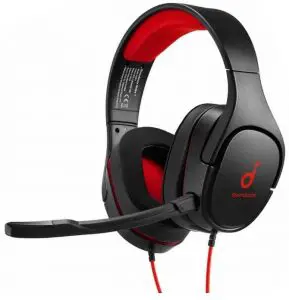
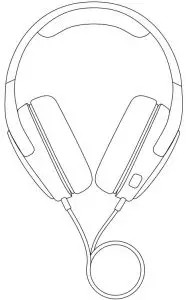
What’s in the Box
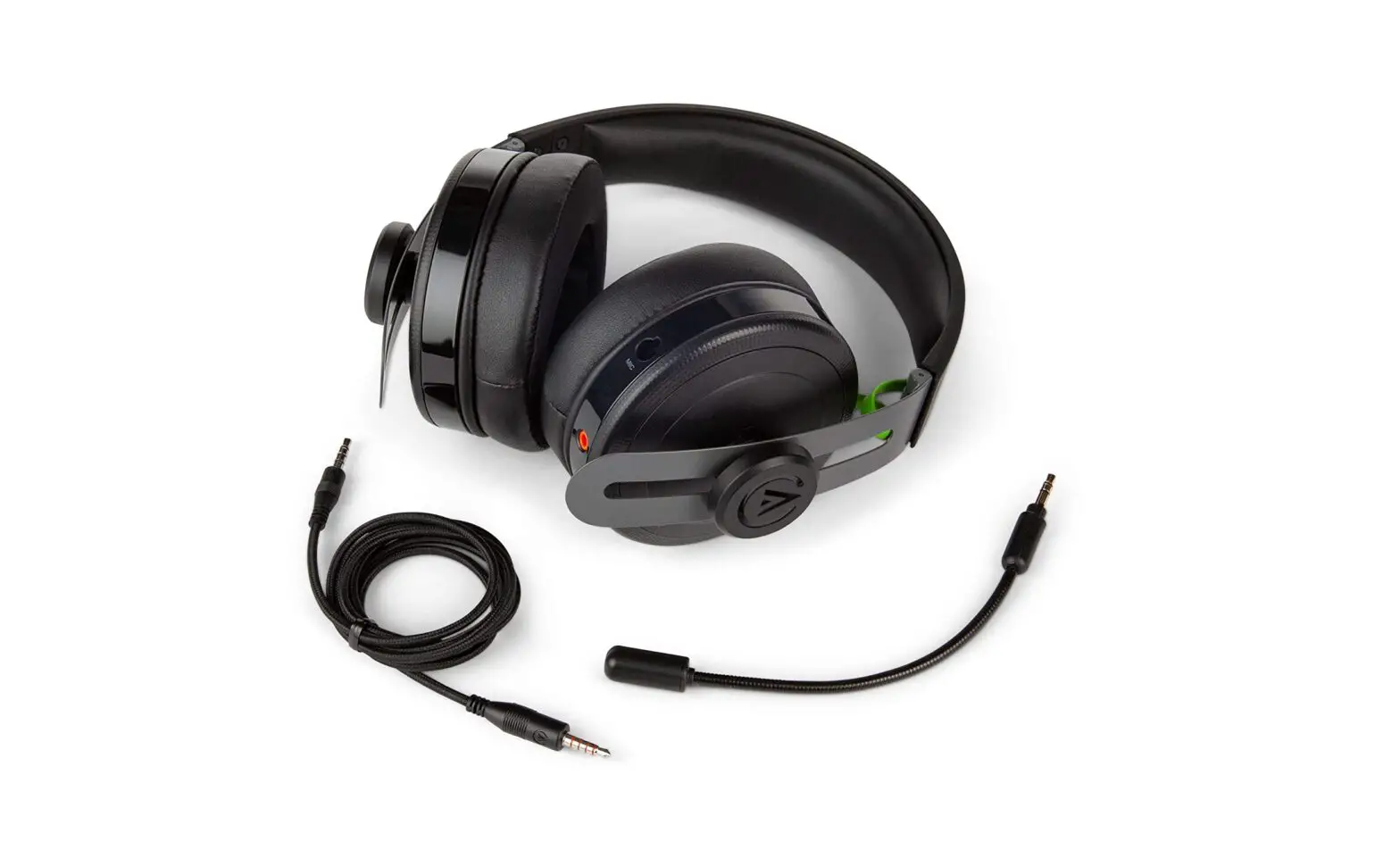
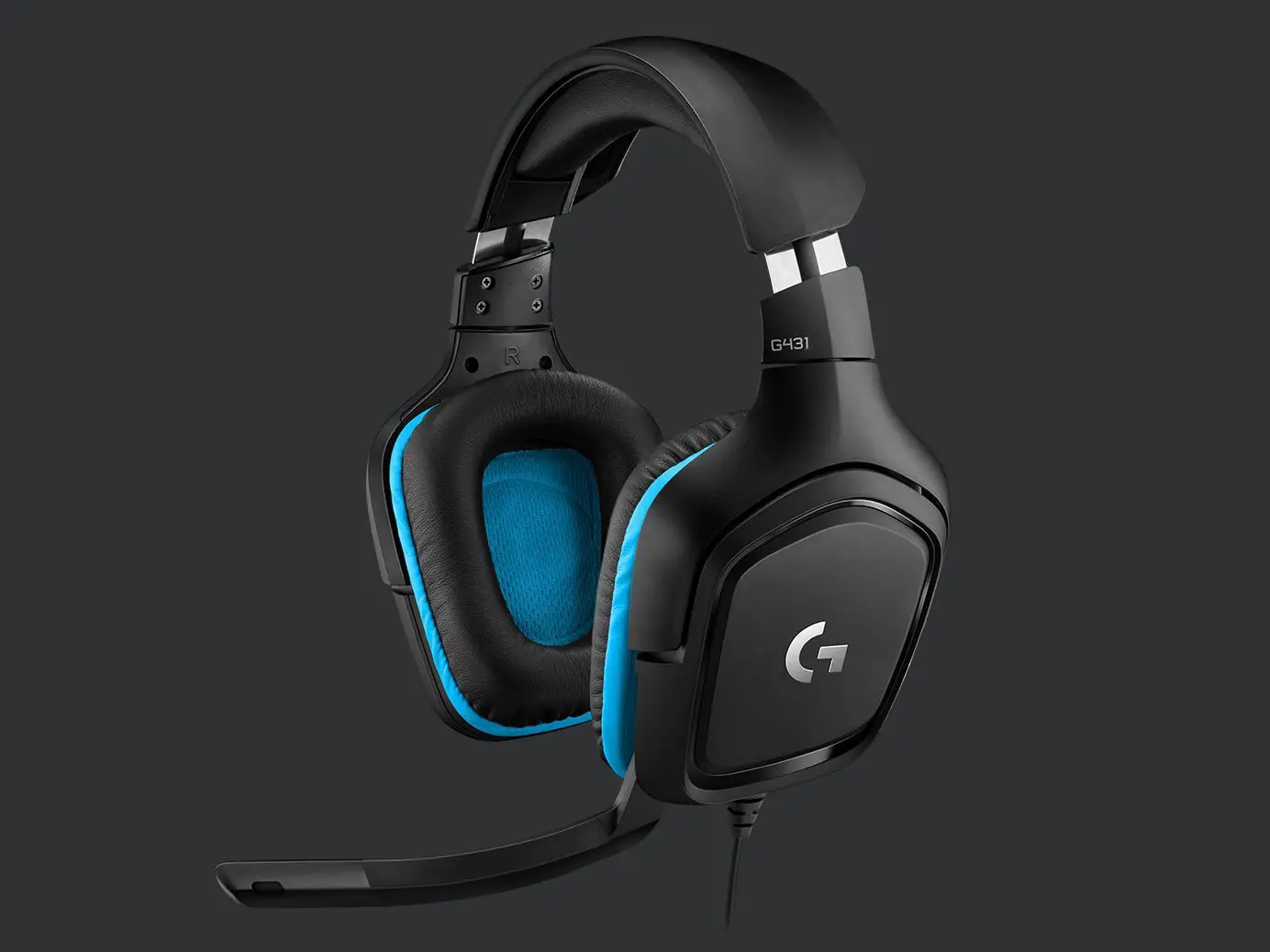
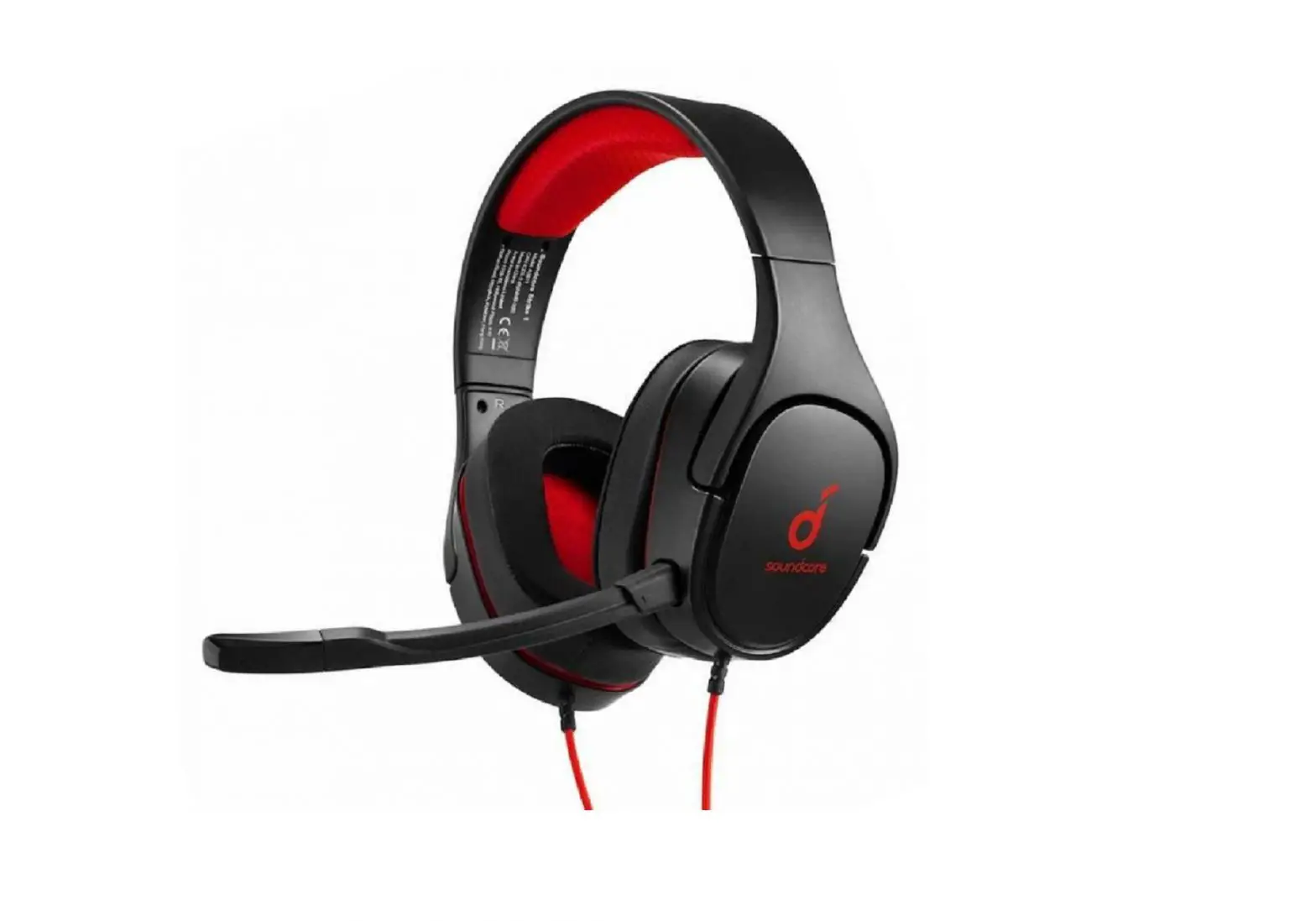
- Gaming Headset

- Detachable Microphone Boom

- Quick Start Guide


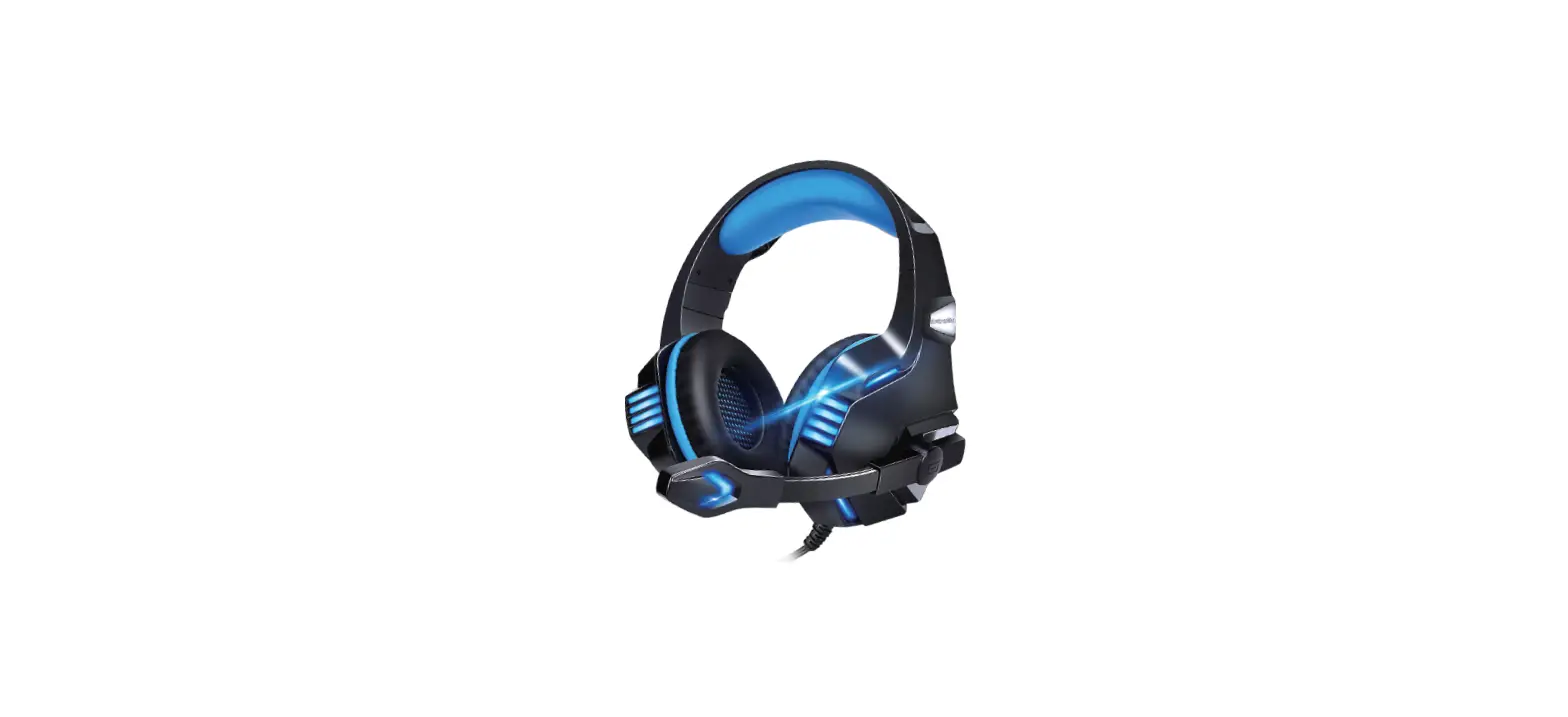
At a Glance
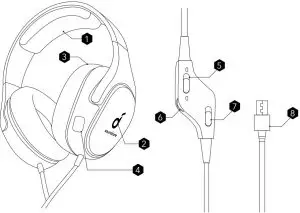
- Adjustable Padded Headband
- LED Light Ring
- Cool Ear Cushions
- Microphone Jack
- Mic Mute Switch
- Volume Wheel
- 7.1 Surround Sound Switch (Using with the Soundcore App)
- USB Connector.
Setup
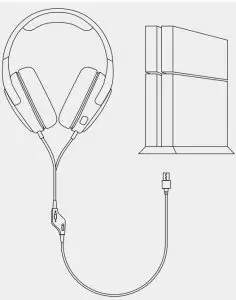
- Insert the USB connector to your Sony PS4.

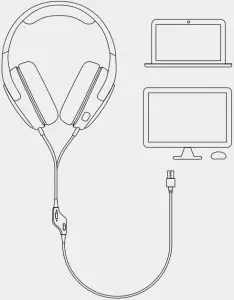
- Insert the USB connector to your PC.

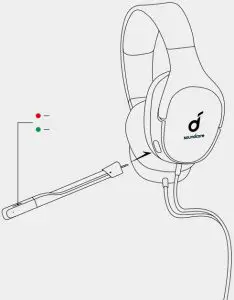
- Insert the microphone boom to the headset.
APP
To control the gaming headset from your PC (Windows 7, 8, 10), visit http://www.soundcore.com/strike to download the Soundcore Strike App.
 Note :
- Unplug the headset from your PC while installing the App.
- Reboot your PC after the successful installation.
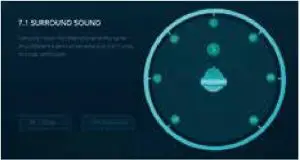
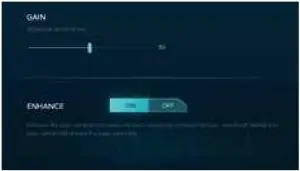
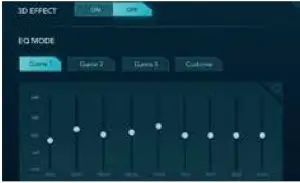
- 7.1 surround sound: Customize the virtual multi-channel stereo surround sound and enjoy an immersive gaming experience.

- Microphone: Adjust the microphone volume to suit your gaming environment.

- Equalizer: Preset the perfect sound profiles to suit your audio and customize your unique sound mode.

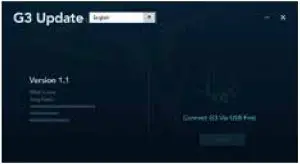
- Firmware Update: Always make sure to keep the firmware up-to-date.

Specifications
Note : Specifications are subject to change without notice.
Driver | 52 mm |
| Frequency responsez | 20 Hz – 20 kHz |
Impedance | 32 Ω ± 15% |
| Rated power | 30 mW |
Sensitivity | 113 ± 3 dB @ 1 kHz |
| Microphone sensitivity | 40 ± 3 dBV @1 kHz |
Headset connection | USB-A |
| Cable length | 1.7 m |
 Soundcore
 soundcore Headphones & Speakers - Hear it, Feel it - soundcore US