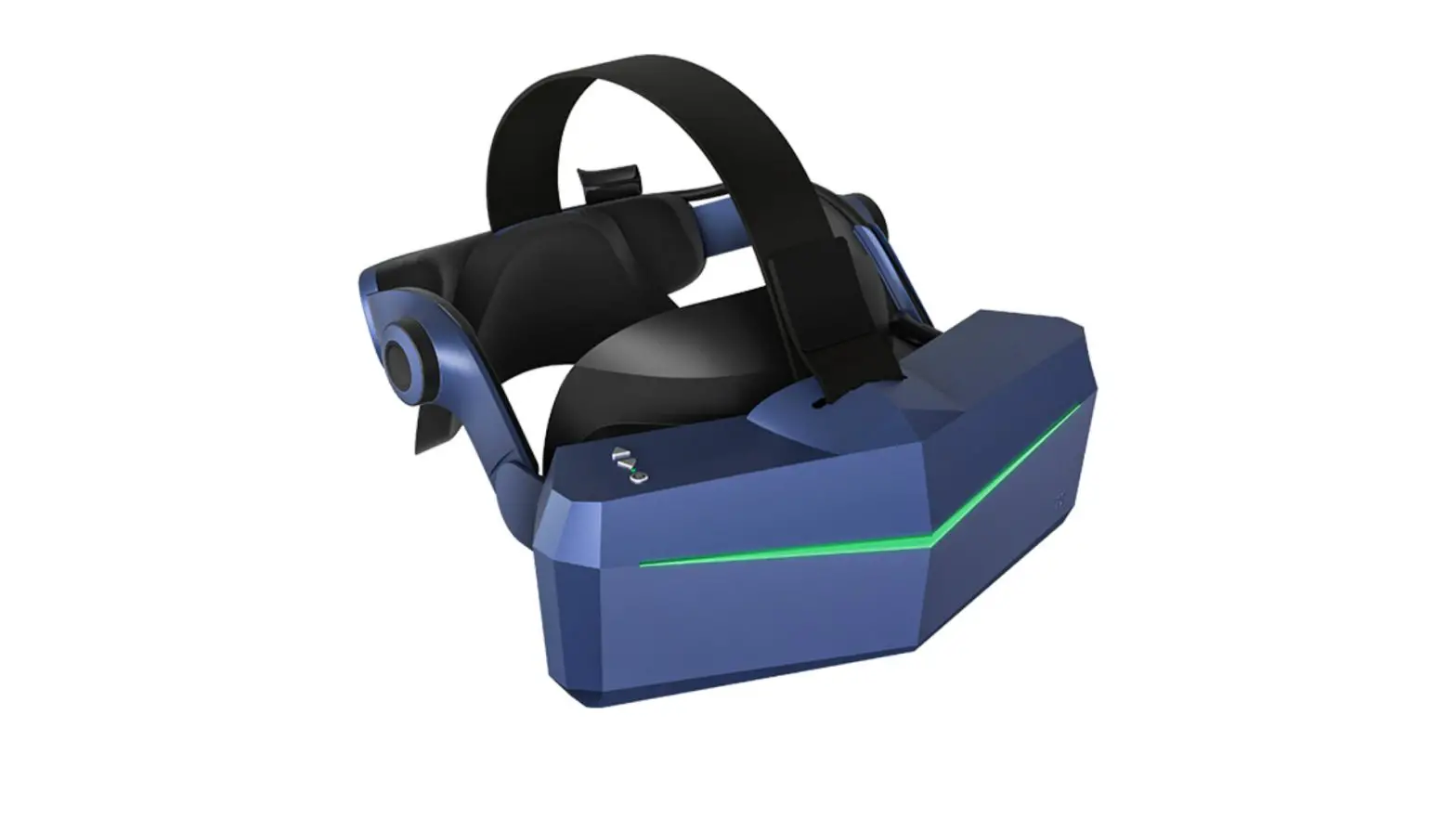
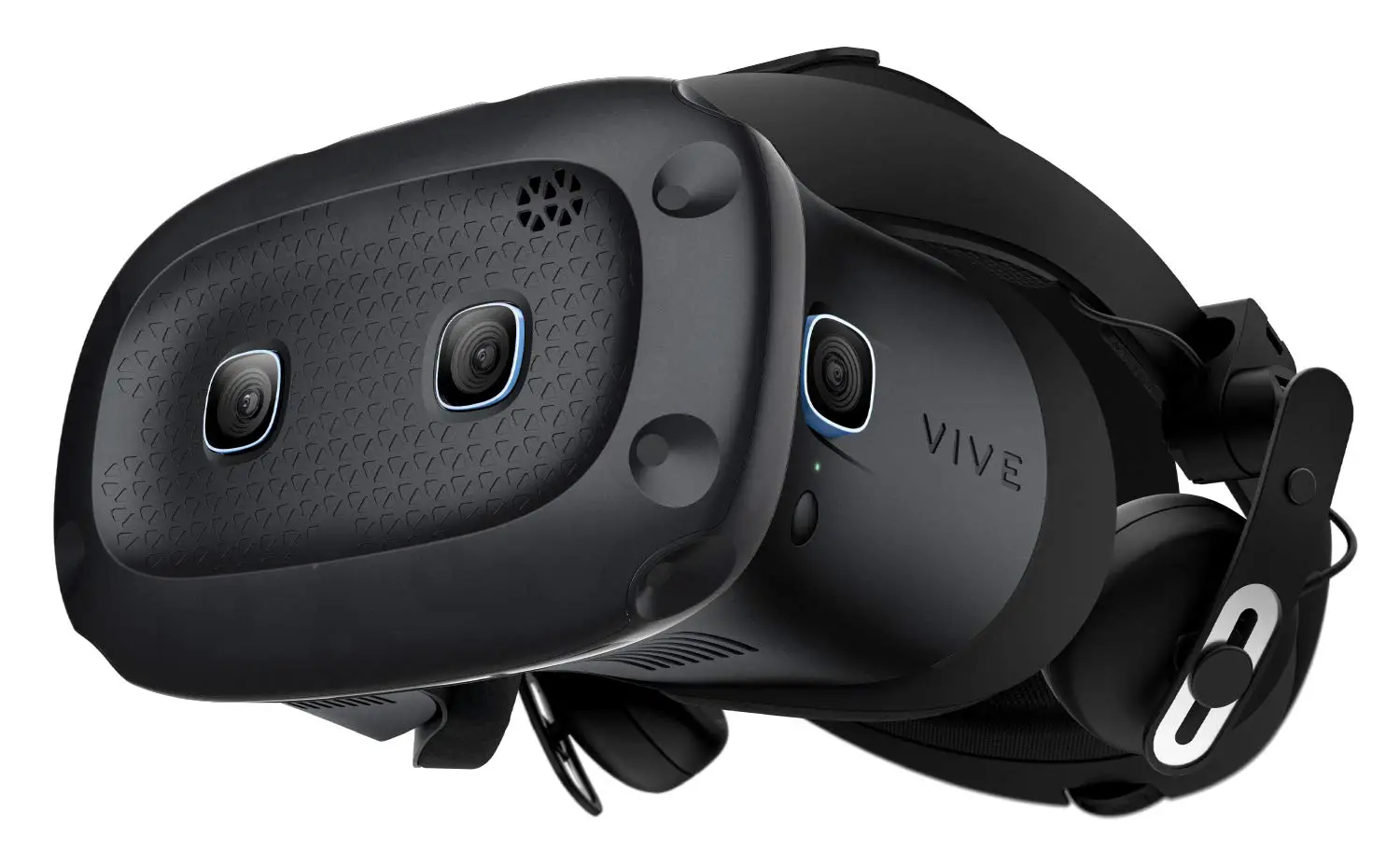
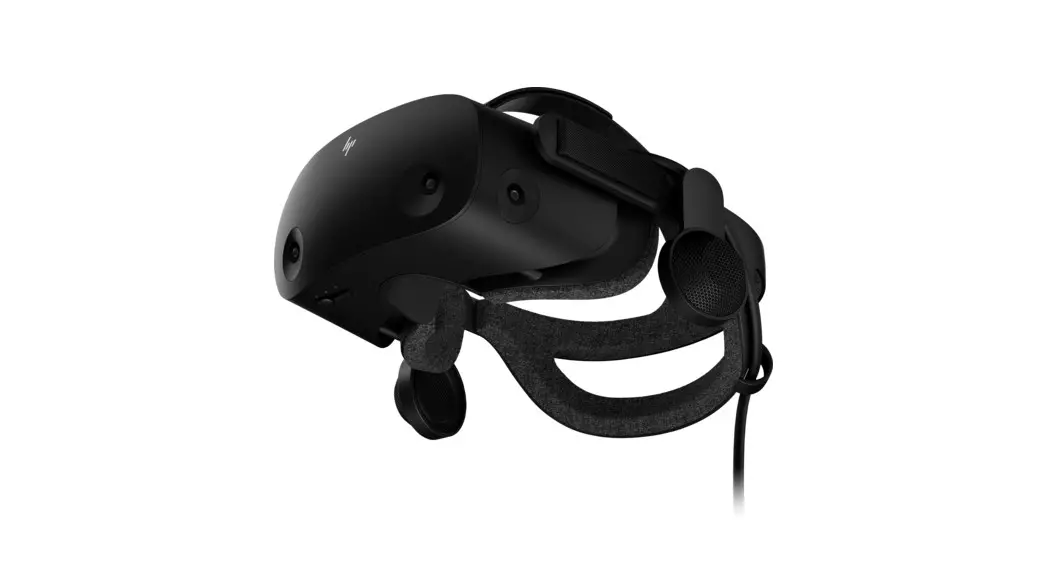
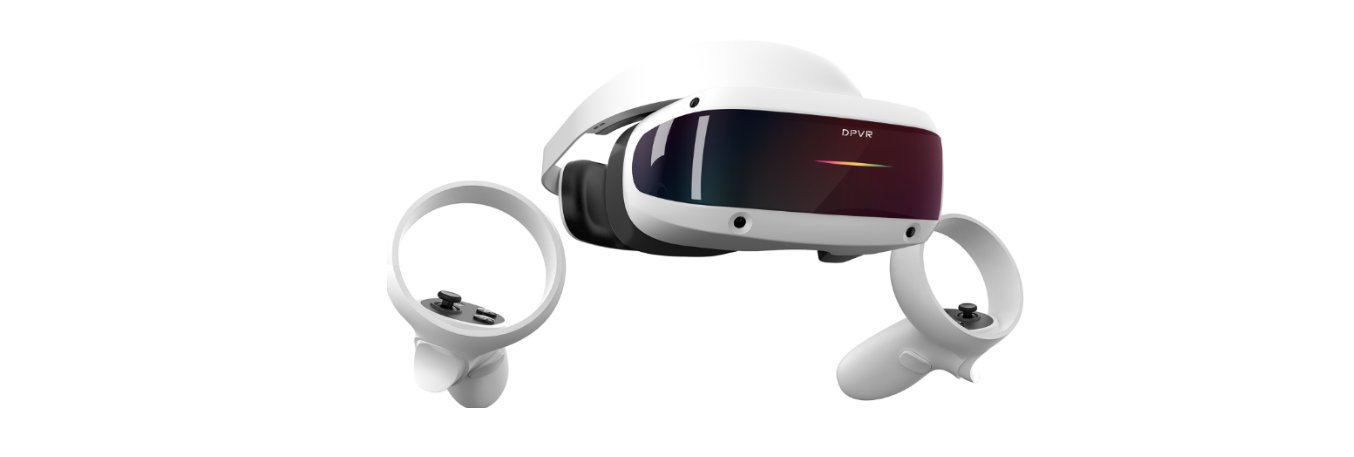
2QBB100 VR Headset
Product Information
The product is a headset that offers various features and
functionalities for users. It includes the following
components:
- Headset button – Allows users to control certain functions of
the headset. - LED (Status light) – Indicates the status of the headset.
- Vent – Must not be blocked or have objects inserted into
it. - Temple pads (Removable) – Provides comfort and can be detached
if needed. - Face cushion – Enhances comfort during usage.
- Device cameras – Built-in cameras for capturing images and
videos. - Structured light – A feature that enhances depth perception and
tracking. - Volume up button – Increases the volume of audio output.
- Volume down button – Decreases the volume of audio output.
- Proximity sensor – Detects the presence of nearby objects or
user’s face. - Microphones – Captures audio input for voice commands or
communication. - Speakers – Delivers audio output to the user.
- USB Type-C receptacle cable – Used for charging or connecting
the headset to other devices. - Diopter dials – Adjusts the focus of the headset for users with
different vision needs. - IPD wheel – Controls the interpupillary distance for optimal
visual experience.
Product Usage Instructions
To use the headset and connect an accessory battery pack, follow
these steps:
- Detach the temple pads from the temple arms of the
headset. - Attach the 2QBQ100 accessory to the temple arms and plug its
USB Type-C cable into the receptacle cable on the headset.
CnTEcNeCNarrFetTtCIiiDoIOfACinEcNLeNarrFetTtIifiDoIfe2AinQErcNLBeNarBFnet1TIi0fDoI0eAinErcLeNarnetTicfoIeeAnErLoeNrnneT
nEcNNarFetTIiDoIAinEcLNaretTifoIeAnErLeNrneTfIeAnrLernecfeerLoenn 1. Headsetbutton tif ID io IA 2. LED(Statuslight)
3. Vent (Don’t block or insert objects into it)
r F t T e 4. Temple pads (Removable) 5. Face cushion
e a N r 6. Device cameras C N ic E 7. Structured light
n 8. Volume up button TC COCertif NFIDicatio ENT 9. Volumedownbutton
nEcNarFetTIiDoIAnELNaretTifoIeAnrLeNrneTfIeArLernecfeeroenn 10.Proximitysensor N ic E L 11.Microphones
n 12. Speakers tif ID io IA 13.USBType-Creceptaclecable
14. Diopter dials
CTeCrCOCNerFtificNaFtIDiEcNatTionENreT 15.IPDwheel
n re L ren on You can install the 2QBQ100 accessory and use its battery pack to supply power to the IA e e headset. f c 1. Detach the temple pads from the temple arms of the headset.
EcNatTIiDonENreTioIAnLrefIeArLenferen 2. Attach2QBQ100tothetemplatearmsandplugitsUSBType-Ccabletothe CTNeCrFtCiOfCicNearFttIiDfiEcNNaFtTIiDoinEcNaretTioIAnELNreT receptaclecableontheheadset.
CnTEcNeCNarrFetTtCIiiDoIOfACinEcNLeNarrFetTtIifiDoIfeAinErcNLeNarFnetTIifDoIeAinErcLeNarnetTicfoIeeAnErLoeNrnneT