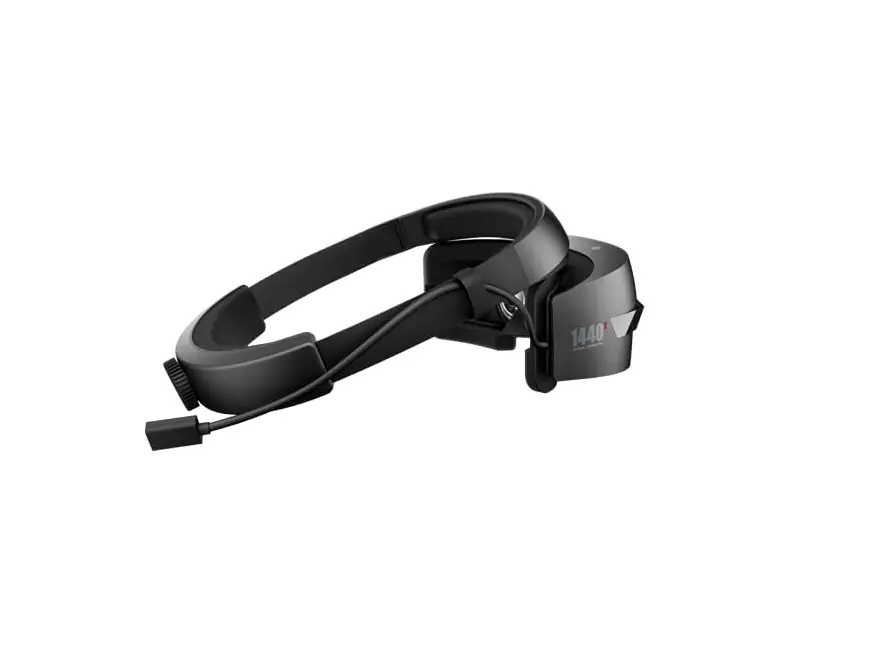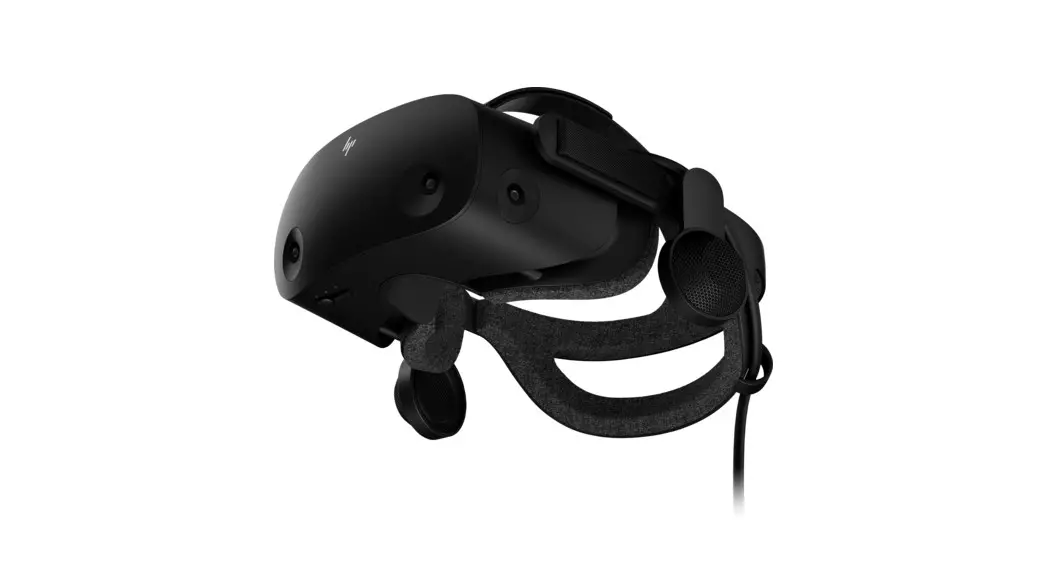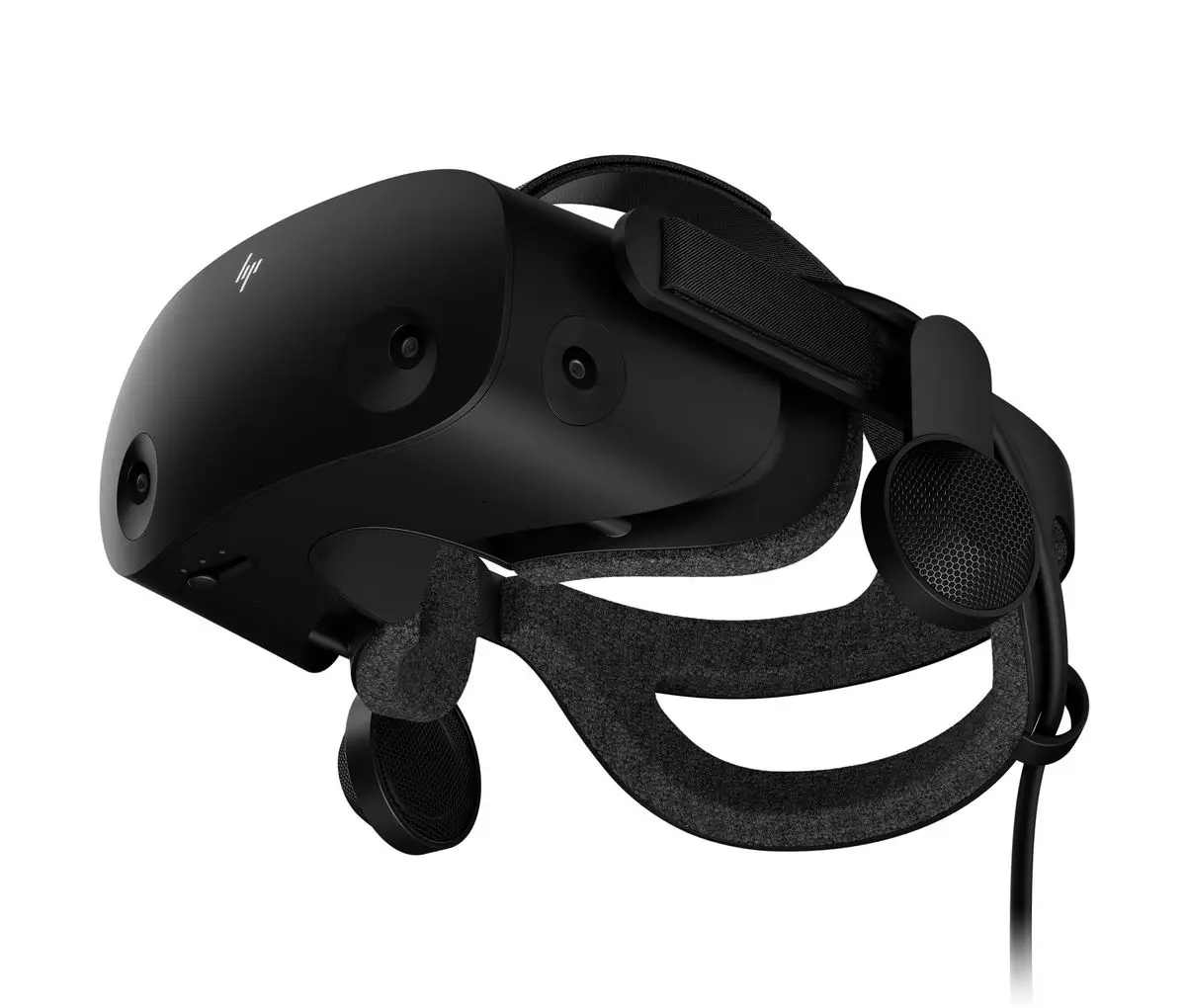
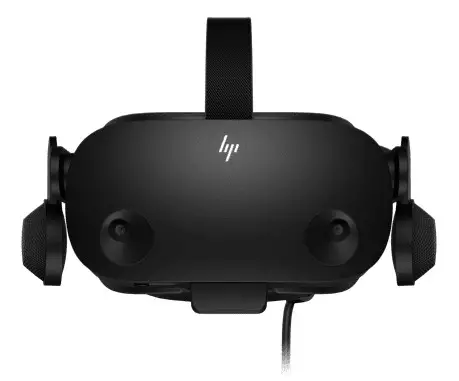
 TPC-Q064-VH VR Headset
User Guide
Regulatory model
Quick Start Guide
A. Windows Update Select Check for updates in sequence and install the update.
Restart your computer if necessary.
B. Select Start, and then select Mixed Reality Portal.
C. Follow the on-screen instructions.
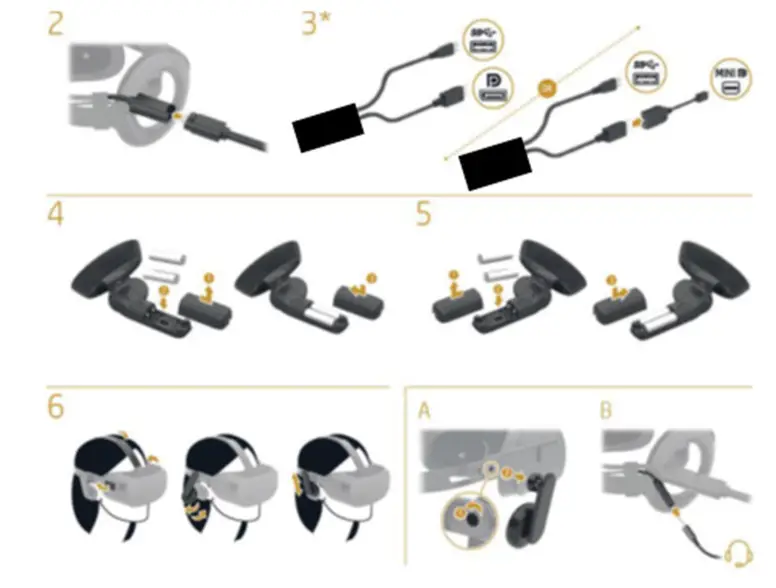
The computer needs to support DisplayPort 1.3 or higher.
For more information, please visit
http://www.hp.com/go/mixedreality/Support
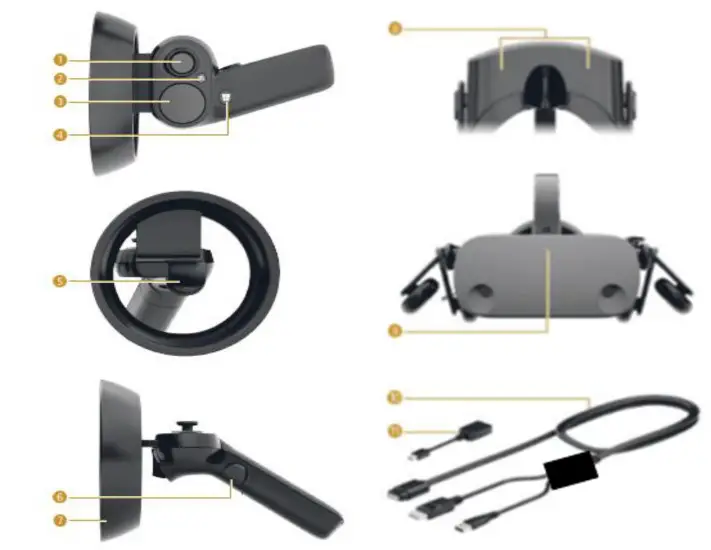
| 1.Thumb rocker (transmission, rotation) |
| 2.Menu buttons, |
| 3.Touchpad |
| 4.Windows® button |
| 5.Trigger (selection) |
| 6.Grip button (grab) |
| 7.Indicator light Fast flashing: Bluetooth® pairing mode, Slow flashing: idle mode Blinking (2 times): The battery is low Blinking (3 times): The battery is seriously low |
| 8. Microphones (2) |
| 9. Operation indicator On: The headset is turned on |
| 10. USB / DisplayPort breakout cable USB / DisplayPort USB/DisplayPort USB/DisplayPort |
| 11. Mini DisplayPort adapter * Make a gesture and click to perform the action. Mini DisplayPor Mini DisplayPort Mini DisplayPort |
| Specification | Retail version |
| Lens FoV | 110° Fresnel-Aspherical |
| Display Resolution | 2.89″, 2160×2160 dual TFT LCD |
| Display backlight | Impulse backlight, |
| Display interface | 8 lanes MIPI |
| IPD Accommodation/ IPD | Fixed IPD (60-68MM) |
| Refresh rate | 60Hz/90Hz |
| Tracking Latency | camera frame rate : 30/60/90 fps |
| IMU : 1000 Hz | |
| Gyro scope, Accelerometer, Magnetometer | |
| Tracking sensors | Tracking cameras : B+W VGA Camera*4 |
| Tracking Arch. | 6DOF, mixed reality compatible |
| Audio | Microphonex2, Headphone |
| Host Connectivity | Type C (USB) + Display Port USB 3.1 G1 5Gbps |
| Cable Length | Guided Turnkey Active 6.0M and Passive 1M |
Rating: 5V, 3A
2020
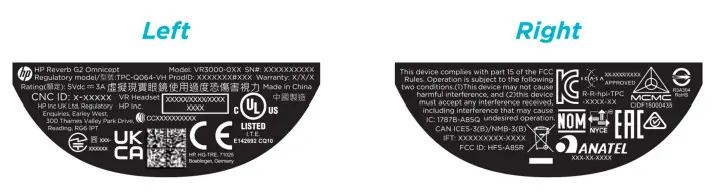
Label
 HP Windows Mixed Reality Headset (Metal) | HP® Customer Support