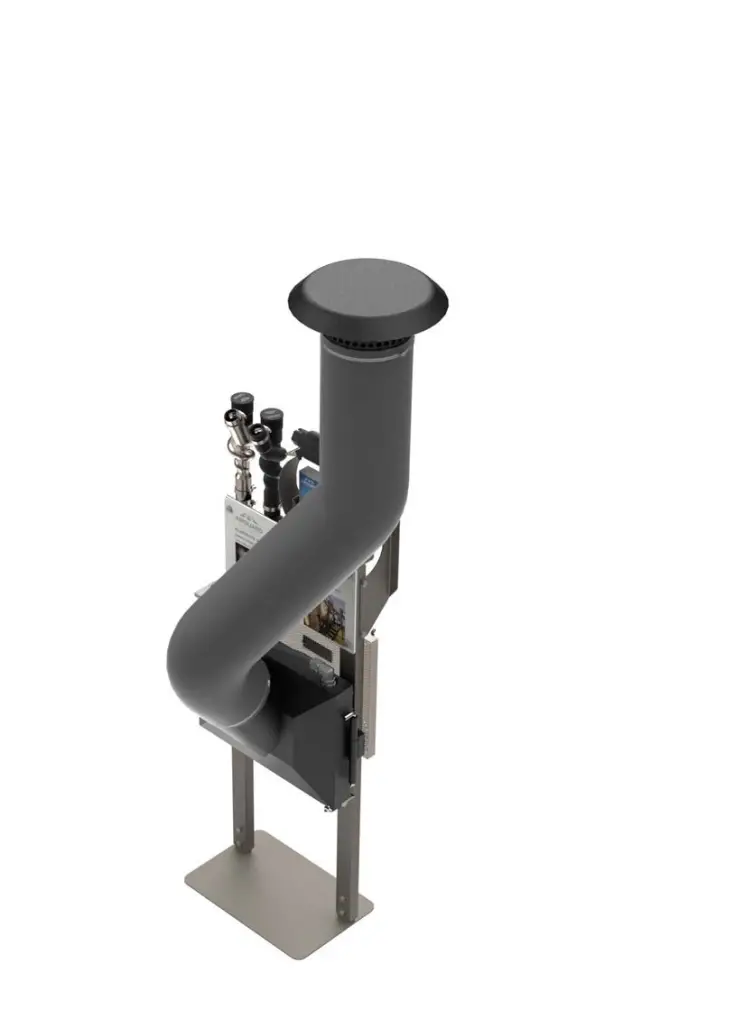
AIRGUARD Dealer Display Stand
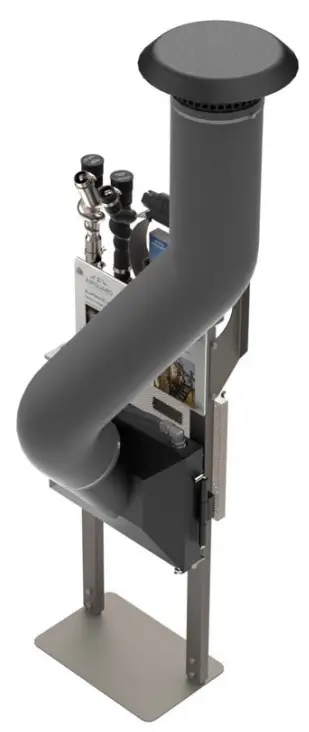
ASSEBLY INSTRUCTIONS
STEP 1
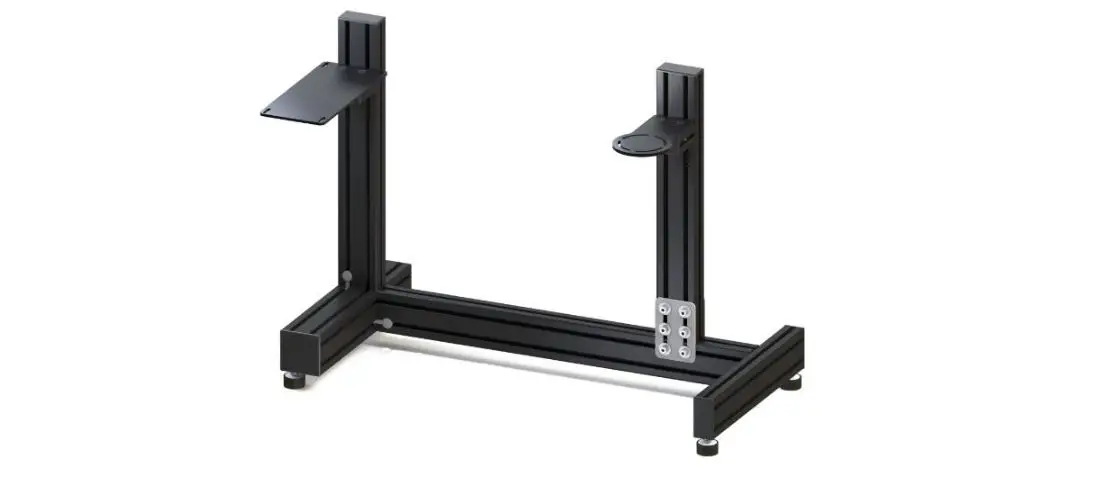
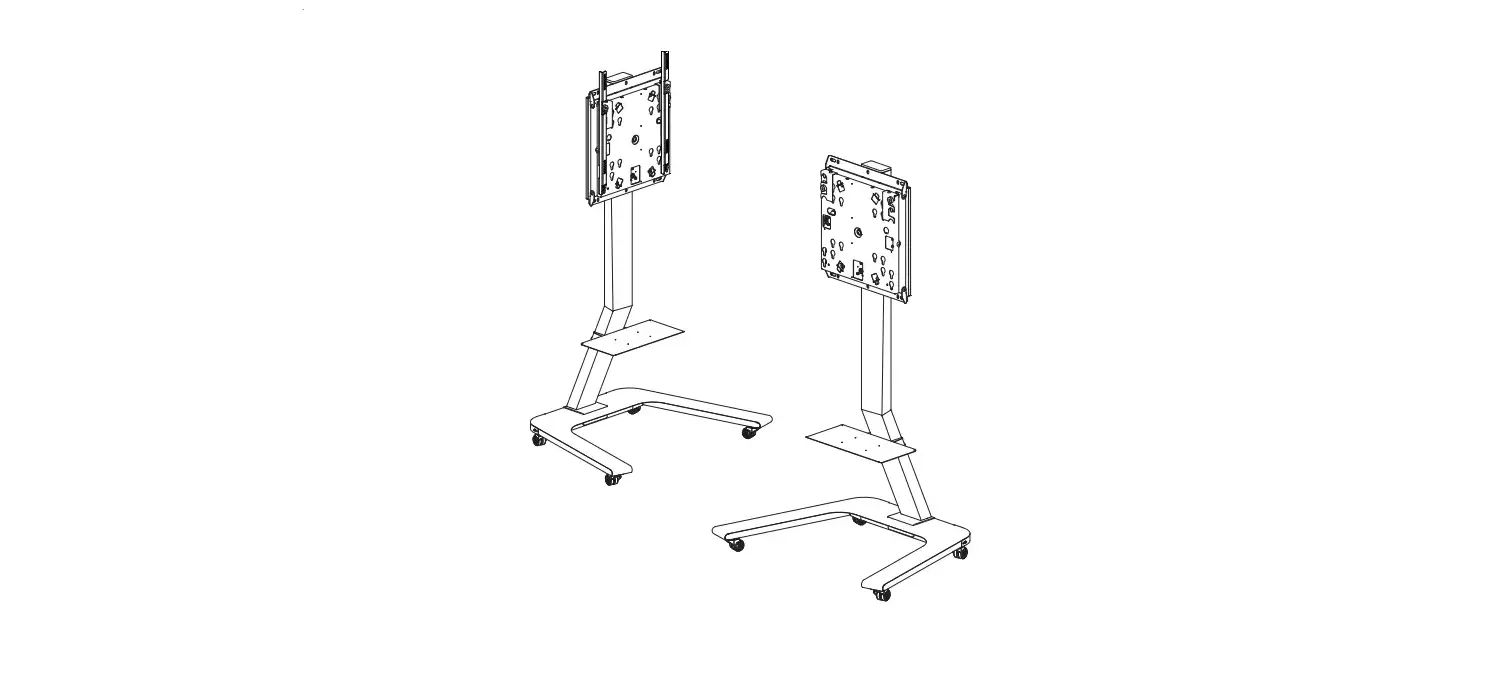
Attach display stand legs (Item 1) to base (Item 2) using 3/8” x 1” bolts and 3/8” hex nuts (Item 3 & 4)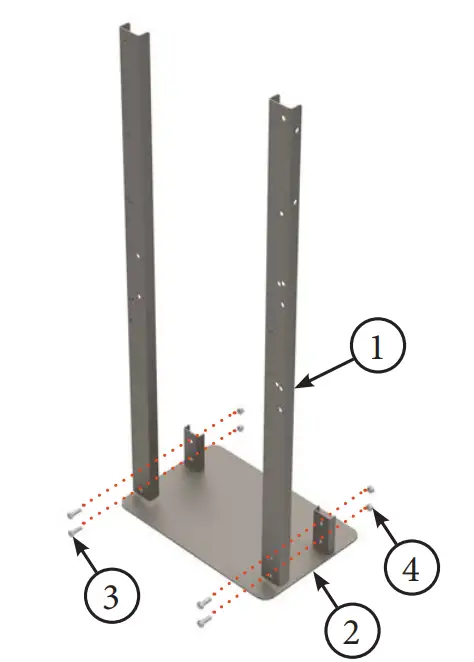
STEP 2
Attach BP System bracket (Item 1) to legs (Item 2) using 3/8” x 1” bolts and 3/8” hex nuts (Item 3 & 4)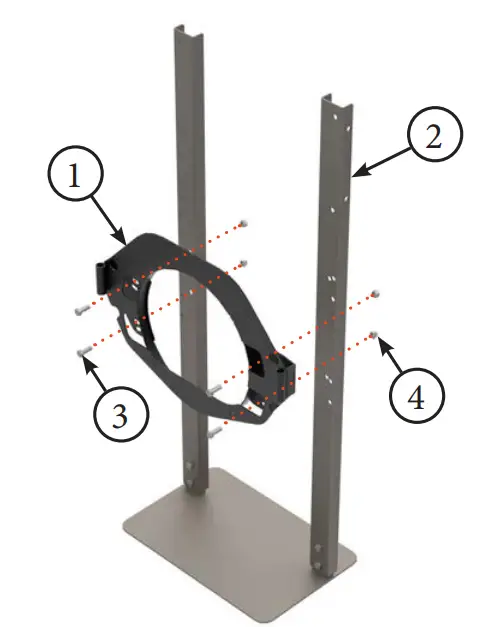
STEP 3
Assemble brochure holder (Item 1) and front graphic (Item 2) to legs (Item 3). Use 3/8” x 1” bolts and 3/8” hex nuts (Item 4 & 5). If installing optional snorkel, use 3/8” x 2” bolts (Item 6) for bottom holes.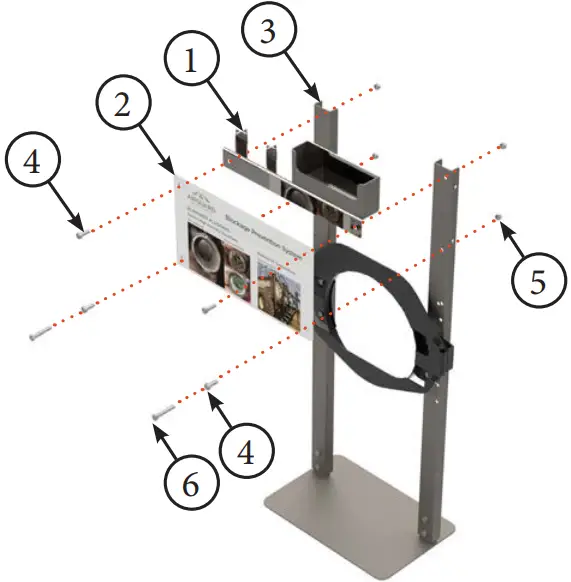
STEP 4
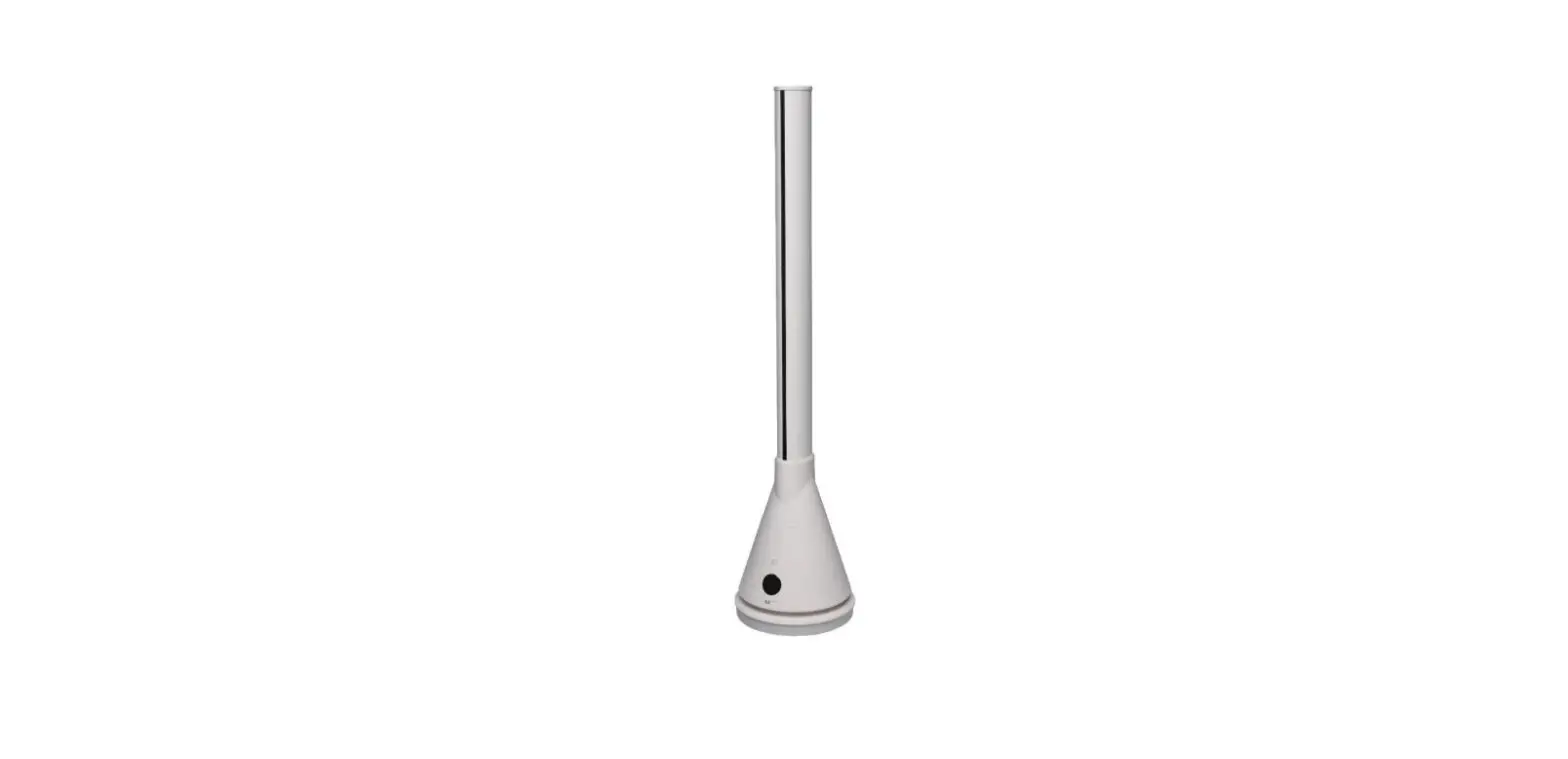
For optional snorkel kit, attach snorkel upright (Item 1) to leg (Item 2) using 3/8” x 1” bolts and 3/8” hex nuts (Item 3 & 4)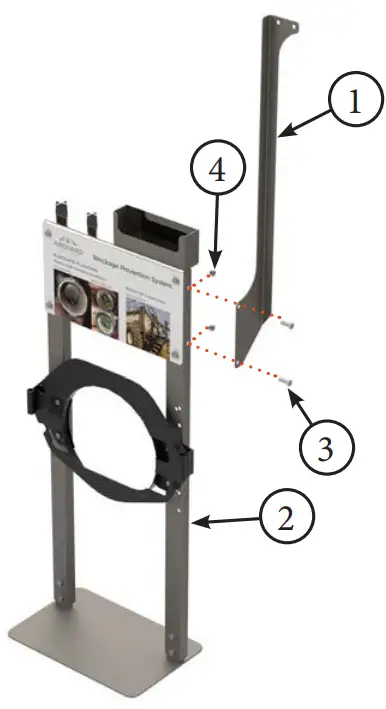
STEP 5
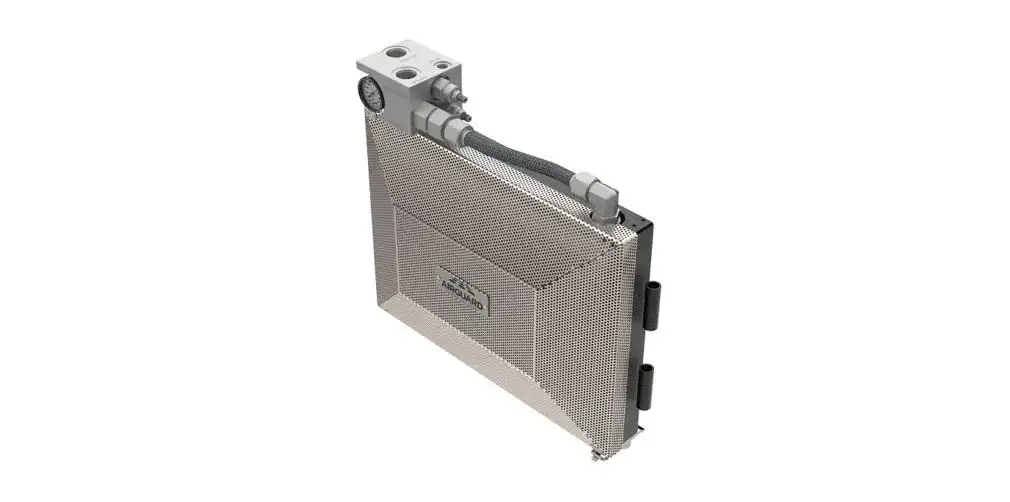
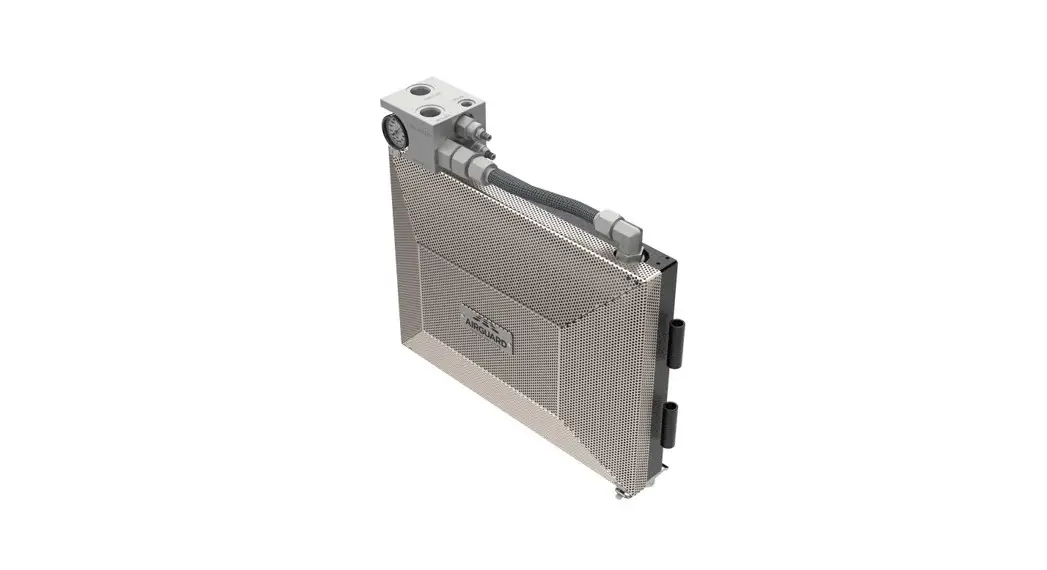
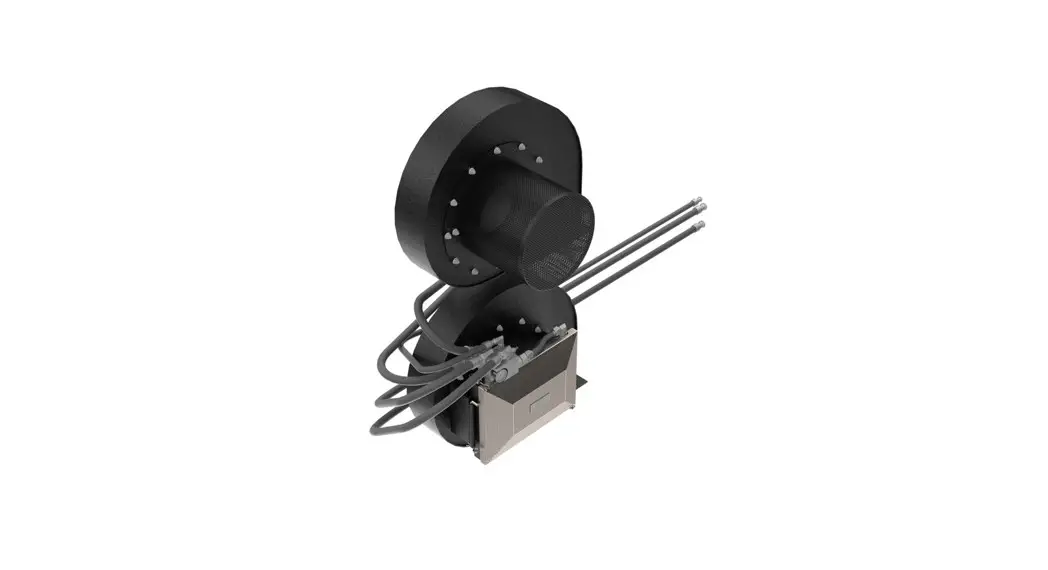
Attach Blockage Prevention System (Item 1) to stand (Item 2) using stainless pins (Item 3).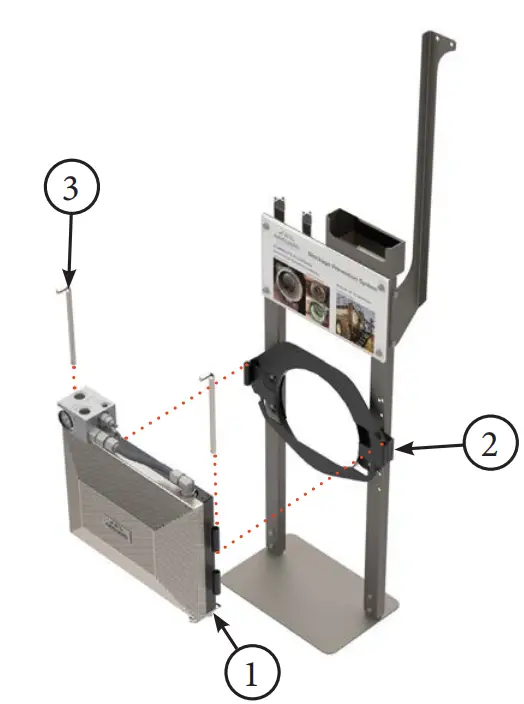
STEP 6
For optional snorkel installation, remove screen (Item 1) from Blockage Prevention System (Item 2). Hang screen (Item 1) on longer bolts on the back of the stand (Item 3)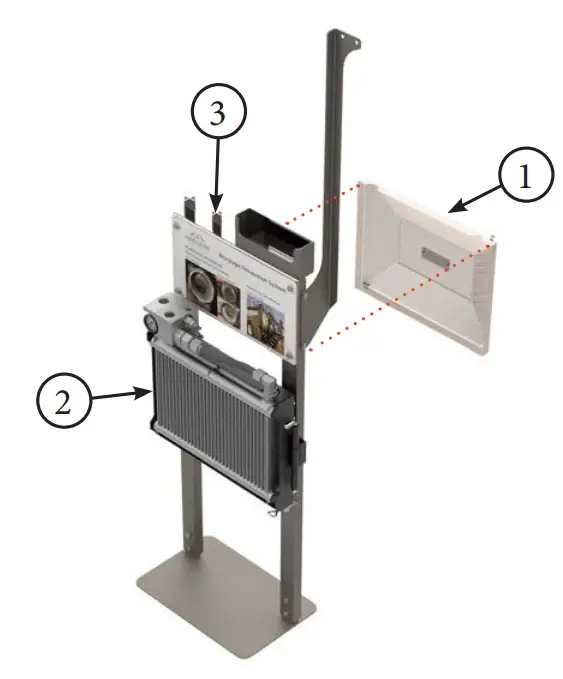
STEP 7
For optional snorkel installation, attach faceplate (Item 1) to Blockage Prevention System (Item 2). Attach snorkel inlet (Item 3) to snorkel upright (Item 4) using 10mm x 25mm bolts and 10mm nuts (Item 5 & 6).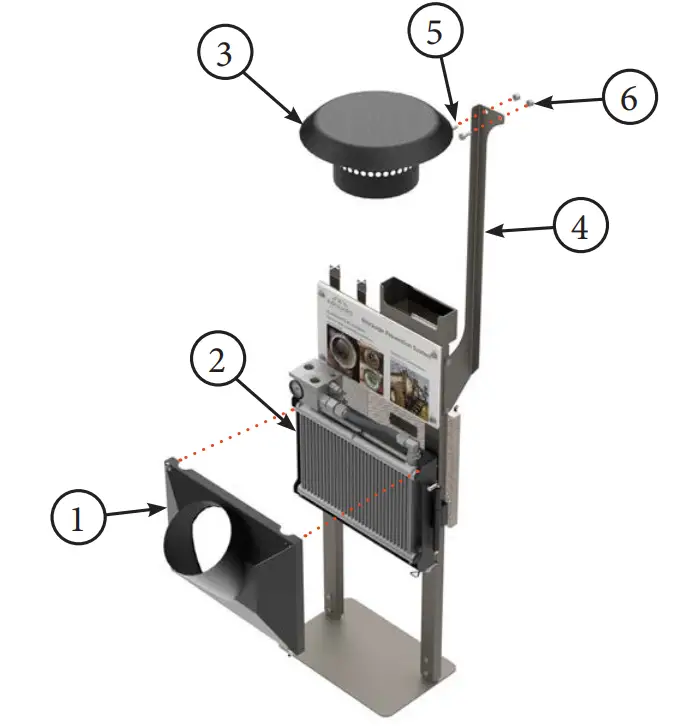
STEP 8
Attach flexible Hose (Item 1) to Inlet (Item 2) and faceplate (Item 3) using provided 8” bridge hose clamps (Item 4).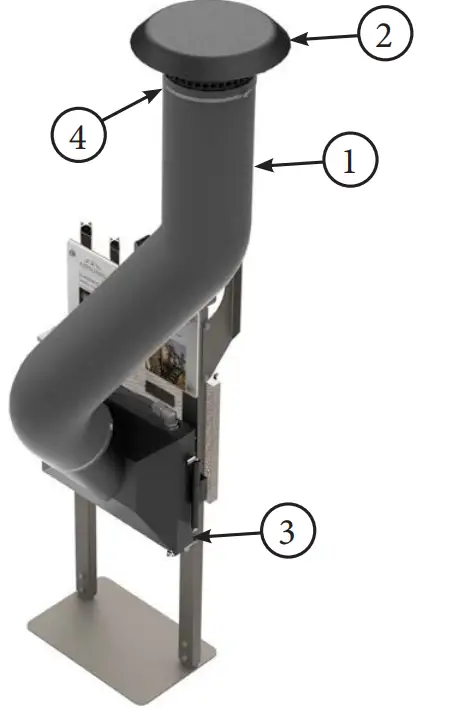
STEP 9
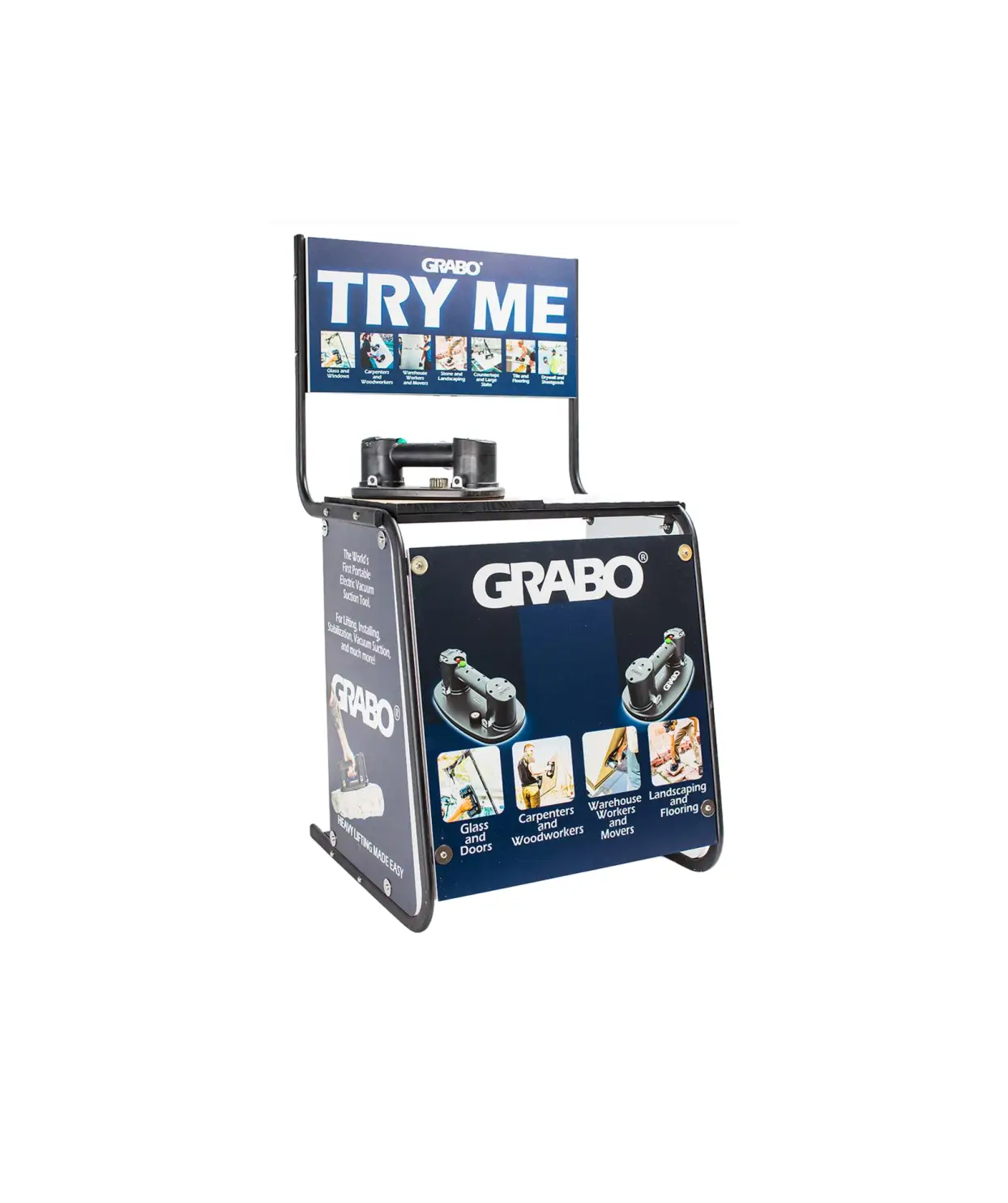
Slide seed brakes (Item 1) onto brochure holder (Item 2). Place brochures (Item 3) into brochure holder (Item 2). Slide large sabre clamp display (Item 4) over brochures and holder.
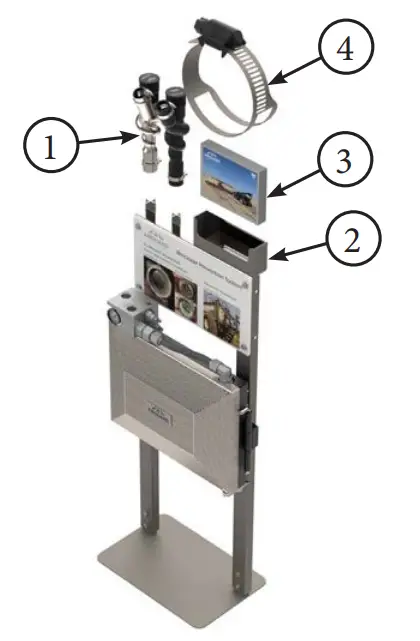
AIRGUARD DEALER DISPLAY WITHOUT SNORKEL OPTION
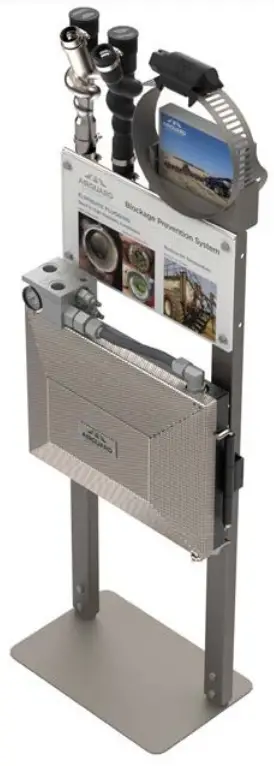
AIRGUARD DEALER DISPLAY WITH SNORKEL OPTION