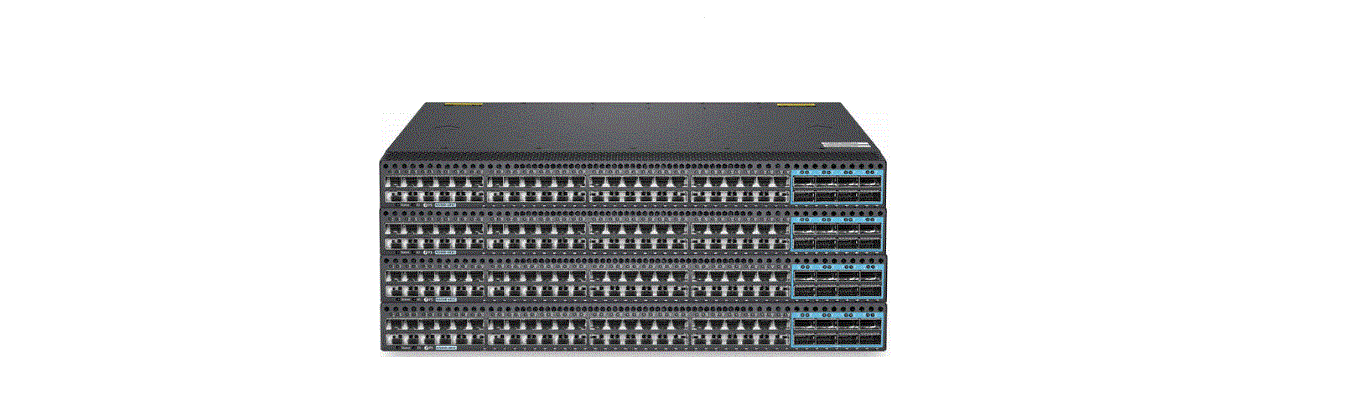
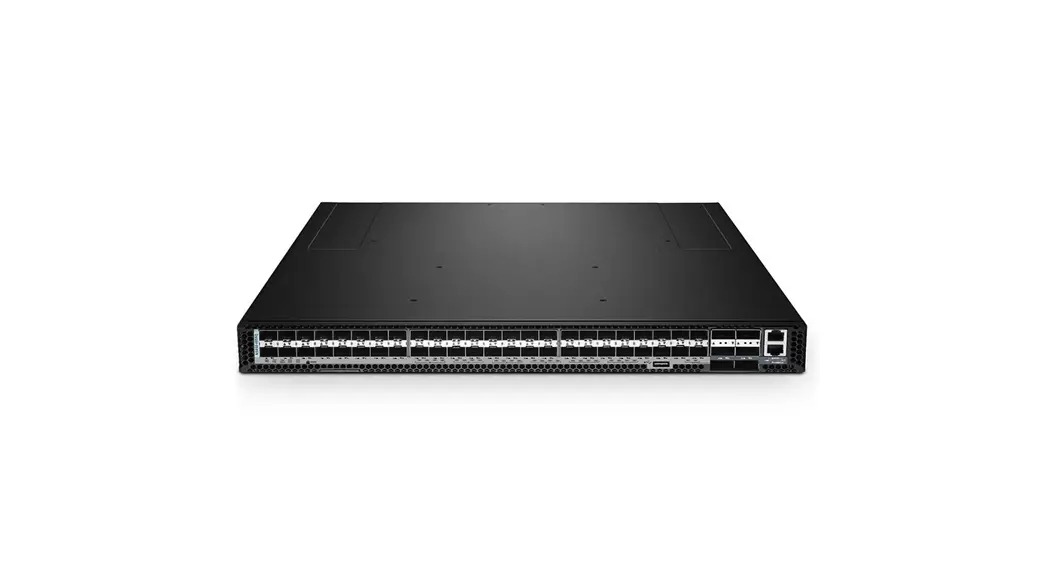
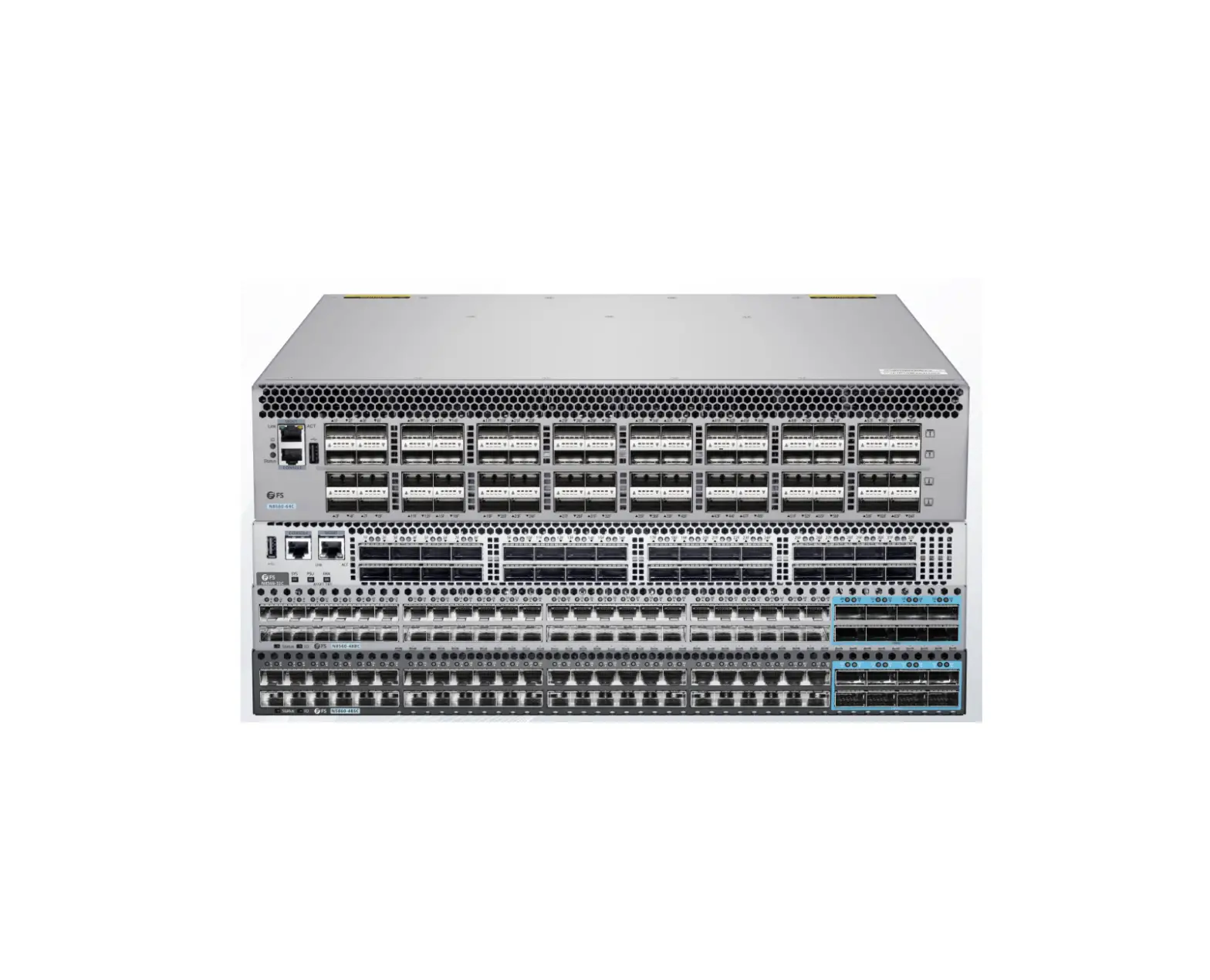
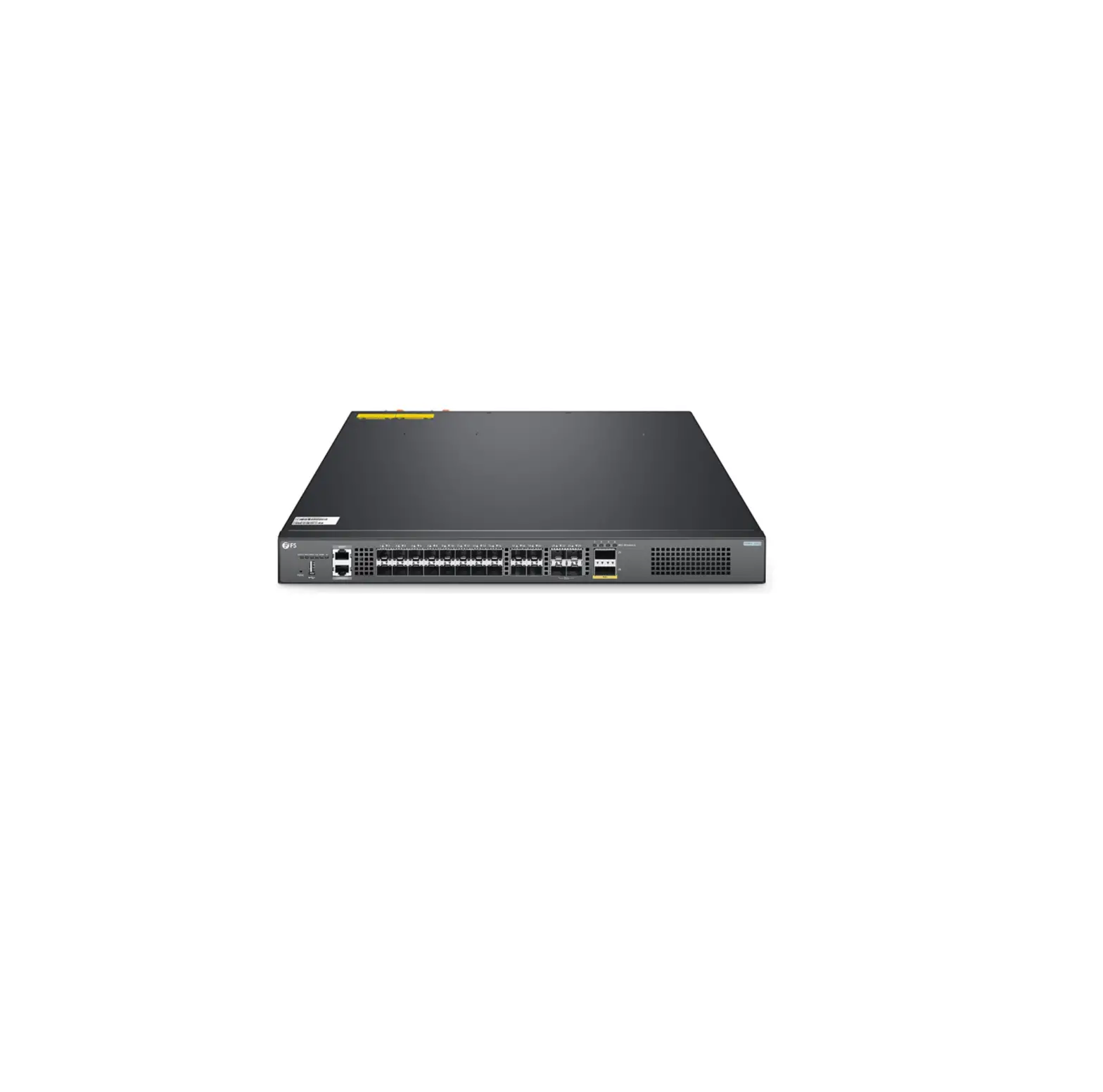
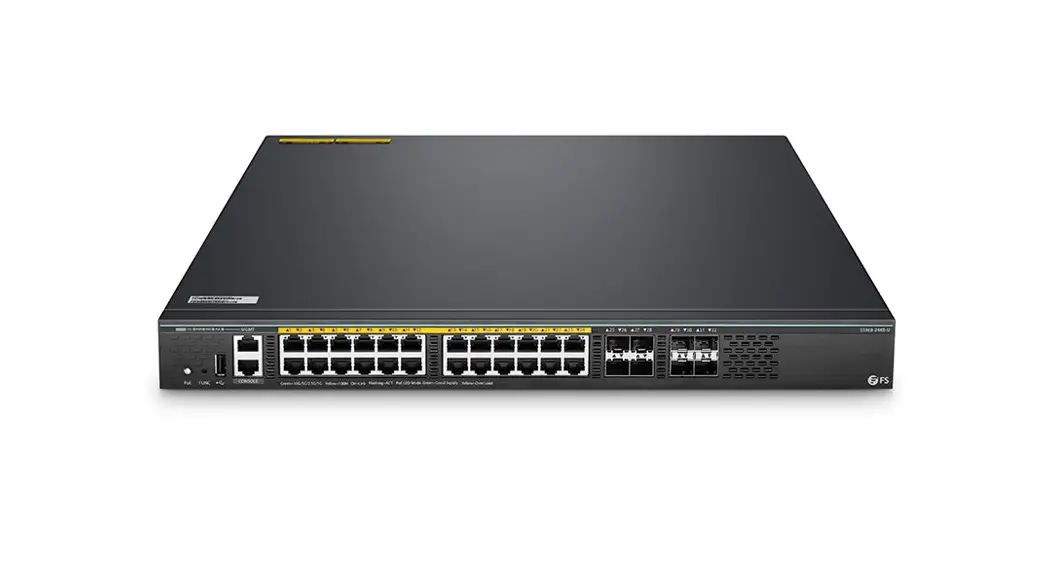
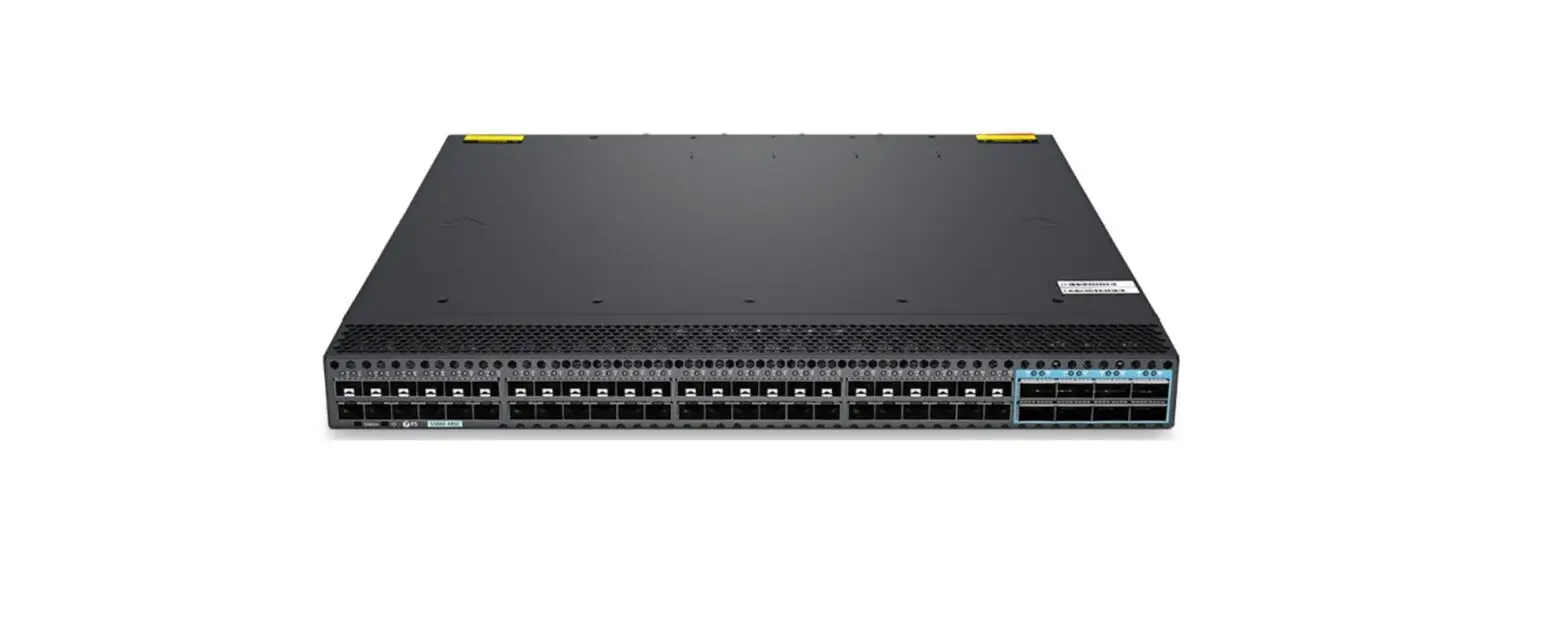
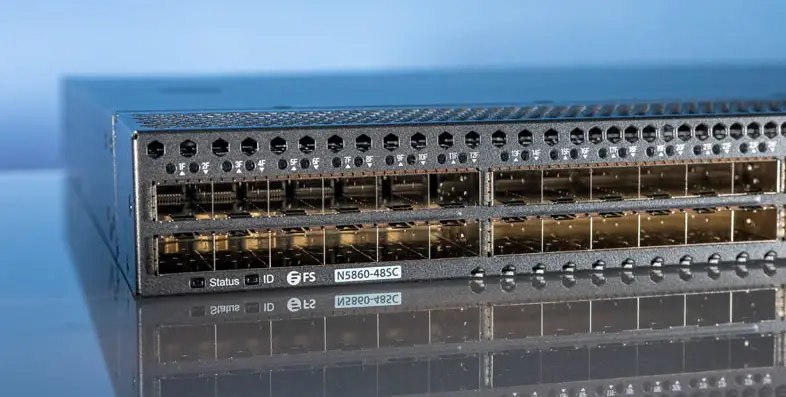
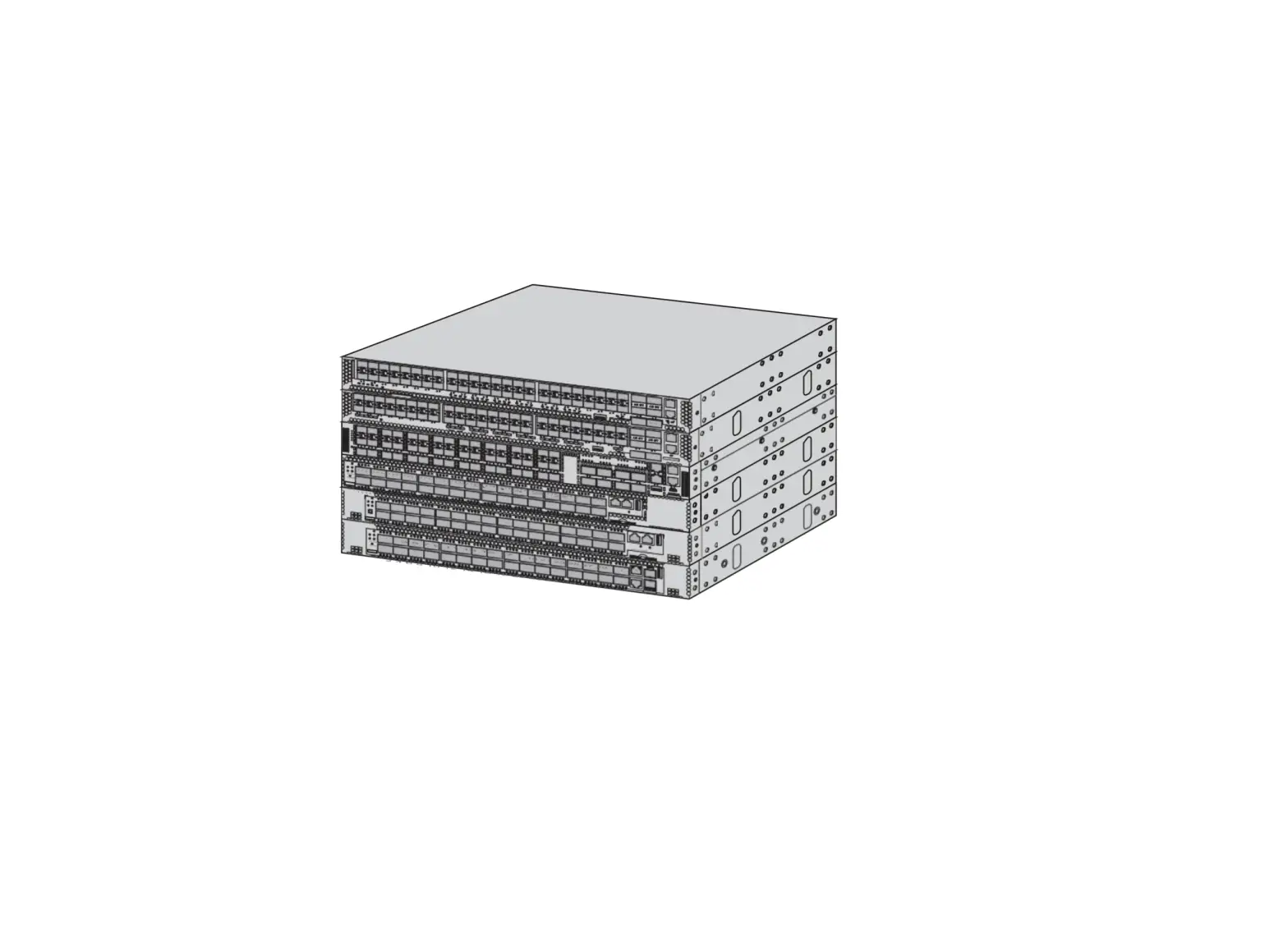
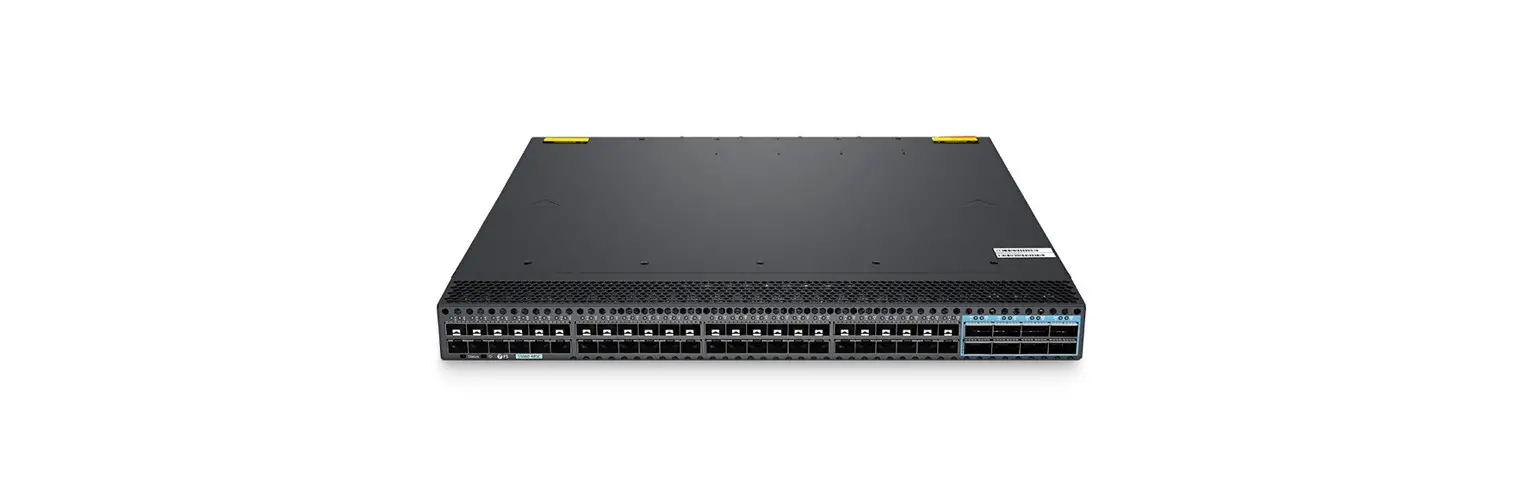
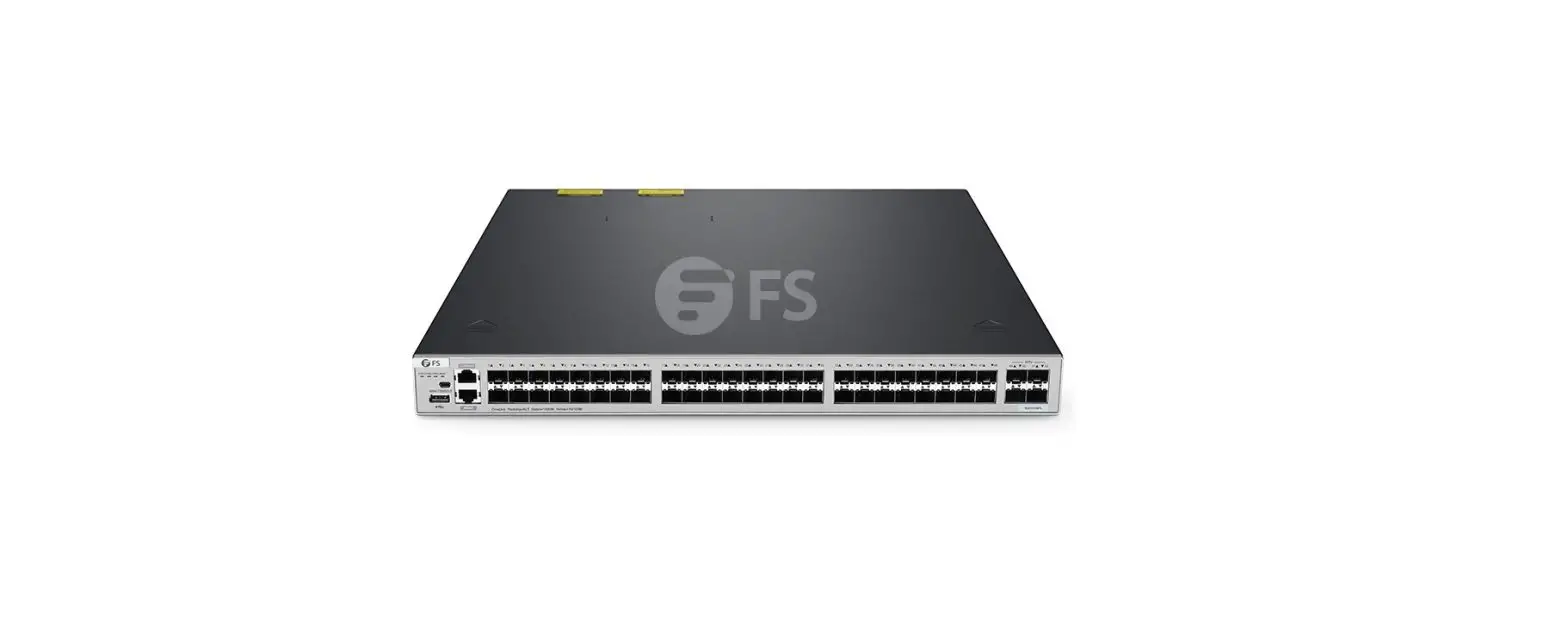
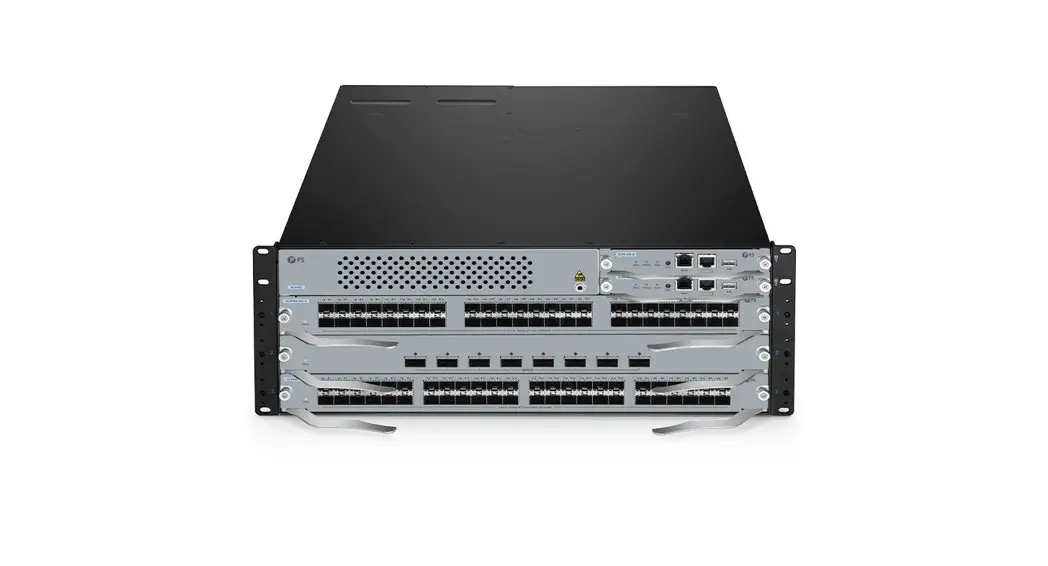
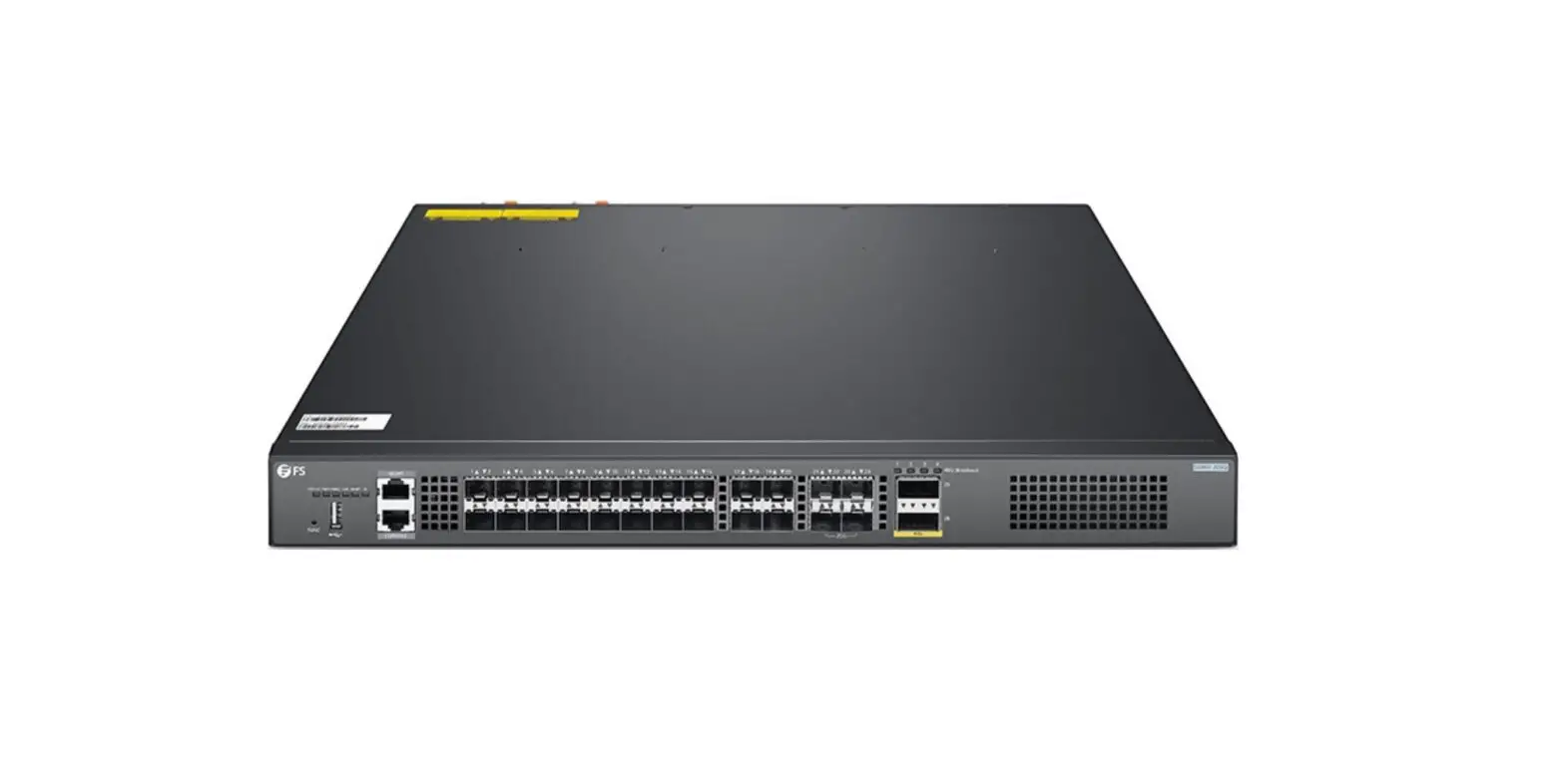
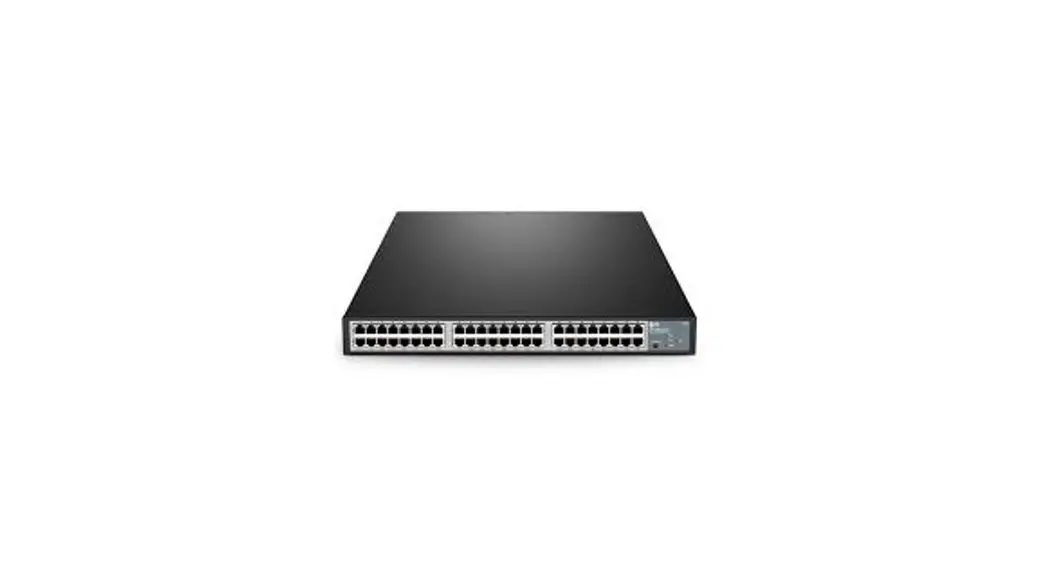
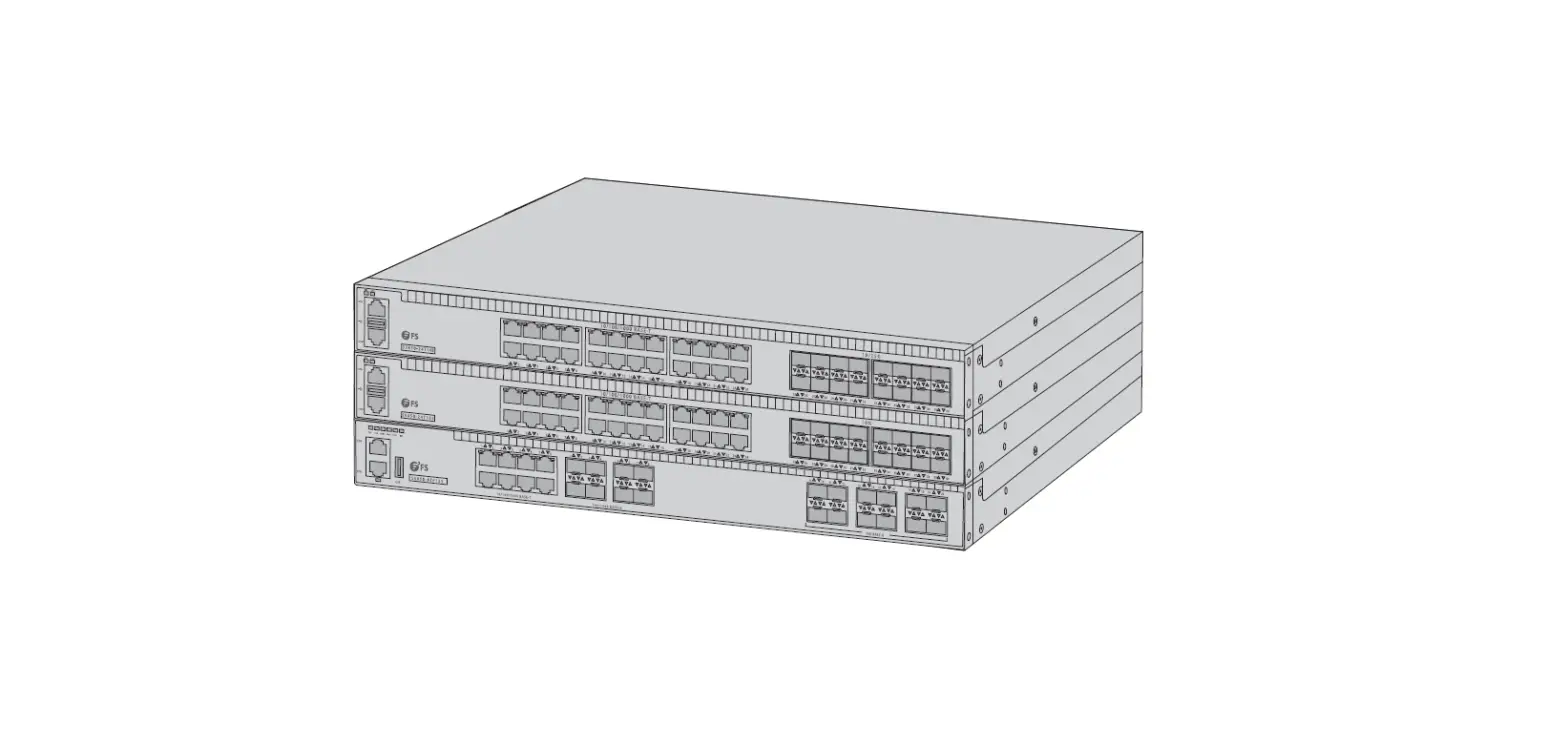
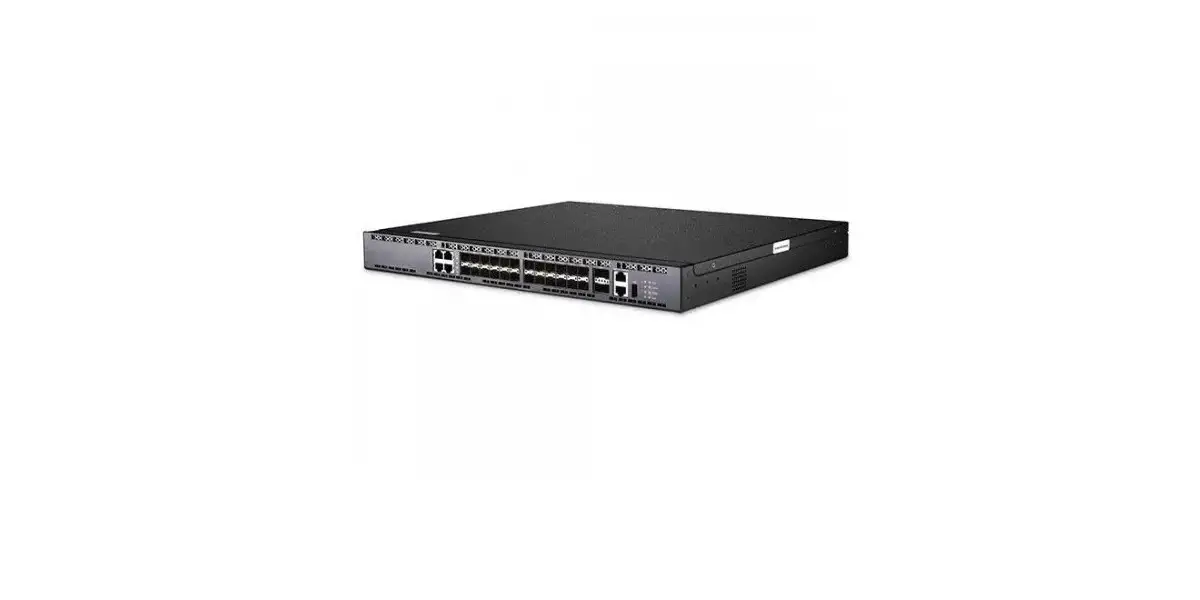
N5860 Series 48x 10GbE 8x 100GbE Switch
Product Information
The product is a network switch that comes in different series,
including N5860, N8560, NC8200, and NC8400. The switch is designed
to connect different devices in a network and manage the flow of
data between them. The product is manufactured by FS.com.
Product Usage Instructions
If you experience packet loss through the interface, follow the
troubleshooting steps below:
Step 1: Check Port Traffic
Check whether the port traffic exceeds the interface bandwidth.
If there is no QOS or spanning tree configuration on the port, you
can try to enable flow control and compare to see if the situation
has been alleviated.
Step 2: Identify the Cause of Packet Loss
To determine the specific cause of packet loss, collect the
count of the bottom layer ps and show c of the line card. Collect
the upper layer port count as well to compare and observe the
change in the number of port packet loss to find the source.
In device implementation, when MMU resources are insufficient,
packets are discarded when they enter the MMU stage. However, when
a message enters, there are still resources, but in the subsequent
processing stage, when the threshold (overflow) of the MMU is
encountered, the MMU will set the packet to the clear bit. The drop
count will increase, which is a relatively normal implementation.
Check whether the bottom layer count contains packets larger than
1518 bytes.
If there are a large number of packets in the network greater
than 1518 (the maximum packet length required by Ethernet is 1518),
it will lead to exhaustion of MMU resources.
For more information on troubleshooting port packet loss, refer
to the product manual available on www.fs.com.
TrToRuObUleBsLhEoSoHtOThOeTSTwHiEtcShWPIoTCrtHPaPcOkReTt LPoAsCsKET LOSS
Troubleshoot The Switch Port Packet Loss
Models: N5860 Series; N8560 Series; NC8200 Series; NC8400 Series
www.fs.com
1
PORT PACKET LOSS TROUBLESHOOTING
Contents 1. Troubleshoot Port Packet Loss………………………………………………………………………………………… 1 2. Problem Description……………………………………………………………………………………………………….. 2 3. Possible Cause of Failure…………………………………………………………………………………………………. 2 4. Troubleshooting Steps……………………………………………………………………………………………………..2
www.fs.com
1
PORT PACKET LOSS TROUBLESHOOTING
1. Troubleshoot Port Packet Loss
One common type of packet loss is that there is obvious packet loss on a port, and the more common one is forwarding failure or packet loss. Forwarding packet loss is divided into layer 2 forwarding packet loss and layer 3 forwarding packet loss. Layer 2 forwarding packet loss: Layer 2 forwarding is based on VID+MAC forwarding. Therefore, not only the packet loss on the port will cause the layer 2 forwarding packet loss, but also the packet loss caused by other more complex factors. To sum up, there are several reasons: (1) Duplex mismatch caused by port duplex, rate, flow control, etc., and packet loss caused by insufficient buffer. ———- Determine whether there is port packet loss by checking the working status of the interface, the port count and the underlying ps (check the port working status, show c check the port count). (2) Packet loss caused by poor data contact or frequent shocks caused by data being unable to be forwarded ——–Contrast test by viewing logs or replacing ports (3) The problem with the link leads to packet loss of CRC, Jabber, etc. — Check by checking the port count to confirm and replace the link for testing (4) Frequent changes in the STP logic state of the port cause interruption of data forwarding. —–View the statistics of spanning tree by viewing logs and show spanning-tree or turn on the debug switch to view. (5) Normal packet loss caused by port speed limit-check the QOS configuration or adjust the speed limit size for comparative testing (6) MAC table or VLAN table or security table (FFP) caused the forwarding failure. —Confirm the comparison by collecting the L2, VLAN, port and FFP tables of the upper and lower layers. You can also adjust the relevant safety functions to turn on or off. The key to packet loss at Layer 2 forwarding is to determine where the packet loss occurred in advance. You can make full use of the image capture function through the segmented test method. The ultimate means of Layer 2 forwarding is to clear the device configuration, keep the simplest environment, and perform the forwarding test. If there are still packet loss situations, it is generally a hardware failure after checking by the bottom show c.
Layer 3 forwarding packet loss Layer 3 forwarding packet loss involves the process of searching for routes and routing (ARP). Therefore, in addition to the possibility of layer 2 forwarding packet loss, the following possible causes have been added: (1) Frequent flapping of routes (such as frequent flapping of dynamic routes, frequent switching of routes, or overflow of lower-level routes)-you can view related logs and collect routing entries (upper and lower-level entries), or try static Formulate related entries. (2) The ARP table changes frequently and needs to be reopened (for example, the layer 3 device clears the ARP address table caused by Tc change) ——- you can view the related STP logs and optimize the configuration or print the related debug logs, or you can Try to statically bind related entries. (3) Security filtering, such as ACL, URPF and other security policies, which will cause packet loss caused by partial packet filtering ——–can be analyzed and viewed from the configuration and log. When troubleshooting Layer 3 forwarding faults, the first requirement is also to determine where the packet loss point is, and then check one by one according to the above possibilities. For example: when we usually ping a destination address, we will find that 5 packets will be pinged, and one packet will be lost. The reason is that because the first packet does not have the ARP of the source host for the target machine, the ARP time exceeds the ICMP timeout 2s cause. When locating the fault of Layer 3 forwarding to a single box device, when the environmental factors or the problems caused by the functional modules are eliminated, packet loss may be caused due to abnormal connection between internal data channels. Summary: Port packet loss is only a possible cause of Layer 2 and Layer 3 forwarding. If you encounter a Layer 2 or Layer 3 forwarding failure, you still need to troubleshoot according to the above possible causes.
www.fs.com
1
PORT PACKET LOSS TROUBLESHOOTING
2. Problem Description
The drop count in the output direction on the port increases, and user traffic drops through the interface.
3. Possible Cause of Failure
1) There are a large number of packets larger than 1518 in the network, resulting in exhaustion of the receiving cache resources 2) The rate sent by the peer device is too fast, resulting in insufficient buffer at the local switch, but no packet loss due to flow control
4. Troubleshooting Steps
Step 1. Check whether the port traffic exceeds the interface bandwidth. If you do not see QOS or spanning tree configuration on the port, you can try to enable flow control and compare to see if the situation has been alleviated.
Step 2. There are many reasons for packet loss in the output direction. In order to determine the specific cause of packet loss, it is necessary to collect the count of the bottom layer ps and show c of the line card. While collecting the bottom layer information, the upper layer port count also needs to be collected to compare and observe the change in the number of port packet loss to find the source.
In device implementation, when MMU resources are insufficient, we usually discard the packets when they enter the MMU stage. However,
when a message enters, there are still resources, but in the subsequent processing stage, when the threshold (overflow) of the MMU is
encountered, the MMU will set the packet to the “clear” bit. The drop count will increase, which is a relatively normal implementation.
Check whether the bottom layer count contains packets larger than 1518 bytes.
GR2047.ge15 :
54,704,700
+230,448
749/s
GR2047.ge18 :
17,132,972
+68,464
249/s
It indicates that there are a large number of packets in the network greater than 1518 (the maximum packet length required by Ethernet is
1518), which will lead to exhaustion of MMU resources.
Step 3: Find the source of the 1518-byte large flow message sent by the input port and eliminate the source port problem. 1. Clear the port counter clear counter SWITCH# clear counter 2. Packet loss in the out direction of the interface on multiple show failures SWITCH# show int gx/y 3. If there is any packet loss, immediately show int count summ, look at the interface count in the in direction, confirm which port has the larger traffic volume, and pick out the ports with the larger traffic count; 4. According to the operation interface of 4, show the interfaces with relatively large traffic ports many times, show int gx/y, and see if the rate change will be large. If the port is large, it means that there is a problem with this port. Shut down this port Observe (if conditions permit);
www.fs.com
2
S3910 SERIES SWITCHES DATASHEET
www.fs.com
10
 FS.com - Data Center, Enterprise, Telecom