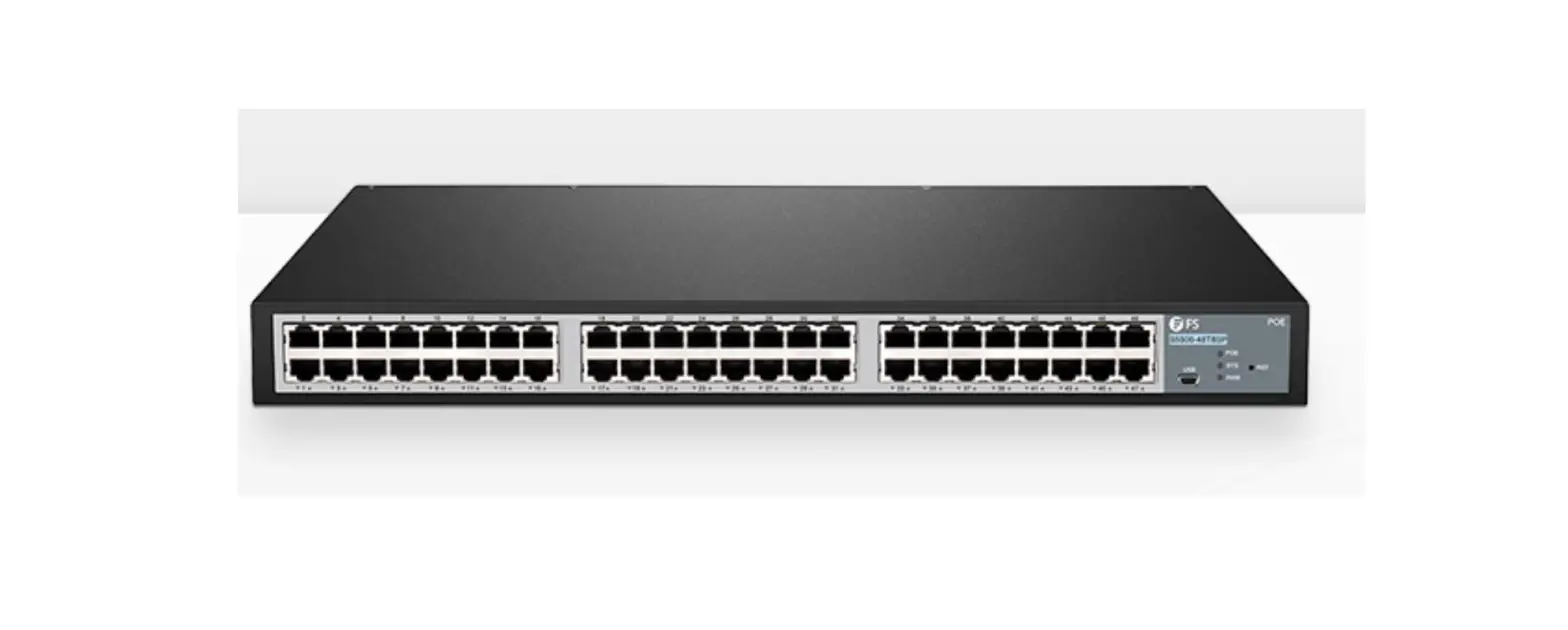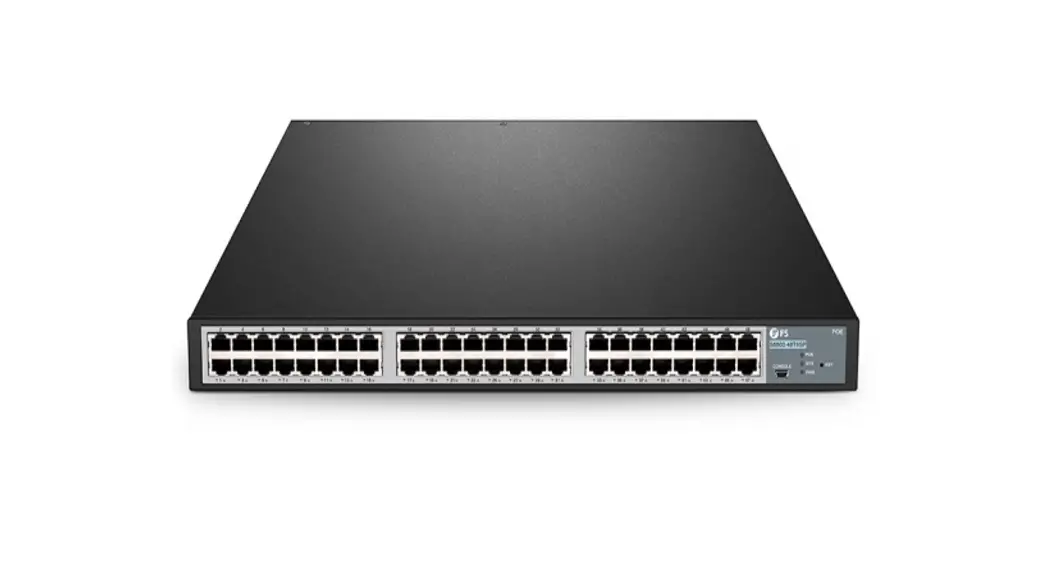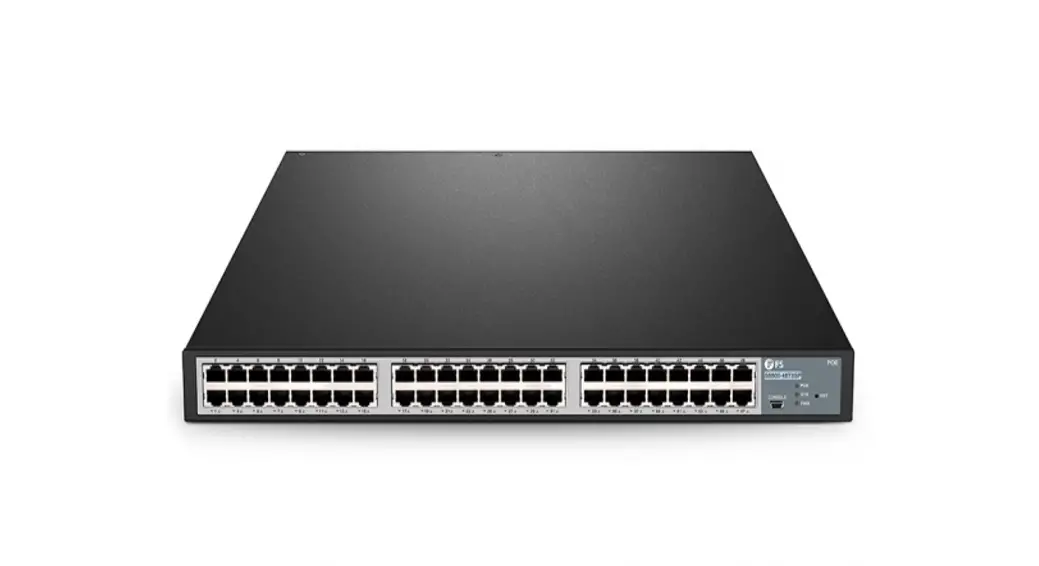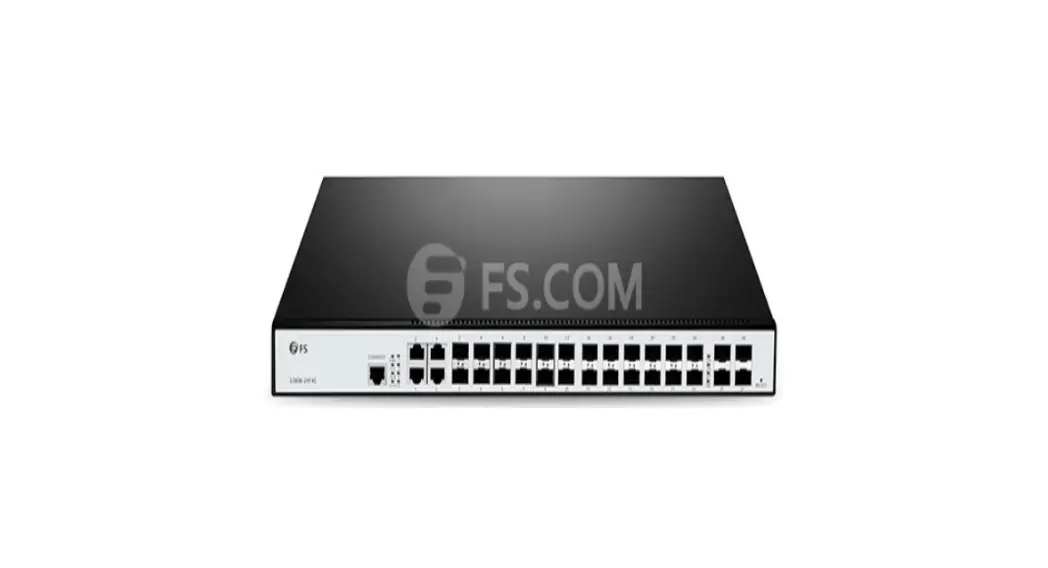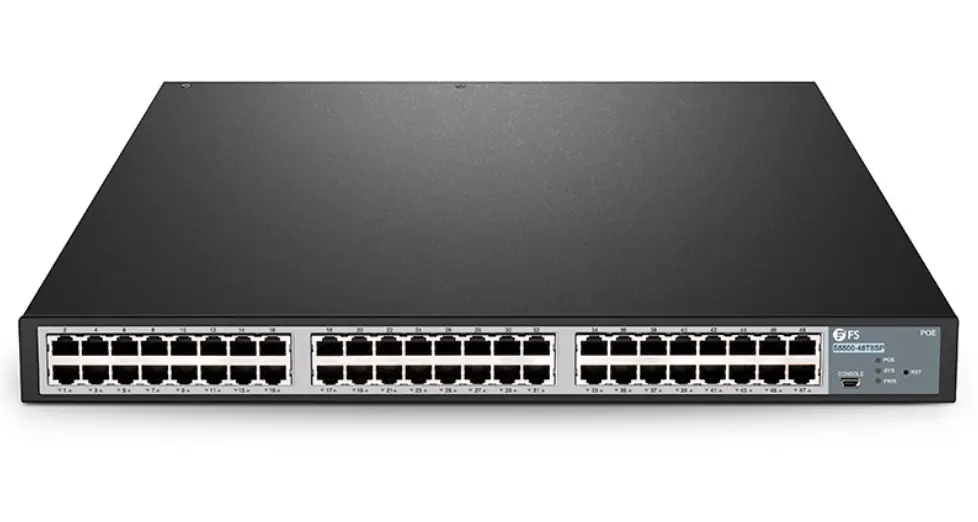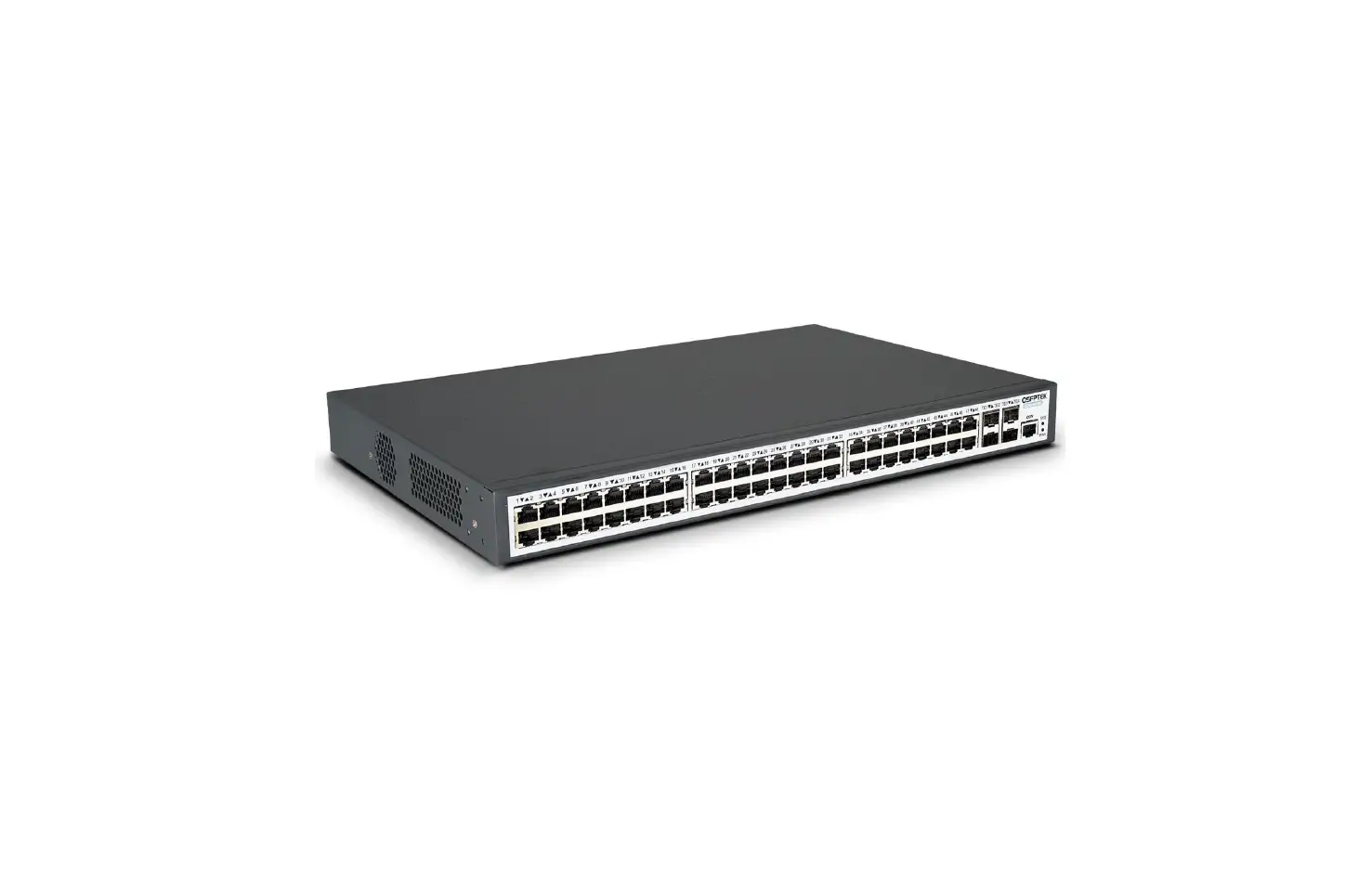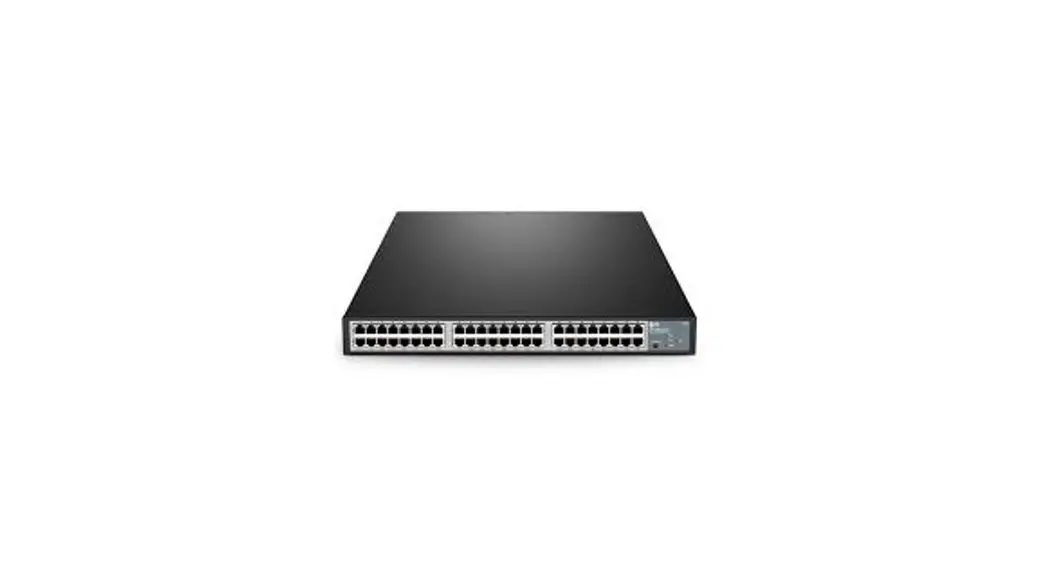
 FS S5500-48T8SP 48-Port Gigabit Ethernet Switches
User Guide
Chapter 1 OSPFv3 Configuration
1.1 Overview
OSPFv3 is an IGP routing protocol developed by the OSPF working group of IETF for the IPv6 network. OSPFv3 supports the IPv6 subnet, the mark of the external routing information and the packet’s authentication.
OSPFv3 and OSPFv2 have a lot in common:
- Both router ID and area ID are 32 bit.
- The following are the same type of packets: Hello packets, DD packets, LSR packets, LSU packets and LSAck packets.
- Having the same neighbor discovery mechanism and the same neighborhood generation mechanism
- Having the same LSA expansion mechanism and the same LSA aging mechanism
The main differences of both OSPFv3 and OSPFv2 are shown below:
- OSPFv3 is running on the basis of link, while OSPFv2 is running on the basis of network segment.
- OSPFv3can run multiple instances on the same link.
- OSPFv3 labels its neighbor through router ID, while OSPFv2 labels its neighbor through IP.
- OSPFv3 defines 7 classes of LSAs.
The following table shows some key functions in the realization of the OSPFv3 functions.
| Key attributes | Description |
| Stub domain | Supports the stub domain. |
| Route forwarding | Means that routes that are learned or generated by any routing protocol can be forwarded to the domains of other routing protocols.ln the autonomous domain, it means that OSPFv3 can input the RIPng learned routes. The routes learned by OSPFv3 can also be exported to RIPng.Between the autonomous domains, OSPFv3 can import the BOP-learned routes; OSPFv3 routes can also be exported to the BGPs. |
| Parameters of a routing interface | The following are configurable interface parameters: output cost, retransmission interval, interface’s transmission delay, router’s priority, interval for judging the shutdown of a router, hello interval, and authentication key. |
| Virtual link | Supports the virtual link. |
1.2 OSPFv3 Configuration Task List
OSPFv3 demands the switchover of routing data between in-domain router, ABR and ASBR. In order to simplify the settings, you can make related configuration to enable them to work under the default parameters without any authentication; if you want to change some parameters, you must guarantee that the parameters on all routers are identical.
To set OSPFv3, you must perform the following tasks. Except that the task of activating OSPFv3 is mandatory, other settings are optional.
- Enabling OSPFv3
- Setting the parameters of the OSPFv3 interface
- Setting OSPFv3 on different physical networks
- Setting the parameters of the OSPFv3 domain
- Configuring the NSSA Domain of OSPFv3
- Setting the Route Summary in the OSPFv3 Domain
- Setting the Summary of the Forwarded Routes
- Generating a Default Route
- Choosing the route ID on the loopback interface
- Setting the management distance of OSPFv3
- Setting the Timer of Routing Algorithm
- Monitoring and Maintaining OSPFv3
1.3 OSPFv3 Configuration Tasks
1.3.1 Enabling OSPFv3
Before OSPFv3 is enabled, the function to forward the IPv6 packets must be enabled.
Run the following commands in global configuration mode:
| Command | Purpose |
| router ospfv3 process-id | Activates OSPFv3 and enters the router configuration mode. |
| router-id router-id | Sets the router ID of a router on which OSPFv3 is running. |
Run the following command in interface configuration mode:
| Command | Purpose |
| ipv6 ospf process-id area area-id [instanceinstance-id] | Enables OSPFv3 on an interface. |
Note: If the OSPFv3 process is still not created before OSPFv3 is enabled on an
interface, the OSPFv3 process will be automatically created.
1.3.2 Setting the Parameters of the OSPFv3 Interface
During OSPFv3 realization, related OSPFv3 parameters on an interface are allowed to be modified according to actual requirements. Of cause you have no need to change every parameter, but you have to make sure that some parameters are consistent on all routers in the connected networks.
Run the following commands in interface configuration mode to do relevant configurations:
| Command | Purpose |
| ipv6 ospf cost cost | Sets the cost of the packet that is transmitted from the OSPFv3 interface. |
| ipv6 ospf retransmit-interval seconds | Sets the LSA retransmission interval between neighbors. |
| ipv6 ospf transmit-delay seconds | Sets the delay time for transmitting LSA on an OSPFv3 interface. |
| ipv6 ospf priority number | Sets a router to be the priority of the OSPFv3 DR router. |
| ipv6 ospf hello-interval seconds | Sets the interval for the OSPFv3 interface to transmit the Hello packets. |
| ipv6 ospf dead-interval seconds | Means that in a regulated interval if the OSPFv3 packets are not received from a neighboring router, this neighboring router is viewed to be shut down. |
1.3.5 Setting the Parameters of the OSPFv3 Domain
The configurable domain parameters include: authentication, designating a stub area and specifying a weight for a default summary route. Its authentication is based on password protection.
The stub area means that external routes cannot be distributed to this area. Instead, ABR generates a default external route that enters the stub area, enabling the stub area to communicate with external networks of an autonomous area. In order to make use of the attributes supported by the OSPF stub, the default route must be used in the stub area. To further reduce LSAs that are forwarded to the stub area, you can forbid the summary function on ABR.
Run the following command in router configuration mode to set the domain’s parameters:
| Command | Purpose |
| area area-id stub [no-summary] | Defines a stub area. |
| area area-id default-cost cost | Sets the weight of the default route of the stub area. |
As to those areas that are not backbone areas and do not connect the backbone areas directly or as to those discontinuous areas, the OSPFv3 virtual link can be used to establish a logic connectivity. In order to create a virtual link, you have to perform configuration at the two terminals of the virtual link. If only one terminal is configured, the virtual link cannot work.
Run the following command in router configuration mode to set the domain’s parameters:
| Command | Purpose |
| area area-id stub [no-summary] | Defines a stub area. |
| area area-id default–cost cost | Sets the weight of the default route of the stub area. |
As to those areas that are not backbone areas and do not connect the backbone areas directly or as to those discontinuous areas, the OSPFv3 virtual link can be used to establish a logic connectivity. In order to create a virtual link, you have to perform configuration at the two terminals of the virtual link. If only one terminal is configured, the virtual link cannot work.
Run the following command in router configuration mode to set the domain’s parameters:
| Command | Purpose |
| area area-id virtual-link neighbor-ID [dead-interval dead-value][ hello-interval hello-value] [ retransmit-interval | Establishes the virtual link. |
1.3.6 Setting the Route Summary in the OSPFv3 Domain
With this function ABR can broadcast a summary route to other areas. In OSPFv3 ABR will broadcast each network to other areas. If network IDs are distributed to be continuous, you can set ABR to broadcast a summary route to other areas. The summary route can cover all networks in a certain range.
Run the following command in router configuration mode to set the address’ range:
| Command | Purpose |
| area area-id range ipv6-prefix /prefix-length | Sets the address’ range of the summary route. |
1.3.7 Setting the Summary of the Forwarded Routes
When routes are distributed from other routing areas to the OSPFv3 routing area, each route is singularly broadcasted as an external LSA. However, you can set a route on a router to make this route cover an address range. In this way, the size of the OSPFv3 link-state database can be reduced.
Run the following command in router configuration mode to set a summary route:
| Command | Purpose |
| summary-prefix ipv6-prefix /prefix-length | Broadcasts only one summary route. |
1.3.8 Generating a Default Route
ASBR should generate a default route to enter the OSPFv3 routing area. Whenever it is, you make configuration to enable a router to distribute a route to the OSPFv3 routing area and this route becomes ASBR automatically. However, ASBR does not generate a default route by default to enter the OSPFv3 routing area.
1.3.9 Choosing the Route ID on the Loopback Interface
OSPFv3 uses the maximum IPv4 address as its router ID. If the interface that connects the IPv4 address is down or the IPv4 address is deleted, the OSPF process will
recalculate the ID of this new router and retransmit the routing information from all interfaces.
If an IPv4 address is configured on a loopback interface, the router will first use the IPv4 address of loopback as its ID. Because the loopback interface will never be down, the routing table is greatly stable.
The router can first select the loopback interface as its ID or select the maximum IPv4 address in all loopback interfaces as its ID. If there is no loopback interface, the IPv4 address of a router will be used as the router ID. You cannot specify OSPFv3 to use any specific interface.
Run the following commands in global configuration mode to set the IP loopback interface:
| Command | Purpose |
| interface loopback num | Creates a loopback interface and enters the interface configuration mode. |
| ip address ip-address mask | Distributes an IPv4 address for an interface. |
1.3.10 Setting the Management Distance of OSPFv3
The management distance means the trust level of the routing information source.
Generally speaking, the management distance is an integer between 0 and 255. The bigger its value is, the lower the trust level is. If the management distance is 255, the routing information source will be distrusted and omitted.
OSPFv3 uses three different kinds of management distances: inter-domain, inner-domain and exterior. The routes in a domain are called inner-domain routes; the routes to other domains are called inter-domain routes; the routes transmitted from other routing protocols are called the exterior routes. The default value of each kind of routes is 110.
1.3.11 Setting the Timer of Routing Algorithm
You can set the delay between receiving the topology change information and calculating SPF. You can also set the interval between two continuous SFP algorithm.
Run the following command in router configuration mode:
| Command | Purpose |
| timers delay delaytime | Set a delay for routing algorithm in an area. |
| timers hold holdtime | Sets a minimum interval for routing algorithm in an area. |
1.3.12 Monitoring and Maintaining OSPFv3
The network statistics information which can be displayed includes the content of the
IP routing table, caching and database. This kind of information can help users to judge the usage of network resources and solve network problems.
You can run the following commands to display all kinds of routing statistics information:
Command | Purpose |
| show ipv6 ospf [process-id] | Displays the general information about the OSPFv3 routing process. |
| show ipv6 ospf [process-id] database | Displays the information about the OSPFv3 database. |
| show ipv6 ospf [process-id] database [router] [adv-router router-id] | |
| show ipv6 ospf [process-id] database [network] [adv-router router-id] | |
| show ipv6 ospf [process-id] database | |
| [inter-prefix] [adv-router router-id] |
| show ipv6 ospf [process-id] database [inter–router] [adv-router router-id] show ipv6 ospf [process-id] database [external] [adv-router router-id] show ipv6 ospf [process-id] database [link] [adv-router router-id] show ipv6 ospf [process-id] database [intra–prefix] [adv-router router-id] | |
| show ipv6 ospf interface | Displays the information about the OSPFv3 interface. |
| show ipv6 ospf neighbor | Displays the information about OSPFv3 neighbors. |
| show ipv6 ospf route | Displays the routing information about OSPFv3. |
| show ipv6 ospf topology | Displays the OSPFv3 topology. |
| show ipv6 ospf virtual-links | Displays the virtual links of OSPFv3. |
| debug ipv6 ospf | Monitors all OSPFv3 behaviors. |
| debug ipv6 ospf events | Monitors the OSPFv3 events. |
| debug ipv6 ospf ifsm | Monitors the state machine of the OSPFv3 interface. |
| debug ipv6 ospf lsa | Monitors related behaviors about OSPFv3 LSA. |
| debug ipv6 ospf nfsm | Monitors the state machine of the OSPFv3 neighbors. |
| debug ipv6 ospf nsm | Monitors the information of which the management module notifies OSPFv3. |
| debug ipv6 ospf packet | Monitors the OSPFv3 packets. |
| debug ipv6 ospf route | Monitors the routing information about OSPFv3. |
1.4 OSPFv3 Configuration Example
1.4.1 Example for OSPFv3 Route Learning Settings
OSPFv3 requires switching information among many internal routers, ABR and ASBR.
In the minimum settings, the OSPFv3-based router works under the case that all its parameters take their default values and there is no authentication.
The following are three configuration examples:
The first example shows the commands for basic OSPFv3 settings.
The second example shows multiple OSPFv3 processes can be set on a router.
The third example shows how to use OSPFv3 to learn routes.
The fourth example shows how to set the OSPFv3 virtual link.
- Basic OSPFv3 Configuration Example
The following example shows a simple OSPFv3 settings. In this example, you have to activate process 90, connect Ethernet interface 0 to area 0.0.0.0, distribute RIPng to OSPFv3 and OSPFv3 to RIPng.
ipv6 unicast-routing
! interface vlan 10
ipv6 address 2001::1/64
ipv6 enable
ipv6 rip aaa enable
ipv6 rip aaa split-horizon
ipv6 ospf 90 area 0
ipv6 ospf cost 1
! router ospfv3 90
router-id 1.1.1.1
redistribute rip
! router ripng aaa
redistribute ospf 90 - Configuring multiple OSPFv3 processes
The following example shows that two OSPFv3 processes are created.
ipv6 unicast-routing
! interface vlan 10
ipv6 address 2001::1/64
ipv6 enable
ipv6 ospf 109 area 0 instance 1
ipv6 ospf 110 area 0 instance 2
! interface vlan 11
ip address 2002::1/64
ipv6 enable
ipv6 ospf 109 area 1 instance 1
ipv6 ospf 110 area 1 instance 2
router ospfv3 109
router-id 1.1.1.1
redistribute static
! router ospfv3 110
router-id 2.2.2.2
Each interface can belong to many OSPFv3 processes, but if an interface belongs to multiple OSPFv3 processes each OSPFv3 process must correspond to different instances. - Complicated configuration example
The following example shows how to configure multiple routers in a single OSPFv3 autonomous system. The following figure shows the network topology of the configuration example: Configure the router according to the above-mentioned figure:
R1:
interface vlan 0
ipv6 enable
ipv6 ospf 1 area 1
! interface vlan 1
ipv6 enable
ipv6 ospf 1 area 0
! ipv6 route 2001::/64 6::2
! router ospfv3 1
router-id 1.1.1.1
redistribute static - Configuring the virtual link
The following example shows how to configure a virtual link in a single autonomous OSPFv3 system. The following figure shows the network topology of the configuration example: Configure the router according to the above-mentioned figure:
R1:
interface vlan 0
ipv6 address 101::1/64
ipv6 enable
ipv6 ospf 1 area 1
! interface vlan 1
ipv6 address 6::1/64
ipv6 enable
ipv6 ospf 1 area 0
! ipv6 route 2001::/64 6::2
! router ospfv3 1
router-id 200.200.200.1
area 1 virtual-link 200.200.200.2
redistribute static
! R2:
interface vlan 0
ipv6 address 101::2/64
ipv6 enable
ipv6 ospf 1 area 1
! interface vlan 1
ipv6 address 888::8/64
ipv6 enable
ipv6 ospf 1 area 2
! router ospfv3 1
router-id 200.200.200.2
area 1 virtual-link 200.200.200.1
! Browsing the state of the OSPFv3 neighbor:
R1#show ipv6 ospf neighbor
OSPFv3 Process (1)
Neighbor ID Pri State
Dead Time Interface Instance ID
200.200.200.2
1 Full/DR
00:00:35 VLAN0
0 200.200.200.2
1 Full/ – 00:00:36 VLINK1 0
 Configure the router according to the above-mentioned figure:
 Configure the router according to the above-mentioned figure:
The information in this document is subject to change without notice. FS has made all efforts to ensure the accuracy of the information, but all information in this document does not constitute any kind of warranty.
Copyright 2009-2022 FS.COM All Rights Reserved.
 FS.com - Data Center, Enterprise, Telecom