
LLDP Configuration Guide
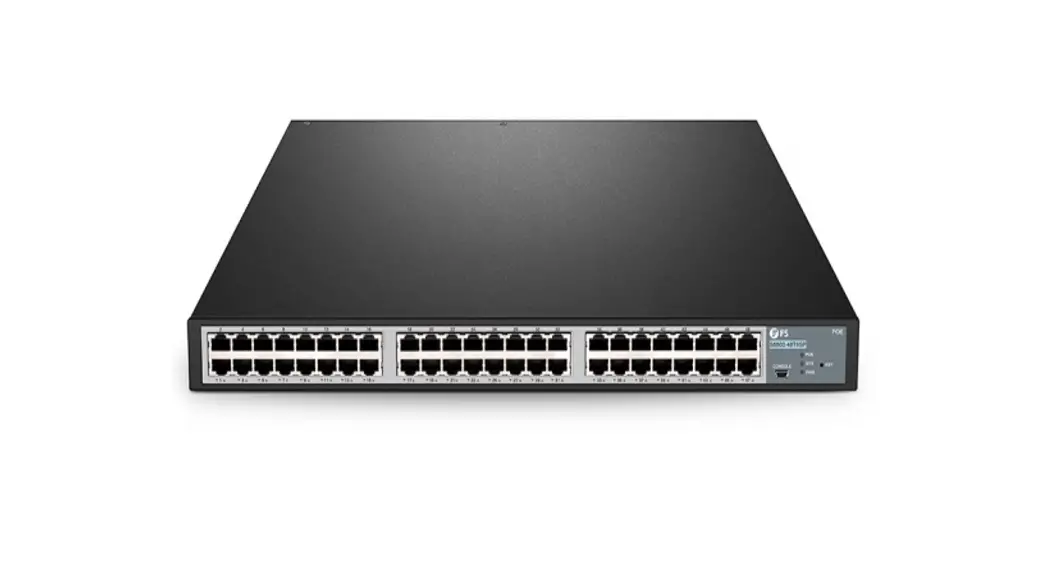
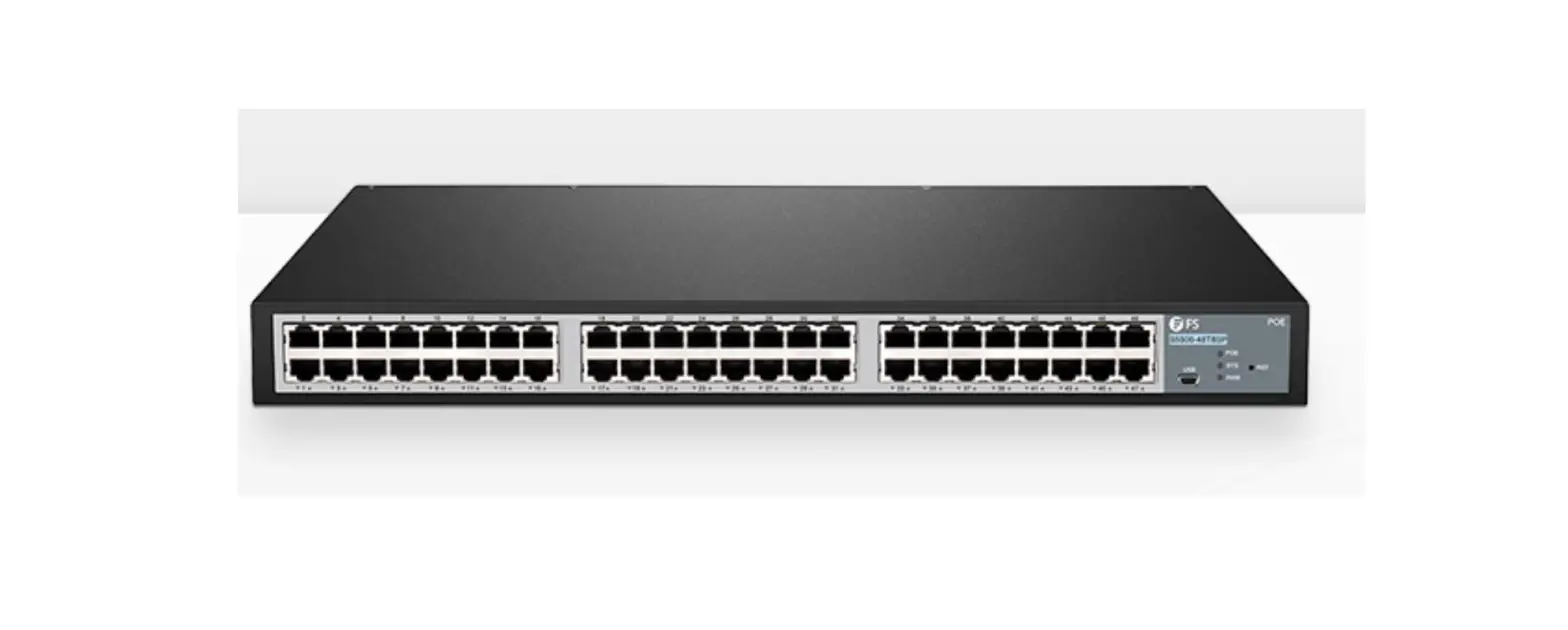
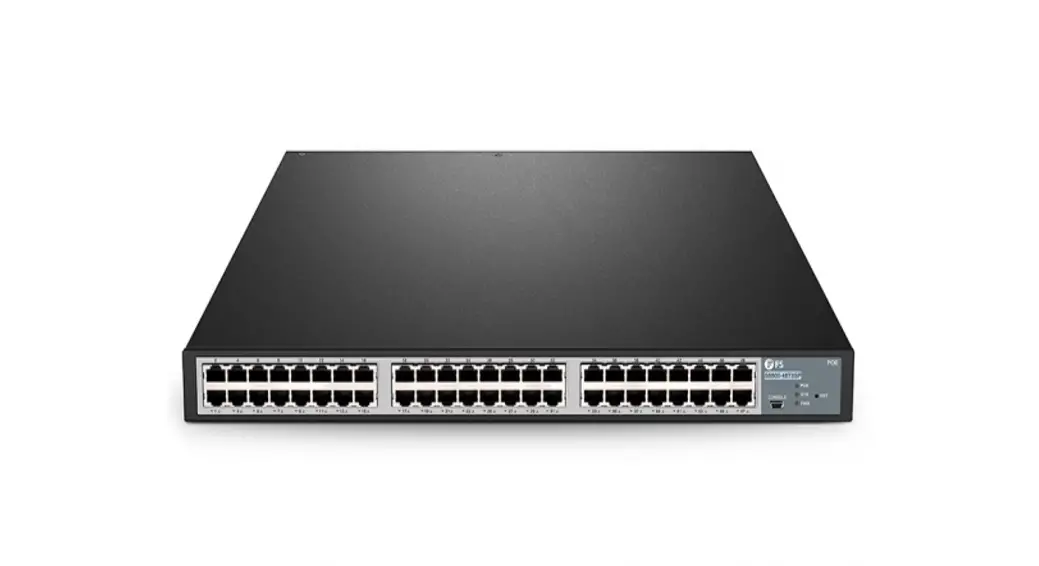
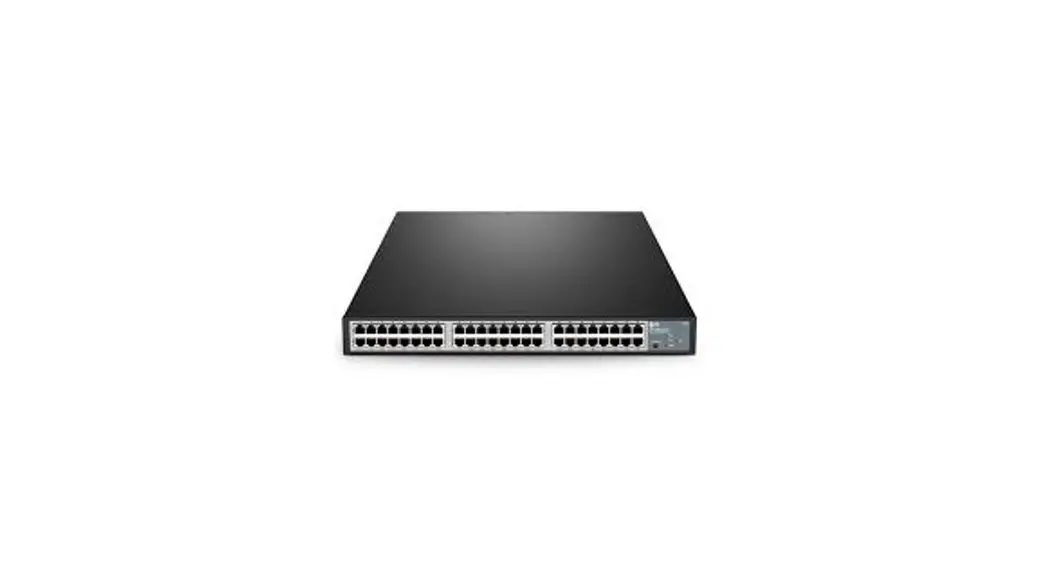
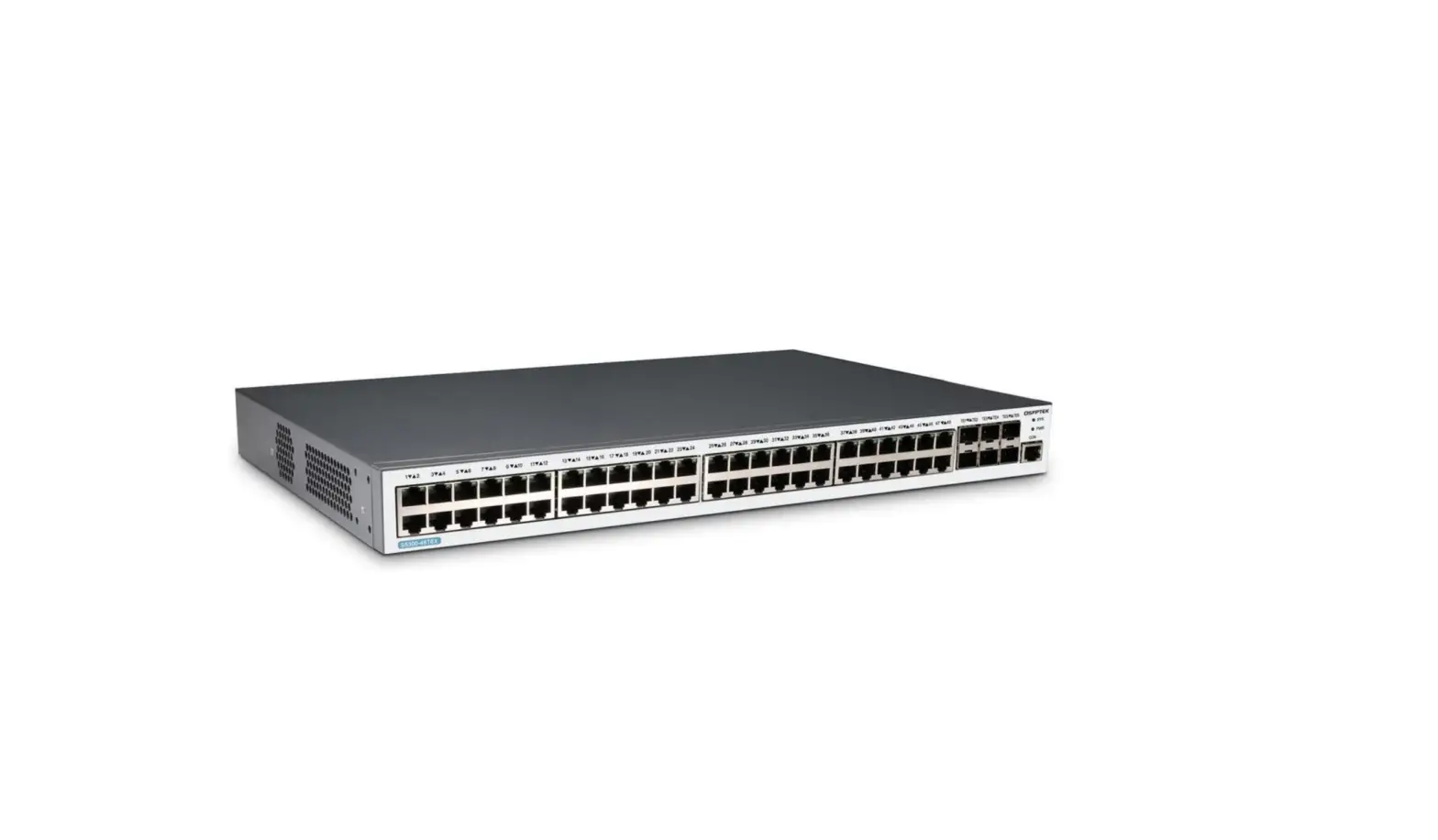
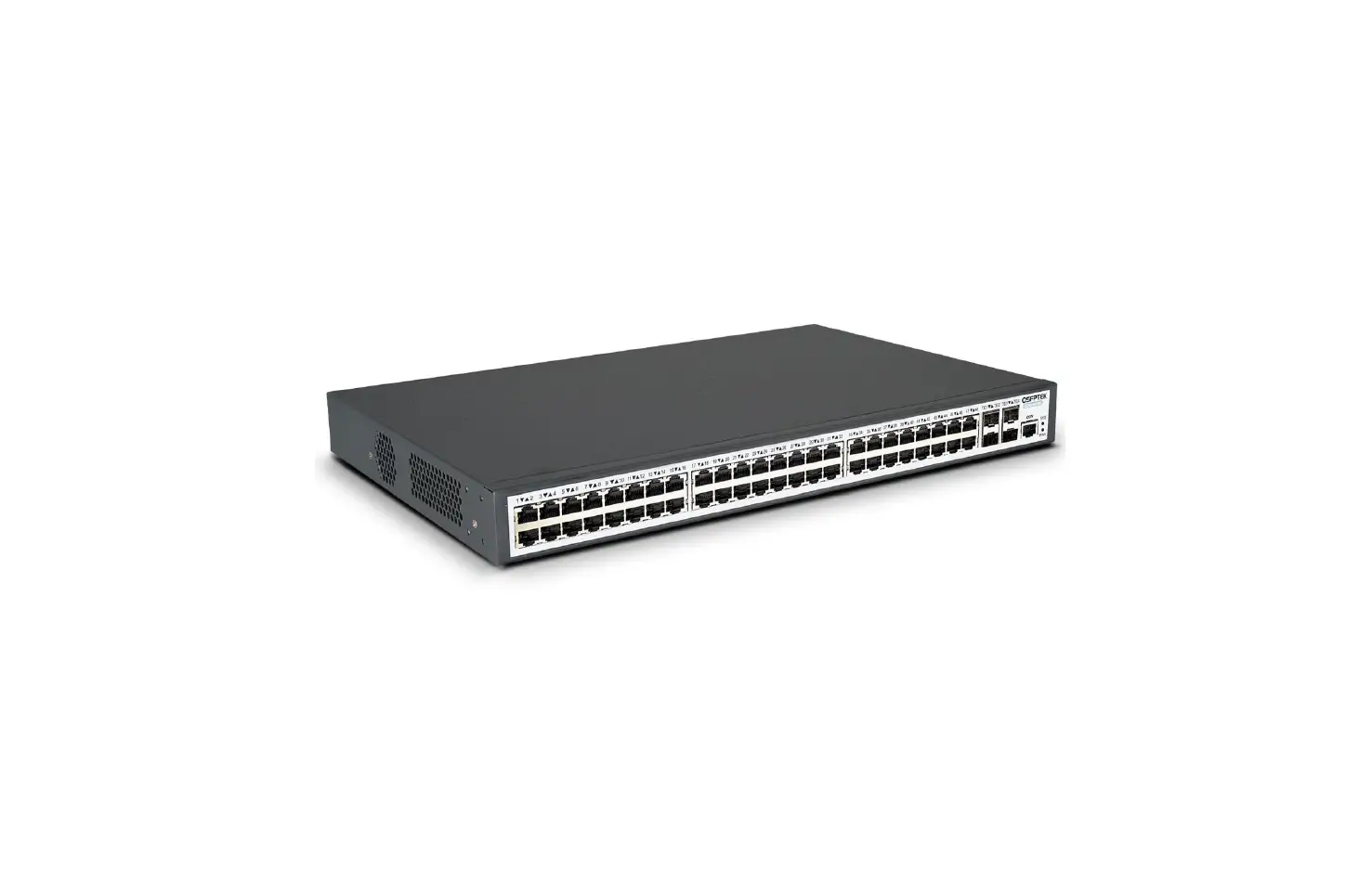
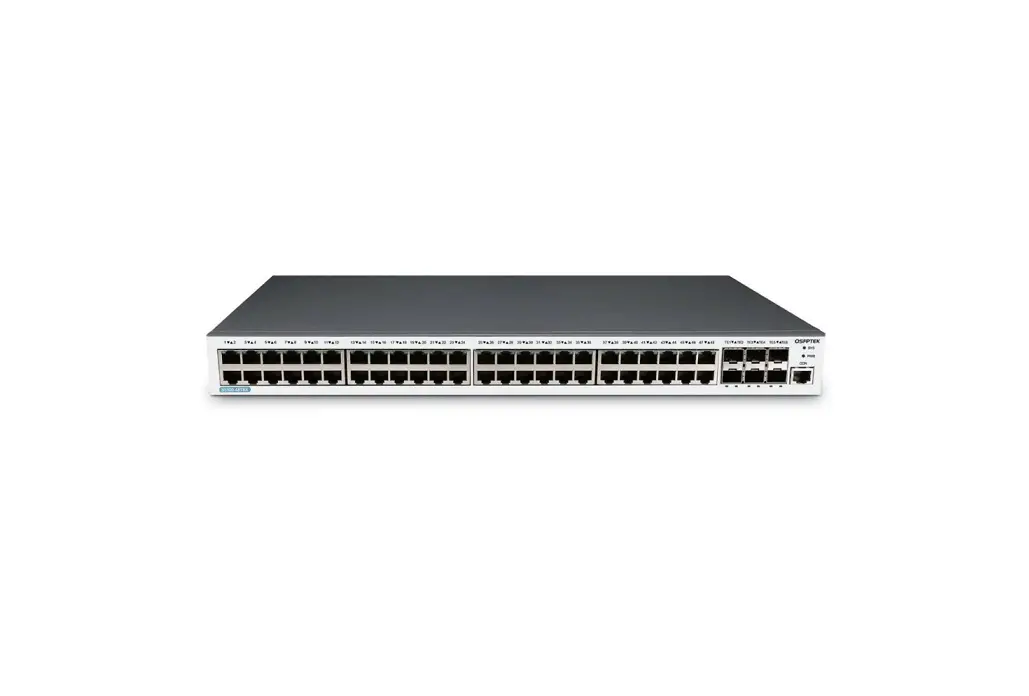
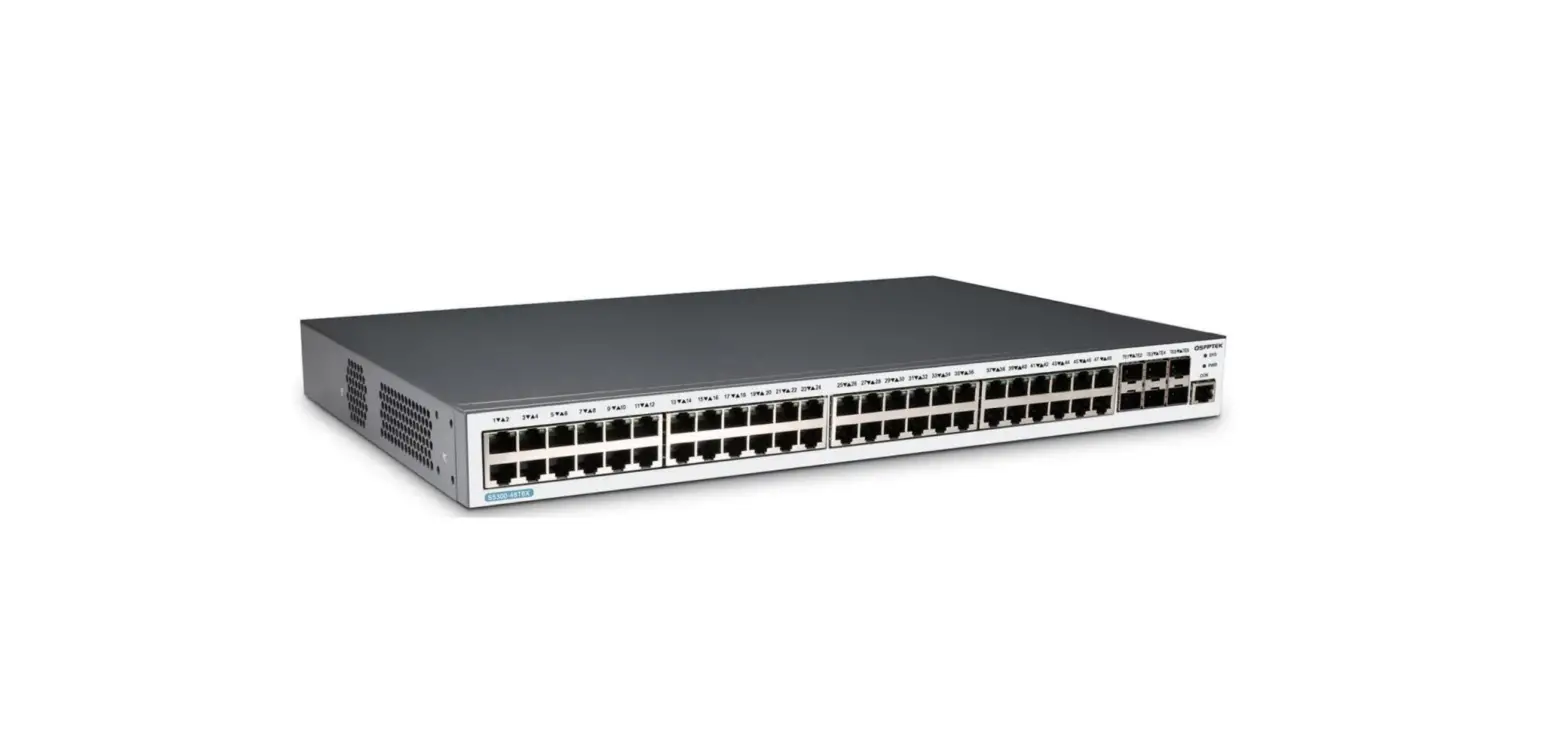
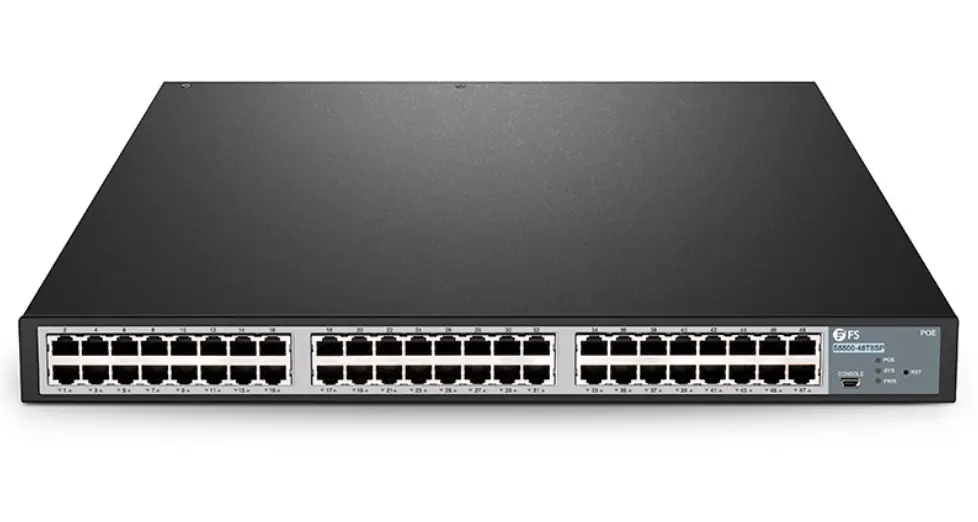
Model: S5500-48T8SP

1.1 LLDP Introduction
The 802.1AB link layer discovery protocol (LLDP) at 802.1AB helps to detect network troubles easily and maintain the network topology.
LLDP is a unidirectional protocol. One LLDP agent transmits its state information and functions through its connected MSAP or receives the current state information or function information about the neighbor. However, the LLDP agent cannot request any information from the peer through the protocol.
During message exchange, message transmission and reception do not affect each other. You can configure only message transmission or reception or both.
LLDP is a useful management tool, providing management personnel exact network mapping, traffic data, and trouble detection information.
1.2 LLDP Configuration Task List
- Configuring to-be-sent tlv
- Configuring the transmission/reception mode
- Configuring show-relative commands
- Configuring deletion commands
- Configuring debugging commands
1.3 LLDP Configuration Task
1.3.1 Disabling / enabling LLDP
LLDP is disabled by default. You need to start up LLDP before it runs.
Run the following command in global configuration mode to enable LLDP:
| Command | Purpose |
| lldp run | Runs LLDP. |
Run the following command to disable LLDP:
Command | Purpose |
| no lldp run | Disables LLDP. |
1.3.2 Configuring hold time
You can control the timeout time of transmitting the LLDP message by modifying hold time:
Run the following command in global configuration mode to configure hold time of LLDP:
Command | Purpose |
| lldp holdtime time | Configures the timeout time of LLDP. |
| no lldp hold time | Resumes the timeout time to the default value, 120 seconds. |
1.3.3 Configuring timer
You can control the interval of the switch to transmit messages by configuring the timer of LLDP.
Run the following command in global configuration mode to configure the timer of LLDP:
Command | Purpose |
| lldp timer time | Configures the interval of message transmission of LLDP. |
| no lldp timer | Resumes the default interval, that is, 30 seconds. |
1.3.4 Configuring reinit
You can control the interval of the switch to continuously transmit two messages by configuring reinit of LLDP.
Run the following command in global configuration mode to configure reinit of LLDP:
Command | Purpose |
| lldp reinit time | Configures the interval of LLDP to continuously transmit messages. |
| no lldp reinit | Resumes the default interval of continuously transmitting messages; the default interval value is two seconds. |
1.3.5 Configuring To-Be-Sent TLV
You can choose TLV which requires to be sent by configuring tlv-select of LLDP. By default, all TLVs are transmitted.
Run the following commands in global configuration mode to add or delete tlv of LLDP:
| Command | Purpose |
| lldp tlv-select tlv-type | Tlvs or tlv-types which needs to be added include: macphy-confg management-address port-description port-vlan system-capabilities system-description system-name |
| no lldp tlv-select the-type | Elvis or tlv-types which needs to be deleted include: macphy-config management-address port-description port-vlan system-capabilities system-description system-name |
1.3.6 Configuring the Transmission or Reception Mode
LLDP can work under three modes: transmit-only, receive-only, and transmit-and-receive.
By default, LLDP works under the transmit-and-receive mode. You can modify the working mode of LLDP through the following commands.
Run the following command in interface configuration mode to configure the working mode of LLDP:
| Command | Purpose |
| [no]lldp transmit | Sets the port to the transmit-only mode or disables the transmit-only mode of the port. |
| [no]lldp receive | Sets the port to the receive-only mode or disables the receive-only mode of the port. |
1.3.7 Configuring Show-Relative Commands
You can observe the information about the neighbor, statistics or port state received by the LLDP module by running show-relative commands.
Run the following commands in EXEC or global configuration mode:
| Command | Purpose |
| Show lldp errors | Displays the error information about the LLDP module. |
| Show lldp interface interface-name | Displays the information about the port state, that is, the transmission mode and the reception mode. |
| Show lldp neighbors | Displays the abstract information about the neighbor. |
| Show lldp neighbors detail | Displays detailed information about the neighbor. |
| Show lldp traffic | Displays all received and transmitted statistics information. |
1.3.8 Configuring the Deletion Commands
You can delete the received neighbor lists and all statistics information by running the following command in EXEC mode.
| Command | Purpose |
| clear lldp counters | Deletes all statistics data. |
| clear lldp table | Deletes all received neighbor information. |
1.3.9 Configuring Debugging Commands
To easily monitor the LLDP module, run the following commands in EXEC mode:
| Command | Purpose |
| debug lldp errors | Reports some error information about the LLDP module. |
| debug lldp events | Reports some special events about the LLDP module. |
| debug lldp packets | Reports the message transmission event of the LLDP module. |
| debug lldp states | Reports the information about the state of the LLDP port. |

https://www.fs.com
The information in this document is subject to change without notice. FS has made all efforts to ensure t accuracy of the information, but all information in this document does not constitute any kind of warranty
 FS.com - Data Center, Enterprise, Telecom