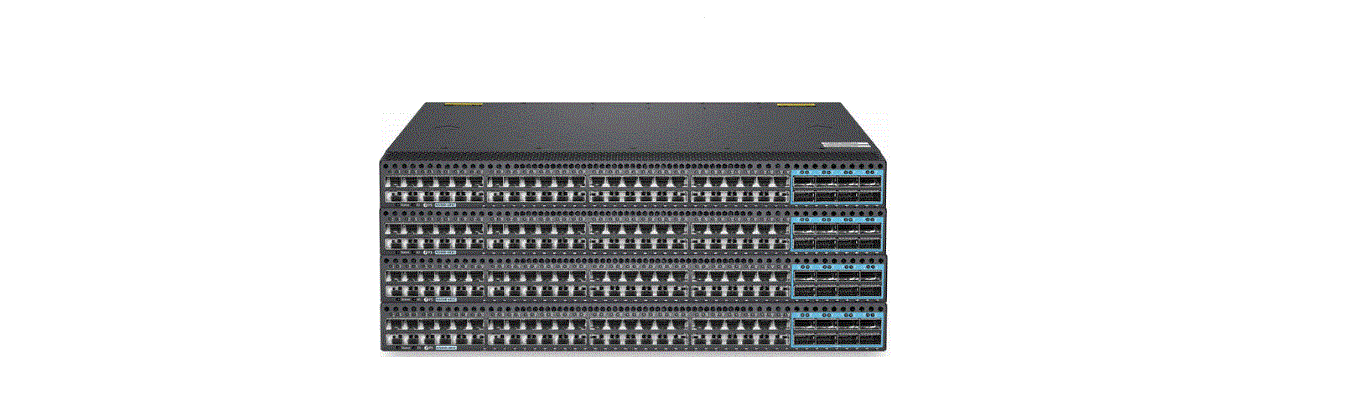
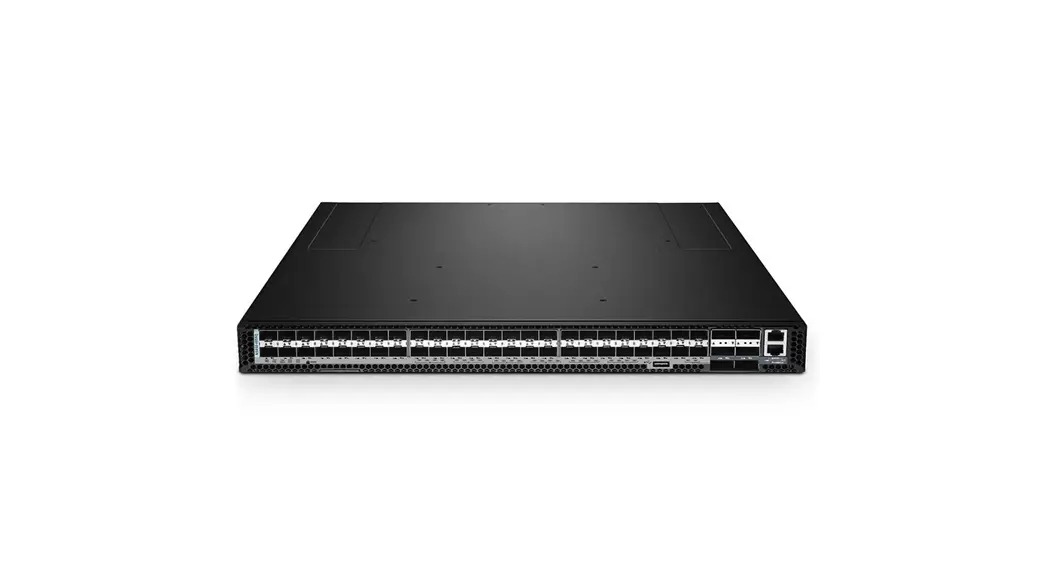
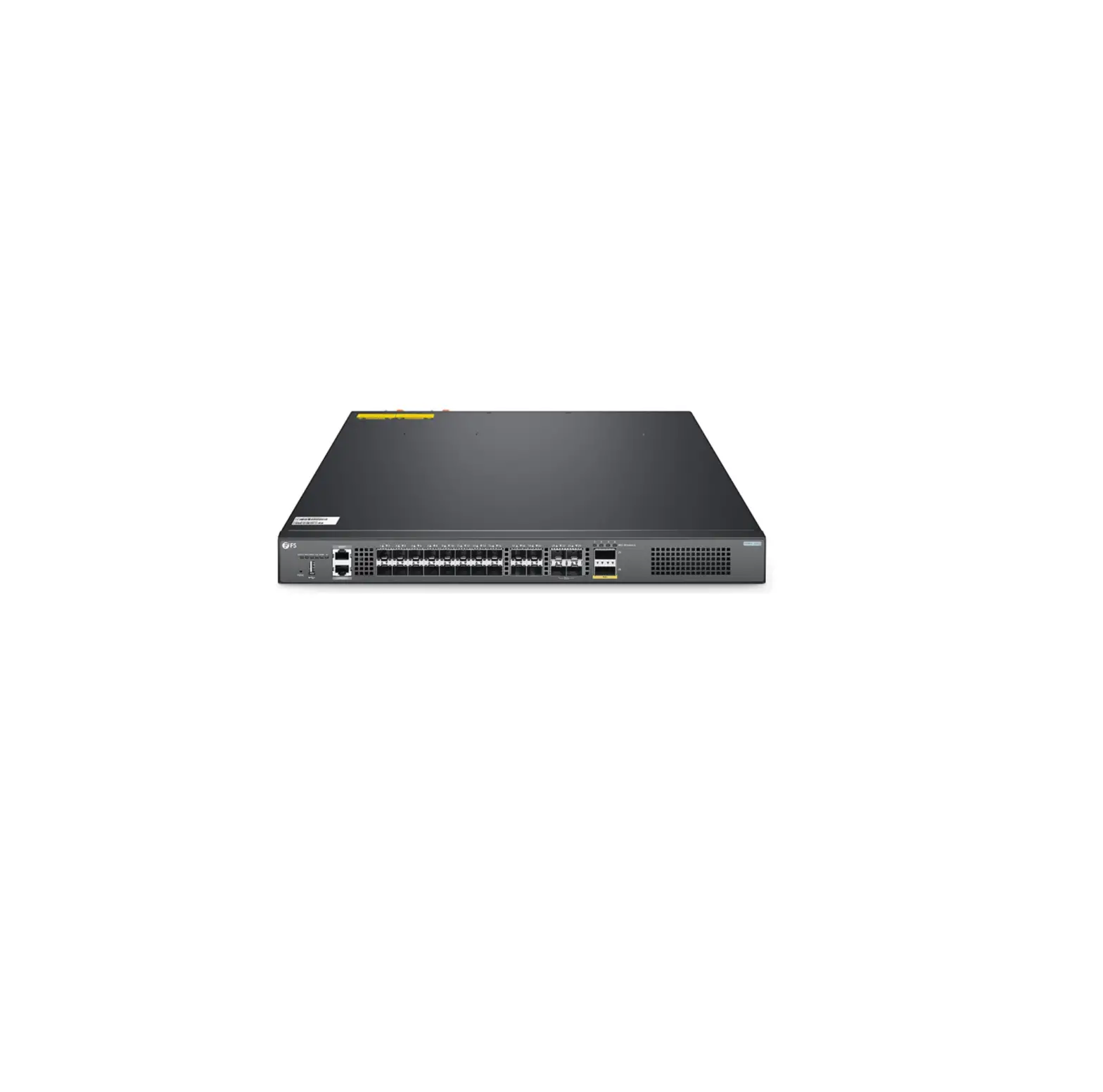
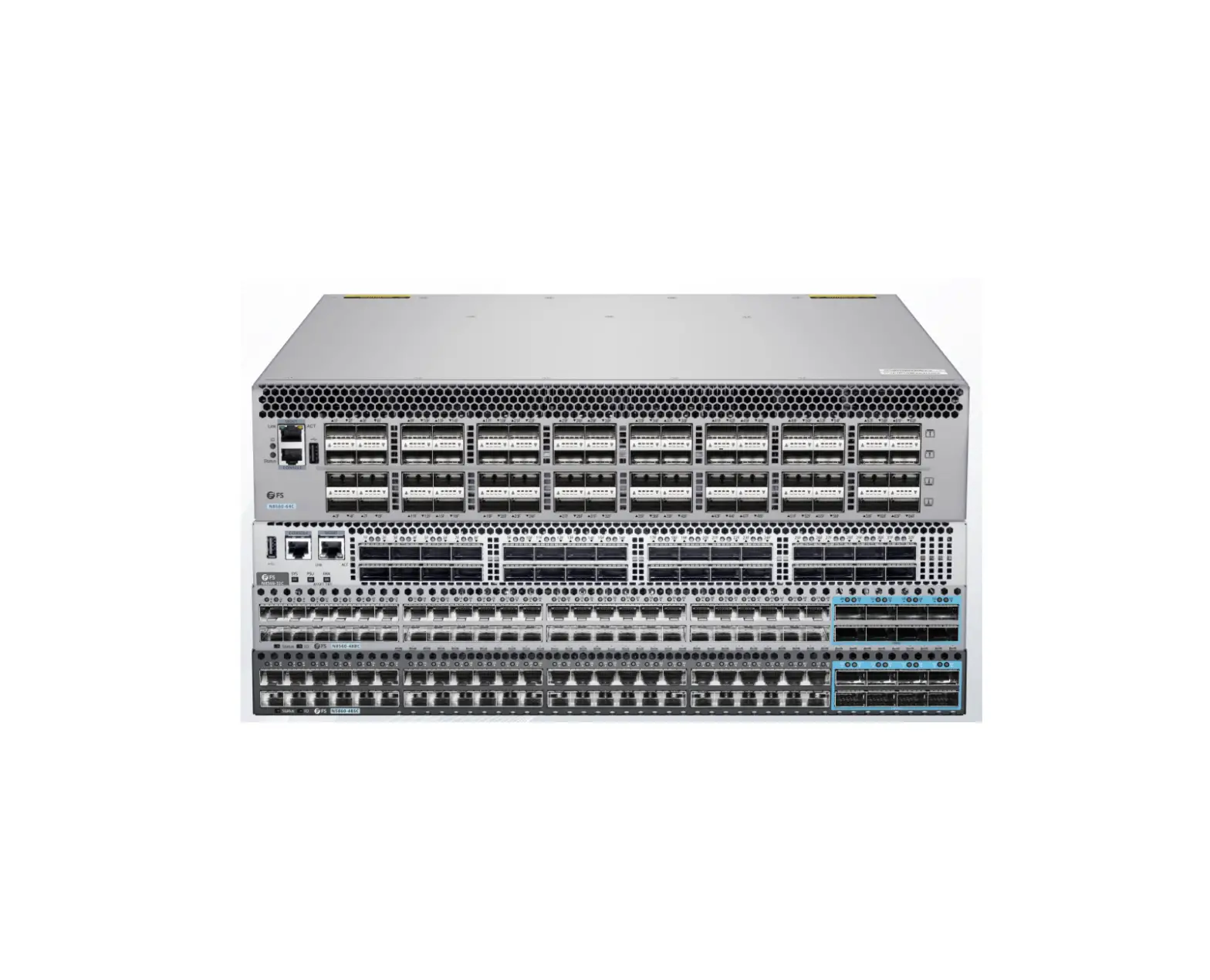
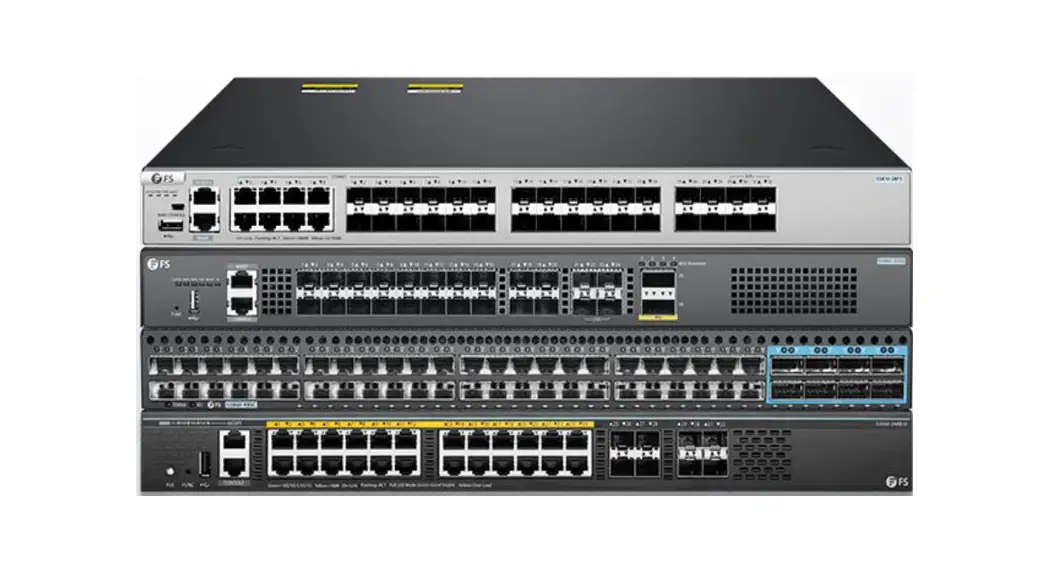
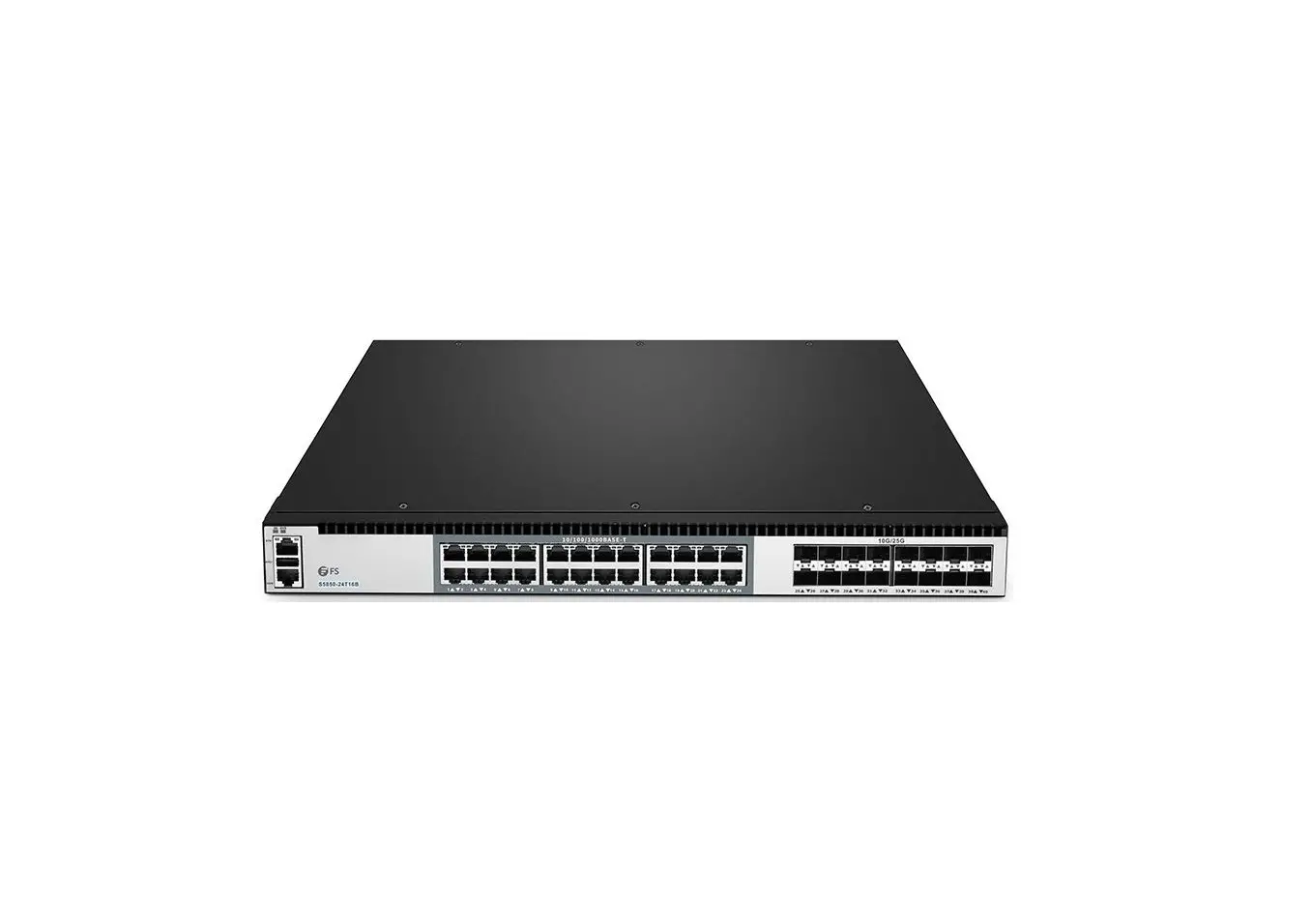
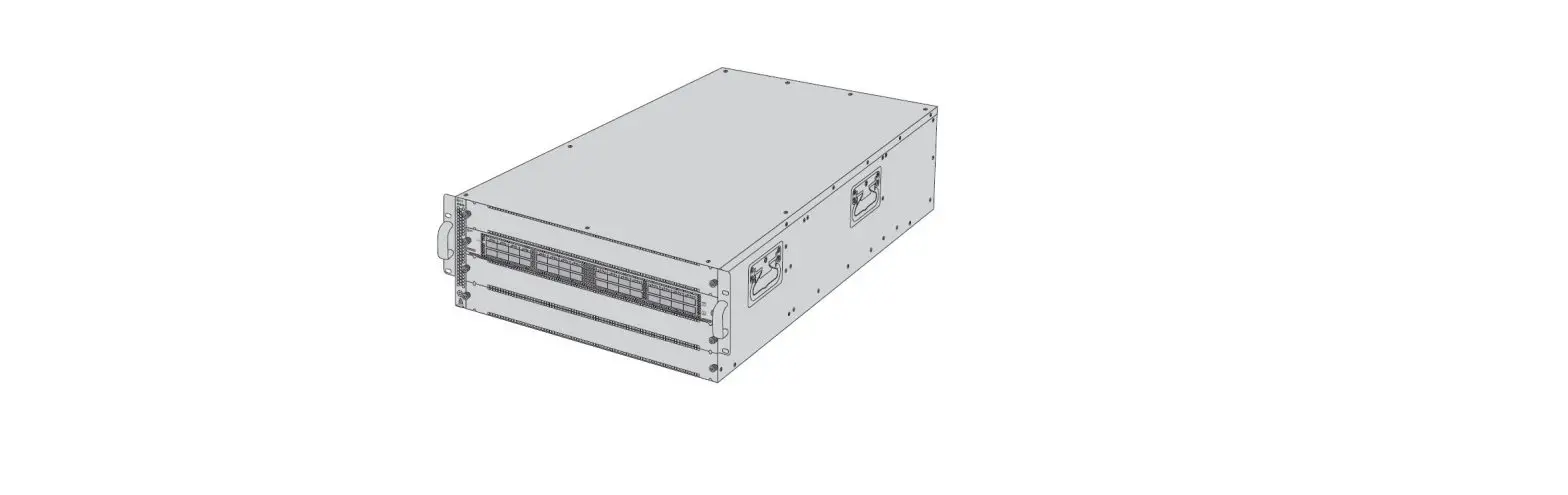
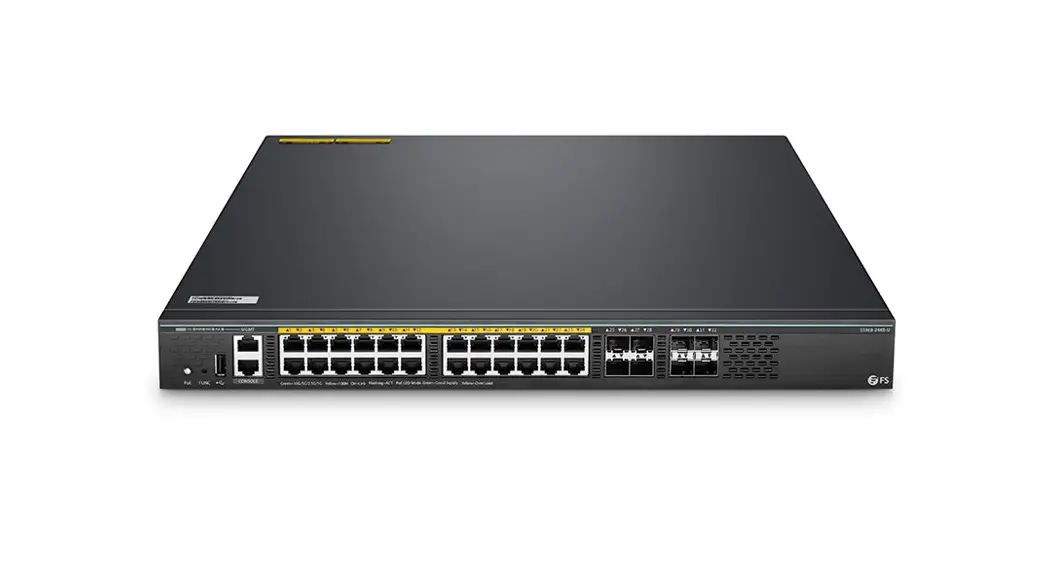
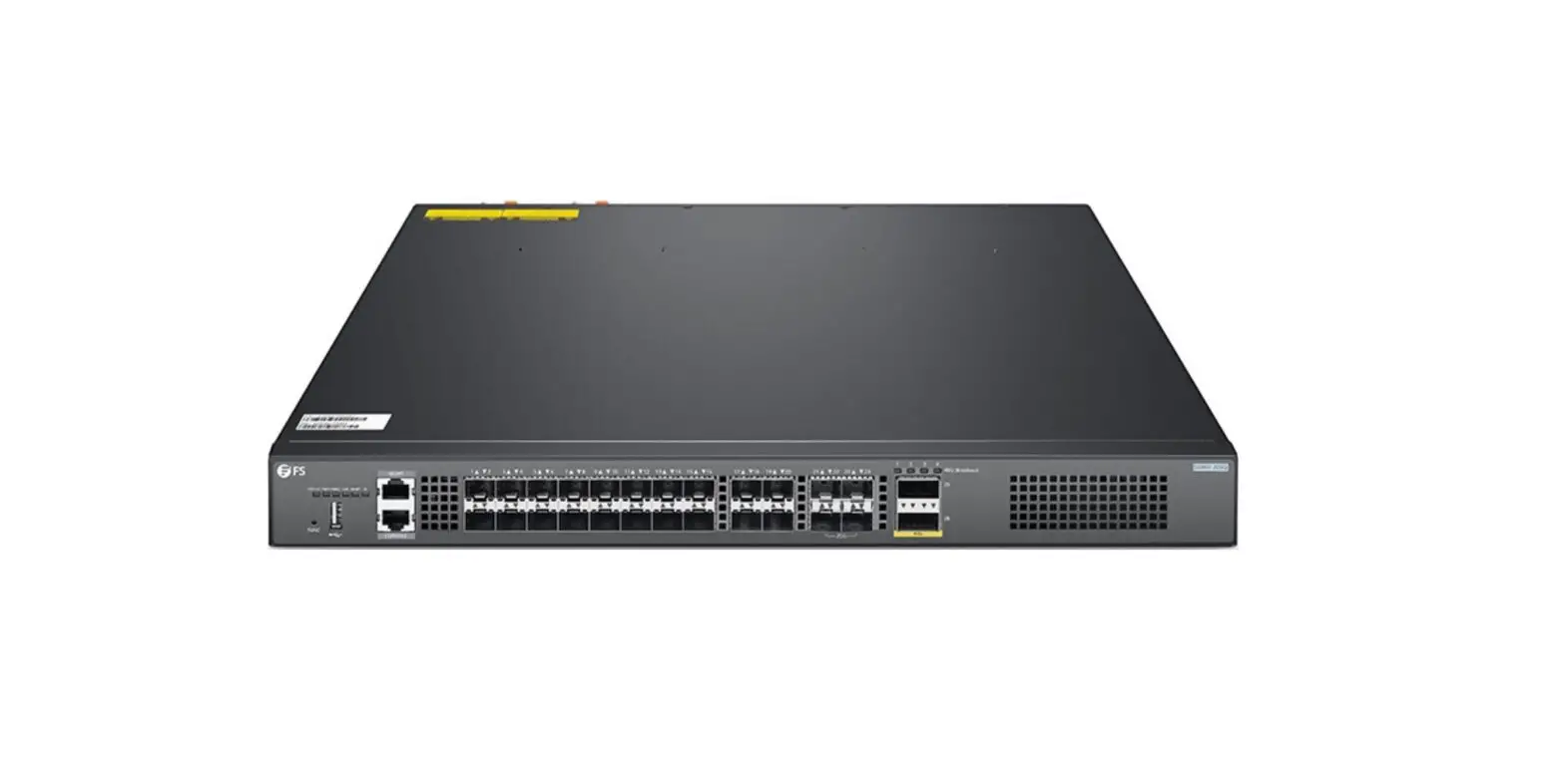
N5860 and N8560 and NC8200 Series Switches Stacks
N5860 And N8560 And NC8200 SERIES SWITCHES STACKING GUIDE
This stacking guide is intended to provide a true stacking
solution for N5860, N8560 and NC8200 series data center switches.
When switches are assembled into a stack, they synchronize their
actions so that network operation, like spanning tree protocol,
VLAN, and stack port trunks, is able to span across all of their
Ethernet ports.
What is Stacking?
Stacking is the process of connecting multiple switches to form
a single logical unit. This allows for better management and
control of the network.
Stacking Precautions
- The stacking port does not support auto-negotiation. For
example, a 10G port can only use 10G transceivers for networking,
but cannot use 1G transceivers. - Physical member ports in a stack port must be the same
type. - The port will not support stacking after split configuration
setting. For example, the 40G port which has been split into 4x 10G
port, can’t be used as stacking port. - The FS software version running on a switch that you plan to
add to a switch stack must either be the same as the master switch
version. - The number of member switches in a stack should not exceed the
recommended value. - The bend radius of optical fibers or cables must be larger than
the minimum bend radius. The minimum bend radius of SFP+ cables is
25 mm; the minimum bend radius of AOC cables is 30 mm; the bend
radius of optical fibers is generally greater than or equal to 40
mm.
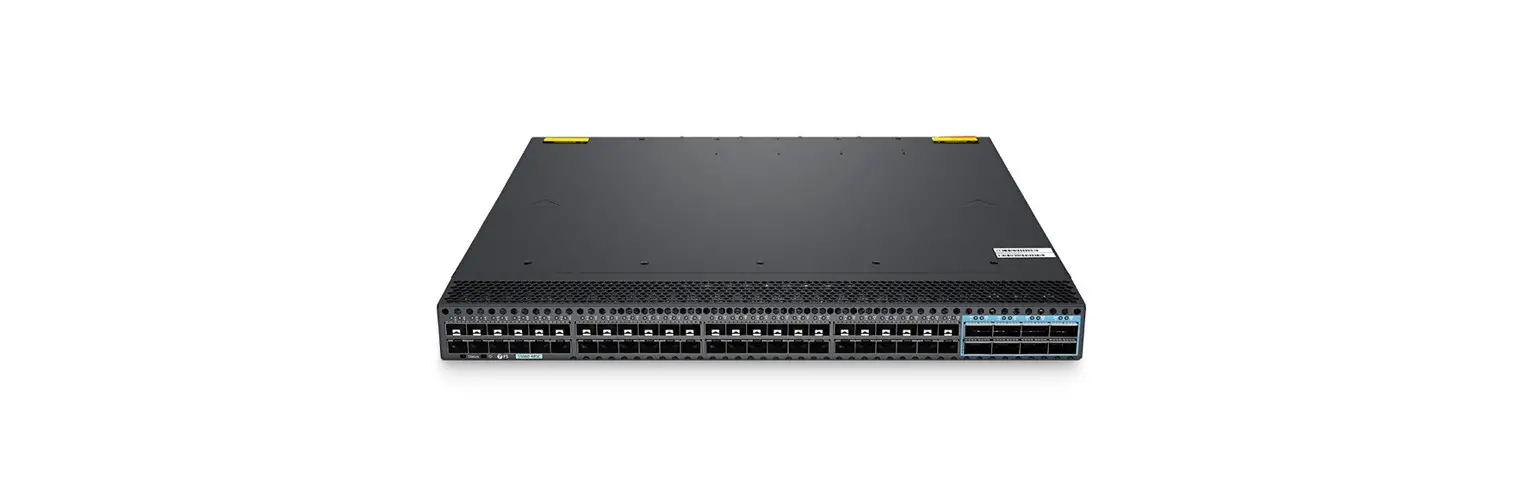
N5860-48SC Switch
The 10Gb L3 leaf switch N5860-48SC is ideal for small-sized data
centers and cloud computing services.
Data Platform
- P/N: N5860-48SC
- Port Support Stacking: Ports 1-56
- Port Type: Mixed Stacking Port
- Max. Number of Stacking Port: 20
- Max. Number of Switches Per Stack: 2 Units
- Same Models Stacking: Yes
- Mixed Stacking Between other Series: No
Stacking Port Display
The following figure 1 show the locations of ports that can be
used as stack ports on the switches, and the stacking ports are
both could be used as business ports.

Recommended Stacking Connection
The following figure 2 show the appearance of N5860-48SC, and
the figures illustrate how to connect these ports in different
stack connection models. Recommended stack connections are shown in
ring topology which is more stable and reliable.

Stacking Configuration Settings Reference
For details about the configuration settings on N5860-48SC,
please see the Configuration Guide.
N8560 Series Switches
High performance stackable L3 25G/100G switches are ideal for
medium and large data centers and cloud computing services.
Data Platform P/N
- N8560-48BC
- N8560-32C
- N8560-64C
Port Support Stacking
- Ports 1-56 for N8560-48BC
- Ports 1-32 for N8560-32C
- Ports 1-64 for N8560-64C
Port Type
Mixed Stacking Port
Max. Number of Stacking Port
20 for all models
Recommended Stacking Connection
Refer to the Configuration Guide for details about recommended
stacking connections for N8560 series switches.
It is recommended to follow the precautions and recommended
stacking connections provided in this guide to ensure optimal
performance and reliability of the switches.
N5860 And N8560 And NC8200 SERIES SWITCHES STACKING GUIDE
N5860 And N8560 And NC8200 SERIES STACKING GUIDE
Better understand the concepts and procedures to manage FS N5860, N8560, NC8200 series switches stacks
Overview
This stacking guide is intended to provide a true stacking solution for N5860, N8560 and NC8200 series data center switches. This guide provides a unified data plane and recommended connection for stacking switches. When switches assembled into a stack, the switches synchronize their actions so that network operation, like spanning tree protocol, VLAN, and stack port trunks, is able to span across all of their Ethernet ports.
Models of Switch
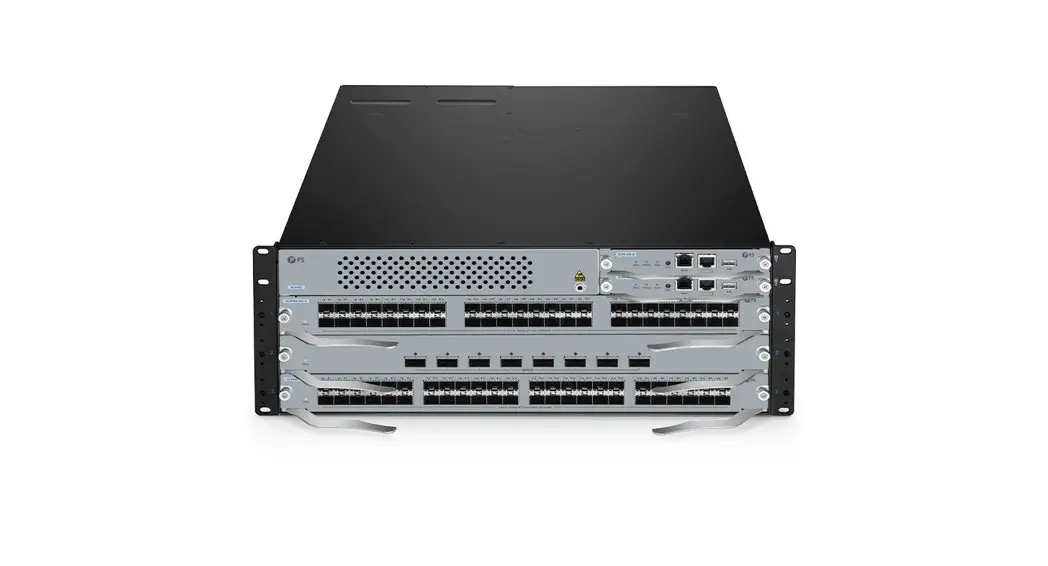
· N5860-48SC · N8560-48BC · N8560-32C · N8560-64C · NC8200-4TD · NC8200-8C · NC8200-24BC
www.fs.com
1
N5860 And N8560 And NC8200 SERIES SWITCHES STACKING GUIDE
What is Stacking?
N5860 and N8560 and NC8200 series switches can be connected to other switches and operate together as a single unit, this configuration is called “stacks”, and is useful for quickly increasing the capacity of a network. Stackable switches can be added or removed from a stack as needed without affecting the overall performance of the stack. Depending on its topology, a stack can continue to transfer data even if a link or unit within the stack fails. This makes stacking an effective, flexible, and scalable solution to expand network capacity.
Stacking Precautions
l The stacking port does not support auto-negotiation. For example, a 10G port can only use 10G transceivers for networking, but cannot use 1G transceivers.
l Physical member ports in a stack port must be the same type. l The port will not support stacking after split configuration setting. For example, the 40G port which has been split into 4x 10G
port, can’t be used as stacking port. l The FS software version running on a switch that you plan to add to a switch stack must either be the same as the master switch
version. l The number of member switches in a stack should not exceed the recommended value. l The bend radius of optical fibers or cables must be larger than the minimum bend radius. The minimum bend radius of SFP+
cables is 25 mm; the minimum bend radius of AOC cables is 30 mm; the bend radius of optical fibers is generally greater than or equal to 40 mm.
www.fs.com
2
N5860 And N8560 and NC8200 SERIES SWITCHES STACKING GUIDE
N5860-48SC Switch
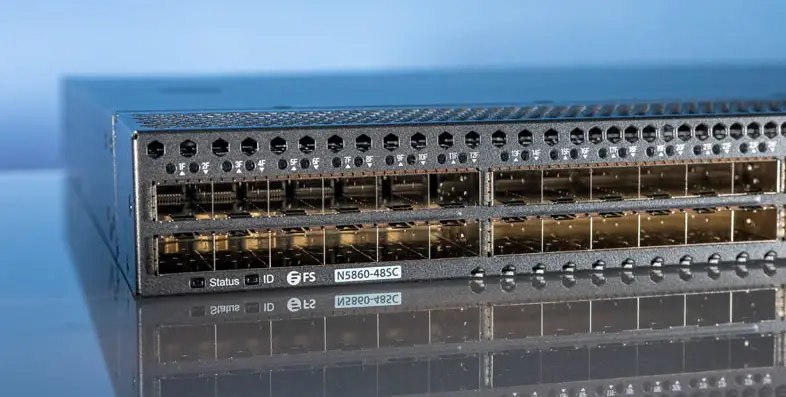
The 10Gb L3 leaf switch N5860-48SC is ideal for small-sized data centers and cloud computing services.
Data Platform
P/N
N5860-48SC
Port Support Stacking
Ports 1-56
Port Type Mixed Stacking Port Max. Number of Stacking Port Max. Number of Switches Per Stack Same Models Stacking Mixed Stacking Between other Series
10G, 100G Support Mixed Stacking Between 10G, 100G Ports
20 2 Units
Yes No
Stacking Port Display
The following figure 1 show the locations of ports that can be used as stack ports on the switches, and the stacking ports are both could be used as business ports.
· N5860-48SC
Recommended Stacking Connection
Figure 1
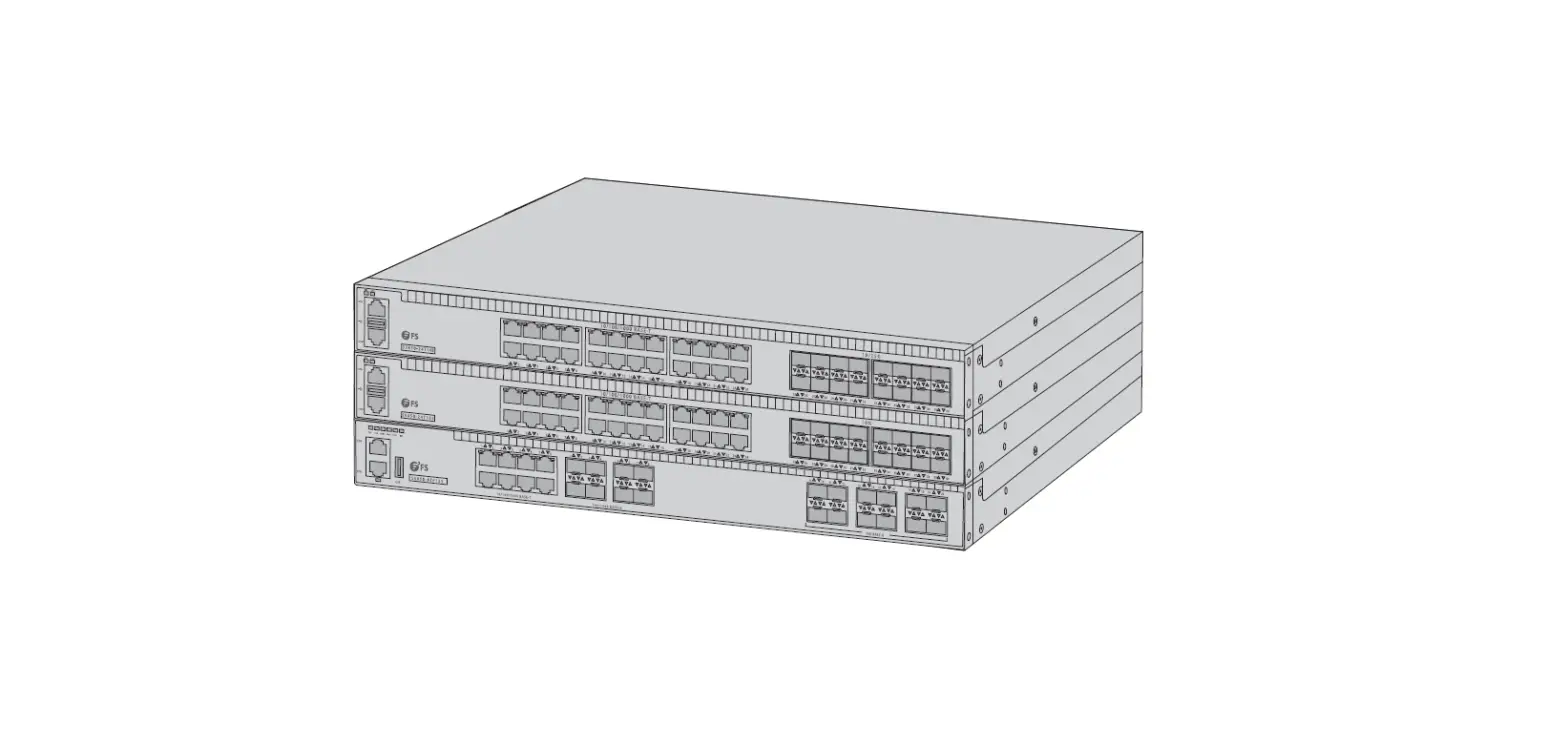
The following figure 2 show the appearance of N5860-48SC, and the figures illustrate how to connect these ports in different stack connection models.
Recommended stack connections are shown in ring topology which is more stable and reliable.
www.fs.com
3
N5860 And N8560 And NC8200 SERIES SWITCHES STACKING GUIDE · Same Models N5860-48SC Stacking Shown for Reference
Figure 2
Stacking Configuration Settings Reference: For details about the configuration settings on N5860-48SC, please see the Configuration Guide.
www.fs.com
4
N5860 And N8560 And NC8200 SERIES SWITCHES STACKING GUIDE
N8560 Series Switches
High performance stackable L3 25G/100G switches are ideal for medium and large data centers and cloud computing services.
Data Platform P/N
N8560-48BC
N8560-32C
N8560-64C
Port Support Stacking
Ports 1-56
Ports 1-32
Ports 1-64
Port Type Mixed Stacking Port Max. Number of Stacking Port
25G, 100G
Support Mixed Stacking Between 25G, 100G Ports
20
100G
Support Mixed Stacking Between 100G Ports
20
100G
Support Mixed Stacking Between 100G Ports
20
Max. Number of Switches Per Stack
2 Units
2 Units
2 Units
Same Models Stacking
Yes
Yes
Yes
Mixed Stacking Between N8560 Series
No
No
No
Note: For 25G switch N8560-48BC, port 4N+1 – 4 (N+1) is a group by default. For example, if port 1 in the same group is added to the VSL, the port 2, 3 and 4 are automatically added to the VSL and cannot be used as ordinary interfaces.
Stacking Port Display
The figure 3, 4 and 5 show the locations of ports that can be used as stack ports on the switches, and the stacking ports can both be used as business ports.
· N8560-48BC
· N8560-32C
Figure 3
Figure 4
www.fs.com
5
N5860 And N8560 And NC8200 SERIES SWITCHES STACKING GUIDE · N8560-64C
Figure 5
Recommended Stacking Connection
The following figure 6 show the appearance of N8560 series, which may be different from your selected model. The figure illustrates how to connect these ports in different stack connection models. Recommended stack connections are shown in ring topology which is more stable and reliable. · Same Models N8560-48BC Stacking Shown for Reference
Figure 6
Stacking Configuration Settings Reference: For details about the configuration settings on N8560 series switches, please see the Configuration Guide.
www.fs.com
6
N5860 And N8560 And NC8200 SERIES SWITCHES STACKING GUIDE
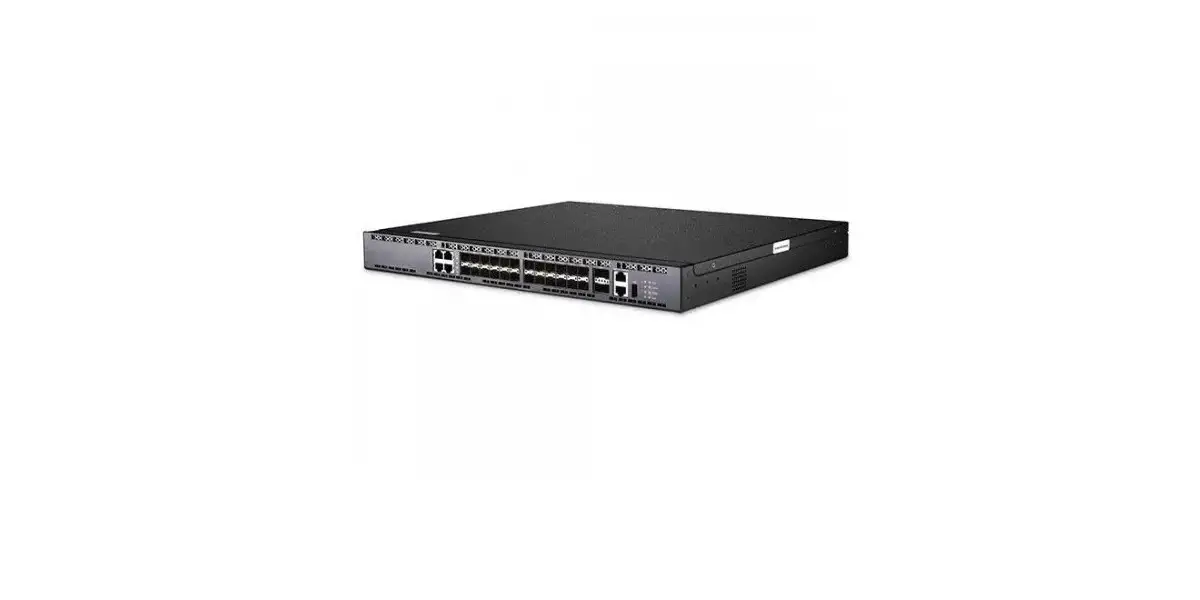
NC8200 Series Switches
High performance stackable leaf-spine L3 switches are ideal for for medium-size data centers and large enterprise networks.
Data Platform P/N
NC8200-8C
NC8200-4TD NC8200-24BC
Port Support Stacking
Ports 1-8
Ports 1-24
Port Type Mixed Stacking Port Max. Number of Stacking Port
100G
Support Mixed Stacking Between 100G Ports
20
25G, 100G
Support Mixed Stacking Between 25G, 100G Ports
20
Max. Number of Switches Per Stack
2 Units
2 Units
Same Models Stacking
Yes
Yes
Mixed Stacking Between NC8200 Series
No
No
Note: For the line card NC8200-16Q, stacking is not supported.
Stacking Port Display
The figure 7 and 8 show the locations of ports that can be used as stack ports on the switches, and the stacking ports are both could be used as business ports.
· Switch NC8200-4TD and Line Card NC8200-8C
· Switch NC8200-4TD and Line Card NC8200-24BC
Figure 7
Figure 8
www.fs.com
7
N5860 And N8560 And NC8200 SERIES SWITCHES STACKING GUIDE
Recommended Stacking Connection
The following figure 9 show the appearance of NC8200 series, which may be different from your selected model. The figure illustrates how to connect these ports in different stack connection models. Recommended stack connections are shown in ring topology which is more stable and reliable.
· Same Models NC8200-4TD Stacking Shown for Reference
Figure 9
Stacking Configuration Settings Reference: For details about the configuration settings on NC8200 series switches, please see the Configuration Guide.
FAQ
Q1: What is the stack distance supported A1: The recommended stacking distance should be within 30m of the same machine room.
Q2: Can I do LACP configuration after stack? A2: After stacking, operations such as LACP (link aggregation) can be carried out as usual. Stacking does not affect other functional configurations.
Q3: The configuration I made before stacking is lost, how to deal with it? A3: We recommend that you clear the configurations such as VLAN configuration before stacking. And you can reconfigure on the master switch after the stack is complete.
Q4: When stacking how is bandwidth calculated? A4: The formula for calculating the stack bandwidth is: Stack Bandwidth = Number of stack member ports in stack ports x Bandwidth of a single stack member port.
www.fs.com
8
 FS.com - Data Center, Enterprise, Telecom