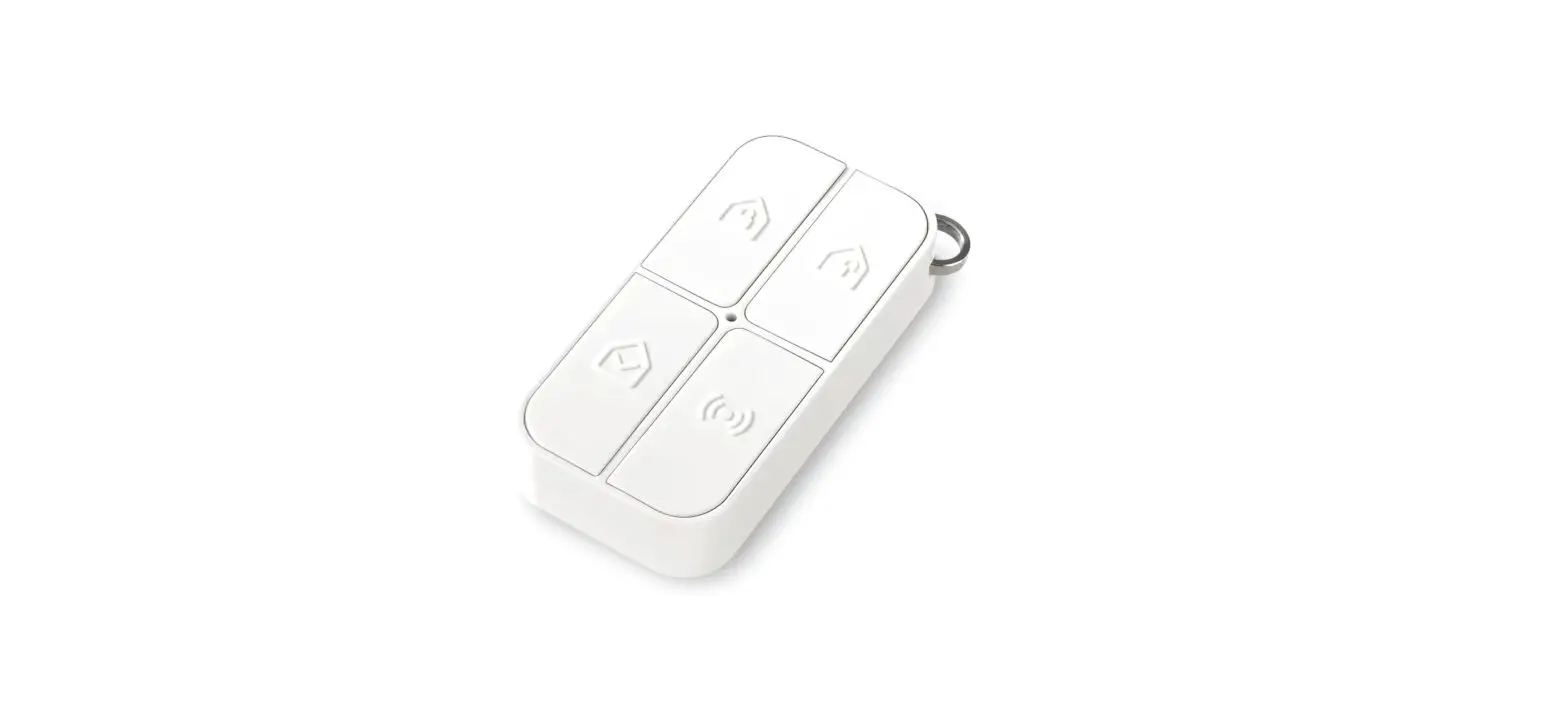
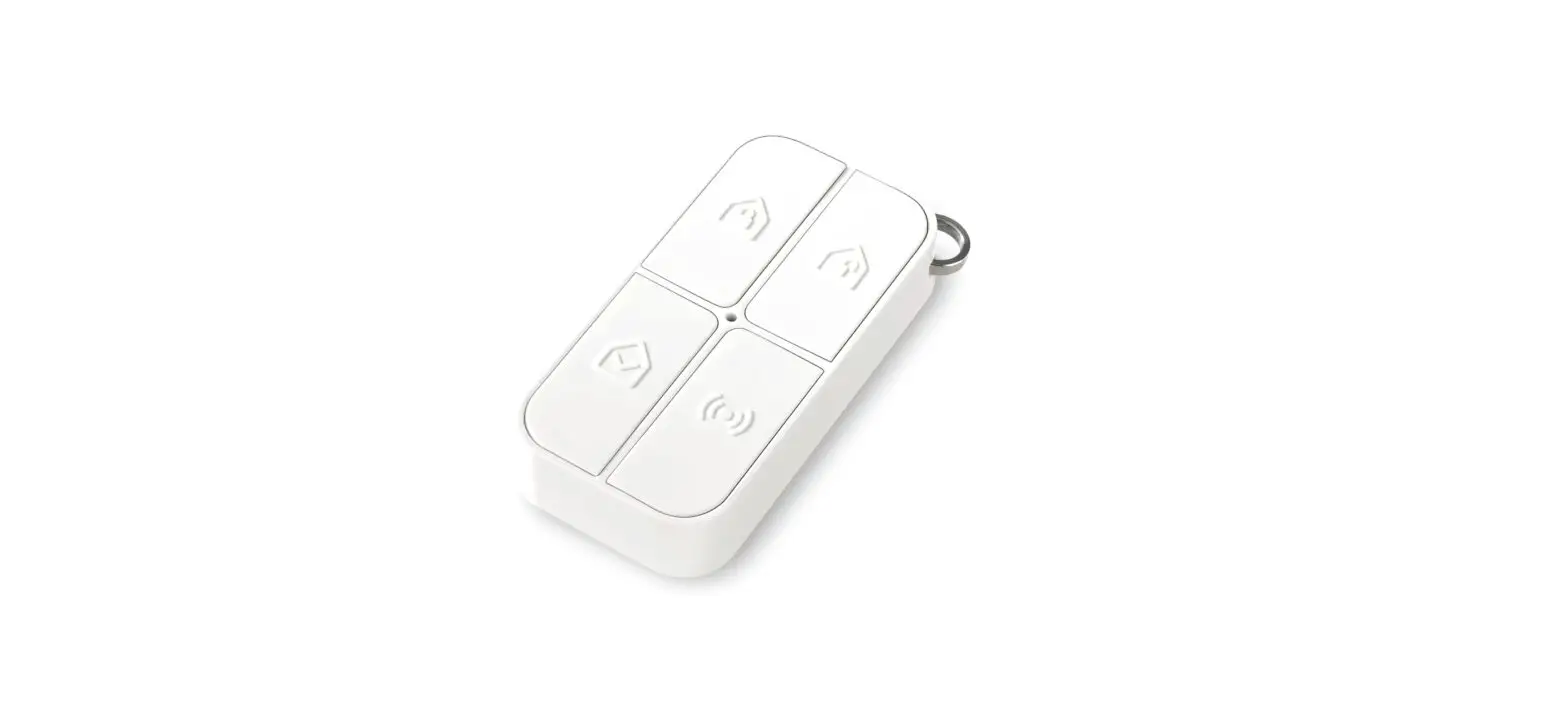
UFR3 Remote Control Compatible with Bisecur Transmitters
Product Information: UFR3 Remote Control
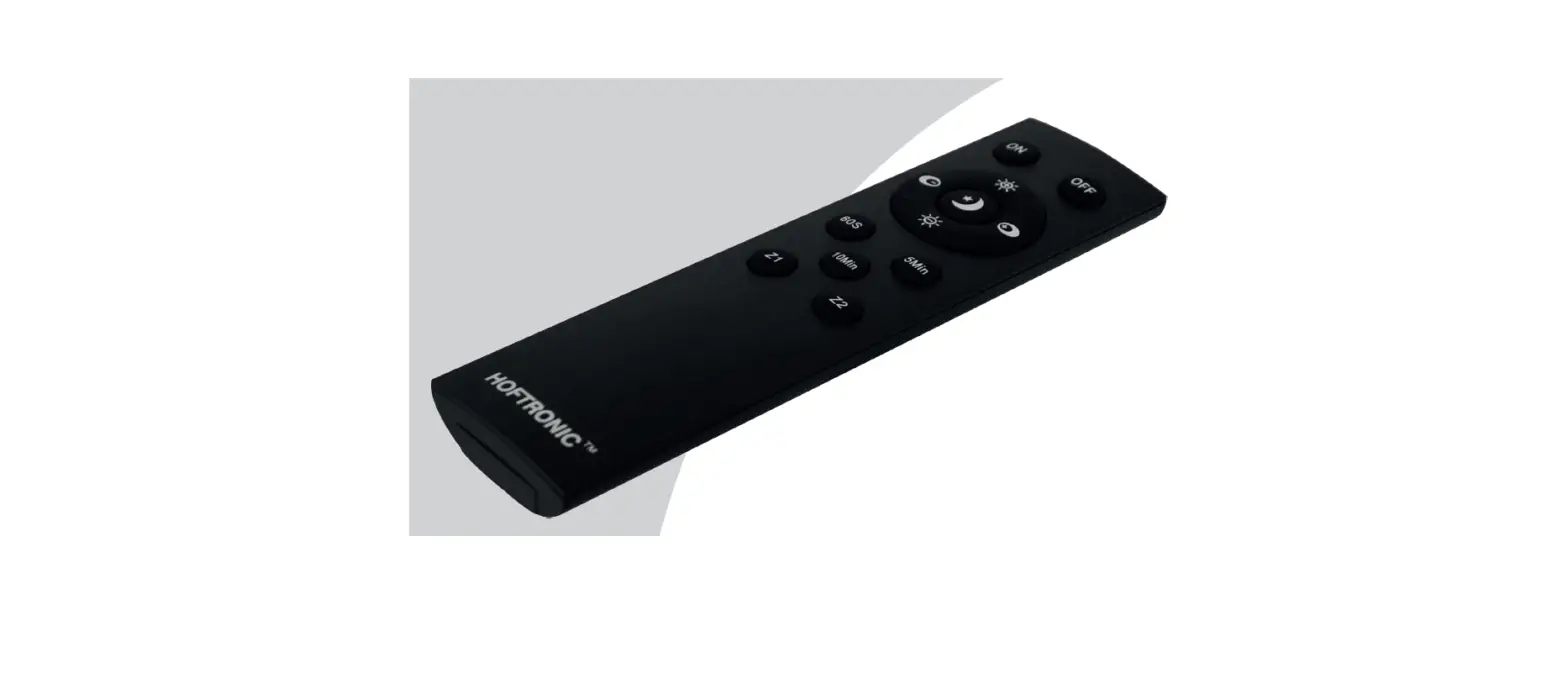
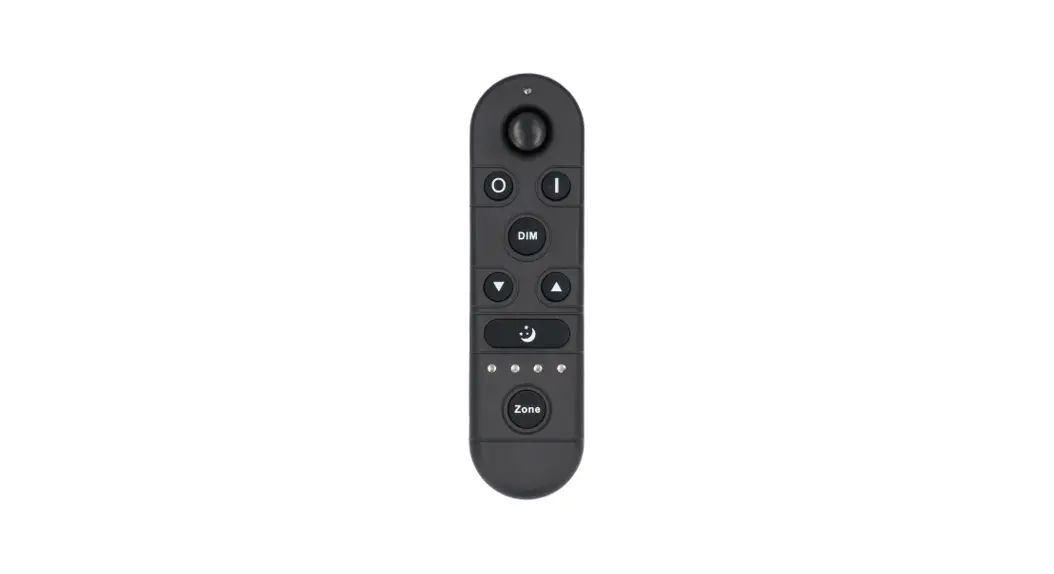
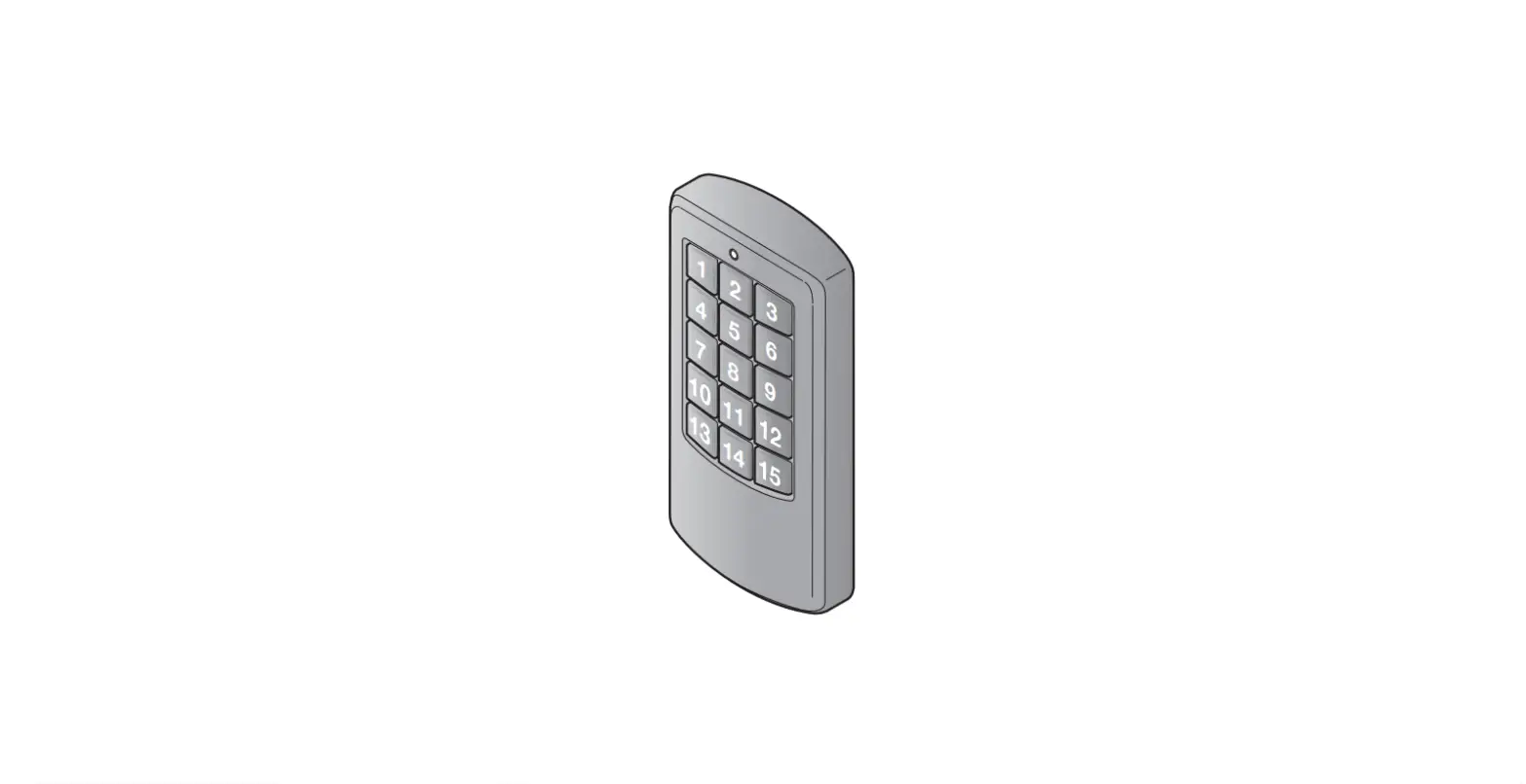
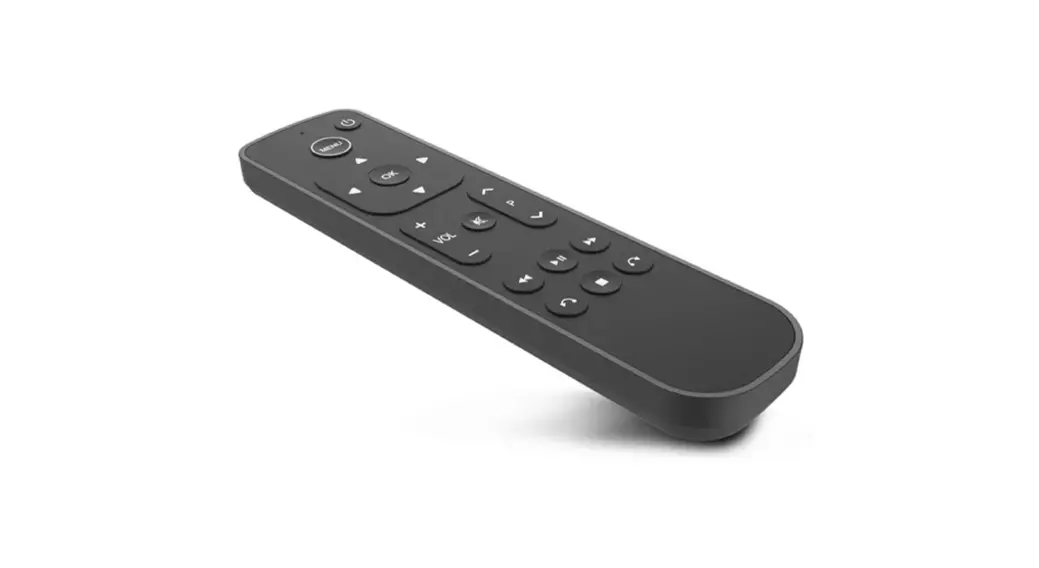
The UFR3 remote control is compatible with Hormann Bisecur
transmitters. It is used to control garage doors, gates, and other
access systems. The remote control uses RF codes to communicate
with the system it is controlling. The UFR3 remote control has
multiple buttons that can be programmed to control different
devices.
Method of Programming
Before programming the UFR3 remote control, it is important to
reset the remote control using the following procedure:
- Press the button on the UFR3 that you want to write the code
from the original remote control. - Keep the button pressed and press any of the other buttons
three times until the LED turns red for 10 seconds. - Release all buttons.
Once the remote control has been reset, follow these steps to
program the UFR3 remote control:
- Place the original remote to the left of the UFR3, as close as
possible. - Press and hold the button you want to copy from on the original
remote until the LED starts flashing red and blue alternately. - Check if the UFR3’s LED is flashing blue. If not, try moving it
closer to the original remote. - The programming procedure will be completed when the UFR3
starts flashing blue rapidly. Release all buttons. - Repeat steps 2-4 for the remaining buttons.
Reset
To reset the RF code for a button on the UFR3 remote control,
follow these steps:
- Remove the battery for 10 seconds.
- Press a button on the remote control and hold it.
- Insert the battery. The LED will flash blue slowly for 4
seconds, then flash blue fast for 2 seconds, then light blue for a
long time. - Release the remote control button. All codes will be replaced
with new ones.
Note: If the remote button is released prematurely, no new codes
will be assigned.
868MHz Fixed Code Remote Setup
If you continue to press the remote button after the reset step,
the 868Mhz fixed code will be activated. The LED will flash red
slowly for 4 seconds, then flash red fast for 2 seconds, then light
red for a long time. All new RF codes will be assigned. If the
remote control button is released prematurely, the BiSecur radio
code will remain active.
With these instructions, you can easily program and reset your
UFR3 remote control to control your garage doors, gates, and other
access systems.
UFR3 remote control compatible with Hormann Bisecur transmitters
METHOD OF PROGRAMMING:
Important! Before proceeding with programming, reset the remote with the procedure given below
1. Press the button on the UFR3 you want to write the code from the original remote control, keep it pressed, and press any of the other buttons 3 times until the LED turns red for 10s, then release all buttons.
2. Place the original remote to the left of the UFR3, as close as possible.
3. Press and hold the button you want to copy from on the original remote until the LED starts flashing red and blue alternately, check if the UFR3’s LED is flashing blue, if not, try moving it closer to the original remote
4. The programming procedure will be completed when the UFR3 starts flashing blue rapidly, release all buttons.
5. Do the same procedure for the remaining buttons.
RESET: Each button on the UFR3 is assigned a new RF code using the following steps. 1.Remove the battery for 10 seconds 2.Press a button on the remote control and hold it 3.Insert the battery LED flashes blue slowly for 4 sec., LED flashes blue fast for 2 sec., LED lights blue for a long time 4. When releasing the remote control button, all codes are replaced with new ones
Note: If the remote button is released prematurely, no new codes will be assigned.
868MHZ FIXED CODE REMOTE SETUP: If you continue to press the remote button after the reset step, the 868Mhz fixed code will be activated. LED flashes red slowly for 4s LED flashes red fast for 2s LED lights red for a long time All new RF codes have been assigned. If the remote control button is released prematurely, the BiSecur radio code will remain active.