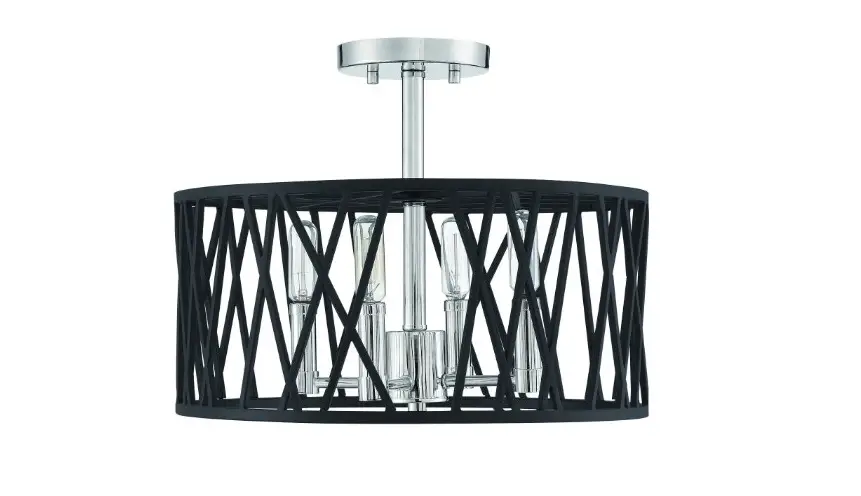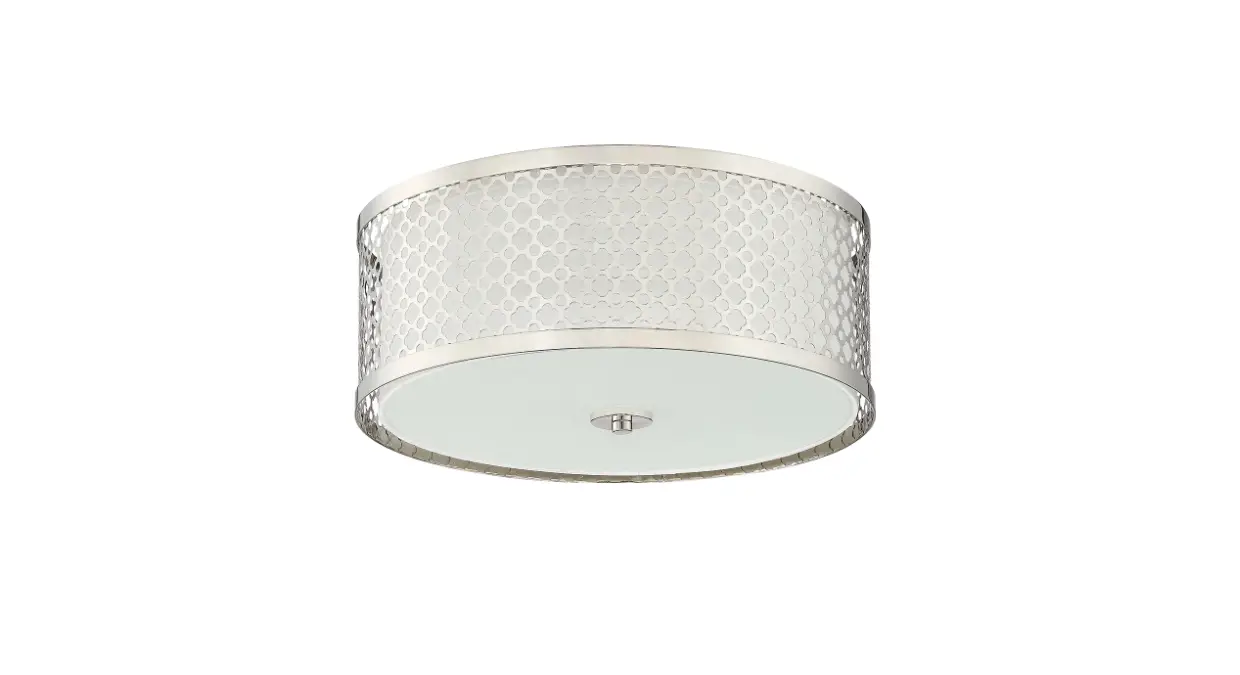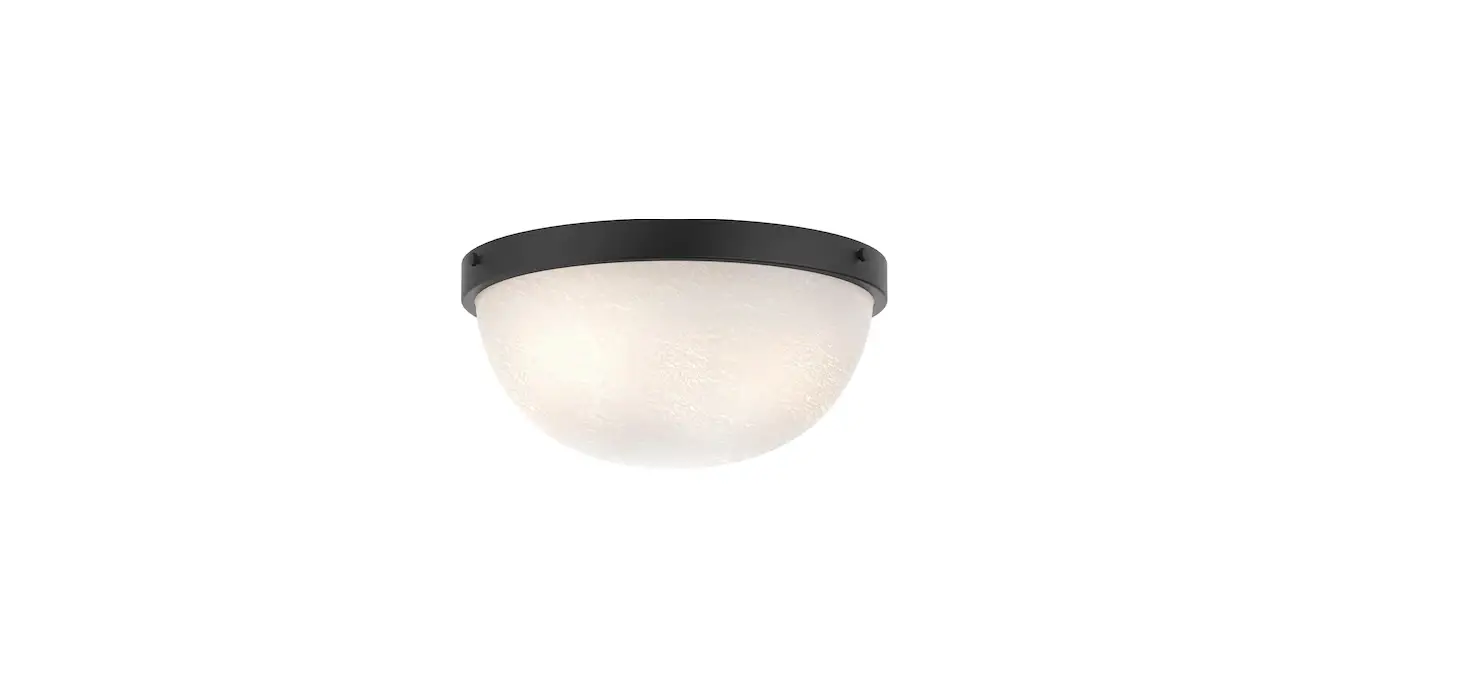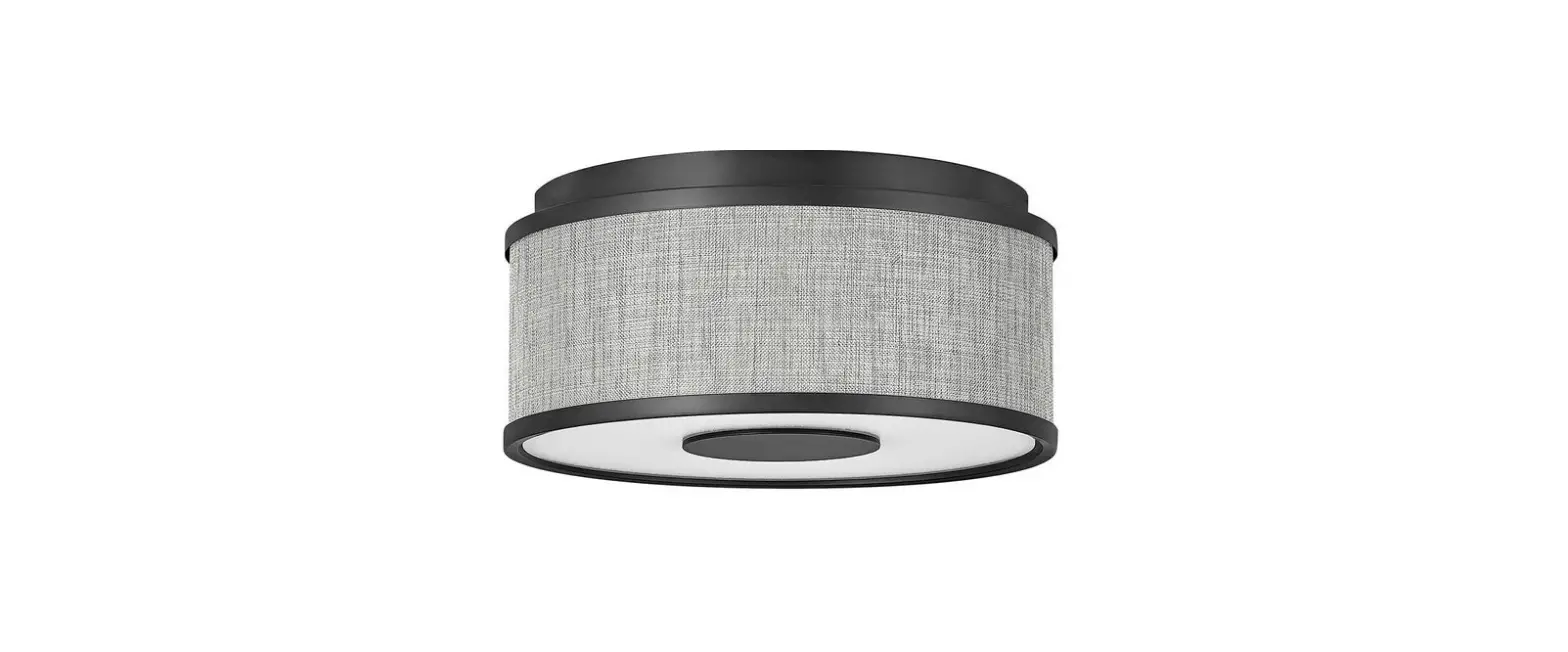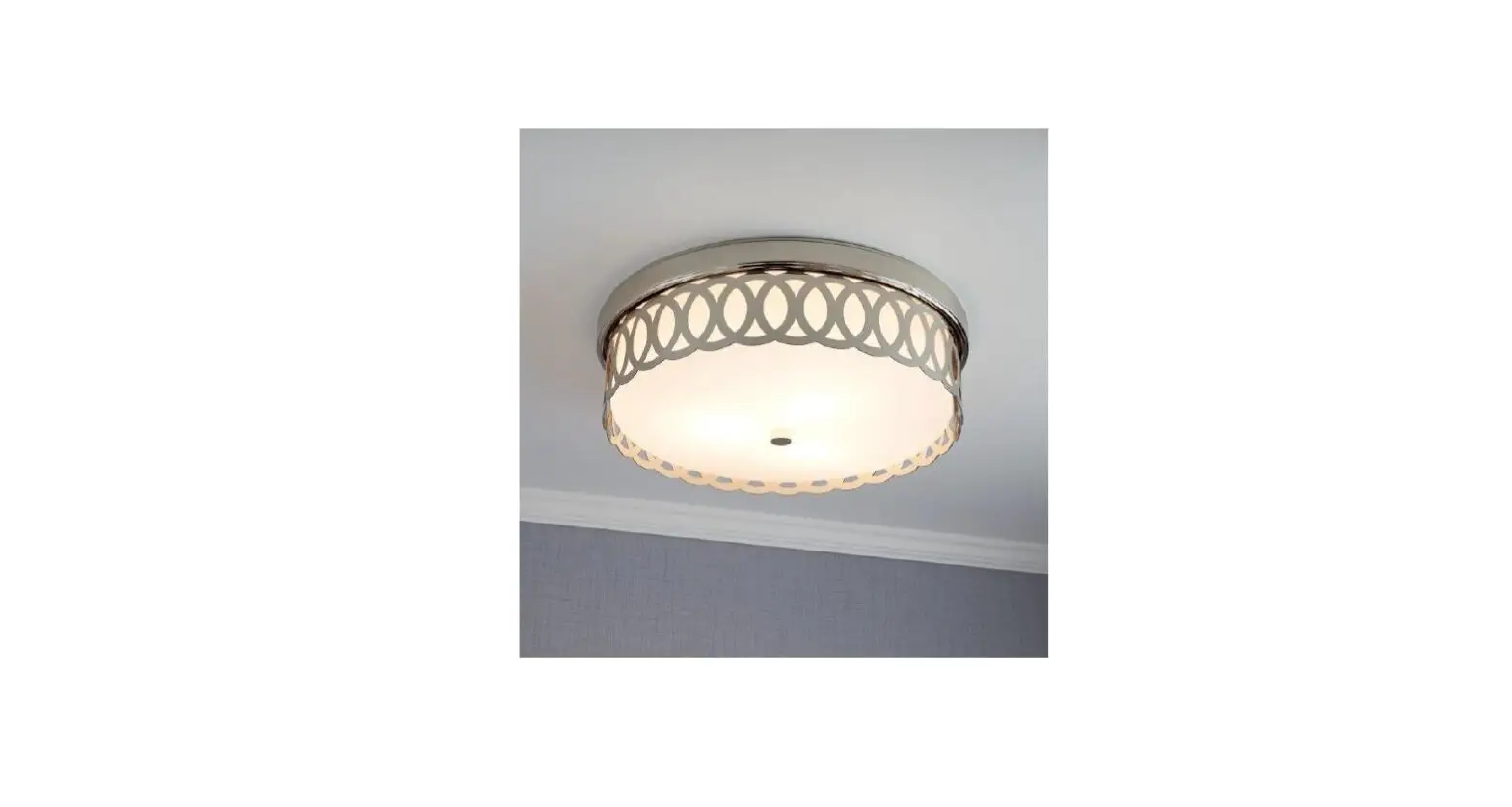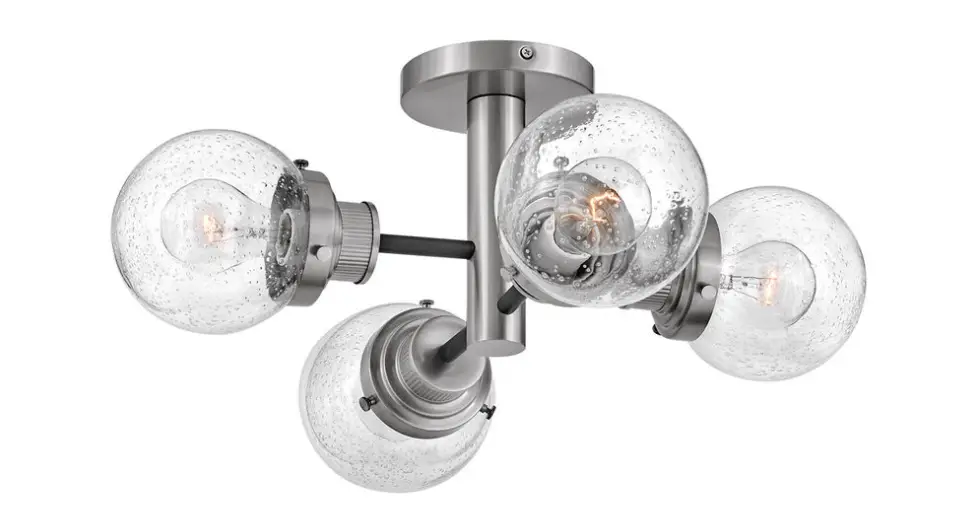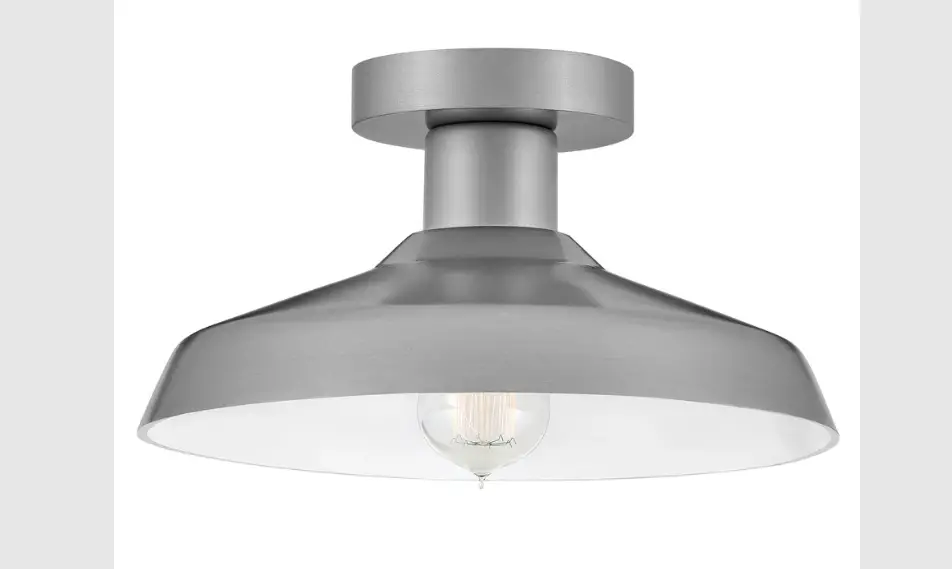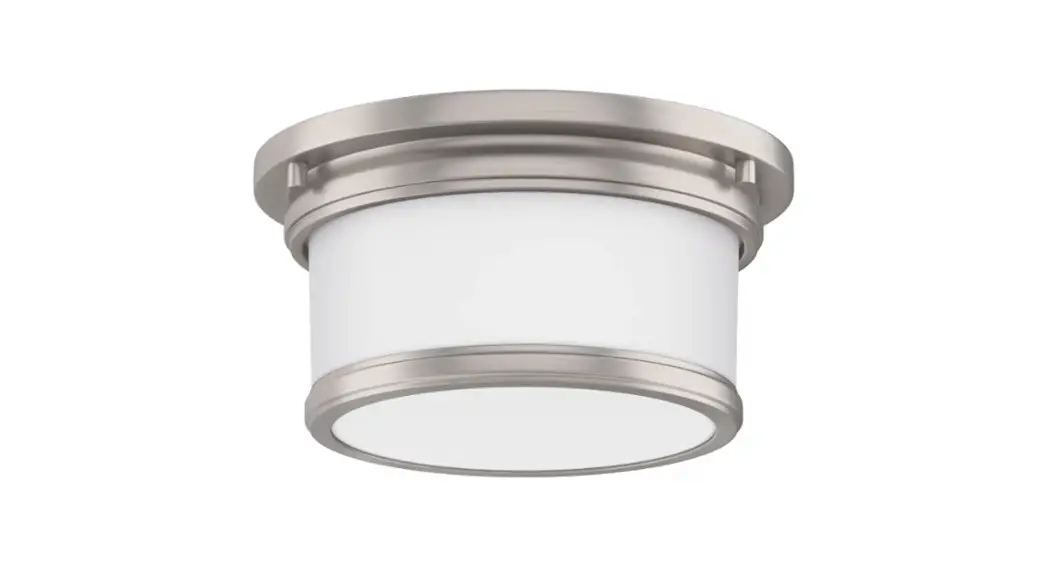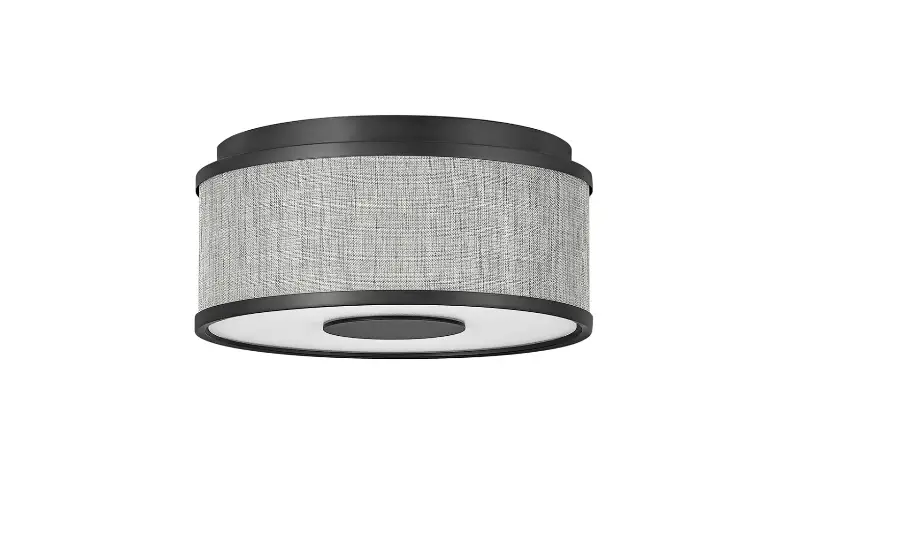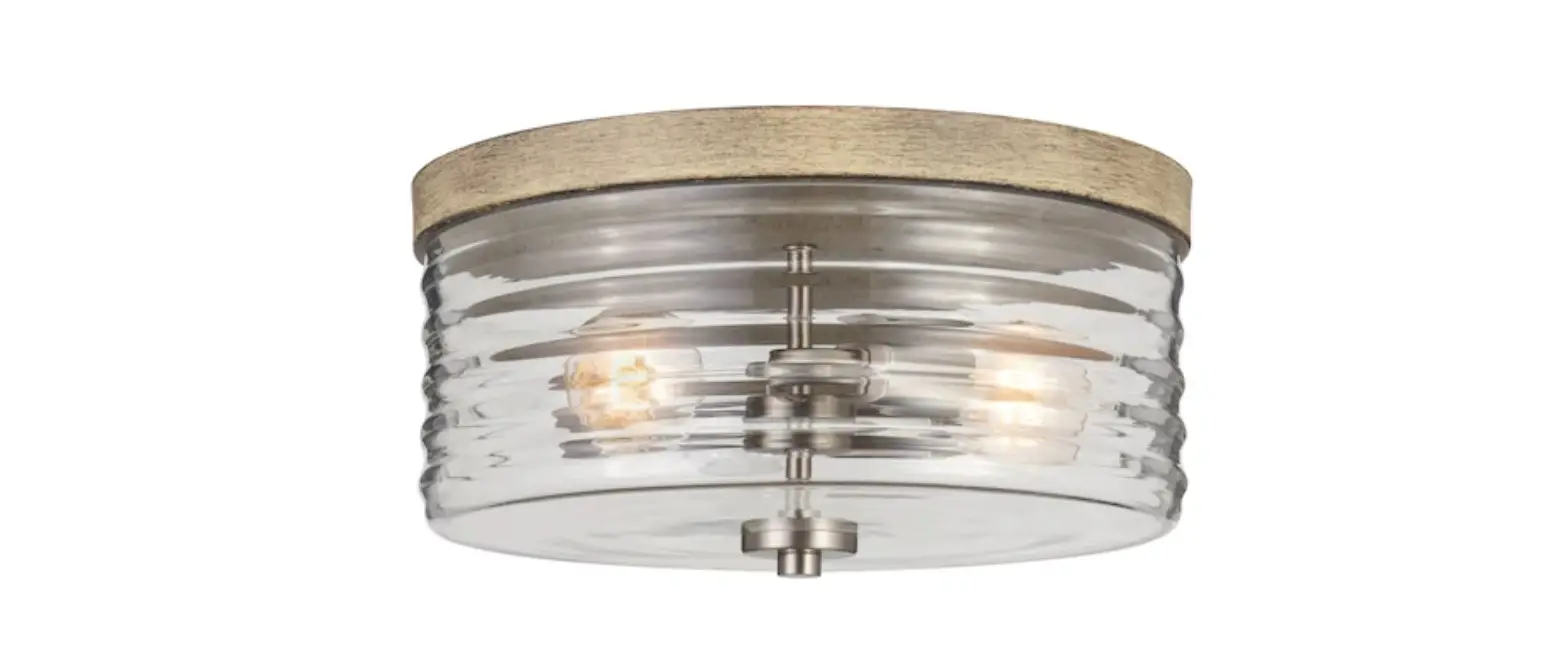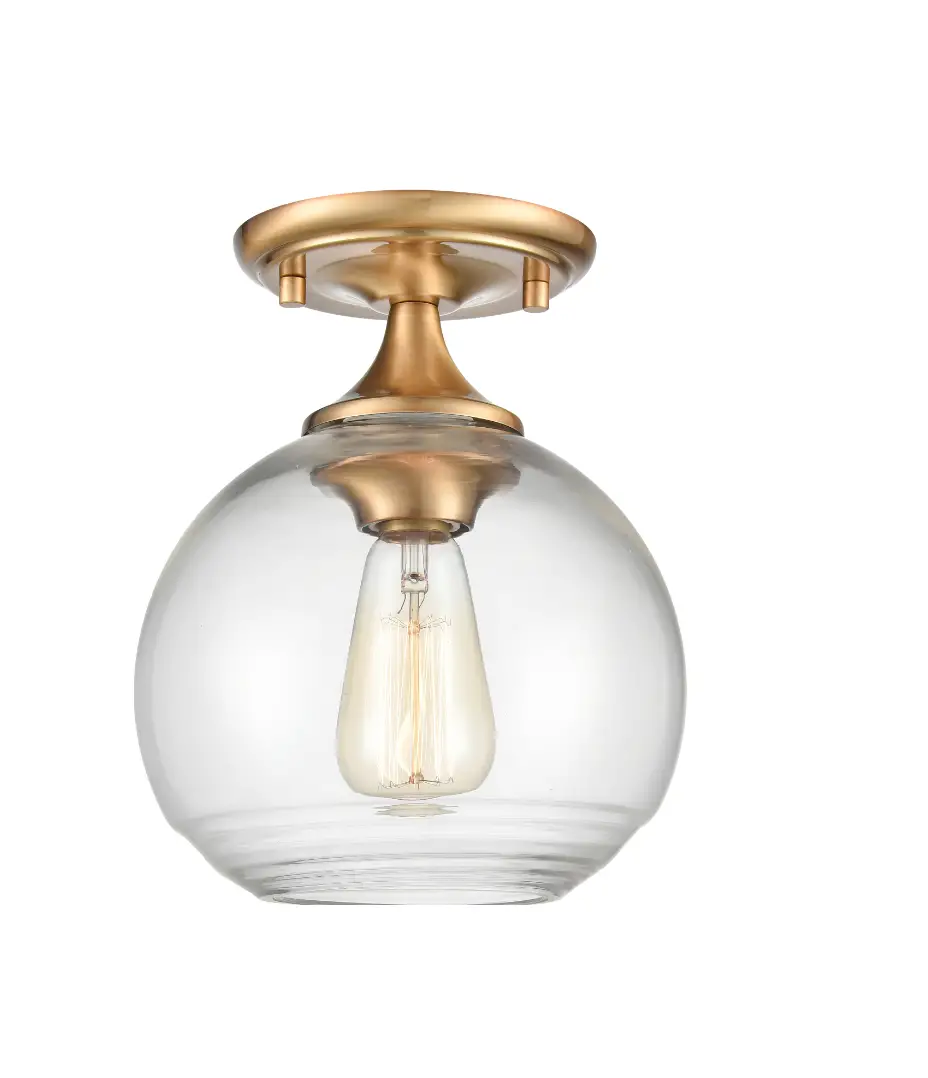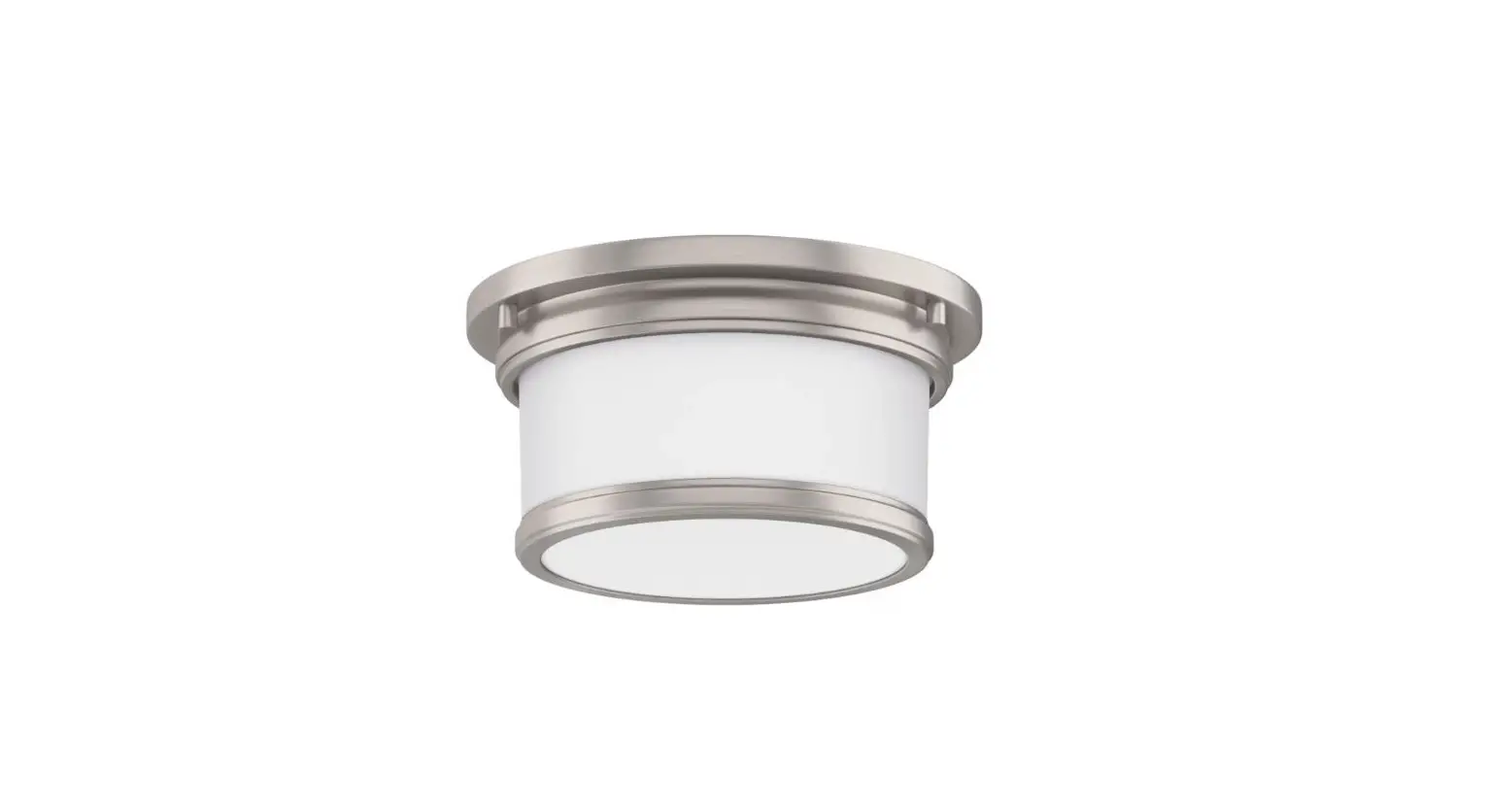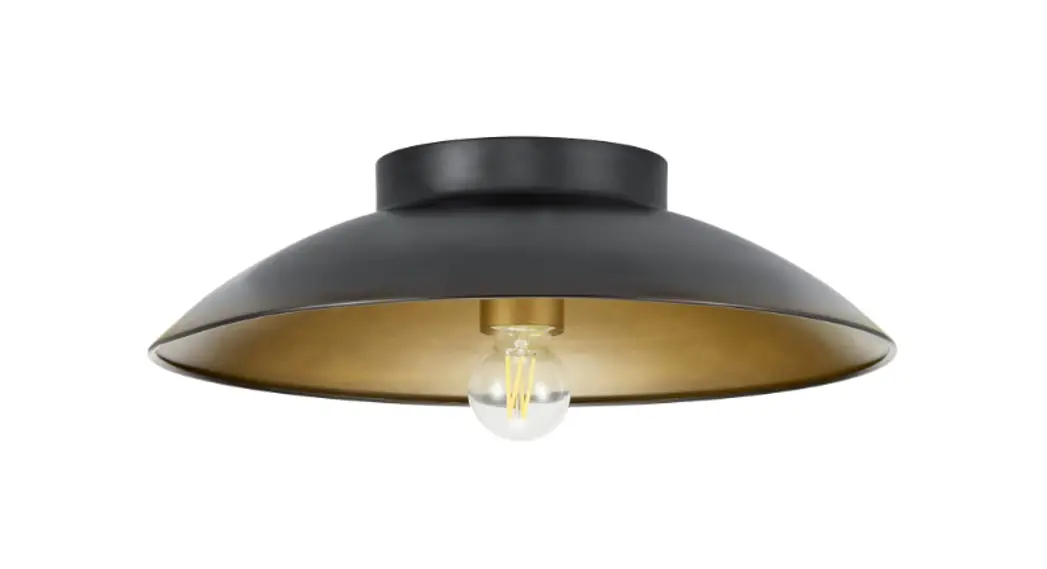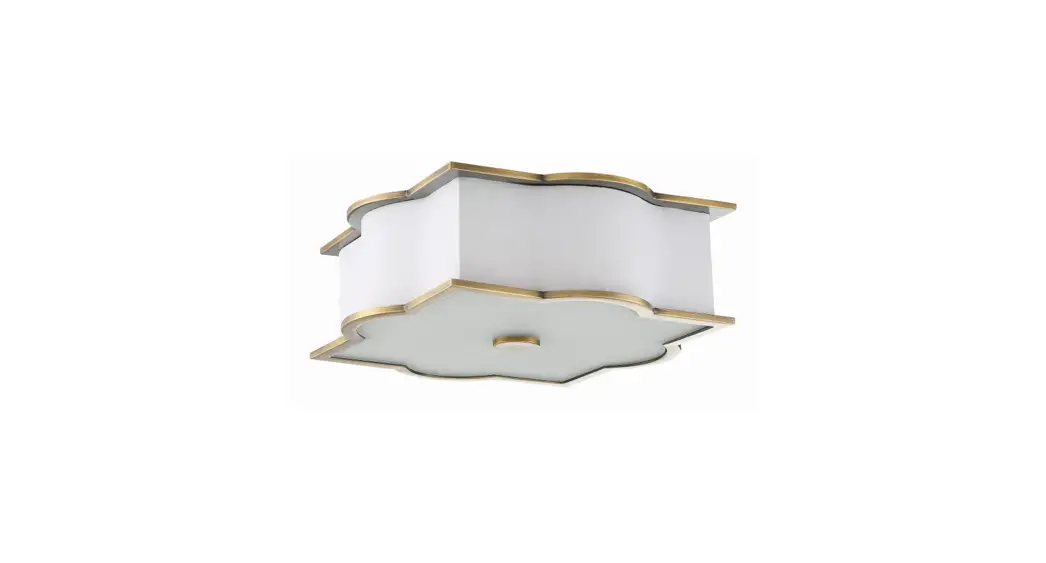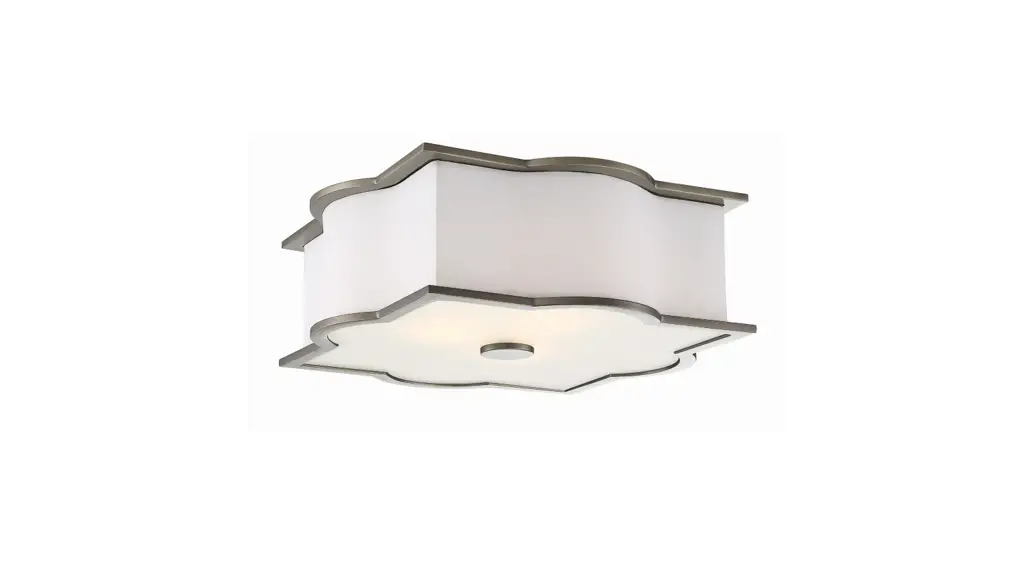
 Hardware 944732 Ingram 3 Light 15 Inch Wide
Flush Mount Drum Ceiling Fixture
Instruction Manual
BEFORE YOU BEGIN
We recommend consulting a professional if you are unfamiliar with installing electric fixtures. Signature Hardware accepts no liability for any damage to the faucet, plumbing, sink, counter top, or for personal injury during installation.
Observe all local plumbing and building codes.
Unpack and inspect the product for shipping damage.
If any damage is found, contact our Customer
Relations team via live chat at www.signaturehardware.com or by emailing [email protected].
GETTING STARTED
Ensure that you have gathered all the required materials that are needed for the installation.
FOR YOUR SAFETY
WARNING: Be sure the electricity to the wires you are working on is shut off, either the fuse is removed or the circuit breaker is shut off. You don’t need special tools to install this fixture. Be sure to follow the steps in the order given. Under no circumstances should a fixture be hung on house electrical wires, nor should a swag type fixture be installed on a ceiling which contains a radiant type heating system. Read instructions carefully, if you are unclear as to how to proceed. consult a qualified electrician.
TOOLS AND MATERIALS:
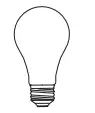 | Light Bulb (A19 100 watt maximum) |
 | Safety Glasses |
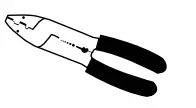 | Wire Stripper |
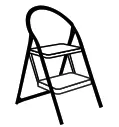 | Step Ladder |
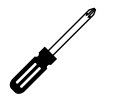 | Phillips Screwdriver |
| Flathead Screwdriver |
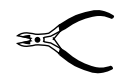 | Wire Cutters |
 | Electrical Tape |
INSTALLATION (FIG. 1)
- Thread the mounting screws (C) into the matching holes in the mounting bar (B)..

- Secure outing are (B)t o the outlet box with outlet box screws (A).
- Connect e white wire from the fixture to the white wire from the outlet box and the black wire from the fixture to the black wire from the outlet bock overt he two wire connections sing the two provided ire connectors. rapt he two wire connections itch electrical ape for a more secure connectional. tach the grounding ire connections the electrical ape for a more secure connection. connect he coppern round ire’s from the fixture and from the outlet box to the ground screw on the mounting bar.
Note: If you have electrical questions, consult your local electrical code for approved grounding methods. - After wires are connected tuck them carefully inside cutlet box. Raised e canopy( D) allowing for the mounting screws (C) to protrude through the key slots. Rotate the canopy (A) clockwise until the mounting screws (C) are in the narrow part of the key slots, and tighten with a screwdriver.
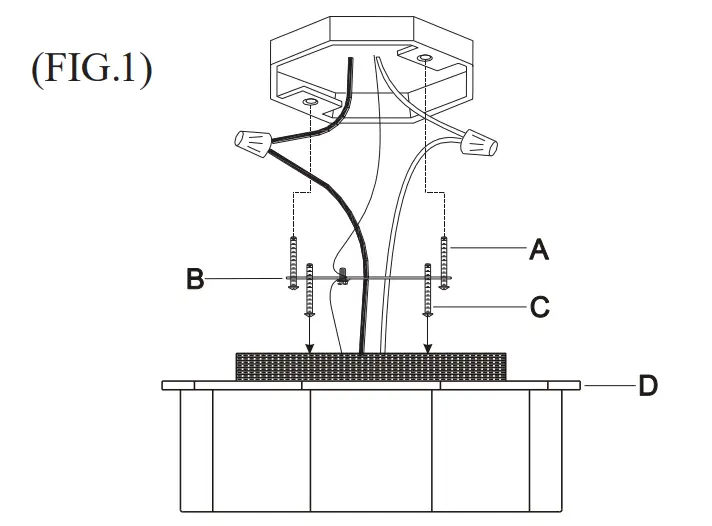
INSTALLATION (FIG. 2)
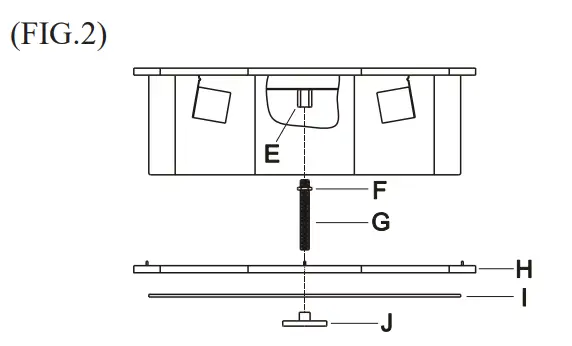
- Thread the nut (F) onto the nipple (G) and thread the nipple (G) into the coupling (E).
- Install light bulbs( Not provided).P leased o not exceed the maximum wattage capacity recommended n the socket. We recommend the use of a clear light bulb.
- Slide the decorative circle (H) and the glass (I) onto the nipple (G) then secure with the finial (J).
1.855.715.1800
signaturehardware.com
 ware - Coming Soon!
 Bathroom, Kitchen, Home Decor, Lighting & More