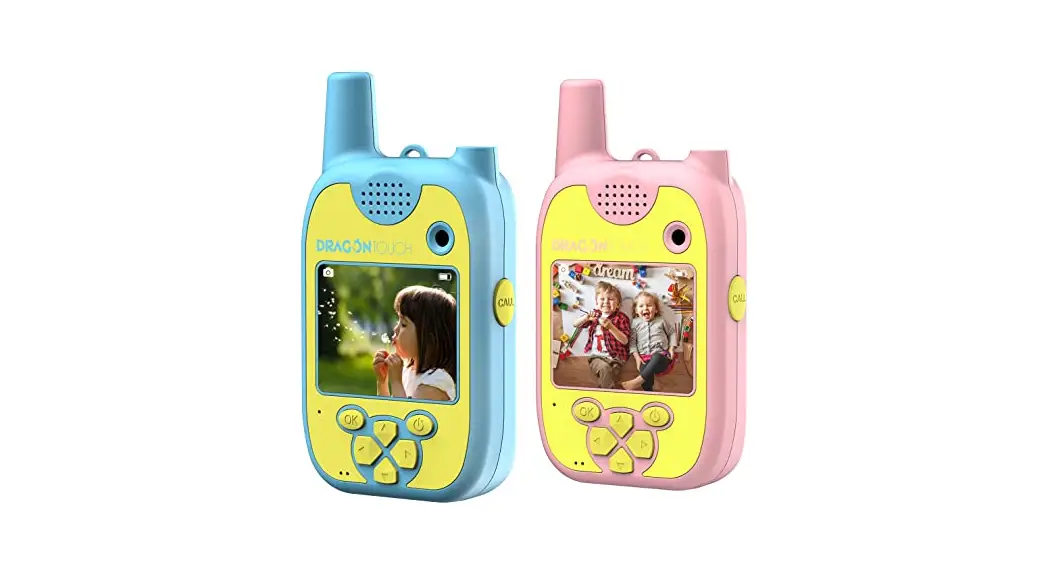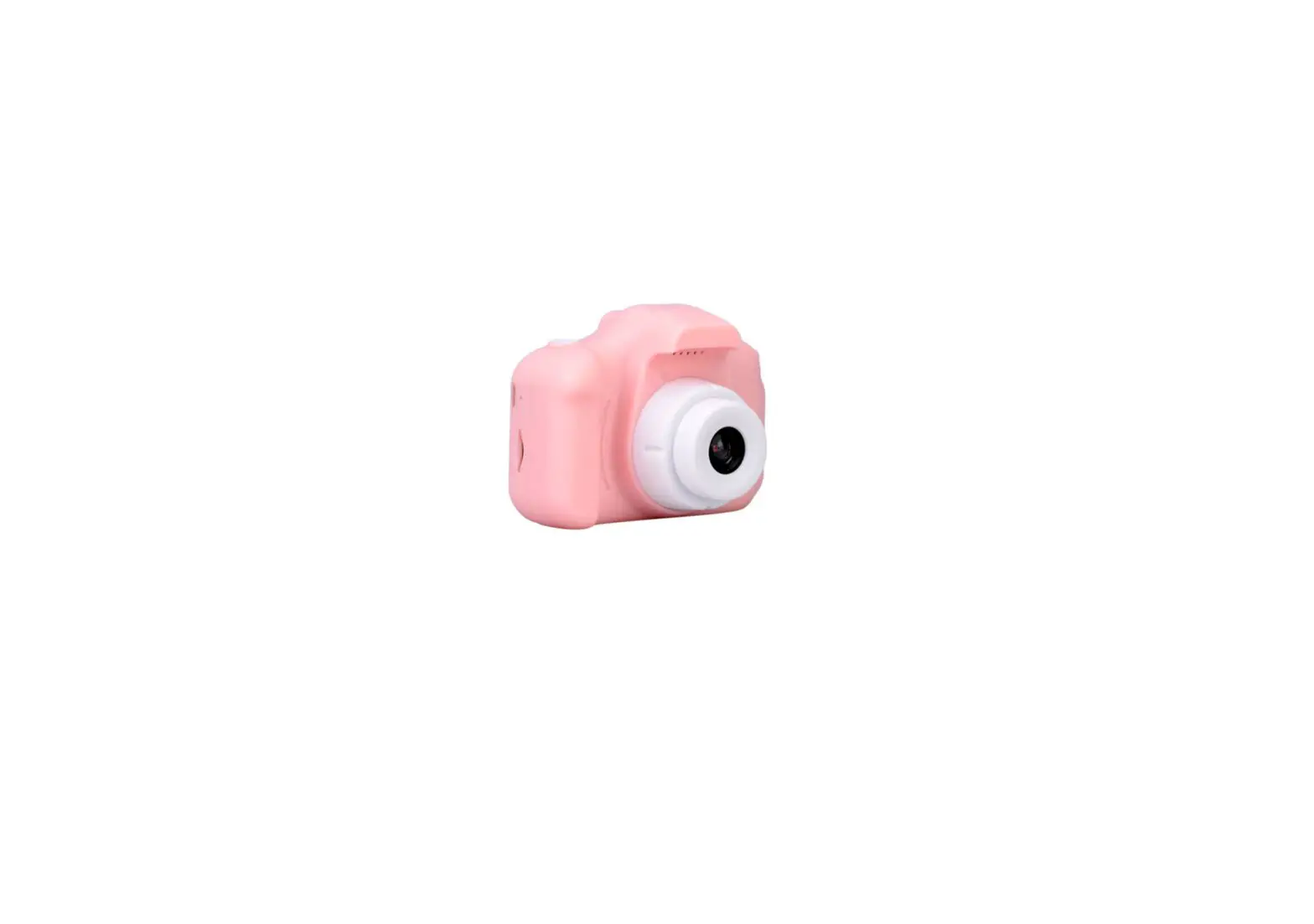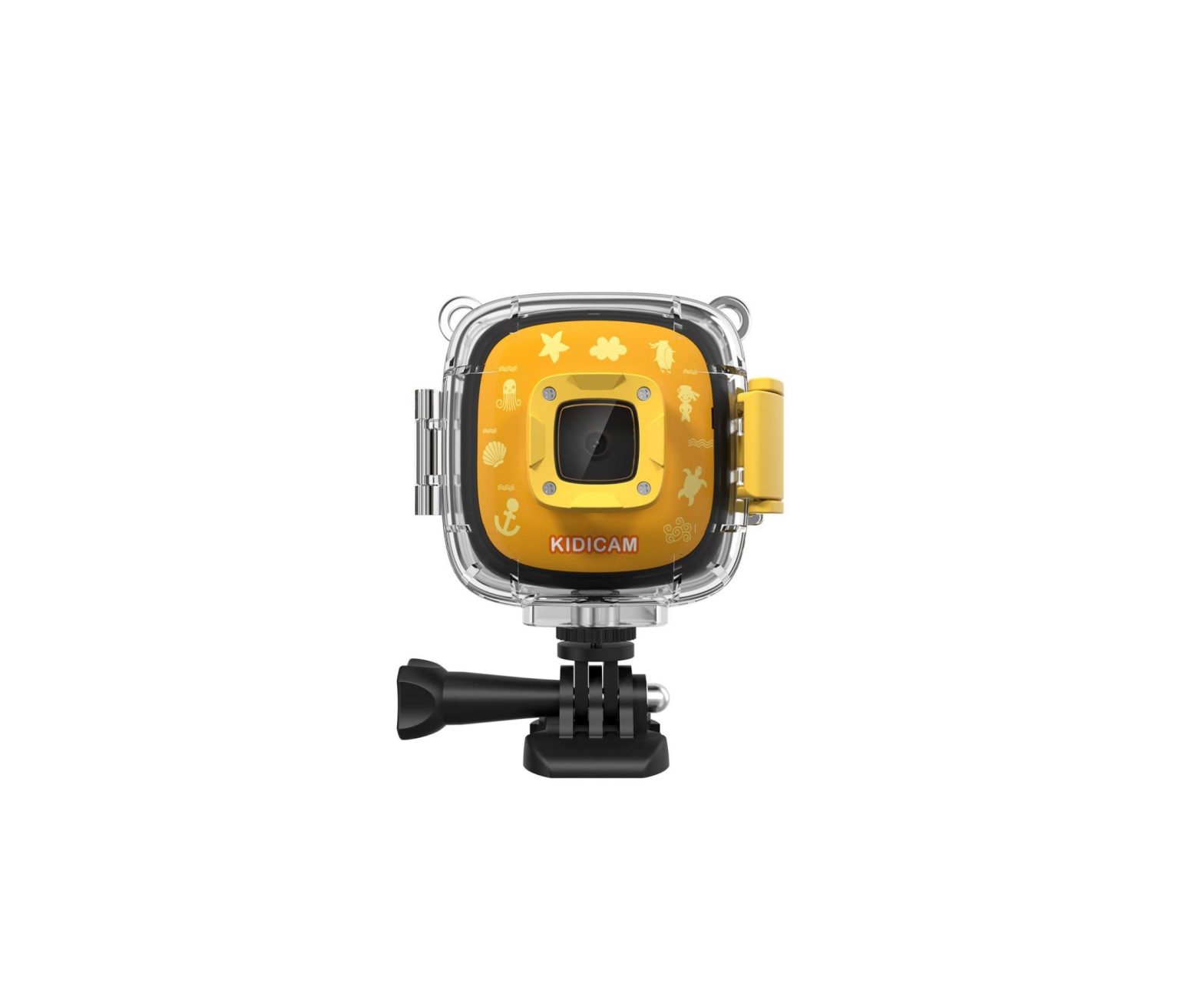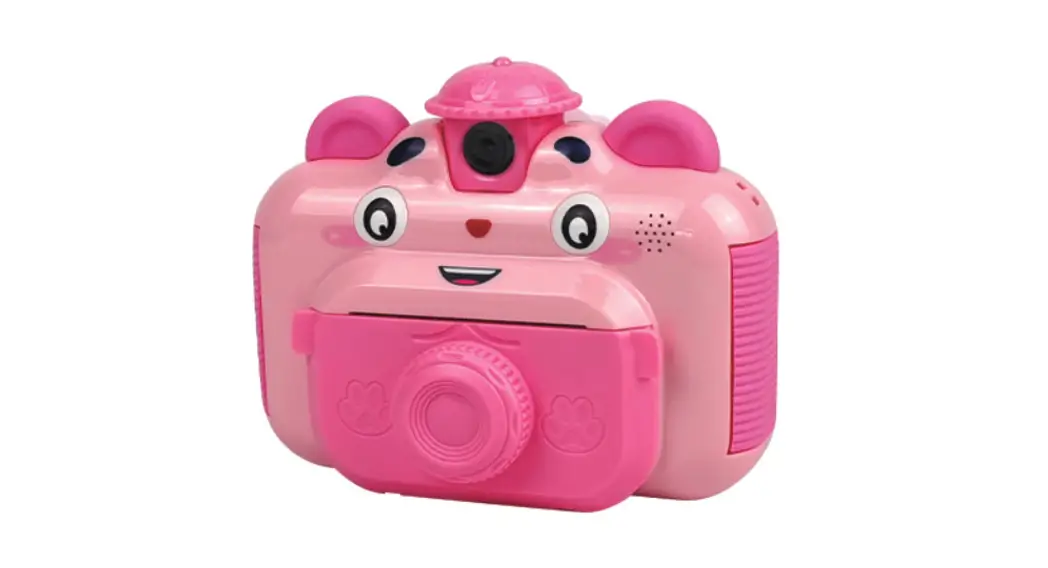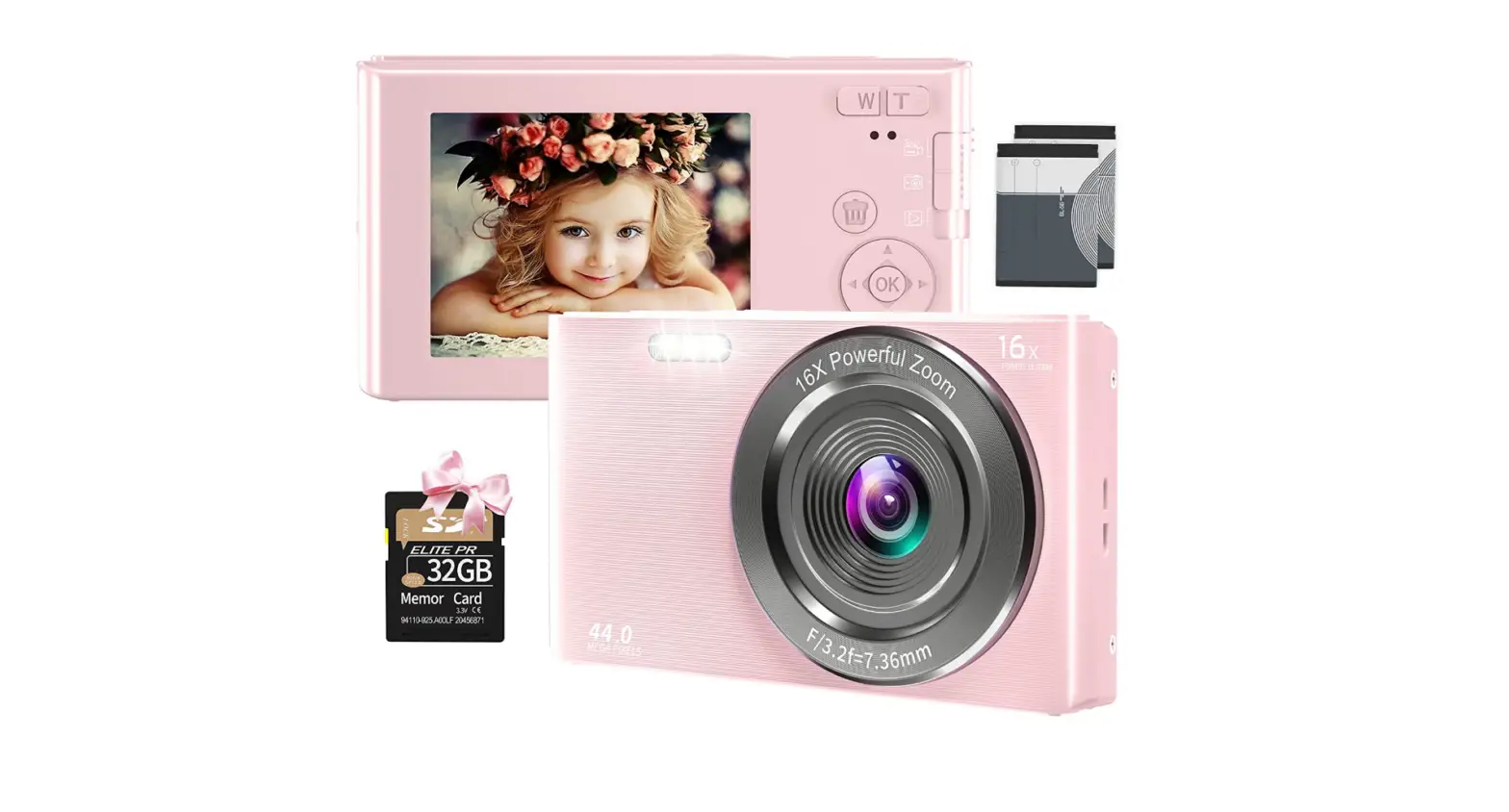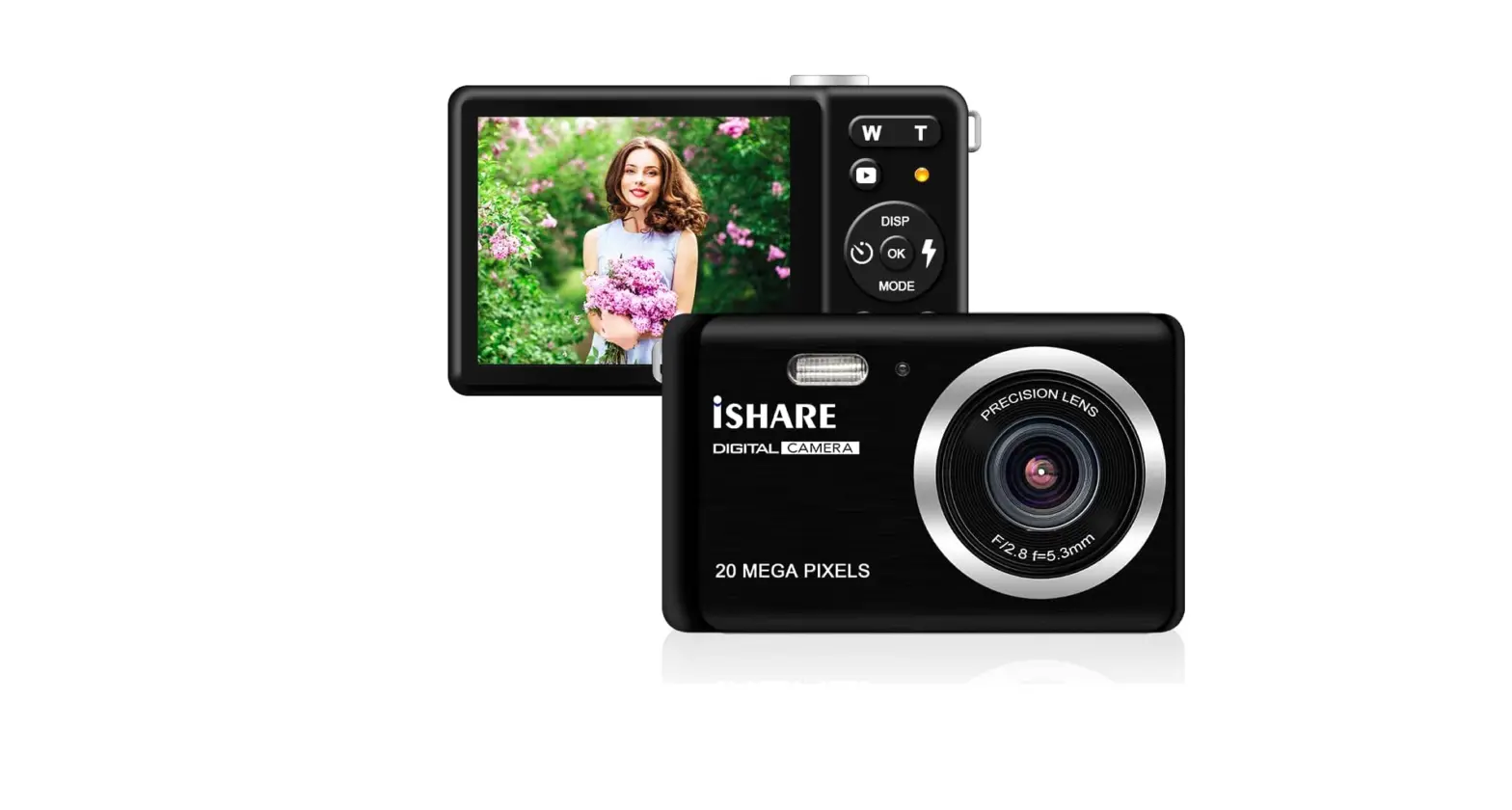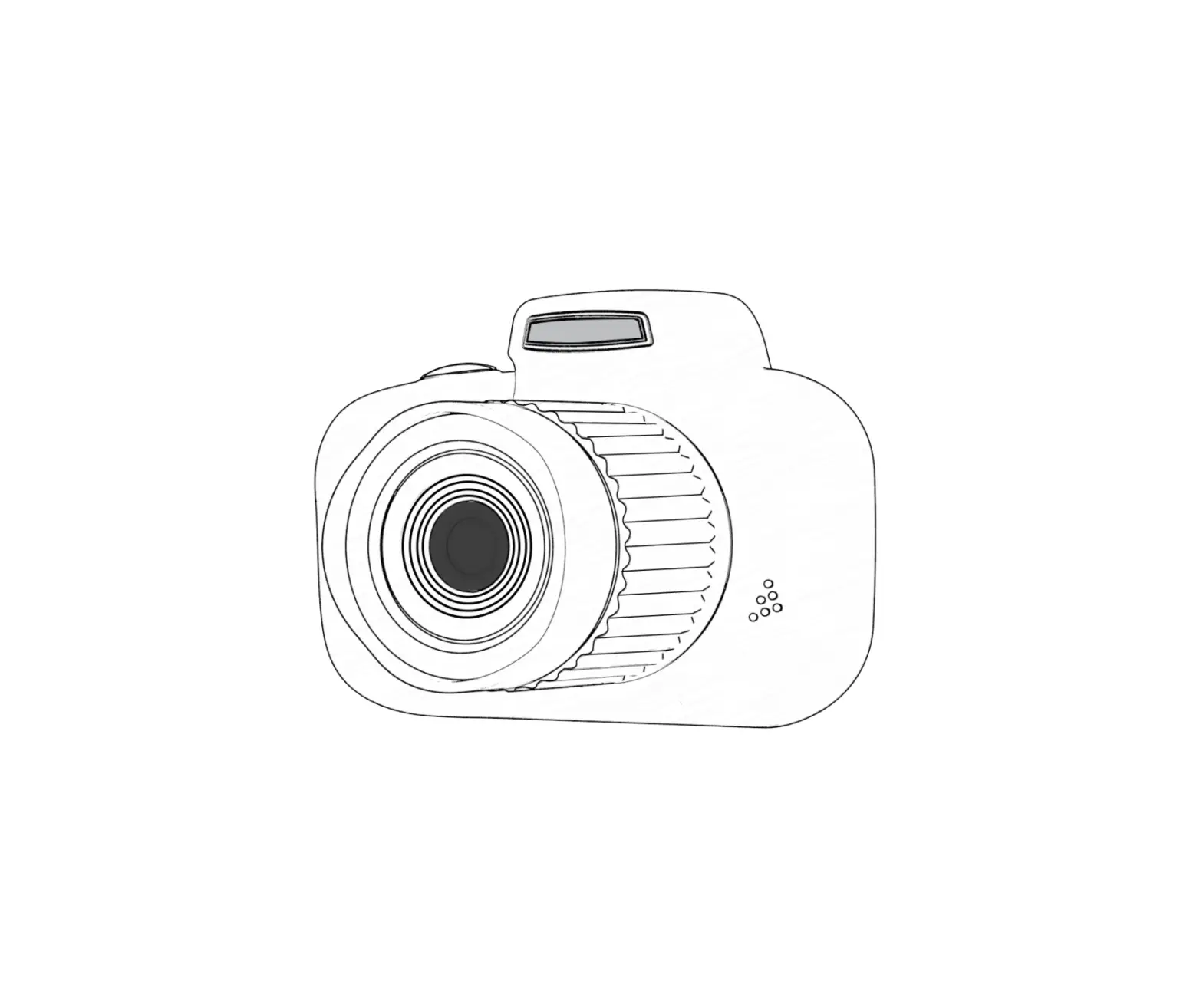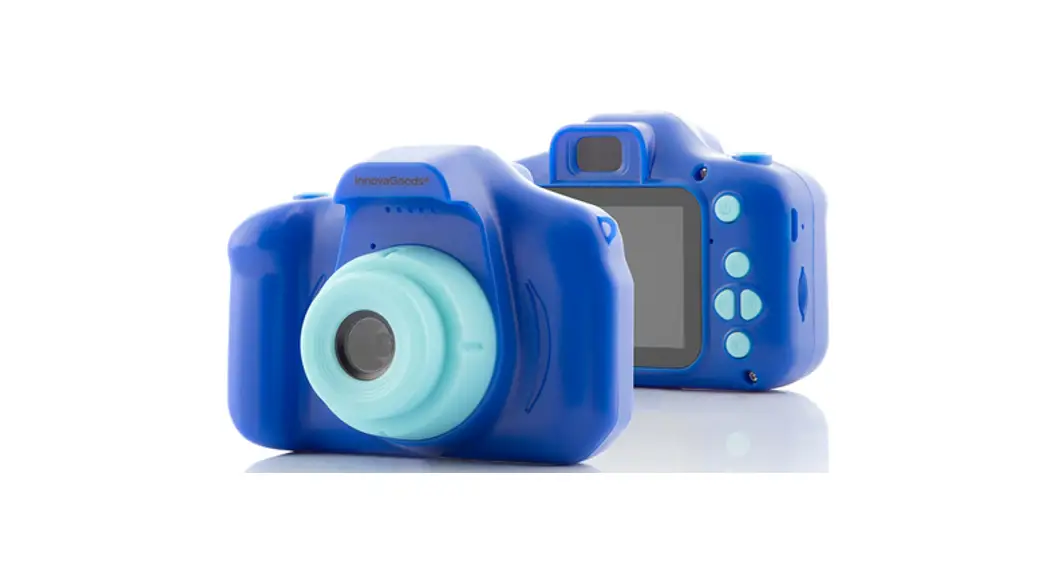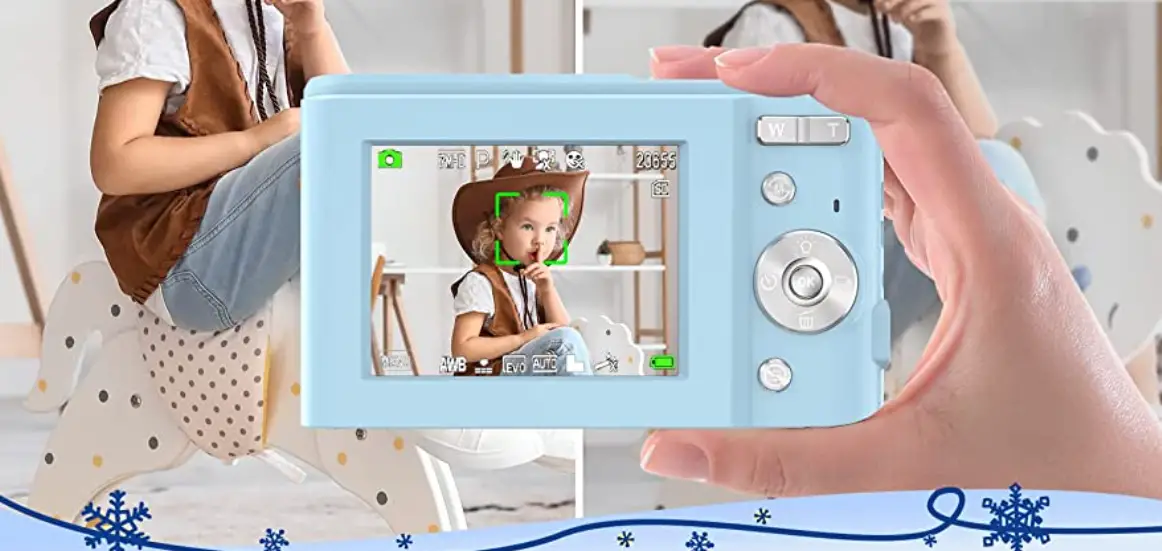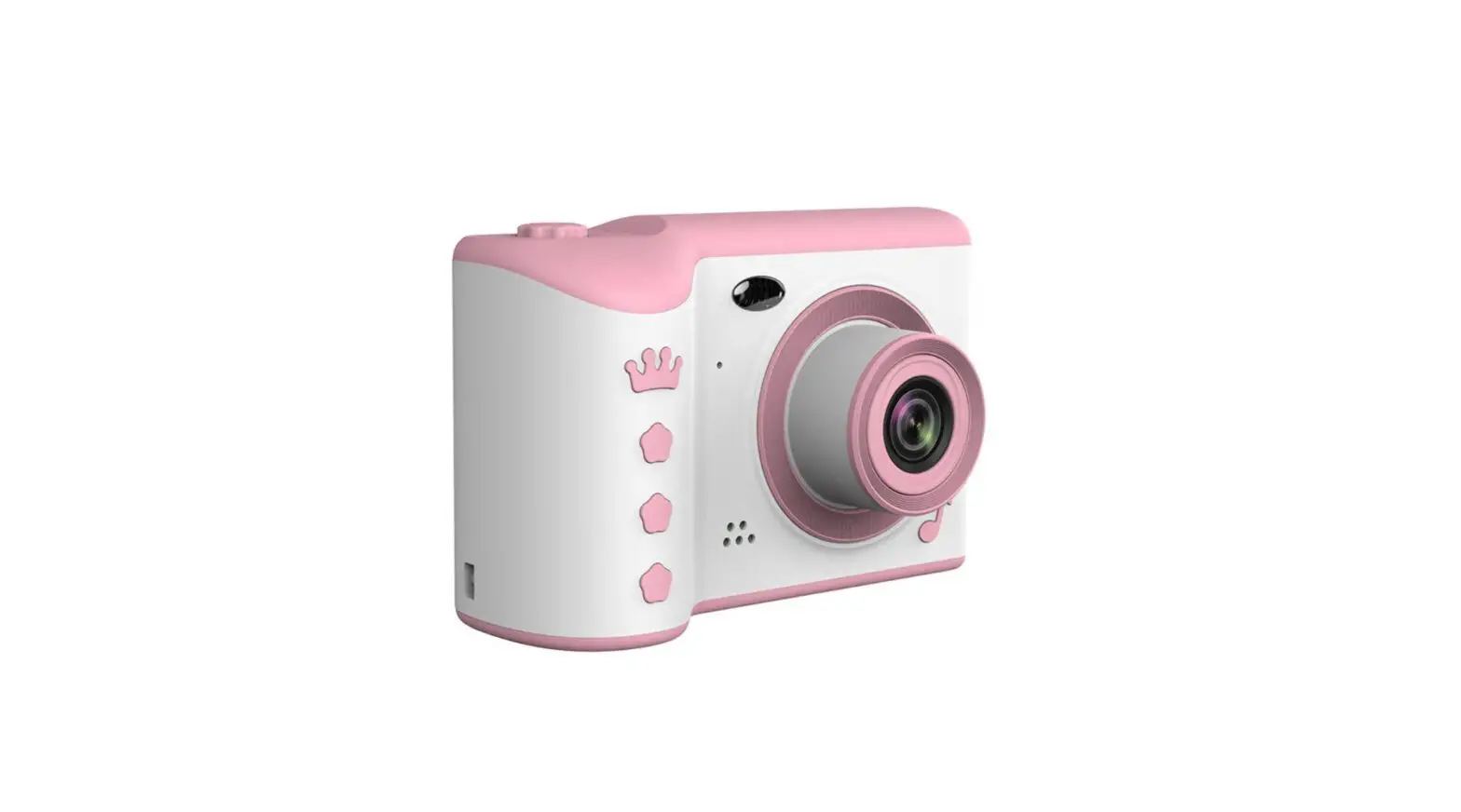
Kids Camera


 1
1
30″ Screen Touch Screen Dual Camera



HD Pictures HD Video WI FI Sender
Product Parameter
- Product Name: Kids Camera
- Battery Capacity: 1000mAh
- Screen Size: 3.0 Inch IPS Full View Screen
- Charging Time: About 3 hours
- Input Voltage: DC 5.0V
 1A
1A - Storage: TF card , maximum support 32GB
- Suitable: Over 3 years old
- Package Included: Camera X1, Data line X1, Catoon sticker X1, Operation manual X1
 1A
1ANotes (Required reading)
- If the camera encounters a problem, please insert the reset hole with a steel needle and press the reset button to try to reset.
- Reset can solve more than 80% of the problems, do not disassemble by yourself, so as not to cause danger, and there is no warranty.
- When the camera tells you the battery is low, please use the attached Micro USB charging cable and plug it in at 5V Power converter or computer USB interface for charging, the machine is not provided with a power charger.
- Do not smash or squeeze the camera to avoid damage to internal electronic components. The camera is electronic and not waterproof. Do not expose the camera to splashing water.



App Store/Google Play
APP Name: bibicam
WiFi Connection and Picture Download
- Touch WiFi icon on the camera screen.
- Search WiFi Name”kids-camera”and enter Password “12345678”.
- Download the APP ( Scan the QR Code on the User Manual).
- Enter the APP and save the pictures to the phone photo album .
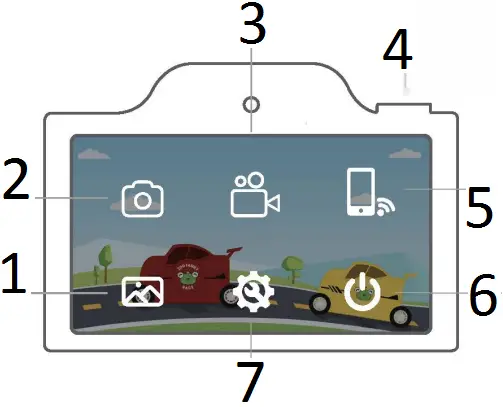
- Album
- Picture mode
- Video mode
- Take pictures/Turn ON/OFF
- WIFI
- Power OFF
- Setting
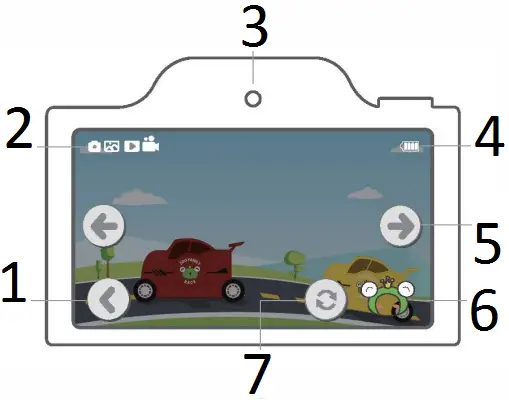
- Return
- Current Mode
- Front camera
- battery status
- Switch Left/Right
- Stickers/filters
- Switch
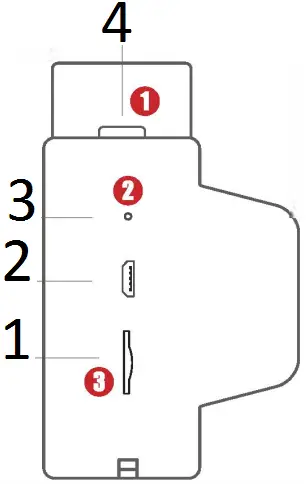
- memory card
- Charging/Data
- Reset Button
- Power ON Camera button
- Press the button for 2 seconds to turn the machine on and off. Under the camera interface, click the button to take a picture.
- Reset Button: If the camera can’t be turned off or crashes, please use toothpick or steel needle to insert reset hole, press the Reset Button, turn it on again after automatic shut-down, then it can restore factory settings.
- Freely expand memory capacity, maximum support for 32G TF card.
 MADE IN CHINA
FCC Warning Statement
Changes or modifications not expressly approved by the party responsible for compliance could void the user’s authority to operate the equipment. This equipment has been tested and found to comply with the limits for a Class B digital device, pursuant to Part 15 of the FCC Rules. These limits are designed to provide reasonable protection against harmful interference in a residential installation. This equipment generates uses and can radiate radio frequency energy and, if not installed and used in accordance with the instructions, may cause harmful interference to radio communications. However, there is no guarantee that interference will not occur in a particular installation. If this equipment does cause harmful interference to radio or television reception, which can be determined by turning the equipment off and on, the user is encouraged to try to correct the interference by one or more of the following measures:
— Reorient or relocate the receiving antenna.
— Increase the separation between the equipment and receiver.
— Connect the equipment into an outlet on a circuit different from that to which the receiver is connected.
— Consult the dealer or an experienced radio/TV technician for help.
FCC Radiation Exposure Statement
The device has been evaluated to meet general RF exposure requirement. The device can be used in portable exposure condition without restriction.