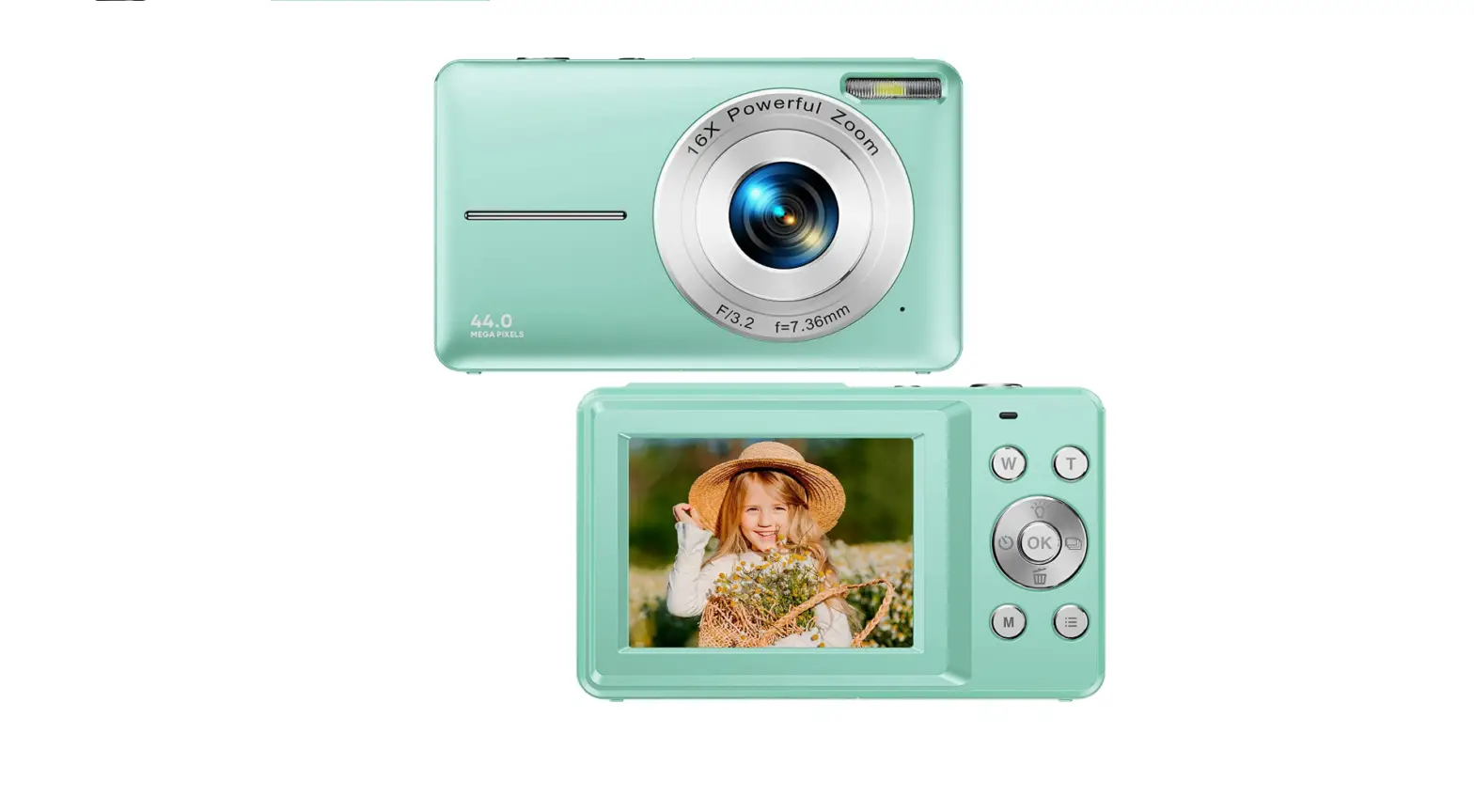

B0BPRNNV6T 1080P 48MP Autofocus Digital Camera for Kids Video Camera
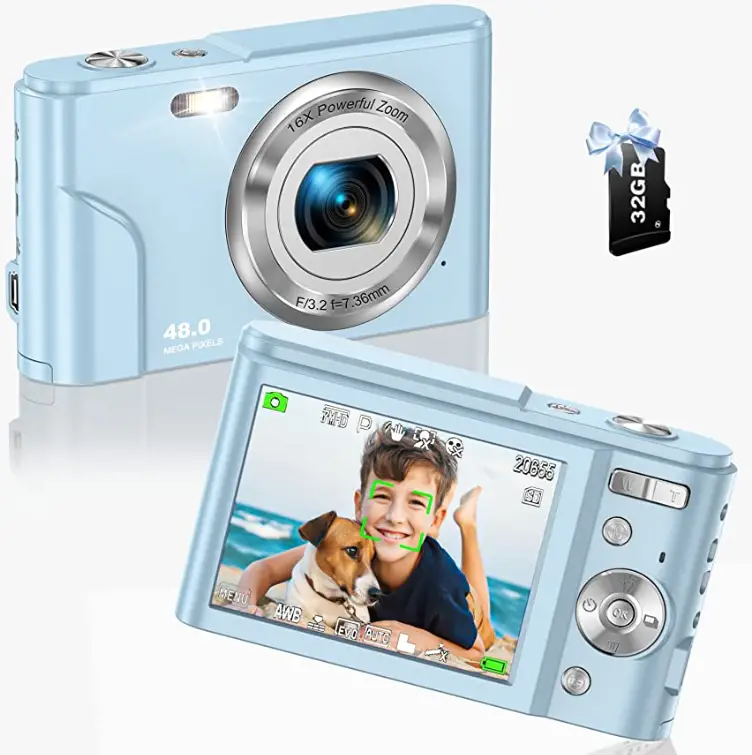
Product Information
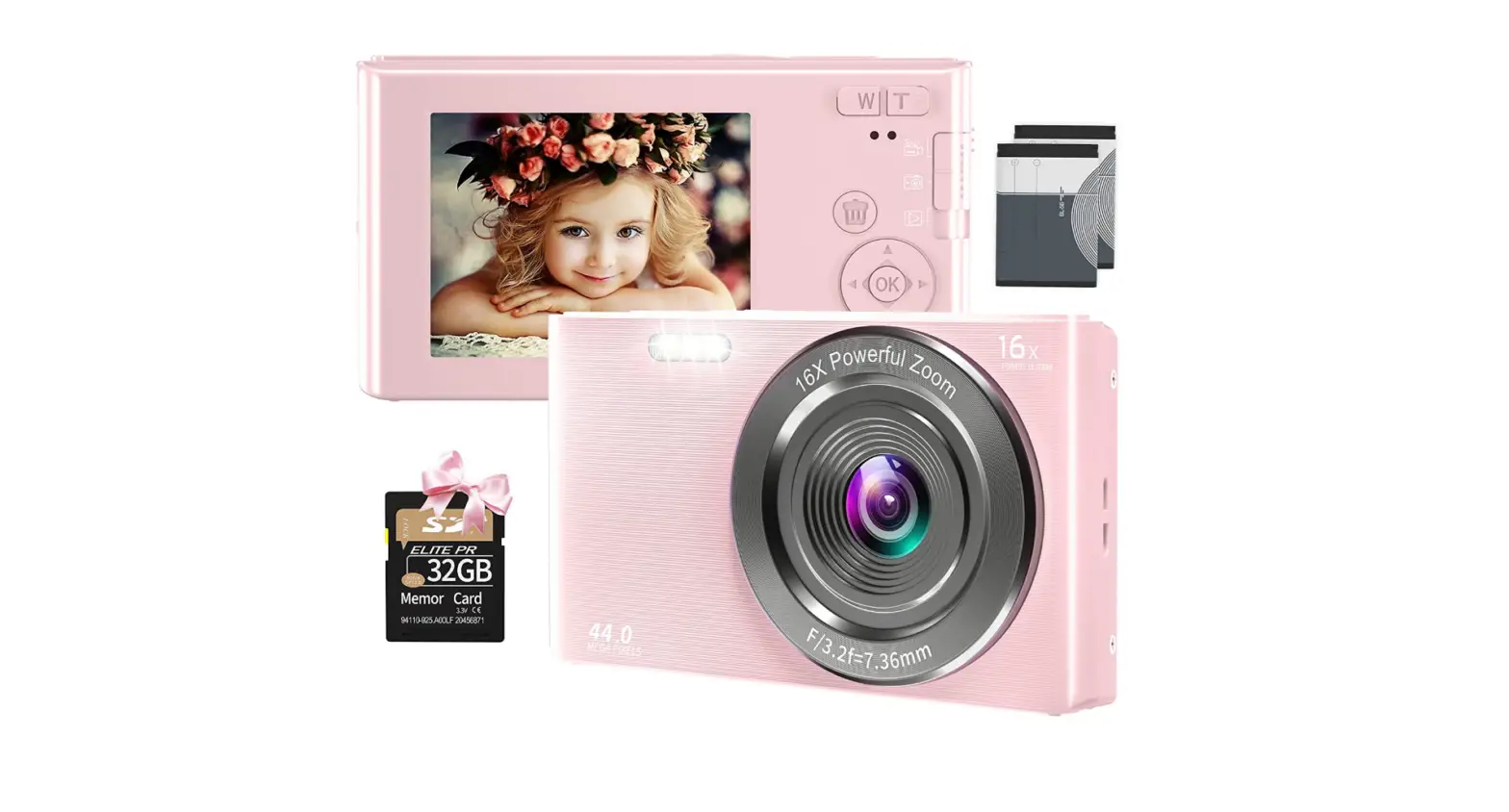
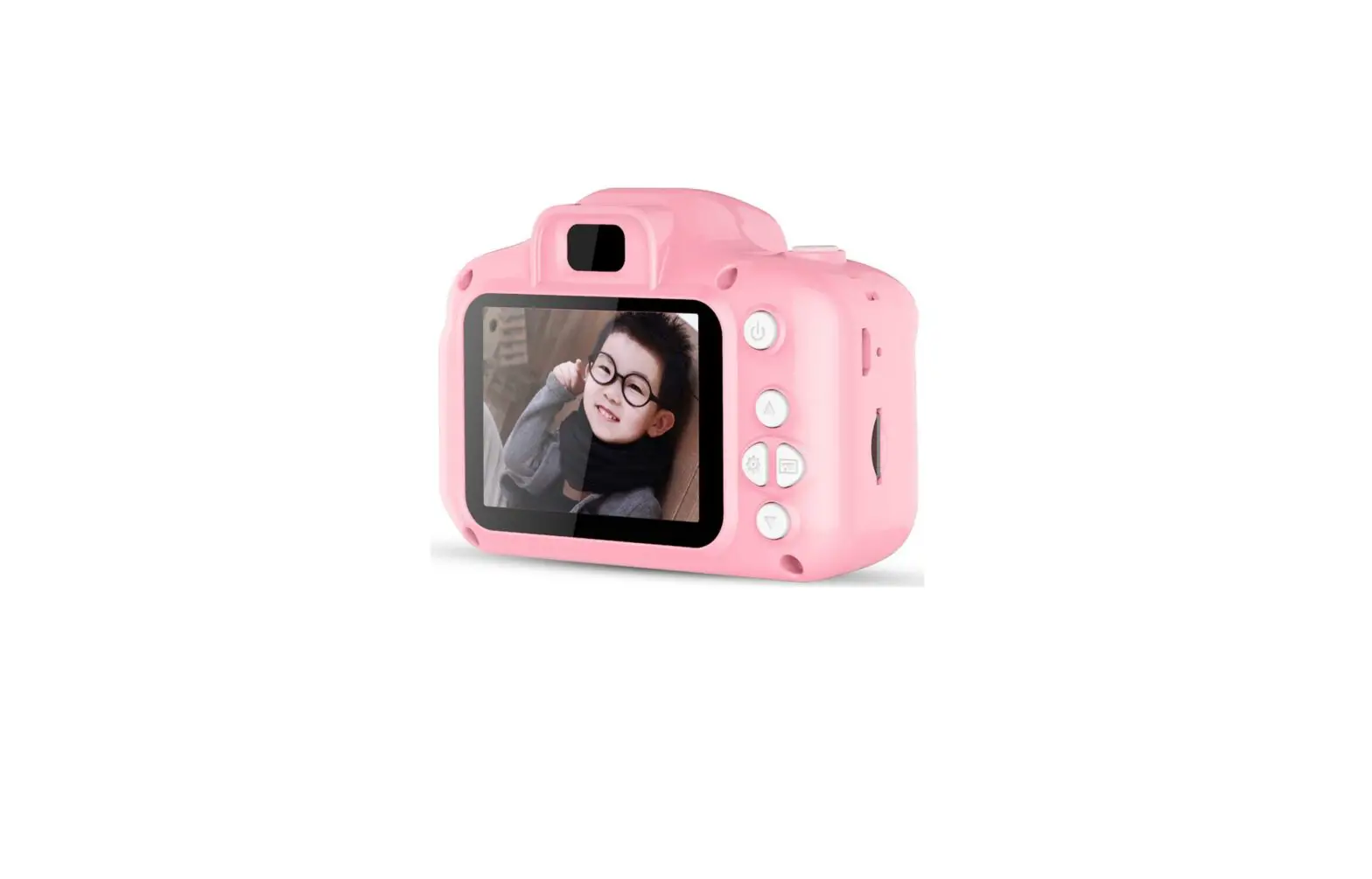
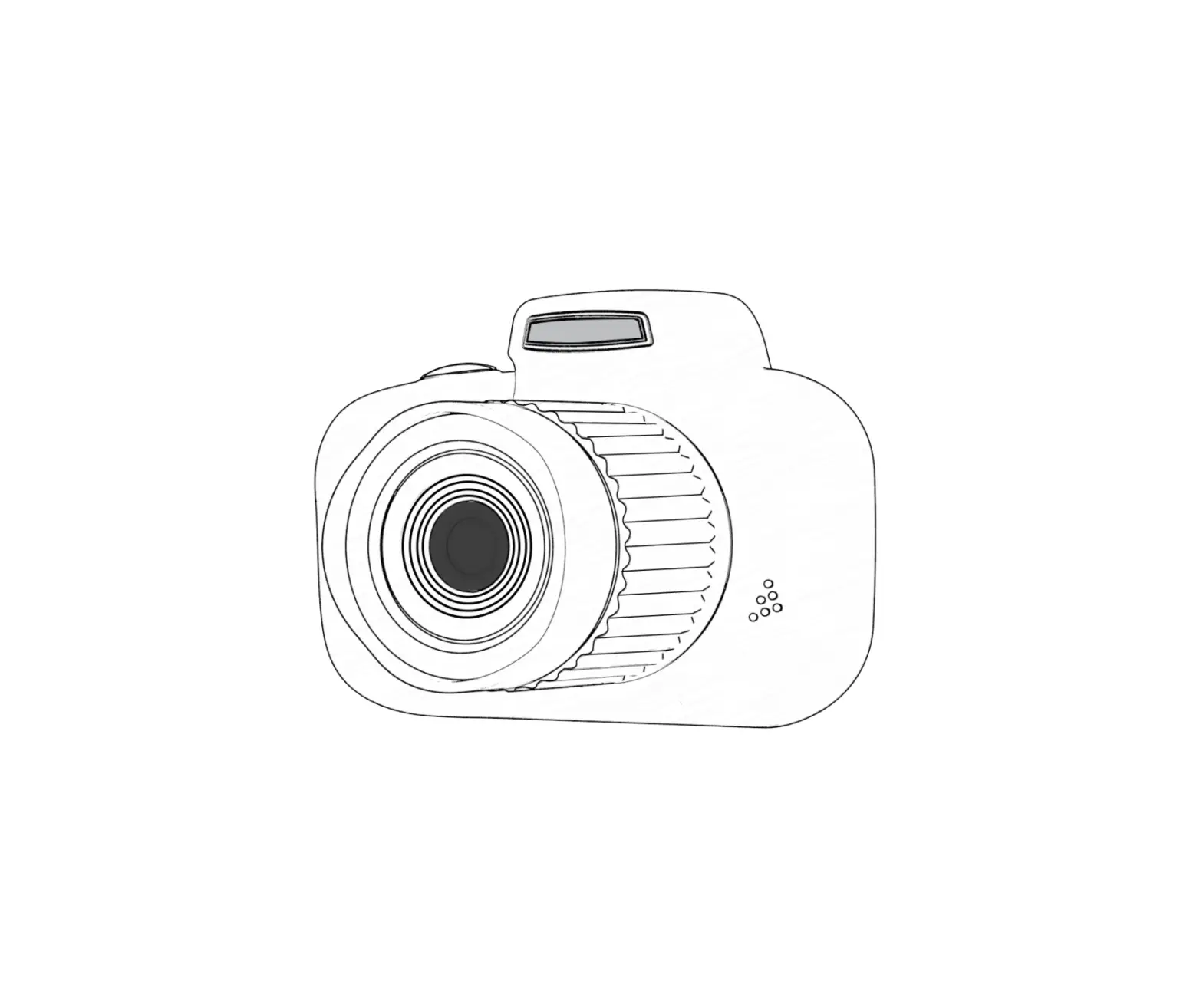
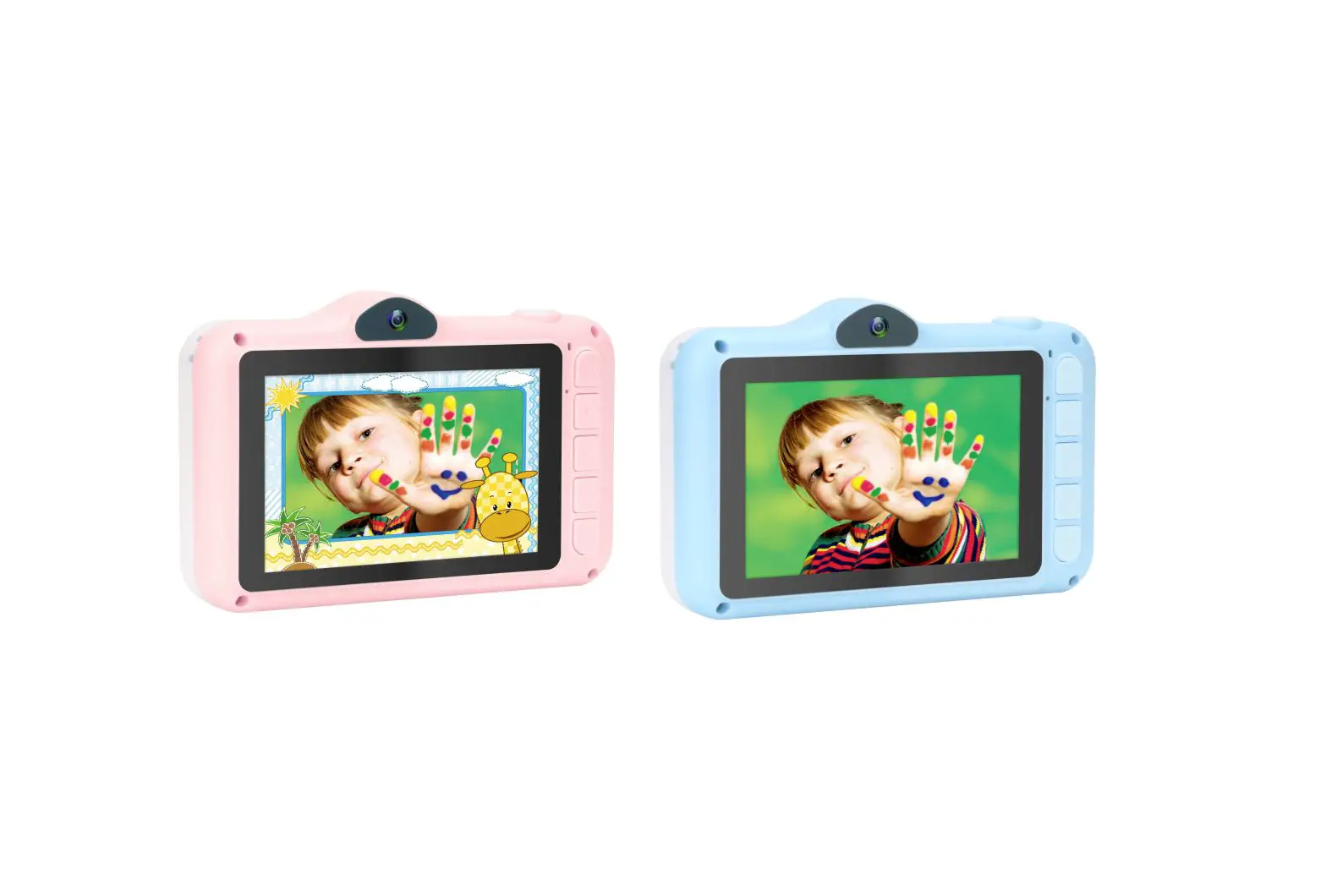
The product is a camera that requires a battery and a micro SD card for operation. It has a battery cover that can be opened and closed to insert or remove the battery and micro SD card. The camera can capture still images and videos that can be downloaded to a computer through a USB cable.
Battery Usage Instructions
- Open or close the battery cover as needed.
- Insert the battery into place until the buckle springs back and locks the battery.
- To remove the battery, push the lock lever.
Micro SD Card Usage Instructions
- Open or close the battery cover as needed.
- Insert the micro SD card until you hear a card lock.
Downloading Files to Computer Instructions
- Turn on the camera.
- Connect the camera to your computer using a USB cable.
- Download the still image or video files to your computer.
If you have any questions, please contact us through Amazon message.
How to Insert and Remove the Battery?
 Open or close the battery cove
 Insert the battery into place until the buckle springs back and lock the battery
- If you want to remove battery please push the lock lever
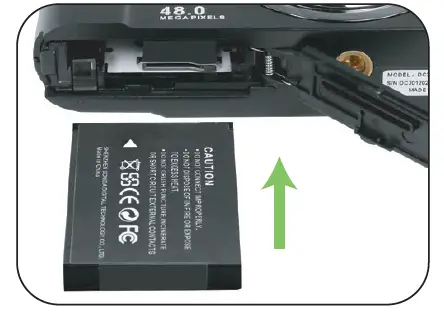 Insert the battery into place until the buckle springs back and lock the battery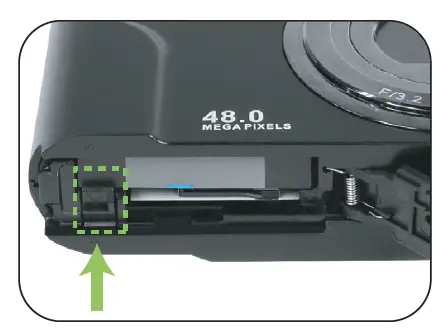
How to Insert and Remove Micro SD Card? 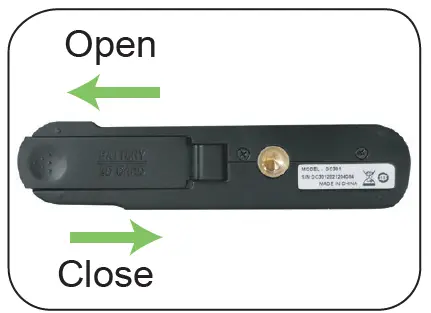 Open or close the battery cover
Insert the micro SD card until you hear a card lock
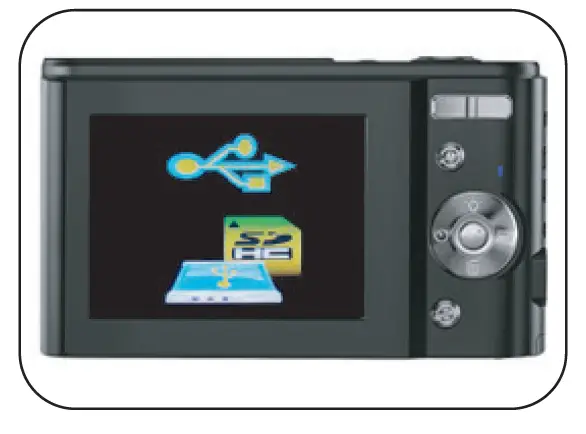
How to Download Still Image/ Video Files to Computer? 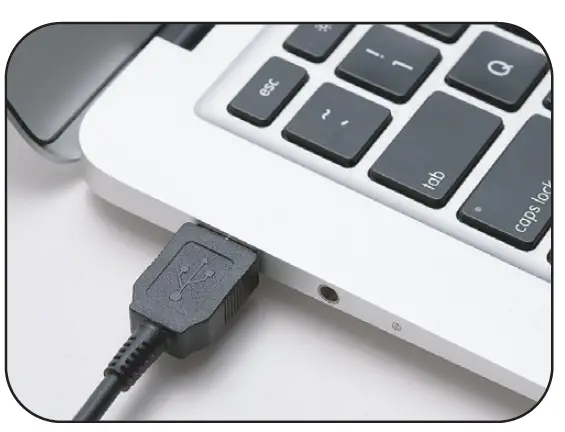
- Turn on the camera, connect it with computer by USB cable

- Download the files to your computer
Any question, Please contact us by Amazon message