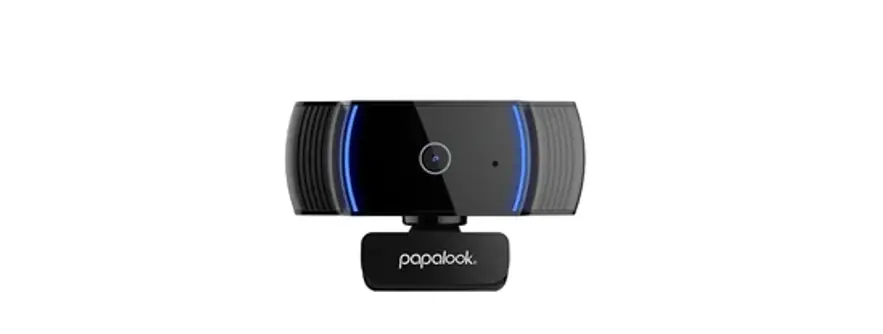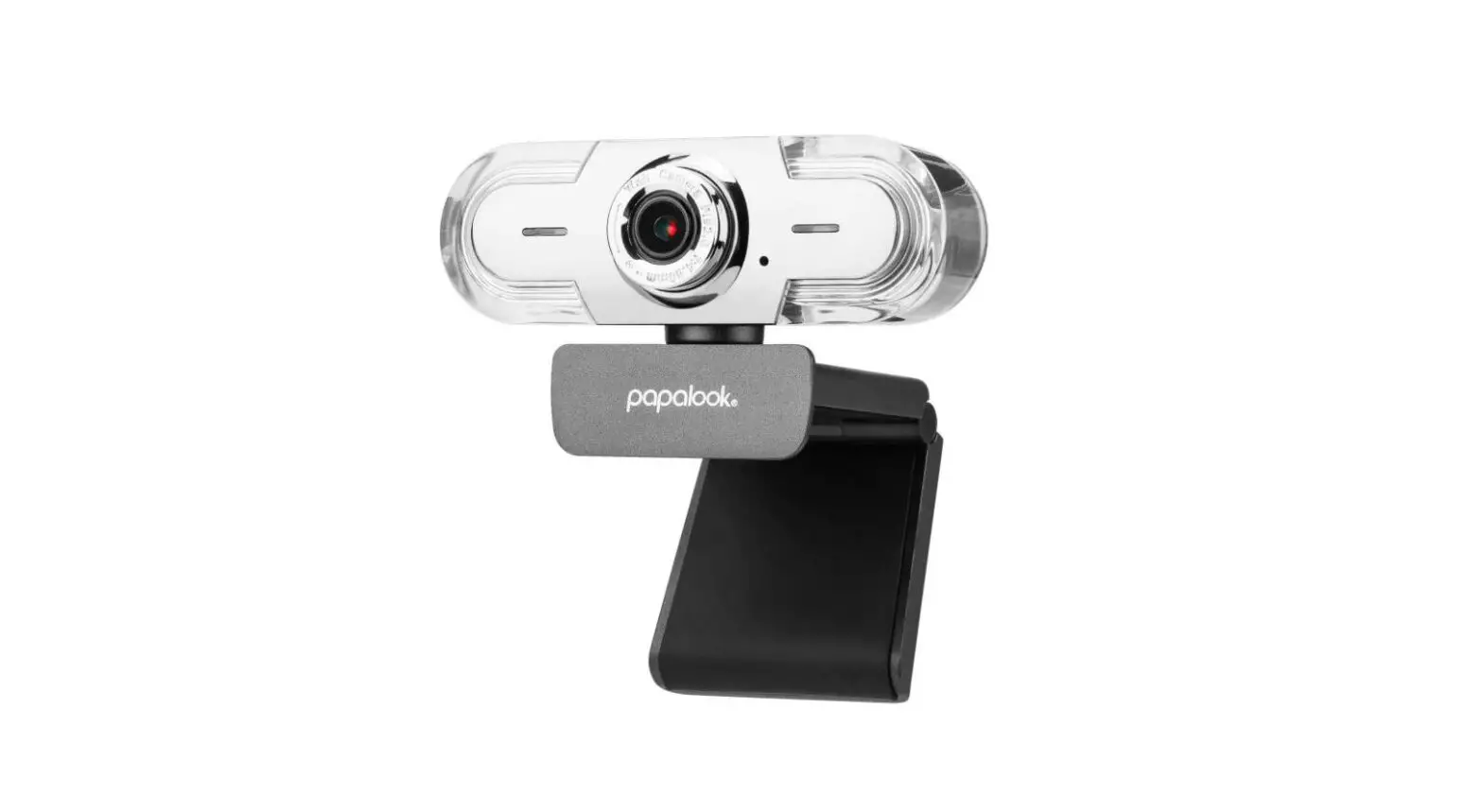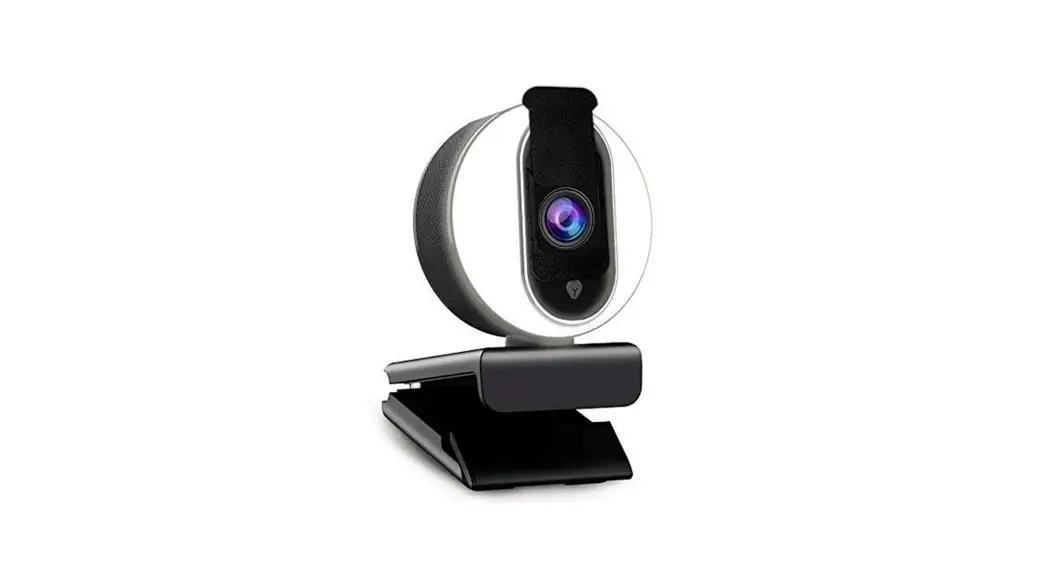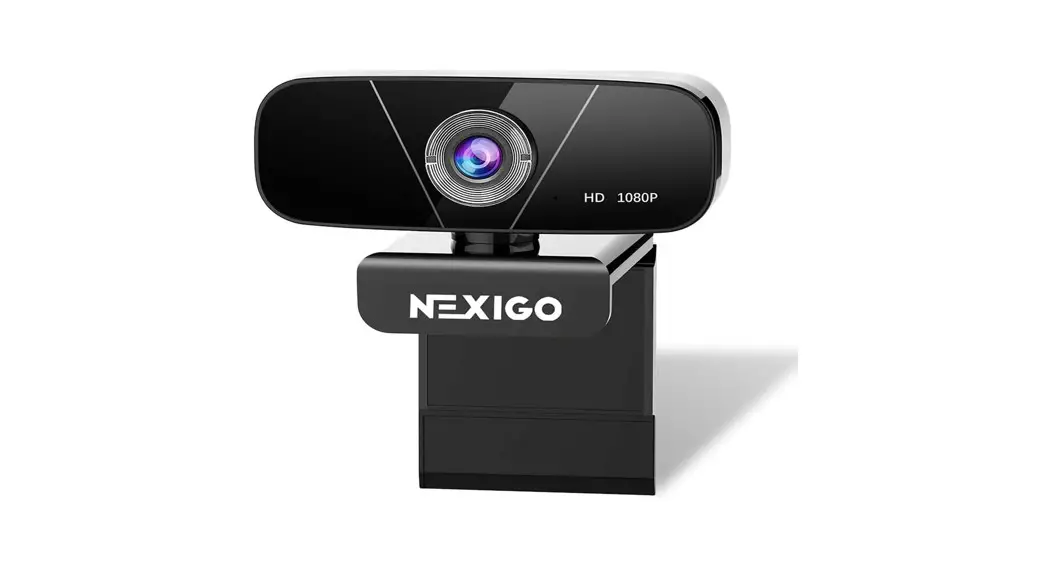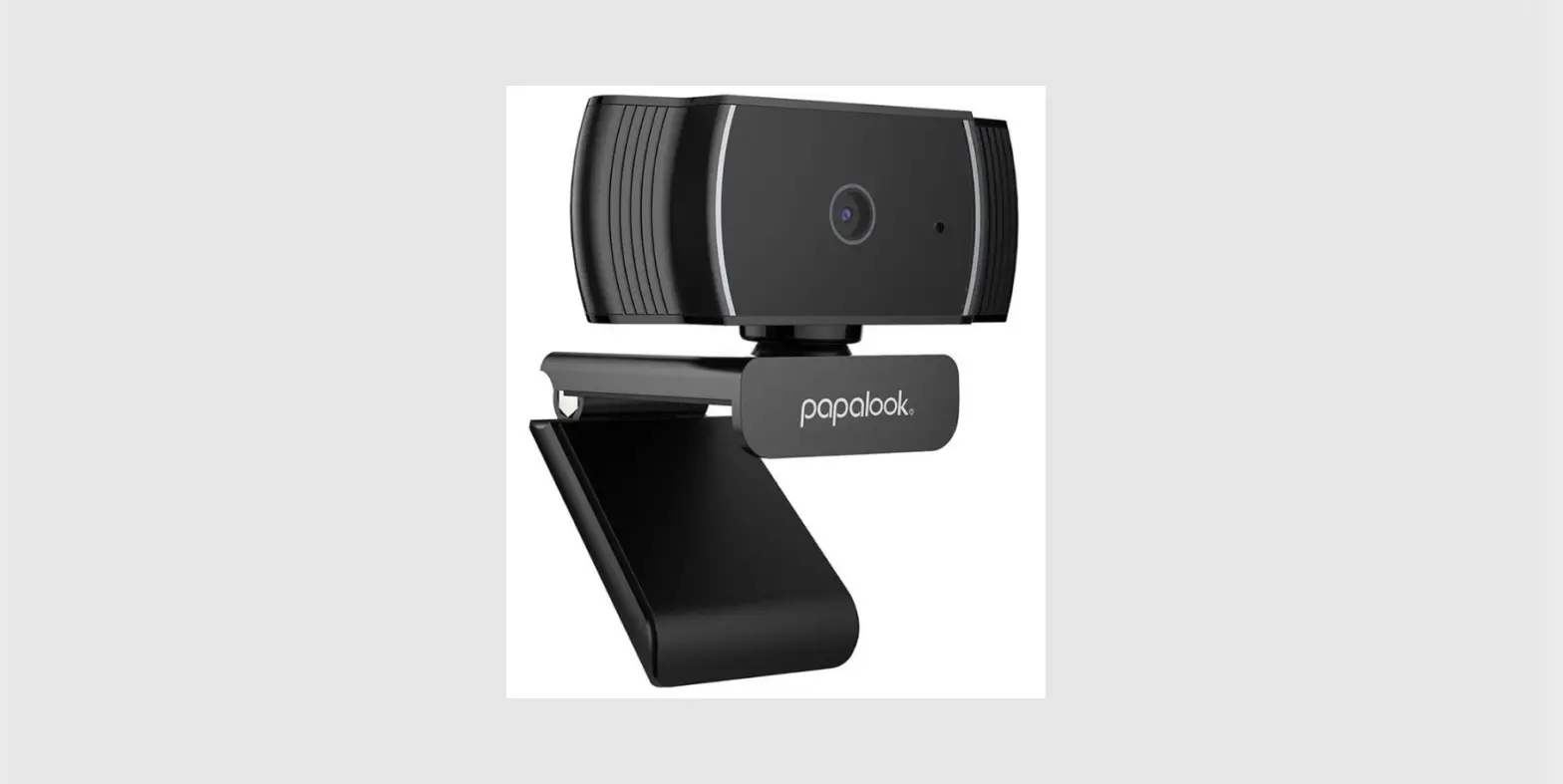
 papalook AF925 1080p Autofocus Webcam
 papalook AF925 1080p Autofocus Webcam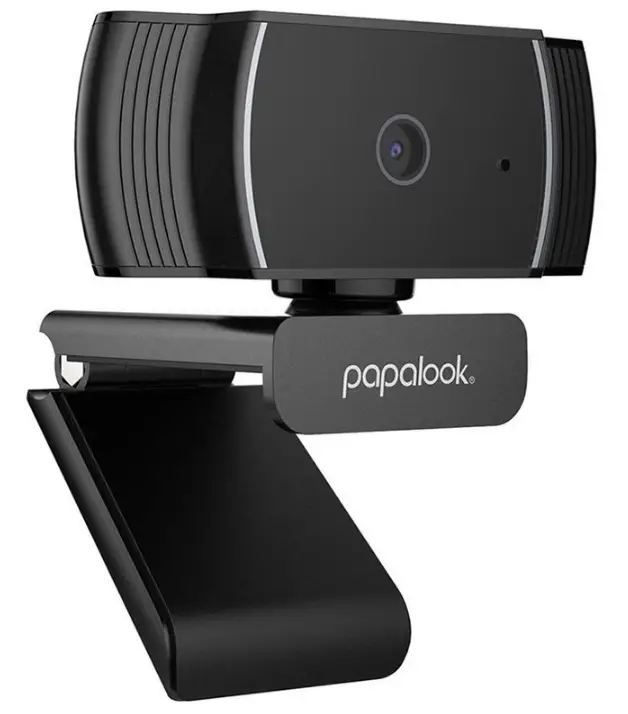
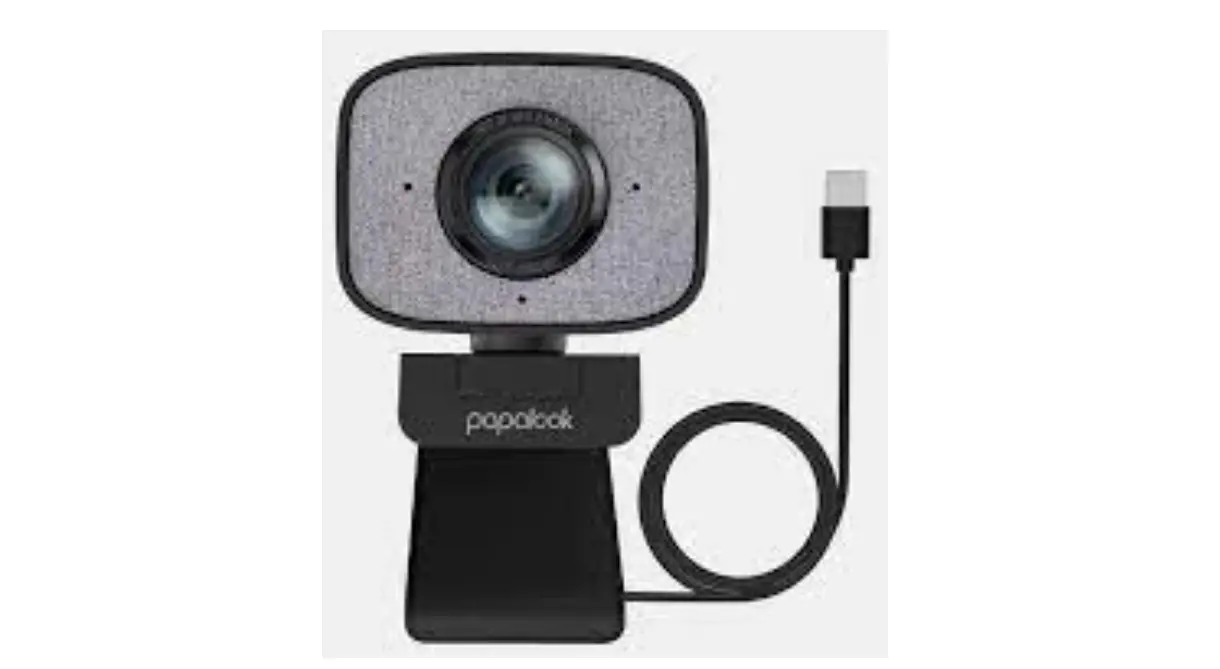
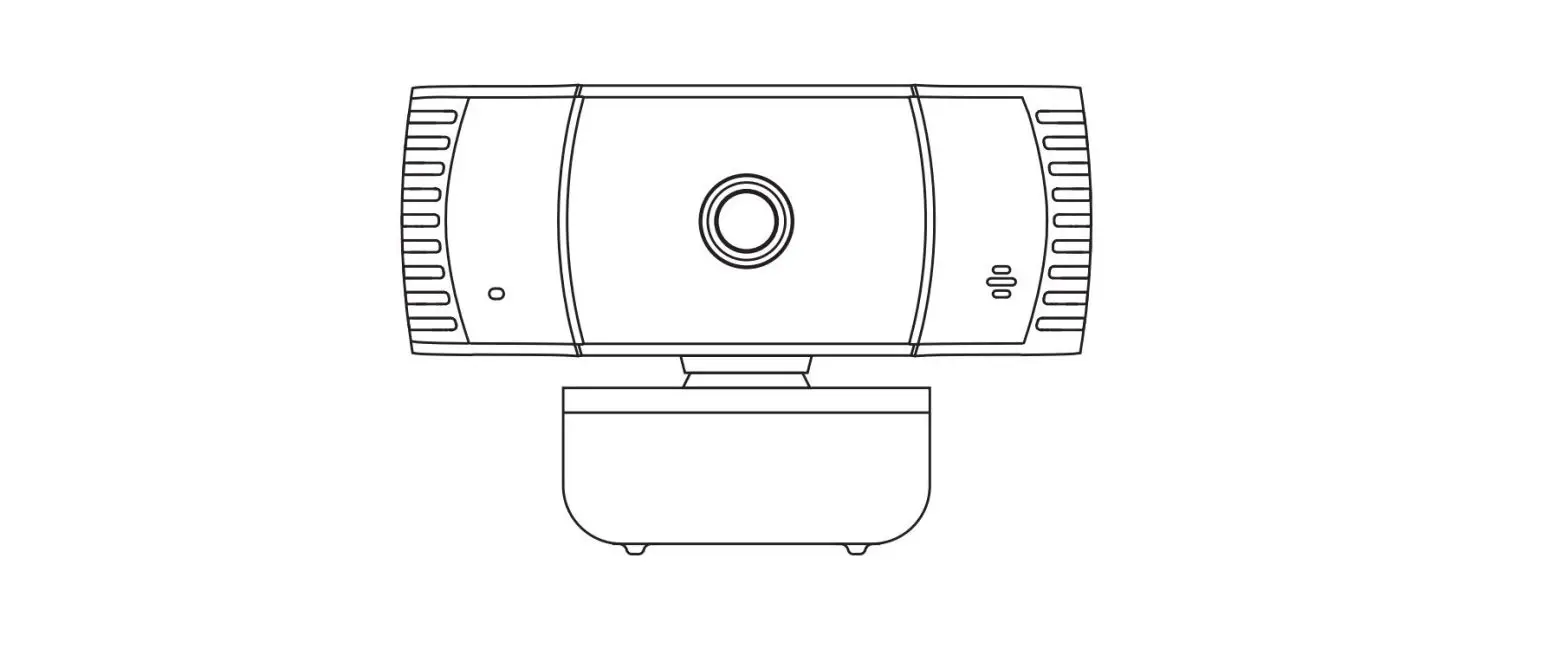
Product overview
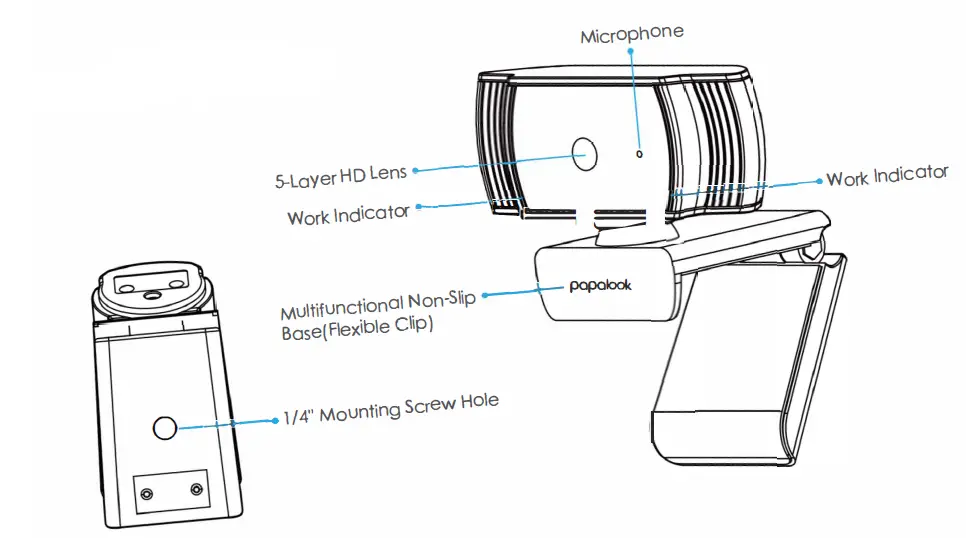
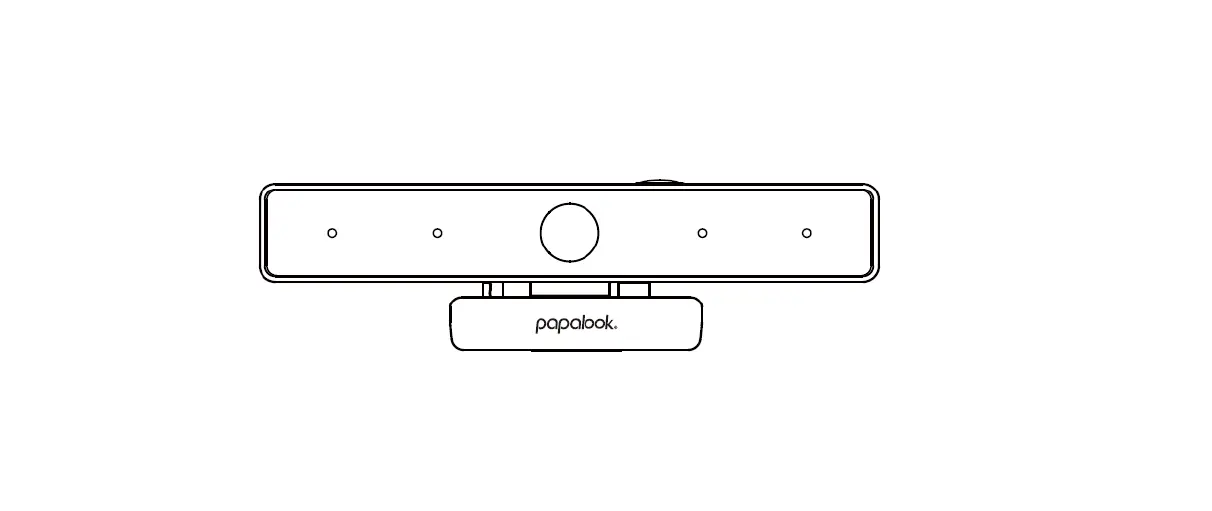
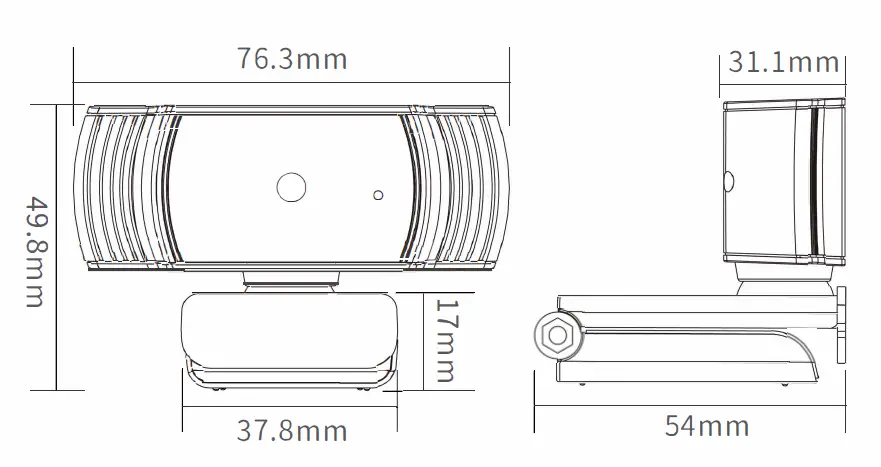
Product Size
Tripod Size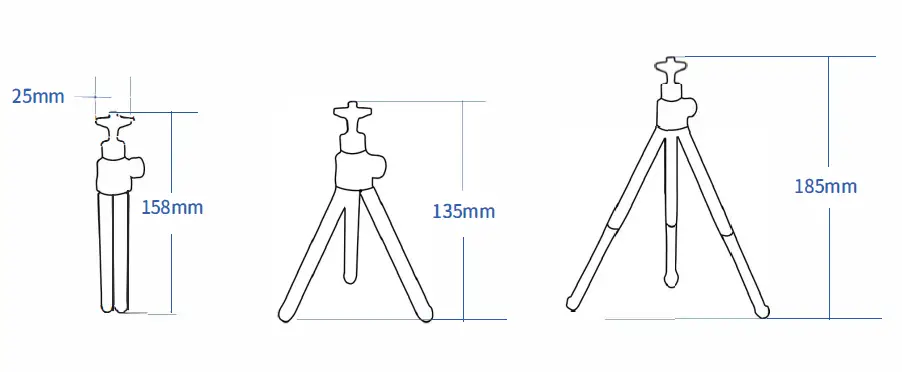
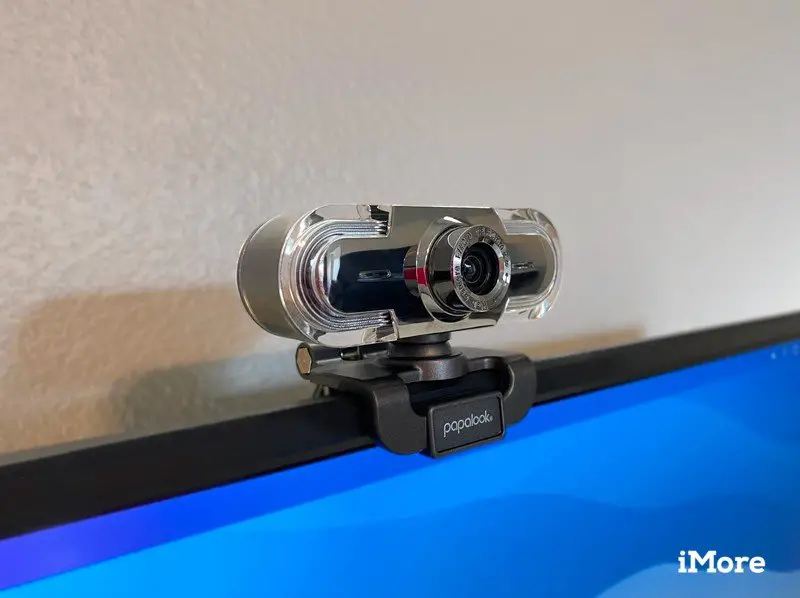
Installation Display
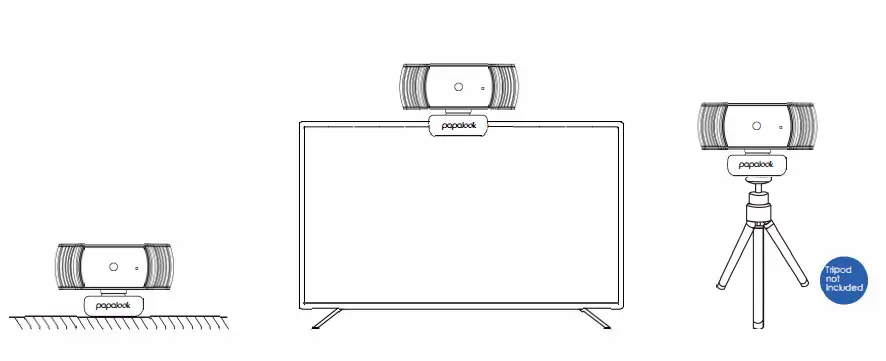
Alternative Desktop Setup:
Stand on Surface/Clip on Laptop/Use Tripods
Installation Steps
Device Fixing and Connection: Easy Installation/ Plug&Play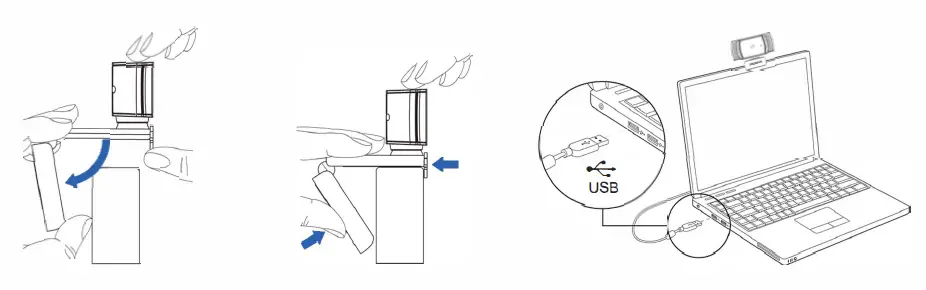
- Open the Webcam Base, Place the Webcam on a Computer Monitor
- Clamp the Webcam Base and Fix it on the Device
- Insert the USB Interface into Computer or Other USB Devices, then Open the Software to Use with This Wecam
Specification
| Ftps | 30fps | ||
| Photo Resolution 1920*1080 | |||
| Focus Method Auto Focus | Microphone | Built-In | |
| Type Of Drive USB Plug&Play | Viewing Angle | Horizontal 65° | |
| Interface Type USB 2.0 | S.P.L | 32dB | |
|
Support OS Windows7/8/10 or updated version, MAC OS10.6 or updated version, Chrome OSTM, Android V5.0 or updated version | |||
Common Usage Problems and Solutions
| Question | Possible Causes | Solution |
|
The Webcam Does Not Work Properly | The USB Cable is not Connected Properly | Reconnect the USB Cable |
| Try Another USB Interface | ||
| The Software is not Working Properly | Reopen the Software | |
| Restart the Computer,TV and Other Connected Devices |